

Site Kit is a one-stop solution for WordPress users to use everything Google has to offer to make…

About Favicon by RealFaviconGenerator
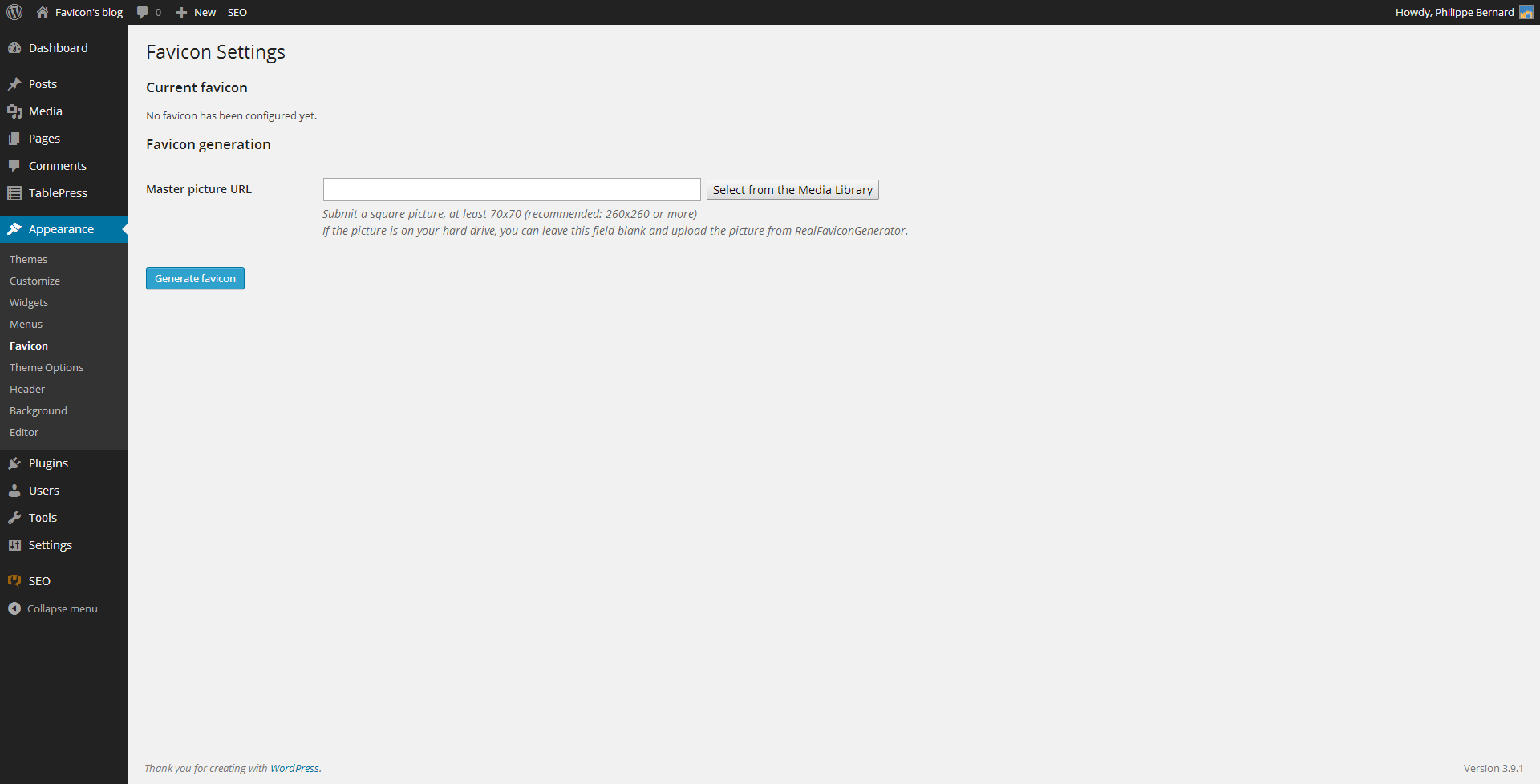
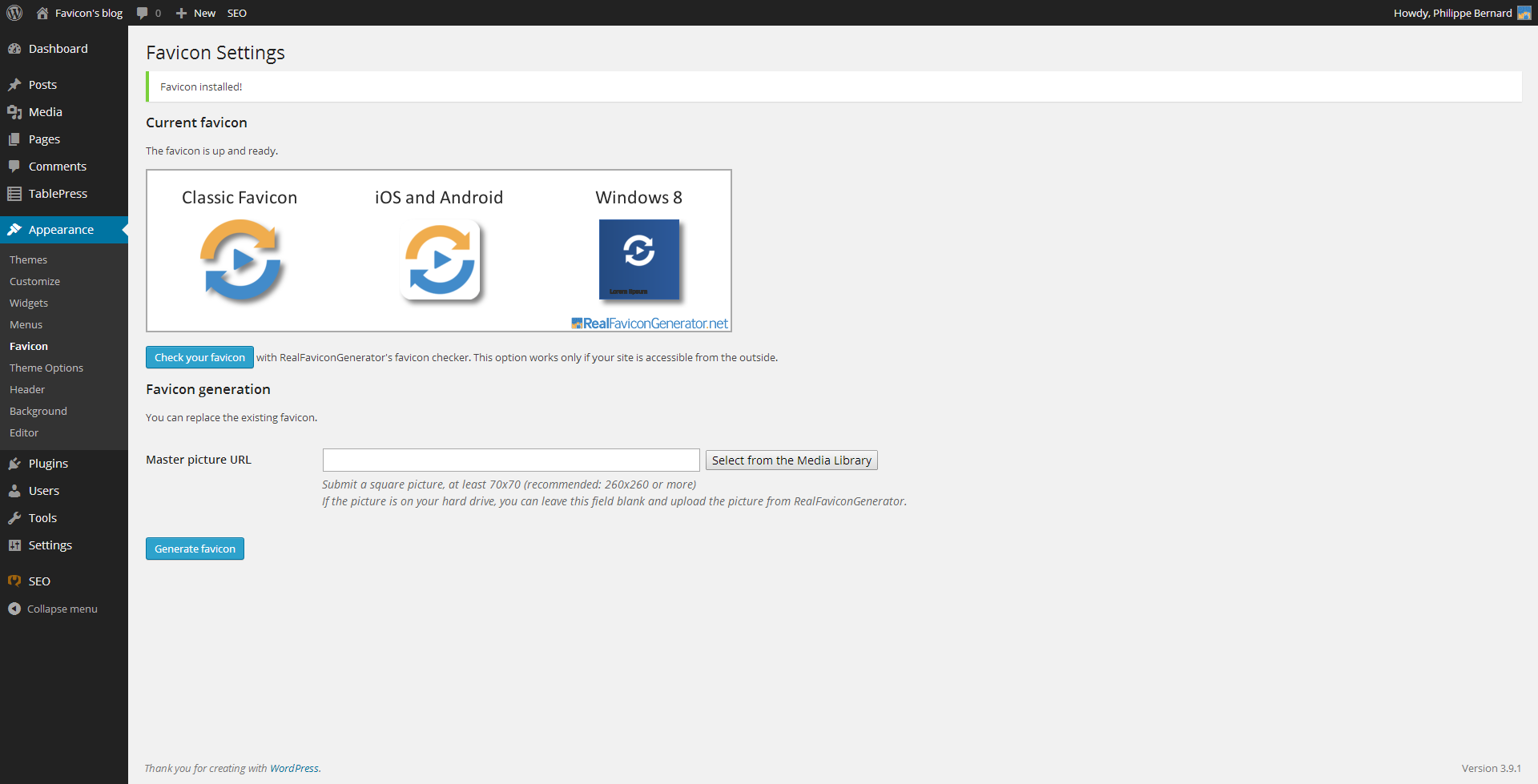
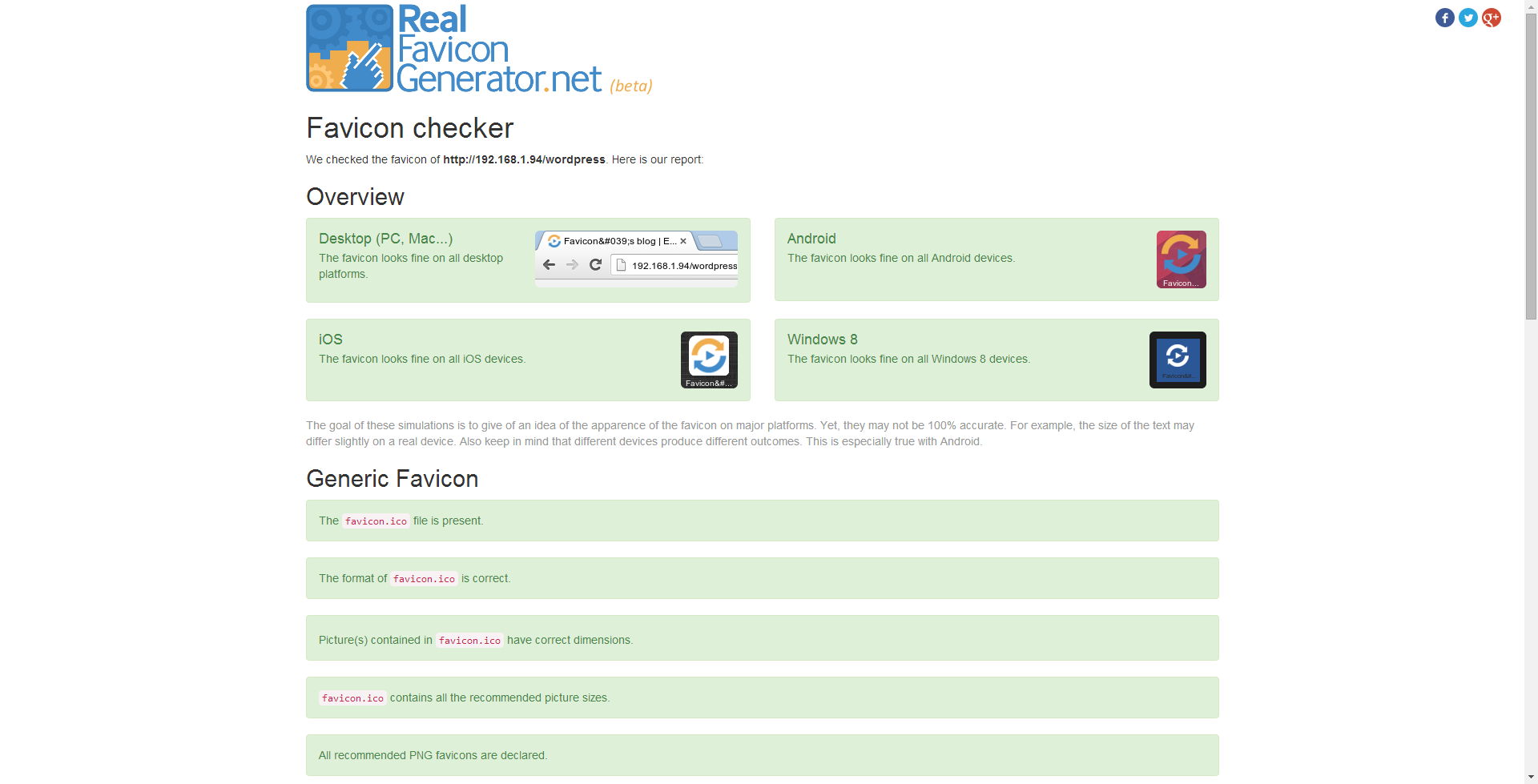
RealFaviconGenerator is a tool that generates and sets up a favicon for all major platforms and devices. It provides all the necessary icons for desktop browsers, iPhone/iPad, Android devices, Windows 8 devices, and more. It saves time and ensures compatibility with various platforms and their UI guidelines.Screenshots
Frequently asked questions
What is a favicon?
A favicon is a small icon that represents a website or web page. It is usually displayed in the browser's address bar, bookmarks, and tabs.
Why do I need a favicon for different platforms and devices?
Different platforms and devices have different requirements for favicons. To ensure that your website looks great on all major platforms, you need to generate icons that are compatible with each platform.
What are the different sizes of icons required for different platforms?
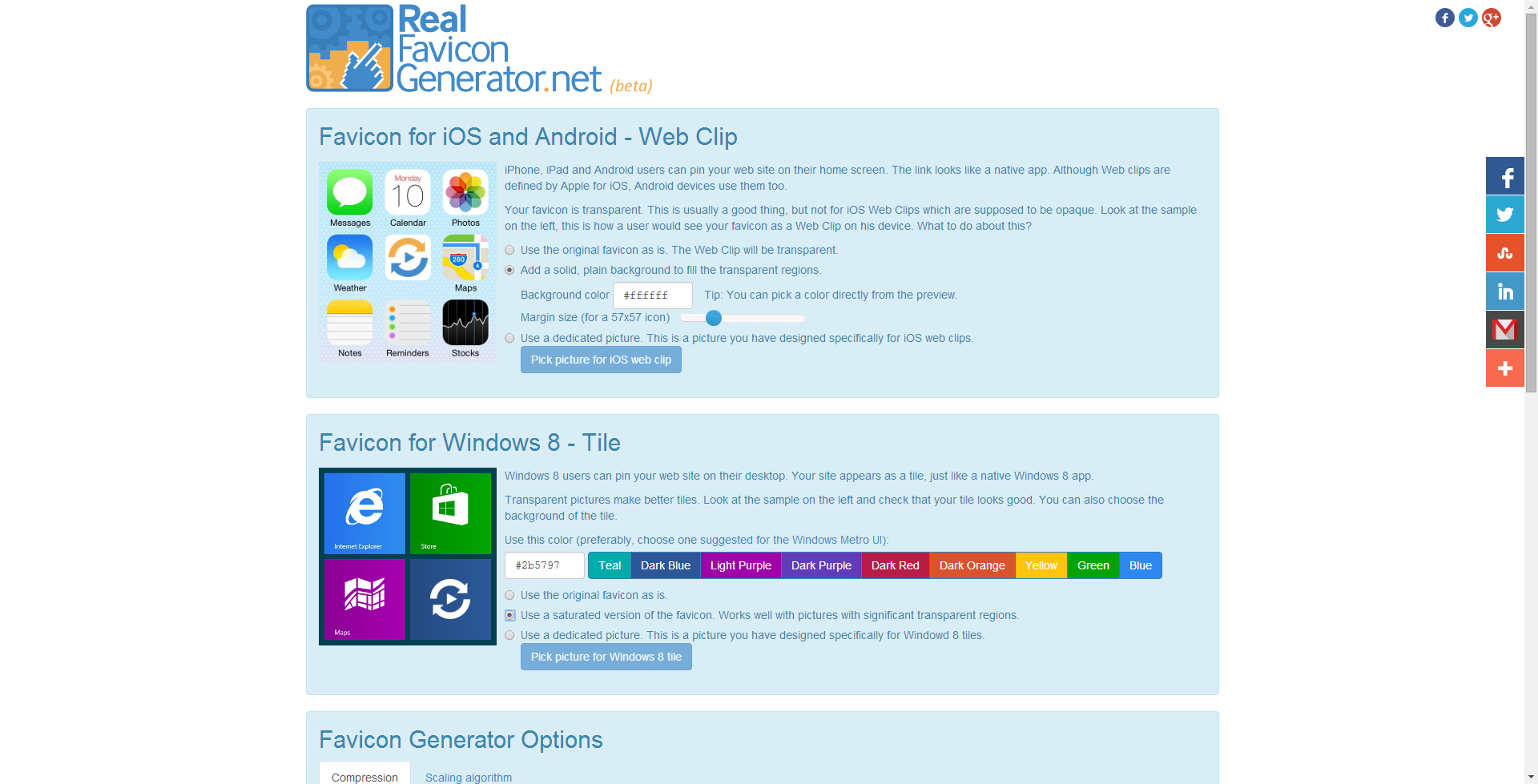
For example, a first generation iPhone needs a 57x57 picture, whereas a brand new iPad with Retina screen looks for a 152x152 picture. Android Chrome also uses these pictures if it finds them. Windows 8 takes another route with a dedicated set of icons and HTML declarations.
Are there any UI guidelines for favicons?
Yes, the various platforms come with different UI guidelines for favicons. For example, the classic desktop favicons often use transparency, but iOS requires opaque icons and Windows 8 has its own recommendations.
Which platforms are compatible with the favicon generated by RealFaviconGenerator?
The favicon generated by RealFaviconGenerator is compatible with Windows (IE, Chrome, Firefox, Opera, Safari), Mac (Safari, Chrome, Firefox, Opera, Camino), iOS (Safari, Chrome, Coast), Android (Chrome, Firefox), Surface (IE), and more. For the full list, please visit http://realfavicongenerator.net/favicon_compatibility.
Changelog
1.3.43
- Plugin was tested up to WordPress 6.8.3
1.3.42
- Plugin was tested up to WordPress 6.8.2
1.3.41
- Plugin was tested up to WordPress 6.8.1
1.3.40
Fix regarding previous version
1.3.39
- Plugin was tested up to WordPress 6.8
1.3.38
- Plugin was tested up to WordPress 6.7.2
1.3.37
- Plugin was tested up to WordPress 6.7.1
1.3.36
- Plugin was tested up to WordPress 6.7
1.3.35
- Set a greater timeout when downloading a file from RealFaviconGenerator website
1.3.34
- Plugin was tested up to WordPress 6.6.2
1.3.33
- Update plugin tags
1.3.32
- Missing WordPress version in the previous release
1.3.31
- Plugin was tested up to WordPress 6.6.1
1.3.30
- Improved security regarding settings update. See https://patchstack.com/database/report-preview/fcd95d9c-460c-4b14-aa5d-9afd321913e4?pin=Xc15v7wlzcKolpp4
1.3.29
- Plugin was tested up to WordPress 6.4.3
1.3.28
- Plugin was tested up to WordPress 6.3.2
1.3.27
- Plugin was tested up to WordPress 6.1.1 – Previous tag was wrongly set
1.3.26
- Plugin was tested up to WordPress 6.1.1
1.3.25
- Escape favicon HTML
- URL sanitization
1.3.24
- Security audit
- Plugin was tested up to WordPress 5.9.3
1.3.23
- Fix reflected cross-site scripting issue
- Plugin was tested up to WordPress 5.9.2
1.3.22
- Fix inconsistency in previous deploy
1.3.21
- Plugin was tested up to WordPress 5.8
- Fix XSS security issue, reported by WPSpan.com. See https://wpscan.com/vulnerability/ed9d26be-cc96-4274-a05b-0b7ad9d8cfd9?fbclid=IwAR2aRMXRjbGm9ppoI9tM-OHm26Q0ax4yt0MkcP5sp0-pz9D4eVIEHQwvG1Y
1.3.20
- Fix: media selection works again
- Plugin was tested up to WordPress 5.6
1.3.19
- Plugin was tested up to WordPress 5.5.3
1.3.18
- Remove reference to deprecated function screen_icon
- Plugin was tested up to WordPress 5.4
1.3.17
- Changes to clear security warnings from CodeRisk
1.3.16
- Plugin was tested up to WordPress 5.3.2
1.3.15
- Plugin was tested up to WordPress 5.1
1.3.14
- Plugin was tested up to WordPress 5.0-beta5
1.3.13
- Plugin was tested up to WordPress 4.9.7
1.3.12
Never published, no change
1.3.11
- id/ID translation added, thanks to Jordan Silaen
- Plugin was tested up to WordPress 4.8.1
1.3.10
- Always access RealFaviconGenerator via HTTPS
- Clarification in local path separators for Windows
- Plugin was tested up to WordPress 4.7.1
- Notice to ask administrator to not deactivate the plugin
1.3.9
- Plugin was tested up to WordPress 4.7
1.3.8
- Plugin was tested up to WordPress 4.6
1.3.7
- Fix: Plugin keywords rephrased (some were not taken into account).
1.3.6
- Fix: the icons path was sometimes wrong when the upload directory was the root directory
1.3.5
- pl/PL translation added, thanks to Maciej Gryniuk
- ru/RU translation added, thanks to Natasha Diatko
1.3.4
- Plugin was tested up to WordPress 4.5
1.3.3
- Deactivate debug logs
1.3.2
- Typos in French translations
- Warning fix for PHP7
- Tested up to WordPress 4.4.1
- cs/CZ translation added, thanks to an anonymous translator
1.3.1
- Hotfix in previous version.
1.3.0
- The plugin takes advantage of RealFaviconGenerator’s non-interactive API to upgrade the favicon automatically whenever a new version is available.
1.2.15
- Donation link added.
- Plugin now works when access to file system is via FTP (not direct). See https://wordpress.org/support/topic/no-images-created
1.2.14
- Security improvement.
- Warning fix regarding NONCE_ACTION_NAME.
- Useless PHP closing tags removed.
- Error checking added to favicon package unzipping.
1.2.13
- XSS vulnerability fixed, reported by Kacper Szurek
1.2.12
- Performance improvements: favicon update checking is now done in the Admin section (not the Public section), locales are not loaded in the Public section anymore.
- Take advantage of the Rewrite API (when available) to make the files appear to be in the root directory. So http://example.com/favicon.ico works (eg. when requested by Yandex).
- nl/NL translation added, thanks to Axel Vanderhaeghen.
1.2.11
- When the admin’s browser cannot get the picture selected from the Media Library, the UI fails gracefully.
- Favicon package unzipping is more robust.
- Notice to ask users to rank the plugin on WordPress.org.
1.2.10
- Warning fix when used with BuddyPress (bp_setup_current_user). See https://wordpress.org/support/topic/wp_debug-notice-for-bp_setup_current_user.
1.2.9
- When selected from the Media Library, the master picture is now retrieved by WP administrator’s browser to prevent several issues (locally hosted blogs, blogs protected in a way or another, etc.).
1.2.8
- Plugin successfully tested against WordPress 4.1.
1.2.7
- Fix for WordPress sites hosted on Windows.
1.2.6
- The plugin is now compatible with multisite.
1.2.5
- Fix for login page: favicon code was not injected in this particular page.
1.2.4
- Remove debug messages to avoid false positives in error log.
1.2.3
- Update notifications can be dismissed once for all.
- New Settings page to enable/disable update notifications.
1.2.2
- Fix for the 403 issue with HostGator hosting service (https://wordpress.org/support/topic/403-error-when-generating-favicon).
1.2.1
- Fix in plugin removal and update checking.
1.2.0
- The plugin now warns the user when RealFaviconGenerator was updated and the favicon should be generated again.
1.1.1
- Rewrite API usage disabled. Favicon files do not appear to be in the root directory of the blog anymore.
1.1.0
- Run RealFaviconGenerator’s favicon checker from the admin interface.
1.0.7
- Deactivate default Genesis favicon when one is configured in FbRFG.
1.0.6
- Error management improved during favicon install.
1.0.5
- Do not try to rewrite the favicon files URL when .htaccess is not writable.
1.0.4
- Option to not rewrite the favicon files URL, even when this is possible.
1.0.3
- Plugin code syntax changed to fit older versions of PHP.
1.0.2
- Callback URL was too long for some servers. It has been shorten.
1.0.1
- Favicon admin settings are now in the Appearance menu.
- Fix in favicon package download.
- Fix in error management during favicon installation.
1.0
Initial version.

