

Enables the previous "classic" editor and the old-style Edit Post screen with TinyMCE, Meta Boxes, etc. Supports all…
About Embed PDF Viewer
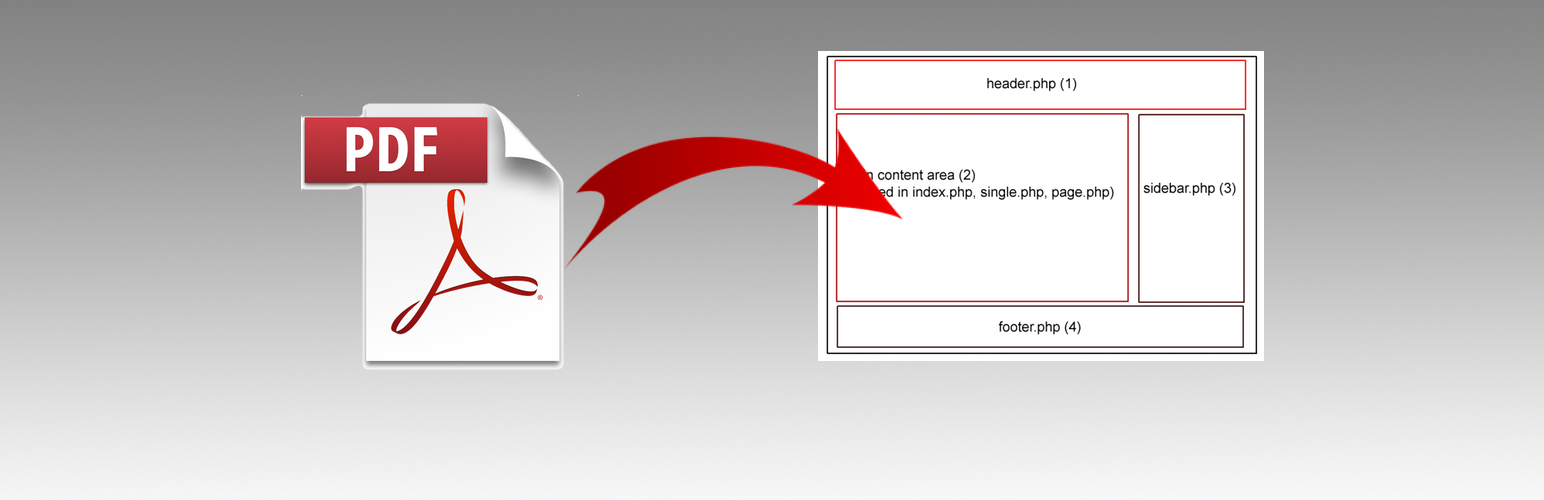
This plugin allows you to embed a PDF into your website using an iframe tag. It uses Google Doc Viewer to render the PDF, but there may be occasional issues with loading the PDF correctly. You can find more information and contribute to the development on GitHub.Screenshots


Frequently asked questions
How can I embed a PDF into my website?
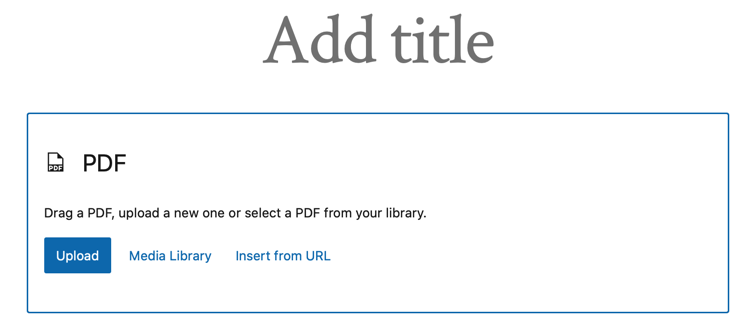
You can embed a PDF from the Media Library or elsewhere by using oEmbed or as a block into an <object> tag or Google Doc Viewer as a fallback. The URL only needs to be a world-reachable link.
Are there any plugins available to help with embedding PDFs?
Yes, there are plugins available such as Embed PDF and RV Embed PDF that can help with embedding PDFs into your website.
Who is responsible for making Embed PDF Viewer compatible with the new block editor?
Embed PDF Viewer was made compatible with the new block editor by Alex Kirk. Many thanks to him for his contribution.
Where can I find the development of Embed PDF Viewer?
The development of Embed PDF Viewer can be found on GitHub. You can also make pull requests against the develop branch.
Changelog
2.4.6 / 2024-11-01
- remove
load_plugin_textdomain()
2.4.5 / 2024-10-7
- escape block parameters
2.4.4 / 2024-08-16
- refactor
$descriptionindynamic_render_callback(), who knew the title attribute could be not set - update requirements, PHP 7.4+, WP 6.0
2.4.1 – 2.4.3 / 2024-08-08
- more sanitizing of URL
- fix typos and update readme
- use media file description for title if present
- escape description in render
2.4.0 / 2024-08-06
- convert to only use
iframe - use Google Doc Viewer for Chrome and mobile
- dynamically render
iframein block based on browser - mitigate Chromium issue by rendering PDF with Google Doc Viewer
- thanks to @costdev for helping with dynamic block rendering
2.3.1 / 2023-09-10
- update GA
- update tested to
2.3.0 / 2021-07-07
- add @10up GitHub Actions integration for WordPress SVN
2.2.0 / 2021-03-05
- update Toolbar to ToolbarGroup and ToolbarButton
- add limited support for block alignment toolbar
- fixes for i18n in block
- exclude
/buildfrommake-potincomposer.json, doesn’t work with minimized JS
2.1.2 / 2020-09-15
- use same block name for oembed
- add additional dependencies to enqueue
2.1.1 / 2020-07-20
- update block for deprecated items and minor errors
- update media selector for only PDFs
2.1.0 / 2020-07-20
- update block build process
- add title and description attributes for a11y
- add PDF svg for block
2.0.5 / 2020-03-09
- minor updates to plugin structure on GitHub
- update tested to
2.0.4 / 2019-10-05
- fixed PDF upload within block
2.0.3 / 2019-04-25
- move block registration to it’s own function and hook
- WPCS updates
2.0.2 / 2019-02-03
- update WordPress requirements
2.0.1 / 2019-01-11
- added
composer.jsonand automatically create POT withcomposer update - added check for
register_block_type()for WP 4.9.x and below
2.0.0 / 2018-12-20 ?
- a proper PDF block was added with much help from Alex Kirk, many thanks
1.6.1 / 2018-11-25
- properly initialize
load_plugin_textdomain()
1.6.0 / 2018-07-22
- added filter
embed_pdf_viewer_pdf_attributes - updated
readme.txtto includeRequires PHPheader - added paragraph tag around link to PDF
1.5.0 / 2016-12-17
- added CSS to fallback to
iframeon iOS asobjectisn’t scrollable ?
1.4.0
- switch to using
objecttag, withiframeas fallback display method
1.3.0
- inserting anything other than PDF from Media Library now works as expected.
1.2.1
- fixed a couple of PHP warnings
1.2.0
- inserting a PDF from the Media Library now simply inserts the URL for oEmbed
- oEmbed a PDF from any source
1.1.2
- simplify
instance()just a little more
1.1.1
- rename instance variable to
$instanceand make private - update DocBlocks
- ensure
$attsis an array
1.1
- bugfix for not returning media item when not PDF, Bad Andy ?
1.0.1
- add to DocBlocks
1.0
- refactor to put embed code in one function
- add assets
0.1
- initial commit
