

Improve your WordPress SEO: Write better content and have a fully optimized WordPress site using the Yoast SEO…

About Easy Image Gallery
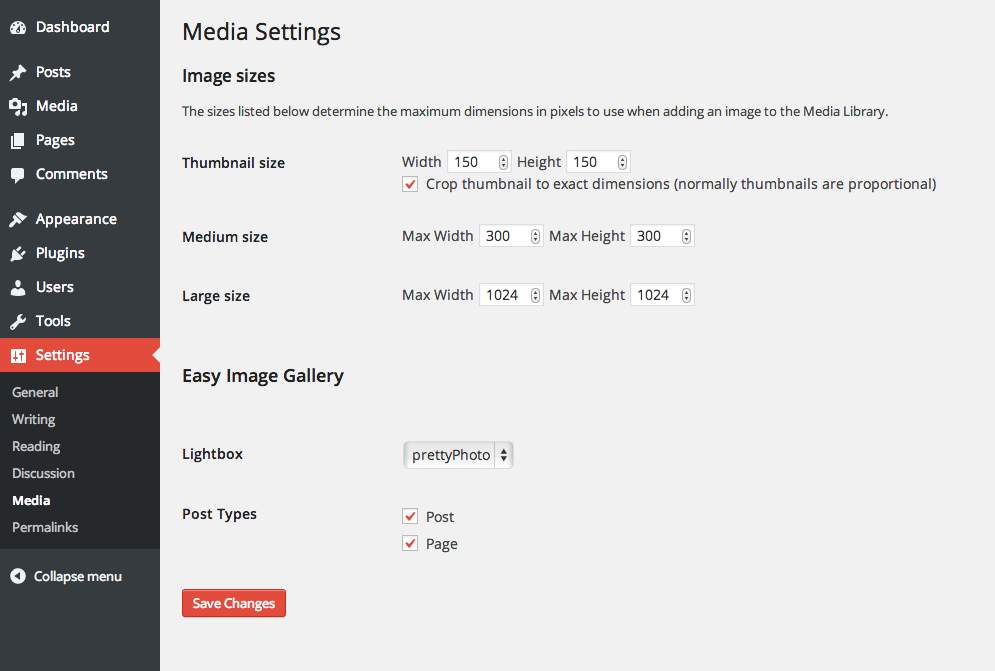
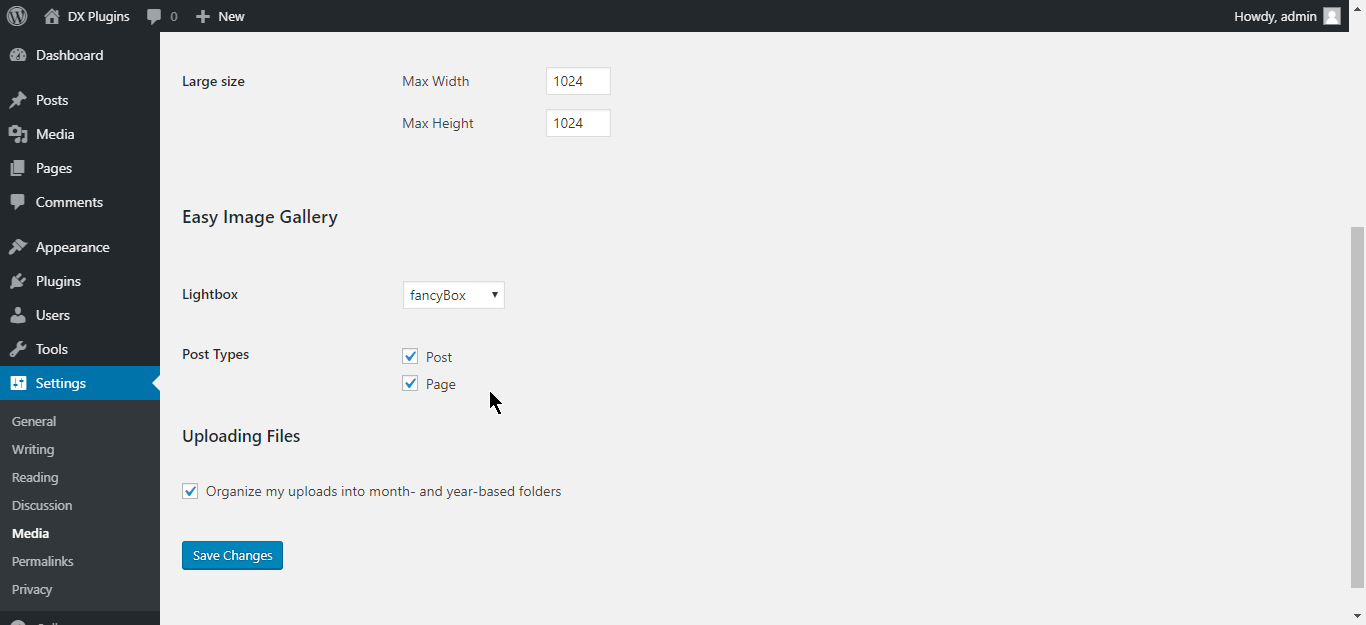
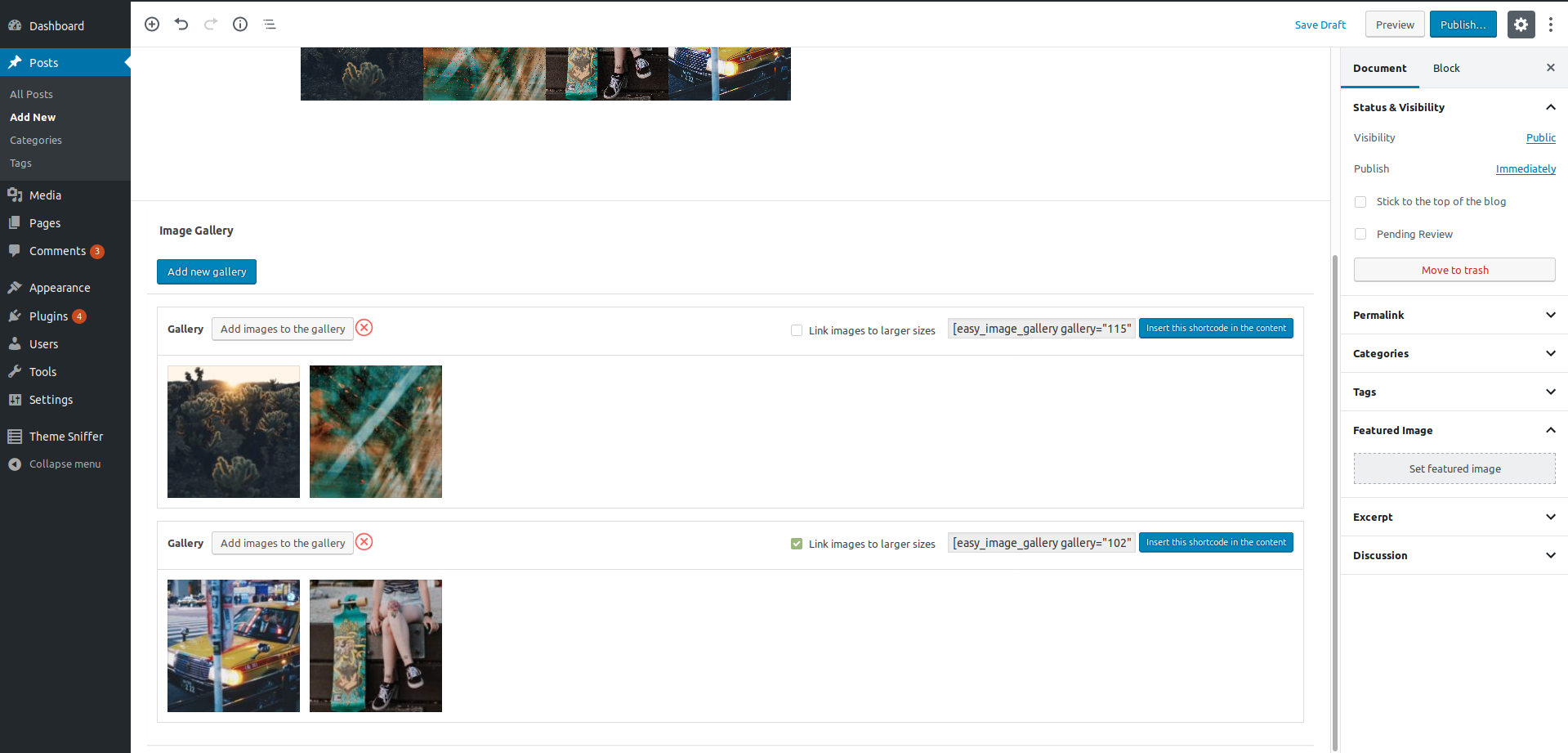
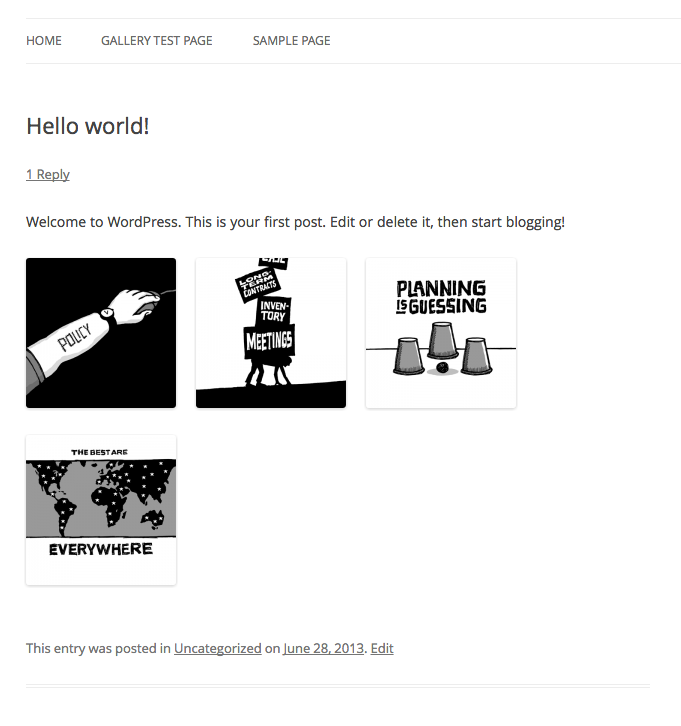
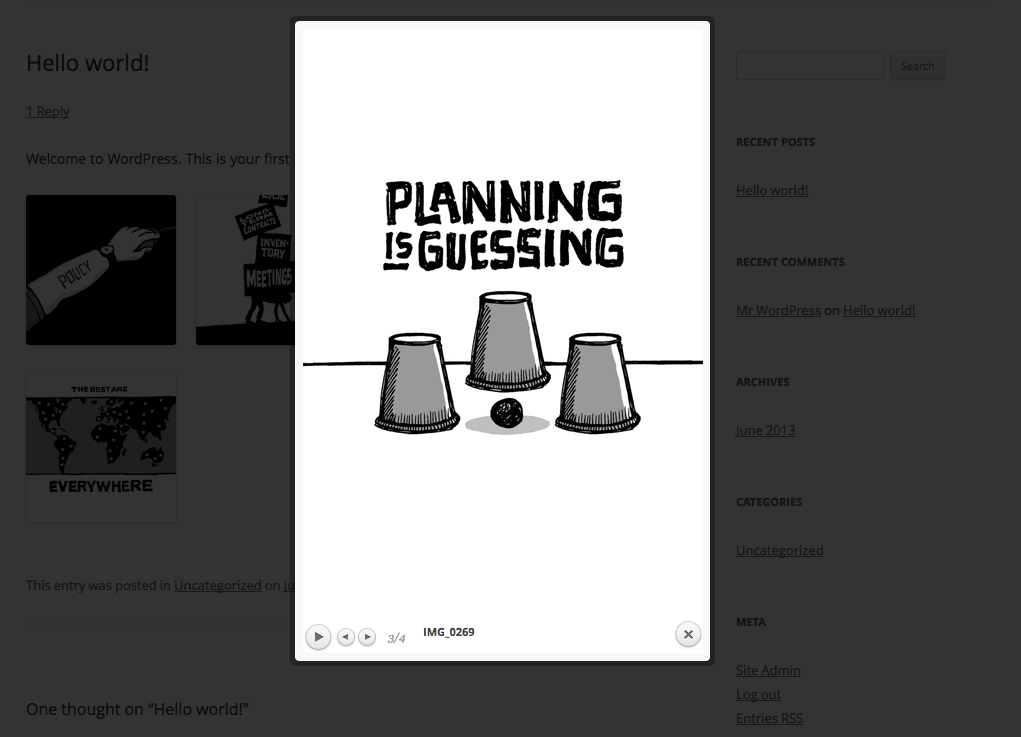
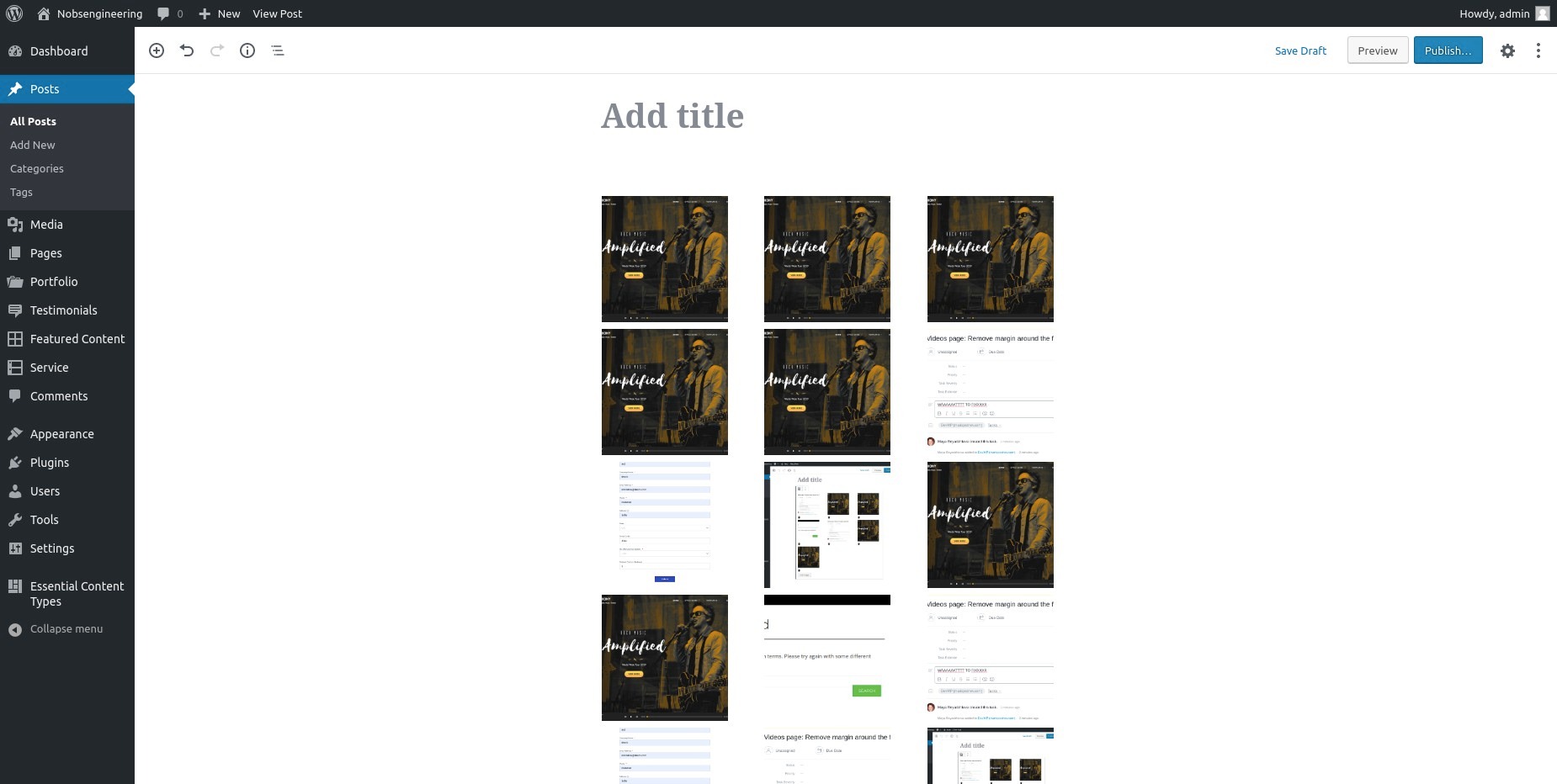
This plugin allows you to easily create image galleries on your website, with the ability to add and preview images from a metabox and re-order them by drag and drop. It is perfect for creating product galleries for ecommerce websites and offers flexibility in positioning the gallery to match your theme's design. The plugin also has features such as adding multiple galleries on one page, linking images to larger versions, and customization options for developers.Screenshots
Changelog
1.5.1
- Change required PHP version
- Tested up with WordPress 6.1
1.5
- Has been added separate menu for the plugin
- Fix: Link to larger images
1.4.3
- Fix error on 404 pages about Trying to get property ‘ID’ of non-object
1.4.2
- Release date – May 14, 2020
- Fixed PHP warning about array_key_exists()
1.4.1
- Release date – January 22, 2020
- Fixing TwentyTwenty single post styles
- Fixing Add link to larger image by default
- Fixing prettyPhoto console error
- Fixing Insert this shordcode function
1.4.0
- Release date – January 7, 2020
- Introduced “add to post” button in the gallery metabox for inserting shortcodes;
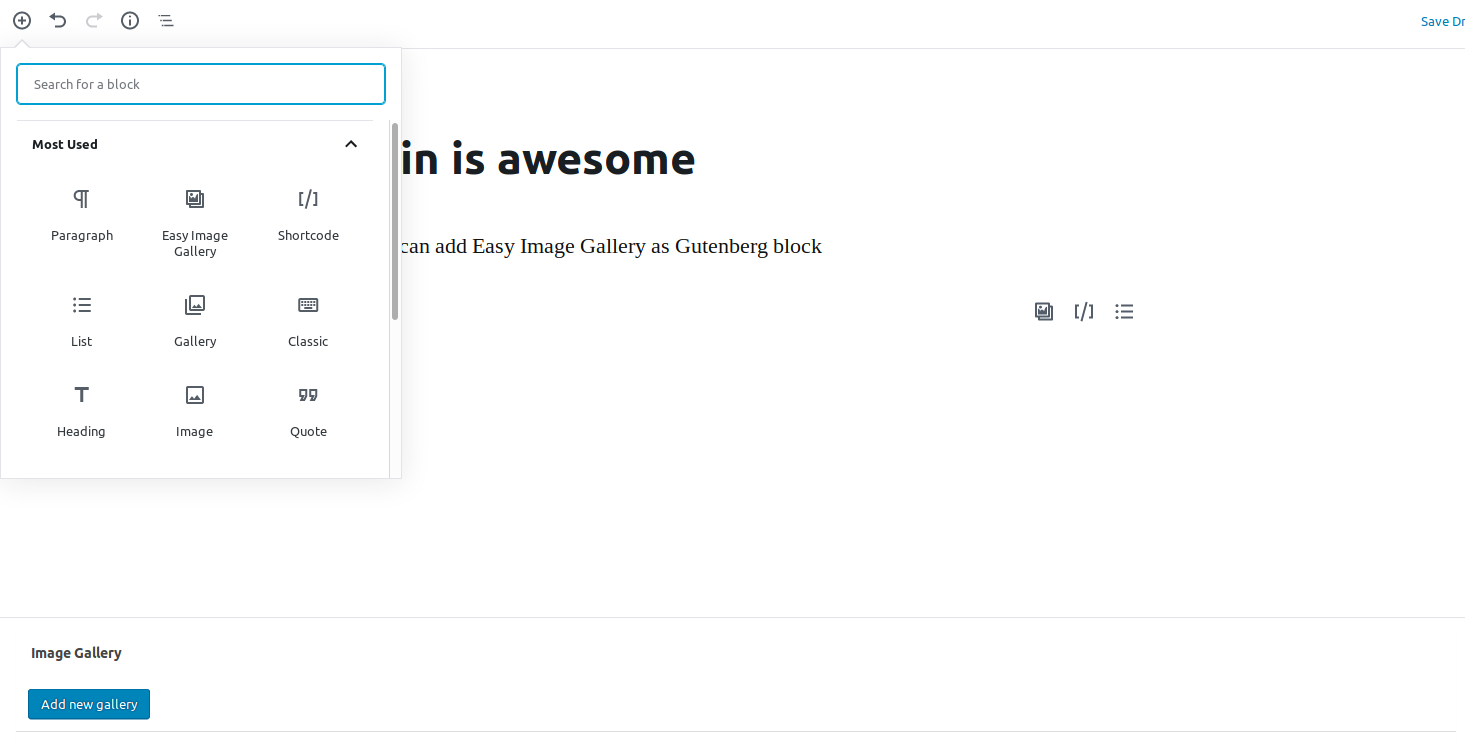
- Gutenberg compatibility – adding Easy Image Gallery Gutenberg block;
- “_blank” target for the image is added when the gallery is without lightbox, thus improving UX;
- Fancybox upgraded to v.3.5.7;
- Adding caption to the image for fancybox;
- Change the classes of the plugin with prefixes;
- Fixing large image size on a href click (PrettyPhoto);
- Fixing Fatal error on WP version 4.9.8;
- Fixing a couple of font references where not pointing to the right folder in blocks.style.build.css;
- Fixing gallery delete when edit the post with quick edit;
- Fixing gallery delete when the post is in the trash;
- Removing OceanWP theme scripts for proper plugin functionality;
- Added new gallery – Luminous
1.3.1
- Release date – May 07, 2018.
- Remove jquery-ui.min.js from the plugin and use the WordPress Core version of the library.
- Bugfix: add a fallback when the user is using the plugin’s function in the code, instead of a shortcoe.
1.3
- Release date – January 19, 2018.
- Add the possibility to add two or more different galleries on one page/post.
- Improved the UI / UX
1.2
- Release date – January 26, 2017.
- The plugin ownership was transferred to DevriX. We are going to maintain and update the plugin for now on ?
1.1.5
- Update Easy Image Gallery author
1.1.4
- Tweak: Updated French translations, props fxbenard
1.1.3
- Tweak: Added text domain to plugin headers in accordance with new translation system
1.1.2
- Fix: Added esc_attr to title attribute. Captions that included quotes were getting cut off.
- Fix: Updated PrettyPhoto JavaScript file to v3.1.6
1.1.1
- Fix: Missing slash on path to CSS file when plugin’s CSS is overridden from a child theme
1.1
- Tweak: fancybox 2 has been replaced with fancybox 1, as non GPL software is not allowed on the WP repo (fancyBox 2 is license under Creative Commons).
1.0.6
- Fix: Settings link on plugins page
- Fix PHP notice on Settings -> Media page
- Tweak: removed unneeded function
1.0.5
- Tweak: The plugin’s options page has been moved to settings -> media
- Tweak: Renamed the ‘thumbnail_image_size’ filter name to be ‘easy_image_gallery_thumbnail_image_size’ so it’s unique to the plugin
- Tweak: Renamed the ‘linked_image_size’ filter name to be ‘easy_image_gallery_linked_image_size’ so it’s unique to the plugin
1.0.4
- Fix: Images now use the image’s caption rather than title field
- New: Styling for image placeholder as images are being dragged
1.0.3
- Fix: jQuery script that calls light box was being loaded when there were no gallery images
1.0.2
- Tweak: Improved loading of scripts
1.0.1
- Tweak: Images now link to the “large” image size by default, rather than the original image
- Tweak: Removed “remove” links underneath each image and added a [-] on hover to be consistent with WordPress’ media manager styling
- New: linked_image_size filter for specifying which image size the thumbnails should link to
- New: 2 new filters added for overriding the JS for prettyPhoto and fancyBox. easy_image_gallery_prettyphoto_js and easy_image_gallery_fancybox_js
1.0
- Initial release

