
Enables the previous "classic" editor and the old-style Edit Post screen with TinyMCE, Meta Boxes, etc. Supports all…
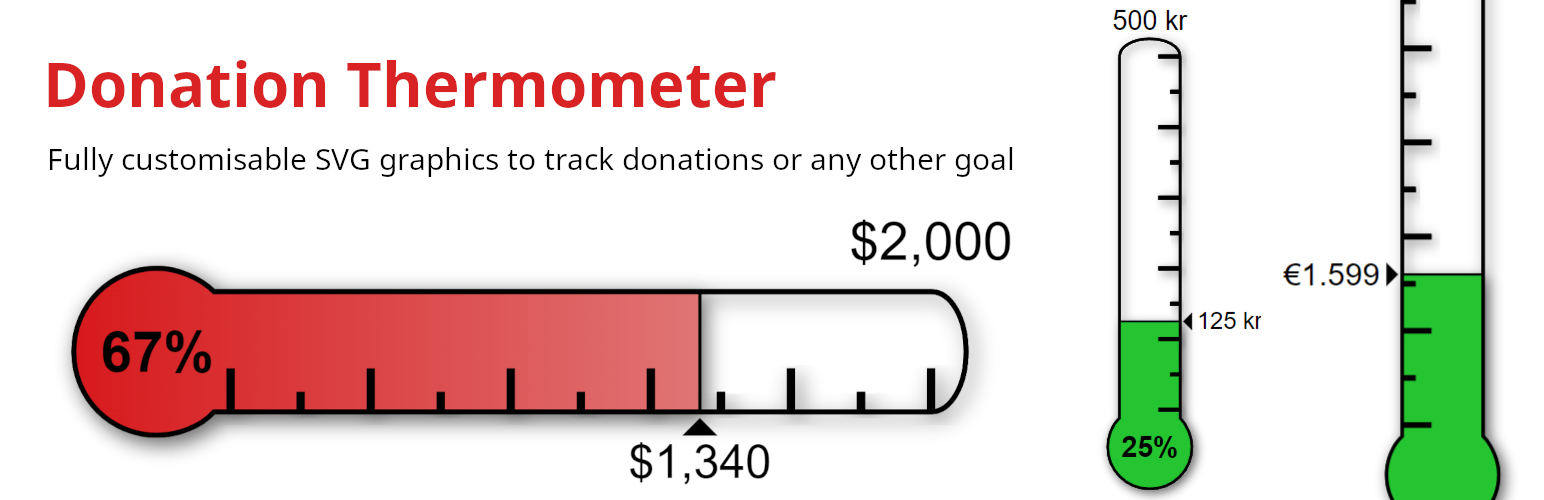
About Donation Thermometer
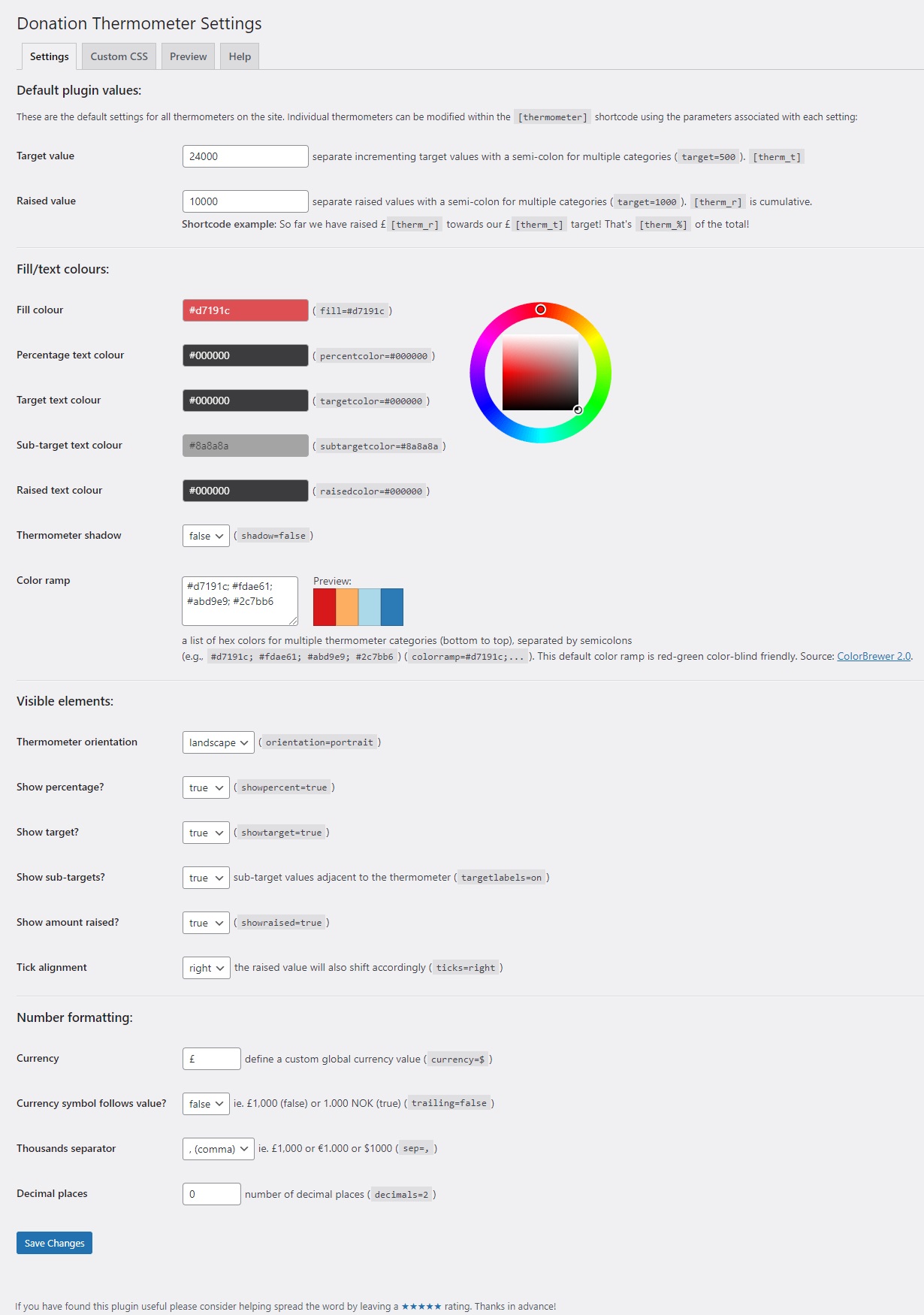
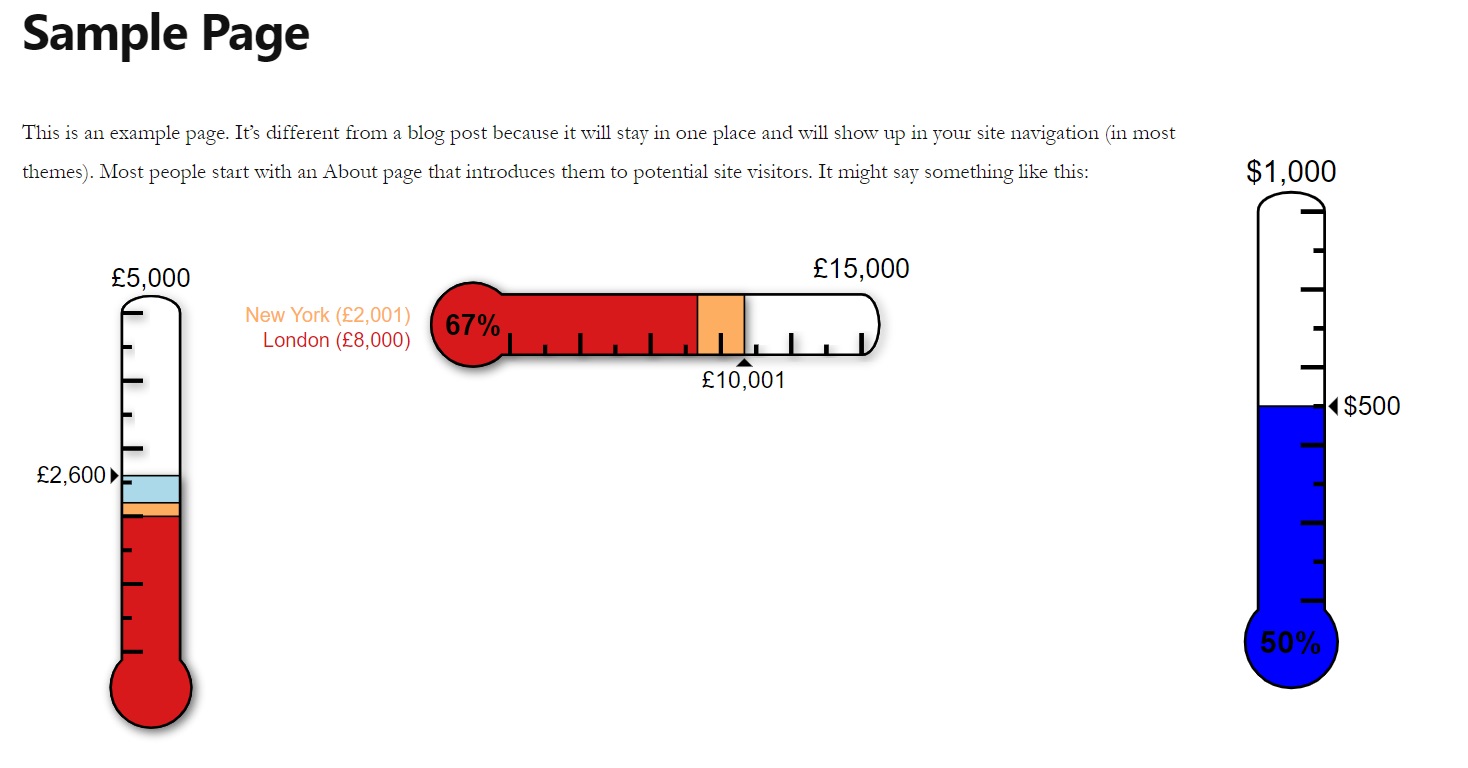
This plugin allows you to easily display a tracking thermometer on your website using a simple shortcode. The thermometers are fully customizable and can be updated automatically using shortcodes from other plugins. The plugin is free to use and has a support forum for any queries or issues.Screenshots
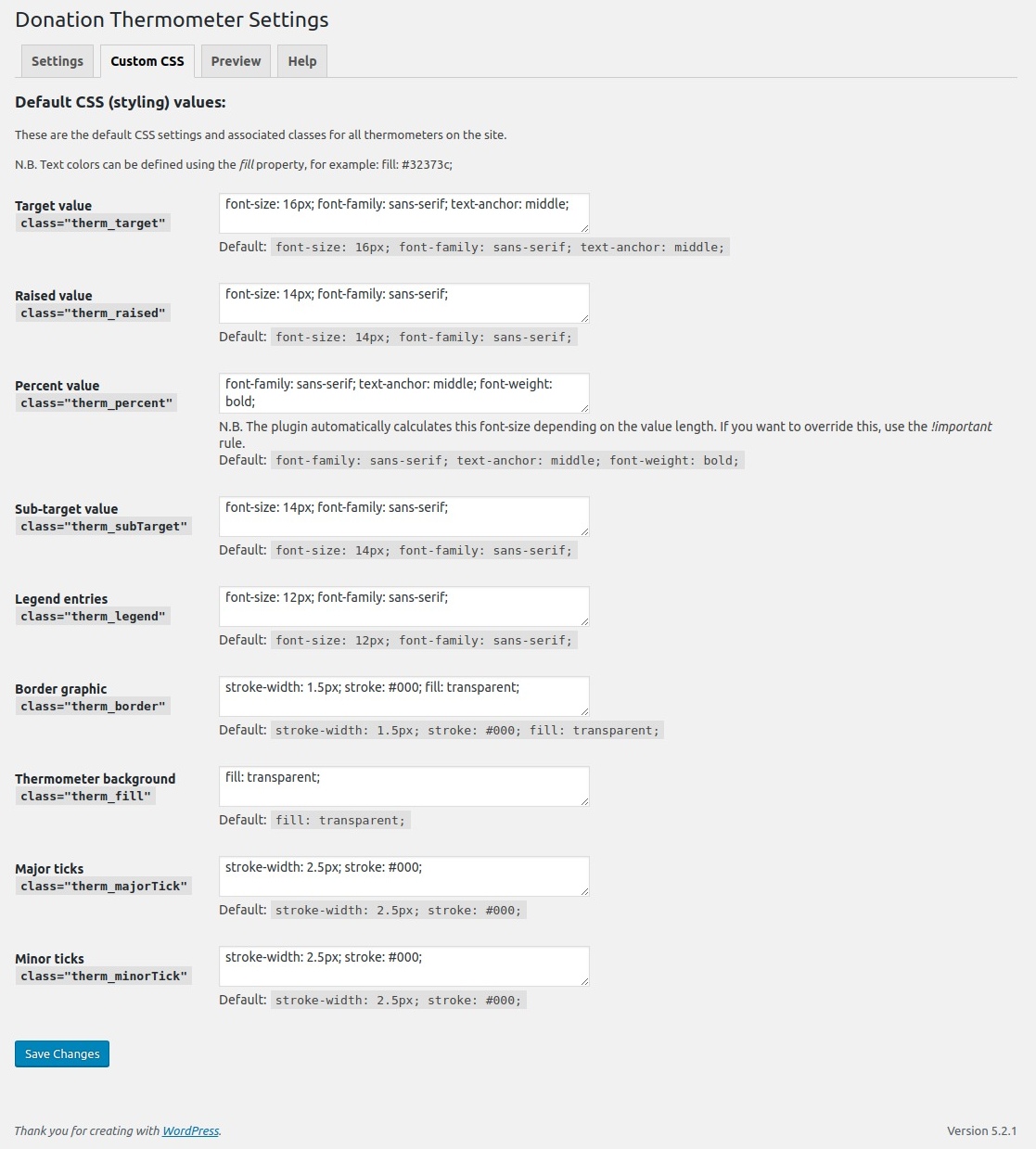
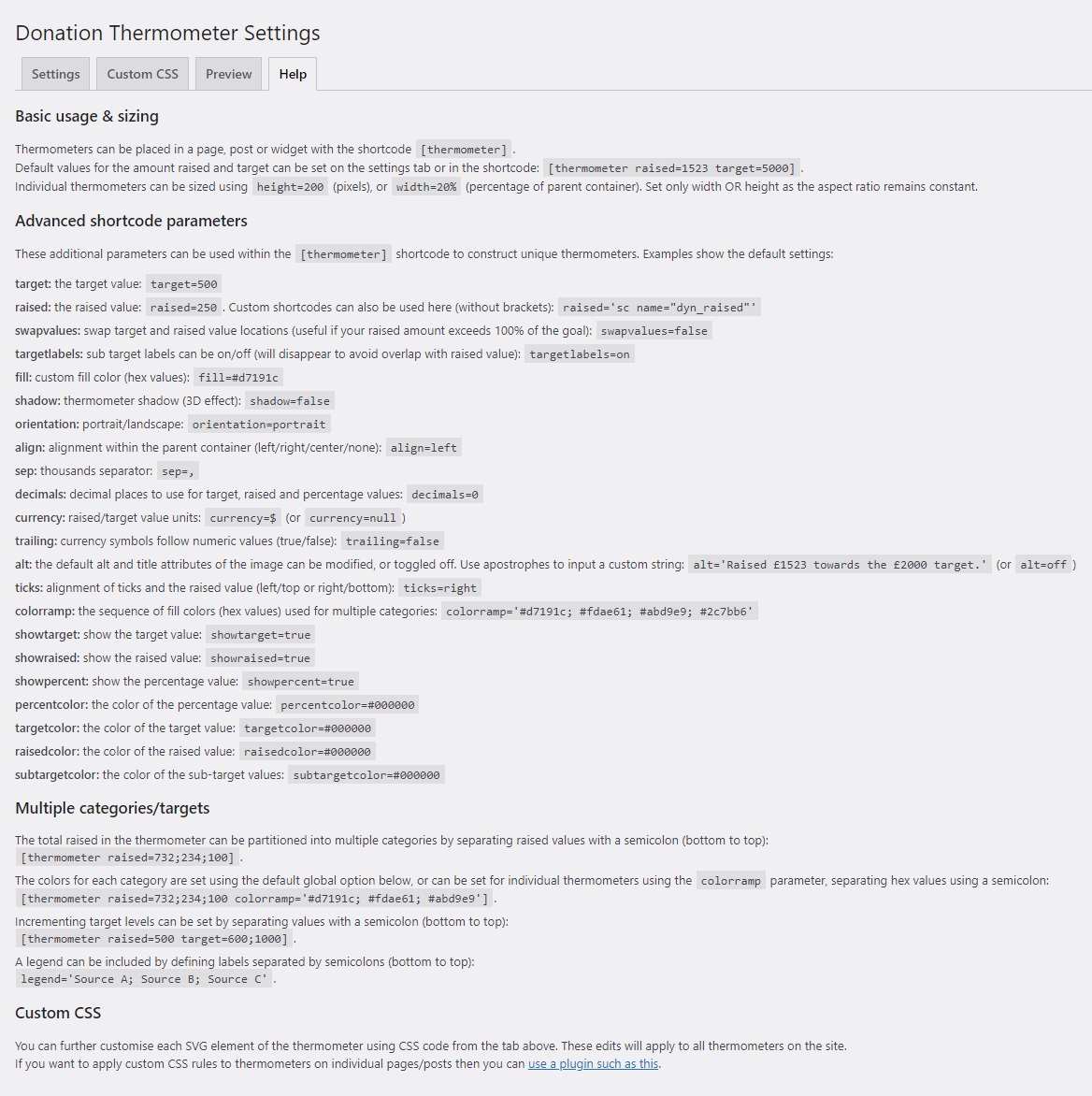
Changelog
2.2.6
- Changed default font styling from sans-serif to inherit the theme’s default font.
- Added button on settings page to reset all styling entries to default values.
- Various small typos and code fixes.
2.2.5
- Fixed a bug where very large target values would get cut off in the SVG with the default font-size.
2.2.4
- Fixed a bug when using different filltypes across multiple thermometers on the same page.
2.2.3
- Fixed potential bug with using the gradient option.
2.2.2
- New option for a gradient colour fill in the thermometer.
2.2.1
- Fixed some deprecated warnings.
2.2
- Preparations for localization (ready for translation) -> https://translate.wordpress.org/projects/wp-plugins/donation-thermometer/
2.1.6
- Fixed minor bug following previous version.
- Added a link to the support forum.
2.1.5
- Improved parsing of shortcodes as raised values.
- Added an editable class for the entire thermometer svg on the settings page.
2.1.4
- Fixed a display bug with the thermometer fill.
- Minor code tidying.
2.1.3
- Added security updates.
- Fixed a display bug for sub-target labels.
2.1.2
- Fixed a number formatting bug introduced in v2.1.1.
- Fixed a display bug for landscape thermometers.
2.1.1
- New shortcode paramater for defining a decimal separator. Dynamically generated raised values must be consistent with the thermometer settings.
- Fixed bug where the decimal parameter was not parsed correctly.
2.1.0
- New option for a landscape orientation.
- Thermometer fills to the brim if the raised value exceeds the target.
- New shortcode parameter to swap target and raised value locations – useful if you want to show how far your raised total exceeds your target.
- Further shortcode parameters added to show/hide the target, raised and percentage values on individual thermometers.
- Fix for reading shortcode input values with a comma thousands separator.
- Improvements to the shadow effect.
- Organised the default settings page into sections.
2.0.10
- New option for a shadow effect on the thermometer
- CSS classes added for customisation of the arrow and raised bars.
2.0.9
- Added option to include decimal places for raised/target/percentage values.
- Fixed legend bug.
2.0.8
- Fixed bug for the raised shortcode parameter.
2.0.7
- Now possible to use shortcodes for the raised shortcode parameter.
- Fixed a bug where the therm_% shortcode value calculation.
2.0.6
- Modified settings field arguments and collection of default values.
- Fixed bug where therm_% did not correctly use the cumulative total of raised values.
2.0.5
- Fixed a bug where a shortcode raised value of 0 would revert to the default value.
2.0.4
- Added shortcode options for changing the default colors of the raised, target, percentage and subtarget values for individual thermometers.
2.0.3
- Added customisable CSS rules for further control over thermometer appearance.
- Added a preview of the color ramp on the settings page.
2.0.2
- Added options for placing sub-target labels on thermometer.
- Added shortcode preview tab on the settings page.
- Added ability to remove target/raised values on individual thermometers.
- Fixed bug with thermometer text colours.
- Fixed bug with raised value in dashboard widget.
2.0.1
- Meta data bug fix
2.0
- Major upgrade switching the thermometer to be drawn as scalable vector graphic (SVG).
- New shortcode parameters available to include multiple categories in the thermometer.
- A new shortcode ‘therm_%’ that states the percentage raised from the default global values.
- Tick marks can be placed left or right.
- Multiple target values can be set.
- An automatically generated legend can be placed below the thermometer.
- Clean uninstallation.
1.3.16
- Fixed a minor bug extracting page id.
1.3.15
- Added new dasboard widget from which raised and target values can be edited.
1.3.14
- Fill colours can now be assigned for individual thermometers using the new shortcode parameter ‘fill=‘.
1.3.13
- Fixed minor bug regarding centre alignment of the thermometer.
1.3.12
- Fixed minor bug with default values when updating from < version 1.3.
1.3.11
- Error in database changes on upgrade in 1.3.10.
1.3.10
- Various backend improvements of the code and handling of errors.
- Added more options for the thousands separator.
- Confirmed compatibility up to WordPress 4.3.*
1.3.9
- Move width and height parameters into CSS code.
- ‘px’ units can now be defined in the shortcode, instead of having to just use a number value.
1.3.8
- Fixed encoding for currency symbols in the filename.
1.3.7
- Further fix to the therm_r and therm_t shortcodes.
1.3.6
- Fixed an issue with the default display of the thousands separator.
1.3.5
- Added an option to modify the thousands separator in the thermometer shortcode. E.g. sep=,
- Added an option to move the position of the currency symbol to follow the target/raised value using the thermometer shortcode. E.g. trailing=true
- Added global currency settings to the plugin options page.
1.3.4
- Fixed a bug that was preventing absolute values of the width/height parameter working.
1.3.3
- Added the option to use the width or height parameter value as a percentage (useful for displaying thermometers consistently across various screen sizes).
1.3.2
- Bug fixed where thermometer settings were overwritten with defaults every time the plugin is reactivated/updated.
- More efficient code used for filling the thermometer.
- When percentage raised is greater than 100% the thermometer now fills completely.
- Thousand’s separator added to the thermometer alt and title captions.
1.3.1
- New ‘alt’ parameter for the [thermometer] shortcode: toggle the thermometer’s alt & title off, or use custom text.
- Added option for different raised/target value text colours.
- Fix for servers with allow_url_fopen directive set to off.
- Added a ‘donate’ link for the developer ?
1.3
- New shortcodes for ‘raised’ and ‘target’ values ([therm_r] and [therm_t]).
- Addressed memory issues concerning the generation of images.
- A new parameter in the thermometer shortcode now allows for custom currency symbols.
- Image width now dynamically adjusts depending on the total raised.
- Target and percentage values change font size depending on string length.
- Horizontal and vertical margins added to the thermometer image.
1.2.2
- Improved the fail-safe that makes sure thermometers exist before page load.
1.2.1
- Code improvements including for align issues, the image title text and references to file paths.
1.2
- New Feature: Multiple thermometers with varying targets/amounts raised now possible.
- Target/amount raised values now moved from the settings page to the shortcode parameters.
- Included a cache feature which clears thermometer images on the server after 1 week.
1.1.2
- Fixed a bug that may have stopped the thermometer appearing in Internet Explorer.
- Helped an image resampling issue present in some browsers.
1.1.1
- Custom colour option for raised/target text added.
1.1
- Option added to use custom colours for the thermometer and percentage text.
- Accuracy of the thermometer-fill and gauge improved to the nearest target unit.
1.0
- Initial release.
