

Improve your WordPress SEO: Write better content and have a fully optimized WordPress site using the Yoast SEO…
About Custom Share Buttons with Floating Sidebar
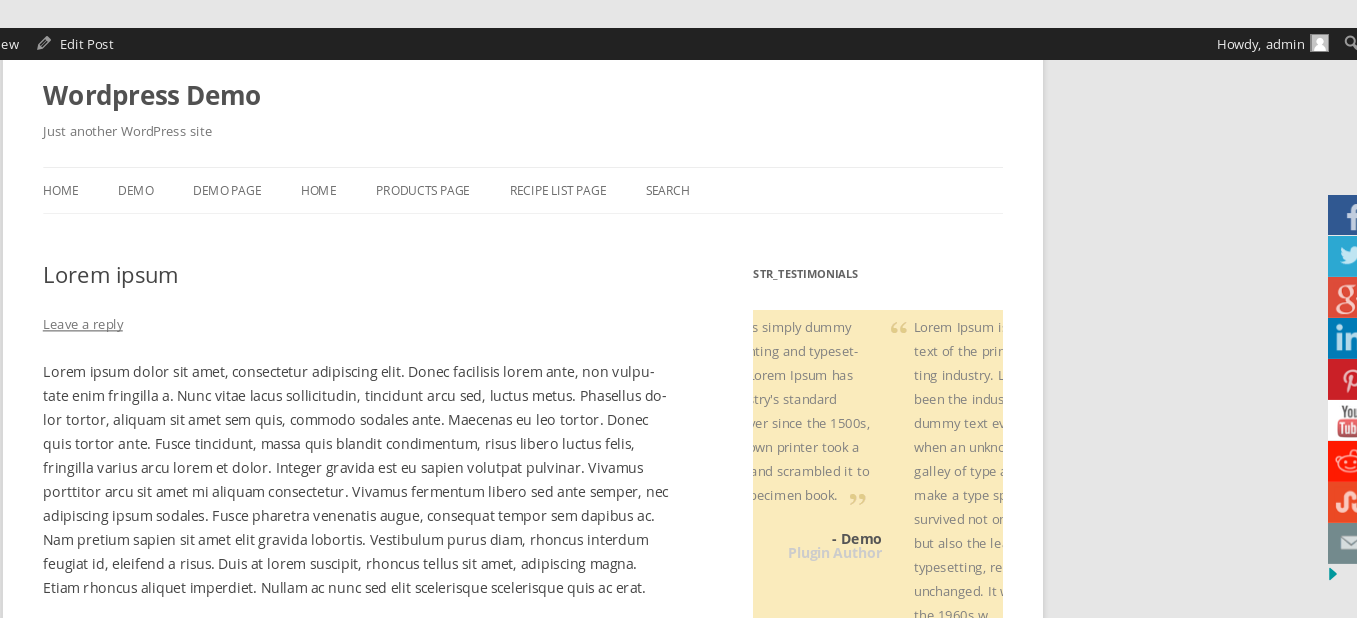
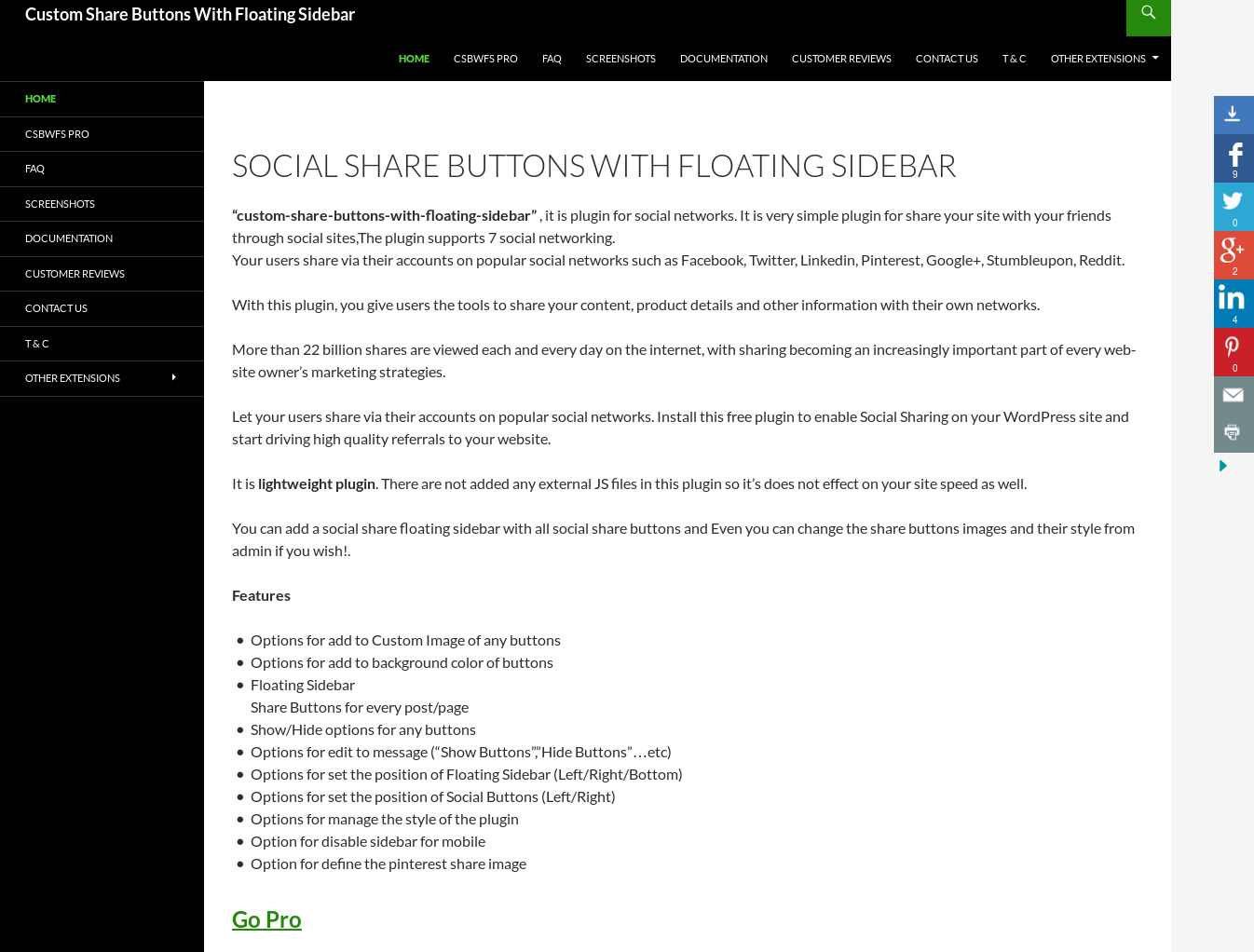
This is a social share plugin for WordPress that allows you to easily share your website on popular social networks. It includes features such as floating sidebar buttons, customizable styles, and an option to disable the sidebar on mobile. There is also a pro version available with additional features such as responsive floating sidebar, custom share buttons, and faster support.Screenshots




Changelog
4.2
- Tested with latest wordpress version 5.9.3
- Optimized Code
4.1
- Tested with latest wordpress version 5.8
3.9
- Tested with latest wordpress version 5.4
- Optimized code
- Released new version of PRO Addon 3.9
- Fixed shortcode icon button issue – PRO Addon
- Fixed mail button lighbox form issue – PRO Addon
3.8
- Tested with latest wordpress version 5.3
- Added Skype button
3.7
- Tested with latest wordpress version 5.1.1
- Removed Google+ button
3.6
- Tested with latest wordpress version 5.0.2
- Optimized code and fixed some minor issues
3.5
- Tested with latest wordpress version 4.9.7
- Fixed blog page share url issues
- Optimized code
- Released addon new version 3.5 with new features
3.4
- Tested with latest wordpress version 4.9.1
- Optimized CSS of share buttons
- Added an extra feature to Pinterest button for share to multi images
3.3
- Tested with latest wordpress version 4.8.2
- Released addon new version 3.2 with new features
- Fixed a minor bug
- Optimized code
3.2
- Tested with latest wordpress version 4.8
- Fixed a minor bug
3.1
- Tested with latest wordpress version 4.7.3
- Added an option for define to button background color of social share buttons
- Fixed show/hide buttons related bug
- Released new addon verson 3.0
3.0
- Tested with latest wordpress version 4.7
- Optimized plugin code
2.9
- Tested with latest wordpress version 4.6
- optmized CSS
- Released pro addon new verion 2.8
2.8
- Tested with latest wordpress version 4.5.3
- Minify sidebar share buttons images.
- optmized CSS
- Released addon new verion 2.7
2.7
- Tested with latest wordpress version 4.5.2
- Fixed linkdin button spelling error.
- Fixed + sign issue for mail button
2.6
- Tested with latest wordpress version 4.5
- Fixed buttons hover animation effect issue.
- Optimized image, html and css
- Updated home page conditions for show/hide social buttons
2.5
- Fixed upload image issue.
- Added reset button for reset to images/title for sidebar and social buttons.
- Optimized js code for floating sidebar
- Optimized design and css of social share buttons
2.4
- Fixed share url issue for custom post type.
- Fixed show/hide share buttons issues
- Tested with wordpress latest version
2.3
- update code to display content into footer section
- Added an option for define position of share buttons (below/above or content)
- Fixed some minor js/css issue
2.2
- Fixed double time open share url issue
- Added an option for auto close sidebar buttons on page load
- Added an option for hide “Share This!!” button on page/post
2.1
- Fixed share buttons css issues
- Fixed some minor js conflict issues
2.0
- Fixed pinterest share image issue
- Fixed youtube buttons url issue
- modify layout of plugin settings page
- Added options for define the buttons image alt text
- Released Pro Version 1.6
1.9
- Released Pro Version 1.3
- Fixed all suggested issues by users
- Fixed css conflict issues
- Added Stumbleupon and Reddit buttons to social share buttons
- Minify CSS
1.8
- Released Pro Version 1.1
- Added new bottom position option for floating sidebar
- Modify CSS
1.7
- Released Pro Version
- Added an option disable floating sidebar on home page
- Fixed share url issue on home page
1.6
- Added new option for disable floating sidebar for mobile site
- Added two new Stumbleupon and Reddit buttons
- Added options for define Pinterest Share images
- Fixed show/hide button issue
1.5
- Make plugin settings page more stylish
- Added a new option for remove show/hide buttions
- Added an option for change position of social share buttons
- Make “Share This!” button text editable
- Add Youtube button
- Change image opacity on hover
1.4
- Added an options for define the background color of custom social share buttons
- Added a new options for show/hide the buttions, so now if you will be click on hide buttons and then go to next page OR reload same page,then buttons will be not publish in front end,so buttons status will be remain until you will not change the their status by click on show/hide buttons
- Added an options for manage the general text (like “Show buttons”, “Hide buttons”..etc)
- Fixed some JS issues
1.3
- Added an options for add the social share buttons on bottom of the content on every post/pages
1.2
- Fixed button image gap issue for right position
- Added new option for set the delay time to publish the share butttons
1.1
- Fixed the right float sidebar issue
- Added new option for define the margin from TOP
- Added the show/hide buttons
- On Mail buttons :by default set current page title as a mail subject-line and page link in mail-body
1.0
- First stable release

