

Improve your WordPress SEO: Write better content and have a fully optimized WordPress site using the Yoast SEO…

About Cresta Help Chat
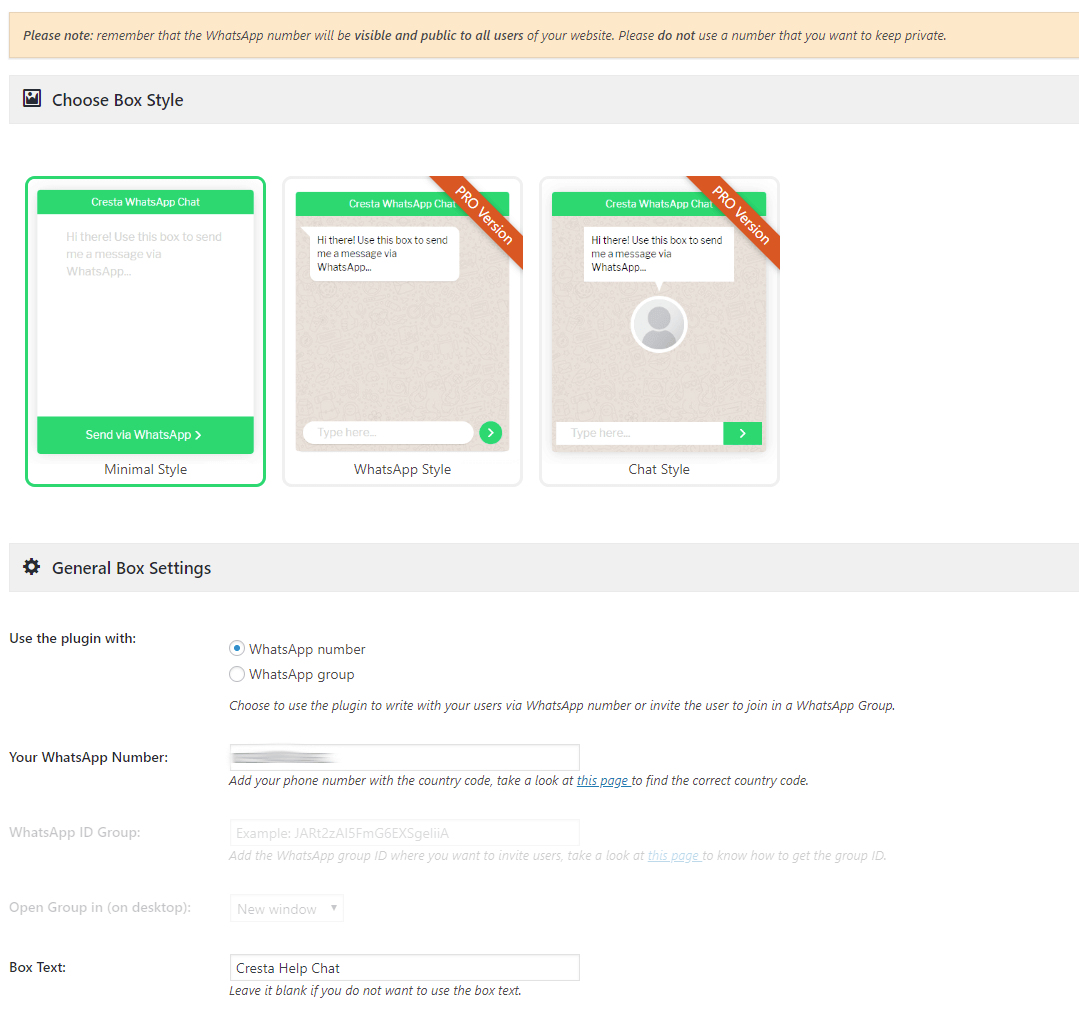
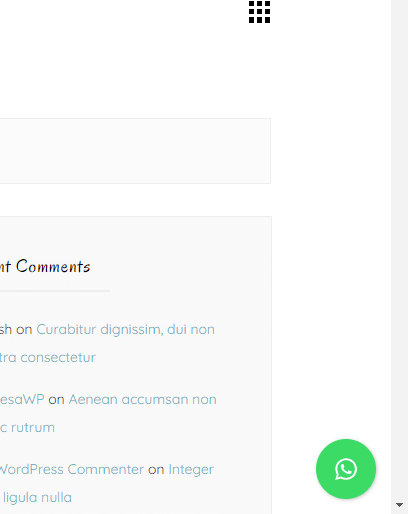
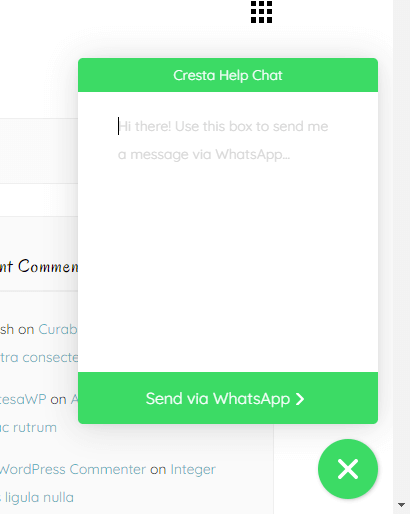
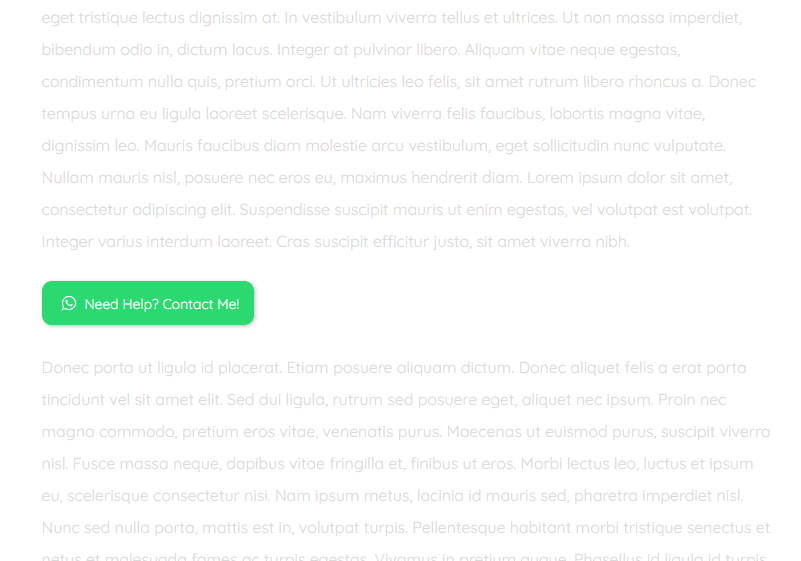
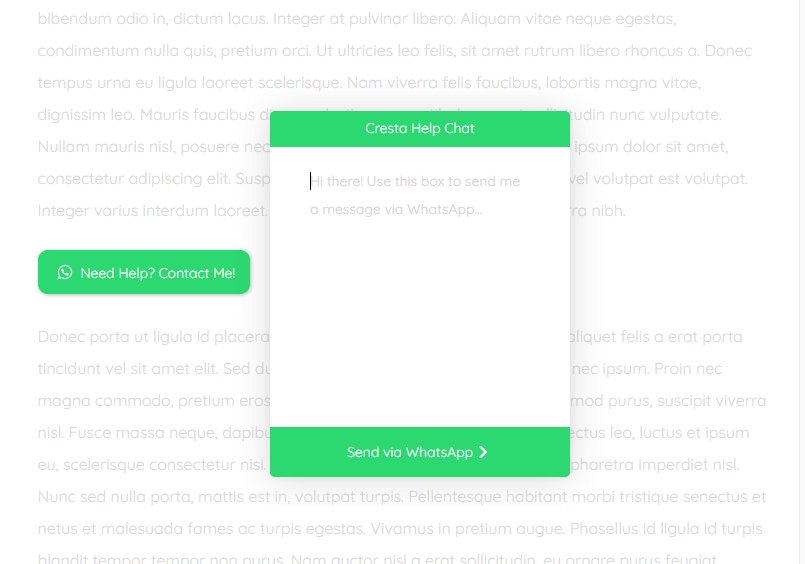
Cresta Help Chat is a plugin that allows users to contact you via WhatsApp by clicking on a button. It can be added to your website as a floating button or a button within posts or pages using a shortcode. The PRO version offers additional features such as changing the position and colors of the button, adding tooltips, and different animations.Screenshots
Frequently asked questions
What is Cresta Help Chat?
Cresta Help Chat is a WordPress plugin that allows users and customers to contact you via WhatsApp with a single click. Users can contact you directly in private messages on your WhatsApp number and continue the conversation on WhatsApp web or the WhatsApp application from mobile.
How can I add the WhatsApp button to my site?
You can use a floating button positioned at the bottom right of your site. Alternatively, you can use the shortcode [cresta-help-chat text="Need Help?" icon="yes" position="top"] within posts or pages.
Is Cresta Help Chat compatible with other WordPress plugins?
Yes, Cresta WhatsApp Chat is compatible with WooCommerce and WPML.
What are some key features of the plugin?
Key features include adding a button to open WhatsApp Chat at the bottom right of your site, using a shortcode to add the WhatsApp button in posts, pages, or custom post types, and choosing which pages to display the WhatsApp Chat button. For mobile users, clicking the button automatically opens the WhatsApp App if installed.
Changelog
1.3.5
- Added compatibility to WordPress 6.7
1.3.4
- Added compatibility to WordPress 6.6
1.3.3
- Added compatibility to WordPress 6.5
1.3.2
- Added compatibility to WordPress 6.4
1.3.1
- Added compatibility to WordPress 6.3
- Minor bug fixes
1.3.0
- Added compatibility to WordPress 6.2
- Minor bug fixes
1.2.9
- Added compatibility to WordPress 6.1
1.2.8
- Updated PRO version price
- Added compatibility to WordPress 6.0
1.2.7
- Added an option to choose whether to directly open whatsapp web on the desktop without opening the popup first
1.2.6
- Added compatibility to WordPress 5.9
- Minor bug fixes
1.2.5
- Removed jQuery dependencies and rewritten in vanilla JS
1.2.4
- Fixed a bug that displayed the WhatsApp button also in the new widget dashboard (from WP 5.8)
1.2.3
- Added compatibility to WordPress 5.8
1.2.2
- Added compatibility to WordPress 5.7
1.2.1
- Added compatibility to WordPress 5.6
1.2.0
- Added compatibility to WordPress 5.5
1.1.9
- Minor bug fixes
1.1.8
- Added compatibility to WordPress 5.4
- Minor bug fixes
1.1.7
- Minor bug fixes
1.1.6
- Added compatibility to WordPress 5.2
1.1.5
- Minor bug fixes
1.1.4
- Changed the plugin name to Cresta Help Chat
1.1.3
- Changed the plugin name to Cresta Whats Chat
1.1.2
- Minor bug fixes
1.1.1
- Added compatibility to WordPress 5.2
1.1.0
- Minor bug fixes
1.0.9
- Added an option to show the WhatsApp button on the whole site
- Minor bug fixes
1.0.8
- Minor bug fixes
1.0.7
- Added the possibility to choose where to open a chat invite (desktop mode)
1.0.6
- Minor bug fixes
1.0.5
- Added the possibility to show the Facebook button also in WooCommerce category page and tag page
- Minor bug fixes
1.0.4
- Added an option to close the floating box by clicking anywhere on the page
- Minor bug fixes
1.0.3
- Minor bug fixes
1.0.2
- Now it’s possible to invite their users to join in a WhatsApp group
1.0.1
- Fixed method to send text
- Minor bug fixes
1.0.0
- Initial release

