

Improve your WordPress SEO: Write better content and have a fully optimized WordPress site using the Yoast SEO…

About WP Dynamics CRM for Contact Form 7, WPForms, Elementor, Formidable and Ninja Forms
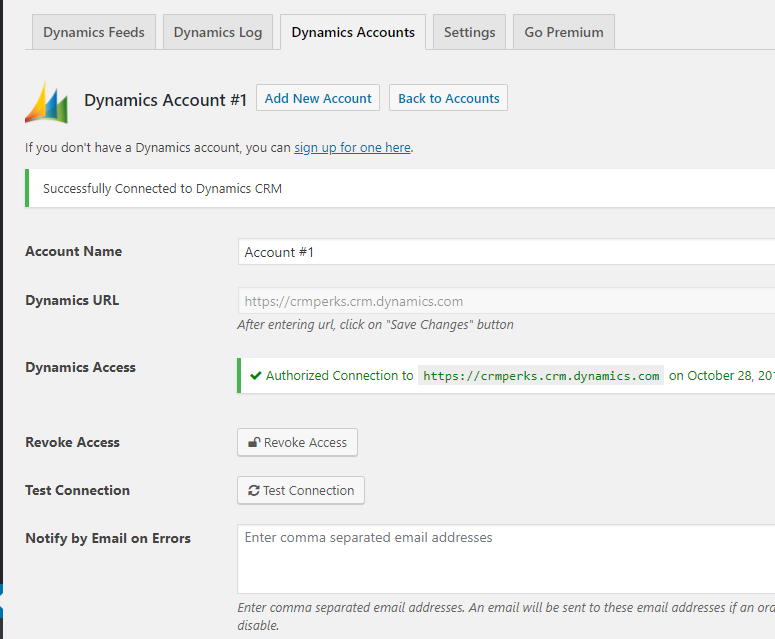
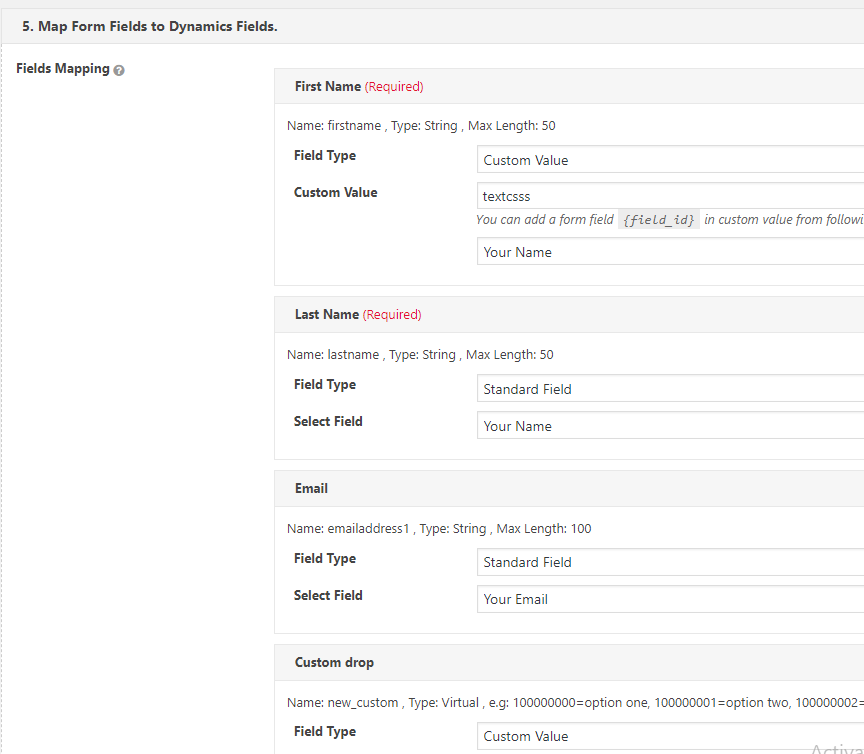
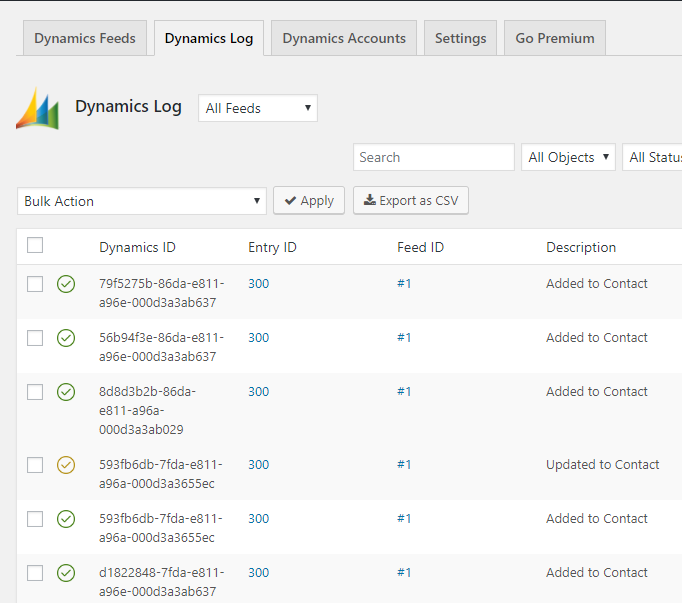
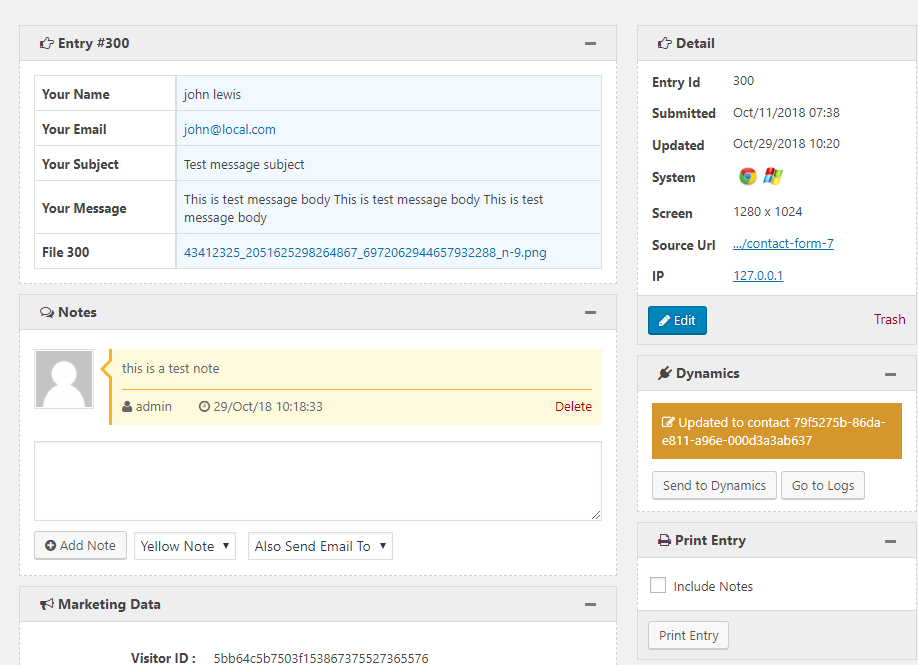
The Contact Form 7 Dynamics CRM Plugin allows you to send form submissions from various contact form plugins to Dynamics CRM. You can easily set it up by adding a new account, creating a new feed, mapping the fields, and sending a test entry. Please note that this plugin only supports Microsoft Dynamics CRM Online.Screenshots

Changelog
1.1.6
- fixed “id field of wpforms”.
1.1.5
- fixed “open redirect” issue.
1.1.4
- added elementor, wpforms and ninja forms.
1.1.4
- fixed “Customer field” issue.
1.1.3
- fixed “un-recognized property” issue.
1.1.2
- added “file uploads in notes” feature.
1.1.1
- fixed “undefined POST” issue.
1.1.0
- fixed “connection lost” issue.
1.0.9
- fixed class not found issue.
1.0.8
- fixed dynamics crm order status issue.
1.0.7
- fixed file field warning.
- fixed “array” issue in custom value.
- fixed “Do not update entry” feature.
1.0.6
- fixed contact form 7 dropdown field.
1.0.5
- fixed marketing materials field.
- fixed “disable auto export” feature.
1.0.4
- fixed fields issue.
1.0.3
- fixed assign related object issue.
1.0.2
- fixed dynamics crm decimal field.
1.0.1
- now supports contact form 7 without entries plugin.
1.0.0
- Initial release.

