

Improve your WordPress SEO: Write better content and have a fully optimized WordPress site using the Yoast SEO…
About Categories Images
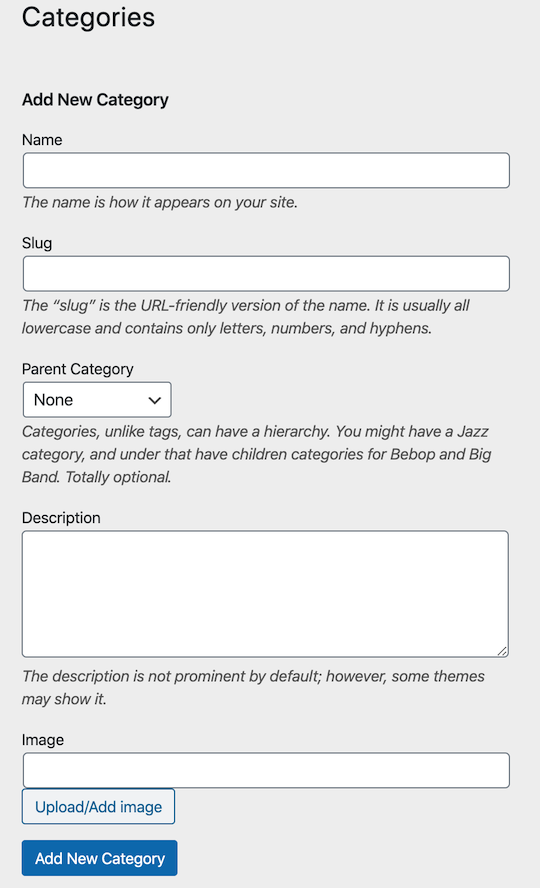
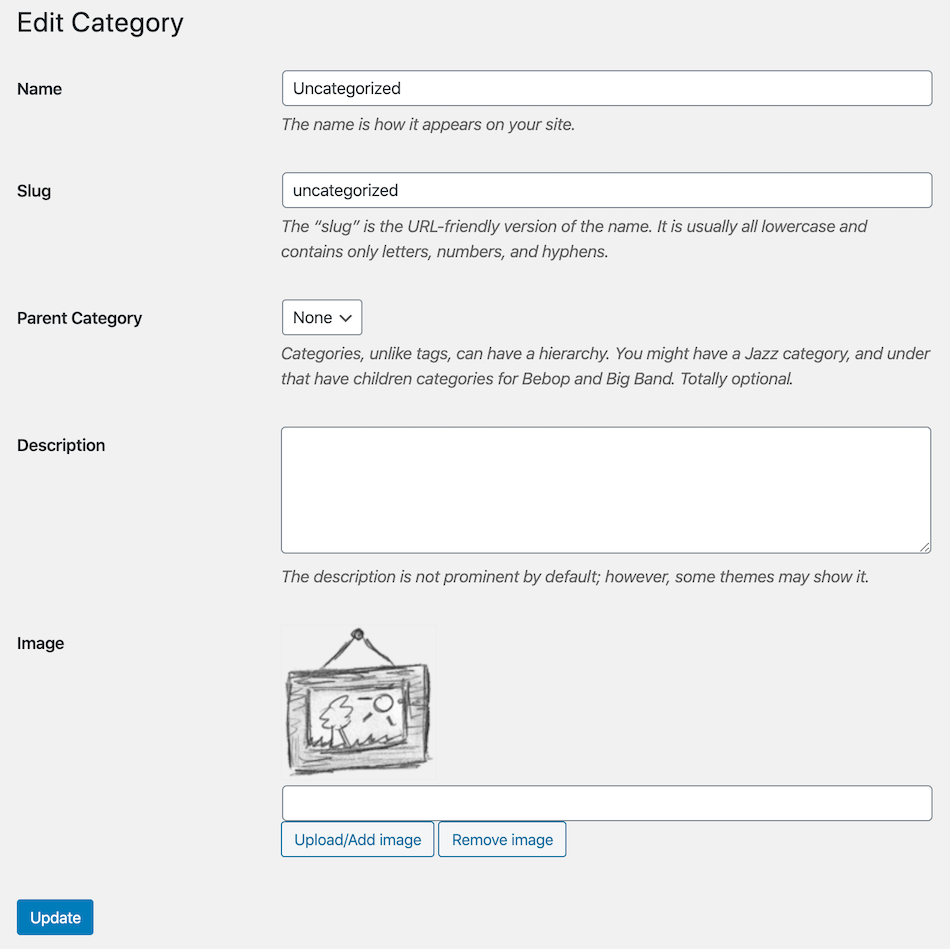
The Categories Images Plugin allows you to add images to your categories or taxonomies. You can easily retrieve the image URL and use it in any image tag or use the provided template function. You can also exclude specific taxonomies from the plugin's settings menu to avoid conflicts with other plugins. For more information, you can visit the documentation at http://zahlan.net/blog/2012/06/categories-images/.Screenshots
Frequently asked questions
What is the Categories Images plugin?
The Categories Images Plugin allows you to add images to categories or taxonomies within WordPress.
How do I display category images on my site?
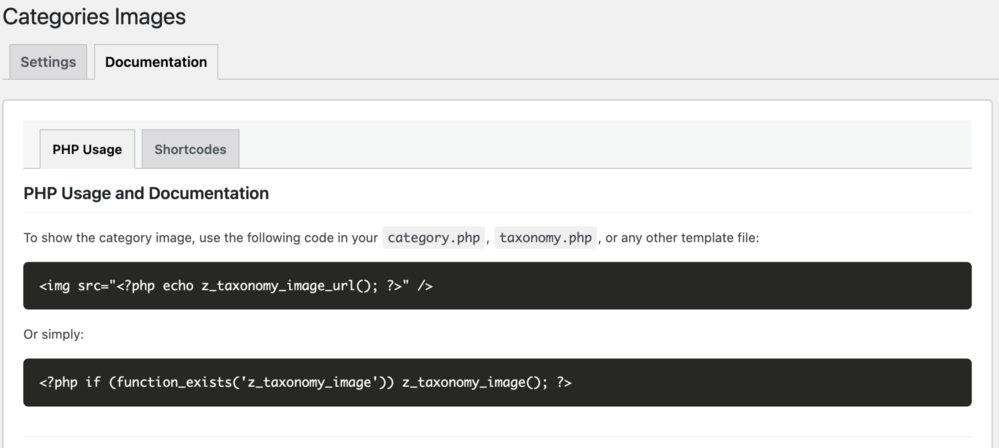
You can use the PHP function `z_taxonomy_image_url()` to get the image URL for use in an `<img>` tag. Alternatively, use `z_taxonomy_image()` directly within your category or taxonomy template.
Can I prevent this plugin from affecting specific taxonomies?
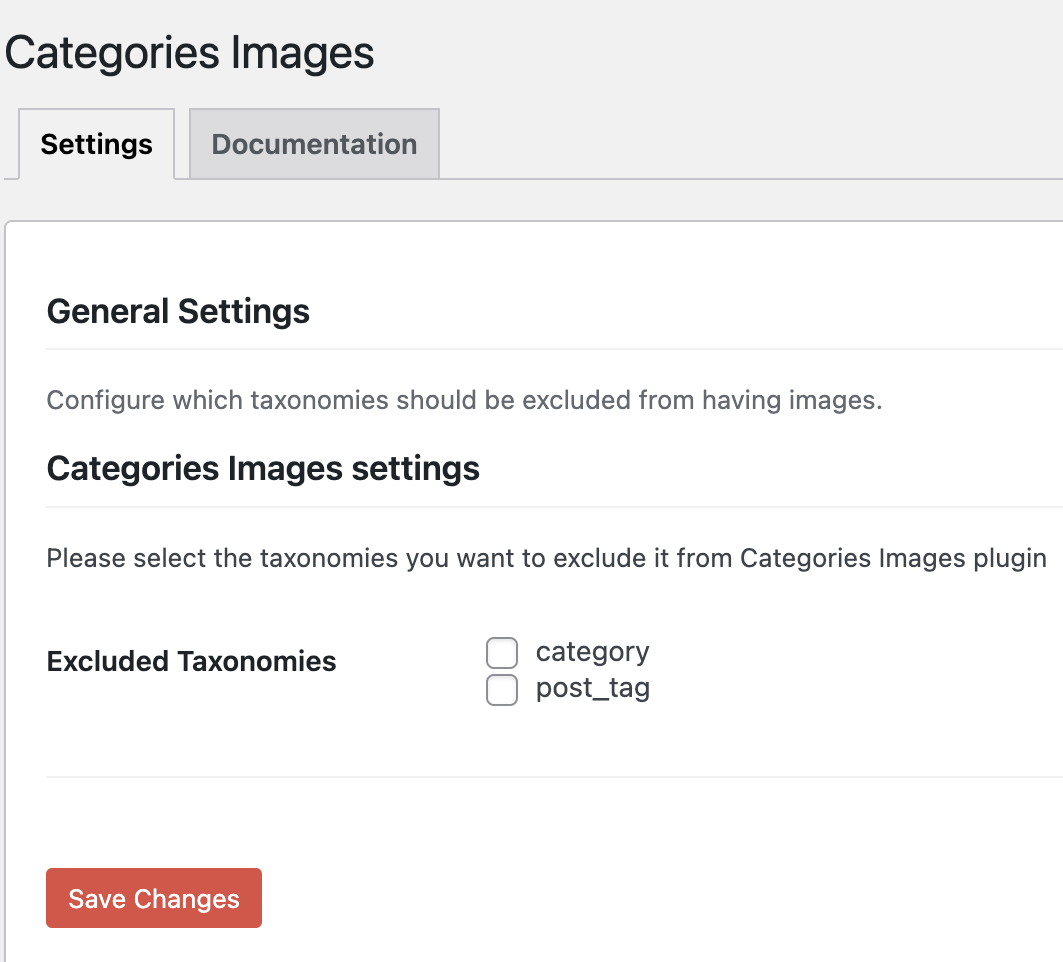
Yes, from the settings menu, you can exclude any taxonomies from the plugin to prevent conflicts with other plugins, such as WooCommerce.
Where can I find more documentation?
More documentation is available at http://zahlan.net/blog/2012/06/categories-images/.
Changelog
3.1.0
- Added DE translation, thanks to denarie.
- Start using imageId instead of imageUrl to solve any the CDN issues, thanks so alessandrocarrera.
- Tested with the latest version of wordpress
3.0.1
- Disable options autoload to enhance wordpress queries performace
3.0.0
- Fix settings page issues
- Fix compatibility with the latest WordPress version
- Rewrote the whole plugin from scratch, now the code is much efficient, readable and cleaner
2.5.4
- Fix compatibility with the latest WordPress version
2.5.3
- Fix not displaying single tag image bug in tag.php template
- Adding language support for Swedish. Thanks to Simon Sandgren
2.5.2
- Fix displaying full size image bug in backend
- Fix quick edit bug
- Some code enhancements
2.5.1
- Adding language support for Russian.
- Adding language support for Serbian. Thanks to Andrijana Nikolic [http://webhostinggeeks.com/].
- Adding language support for Catalan. Thanks to Marc Queralt i Bassa [http://www.demomentsomtres.com/].
- Change the plugin text domain from zci to categories-images to match the plugin slug as requested by WordPress.
2.5
- Adding language support for Ukrainian. Thanks to Michael Yunat [http://getvoip.com].
- Adding new function z_taxonomy_image() to display category or taxonomy image directly with support for size, alt and other attributes, for and how to use it please check the documentations.
- Some code enhancements.
2.4.2
- Update code to reduce db queries. Thanks to fburatti [https://profiles.wordpress.org/fburatti/].
2.4.1
- Fix placeholder bug in backend.
2.4
- Adding language support for Spanish (Thansk so much to Maria Ramos [http://webhostinghub.com]).
- Adding support for resizing categories images (Thanks so much to Rahil Wazir).
- Some code enhancements.
2.3.2
- Adding language support for French.
2.3.1
- Bug fix in js for WordPress media uploader.
2.3
- New screenshots.
- Updated language file.
- Added support for both old and new WordPress media uploader.
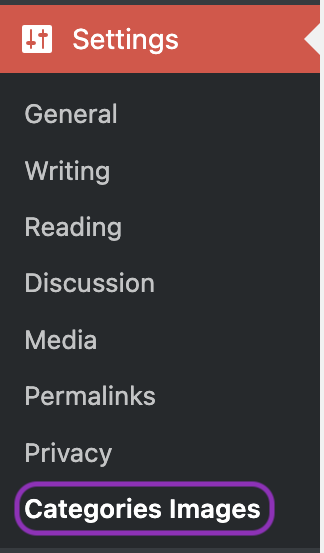
- Added new submenu (Categories Images) in Settings menu.
- Added new settings for excluding any taxonomies from the plugin.
- Added new placeholder image.
Thanks to Patrick http://www.patrickbos.nl and Hassan https://profiles.wordpress.org/hassanhamm/ for the new ideas.
2.2.4
- java script bug fixed, reported about conflicting with WooCommerce plugin. Thanks to Marty McGee.
2.2.3
- bug fix in displaying category or taxonomy image at the frontend.
2.2.2
- bug fix in displaying placeholder image in wp-admin.
2.2.1
- edit z_taxonomy_image_url() to only return data in case the user inserted image for the selected category or taxonomy
2.2
- fix a bug, prevent a function from running execpt when editing a category or taxonomy to avoid affecting other wordpress edit pages in the wp-admin
2.1
- fix a bug in languages
- fix a bug in quick edit category or taxonomy
2.0
- New screenshots.
- Added l10n support.
- Added Arabic and Chinese languages.
- Added new button for upload or select an image using wordpress media uploader.
- Added default image placeholder.
- Added thumbnail in categories or taxonomies list.
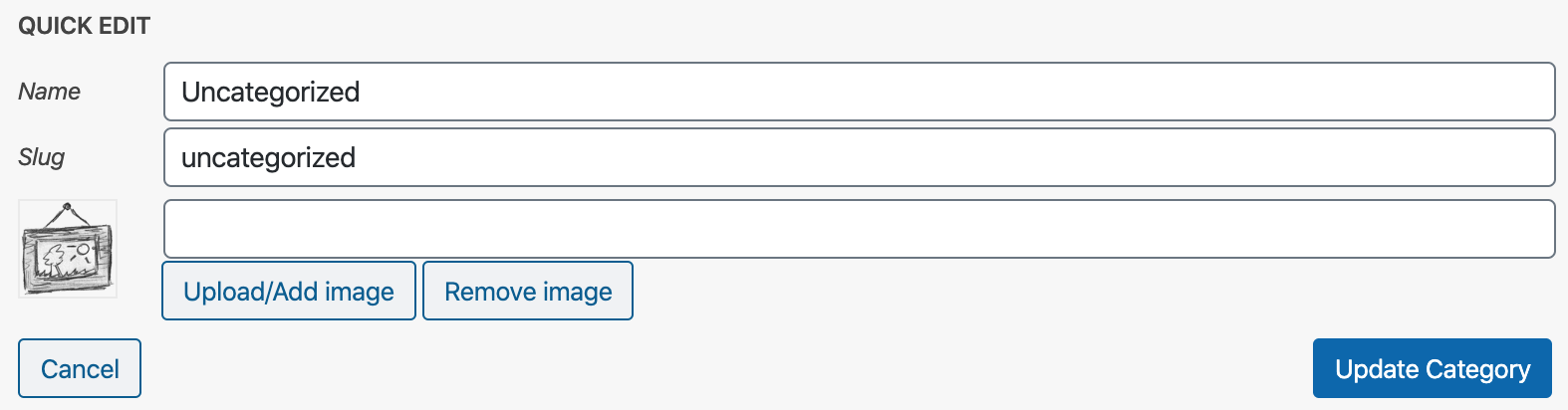
- Added image thumbnail, image text box, upload button and remove button in quick edit.
Thank so much to Joe Tse http://tkjune.com ?
1.2
Adding some screenshots
1.1
Fix javascript bug with wordpress 3.4
1.0
The First Release

