

Enables the previous "classic" editor and the old-style Edit Post screen with TinyMCE, Meta Boxes, etc. Supports all…

About Block Navigation
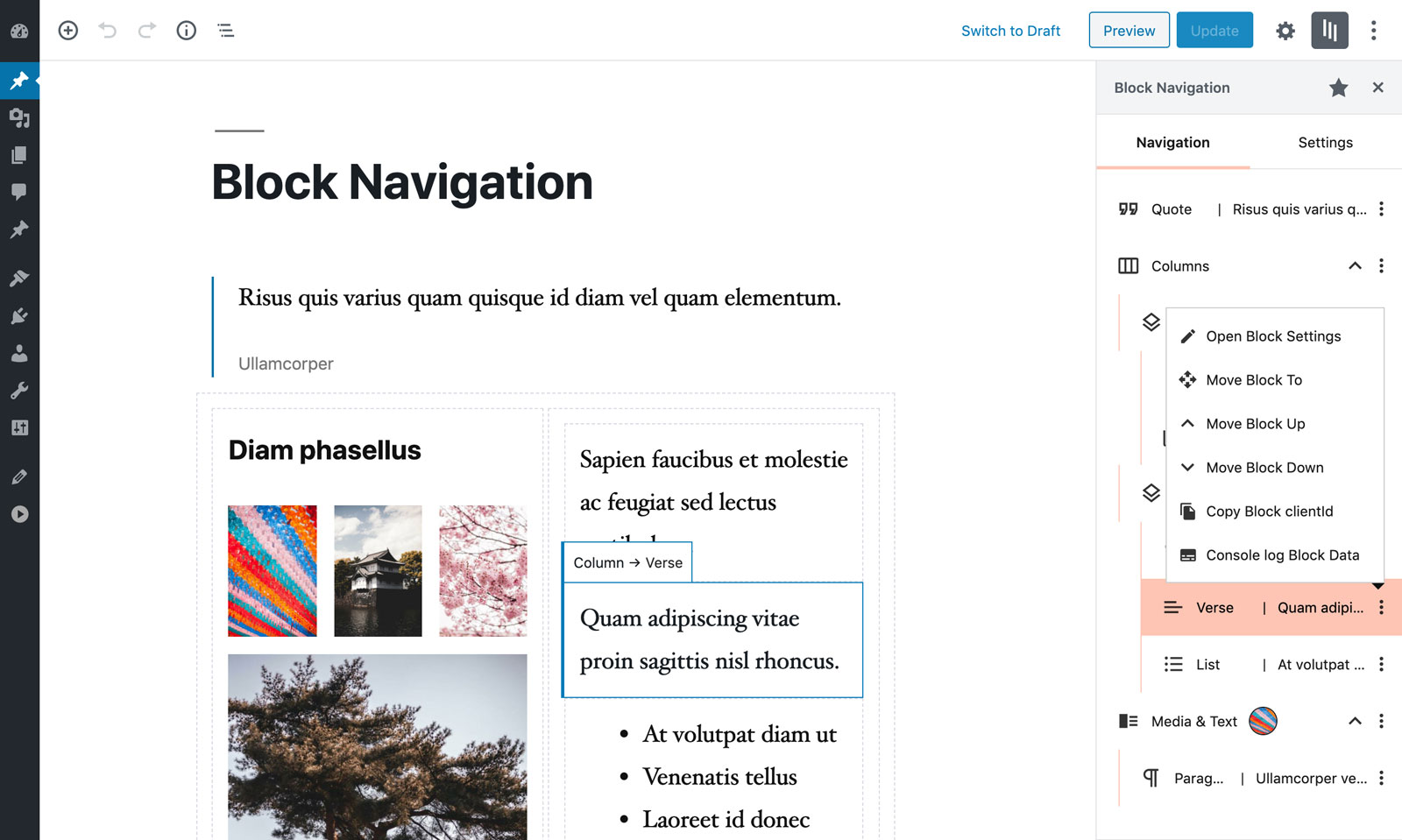
Block Navigation is a WordPress plugin that adds a sidebar to the Gutenberg editor, making it easier to edit nested blocks. The sidebar includes tools for dragging and moving blocks, selecting blocks, and identifying blocks with a snippet of their content. The plugin also provides features for developers, such as copying block IDs and logging helpful data from blocks.Screenshots


Changelog
4.1.1
- Fixed incompatibility with some custom blocks
4.1.0
- Minor fixes for WP 5.9
- Updated dependencies
4.0.1
- Minor style fixes
4.0.0
- Code base refactor for improved performance
- Fixed WP 5.8 incompatibility of the drag-and-drop functionality
- Added duplicate button in block menu
- Display block variant icon and name when there is no block content
- Added toggle all blocks button
- Small style improvements
3.4.1
- Added a temporary patch for WP 5.8 drop event
3.4.0
- Fixed bug in WP 5.7, drop events not being triggered
- Updated dependencies
3.3.3
- Fixed a style bug with Gutenberg 9.8
- Updated dependencies
3.3.2
- Updated dependencies
3.3.1
- Fixed bug in icon used to register the plugin
3.3.0
- Added “Detached position” setting
- Added “Block info displayed” setting
- Added “Developer mode” setting
- Extended the list of blocks that display content
- CSS and JS small fixes and improvements
3.2.0
- Added detach mode
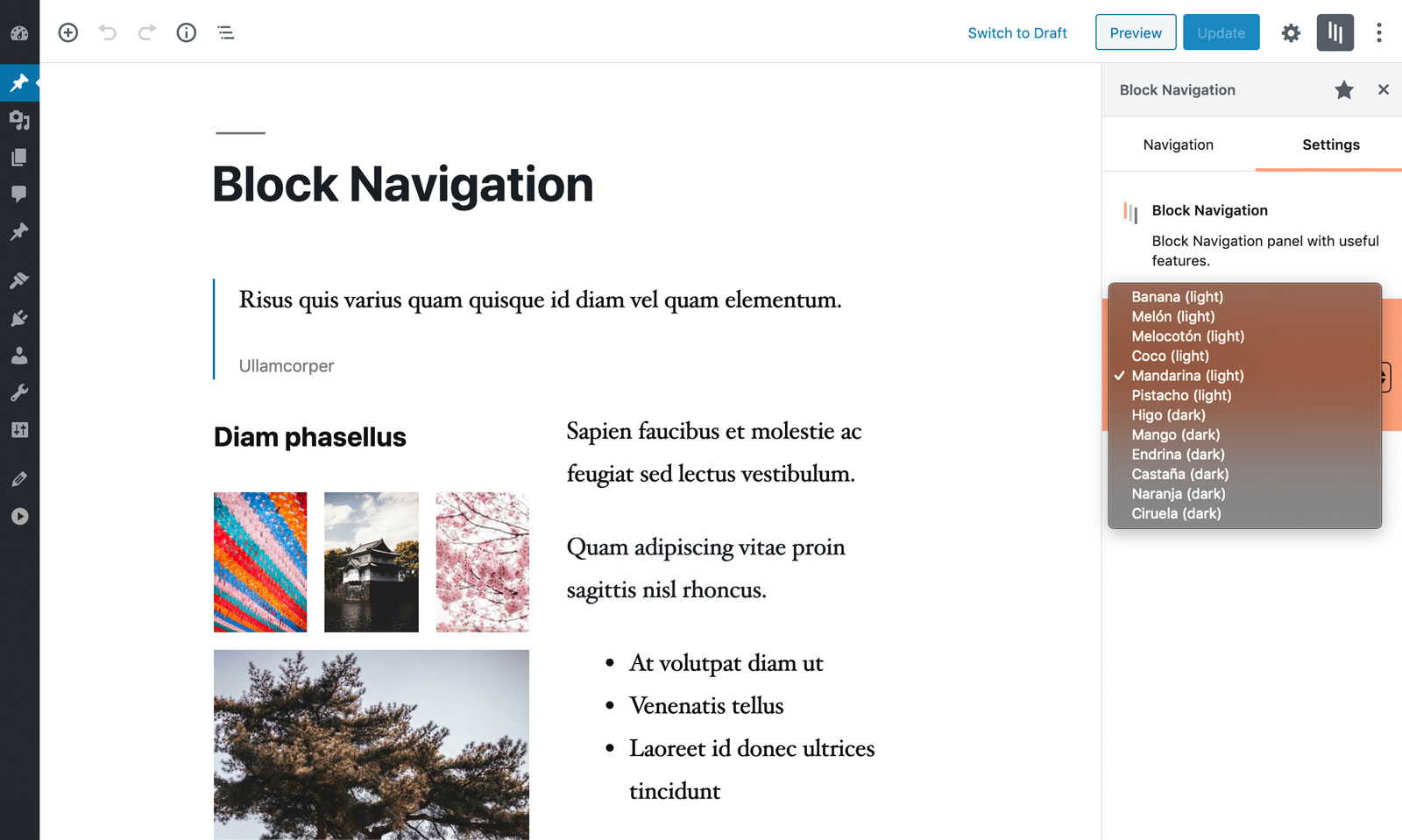
- Added WordPress admin color scheme
- Updated dependencies
3.1.0
- Added “Remove Block” button in block menu
- Updated dependencies
3.0.0
- Major refactor
- Updated dependencies
2.0.1
- Fixed text being selected on drag
- Fixed images being able to be dragged
- Updated dependencies
2.0.0
- Major refactor. Use of react hooks, load an old version of the plugin for WP 5.2
- Use of a virtual list to improve performance (specially when dragging)
- Blocks can be dropped as a children of an empty nestable block
- Overall improvement in the UX
- The scrollTop position will update based on the current selected block
1.3.0
- Blocks that are nestable (like columns) now retain their collapsed/expanded state, after closing and re-opening the plugin sidebar or after collapsing an ancestor block.
- Reusable blocks now show their title, so they are more easy to identify.
1.2.1
- Minor bugfixes.
1.2.0
- Improved moving blocks UX (both by drag and by click).
- Added the filter “blockNavigation.addBlockContentAttributePath” for developers to include their own block type content.
- Updated the UI.
- Rebuilt code, migrated JavaScript to TypeScript.
- Raised minimum WordPress version to 5.2 to make use of block-editor package.
1.1.2
- Cleaned console log output and added “attributes-available”.
- Fixed castaña scheme dark color.
- Updated cover block and added media-text block.
- Small typo and bug fixes.
1.1.1
- Make use of Rich Text WordPress package.
- Small typo and bug fixes.
1.1.0
- Added Development Mode. Currently it adds two extra actions inside each Block’s menu: Copy the Block clientId to the Clipboard and Log to the browser’s console some helpful Block related data.
- Clicking on an already selected block deselects it.
1.0.1
- Fix bug with jQuery variable
- Upgrade logo to SVG
- Schemes naming fix
1.0.0
- Initial release.
