

Improve your WordPress SEO: Write better content and have a fully optimized WordPress site using the Yoast SEO…

About Basic User Avatars
This plugin allows users to upload a custom profile picture on frontend pages and the Edit Profile screen. It is compatible with bbPress and other popular plugins with frontend user registration and profile management features. It also includes a feature to seamlessly migrate avatars from the WP User Avatar plugin.Screenshots
Frequently asked questions
How can I add an avatar upload field on frontend pages and Edit Profile screen?
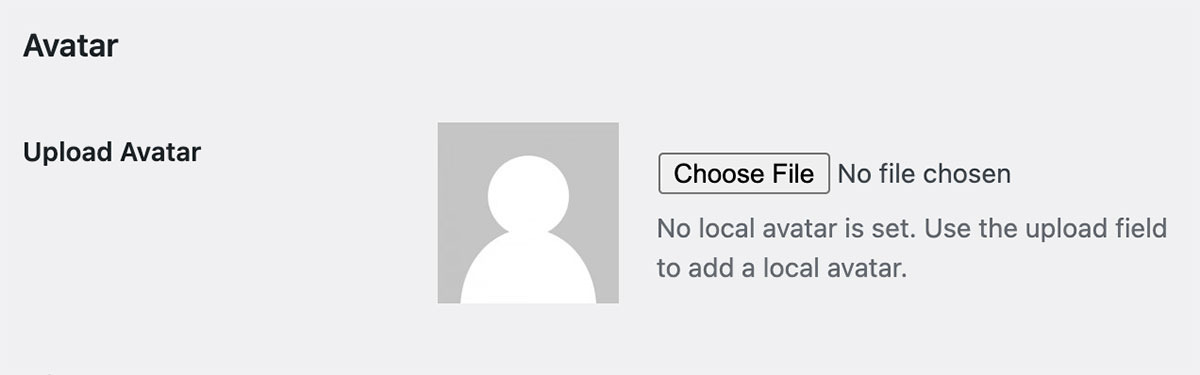
To add an avatar upload field on frontend pages and Edit Profile screen, you can use the Basic User Avatars plugin. This plugin is compatible with bbPress and many other popular plugins with frontend user registration and profile management features. Admins can upload a user's avatar on the Edit User admin screen.
How can I enable front-end avatar management?
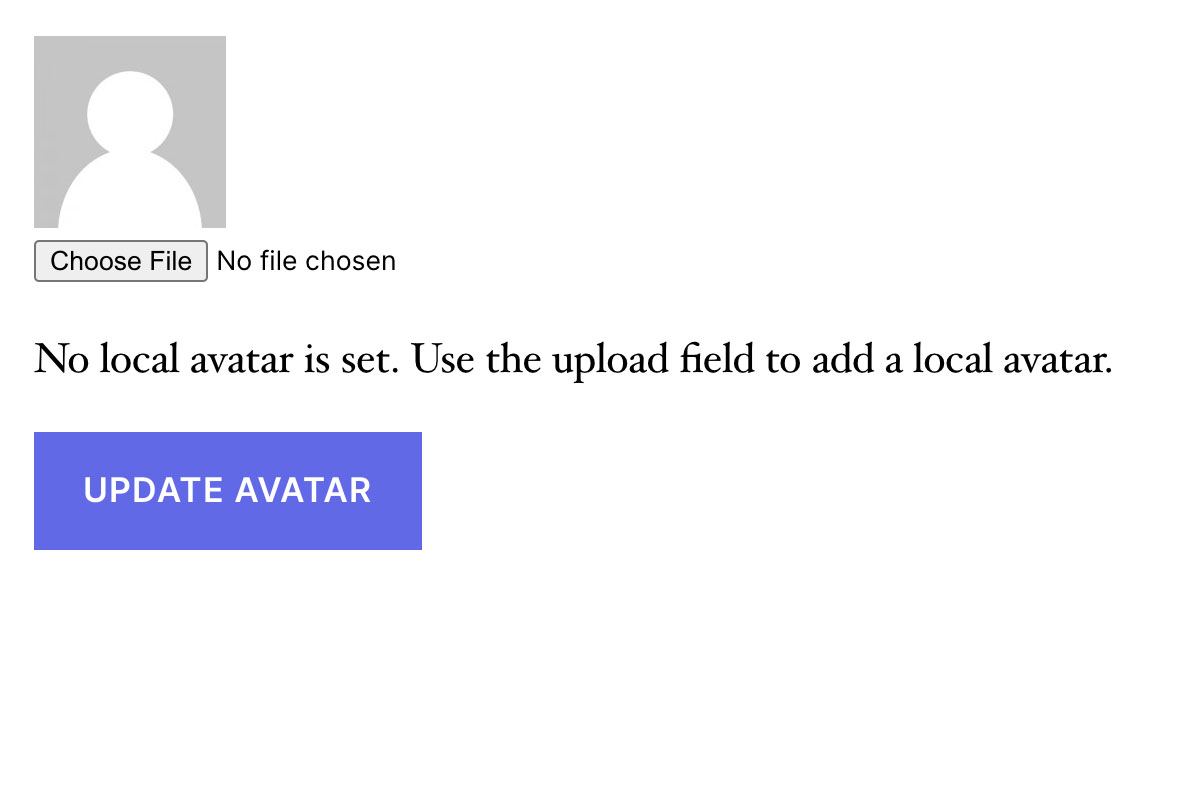
To enable front-end avatar management, you can add the shortcode [basic-user-avatars] to any page on your WordPress site. We recommend placing this shortcode on another logged-in account type page, such as the WooCommerce My Account page or the Membership Account page. This will allow users to manage their avatars without accessing the dashboard.
How can I add the Avatar Upload form to the bbPress User Profile > Edit frontend page?
The Avatar Upload form is automatically added to the bbPress User Profile > Edit frontend page when you use the Basic User Avatars plugin.
Can I restrict users from updating their avatars?
Yes, you can restrict users from updating their avatars by navigating to Settings > Discussion and checking the 'Local Avatar Permissions' setting. By checking this box, only users with file upload capabilities (Author role and above) will be able to upload local avatars.
Is it possible to migrate from the WP User Avatar plugin to Basic User Avatars?
Yes, version 1.0.5 of Basic User Avatars includes a feature to automatically convert avatars formerly loaded through the WP User Avatar plugin. You can disable WP User Avatar, activate Basic User Avatars, and have a seamless transition for existing avatars in your site. Just make sure to update any avatar upload form that used the [avatar_upload] shortcode to use the [basic-user-avatars] shortcode.
Changelog
1.0.9 – 2024-11-13
- ENHANCEMENT: Update tested up to WordPress 6.7.
1.0.8 – 2024-01-23
- ENHANCEMENT: Added filter ‘basic_user_avatars_default_size’ to allow changing the default size of the avatar. (Thanks @jarrydlong)
- ENHANCEMENT: Improved functionality on how we load the text domain of the plugin for translations. (@ipokkel)
- BUG FIX: Fixed a fatal issue when the option “Only allow users with file upload capabilities to upload local avatars (Authors and above)” wasn’t set on new installations. (@JarrydLong)
1.0.7
- ENHANCEMENT: Made “Delete Local Avatar” checkbox text clickable for frontend. (Thanks @pinguluk )
- BUG FIX: Fixed an issue where Avatars weren’t saving correctly when changing an existing uploaded avatar. (Thanks @jarrydlong)
- BUG FIX: Fixed an issue where Avatars weren’t saving on the frontend in certain cases. (Thanks @amatzin)
- BUG FIX: Fixed deprecation warnings when getting the Avatar for PHP 8+ (Thanks @ZebulanStanphill)
1.0.6
- ENHANCEMENT: Added translation for German locale. Thanks @olpo24
- ENHANCEMENT: Added translation for Italian locale. Thanks @domegang
- ENHANCEMENT: Now filtering the get_avatar_data WordPress hook to allow more flexibility in customizing avatars via other filters.
- ENHANCEMENT: Added filter
basic_user_avatar_datato allow filtering on the avatar data that we are overriding. - BUG FIX: Fixed issue with saving the Discussion setting limiting avatar upload to users with file upload capabilities.
- BUG FIX: Fixed an issue when user display names were interfering and causing 404 errors. Thanks @semanio.
1.0.5 – 2021-05-19
- ENHANCEMENT: Now pulling avatar from WP User Avatar if we don’t have one yet
1.0.4 – 2020-01-12
- BUG FIX: Fixed typos on readme.txt – Thanks @fred-pedro
- ENHANCEMENT: Added translation for Spanish – Thanks @ricardpriet
- ENHANCEMENT: Added translation for Brazilian Portuguese – Thanks @allysonsouza
- ENHANCEMENT: Added translation for Catalan – Thanks @alvaromartinezmajado
- ENHANCEMENT: Added proper SSL support – Thanks @zachwills
- ENHANCEMENT: Escaped strings.
1.0.3 – 2015-08-05
- ENHANCEMENT: Added Swedish and Finnish translations – Thanks @dmaester
1.0.2 – 2015-04-17
- ENHANCEMENT: Added POT file for translation
1.0.1 – 2015-03-17
- BUG FIX: Updated textdomain for better support
- ENHANCEMENT: Added plugin to GitHub for better collaboration
1.0.0
- Initial launch, should be considered beta. Use with caution.

