

Site Kit is a one-stop solution for WordPress users to use everything Google has to offer to make…
About Allow HTML in Category Descriptions
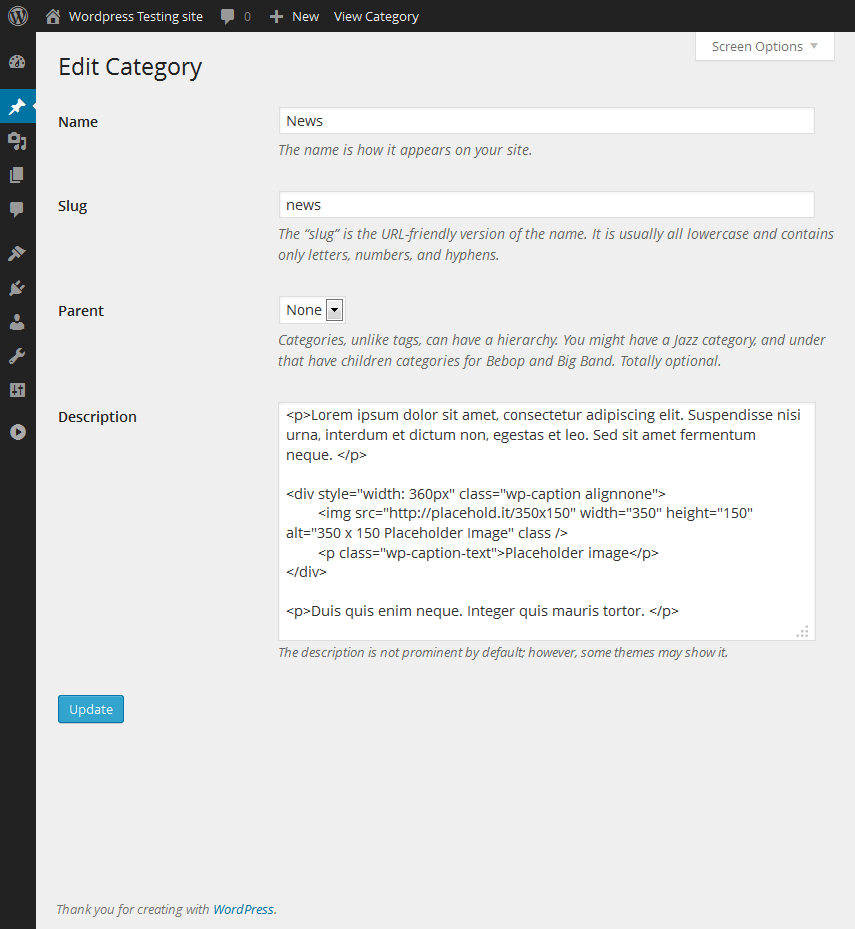
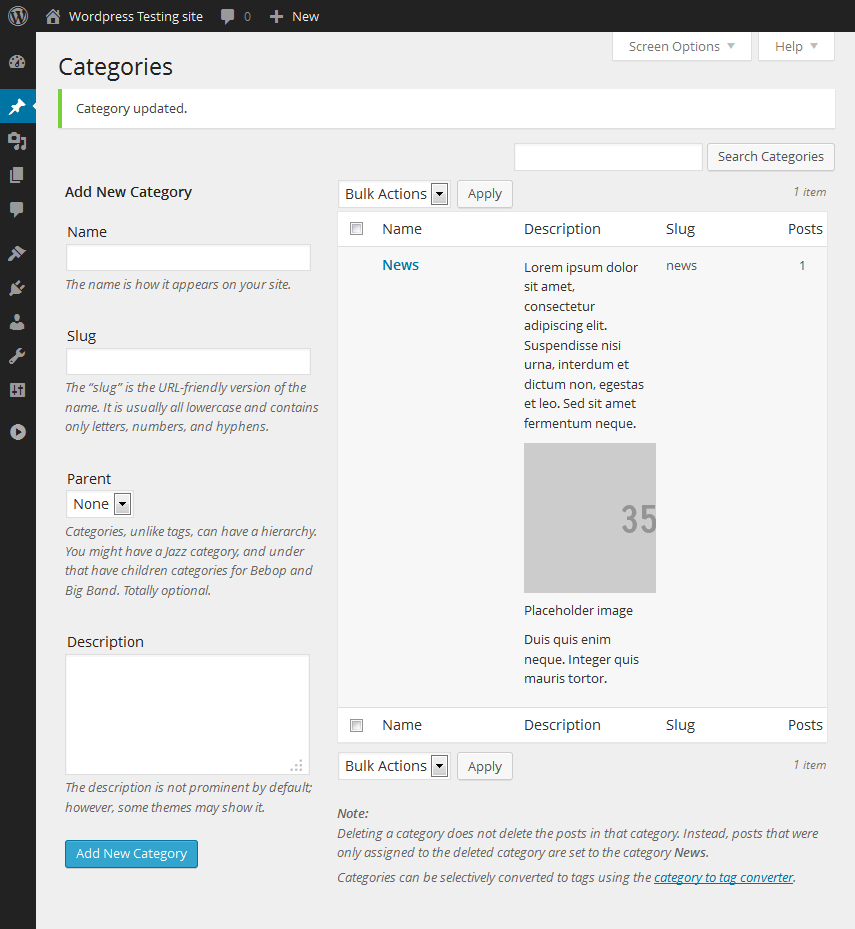
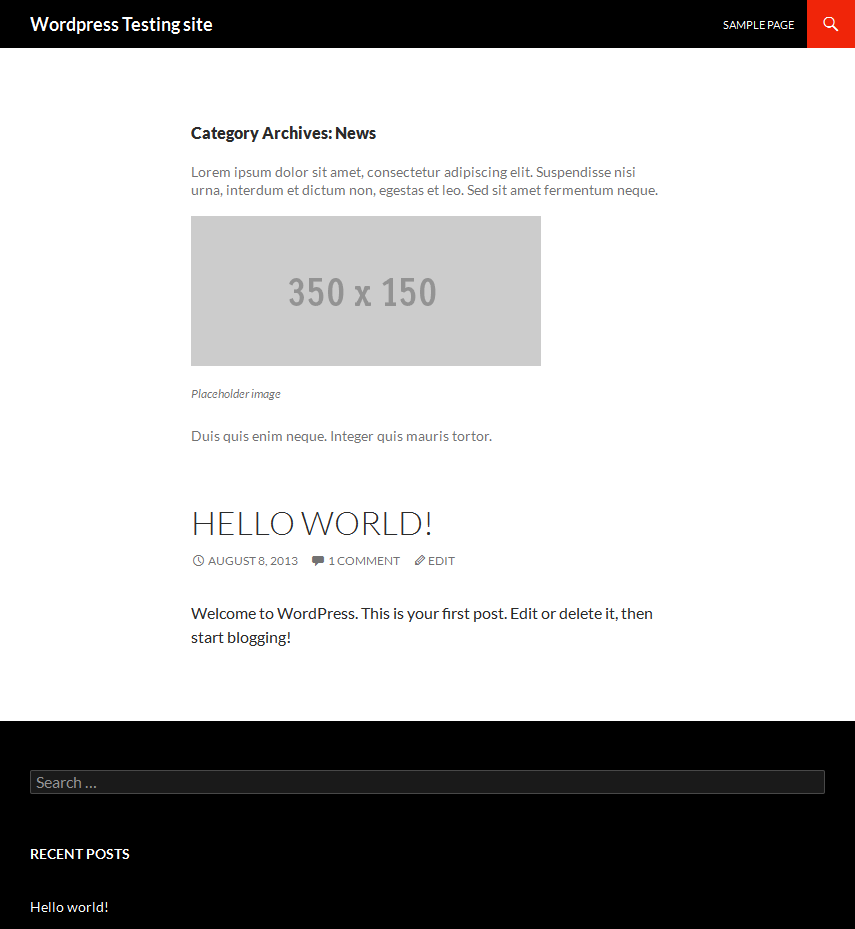
This plugin allows you to add HTML code to the category description in WordPress without it being stripped out by content filters. It does not provide any additional features or help with creating HTML code.Screenshots
Frequently asked questions
What does the "Allow HTML in Category Descriptions" plugin do?
This plugin allows you to use unfiltered HTML in your category descriptions by disabling selected WordPress filters. It prevents WordPress from stripping out most formatting tags when you save a category description.
How does this plugin work?
The plugin disables content filters that WordPress normally applies to category descriptions for roles with the necessary permissions. This means any HTML code you add to the category description field will not be removed.
Does this plugin help with creating HTML?
No, this plugin does not help you create WYSIWYG HTML. It also does not protect you from entering invalid HTML. You can use the post or page composing screen to create text and formatting, then copy the HTML code into the category description field.
Who is the author of this plugin?
The author of the "Allow HTML in Category Descriptions" plugin is Arno Esterhuizen.
How many active installations does this plugin have?
The plugin has 10,000 active installations.
Changelog
1.2.4
- Update tested wordpress versions to 6.4.3
1.2.3
- Change the plugin initialisation after the previous security update went out in a bit of a rush.
1.2.2
- Address a security vulnerability
1.2.1.1
- Add a text domain for translation purposes
1.2.1
- Minor formatting of the plugin code, syntax, etc.
- Added a banner image for the plugin page
1.2
- A version bump to indicate to WordPress that the plugin was reviewed and tested in the latest version of WordPress
- Made sure that the pre_filters array had corresponding items in the filters array
- Added a donation link
1.1
- Added a filter array for the textareas admin displays
1.0
- First release into the wild after helping someone on a forum post

