

Improve your WordPress SEO: Write better content and have a fully optimized WordPress site using the Yoast SEO…

About AdRotate Banner Manager – The only ad manager you'll need
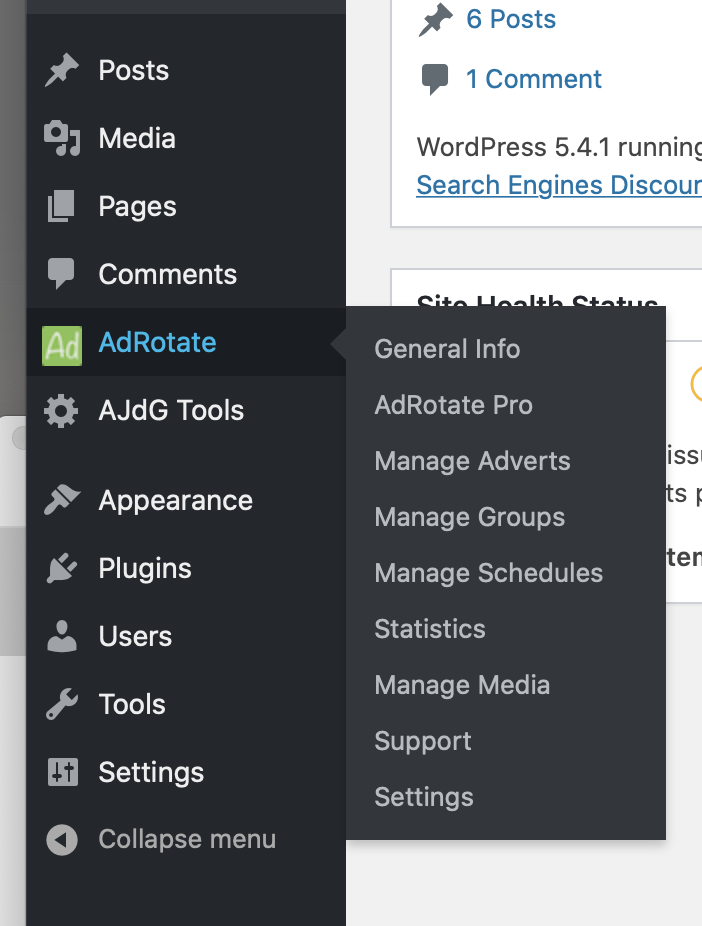
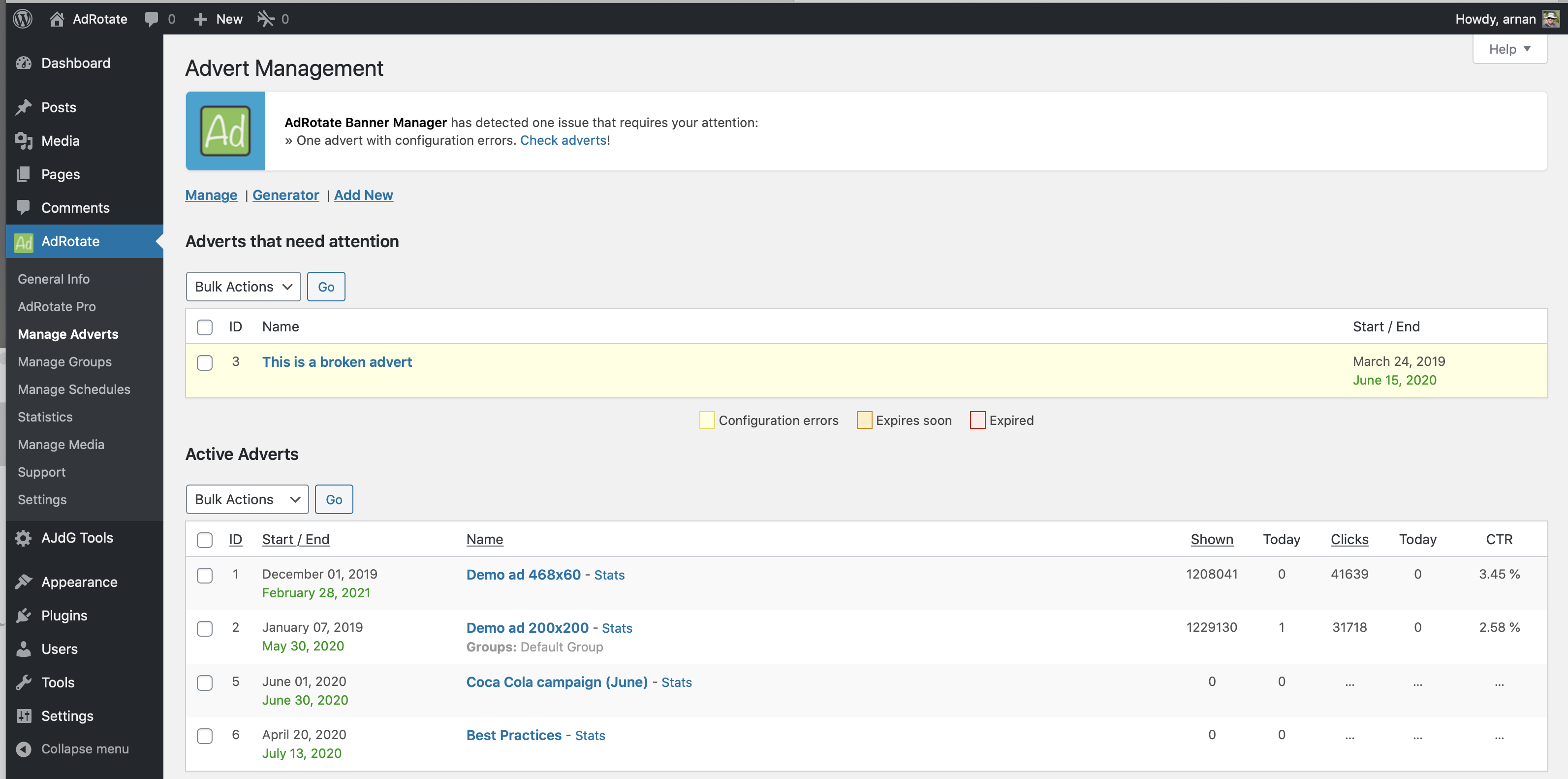
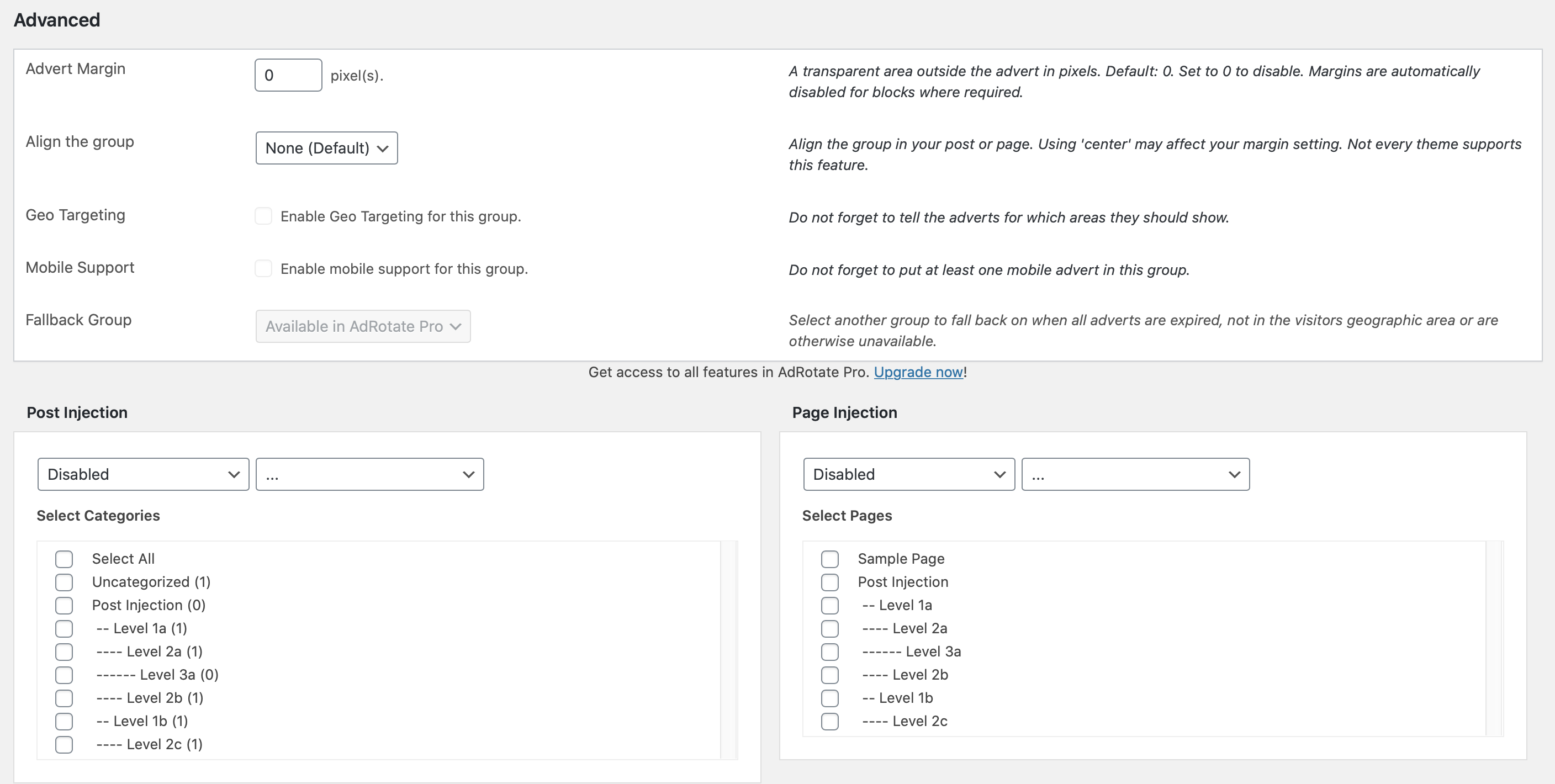
AdRotate Banner Manager is a plugin that allows you to easily manage all your ads and banners, including Google AdSense, Amazon Native Shopping Ads, and more. It offers a user-friendly dashboard and is compatible with every ad network and affiliate server. AdRotate Pro is the premium version that offers additional features such as filters for different devices, live previews for adverts, and geo-targeting options.Screenshots
Frequently asked questions
What can AdRotate Banner Manager do?
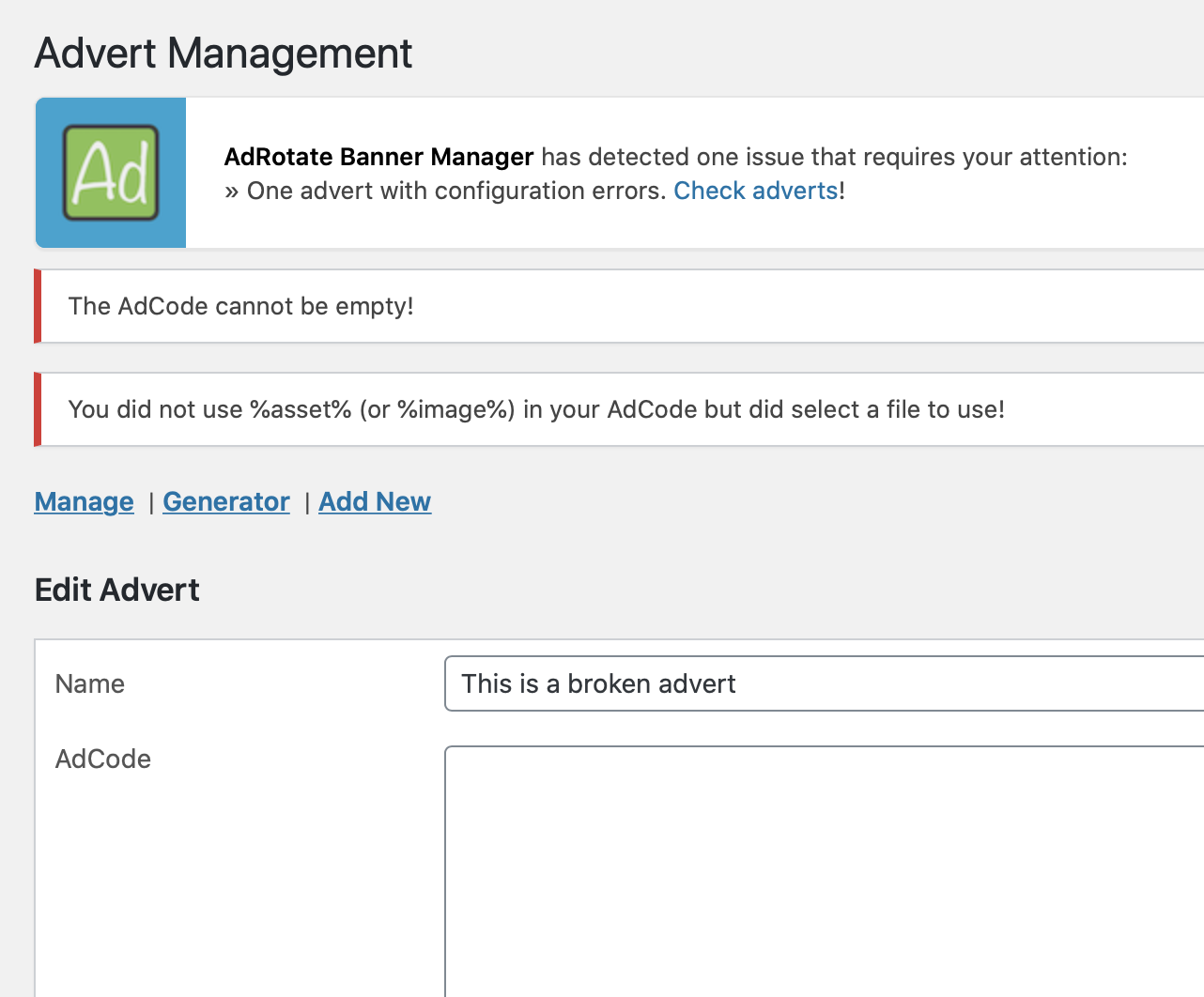
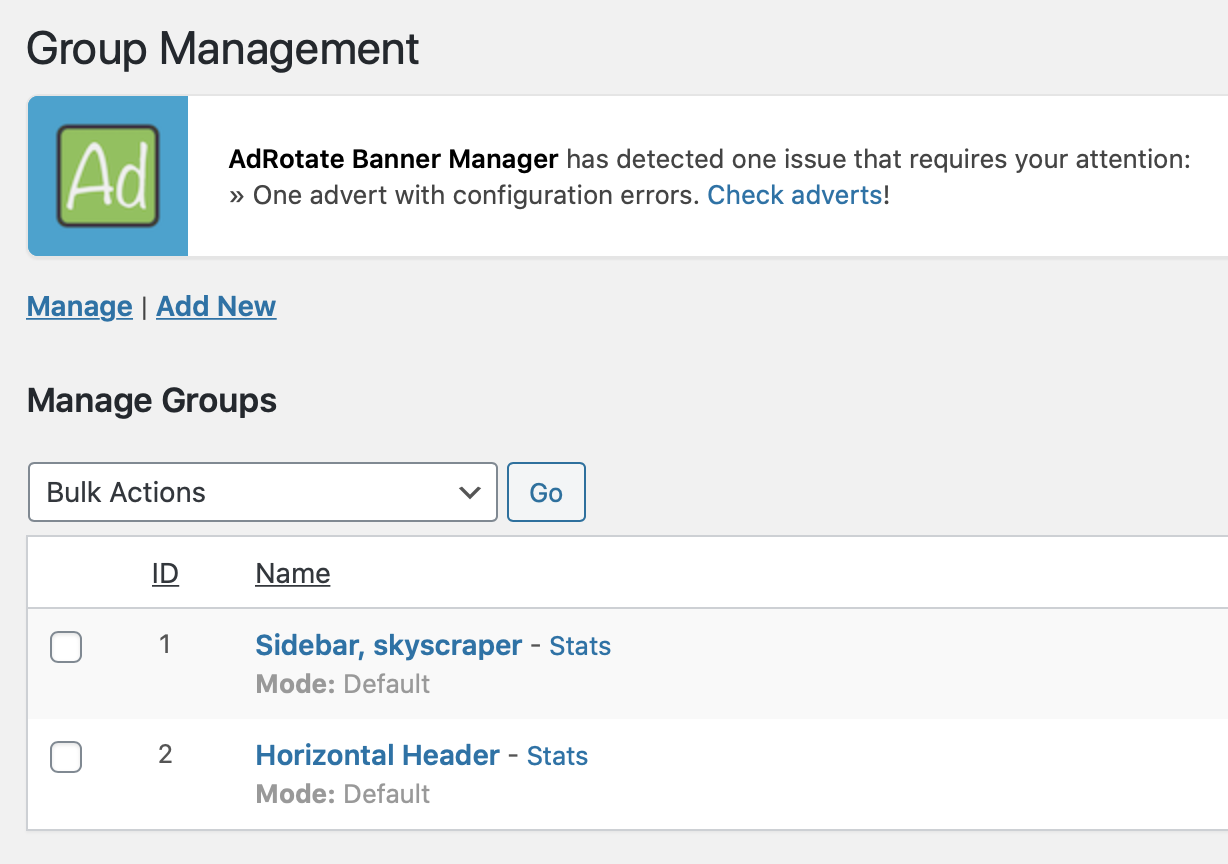
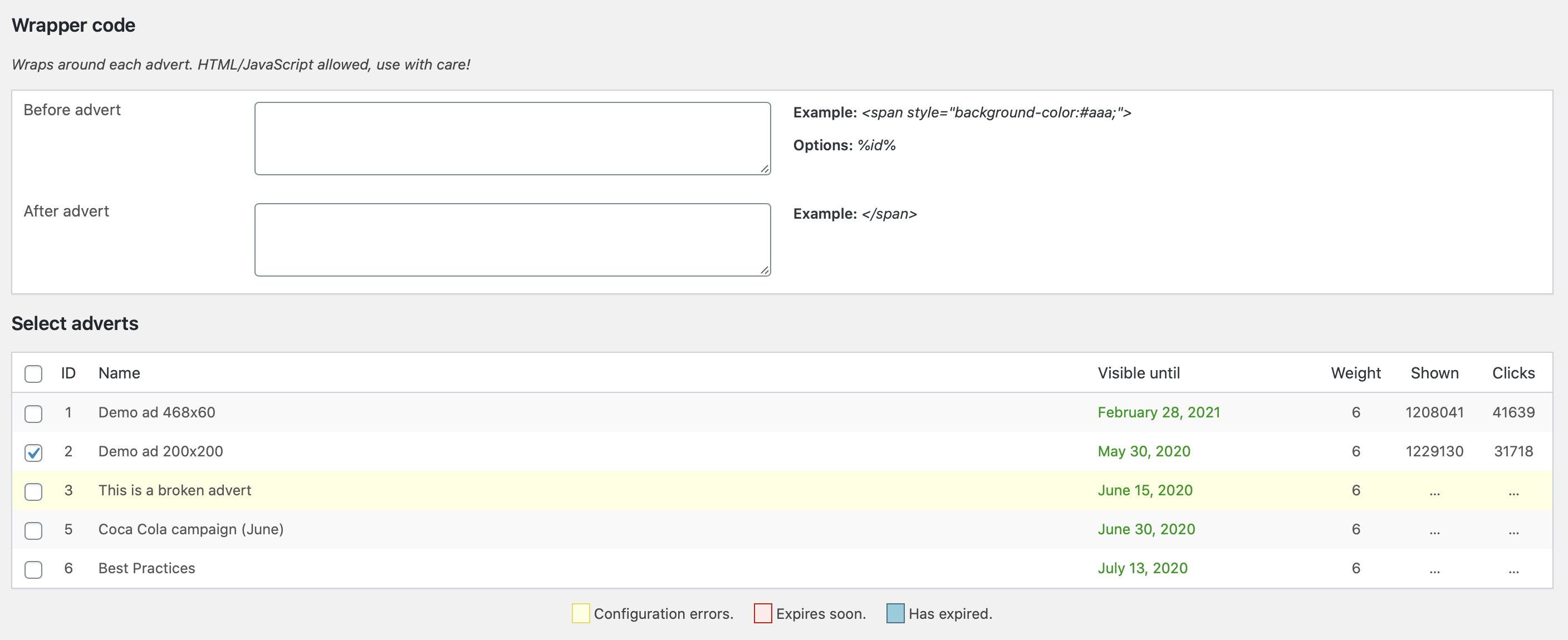
AdRotate Banner Manager can manage and run ad campaigns, including various types of ads such as self-made ads, local business banners, Google Adsense, Amazon ads, and personal or affiliate ads. It offers features like ad block and group block for the WordPress block editor, widgets for traditional themes, advanced error checking, click and impression tracking, advert previews, and support forums. It has been in development since 2008.
How can I manage ads with AdRotate Banner Manager?
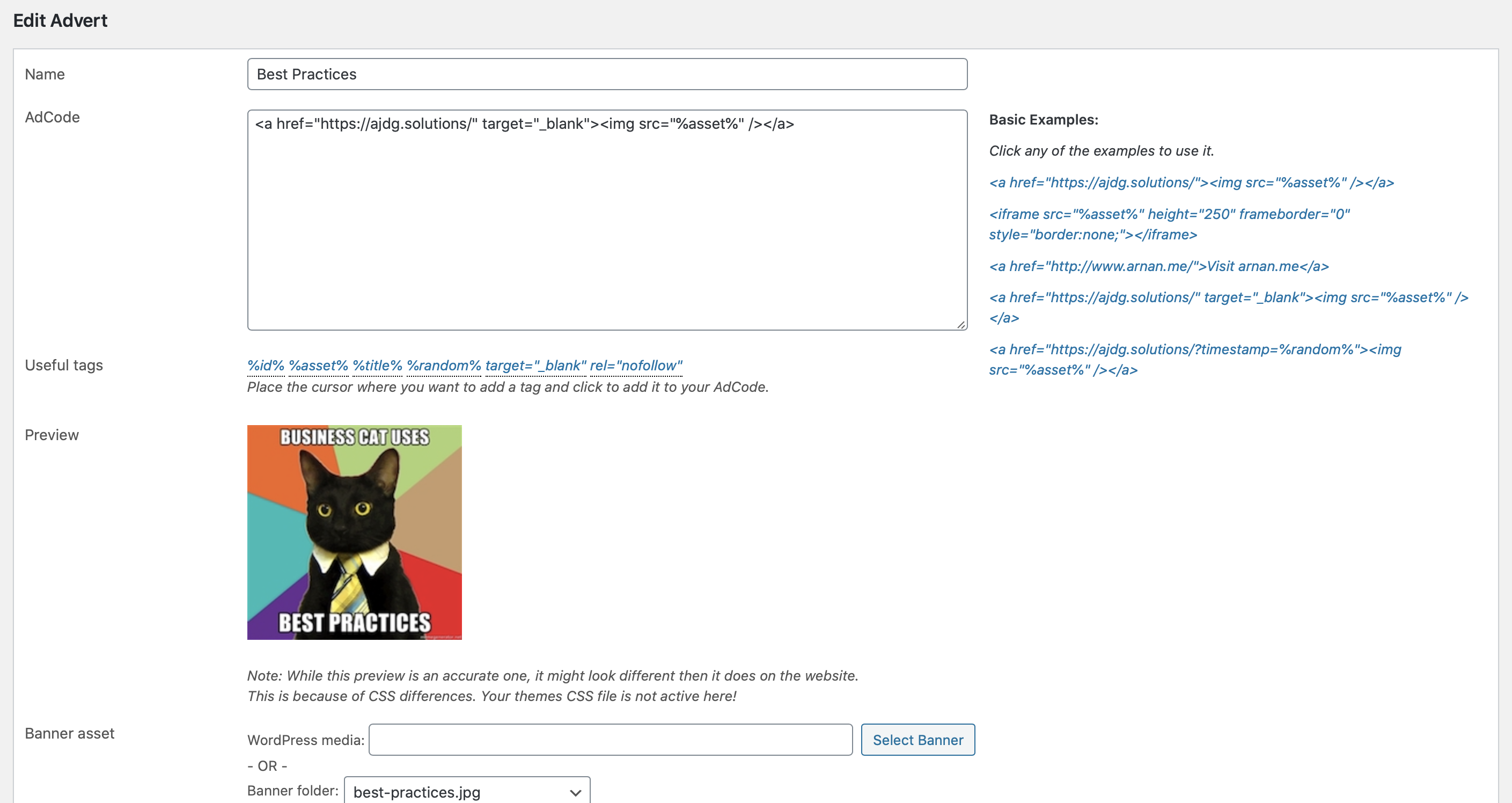
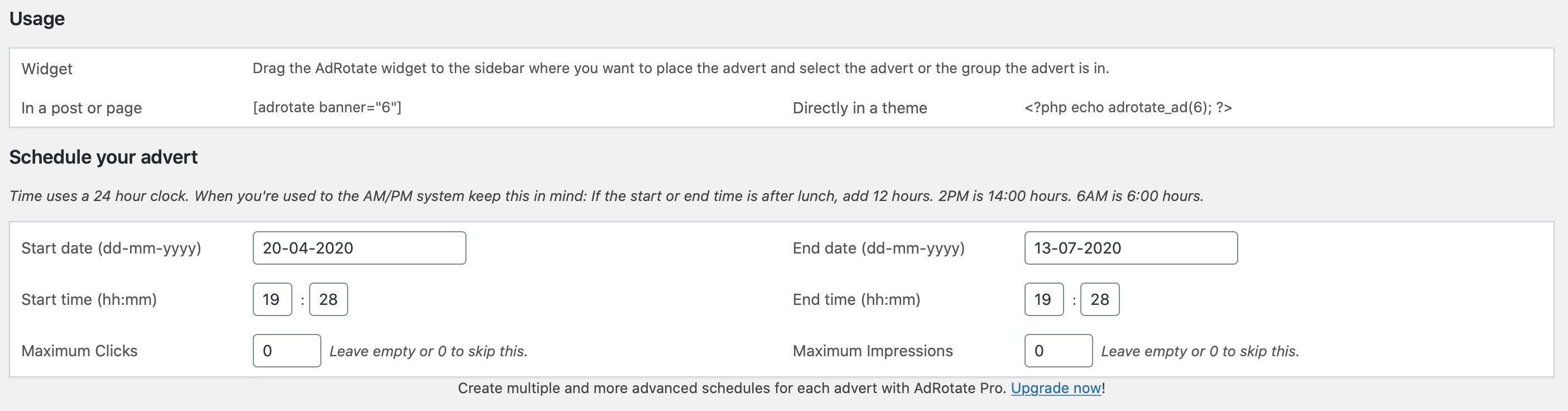
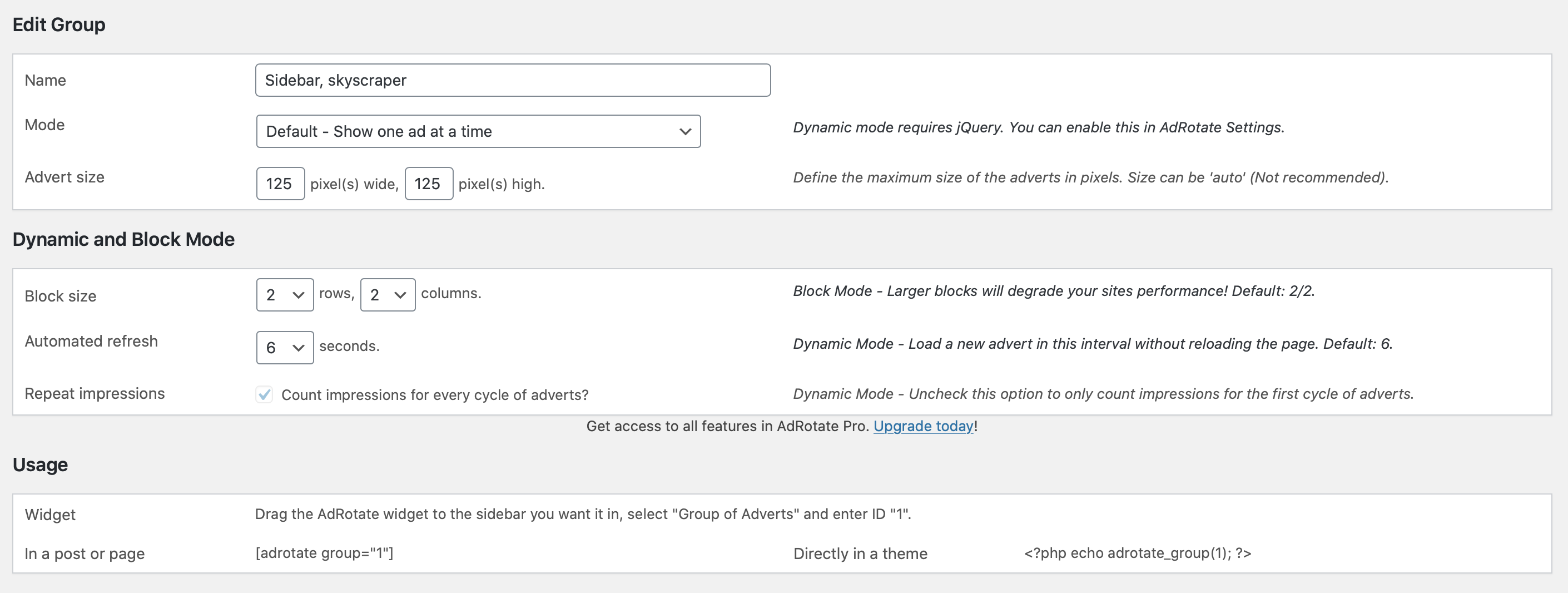
With AdRotate Banner Manager, you can create and display unlimited ad units, rotate ads per page load or every few seconds, schedule ad campaigns, place adverts on your website using blocks, widgets, shortcodes, or PHP snippets, inject ads into posts and pages without coding, create your own adverts using the advert generator, and place banners and ads from various advert and affiliate networks.
How can I show my adverts anywhere on my WordPress website?
You can use shortcodes to manually place ads in post and page content, widgets, blocks, page builders, and other shortcode-supported areas. AdRotate Banner Manager also offers auto-injection of ads into posts and pages, widgets and blocks for ads and groups, and the ability to place ads directly in theme files using PHP snippets.
What are some extra features in AdRotate Pro?
AdRotate Pro, the premium version of AdRotate Banner Manager, offers additional features such as filters to show or hide ads on tablets and phones, hiding banners for logged-in visitors, live previews for adverts, post injection for WooCommerce products and bbPress forums, geo-targeting using free or paid services, multiple schedules for adverts, tracking via Matomo Analytics and Google Analytics 4, advanced filters based on website activity, header code snippet management, HTML5 advert uploads, and same day ticket support.
Are there translations available for AdRotate Banner Manager?
Yes, AdRotate Banner Manager is available in multiple languages including English (default), Dutch, German, Spanish, French, Italian, and other translations provided by the community.
Changelog
For the full changelog check out the development page.
= AdRotate 5.13.6 & 5.13.6.1=
* [update] Copyright notices for 2025
* [update] Compatibility info for WordPress and ClassicPress
* [change] Removed stray debug code
AdRotate 5.13.5
- [update] WordPress media uploader only lists and allows relevant files
- [fix] Text indicating unfiltered html suggesting the wrong setting
AdRotate 5.13.4
- [fix] Image selection not kept when using the advert generator
- [fix] webp images are now listed in the advert generator
AdRotate 5.13.3
- [change] Use WordPress native function when uploading files
- [change] Use WordPress native function when creating folders
- [change] Creating folders checks if folder already exists
- [change] Uploading a file checks if file already exists
- [fix] Missing confirm notice when creating a folder
AdRotate 5.13.2
- [fix] Missing mimetype when uploading banner images
- [update] Rollback to v1.1 for clicktracker Javascript
AdRotate 5.13.1
- [fix] Unfiltered HTML indicator reversed in Maintenance
- [fix] Missing _nonce value for maintenance functions
AdRotate 5.13
- [new] Upload webp banner images through the media manager
- [security] Low level users can no longer access the dashboard
- [security] Low level users can no longer upload html/js/zip files
- [security] DISALLOW_UNFILTERED_HTML required for Javascript ads
- [security] DISALLOW_UNFILTERED_HTML required for group wrapper
- [change] Previews disabled for some Javascript ads
- [change] Separated most dashboard code from the front-end
- [change] Updated and merged various functions
- [update] Enabled/disabled icons now based on generated svg
- [update] Consistent use of single and double-quotes
- [i18n] Translations updated
- [removed] Removed setting to disable dynamic groups
- [removed] Welcome pointer when first activating the plugin
- [removed] Lots of unused or outdated code
AdRotate 5.12.10
- [i18n] Translations updated
- [change] Dashboards and pricing updated
- [change] Database upgrade for AdRotate Pro compatibility
AdRotate 5.12.9
- [fix] Wrong name for clicktracker click_object
AdRotate 5.12.8
- [change] No longer requires jQuery for clicktracker
- [change] Dashboard updates
AdRotate 5.12.7
- [fix] Color coding of adverts when editing groups
- [fix] Color coding labels below adverts
- [fix] Color coding labels below schedules
- [fix] Dynamic groups not always hiding first advert
- [change] Reworked group output and made it more efficient
- [change] Improved PHP 8 compatibility
AdRotate 5.12.6
- [fix] Advert block now use the correct advert ID
- [fix] Group block now use the correct group ID
AdRotate 5.12.5
- [new] Blocks now support fragmented cache
- [change] Requires PHP 7.4 or newer
- [change] Removed CSV ad exports, use portability instead
- [i18n] Updated translations
AdRotate 5.12.4
- [fix] Wrong ‘update failed’ error when updating to version 5.12.3
- [fix] No longer redirects to Settings page when update completes
AdRotate 5.12.3
- Tested to work with WordPRess 6.3
- [fix] Typo in DONOTCACHEOBJECT constant name
AdRotate 5.12.2
- [change] Dashboard updates
- [change] Updated readme, WordPress compatibility
- [i18n] Updated translations
AdRotate 5.12.1
- [i18n] All translations updated
- [fix] Several spelling errors
AdRotate 5.12
- [change] Dashboard updates
- [tweak] All but the first ads are set to display:none; for dynamic groups
- [new] Automated trigger after updates to finish the update
- [removed] wp_cache_set() for stats
Be a Pro and get AdRotate Professional to support the plugin and get more features!

