

Improve your WordPress SEO: Write better content and have a fully optimized WordPress site using the Yoast SEO…
About ActiveCampaign – Forms, Site Tracking, Live Chat
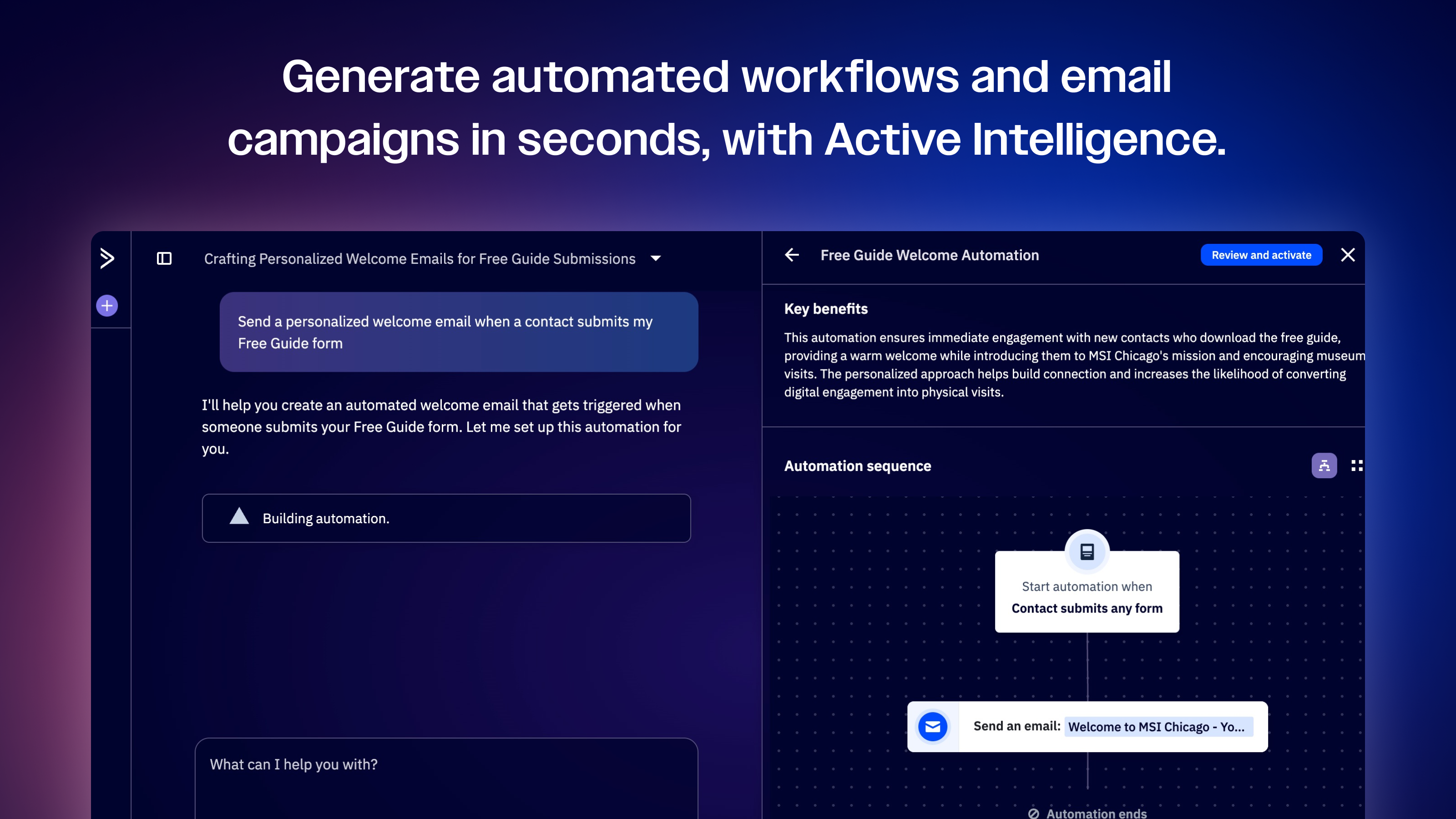
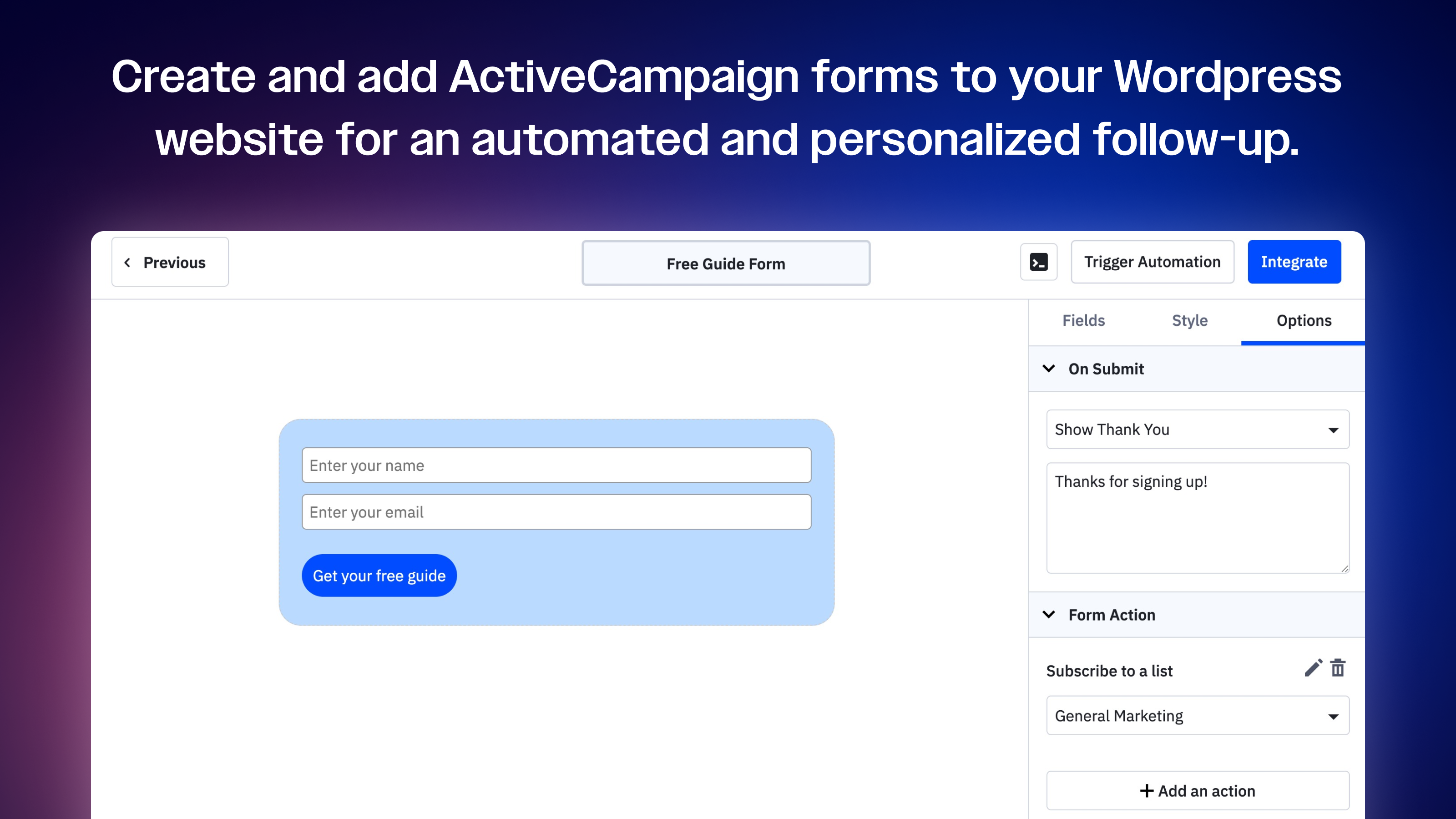
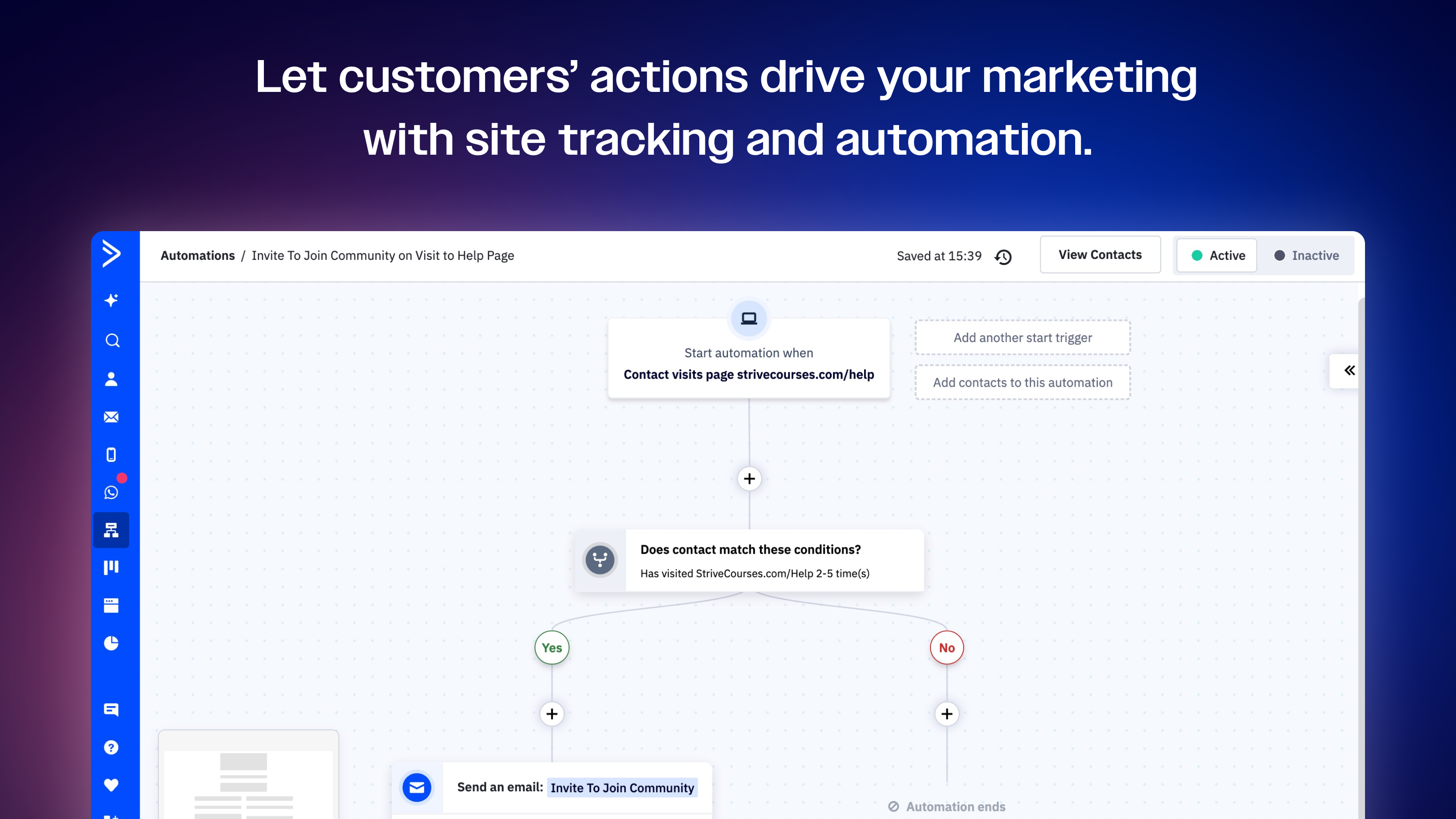
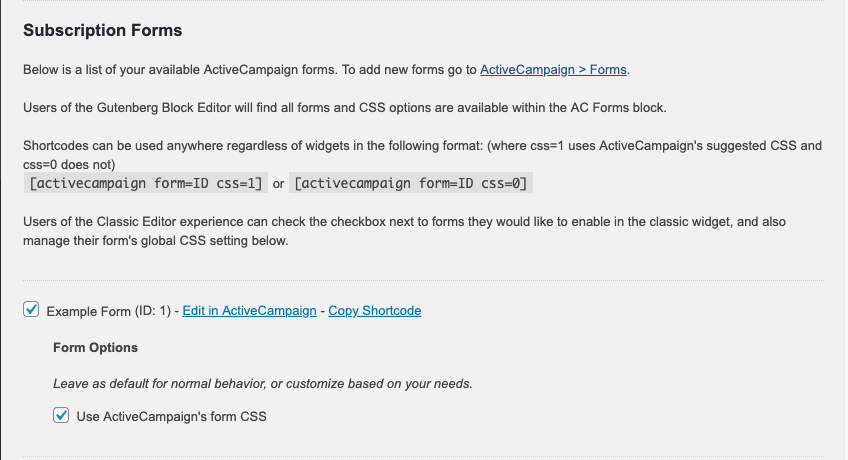
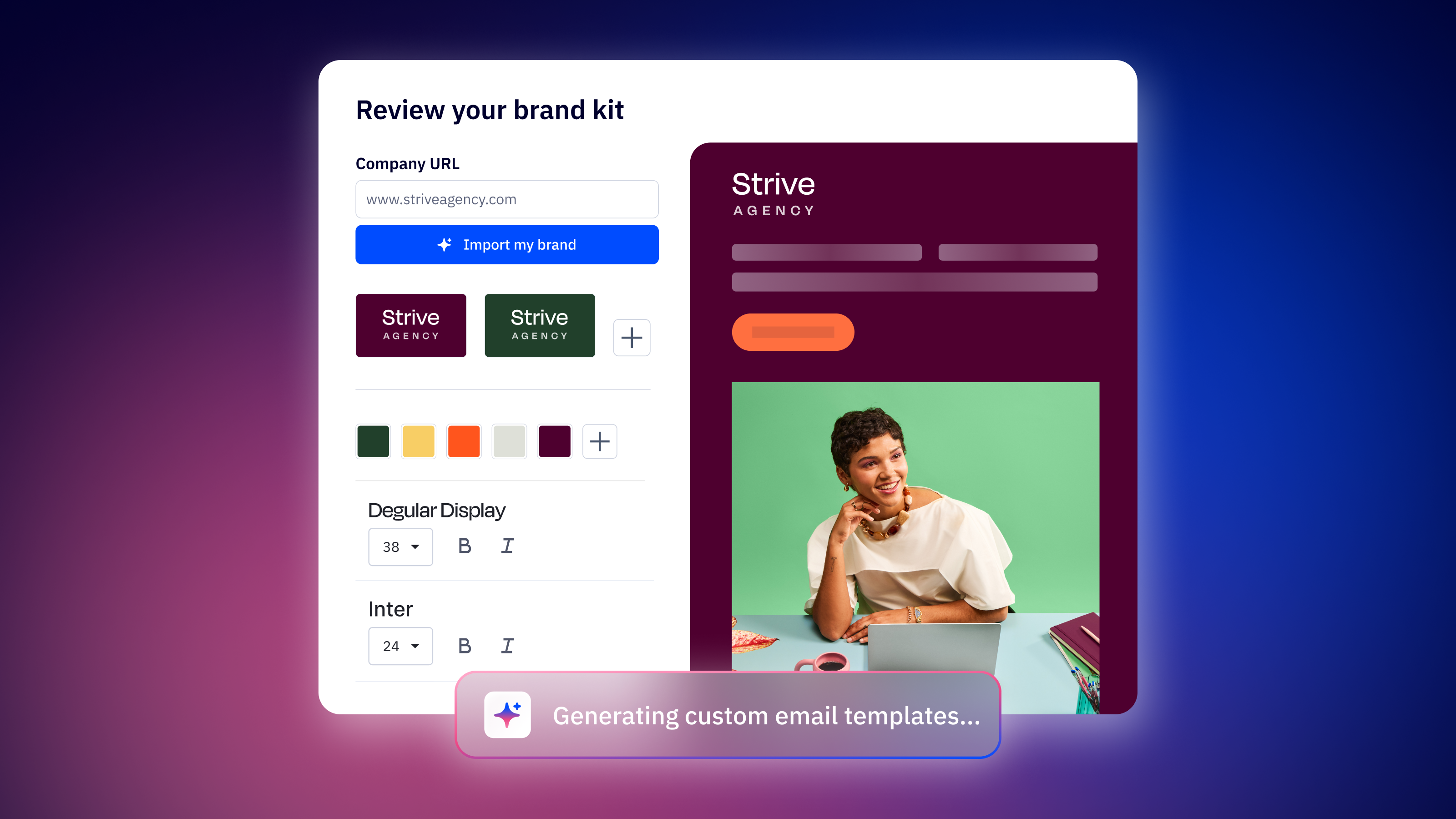
ActiveCampaign's WordPress plugin allows you to create personalized customer experiences by embedding forms, tracking visitors, and enabling live chat on your website. With ActiveCampaign's site tracking, you can turn your website into a profitable channel by attributing sales and conversions to site visitors, while the forms help identify customers who are ready to buy and automate emails to nurture leads.Screenshots

Frequently asked questions
What does the ActiveCampaign plug-in for WordPress do?
The ActiveCampaign plug-in for WordPress allows you to create personalized customer experiences across channels.
What features does the ActiveCampaign plug-in for WordPress offer?
The ActiveCampaign plug-in for WordPress offers the ability to embed ActiveCampaign forms, track visitors to your website, and enable live chat.
How can I make my website profitable with the ActiveCampaign plug-in for WordPress?
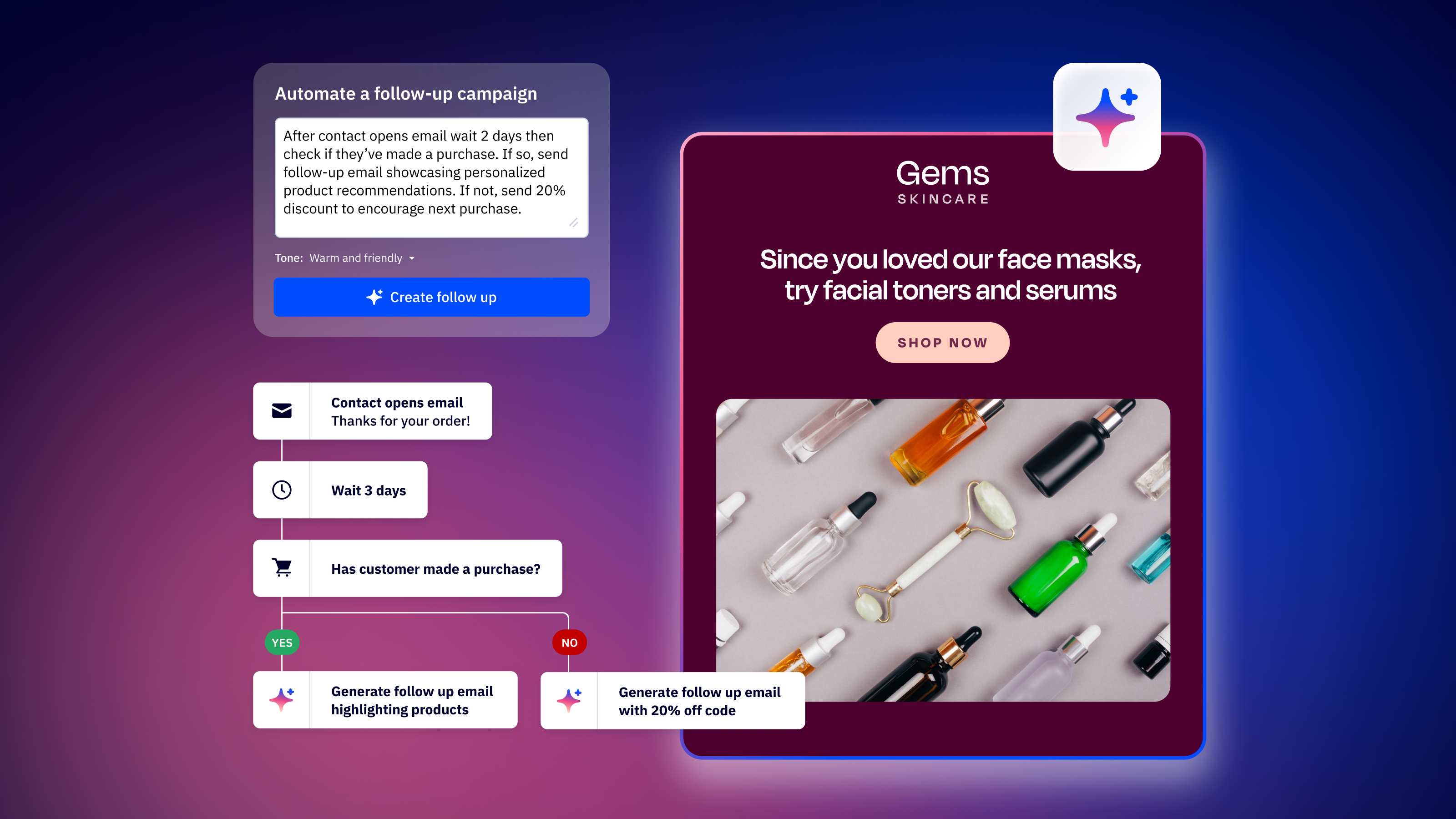
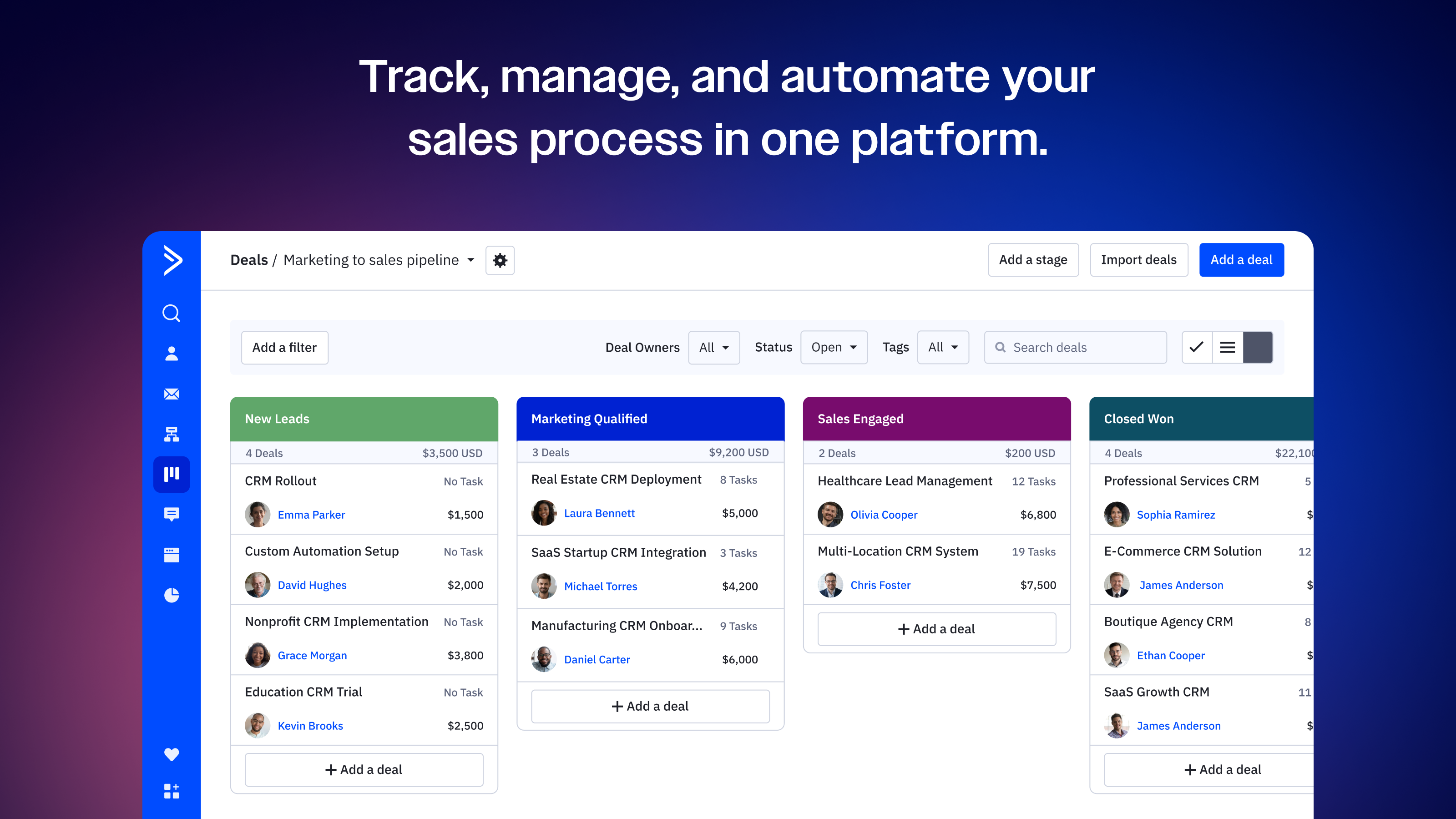
You can make your website profitable by using ActiveCampaign site tracking to attribute sales and conversions to site visitors, and trigger automated personalized follow-up emails that drive more revenue.
How can I drive the right traffic to my website with the ActiveCampaign plug-in for WordPress?
You can use ActiveCampaign forms on your WordPress site to identify customers who are ready to buy, and fire automated emails to customers who still need warming up.
How can I keep visitors engaged with the ActiveCampaign plug-in for WordPress?
You can add ActiveCampaign Conversations to your WordPress site to engage customers in real time and use automated nurture streams to keep pulling visitors back for more.
Changelog
8.1.16
- Verifying 6.5 compatibility, updated listing
8.1.15
- Security fix to address SSRF vulnerability with API URL verification and wp_safe_remote_get
- Removing unreachable deprecated curl code
8.1.14
- Fixing shortcode CSS display in Form Preview
8.1.13
- Verifying 6.3.1 compatibility, updated listing
8.1.12
- Security fix to address XSS vulnerability
8.1.11
- Removing obsolete Javascript
8.1.10
- Verifying 6.0 compatibility, updated listing
8.1.9
- Updated authentication for internal API requests
8.1.8
- Updated listing
8.1.7
- Updated listing
8.1.6
- Improving credential check to fix permissions bug
- Fixing non-inline form previews in block editor
- Removing unnecessary Google Font loads on no-style embeds
- Updating Plugin description
8.1.5
- Updating Readme with up to date screenshots and better descriptions
- Updating Plugin Settings with clearer descriptions of form and shortcode use cases
- Fixing block editor CSS class input on dynamic div output
- Fixing display of Site Tracking settings without forms
- Site Tracking JS migrated to vgo() from pgo()
- Fixing bug with Tracking ID fetch
- Adding admin notice stack for future plugin updates
8.1.4
- Rolling back settings page form/css deprecations. We have improved testing workflows moving forward.
8.1.3
- Hotfix for Default CSS option deprecation
- Moving from global assignment to block/shortcode assignment
- Allowing fallback for existing blocks without CSS setting
8.1.2
- Simplifying plugin settings options
- Dropping ‘Global’ CSS option for block, defaulting to ‘Use ActiveCampaign CSS’
- Converting to Dynamic Block pattern
8.1.1
- Improved error handling on expired credentials and misconfigurations
- Shortening Block widget name to ‘AC Forms’
8.1.0
- Improvements to Gutenberg Editor experience, including live preview of Form embeds
- Background color bug fix
- Shortcode support for optional ‘css’ and ‘static’ attributes that default to plugin settings
- Avoiding global namespace conflicts of on-demand chunks bug fix
8.0.3
- Pluggable bug fix
8.0.2
- Security fix to address CSRF vulnerability
- General fix to address browser warning for invalid cookie attribute
8.0.1
- removing php 7 feature usage
8.0.0
- Update ActiveCampaign forms embed to be compatible with Gutenberg editor
- Resolve account connection UI bug
7.1.4
- Updated listing
7.1.3
- Updated readme
7.1.2
- Update tracking code copy to be more specific to Site Tracking and Conversations.
- Fix old link to Forms page.
- Make install code toggle focusable.
7.1.1
- Include our own host header on requests.
7.1
- Update plug-in to enable Live Chat.
7.0
- Force upgrade prompt for users on 6.25.
- The prior version (6.3) is technically smaller than 6.25 in semantic versioning so users on 6.25 won’t ever see an upgrade prompt unless we got to 6.25.1 or 6.26.
6.3
- Added site tracking options for GDPR.
6.2.12
- Fix for when the “form_id” key is undefined.
6.2.11
- Fix for when the “site_tracking” key is undefined.
6.2.10
- Limit amount of ActiveCampaign account data shown in JavaScript (for site tracking).
6.2.9
- Fix for “Keep original form CSS” checkbox not being respected.
6.2.8
- Fix for
Undefined index: csserror.
6.2.7
- Fix for 6.2.6 change missing another check.
6.2.6
- Fix for certain error messages not being displayed properly.
6.25
- Fix for SSL issue (when the page is loaded via HTTPS and the AC account uses a CNAME, forms would not show up).
- After upgrading go to WordPress ActiveCampaign settings and click “Update Settings” so it reloads the form code!
6.2
- Fix for compatibility issue with Live Composer plugin.
6.1
- Fix for issue with new forms not displaying properly.
6.0
- Added support for new form builder.
5.93
- Fix for issue with captcha verification when using the Ajax (“Submit form without refreshing page”) form submission option.
5.92
- Support for captcha validation when using the ‘Submit form without refreshing page’ (Ajax) option.
- Added success or error CSS classes to the Ajax response div.
5.91
- Updates to avoid conflicts with other plugins using the ActiveCampaign PHP API wrapper.
5.9
- Use current user’s email for site tracking.
5.8
- Security fix.
5.7
- Removed ability to add custom form “action” URL.
5.6
- Patched major security bug.
5.5
- Added site tracking (optional setting).
5.2
- Default form behavior is now “sync.” This coincided with WordPress version 3.9 release.
5.1
- Added button to TinyMCE toolbar to more easily choose and embed the form shortcode into the post body.
5.0
- Added support for multiple forms. Removed widget entirely.
4.5
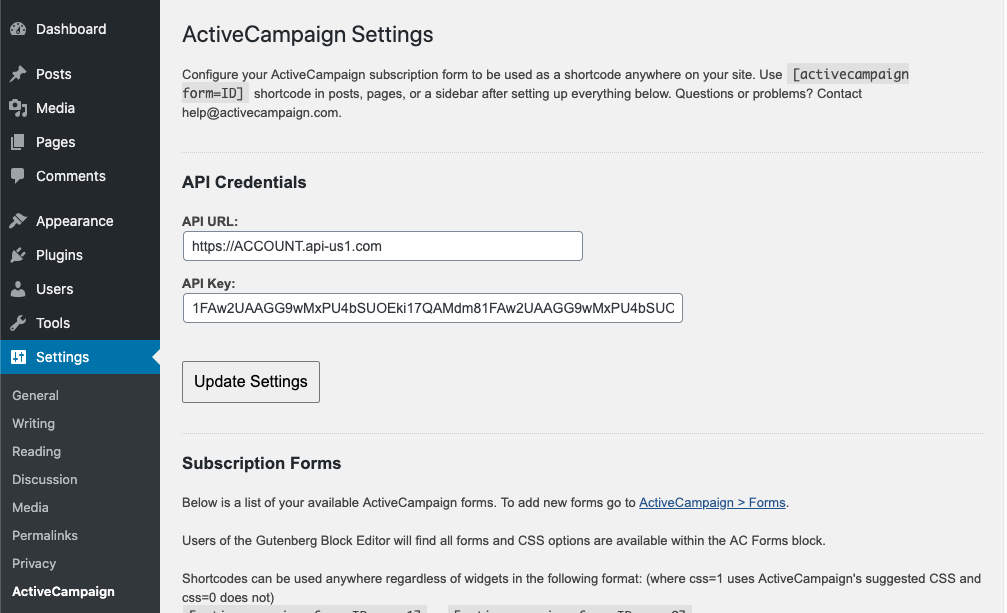
- Added ActiveCampaign to the Settings menu so you can use the shortcode independent of the widget.
4.0
- Added many additional settings to control how your form is displayed and submitted.
3.5
- You can now use a shortcode to display your subscription form.
3.0
- Re-wrote widget backend to use most recent WordPress Widget structure.
- Streamlined code and API usage.
- Ability to reset or refresh your forms.
- Better form width detection.
2.1
- Changed internal API requests to use only API URL and Key instead of Username and Password.
- Provided option to remove style blocks from embedded form code, and converting
input type="button"intoinput type="submit".
2.0
- Re-configured to work with ActiveCampaign version 5.4.
- Improved some areas.
1.1
- Verified this works with latest versions of WordPress and ActiveCampaign.
- Updated installation instructions.
1.0
- Initial release.

