

Advanced Custom Fields (ACF) helps you easily customize WordPress with powerful, professional and intuitive fields. Proudly powering over…
About AAA Option Optimizer
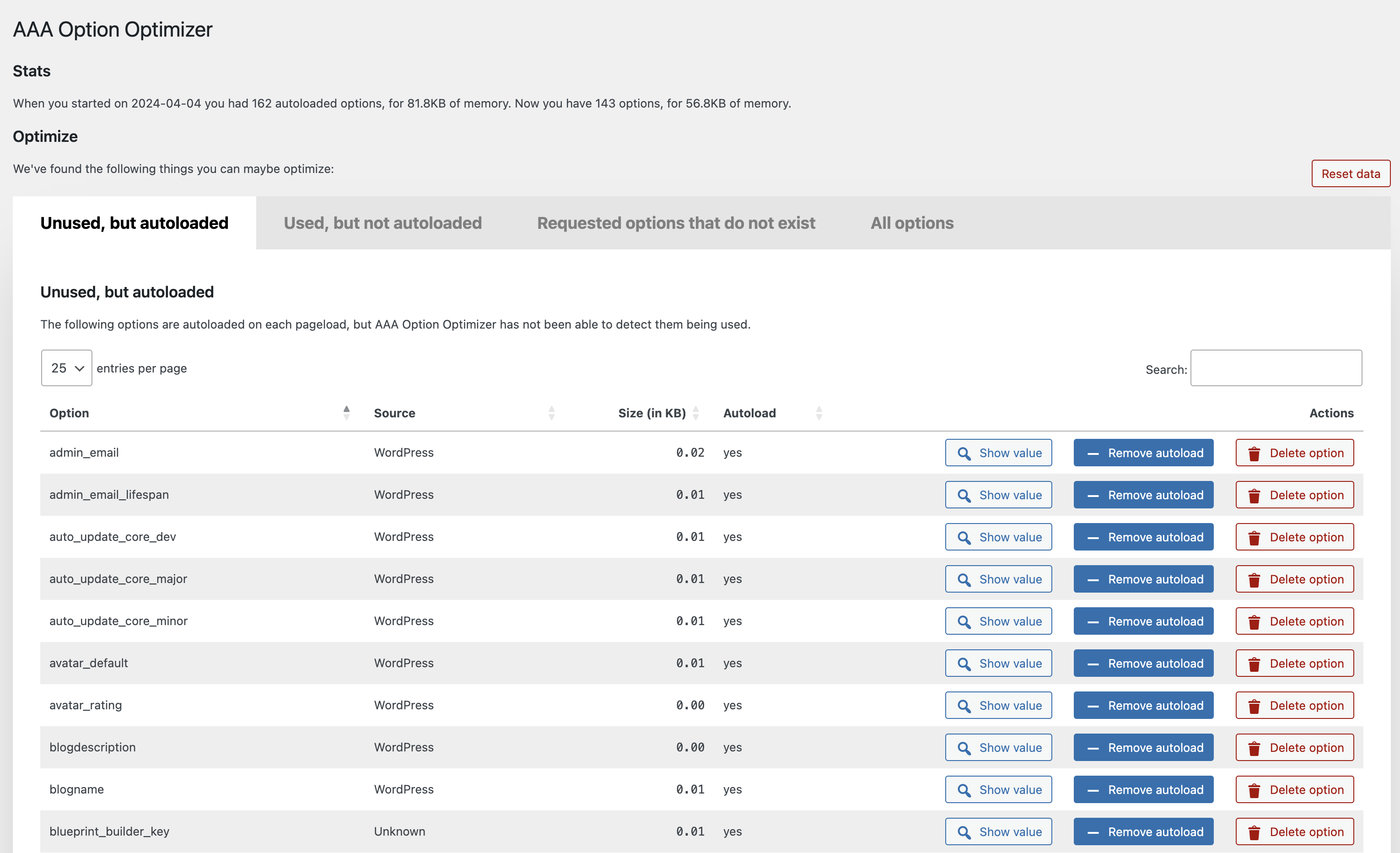
This plugin tracks and identifies options that are autoloaded on your website but are not being used. It provides a list of these options on the plugin's settings screen, allowing you to either remove them or set them to not autoload. This can help improve the performance and efficiency of your website.Screenshots
Changelog
1.3
- Make plugin work with the latest autoload changes.
1.2.1
- Fix error in
known-plugins.json. - Prevent fatal error when there’s an error in
known-plugins.json.
1.2
Enhancements:
- Overhaul of the UX, implementing proper tabs, better buttons and more.
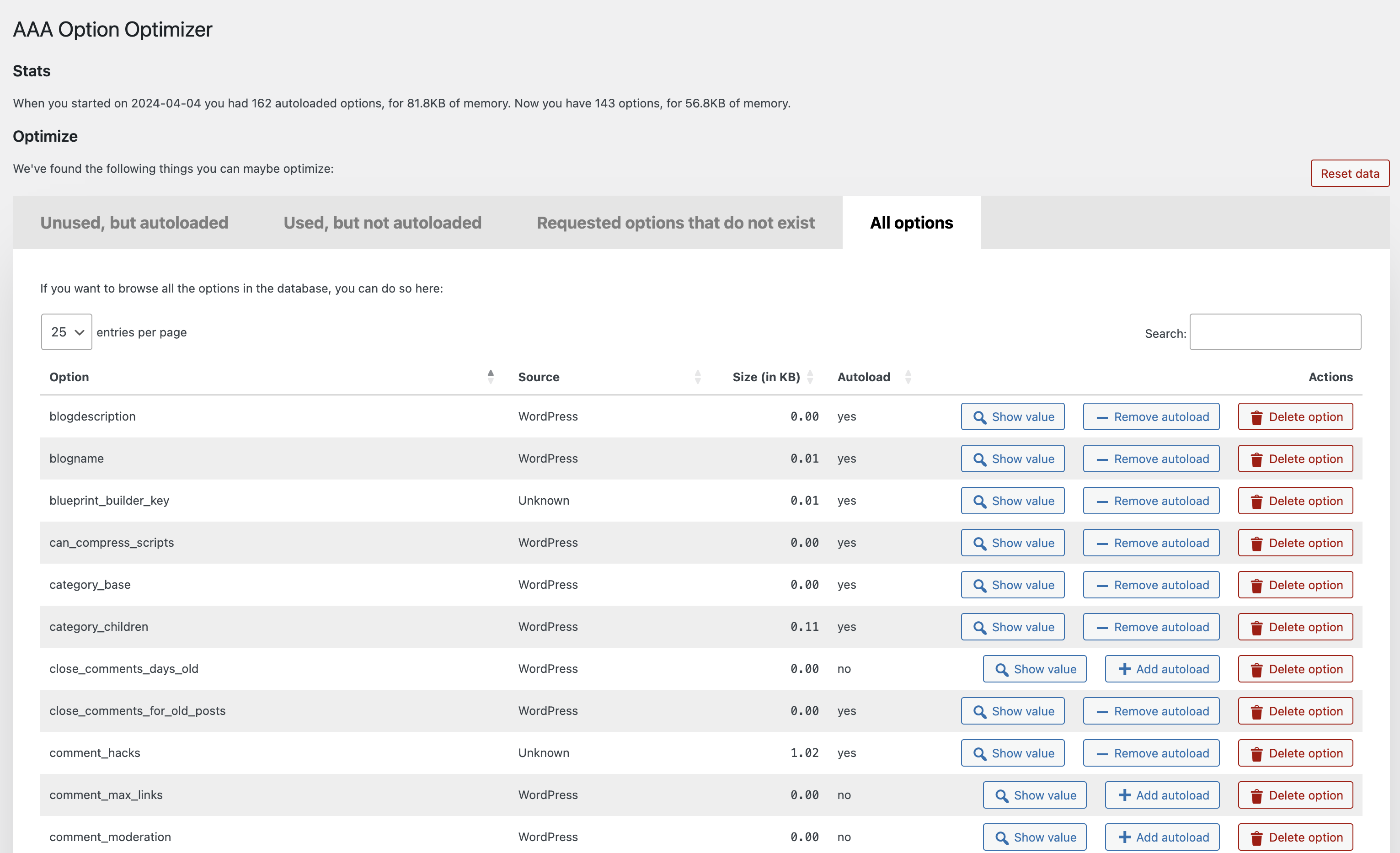
- Added a new “All options” tab, which, when you hit the button, loads all the options from the database and allows you to manage them.
- Added a “Reset data” button which resets the tracking data.
- Added a link to the Optimize Options page from the Plugins page.
- Much improved recognition of core WordPress options, themes and plugins under “Source”, thanks in part to pull requests from Rogier Lankhorst and system4pc.
- You can now also filter all tables by Source so you can more easily find the options you’re looking for.
- Many code and speed improvements under the hood, including adding a class autoloader and some i18n fixes.
1.1.1
Implement the missing functionality to create an option with value false when it’s being loaded but doesn’t exist.
1.1
The plugin now recognizes plugins from which the options came (thanks to a great pull by Rogier Lankhorst). If you’re a plugin developer and want your plugin’s options
properly recognized, please do a pull request on this file.
Small enhancements:
- Column width is now automatically determined which leads to better spacing.
- Action buttons are now centered in their columns.
Bugs fixed:
- If you removed autoload from or deleted an option, it’d be removed from the table but would be back when you paginated, that’s fixed – thanks to Jono Alderson for reporting.
- Fixed sorting by filesize by moving the
KBto the table heading, so that you can now properly sort numbers. - Fixed issue where an empty option would result in weird size output.
1.0.2
- Fixed a bug where the buttons wouldn’t work in a paginated state.
- Show the value of an option in a
popover, as suggested with a great pull request by @rogierlankhorst.
1.0.1
Fixed an error with values that are objects, not strings, which also caused sorting not to work for some people.
1.0
Initial release on GitHub and WordPress.org.

