Vikas Singhal
Vikas builds tools that take the friction out of WordPress development. He writes about WP-CLI, dev workflows, and running WordPress at agency scale.
How to Fix a Broken WordPress Site
A broken WordPress site can grind client projects to a halt and strain your agency’s resources. Whether it’s a white screen of death, plugin conflict, or…
How to Automatically Deploy WordPress Theme Changes Using GitHub
If you push a WordPress theme update to GitHub and want it to appear on your staging site automatically, you need two things: a GitHub repository…
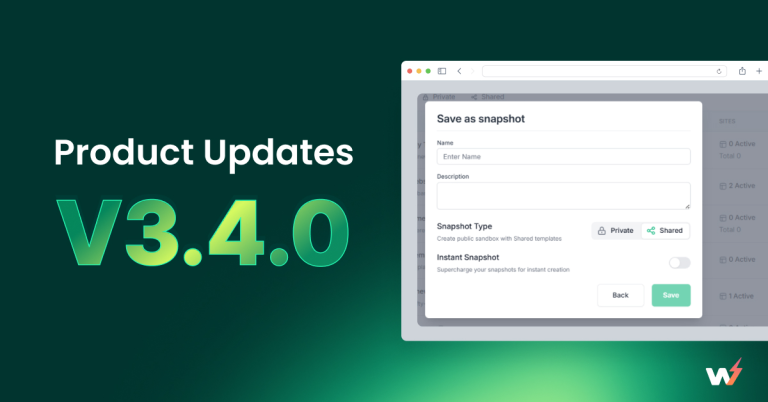
InstaWP 3.4.0 – Say Hello to Snapshots & Smarter Template Monetization
With InstaWP 3.4.0, we’re drawing a bold line between personal workflows and monetization-ready content. This release introduces Snapshots, redefines how templates are structured, and improves the…

How to Optimize Email Campaigns with AI to Boost Engagement and Conversion
Email has been at the forefront of digital communications since the 1970s, and for good reasons. Email marketing is direct and cost-effective and delivers an impressive…
Answering ‘Why WordPress Page Comes White After Migration’
WordPress migration is supposed to be the start of something better—a new server, faster performance, better uptime. But nothing derails that excitement faster than visiting your…
WordPress Classic Editor vs Block Editor: Which One is Better
The evolution of WordPress has been nothing short of revolutionary. Yet, when it comes to content editing, the debate still rages on: WordPress Classic Editor vs…
What Are Styles in the Full-Site Editor (And Why They’re a Game-Changer)
Confused by the “Styles” tab in WordPress? You’re not alone.Even experienced developers often miss how powerful this one feature can be. With Styles, you can control…
15+ Best WordPress Video Player Plugins Compared for You
If you’re embedding videos on your site, choosing the right WordPress video player plugin can make a huge difference in performance, customization, and user engagement. Whether…
How WordPress Block Patterns are Useful for Theme Developers
In the ever-evolving world of WordPress theme development, staying ahead means building smarter, not harder. And one of the smartest tools in a developer’s arsenal today…
10+ WordPress Plugins for Blocking Countries (IP-Based Geo Blocking)
If you’re running a high-traffic WordPress site, you’ve probably noticed traffic coming from regions that your business doesn’t serve. Sometimes it’s harmless, but often, it’s bots,…