

Site Kit is a one-stop solution for WordPress users to use everything Google has to offer to make…

About Code Engine
Code Engine is a versatile plugin that helps manage PHP code snippets and connects WordPress with AI and external digital platforms. It has three main features: PHP Code Snippets Management, Automation via External Access, and Integration with AI. With Code Engine, you can easily modify and extend your website's functionality, automate tasks through external processes, and collaborate with AI models to enhance user interactions.Screenshots
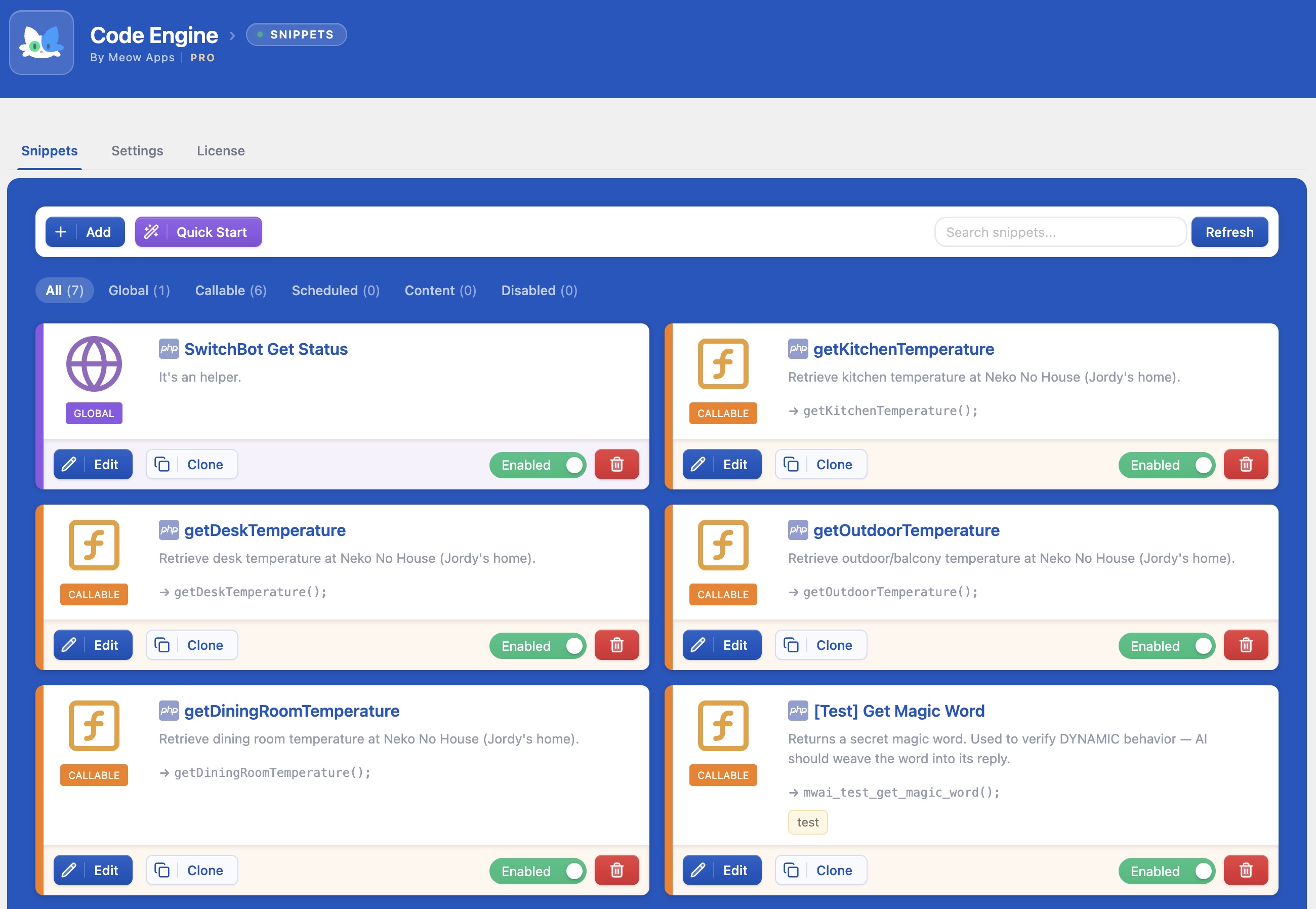
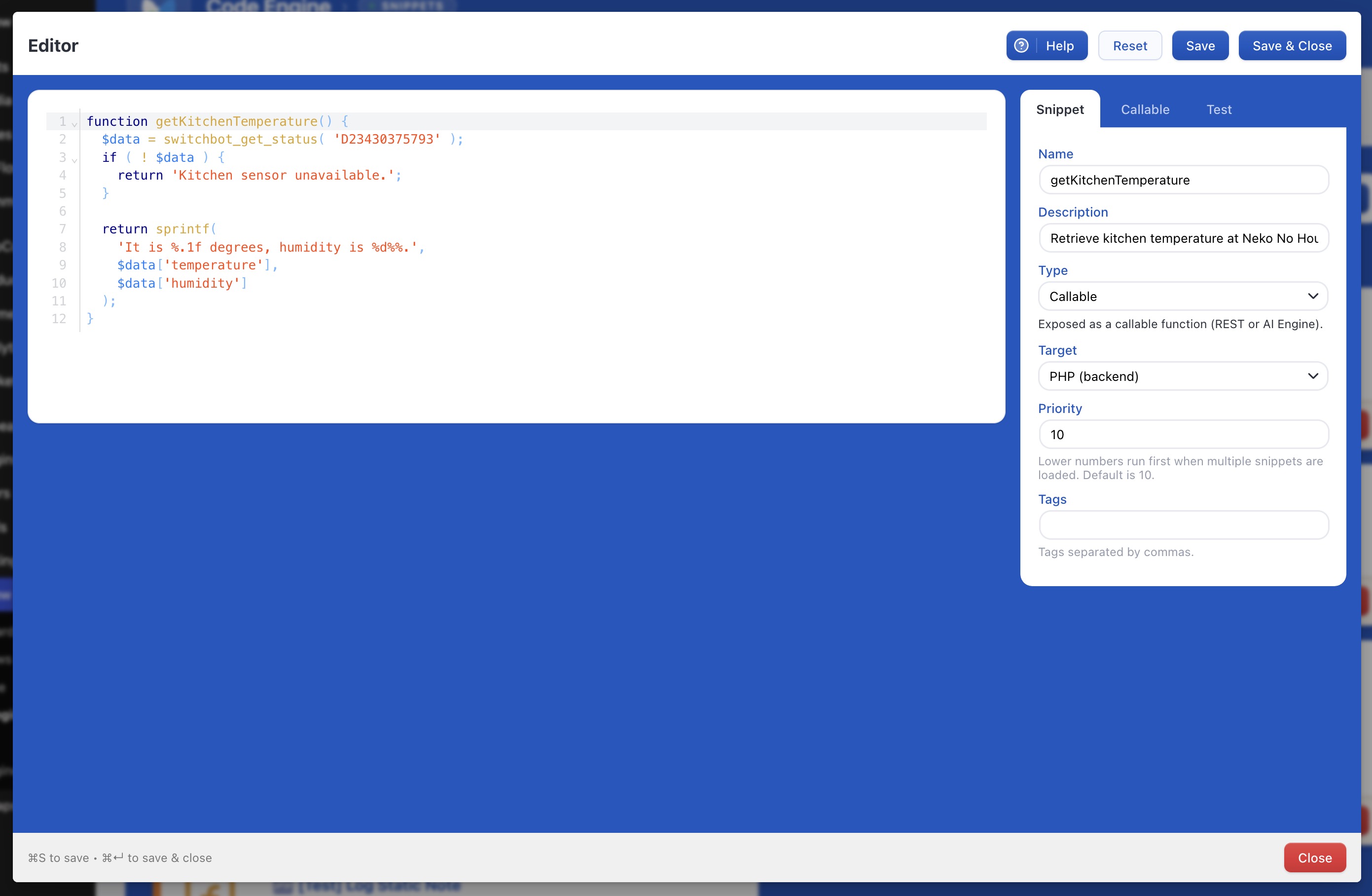
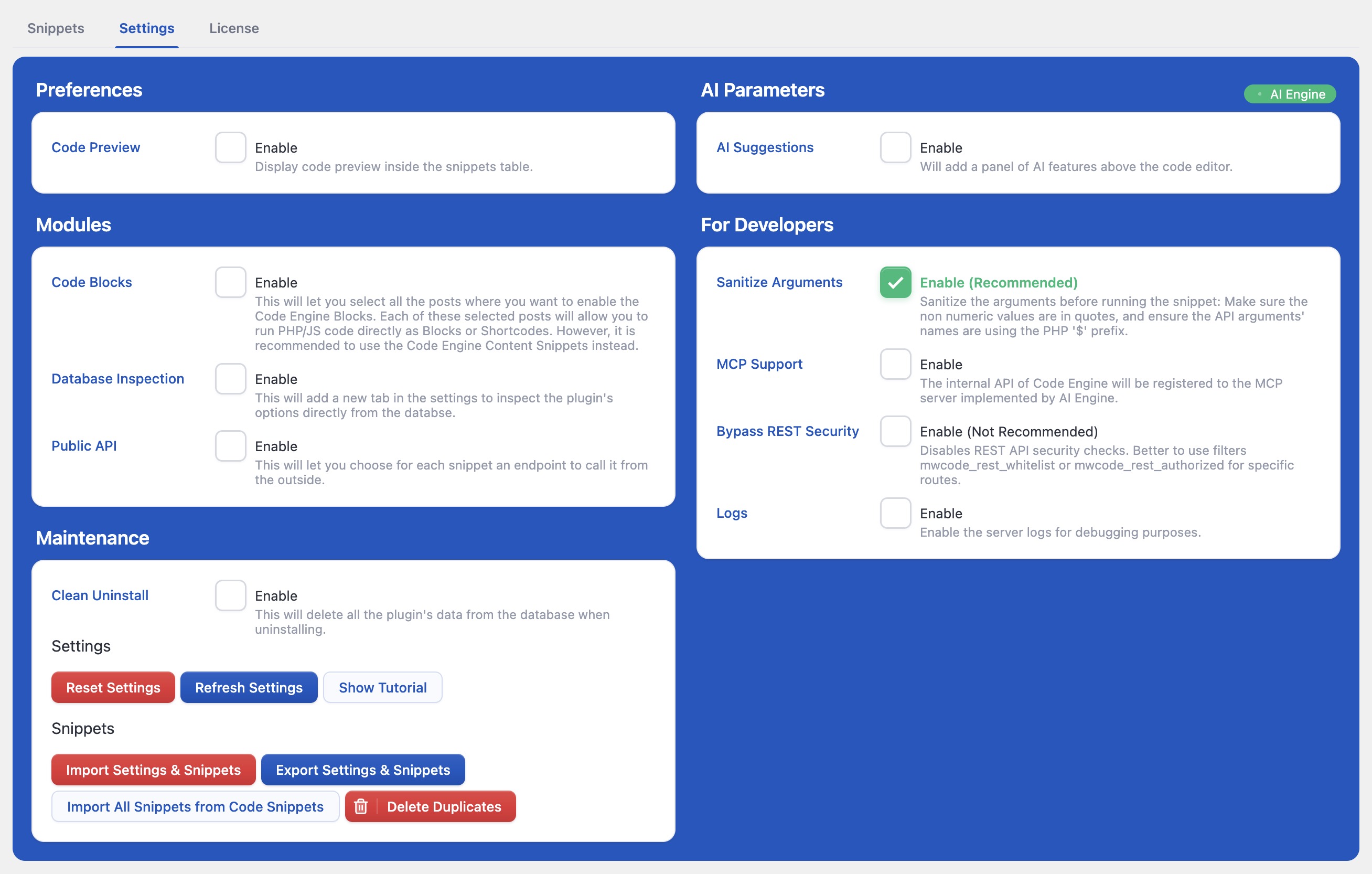
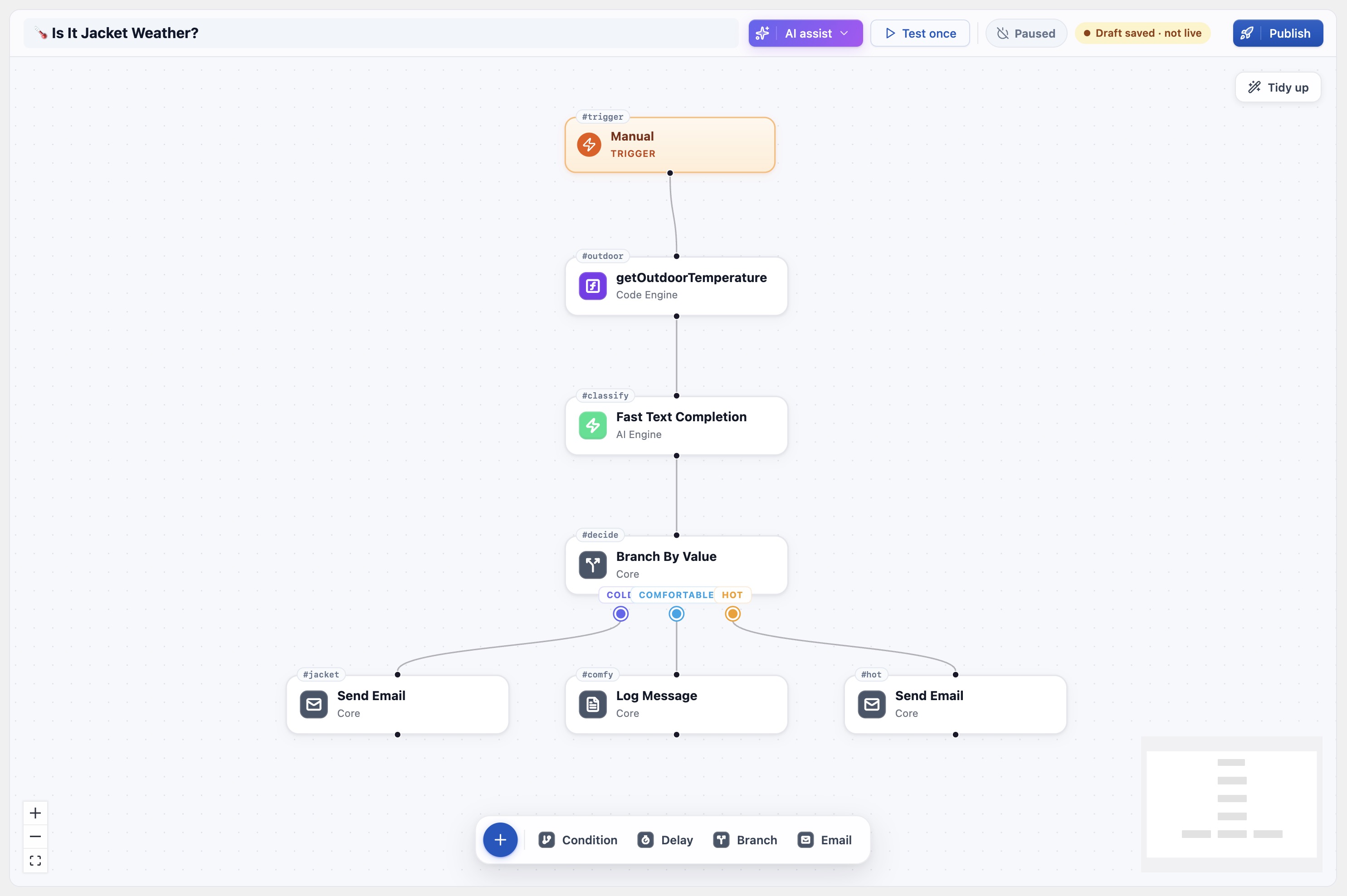
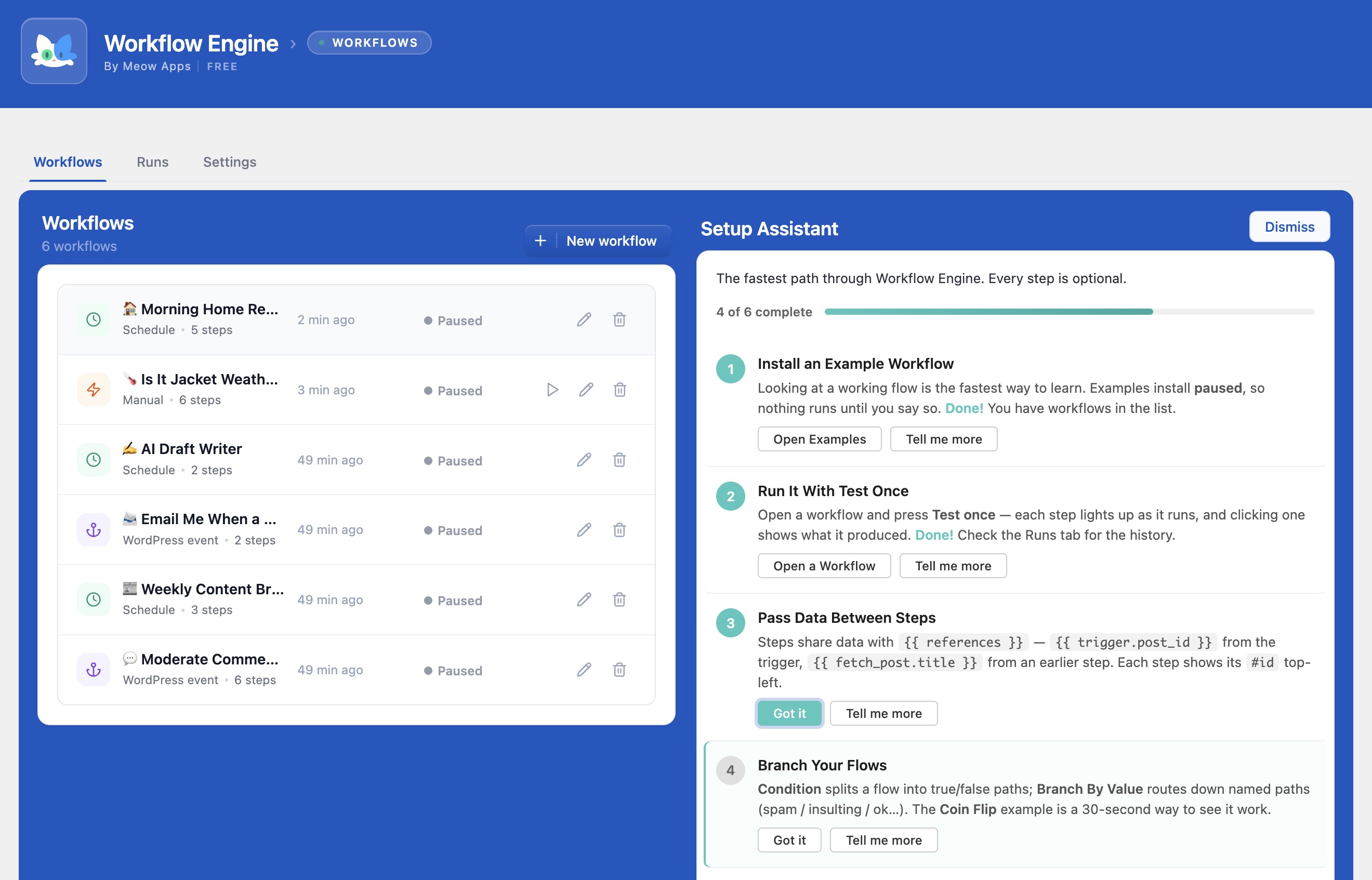
Changelog
0.2.9 (2025/02/17)
- Fix: Corrected split function to handle null arguments properly.
- Add: Enabled the “Test” tab for all snippet types for better testing.
- Update: Refactored Quick Start snippet generation and introduced AI-powered snippet creation.
- Update: Removed Shortcode.js and cleaned up debug logs to improve code clarity.
- Update: Improved snippet execution by adding load.php and enhancing error handling.
- ? Discuss with others about it on Discord.
- ? Keep us motivated with a little review here. Thank you!
0.2.8 (2025/01/04)
- Update: Refactored core class for better performance.
0.2.7 (2024/12/06)
- Fix: Insertion of the code generated by AI.
- Update: Visual enhancements.
- Update: Clean uninstall.
0.2.6 (2024/11/04)
- Update: Better editor, cleaner and more efficient.
- Add: Little tutorial, to help you get started.
- Fix: Avoid useless re-renders.
0.2.5 (2024/10/17)
- Update: Better code editor. Decoration for tags.
- Update: Added “Function Calling” next to Callable.
- Fix: Whitelist for REST to avoid issues.
- Fix: Many fixed and enhancements for AI Suggestions.
- Fix: Minor issues.
0.2.4
- Fix: Jumpy cursor and functions not available via API (0.2.3 specific issues).
- Add: Check the function name, and Sanitize.
- Fix: Lot of minor issues.
0.2.2
- Update: Better error handling.
- Update: Better logger.
0.2.1
- Update: Better AI suggestions and improved UI.
- Fix: Avoid the Code Editor to be suddently updated by external factors.
0.2.0
- Fix: Settings display.
- Update: JS functions are now also available in the admin.
0.1.9
- Update: A bunch of improvements to make Code Engine even more awesome! Basically, the UI became slighlty better to use, and the features are more stable.
0.1.8 (2024/07/16)
- Update: UI overhaul, with a new design, icons, and more.
- Add: Types for arguments.
- Fix: Got rid of some warnings and errors.
0.1.6 (2024/07/07)
- Add: Scheduling via WP events.
- Fix: Exclude disabled functions from functions list in the API.
- Update: Disabled Safe Mode for frontend snippets.
- Update: Various fixes and optimizations.
0.1.5 (2024/06/23)
- Update: Lots of little UI improvements.
- Fix: Escape value in sanitize function and correct import snippet primary key and tag validation.
- Fix: Ensure arrays are displayed in test logs and sanitize functions when saving.
0.1.4 (2024/06/15)
- Fix: If functions already exist, to avoid conflicts, the snippet will be disabled.
- Update: Scopes are now Backend, Frontend, Function, Persistent, and Scheduled.
- Update: Improved the styles.
0.1.3
- Fix: Resolved issue with Common Dashboard visibility when only Code Engine is used.
- Update: Enhanced UI with multiple component refactors and minor changes.
- Fix: Improved API functionality with secure query args decoding and request body support.
0.1.2
- Update: Disable Safe Mode for Admin (which is enabled by default).
- Update: Improved flow with AI Engine.
0.1.1
- Add: Import/Export Snippets & Settings.
0.1.0
- Update: Implemented version control for database updates with optimized queries.
- Update: Simplified database column declarations and improved compatibility by removing default values from ‘created’ and ‘updated’ fields.
0.0.9
- Update: Many enhancements around error handling and UI.
0.0.8
- Fix: Secondary way of checking the database if needed.
- Fix: Automatically disable snippets if they trigger a fatal error.
0.0.7
- Fix: Corrected UI behaviors including Test window size and wrapping, default tab selection in Edit modal, and default snippet name setting for Functions.
- Update: Enhanced error handling in “Test” mode to display errors instead of throwing them.
- Update: Eliminated “All” option from the Type Select dropdown.
0.0.6
- Add: Settings for developers.
- Fix: Minor issues.
0.0.5
- Update: Arguments with no default value are automatically marked as required.
0.0.2
- Info: Revamped release.
0.0.1
- Info: Old release.

