

Improve your WordPress SEO: Write better content and have a fully optimized WordPress site using the Yoast SEO…
About Block For MailChimp – Embed mailchimp form in WP
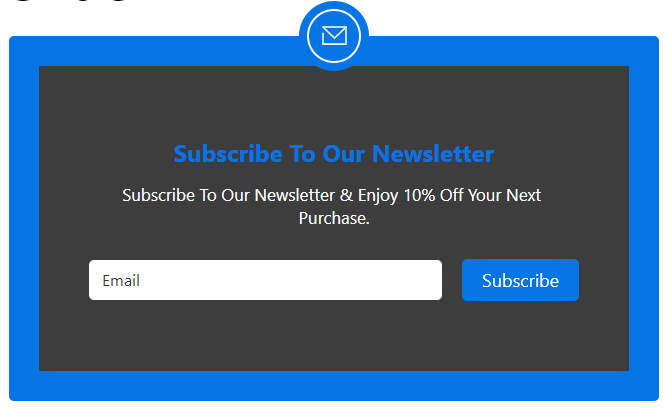
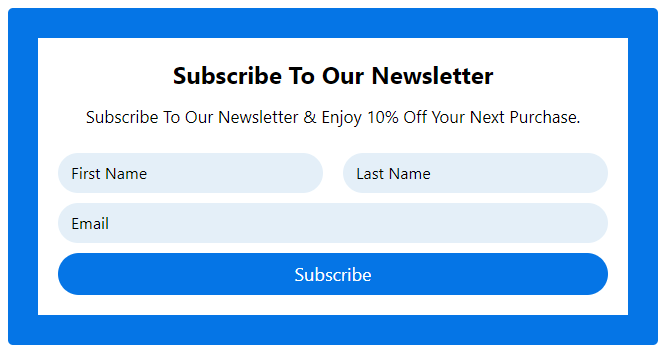
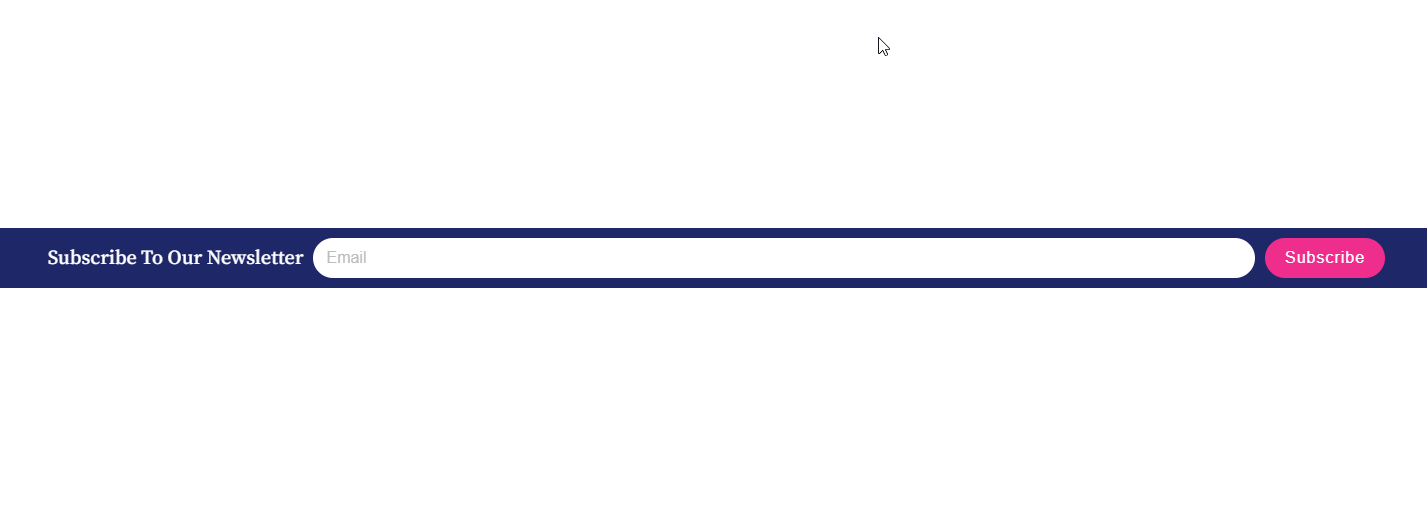
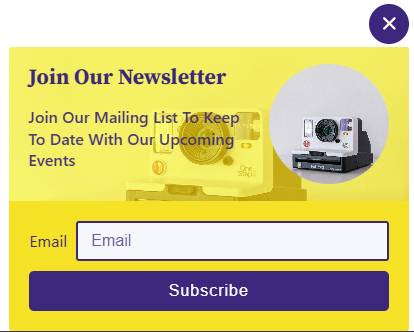
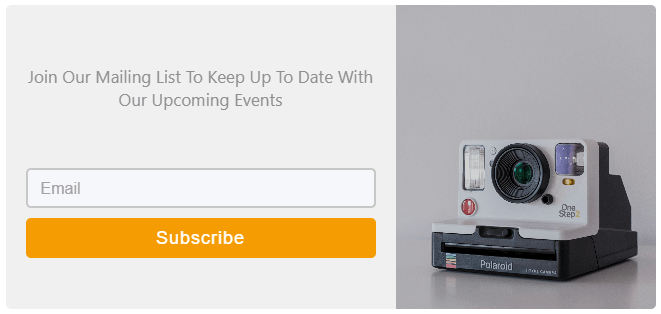
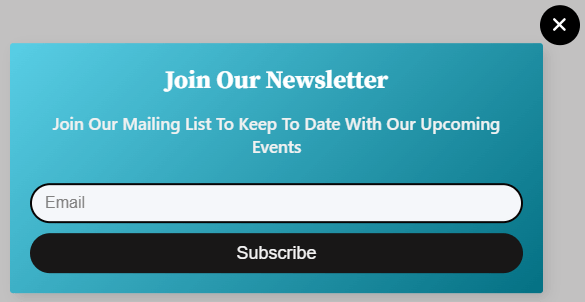
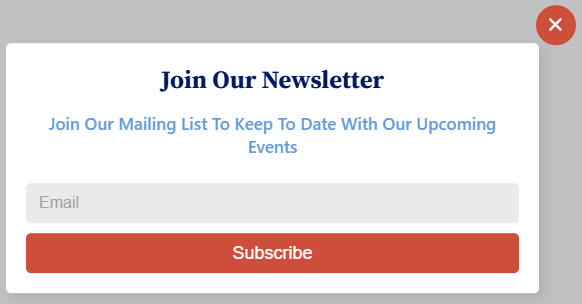
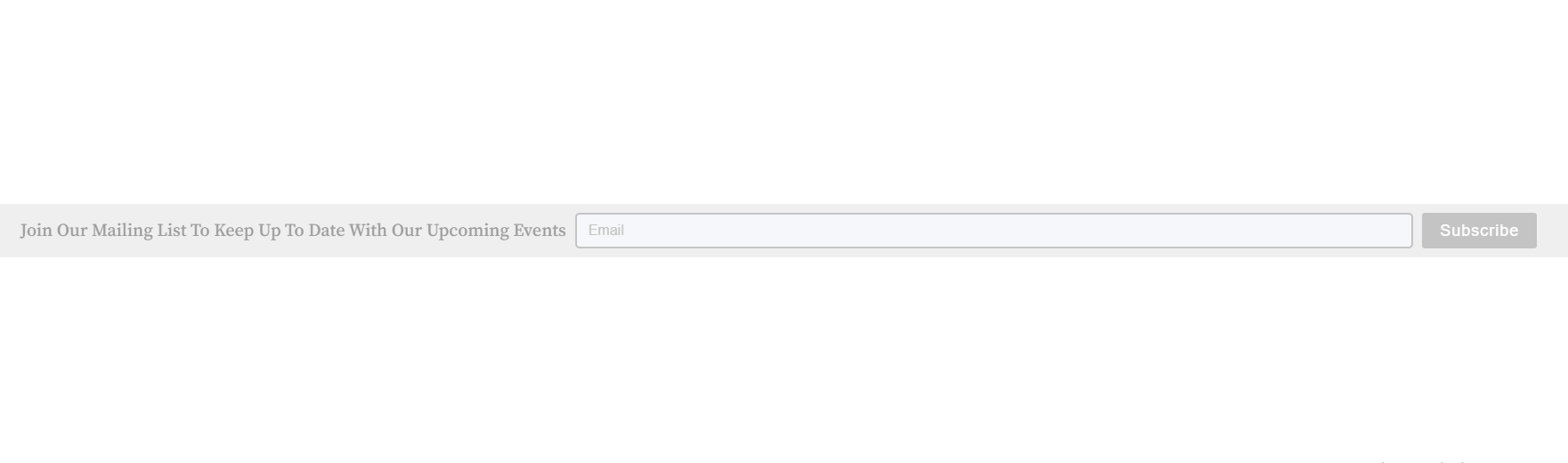
The Mailchimp Block plugin allows you to easily create customizable Mailchimp subscribe forms and connect your Mailchimp account with your WordPress website. With this plugin, you can automate email campaigns, sync user data, and create custom opt-in forms to engage your audience and manage effective email marketing effortlessly. It is perfect for marketers, influencers, online course providers, non-profit organizations, event planners, real estate agents, and more.Screenshots
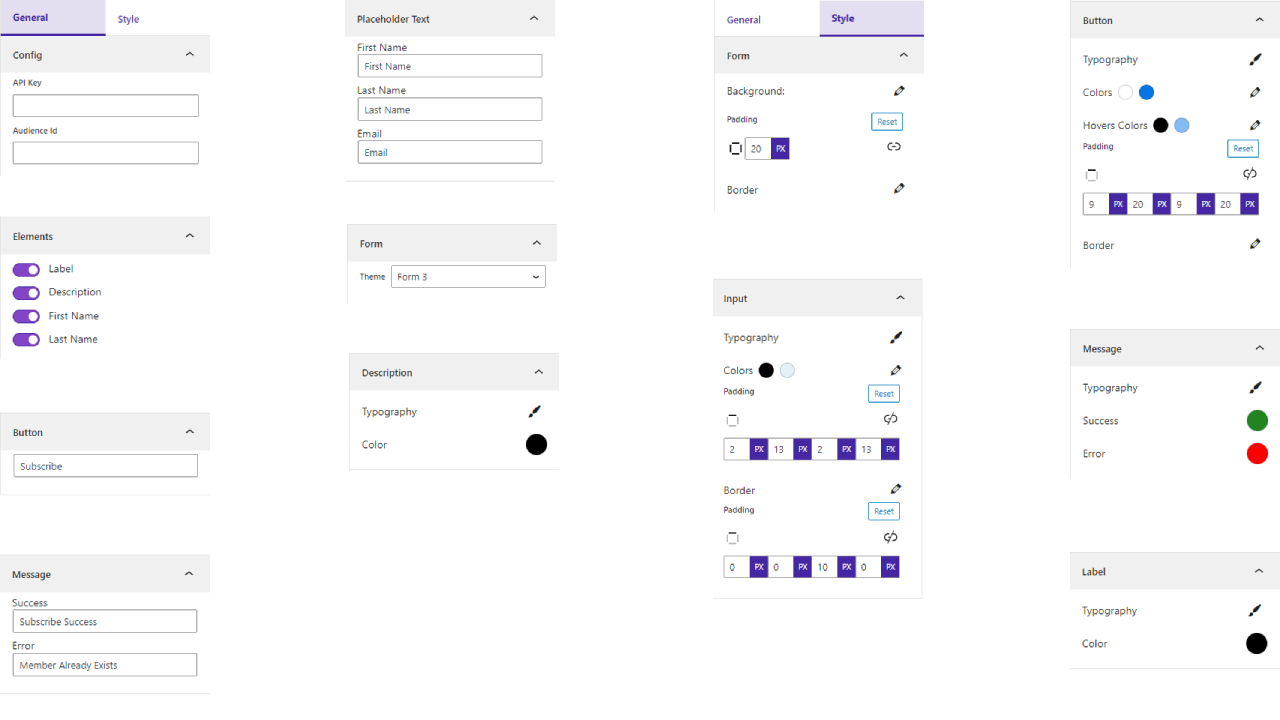
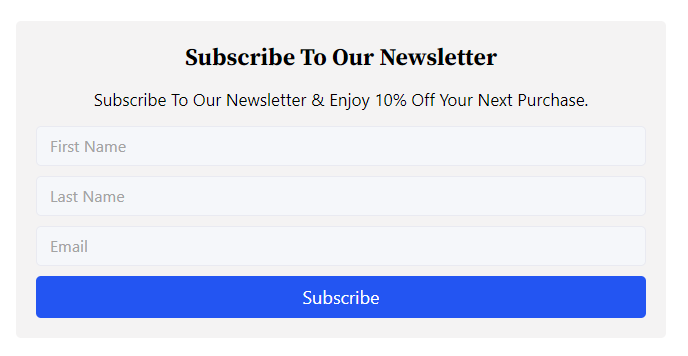


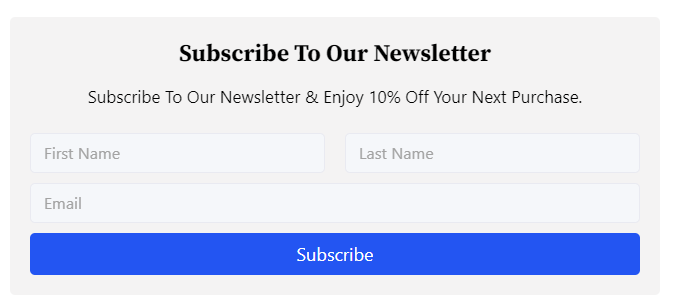
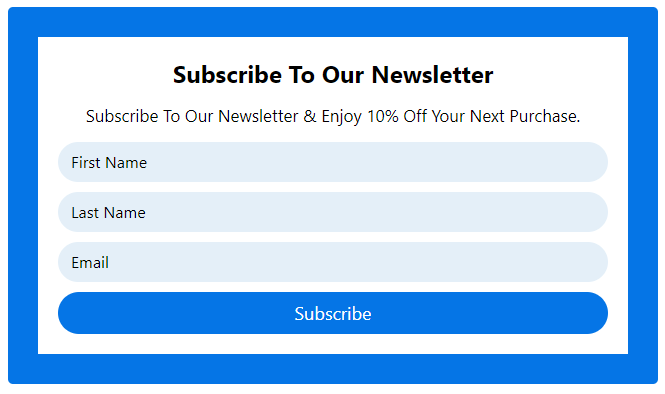


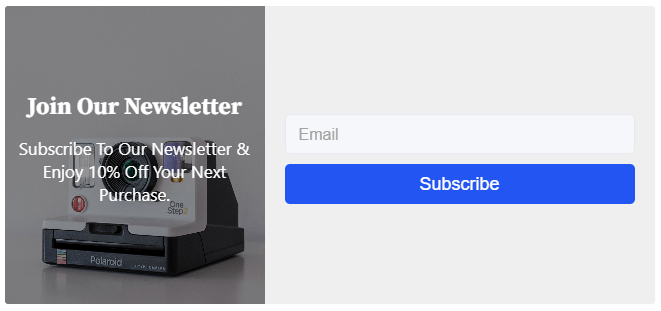


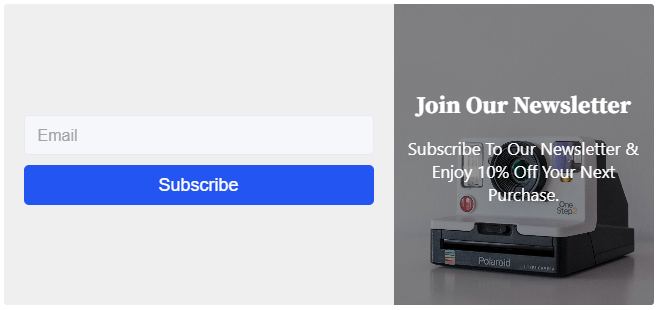
Changelog
1.1.5 – 13 Jan, 2025
- Vulnerability Problem fixed.
1.1.4 – 25 Dec, 2024
- bpl-tools added and maintainable code.
- secure access token not access other user.
1.1.3 – 18 Dec, 2024
- Plugin actions links demo and docs.
1.1.2 – 23 Nov, 2024
- _load_textdomain_just_in_time notice solved
1.1.1 – 5 Nov, 24
- Pro Feature List
- Four layout options: Normal, Modal, Auto Popup, Floating Top, and Floating Bottom.
- Ten distinct themes: Default, Theme 1, Theme 2, Theme 3, Theme 4, Theme 5, Theme 6, Theme 7, Theme 8, and Theme 9.
- Customizable margins for labels, descriptions, and buttons.
- Added shortcode support for easy embedding.
- Multiple pattern configurations for a tailored look.
- Configurable auto-popup layout duration.
- Supports logo uploads for seamless branding.
1.1.0 – 8 July, 24
- OAuth authorization system added.
1.0.10 – 15 May,24
- HTTP_HOST issue solved.
1.0.9 – 28 March,24
- Added theme width and alignment options
1.0.8 – 9 Nov,23
- WordPress version update
1.0.7 – 27 sept, 23
- Some issues have been resolved.
1.0.6
- Some issues have been resolved.
1.0.5
- I have fixed the issue, and now all forms are responsive on all devices.
1.0.4
- Easiest API Key Configuration Process
1.0.3
- Show All Audience Id
1.0.2
- Opt-in form implemented
- Audience ID restricted
- Form default design changed
- Forms renamed themes and labels, and the title was renamed
1.0.1
- API key configured top right sidebar
1.0.0
- Initial Release

