

Improve your WordPress SEO: Write better content and have a fully optimized WordPress site using the Yoast SEO…
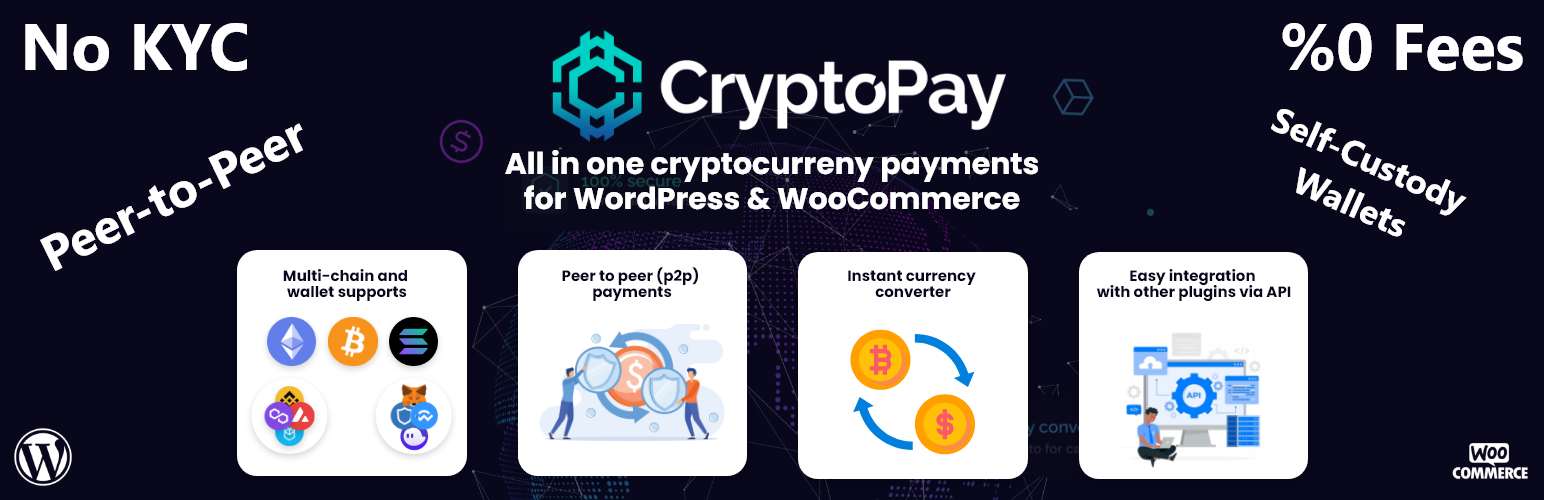
About WooCommerce Cryptocurrency Payment Gateway for WordPress by CryptoPay
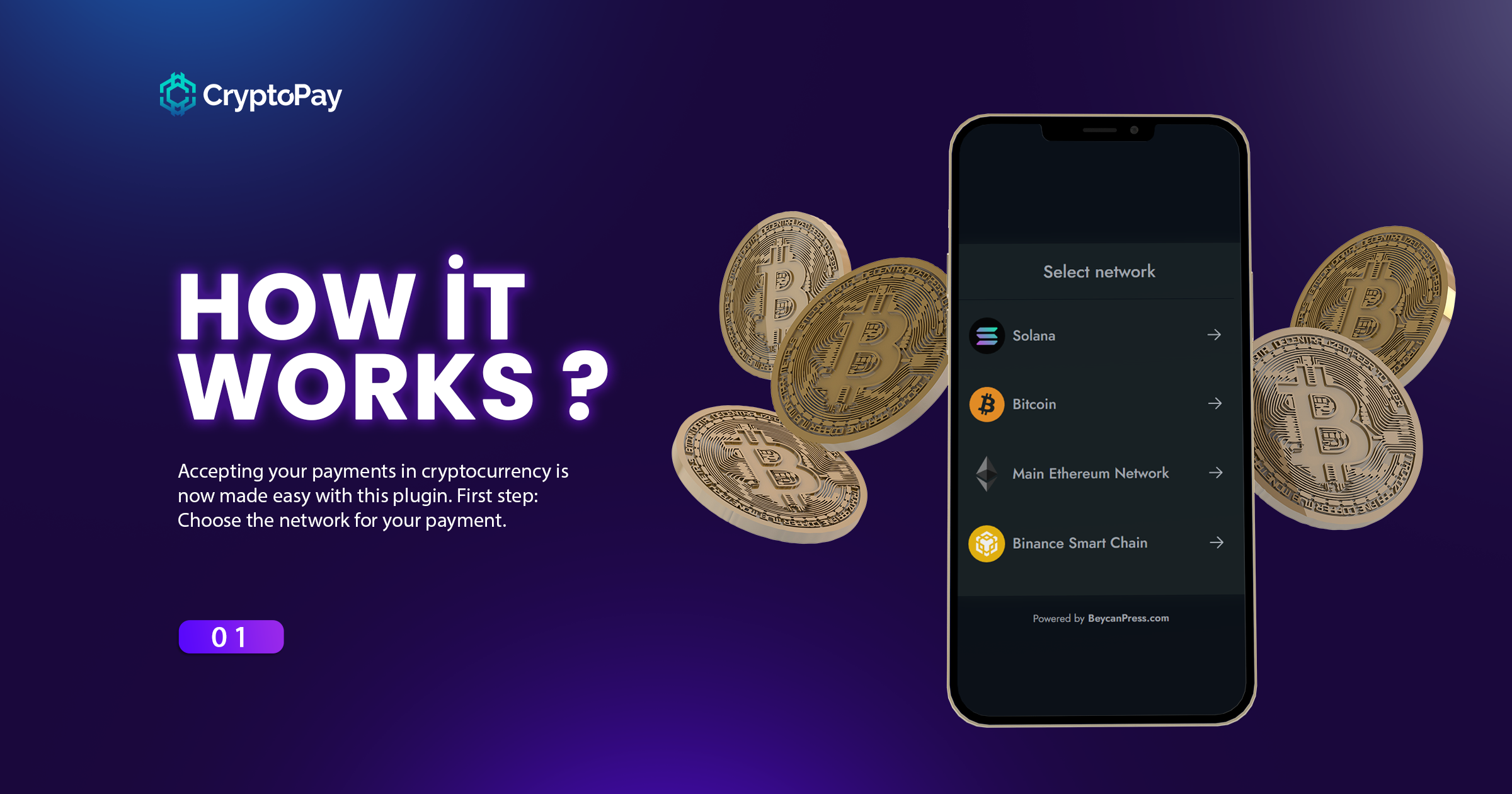
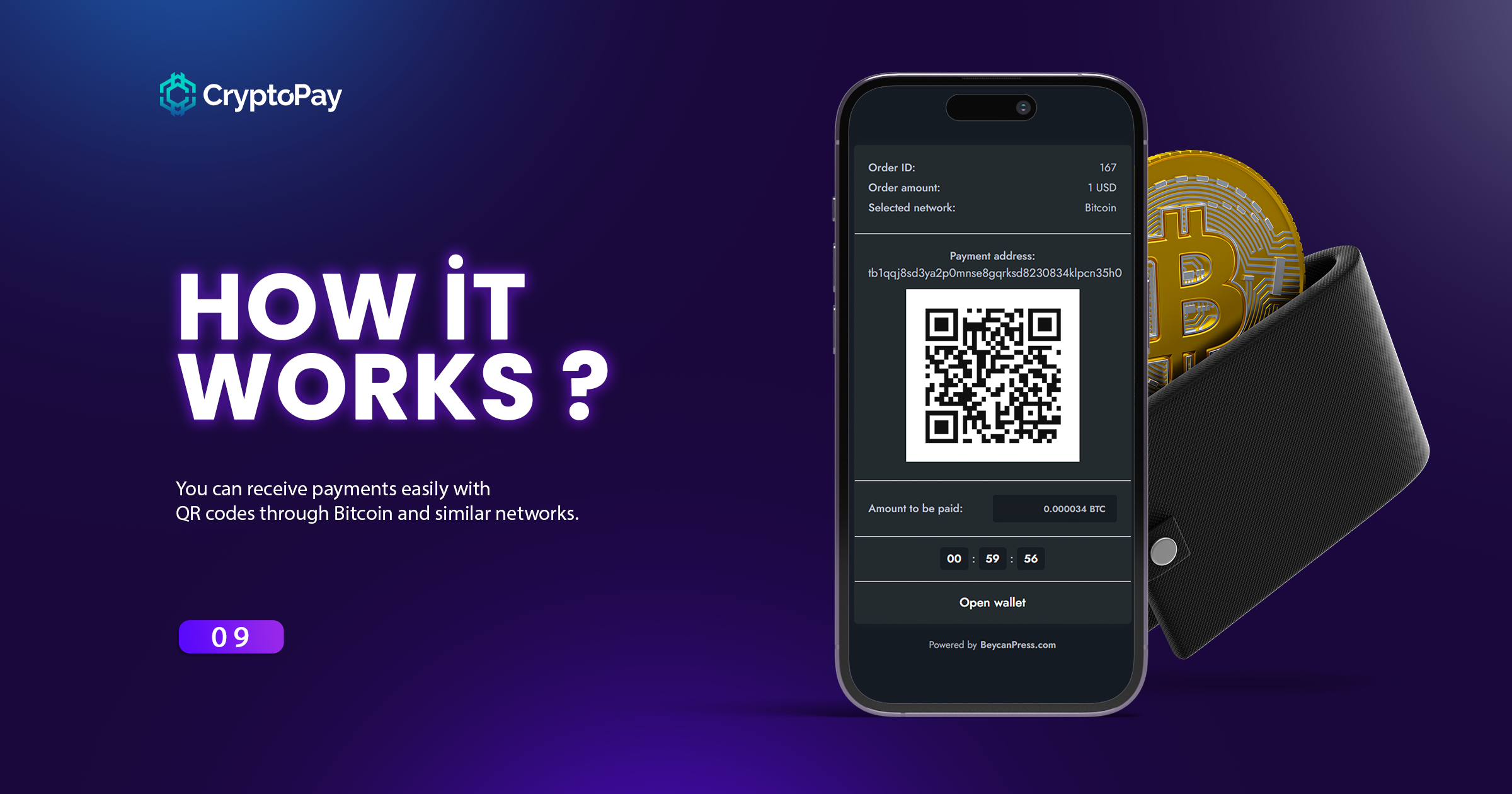
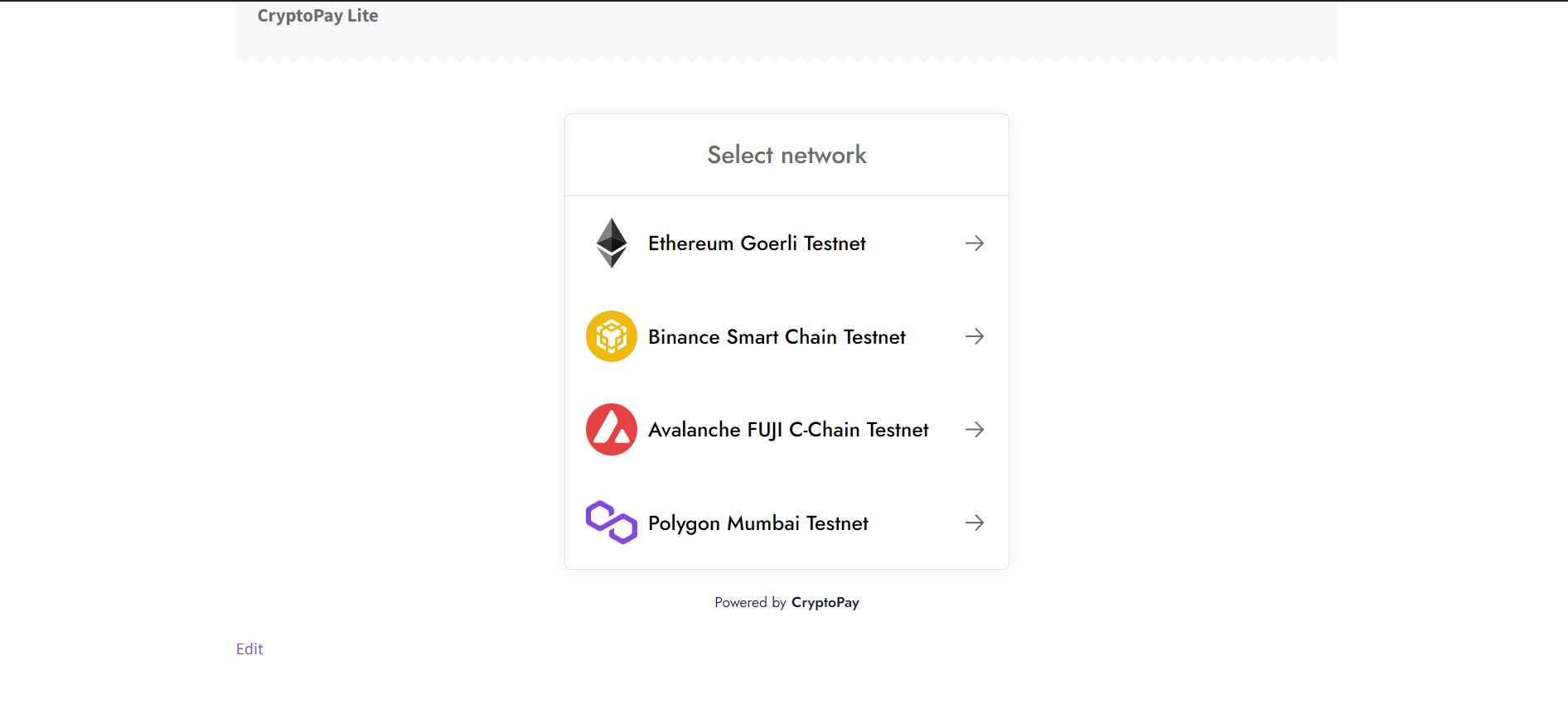
The WooCommerce Cryptocurrency Payment Gateway by CryptoPay allows you to receive crypto payments on your WordPress website. It supports various blockchain networks like Bitcoin, Solana, and Tron, and does not charge any commissions or require KYC. You can easily integrate it with other plugins and receive payments directly to your wallet without any withdrawal limits.Screenshots






Changelog
2.3.6
- Fixed: WalletConnect & Web3Modal can connect only one time or you have to refresh the page
- Removed: GMP extension requirement
2.3.5
- Updated: API Endpoints
2.3.4
- Added: Failed reason message for transactions if is failed
- Fixed: Not showing “open in explorer” button for mobile devices
- Fixed: Reminder email not asking email for not logged in users
2.3.3
- Removed: Phantom Wallet support
- Improved: Popup visual improvements
2.3.2
- Fixed: Wallet status information messages
2.3.1
- Fixed: An optional button option has been added for conflict issues that may occur with the theme during the payment process in the WooCommerce checkout section.
2.3.0
- Added: Currency discounts
- Added: Backend confirmation system
- Added: Color manageable new theme system
- Added: WooCommerce checkout page payment process
- Added: Web3Modal, WalletConnect and another wallet supports
2.2.1
- Fixed: Undefined constant problem
2.2.0
- Added: WalletConnect support for mobile devices
- Fixed: MetaMask connection problem with last update
- Removed: BNB Chain Wallet (merged with TrustWallet)
2.1.6
- Added: Block confirmation count setting
2.1.4
- Added: Integrations list page
- Added: registerModel for integration process
- Added: new hooks for transaction update process
- Added: getSingleTxLink method for easy tx link creation
- Added: Message that if the sender and receiver addresses are the same, the transaction may fail because of this
- Updated: loading animation colors to match the theme
- Updated: css in modal payment processes such as Instant payment
- Fixed: Provider connection based bugs on transaction list page
- Fixed: WooCommerce checkout page gives property already exists warning for mainJsKey
2.1.2
- Added: Feedback page
2.1.1
- Added: New wallet supports
- Update: It will now proceed in a separate development process with the premium version
2.1.0
- Added: Xdefi Wallet Support.
- Added: Phase 1 integration for WooCommerce Blocks.
- Added: A visual loading animation instead of the ‘Loading…’ text.
- Updated: JS Code side has been updated as shadow root so that there will be no CSS conflicts anymore.
- Updated: The QR Verifier service running on Heroku was moved to our own server and a stable IP address was provided.
- Improved: PHP 7.4 support has been completely discontinued, so the codebase has been rewritten for 8.1, 8.2 and later versions.
- Fixed: Bug preventing QR Code payments from working properly on some EVM networks.
2.0.0
- Added: Payment class for developers.
- Added: WooCommerce HPOS compatibility.
- Added: Web3Modal support (supporting 300+ wallets).
- Added: Bitget and Okx wallet support for EVM Based networks.
- Added: Message to application redirects with Deep Link.
- Added: Polygon zkEVM and zkSync Era between Default networks list and Testnets.
- Added: Wallets are not hidden on any platform, instead they provide information about the wallet.
- Added: If it is in a Webview browser, that is, a wallet application, all other options are removed when the relevant wallet is detected.
- Added: Instant purchase option with CryptoPay on WooCommerce product pages.
- Added: Email reminder feature for networks that have been approved for a long time, such as Bitcoin.
- Added: WordPress Cron settings and information for Server cron.
- Added: The ability to choose the payment process you want with network and currency-based listing modes.
- Added: Timeout feature for wallets that do not send an event when the connection is rejected. And if you close the waiting section directly. The wallet connection process is reset.
- Added: The ability to add special discounts for payments in certain currencies.
- Added: Refund via CryptoPay option has been to orders.
- Added: With the Sanctions method and the first sanctions API Coinfirm, the feature of rejecting the payment or showing it in the transaction list if there is a sanction in the wallet addresses has been added.
- Added: Transaction sender & receiver address to the Transactions list.
- Updated: Ethereum Goerli Testnet to Sepolia Testnet.
- Updated: ENS Domain issue has been removed and instead, special domains that you can add for each network have been introduced.
- Improved: Optimization improvements regarding provider installations have been made.
- Improved: In the Checkout section, initialization data started to be given together with the form control, thus reducing two consecutive requests to a single request.
- Improved: For users who do not have the network in the wallet they want to connect to, open RPC addresses provided by wagmi are added instead of adding your RPC URLs.
- Fixed: Issue with auto-updater not resetting after changing currency.
- Fixed: The issue of not receiving specially added field data in the payment feature on the WooCommerce checkout page.
- Fixed: Error when Phantom option is active and Phantom cannot be detected.
- Fixed: Trust Wallet Browser plugin not being detected or it interferes with MetaMask.
- Fixed: the issue where page refresh was required in critical errors but could not be refreshed due to incorrect parameters.
- Removed: BUSD from default settings because Binance ended support
- Deprecated: startPaymentProcess, preparePaymentProcess methods in Services.
1.6.1
- Fixed: Download text looked bad in black theme
- Fixed: In some cases, the get_plugin_data function is not defined
- Fixed: The issue where the wallet selection page if exists QR option does not open on mobile devices
- Fixed: The issue where the wallet list appears when a transaction is rejected when there is only one wallet
1.6.0
- Added: Fantom network added to the list of EVM-based networks that come by default.
- Added: opBNB Mainnet and Testnet added to the list of EVM Based networks.
- Added: EVM Based testnet networks list is sorted according to the mainnet list set on the panel.
- Added: Binance Wallet Support for Ethereum Mainnet.
- Added: WalletConnect support for Solana network.
- Added: Default Solana RPC address to RPC address section.
- Added: Free RPCs that you can use as an alternative to the Official Solana RPC address
- Improved: When there is a single network, we send data on upload instead of receiving dynamic data via API request.
- Improved: Available in wallet listing wallets are listed at the primary.
- Improved: The verification API with address transfer (QR Code) has been redesigned.
- Improved: Debug menu appears when there is any log.
- Fixed: Warning in save settings process if WP_DEBUG enabled.
- Fixed: WooCommerce subscriptions not being created for payments on the Checkout page.
- Fixed: Closed networks appearing in the testnet list.
- Fixed: Problem appearing in “Network sorting” field when you turn off networks.
- Fixed: The issue where the title appears even if the ENS Domain is not entered.
- Removed: The rule that a wallet must remain active.
1.5.0
- Added: The feature of appearing at the top of the detected wallets
- Added: Network switching feature after selecting network
- Added: Arbitrum Goerli testnet support
- Added: EVM Based networks (Arbitrum One, Optimism) that come by default
- Added: When selecting the network, if there is no supported wallet and qr payments are supported, qr payments are automatically selected. Otherwise, it gives a warning
- Added: If there is only one wallet, the Pay now text is updated to Pay with {walletName} and a direct connection is established
- Added: ENS domain support for Ethereum network
- Added: Price update feature at regular intervals after selecting the network and cryptocurrency
- Added: Custom image choosing for EVM Based networks (Because networks like Arbitrum and Optimism show Ethereum icon due to ETH Native Coin)
- Added: Phantom wallet support for Ethereum networks (Currently only supports mainnet)
- Added: Feedback area to get users’ opinions and improve our product better
- Improved: The version system has been brought to the Websocket system of payment with QR. This way, you won’t be stuck with any version-related incompatibilities
- Updated: .pot Language file
- Fixed: an issue where the WooCommerce order view page redirects to the transaction page
- Fixed: Native Coin payments not working in WalletConnect with Trust Wallet
- Fixed: No unsupported network warning in WalletConnect
- Fixed: An issue where you can’t add networks without adding currency in EVM Based networks
- Fixed: QR code overflowing on mobile devices
1.3.0
- Added: All supported wallets are shown and can connect to detected wallets, while undetected ones redirect to download address.
- Added: On mobile devices, wallets with mobile application are listed and when the wallet is clicked, the application redirects to the dapp browser.
- Added: When changing the currency, the “…” dot is displayed in the price section.
- Fixed: Redirects url’s hook error.
- Fixed: Very high gas recommendation for token transfers.
1.2.6
- Improved: For add-ons
1.2.5
- Updated: .pot language file
- Updated: EvmChains package
1.2.4
- Improvements have been made to the Dokan crypto withdrawal feature
- Fixed issue where checkout process stopped working due to update
1.2.2
- Fixed Mainnet not working problem
1.2.1
- Added pro version information
1.2.0
- Added Ethereum, Avalanche, Polygon Support
- Added TrustWallet, Binance Wallet support
1.1.3
- Added feedback system
1.1.2
- Added discount code
- Changed readme.txt
1.1.1
- Changed “addon” param to “addon_lite” in cryptopay.js
1.1.0
- Changed “addOn” param to “addon”
1.0.0
- Plugin released.

