

Improve your WordPress SEO: Write better content and have a fully optimized WordPress site using the Yoast SEO…
About Find My Blocks – Locate blocks on your site
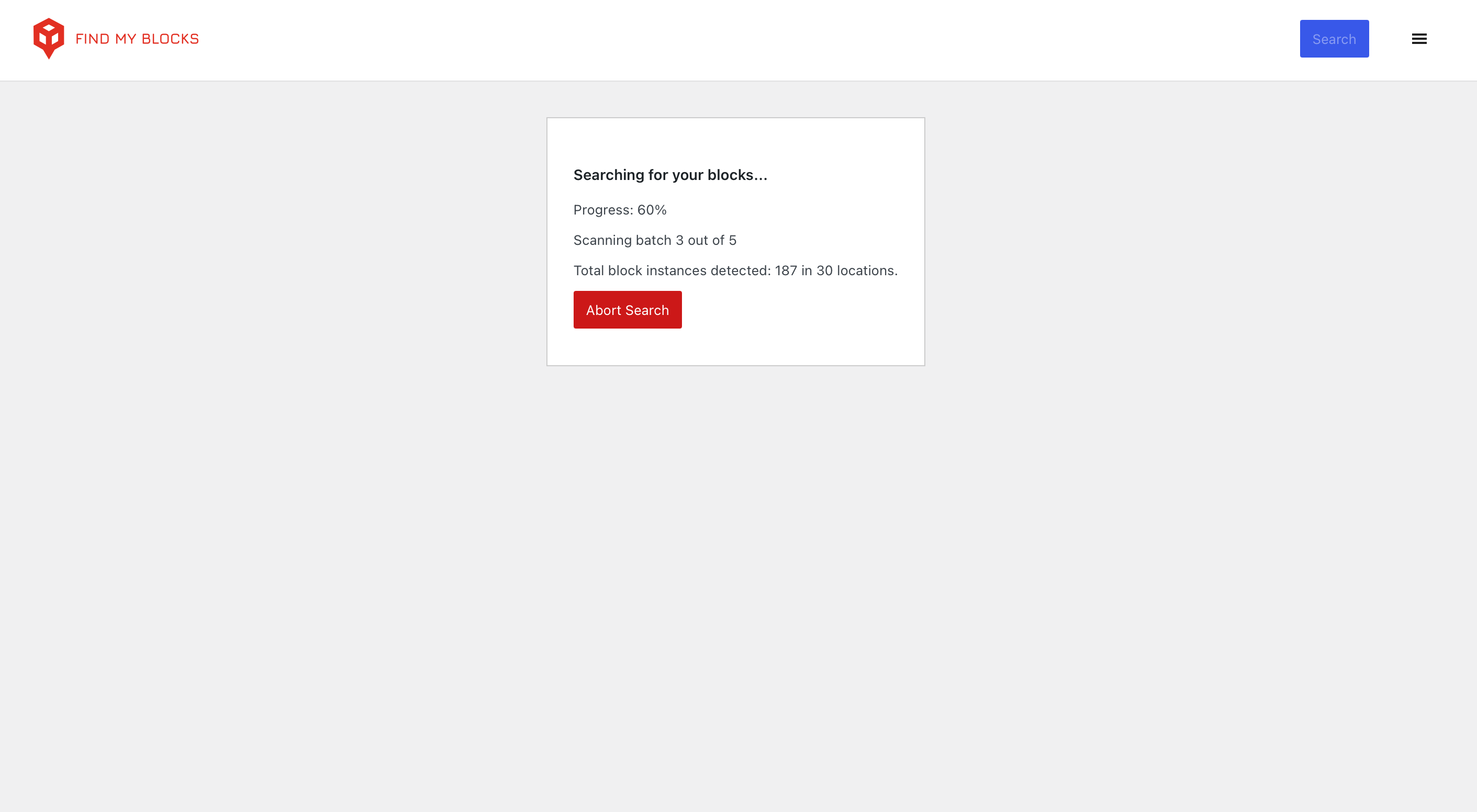
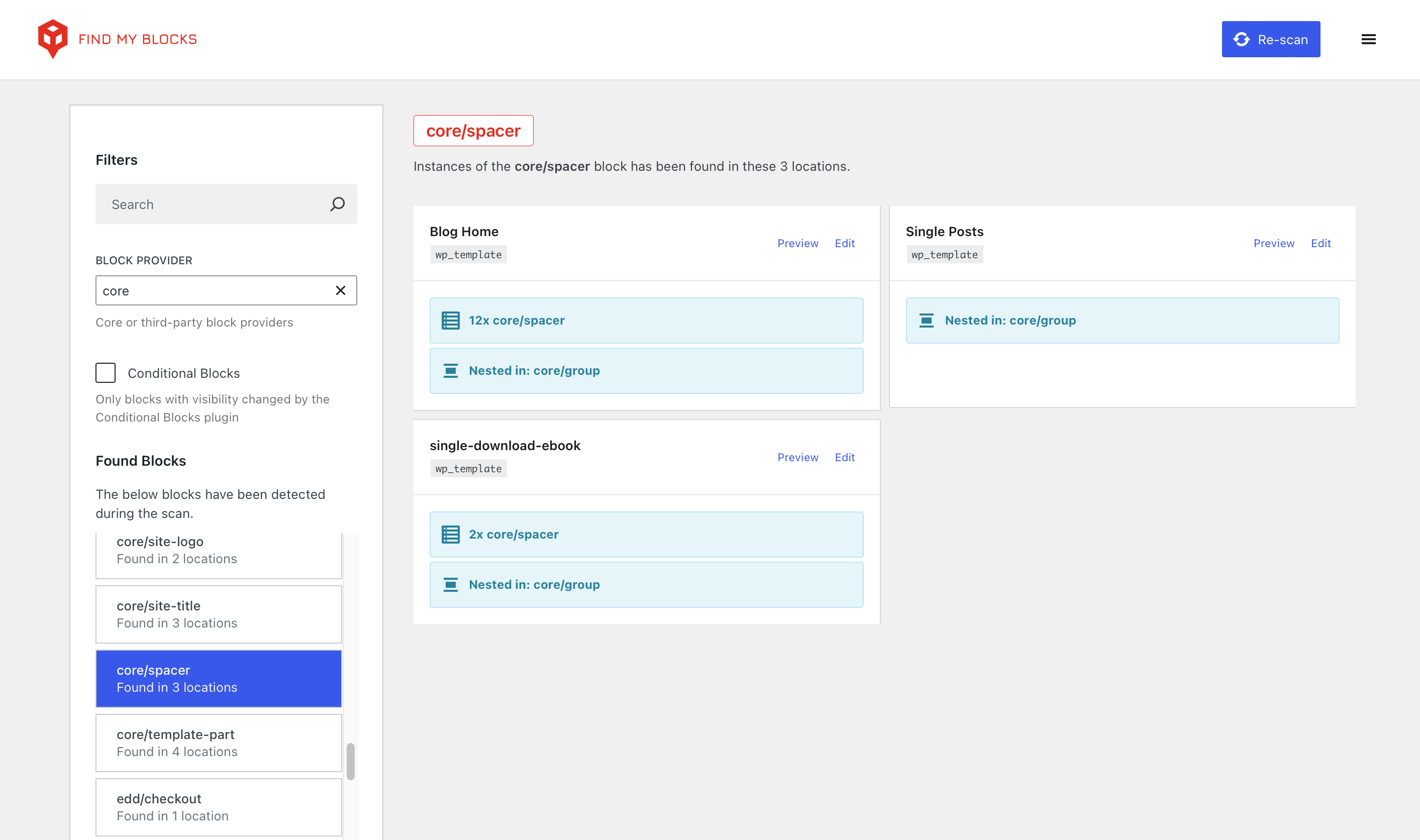
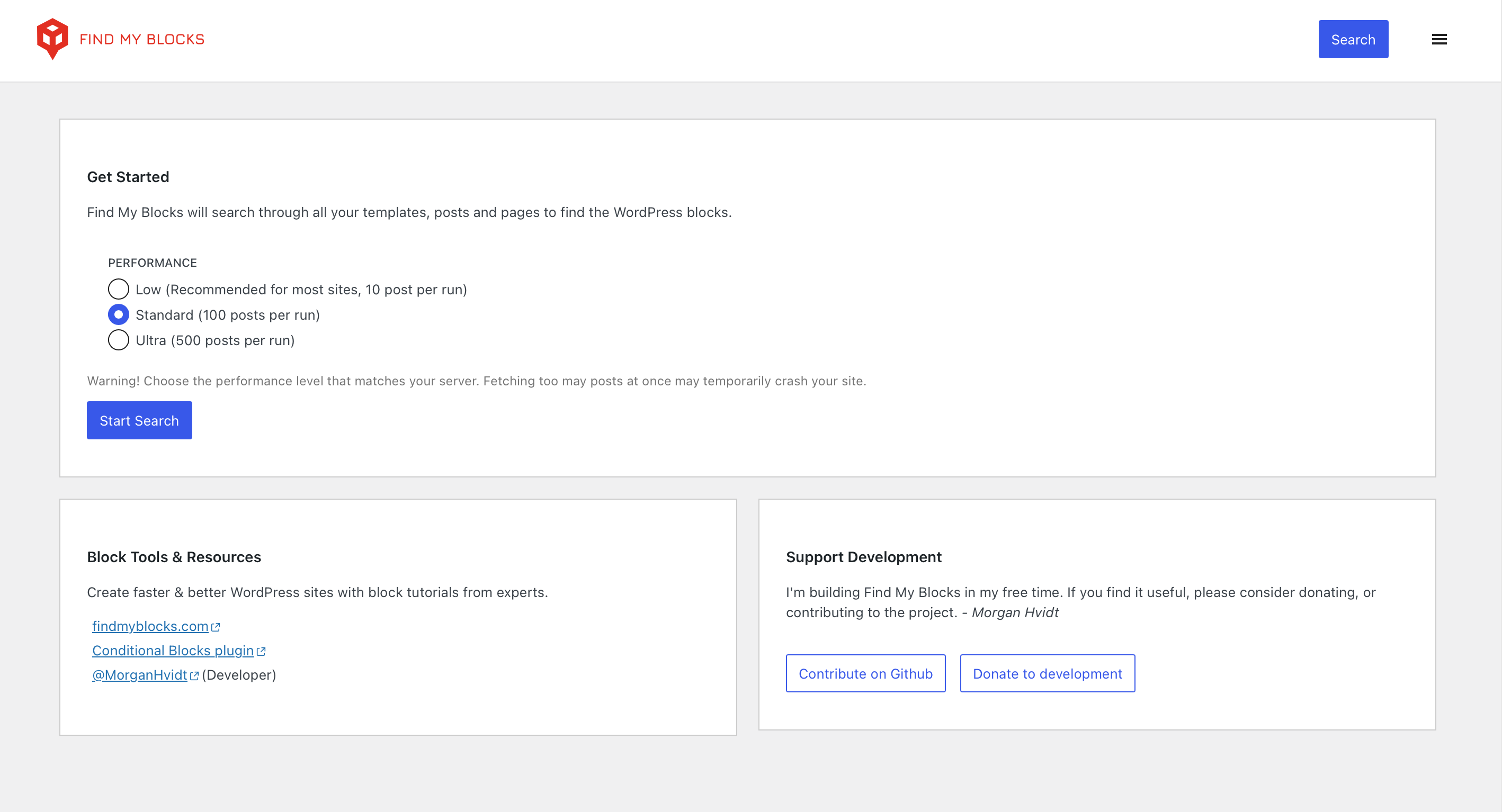
Find My Blocks is a WordPress plugin that helps you locate specific Gutenberg blocks on your website. It allows you to search for block locations, find and replace blocks, and identify block types. The plugin supports WordPress Core blocks, blocks added by third-party plugins, synced patterns, and more. It is free and open source, and you can access it through the Tools menu in your WordPress Admin dashboard.Screenshots
Changelog
4.0.3
- Ready for WordPress 6.6
- Increased low performance option from 10 to 30 posts per batch.
- Updated usage of the “Performance” option to be more clear.
4.0.2
Find My Blocks now works better than ever on large sites with 10,000+ blocks found.
- Replaced LocalStorage with IndexedDB for caching found blocks between page reloads.
- Performance improvements when view more than 2000+ found blocks.
- Improved error handling.
4.0.1
- Improvement: Reliability during scan – use WP_Query pages instead total scanned posts because some posts might be skipped.
4.0.0
Major update
Hi everyone, I’ve adopted Find My Blocks and completely rebuilt the plugin. Please consider leaving a review or let me know if you run into any issues. – Morgan –
- Optimized Batch Search: Improved search performance tailored to server capabilities, works well on shared hosting.
- Smart Post Type Detection: Automatic recognition of post types using the Block Editor.
- Full Site Editing Capabilities: Search now includes Synced Patterns, Block Templates, and Template Parts.
- Detect Classic Blocks: Classic Blocks are now detectable.
UI & Experience
- Revamped Interface: A sleeker design that is consistent with the WordPress admin color scheme.
- Enhanced Block Filtering: Sort blocks by source, including core WordPress blocks and those from external plugins.
- Post Type Visibility: New indicators show clear post type identification.
- Full Site Editing Preview and Edit Links: Improved Full Site Editing with preview and edit capabilities for custom templates.
Performance and Compatibility
- Browser Caching for Scans: Browser cache utilization to reduce server load and prevent redundant searches.
- Bug Fixes and Compatibility Improvements:
- Fixed React v18 compatibility issues.
- Enhanced security with
apiFetchfrom WordPress.
- Compatibility: Ensured compatibility with PHP 8.3 (minimum PHP 7.4) and WordPress 6.5 (minimum WordPress 5.0).
Security and Permissions
- Updated Access Permissions: The “edit-posts” capability is now required to use Find My Blocks.
Internationalization and Integration
- Internationalization: Added default text domain and language folder for plugin translations.
- Third-Party Integration: Compatibility with Conditional Blocks.
Clean Up and Maintenance
- Clean Uninstallation: Automatic cleanup of plugin data upon removal.
3.5.3
- Changes the icon for “# of usages in Post” for clarity
3.3.2
- Fixes the broken wp-json url
- Updates the donate link to a BuyMeACoffee Link
3.3.1
- Uses
get_rest_urlfor the fetch url.
3.3.0
- Uses
get_admin_urlfor theeditlink to avoid redirect loops.
3.2.0
- Adds the
site_url()to the fetch url.
3.1.3
- Fixes a ? that was causing the plugin to not load on some sites.
3.1.0
- Allows for filtering by block name on the API endpoint. (
/wp-json/find-my-blocks/blocks?name=core/button)
3.0.0
- Changes to use WordPress components and match WordPress styling
- Includes private, pending, and future status posts in main query
- Allows the ability to optionally include drafts
- Fixes a ? where cards would change order for no reason
2.3.0
- Checks for nested blocks.
- Adds a tag to a card if the block is nested
2.2.0
- Hides the “core-embed” blocks with the “Hide Core Blocks” option.
- Fixes the broken link when plugin is first activated.
2.1.0
- Moves the menu item to Tools > Find My Blocks.
- Hides core blocks by default. The option to show and hide core blocks is now
in settings. - Settings moved from top of blocks to side on wider screens.
2.0.2
- Fixed the navigation showing ‘Found in 1 postfalse’ when only one post found
2.0.1
- Fixed a bug where the page refresh didn’t properly set the active block
2.0.0
- Moves Find My Blocks out of the Settings menu and into its own sidebar item
- Layout moved off of WordPress components to allow better testing
- On initial load, the proper first navigation will be selected as active
- When the page is refreshed, the selected block will stay active
- Allows sorting of navigation and cards
- Launches official website https://find-my-blocks.edeesims.com/
1.4.0
- Allows the editor role to use the plugin
1.3.0
- Sorts the list of the navigation alphabetically.
- Sorts the list of pages alphabetically.
- Some updates to styling to bring more inline with Gutenberg and WordPress
core.
1.2.0
- Adds a Filter Input to allow you to filter blocks in the menu.
- Updates the style of the header to be just a little bit nicer.
- Adds a loading screen so that you are not bored waiting for the page to load.
1.1.0
- Adds a message to notify the amount of times a block has been used in a post.
- Removes some old, unused functionality.
1.0.0
- Initial Release

