

Site Kit is a one-stop solution for WordPress users to use everything Google has to offer to make…
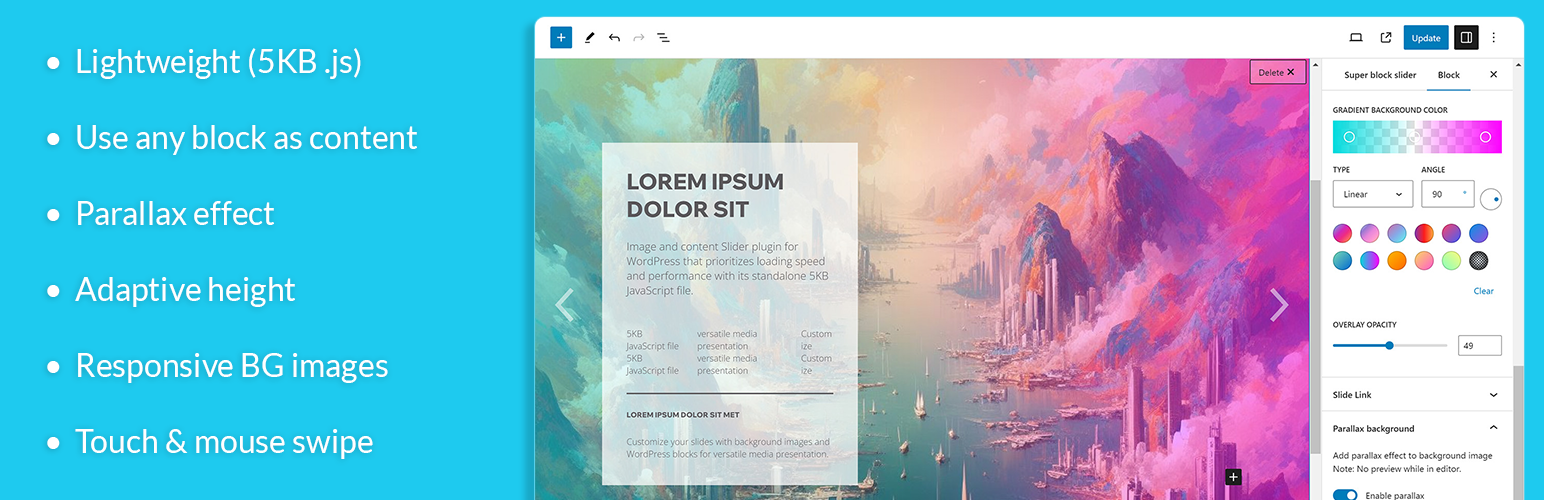
About Super block slider – Responsive image & content slider
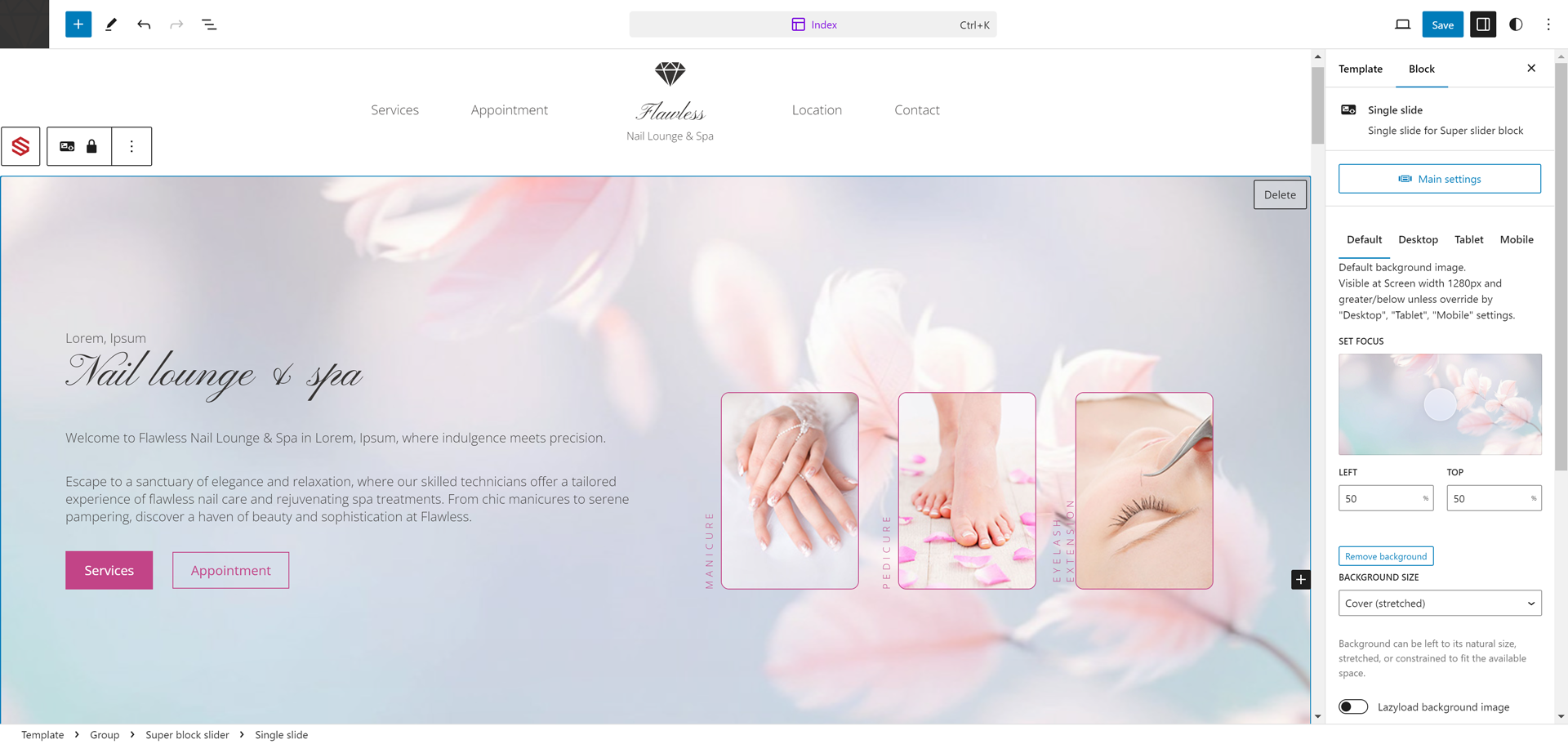
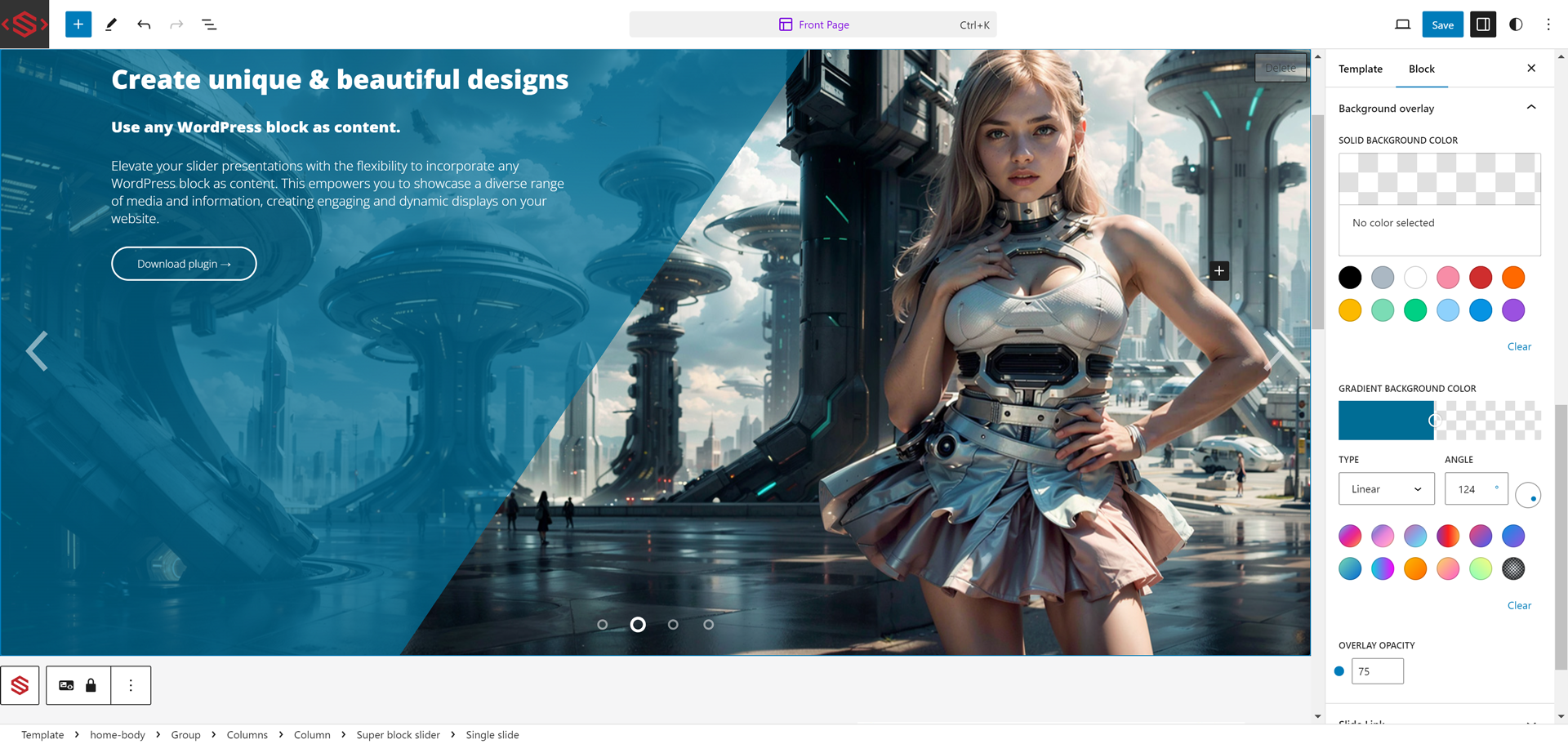
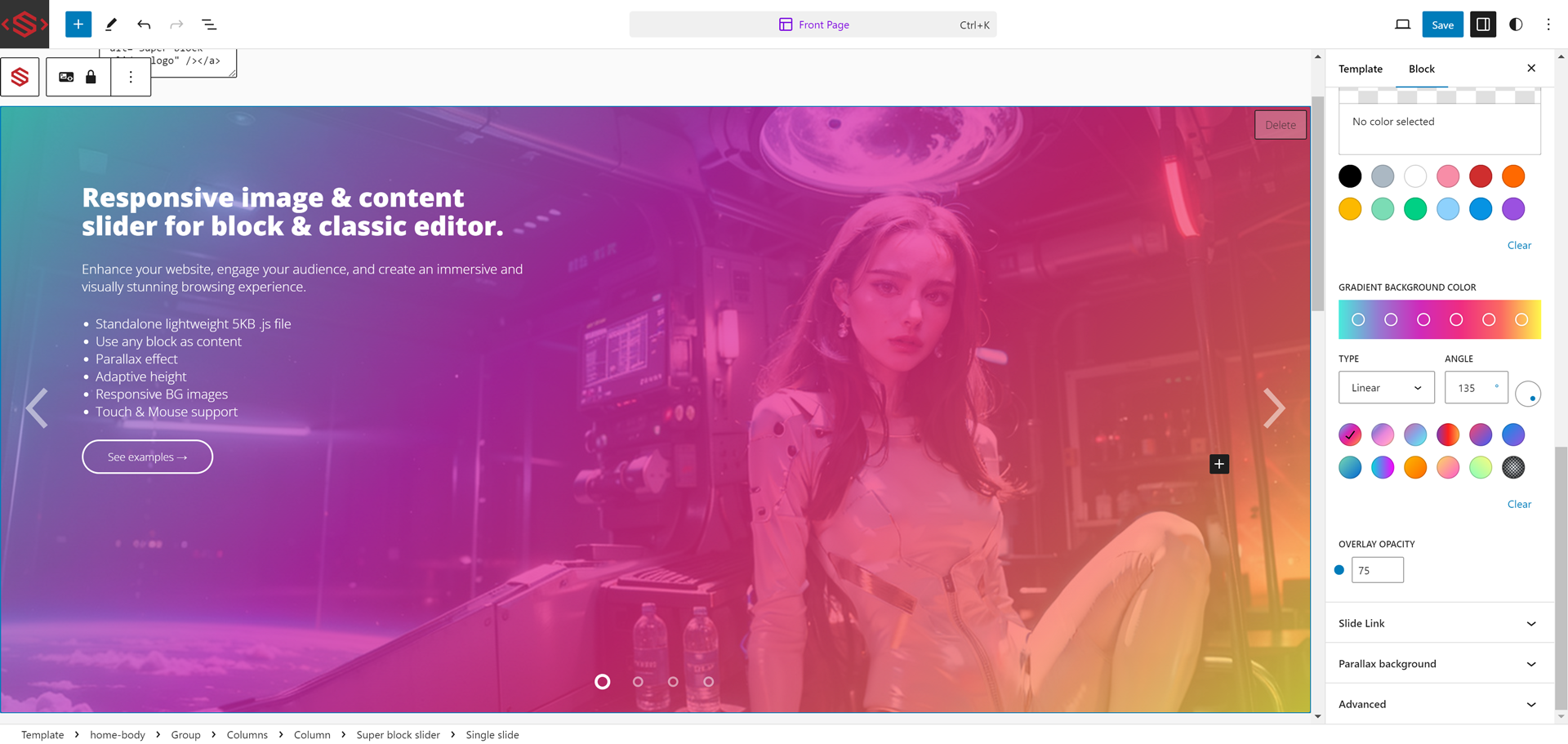
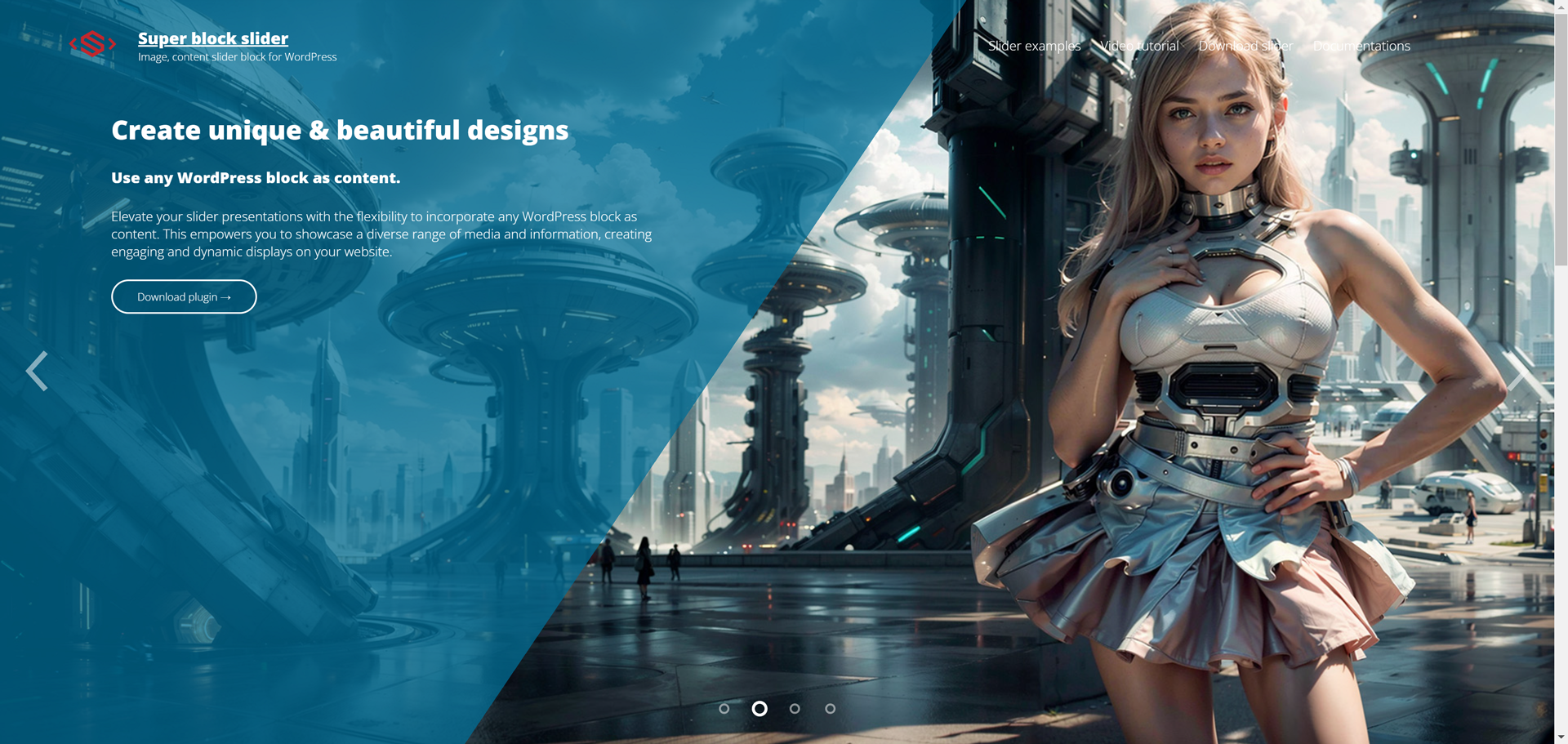
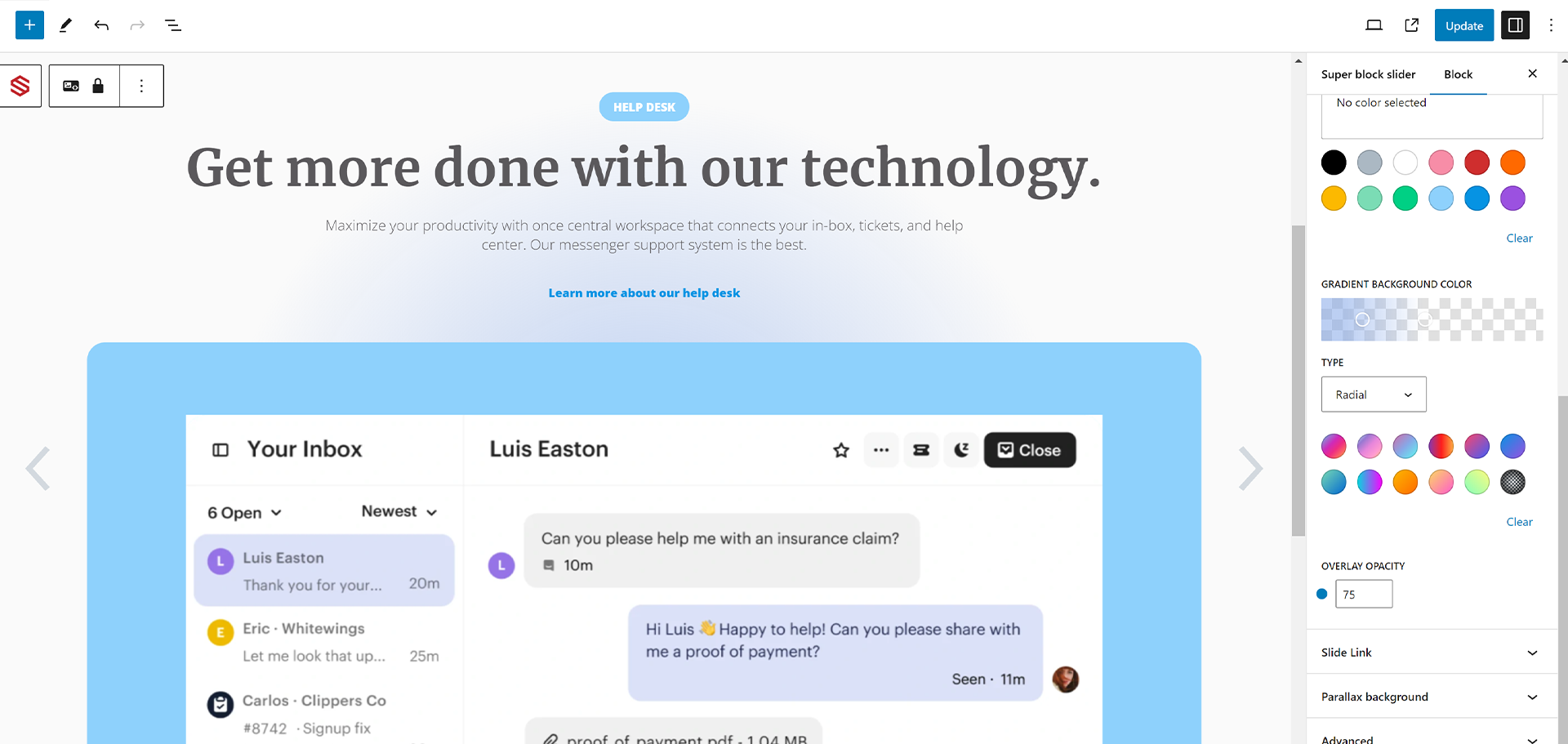
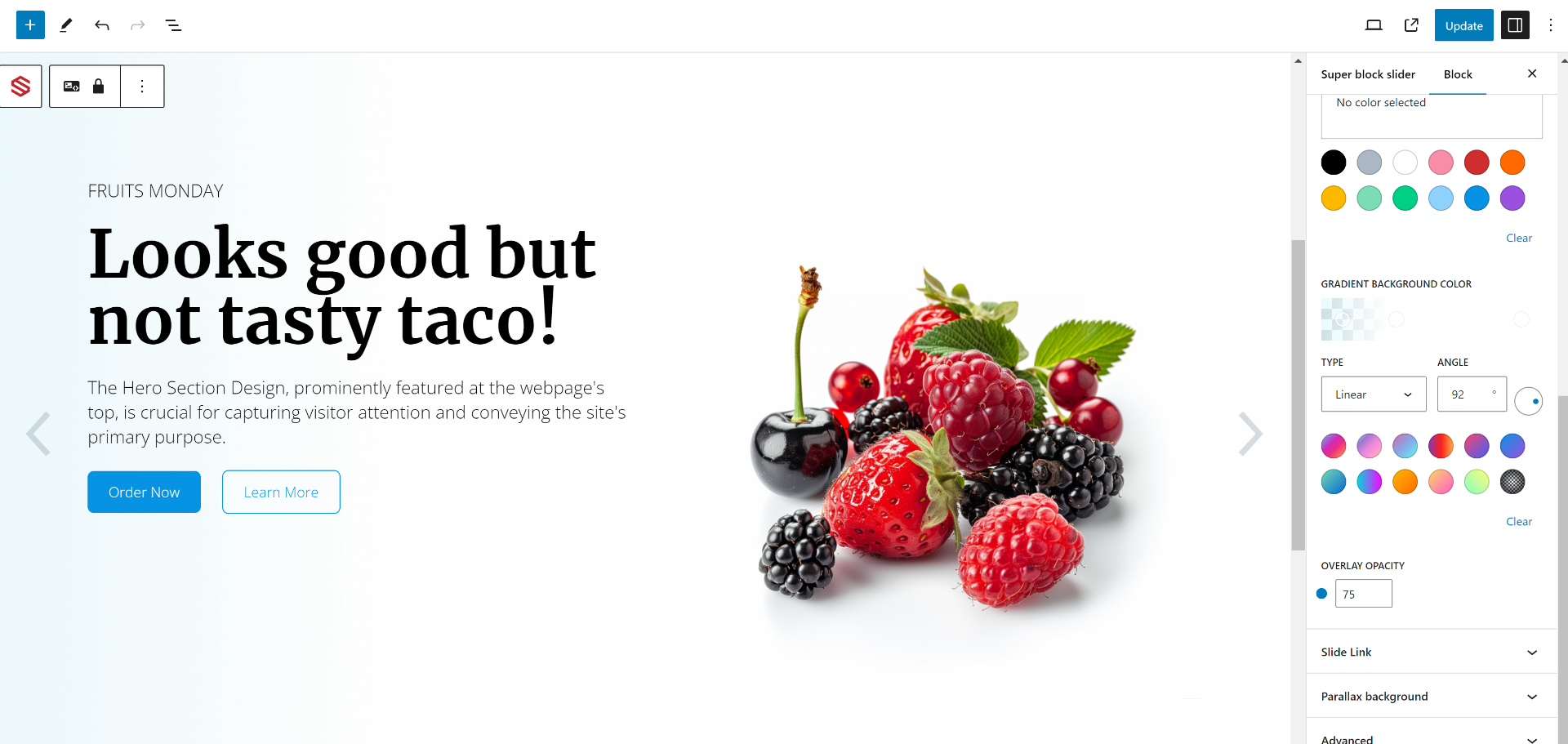
Superblock Slider is a lightweight image and content slider plugin that allows you to customize the layout and design of your sliders. It supports both the block editor and classic editor, offers responsive design options, and includes features like gradient overlays, parallax effects, and transition animations. You can check out examples and find more information in the documentation.Screenshots

Changelog
2.8.2.2
- Fix bug: Main slider > Advanced > Additional CSS class(es) was not being added in the HTML output.
2.8.2.1
- change post permission check for superblockslider shortcode.
2.8.2
- fix error: ERROR: WordPress.WP.I18n.TextDomainMismatch, WordPress.Security.EscapeOutput.OutputNotEscaped.
2.8.1
- fix error: ERROR: WordPress.WP.I18n.TextDomainMismatch.
2.8
- Security fix: Fix vulnerable to Broken Access Control.
2.7.9
- Add .pot translation files.
2.7.8
- Fix editor tab overlow.
2.7.7
- Fix editor styles: remove global editor styles
- clean up invalid registerBlockType parameter
2.7.6
- Fix bug Gutenberg blocks not being process when embeding using shortcode.
2.7.5
- Add load sueprblockslider.js in defer.
- Use passive listeners for touchstart, touchmove event.
2.7.3
- Fix WordPress 6.3 gradient crashes, bugs.
- Fix animating class
2.7.1
- Add class superblockslider__slide–animating-in, superblockslider__slide–animating-out when slide is animating.
2.7
- Added shortcode support for use in classic editor.
2.6.3
- Fix bug: Frontend autoplay not stopping when it should.
2.6.2
- Fix bug: Overlap timing of transition animate speed timing and autoplay timing.
2.6.1
- Fix bug: Reduce mobile touch sensitivity.
2.6
- Added content overflow options.
- Added mouse drag event changes slide
- Fix bug: Adaptive height not working in editor when slider is created.
- Optimise touch event code
- Add 6 more gradients
- Add donation link
2.4.7
- Fix Editor description for parallex.
- Fix Parallax code.
- Fix mobile gesture not stopping autoplay.
2.4.5
- Added “Adaptive slider height”.
- Fix bug causing slider to disappear if transsition effect is set to “Fade”.
- Fix bug: GradientPicker component causing crashes on full-site-editing mode.
- Fix ful-site-editing errors
2.3.2
- Fix bug: JS defer causes supersliderblock not to run.
2.3.1
- Add Mobile swipe gesture.
- Update responsive settings descriptions.
2.2.1
- Fix bug causing crashes if 2 or more slider is created.
- Changed editor text and rearange controls.
- Lock move control of single slide by default.
2.1.1
- Fix bug – CSS style causes slider arrow to overlaps content.
2.0
- Add custom responsive screen size images option.
- Fix bug – Added overflow style to content container.
1.5.5
- Fix bug – Slide index not set correctly if Super slider block is a child block.
- Slide title line height style.
- Update descriptions in editor.
1.5.4
- Fix parallax effect.
- Fix slide title line height in slide editor.
- Add src/js/
- minor bug fixes.
1.5.3
- Add support for WordPress version 5.9
1.5.2
- fix bug – WordPress version 5.8.1 cause slide index to be undefine.
1.5.1
- fix bug – Editor fade effect : selected slide not visible if child block selected.
1.5
- fix bug – track css transition all
1.4.9
- fix bug – Firefox transition-timing-function.
- fix bug – Chrome background image flicker.
1.4.8
- fix bug – fade effect not changing in editor.
1.4.7
- Add Parallax background image
1.3.7
- Add slide link option
1.2.7
- Fix bug – Title indicator to render html.
- Fix bug – Title indicator word-wrap.
- Fix editor .wp-block max-width css.
1.2.6
- Changed Super block slider category to ‘Media’ from ‘Widgets’.
1.2.5
- Fix bug – initial active slide not correct cause by older versions.

