

Enables the previous "classic" editor and the old-style Edit Post screen with TinyMCE, Meta Boxes, etc. Supports all…

About Maintenance & Coming Soon Redirect Animation
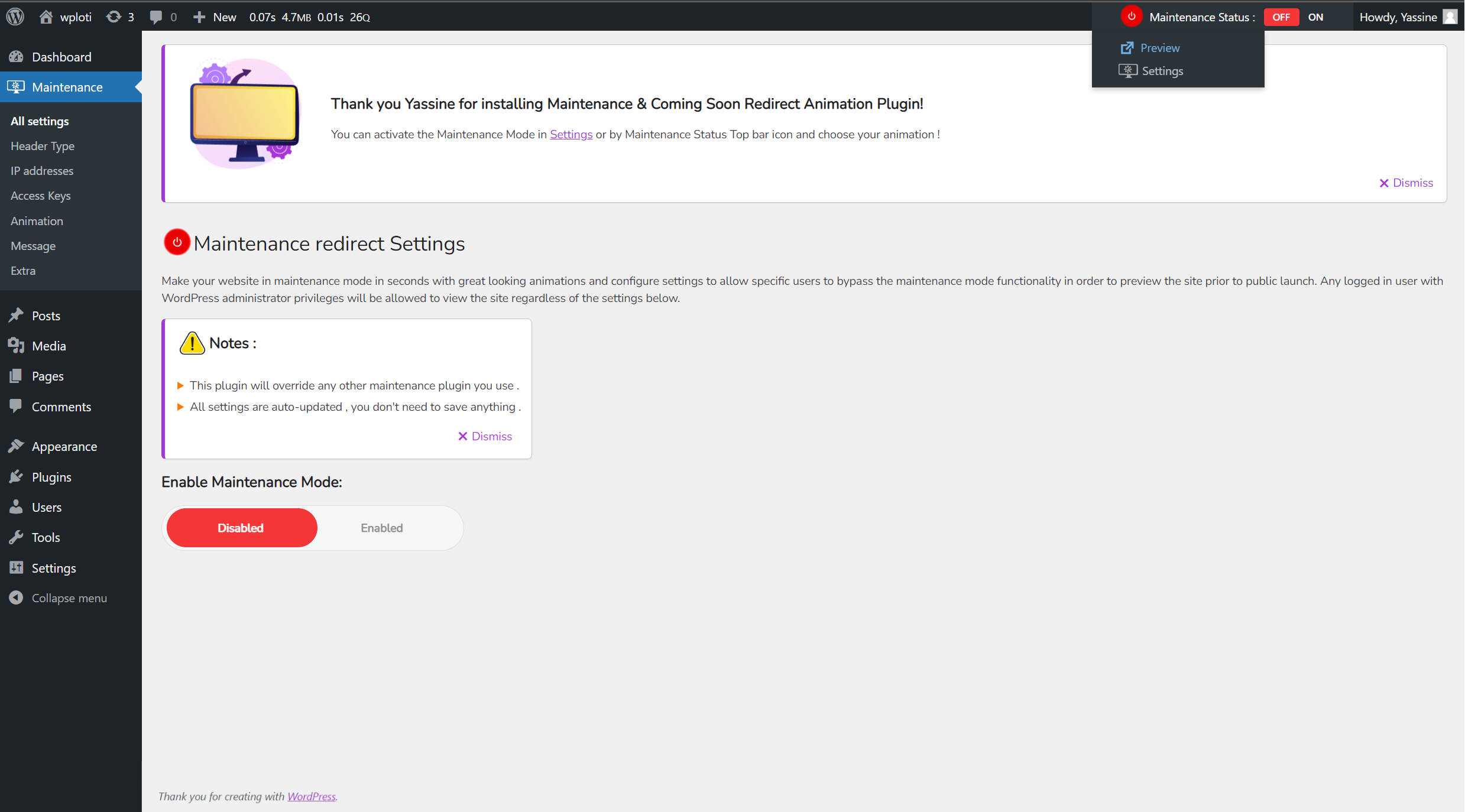
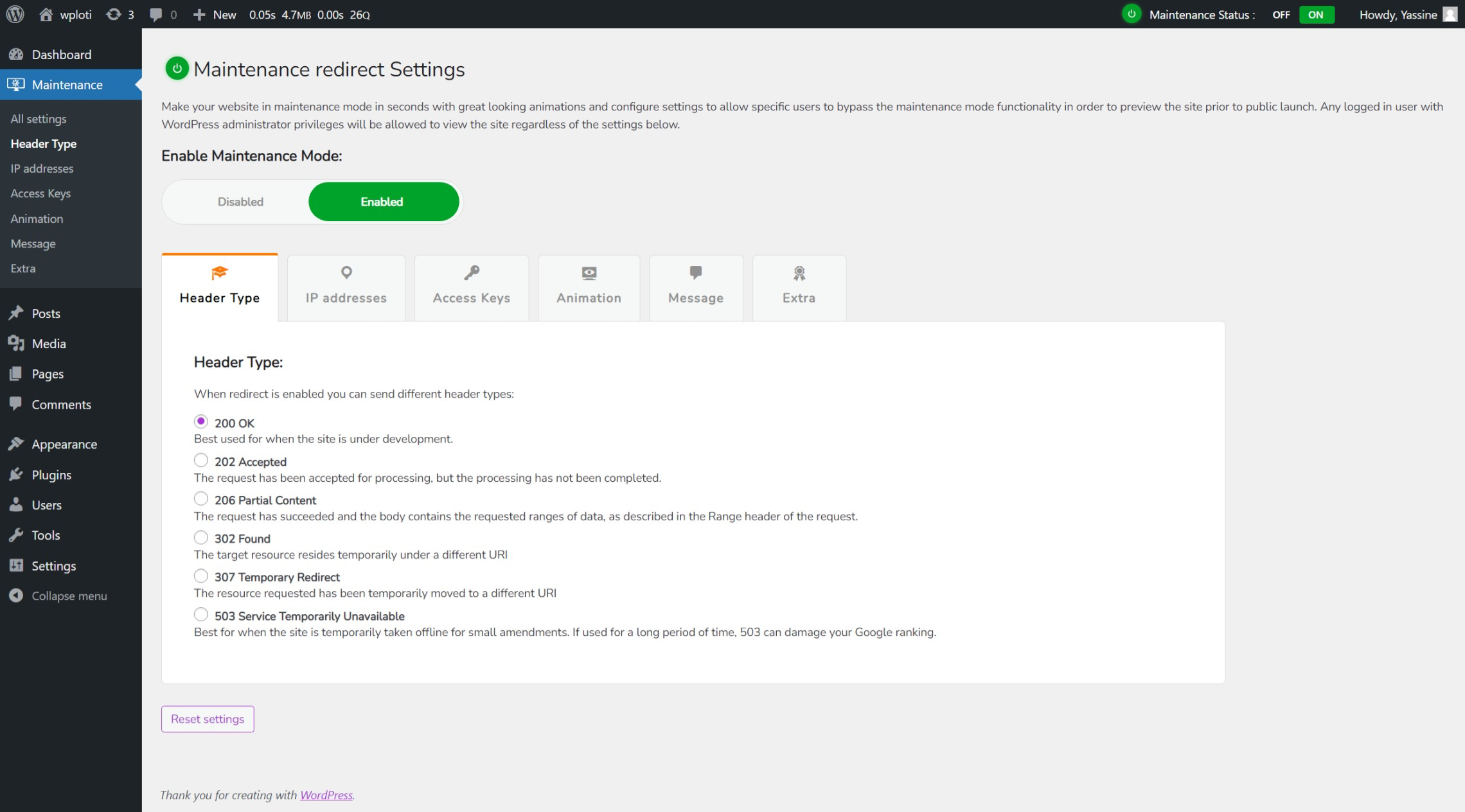
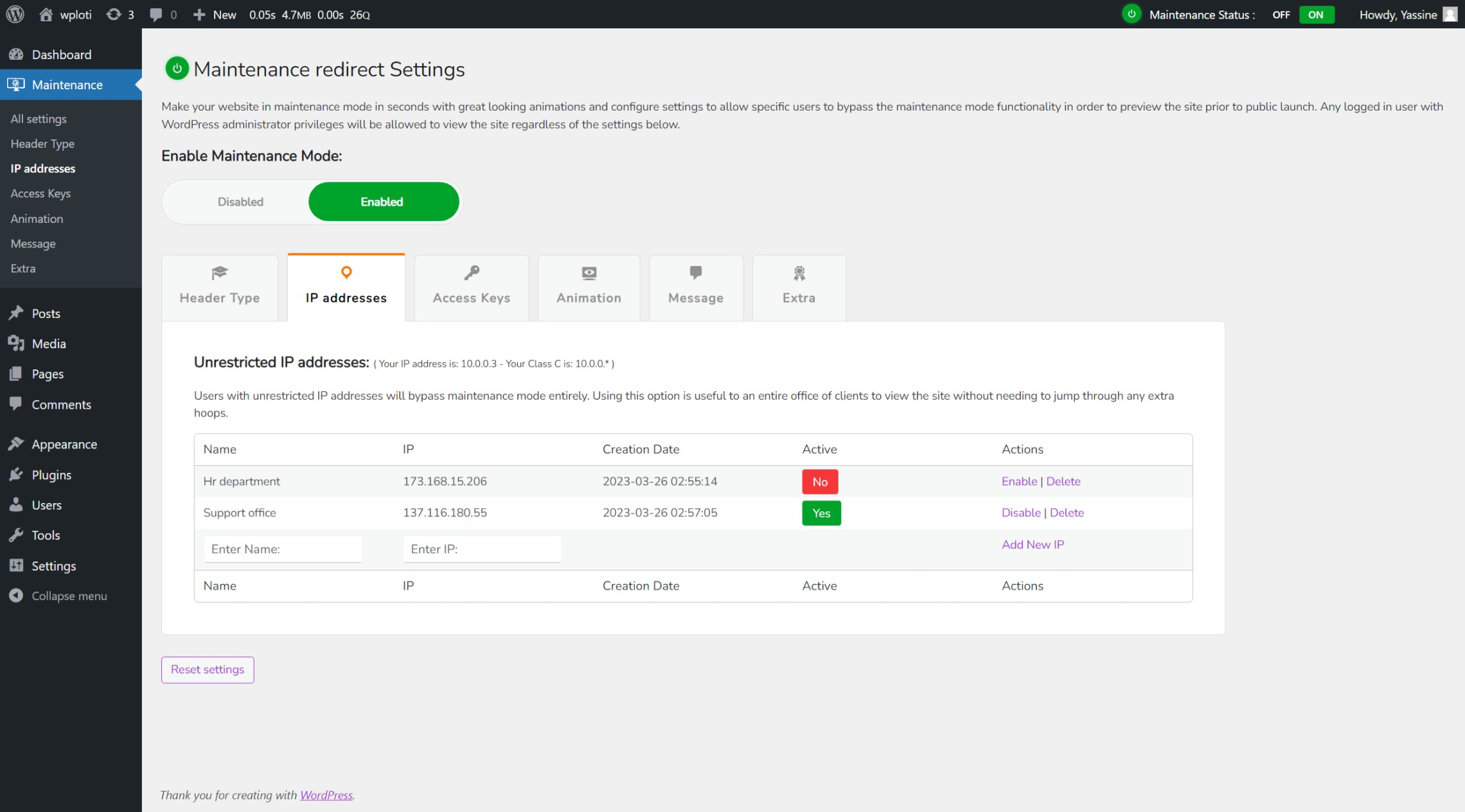
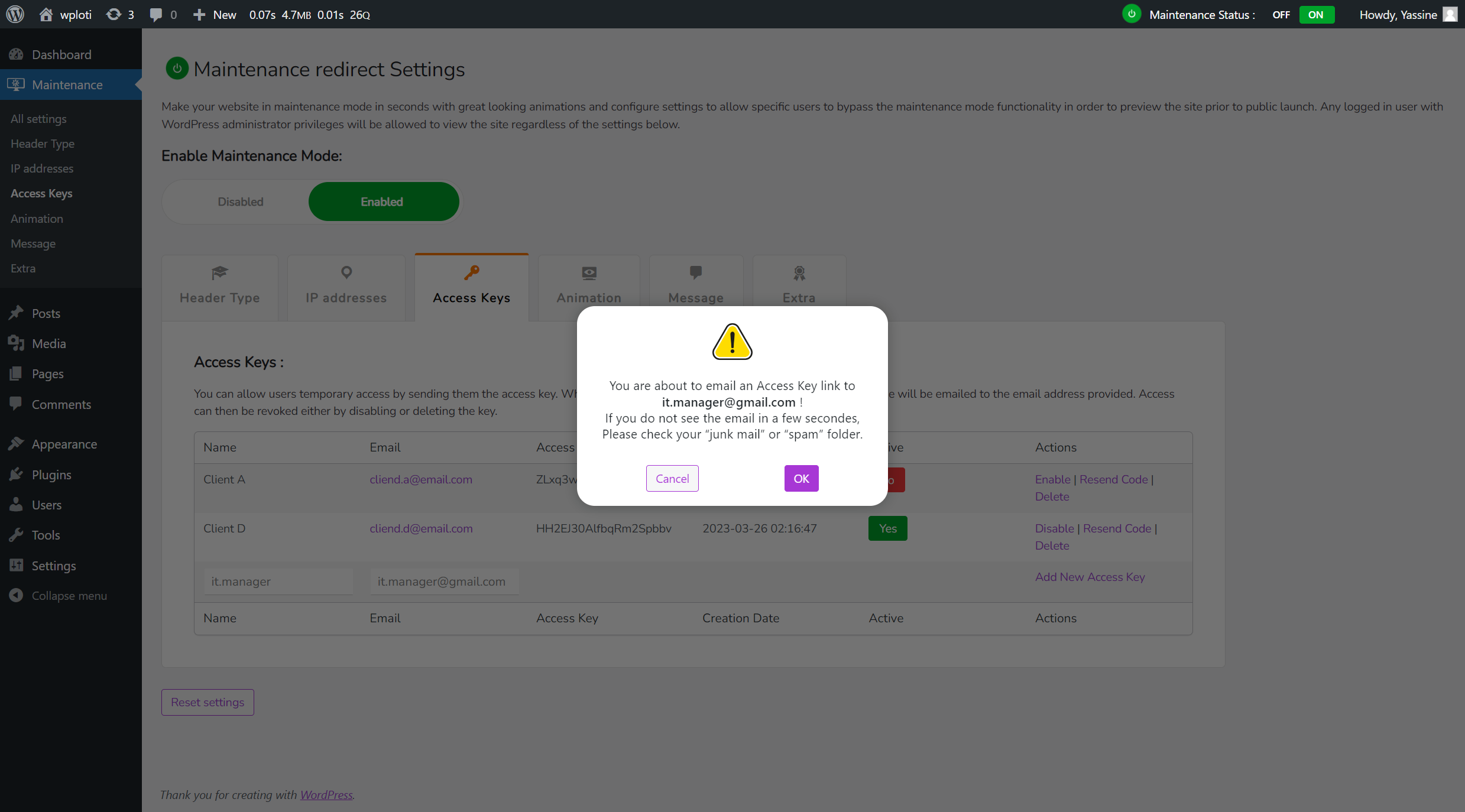
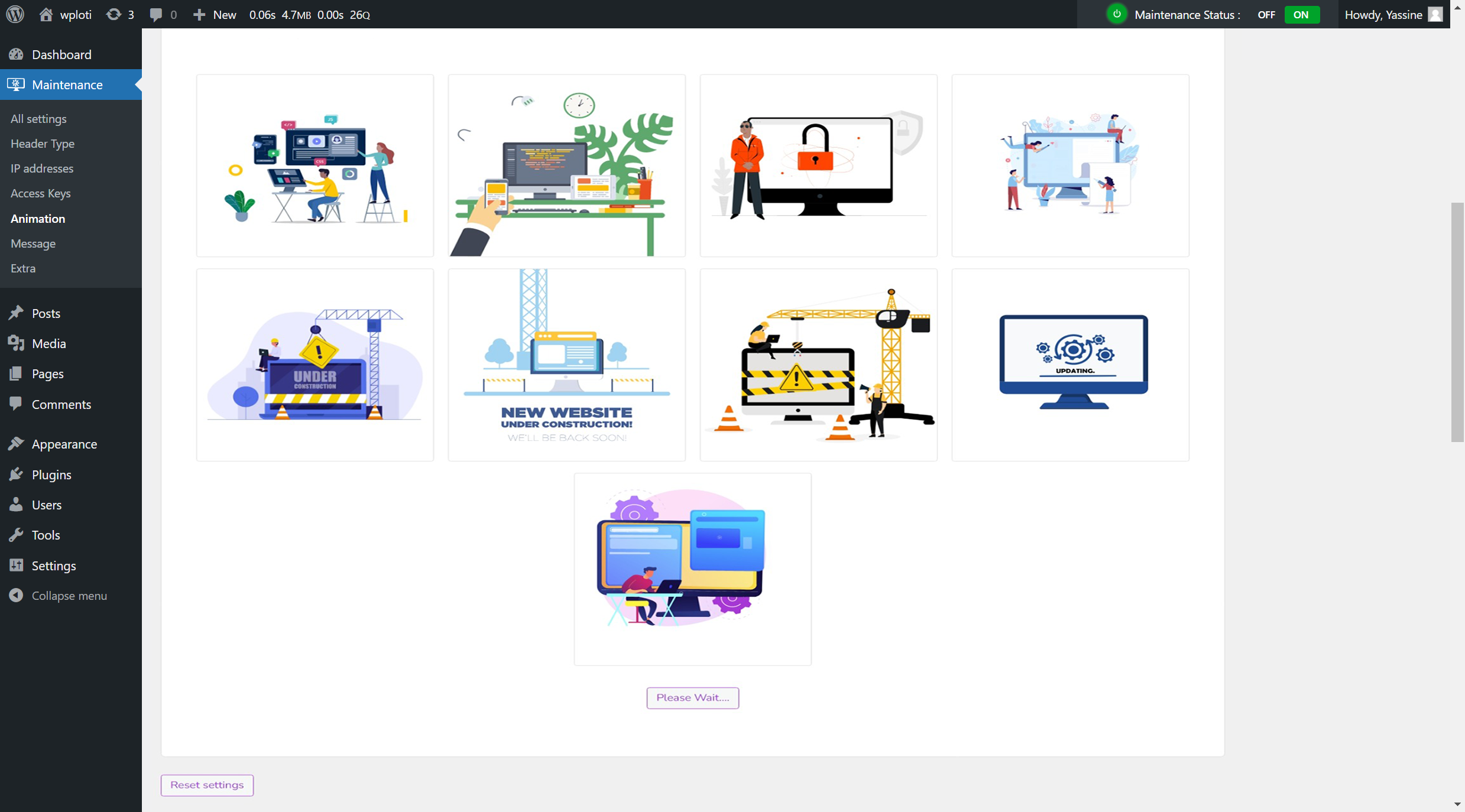
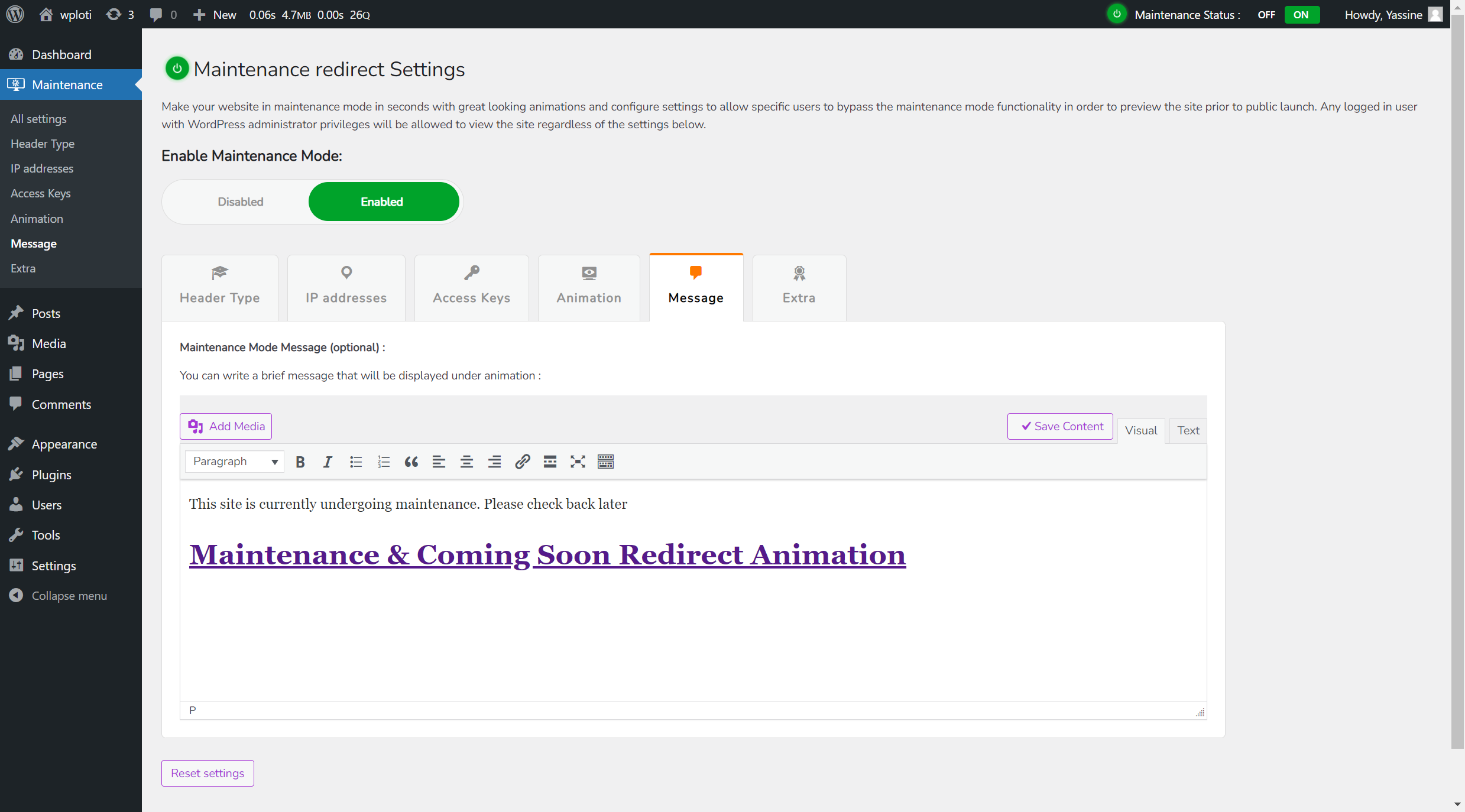
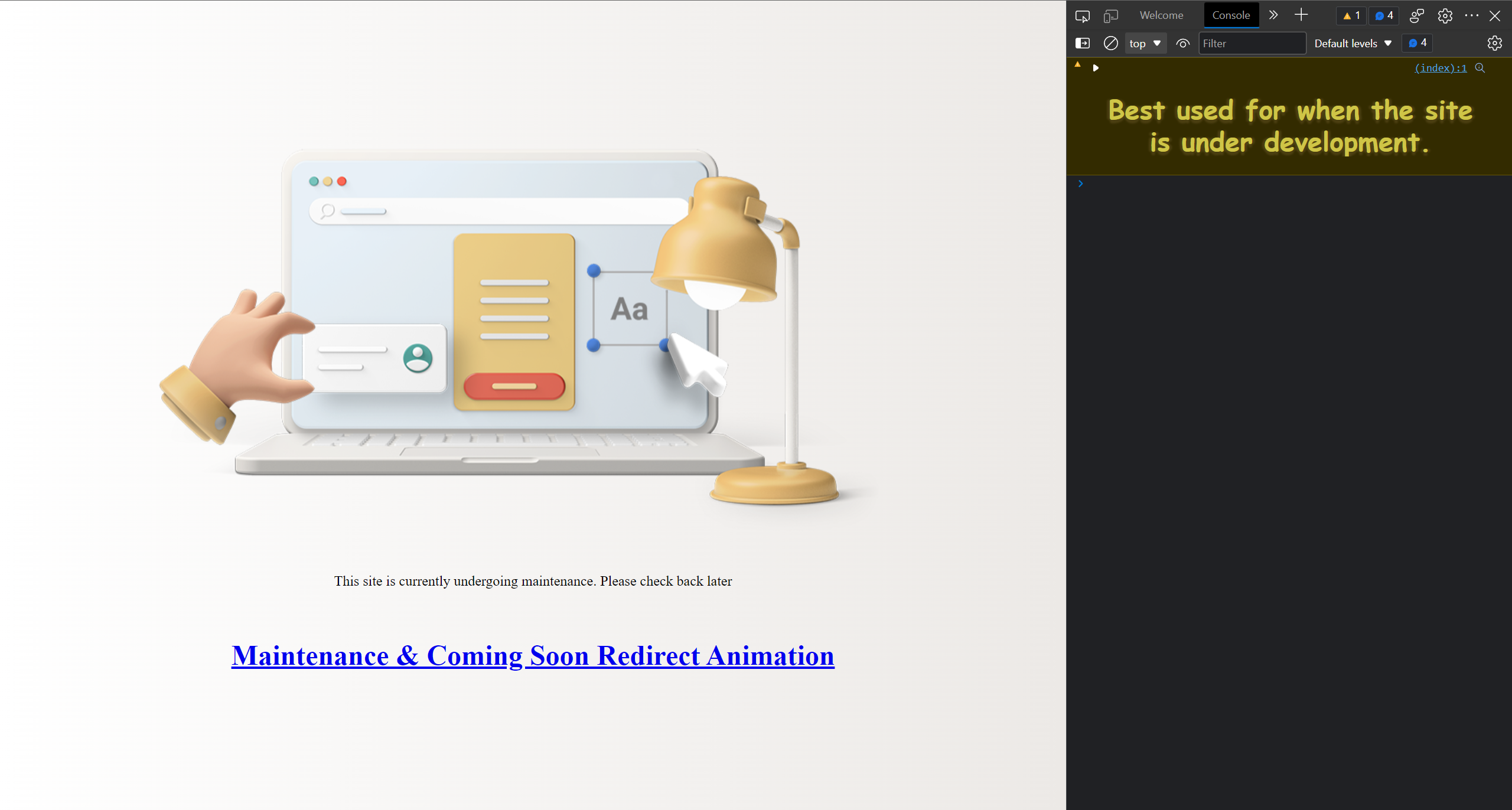
This lightweight plugin is perfect for developers, designers, and site administrators who need to preview or temporarily hide their site. It allows logged-in WordPress administrators to view the site, and you can set specific privileges using a filter hook. The plugin also offers the option to bypass maintenance mode for certain IP addresses, and you can add animations to engage visitors while your site is under maintenance.Screenshots

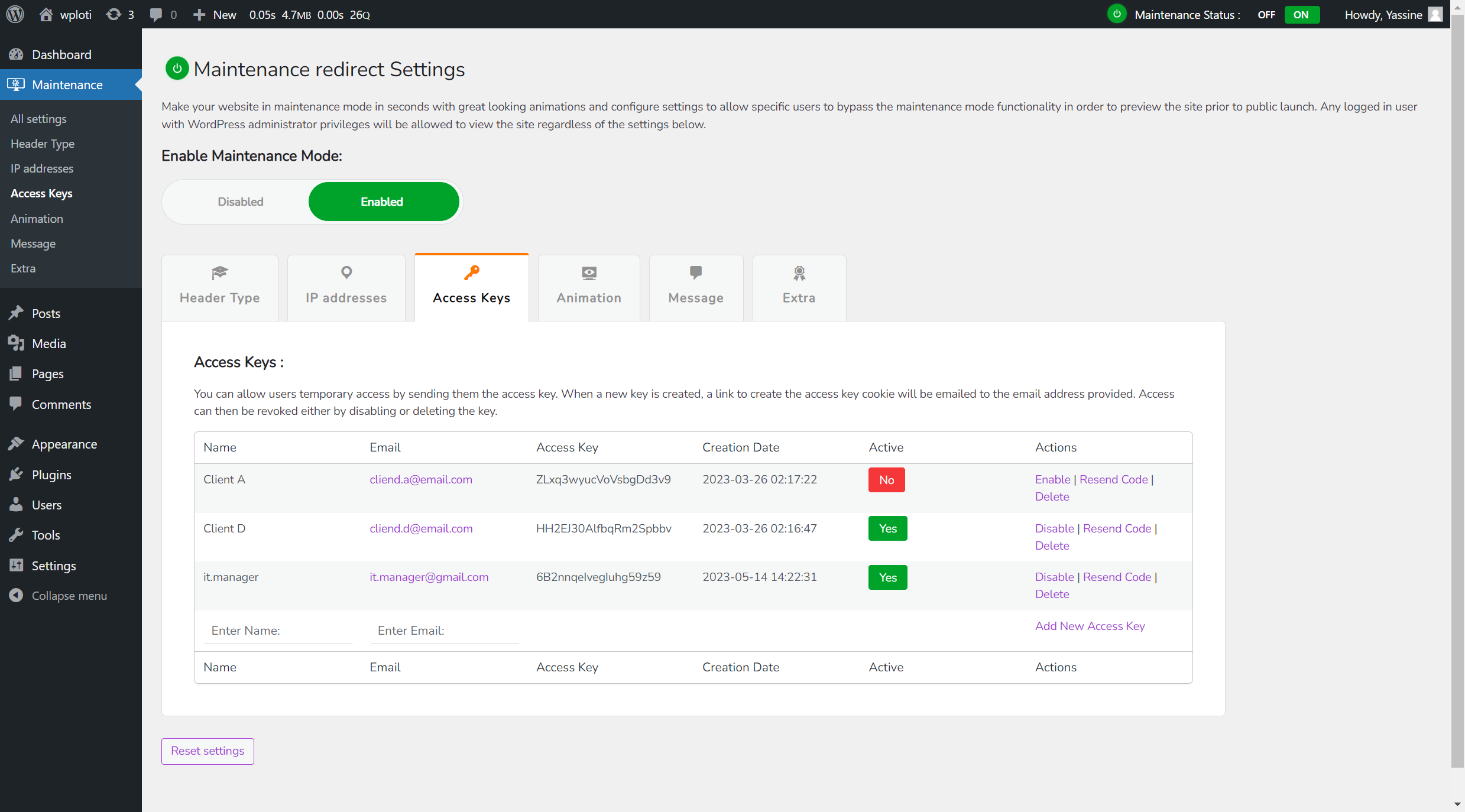
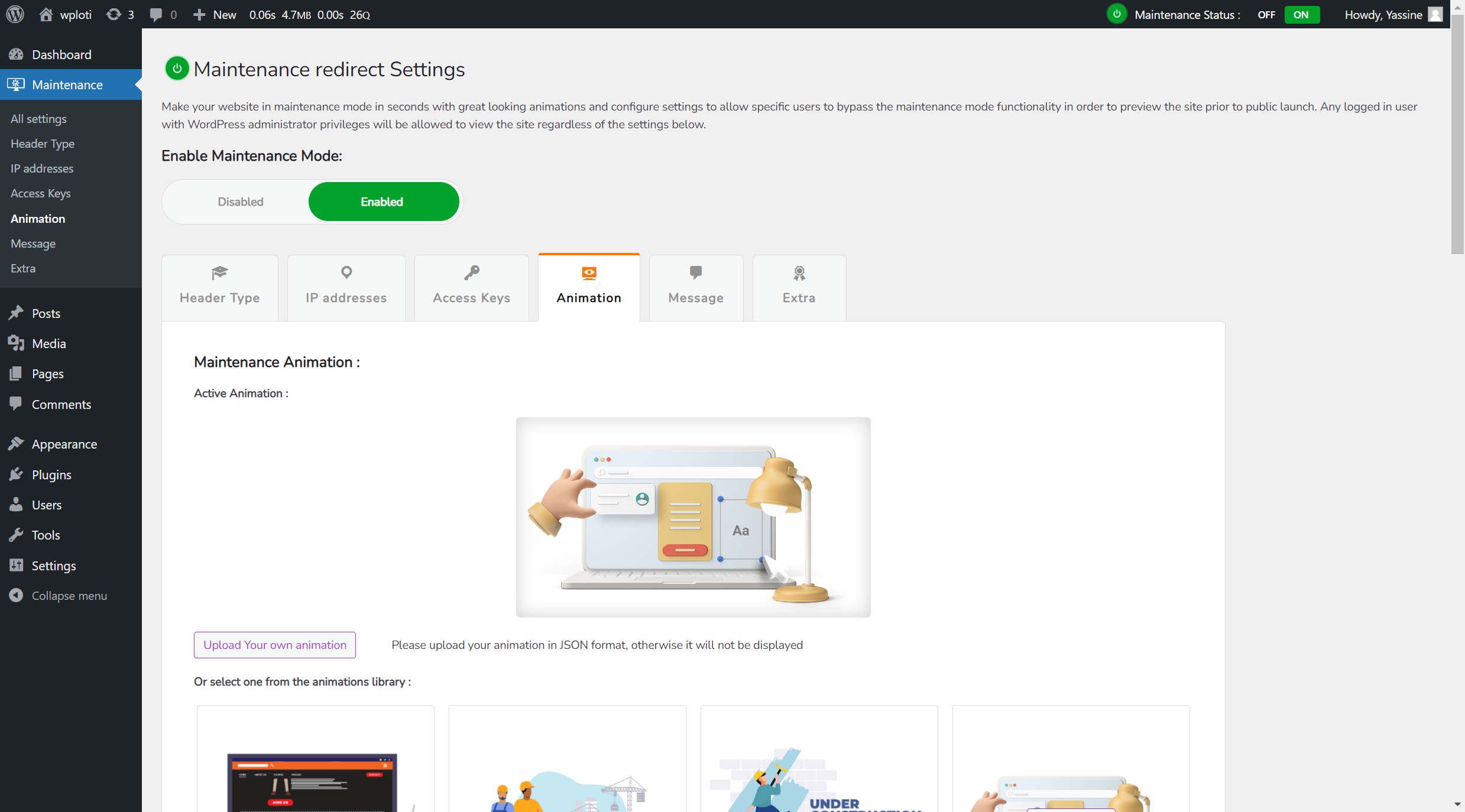
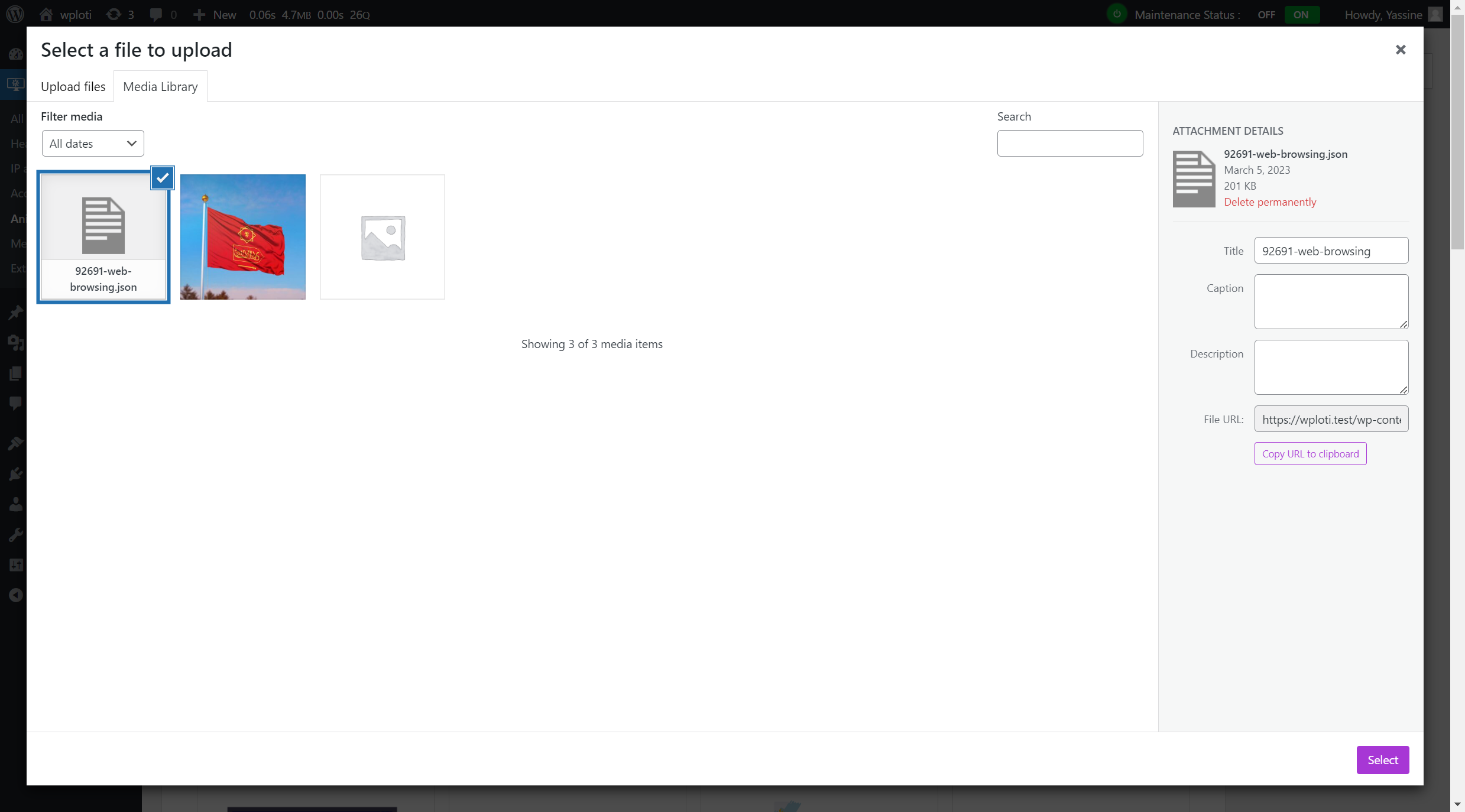
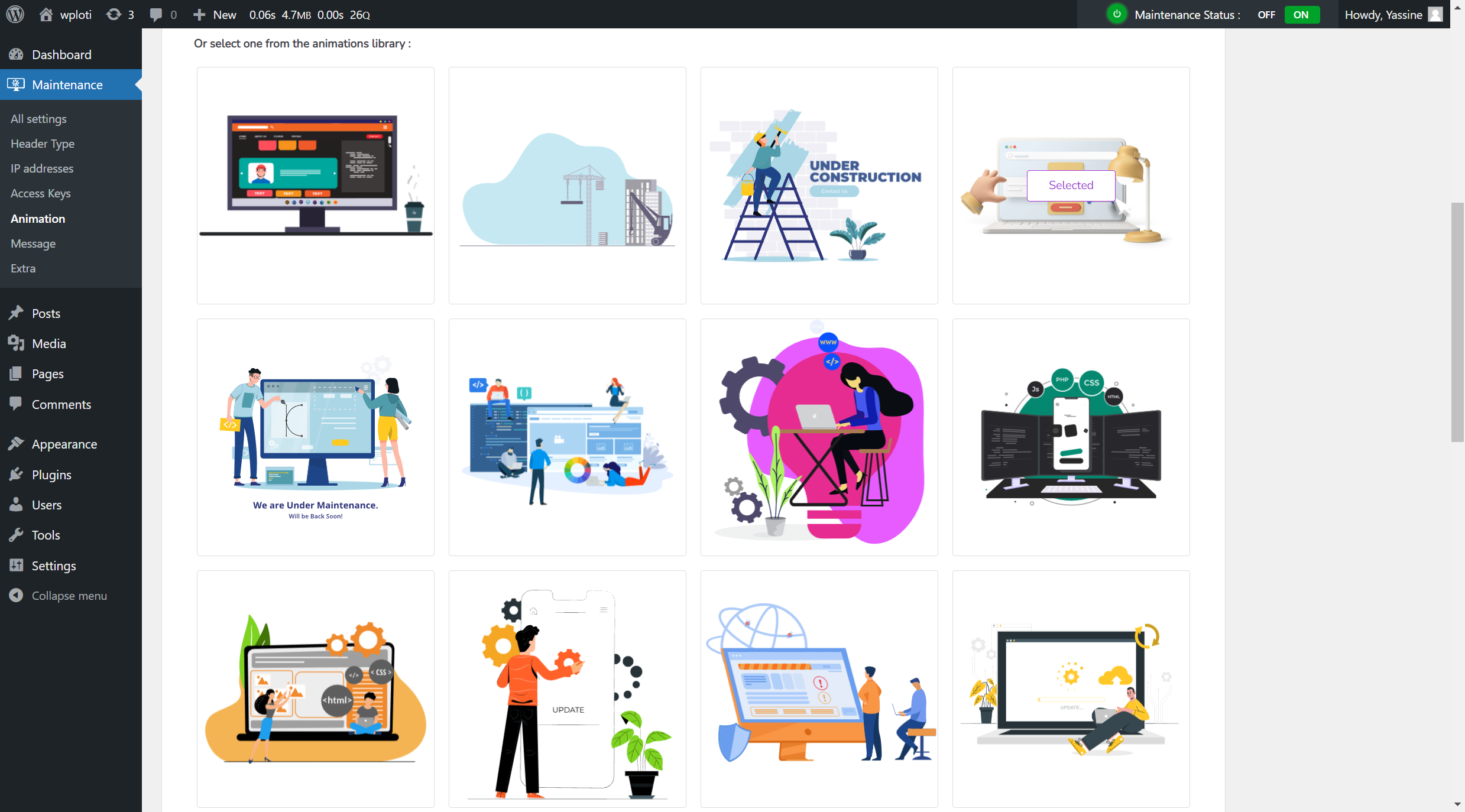
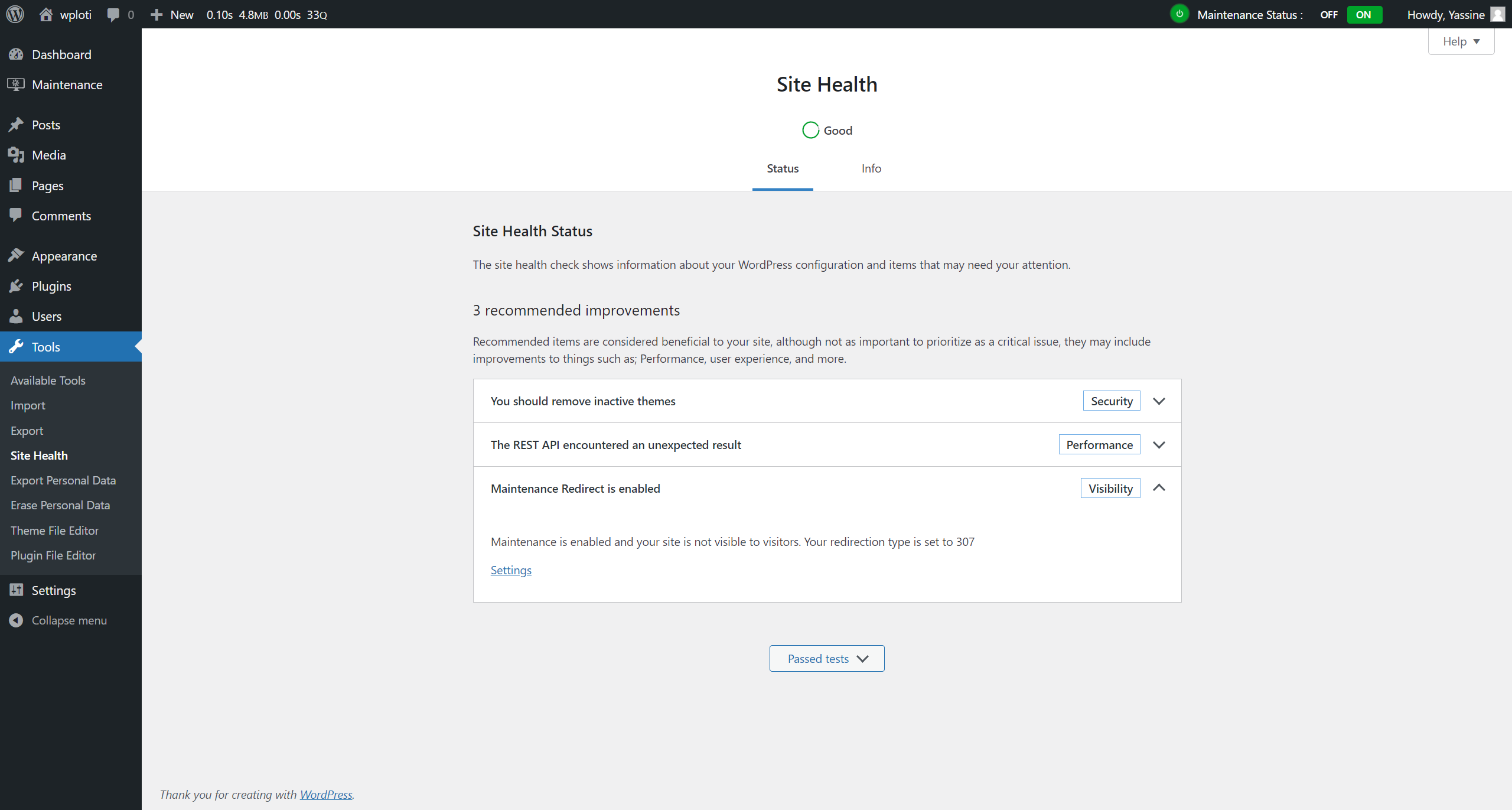
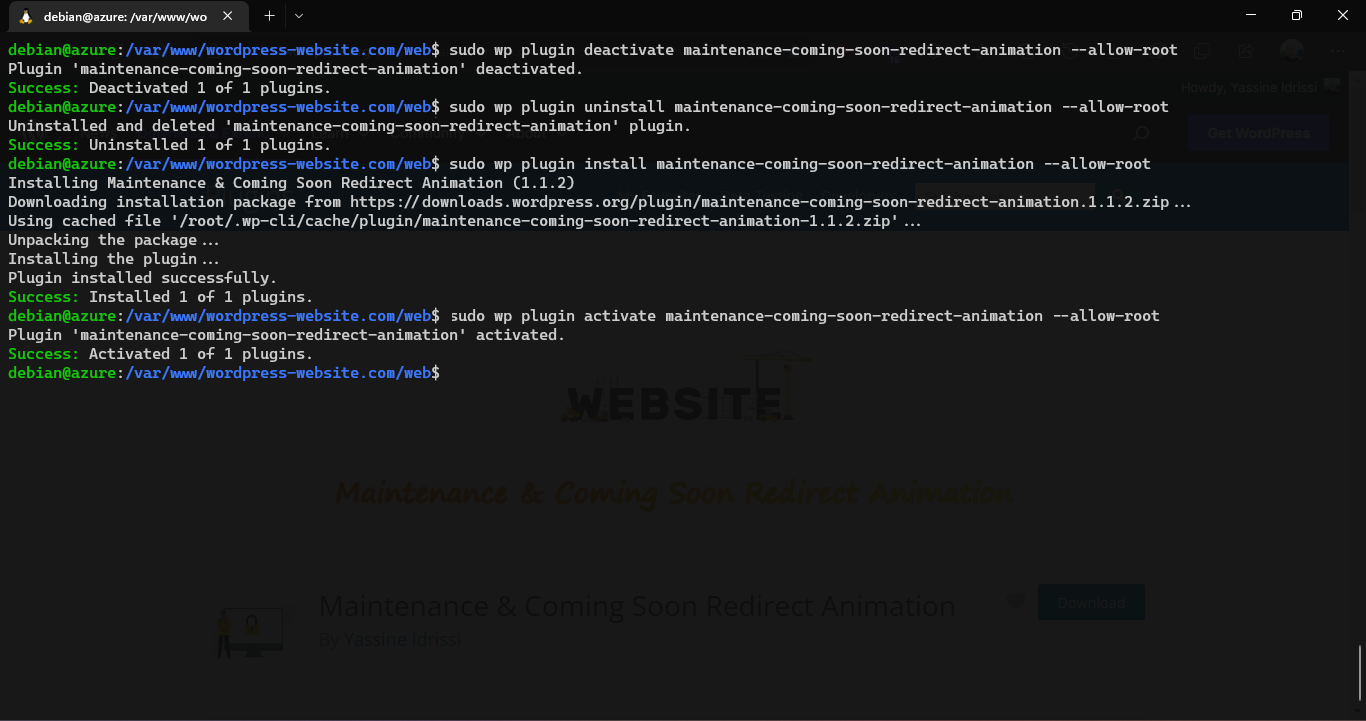
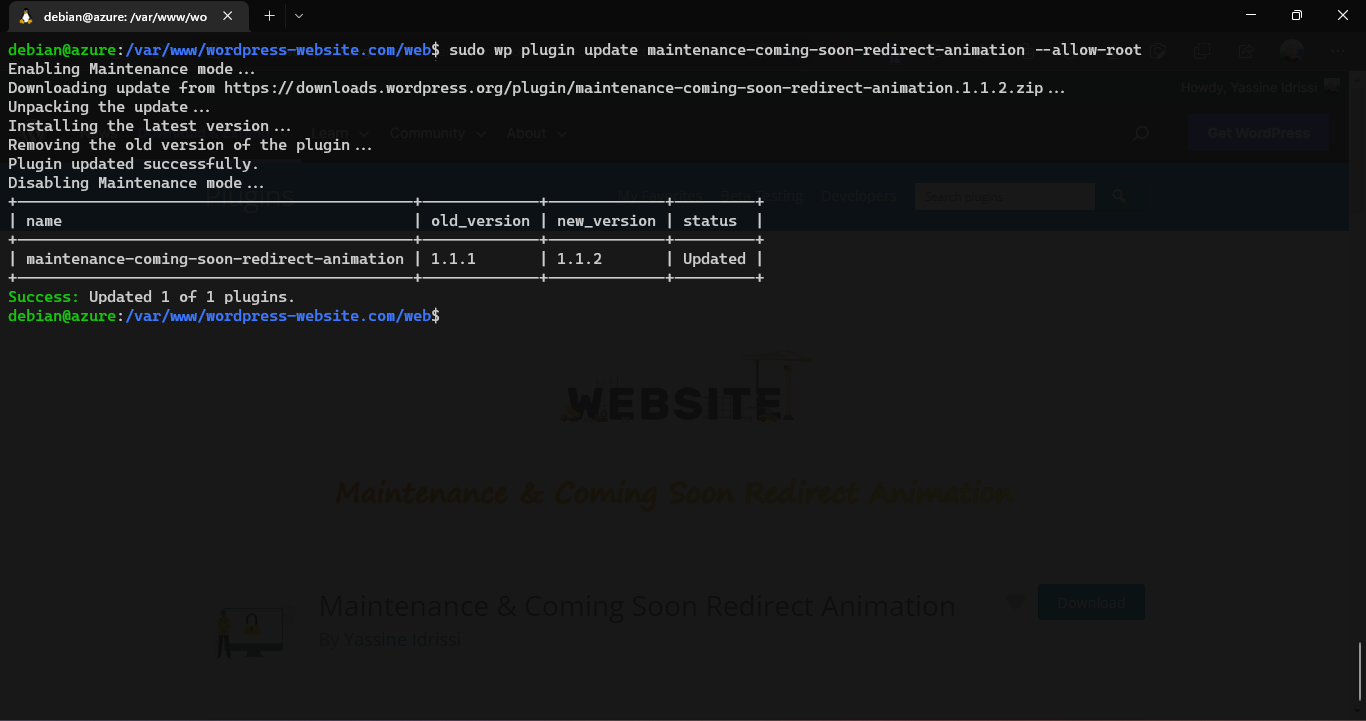
Changelog
1.1.1
- First Final release. No Changes Yet.
1.1.2
- Fix Maintenance Status not showing in Top admin bar front
2.0.0
- Redesign Ui to tabs style
- New font added as primary font
- Fixed some styles issues on large screens
- Changed plugin icons
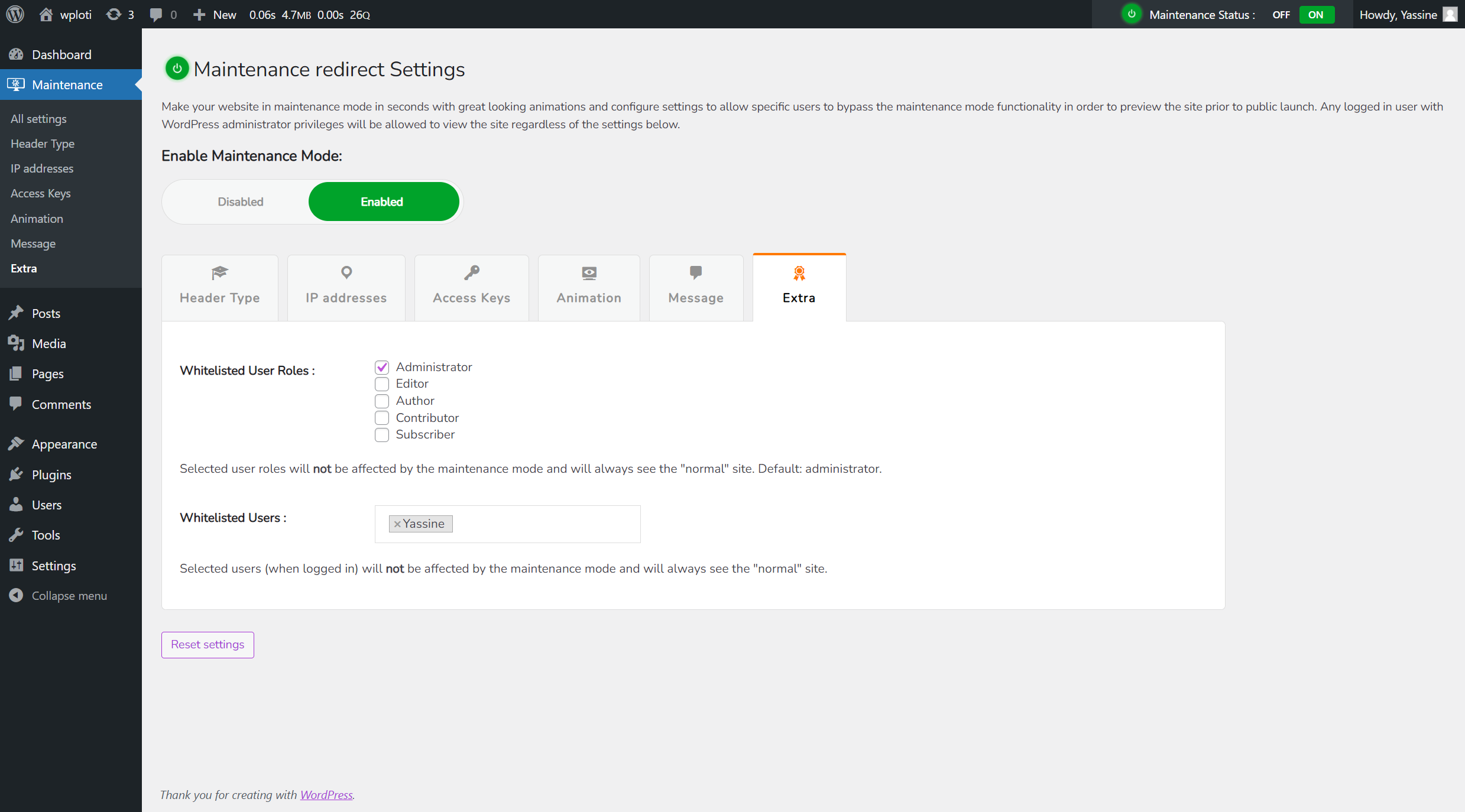
- Added feature : Whitelisted User Roles – user roles who see the site
- Added feature : Whitelisted Users – users who see the site
- Added feature : Administrator can upload & use his own JSON or gif Animation
- Added notice in login screen if Maintenance Mode is enabled.
- Added submenus
- Replace message input with wysiwyg Editor
- New Added headers
2.0.1
- Fix Gif animations
- Update readme file
2.3.0
- Resolved critical security vulnerabilities to ensure a safer user experience.
- Fixed potential exploits related to user access and IP whitelisting.
- Enhanced plugin security by sanitizing and validating all user inputs.
- Enhanced plugin security by restricting access to plugin settings for non-admin users.
- Improved protection against unauthorized access to plugin settings.
- Added feature: Logging system to track maintenance mode activations and deactivations.
- Fixed issue: Animation uploader now properly validates file types and sizes.
- Fixed issue: Improved compatibility with the latest WordPress versions.
- Fixed issue: Resolved conflicts with other maintenance plugins.
- Performance improvements: Reduced plugin load time and memory usage.
- Documentation: Updated FAQs and installation instructions for clarity.
