

Site Kit is a one-stop solution for WordPress users to use everything Google has to offer to make…
About Get Use APIs – JSON Content Importer
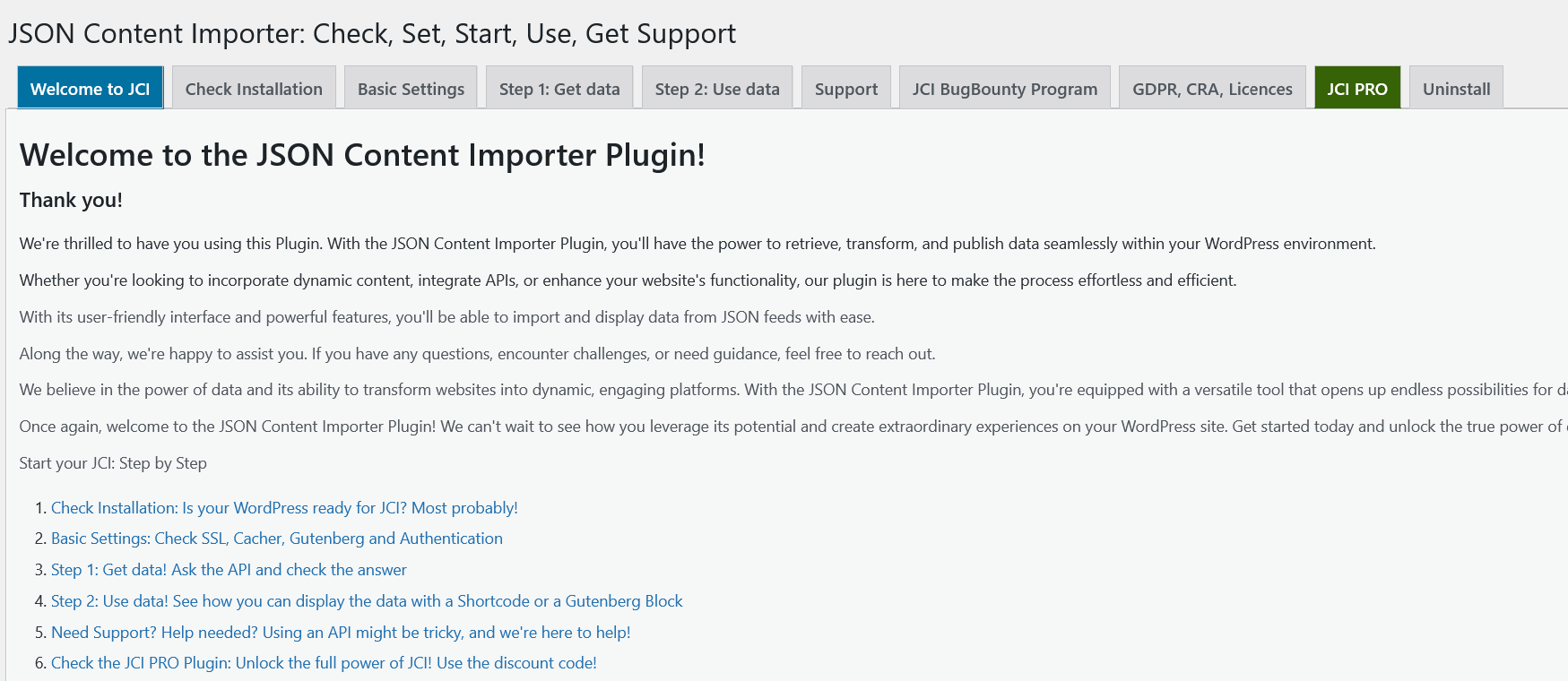
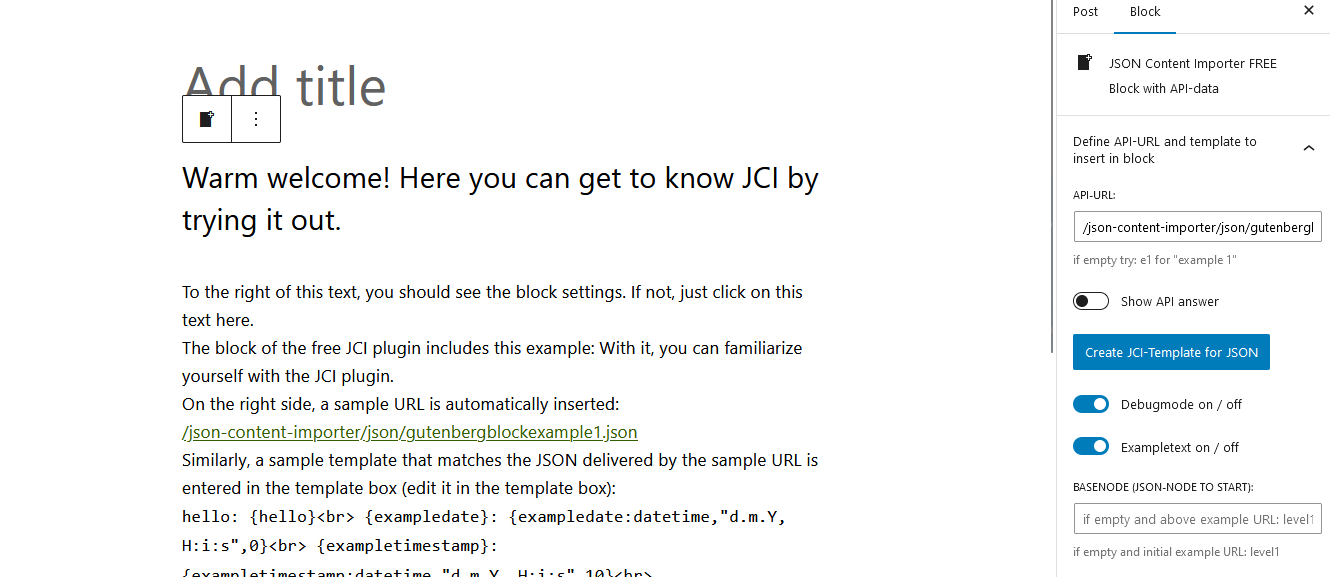
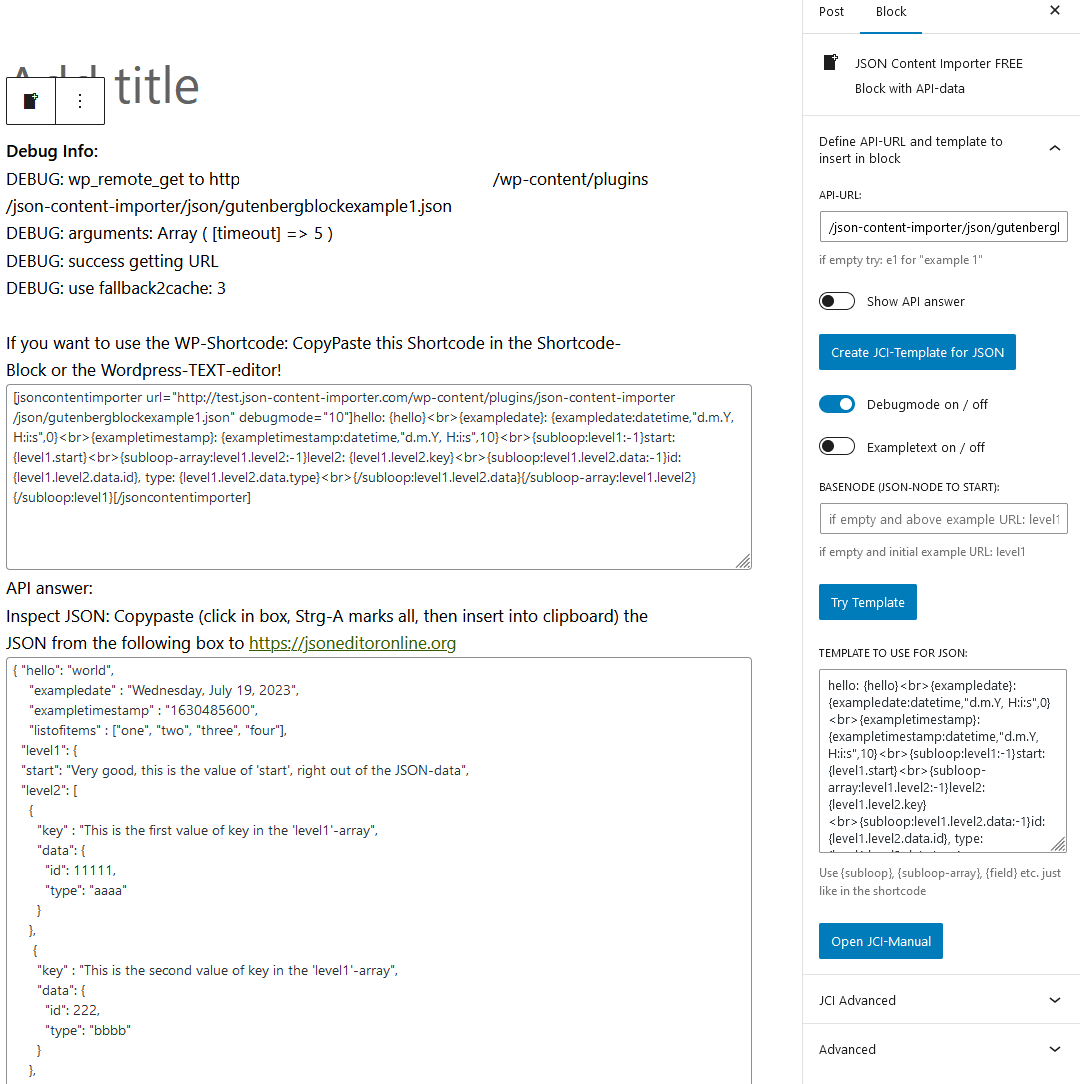
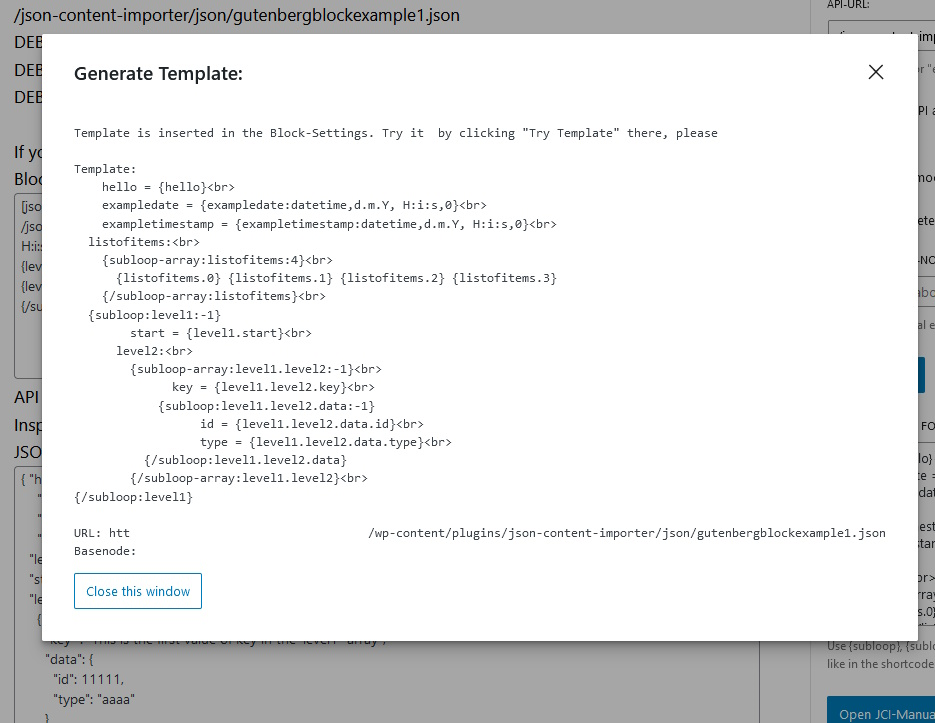
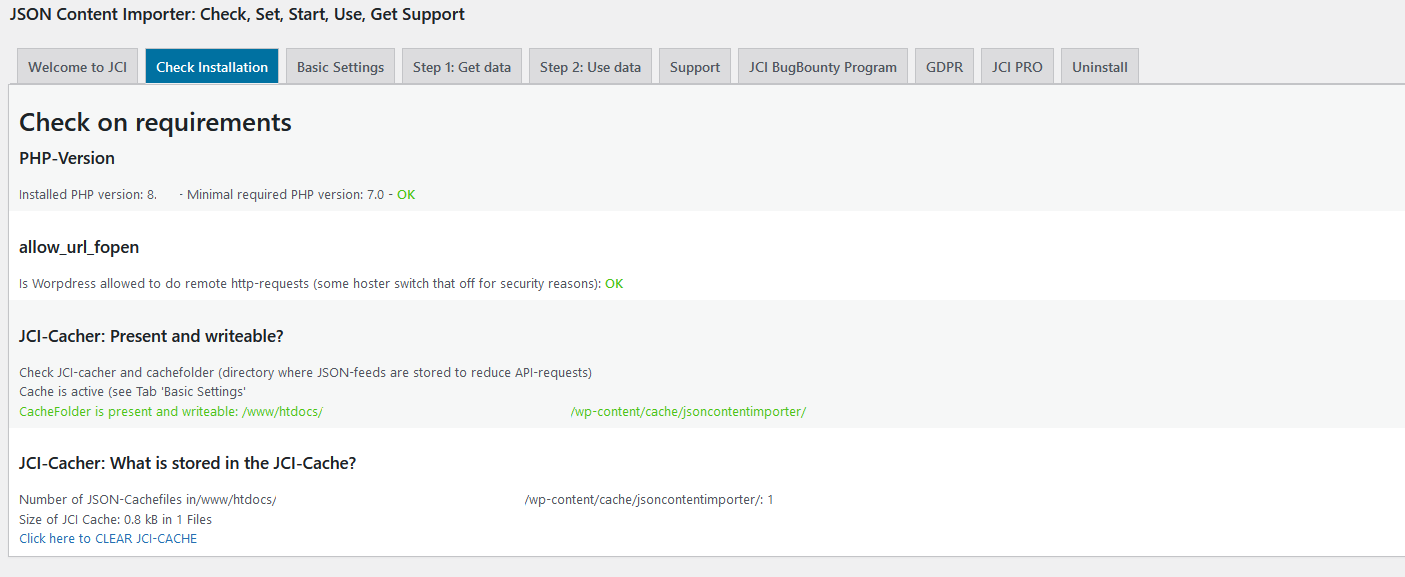
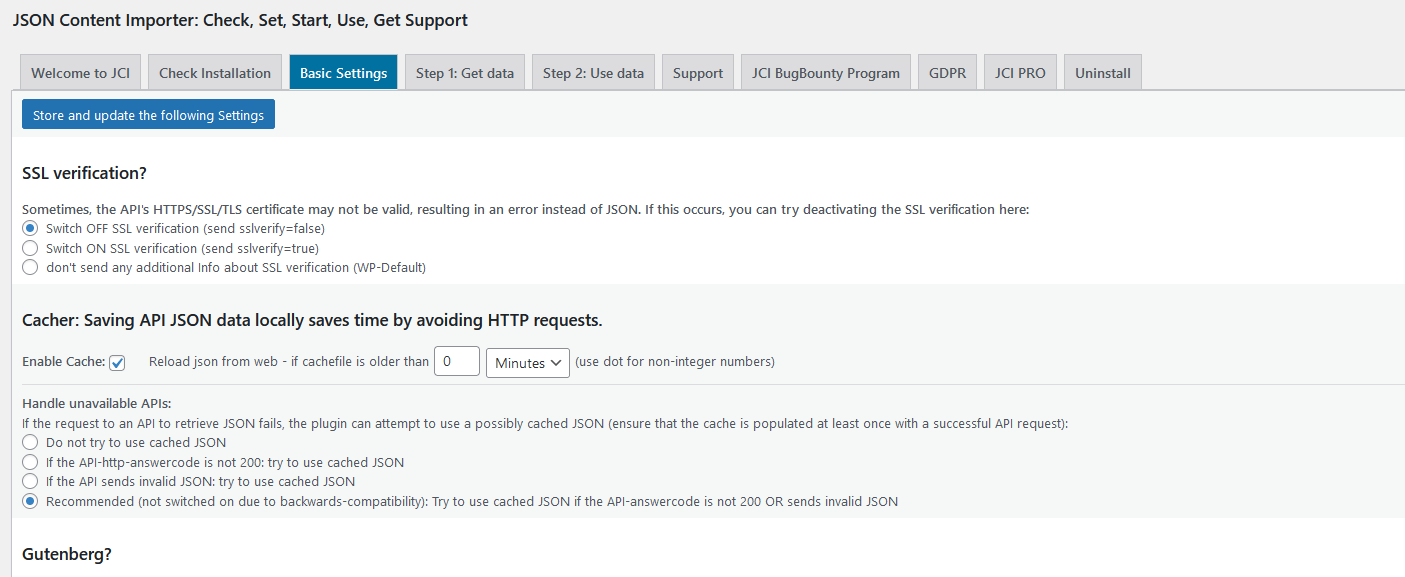
The JSON Content Importer (JCI) plugin allows you to easily retrieve data from external APIs and display it on your WordPress site. It offers a variety of features such as shortcode and block integration, template generation, and ContactForm7 integration. If you need more advanced capabilities, you can upgrade to the JCI PRO version for additional features and control over your website.Screenshots

Changelog
2.0.2
- BUGFIX: SSL-Verification
- Plugin OK with WordPress 6.7.2
- Plugin ok with “Plugin Check (PCP) 1.4.0”
2.0.1
- BUGFIX: CSS in the WP-Backend
2.0.0
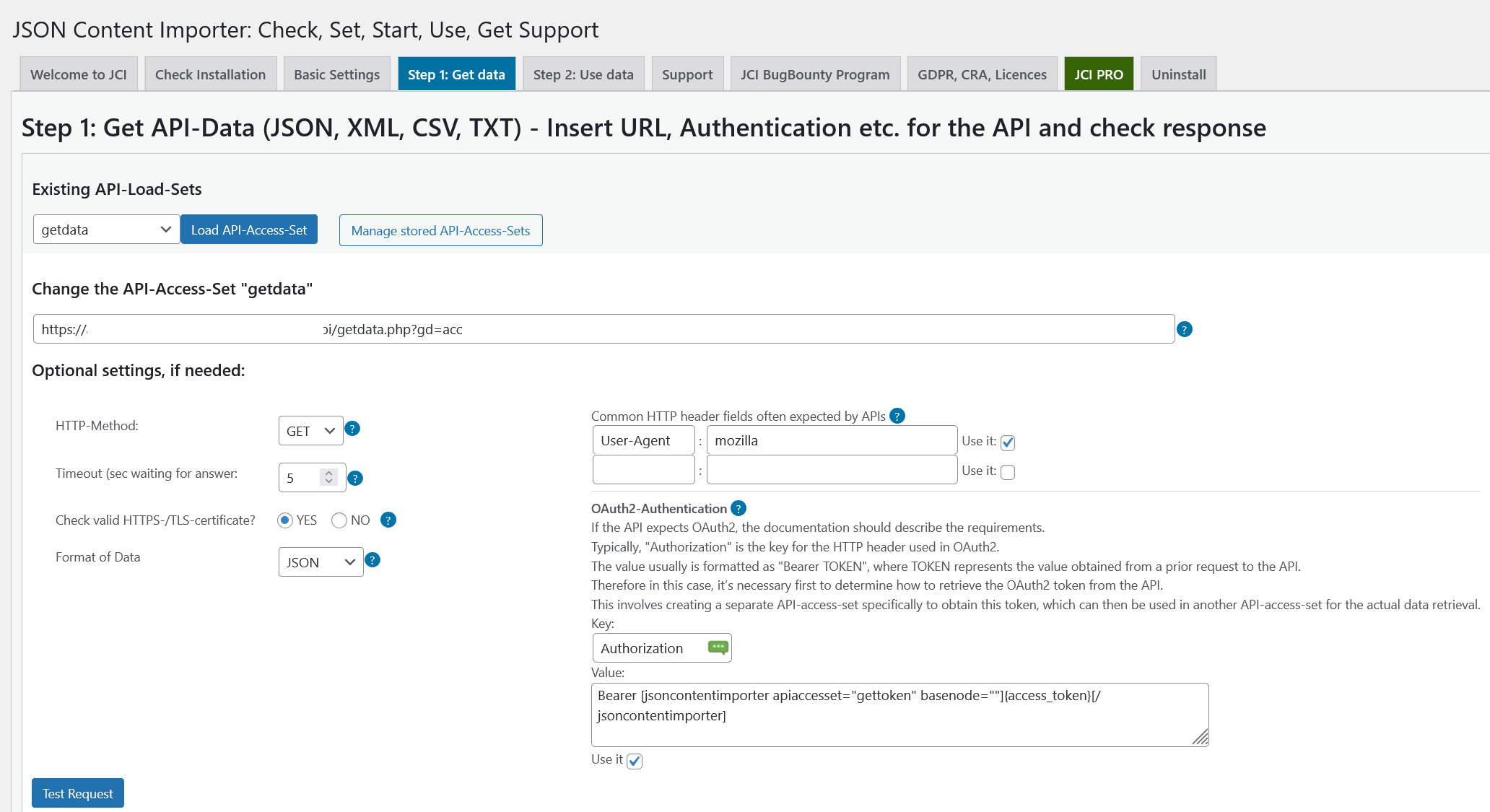
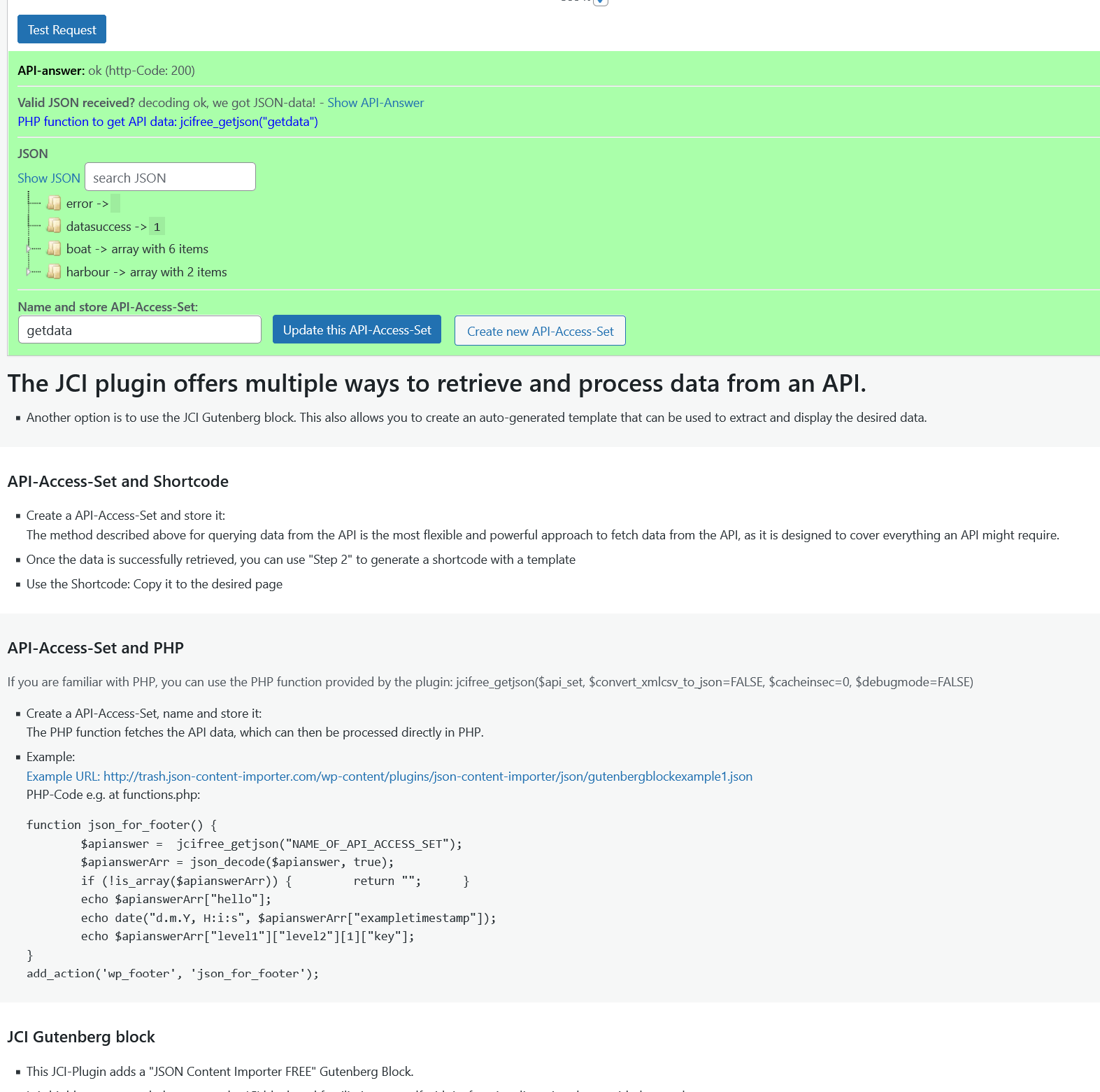
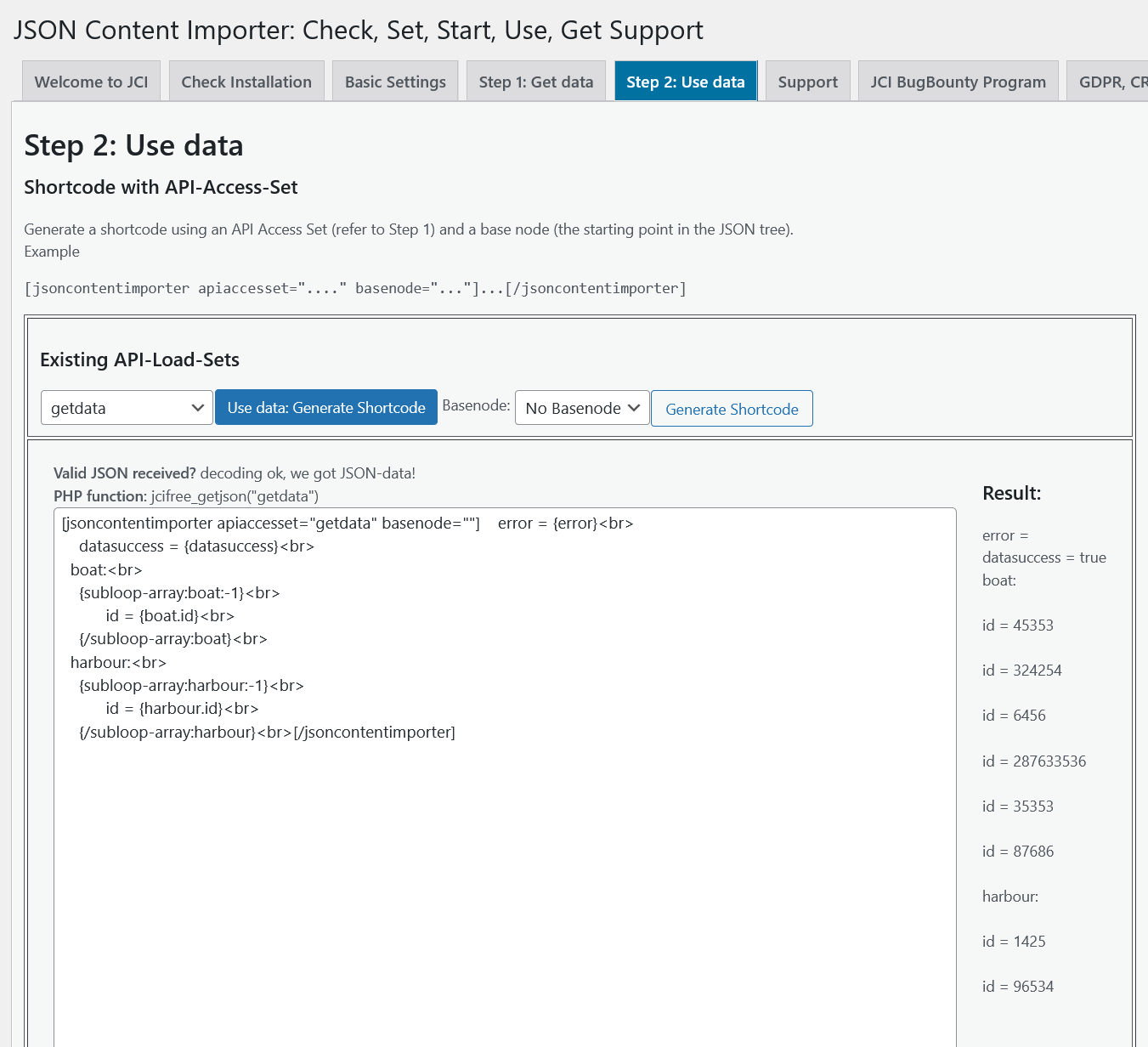
- NEW: Create an API-Access-Set – fill form with the API-URL. select data-tye (JSON, XML, CSV) etc. Test API response and you’re ready to use the data
- NEW: Use the API-Access-Set in Step 2: Generate a Shortcode for the data. The generatated Shortcode has all API-data, reduce it to your needs.
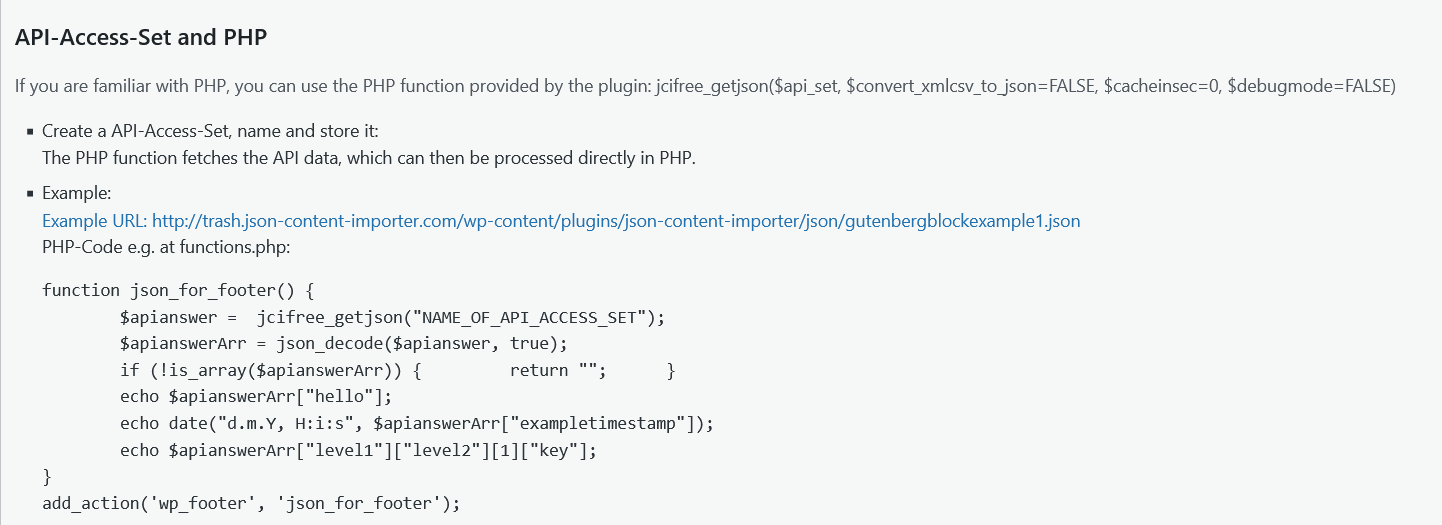
- NEW: Use the API-Access-Set with the PHP function jcifree_getjson(“NAME_OF_API_ACCESS_SET”);
- Plugin OK with WordPress 6.7.1
- Plugin ok with “Plugin Check (PCP) 1.3.1”
1.6.1
- Plugin OK with WordPress 6.6
- Bugfix: Relevant when using oneofthesewordsmustbein and similar
1.6.0
- Plugin OK with WordPress 6.5.5
- PluginCheckPlugin with no Errors
- Security Issue Fixed – IMPORTANT: The function “wp_safe_remote_get()” is now used instead of “wp_remote_get()” to retrieve JSON from an API URL. This change restricts communication to only ports 80, 443, and 8080. Additionally, authentication via “https://a:b@www…” and local usage via 127.0.0.1 are no longer possible with this new version.
= 1.5.6=
* Additional CSS class(es)” defined in the “Advanced” settings of the JCI free Block are now considered
* Enhanced CF7 Integration: Submitted data is now sent successfully even without defining all CF7 Additional Settings
= 1.5.5=
* Plugin ok with WordPress 6.4.3
* ContactForm7 Integration: Populate CF7 forms with JSON data and forward CF7-submitted data to an API.
* Set Shortcode Parameter ‘execshortcode=y’ if a Shortcode in the enclosed Content of a JCI-free Shortcode should be executed. To mask [ and ] use #BRO# / #BRC# in the enclosed content
= 1.5.4=
* Plugin ok with WordPress 6.4.1
* Improved Security in the Backend
= 1.5.3=
* Enhanced, see Tab “Basic Settings”: Send Header “HEADER_KEY:HEADER_VALUE”: Insert ‘header HEADER_KEY1:HEADER_VALUE1#HEADER_KEY2:HEADER_VALUE2’ in the following text field, and no ‘Bearer’ will be added. E.g.: ‘header User-Agent:JCIfree’
* Enhanced: The internal communication within a WordPress block relies on APIs, typically accessed via GET requests. For larger datasets, POST requests are more suitable. This new JCIfree version now utilizes POST instead of GET.
* Changed: Some server have problems, using jcifree-block.php as JavaScript-Applicaton (strict mime policy). Solution: Renamed to jcifree-block.js
* Some Backend-Bugfixes for Block-React, PHP8…
1.5.2
- Bugfix: JCI Block wasn’t showing up when a browser had the “strict mime type” setting enabled. With this bugfix, the issue has been resolved.
1.5.1
- Fixed: JCI Block – In some situations, unwanted content (‘Welcometext’) is displayed on the published page.
- Improved: Translation
1.5.0
- Versionproblems: WordPress.org does not update from 1.4 to 1.4.1

