
Enables the previous "classic" editor and the old-style Edit Post screen with TinyMCE, Meta Boxes, etc. Supports all…
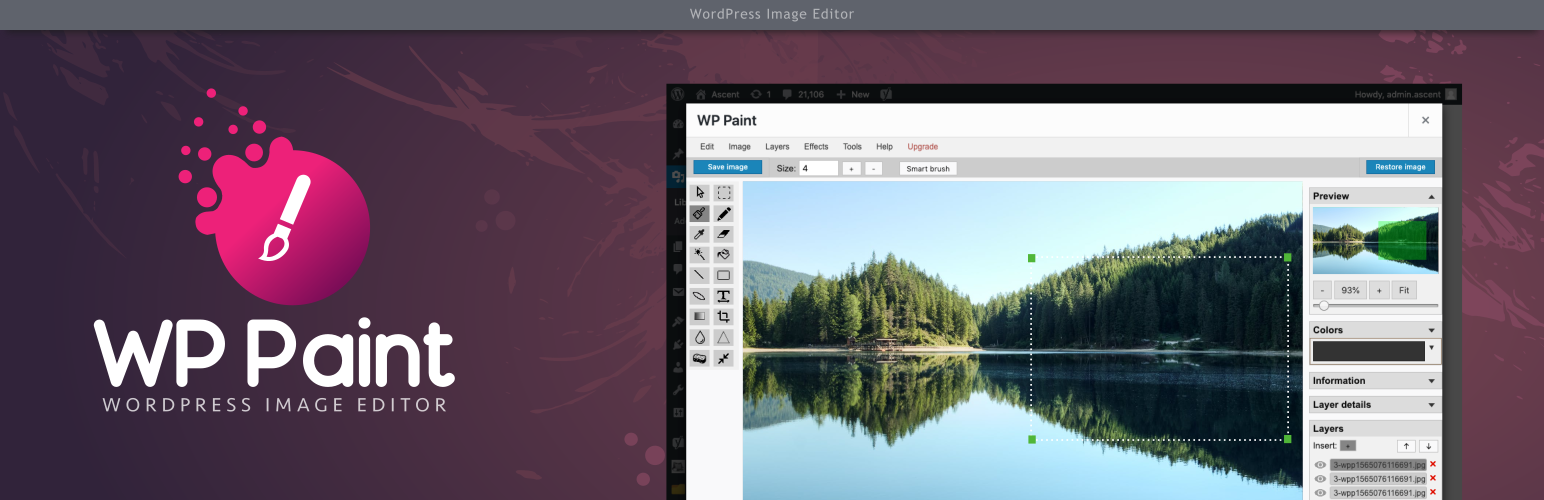
About WP Paint – WordPress Image Editor
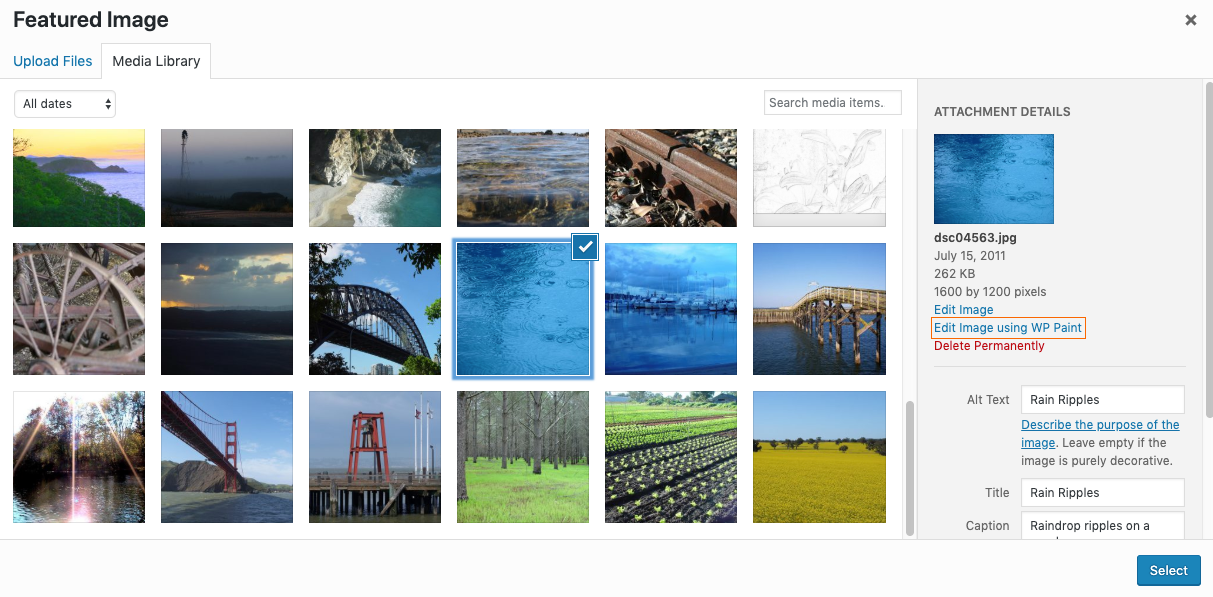
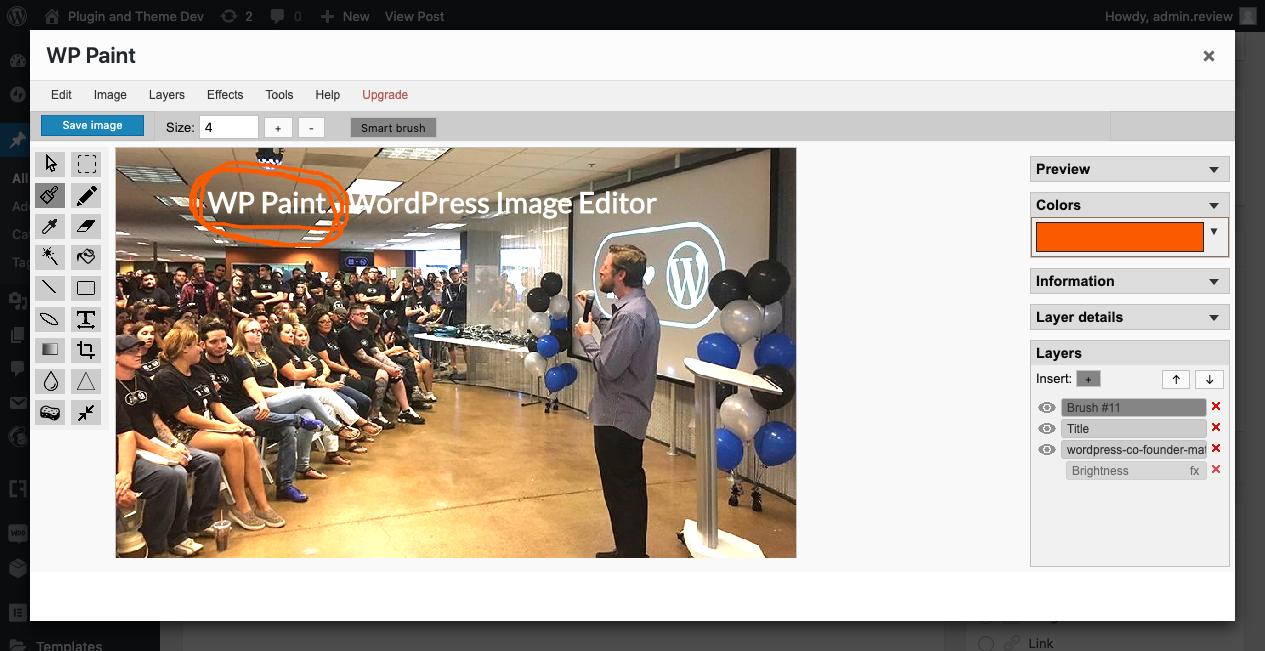
WP Paint is a browser-based image editor for WordPress that has a user-friendly interface and a wide range of editing features. The Pro version offers even more advanced tools, such as stickers, watermarks, and the ability to search and insert images from Pixabay.Screenshots

Changelog
0.5.2
- Tested with WordPress 5.8.1
- Added Documentation
0.5.1
- Tested with WordPress 5.7
0.5.0
- Tested with WordPress 5.6.2
0.4.6
- Tested with WordPress 5.5
0.4.5
- Resolving Image Format Issue (https://wordpress.org/support/topic/turns-image-format-to-png-without-changing-extension/)
0.4.4
- Fixing Right sidebar scroll
0.4.3
- Protecting against accidental image corruption
0.4.2
- Handling errors
0.4.1
- Updating WordPress compatibility
0.3.8
- Resolving deprecated code issues and updating WordPress compatibility
0.3.7
- WordPress 5.3 Compatibility Check
0.3.6
- Fixing minor bugs.
0.3.5
- Minor changes and WordPress 5.2.4 check.
0.3.4
- Fixing minor bugs.
0.3.3
- Fixing heading.
0.3.2
- Adding Brightness/Contrast.
0.3.1
- Adding Missing Files.
0.3.0
- Fixing menu button appearance for WordPress 5.2.3.
0.2.9
- Bug fixes.
0.2.8
- Minor CSS Fix.
0.2.7
- Fixing version.
0.2.6
- Fixing CSS.
0.2.5
- Fixing bugs.
0.2.4
- Added plugin activation check.
0.2.3
- Fixing code issues.
0.2.2
- Adding contributors.
0.2.1
- Fixing ReadMe.
0.2.0
- Making adjustments.
0.1.0
- Initial public release.

