

Improve your WordPress SEO: Write better content and have a fully optimized WordPress site using the Yoast SEO…
About Music Player for Elementor – Audio Player & Podcast Player
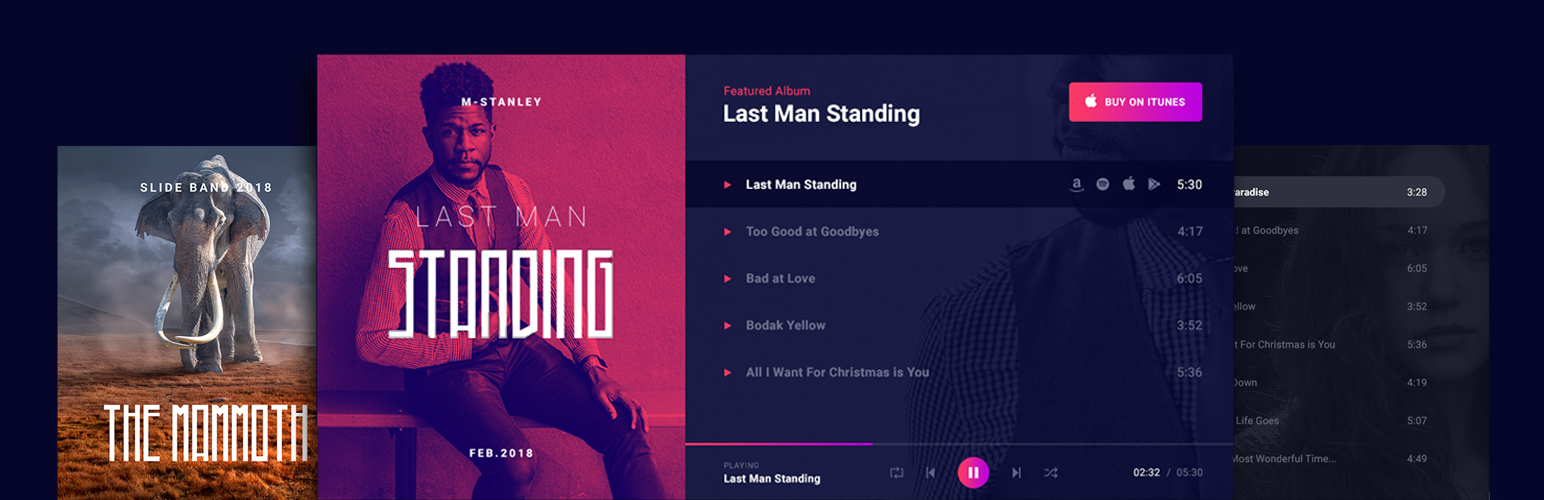
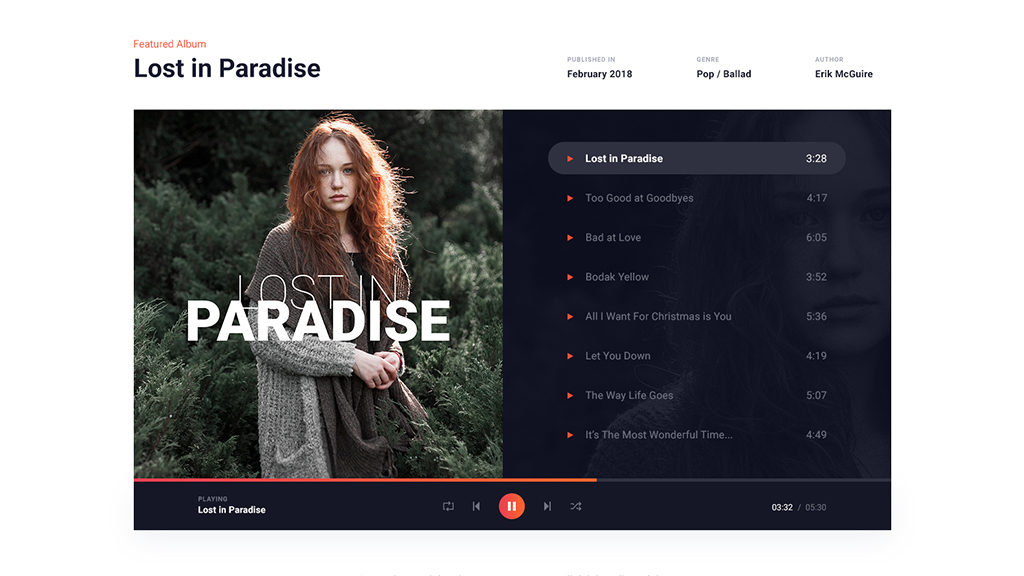
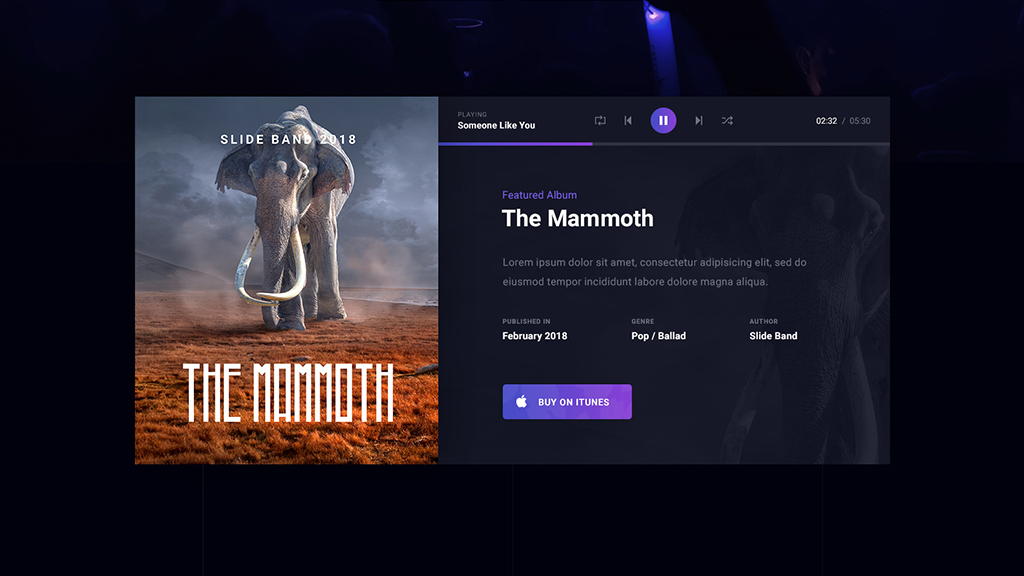
Music Player for Elementor is a WordPress audio player plugin that allows you to showcase your music in a stylish and customizable way. It is perfect for musicians, music bands, and anyone in the music industry. The free version includes features like unlimited songs, custom images, and links to external music stores, while the pro version offers even more customization options and integration with popular streaming platforms.Screenshots



Frequently asked questions
What is Music Player for Elementor?
Music Player for Elementor is a WordPress plugin designed as a professionally designed audio player for Elementor. It allows users to promote music and discography with a dedicated and flexible Elementor widget.
Who can benefit from this plugin?
This plugin is suitable for musicians, music bands, music stores, artists, record labels, recording studios, DJs, podcasters, and digital product stores. It can also be integrated with eCommerce websites to promote and sell music.
How easy is it to use?
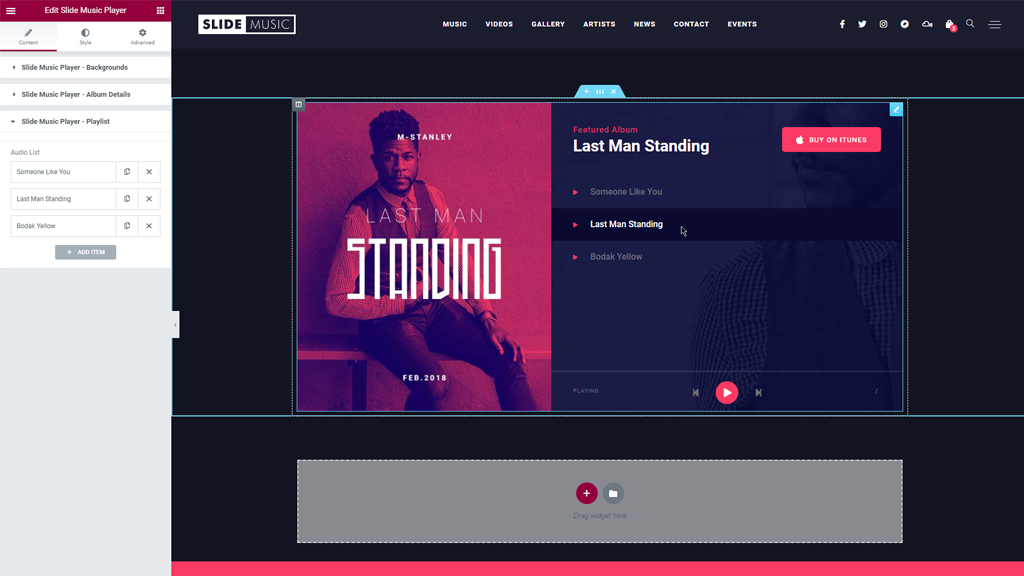
No initial configuration is needed. Users can install the plugin, edit any page in Elementor, and drag the music player widget onto their page. It offers an intuitive UI and is device-friendly.
What features does it offer?
Users can add or remove songs from playlists, customize audio player images, connect with WooCommerce for purchase links, change the audio player layout, and add individual promo links for each song.
What do users say about it?
Users have described it as "absolutely PERFECT" for new artists and self-hosting audio samples, praising its intuitive UI and clean output. Others noted it provides more functionality than expected and is easy to set up.
Changelog
2.4.4
- software update
2.4.3
- improve audio player compatibility with Advanced Custom Fields (ACF) / Secure Custom Fields (SCF) and Elementor dynamic tags
2.4.2
- software update
2.4.1
- software update
2.4
- fix regarding audio player repeat functionality
- software update
2.3.1
- fix regarding the compact audio player playlist line height for the song name
2.3
- add new playback speed option to the music player
- software update
2.2
- software update
- jQuery compatibility fix
- text domain fix
- fix missing translations
- improve shuffle functionality for the audio player
- fix time slider position in the music player
2.1
- fix the dynamic tags feature for the audio chooser control
- fix the volume icon visibility on mobile view of the music player
- add new option to implement the way that progress bar reacts to clicks when the audio player is used on a RTL layout
2.0
- fix progress bar width in the compact audio player
- make volume control consistent for the entire music player
- reset track current time when forward or backward buttons pressed
1.9
- fix double slashes when loading resources
- new compact player option to trigger the responsive view in tablet mode
1.8
- fix regarding volume icon on compact player
- new option to stop the player after the current playing song ends
- new premium option to insert the player via Elementor template shortcode
1.7
- Elementor compatibility changes
- add new option to enable/disable album name in the compact player playlist title
- add dynamic attribute for the audio chooser control
1.6
- add album name to the compact audio player playlist
- add volume control to the compact music player
- update Freemius SDK
1.5.9.9
- update Freemius SDK
1.5.9.8
- security update
1.5.9.7
- small fix regarding the purchase icons on compact audio player
1.5.9.6
- fix regarding song names typography
- new classic music player option to adjust paddings for the song names
- new playlist option to make the purchase icons always visible
1.5.9.5
- small fix regarding Elementor API
1.5.9.4
- small fix regarding playlist height in mobile view
- enable song download when using the custom purchase link option (compact and album player)
- compact audio player fix regarding the promo links position
- compact audio player fix regarding playlist
- add description field for each track in the playlist (compact audio player)
1.5.9.3
- add new styling option to the compact audio player
1.5.9.2
- add dynamic tag option to the album level controls
1.5.9.1
- small fix regarding the music player template import
1.5.9
- handle play/pause for multiple players on the same page
1.5.8
- implement template importer functionality
- playback speed control for the compact audio player
1.5.7
- small fix regarding custom purchase link option
1.5.6
- small fix regarding the compact player
- new option to add promo icon links to the compact player
- new option for the music player to add individual cover image for each song
1.5.5
- small fix regarding the playlist display in mobile view
- new option for the compact player to set the playlist top distance
- new option for the music player regarding song purchase icons position on mobile
- security fix
1.5.4
- small fixes regarding several Elementor control sections
1.5.3
- small fixes regarding admin area
- add new option for the purchase icons in mobile view
- fix icon color for WooCommerce purchase link
- adding a new Elementor widget that implements a new audio player, in a compact layout, dedicated to podcasters
1.5.2
- fix playlist overlapping controls in mobile view
- small layout change in mobile view
- new option regarding autoplay functionality
- new color option for shuffle/repeat buttons active state
1.5.1
- improve the player layout on small screens
- improve styling controls organization
- add new styling options for the controls bar
1.5
- Fix Font Awesome icons
- Load js action to Elementor init event
1.4
- Change the handle name for Font Awesome library to avoid loading it twice
- Small fix regarding the controls anchor elements
1.3
- Improve player compatibility with screen readers
1.2
- Fix regarding JS functionality
1.1
- Fix regarding audio upload control
1.0
- Initial Release

