

Improve your WordPress SEO: Write better content and have a fully optimized WordPress site using the Yoast SEO…
About Image Regenerate & Select Crop
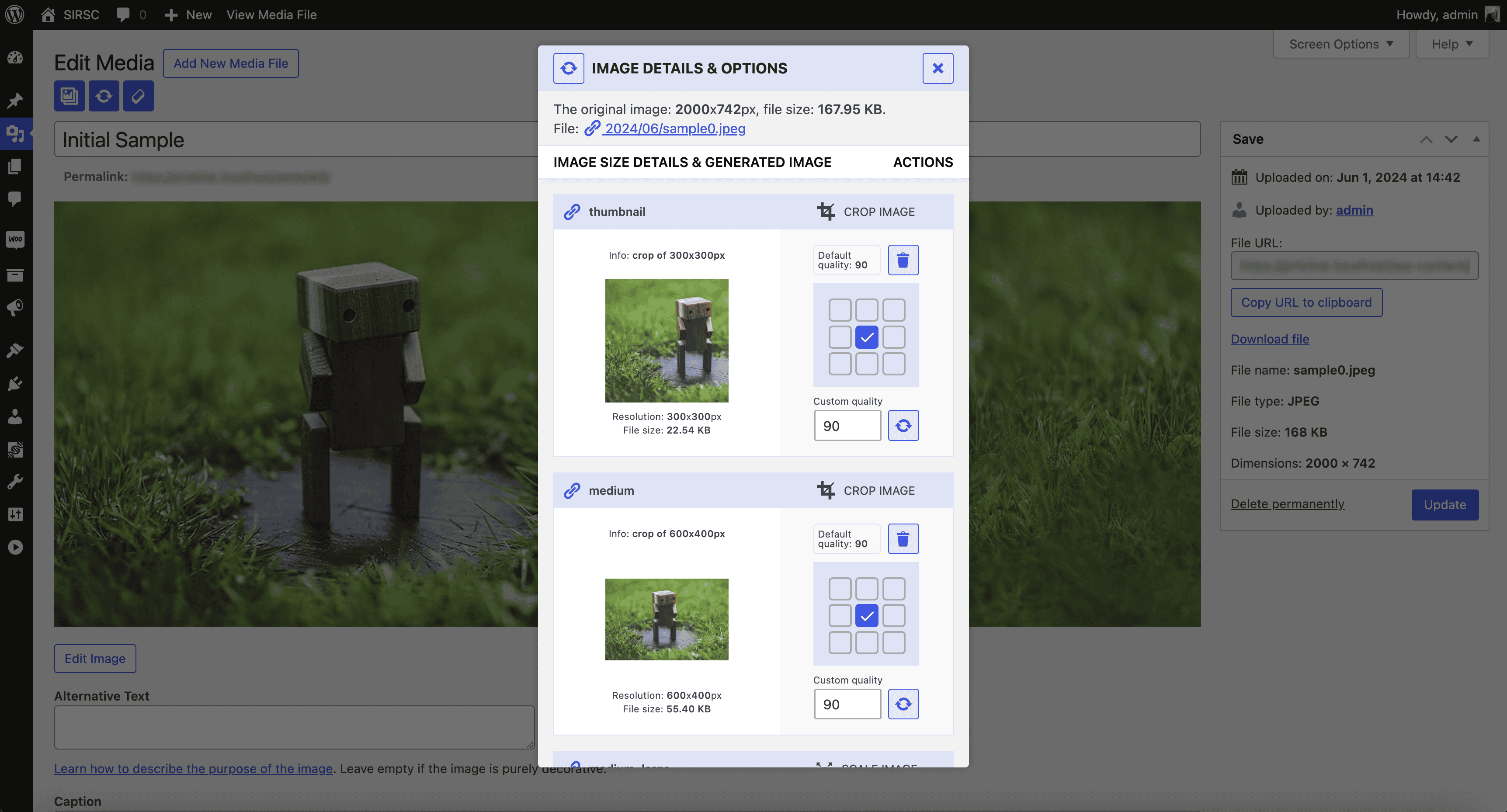
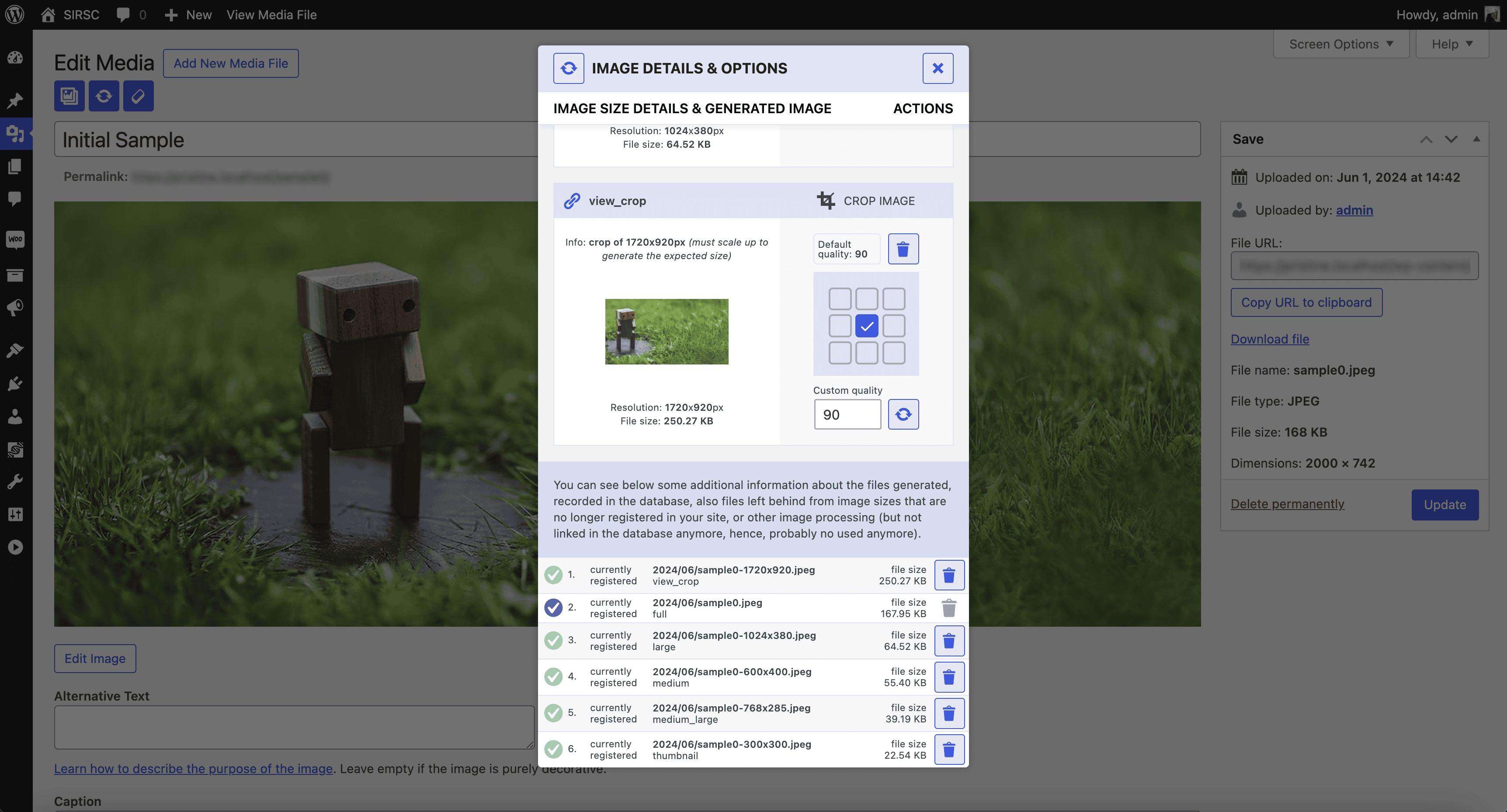
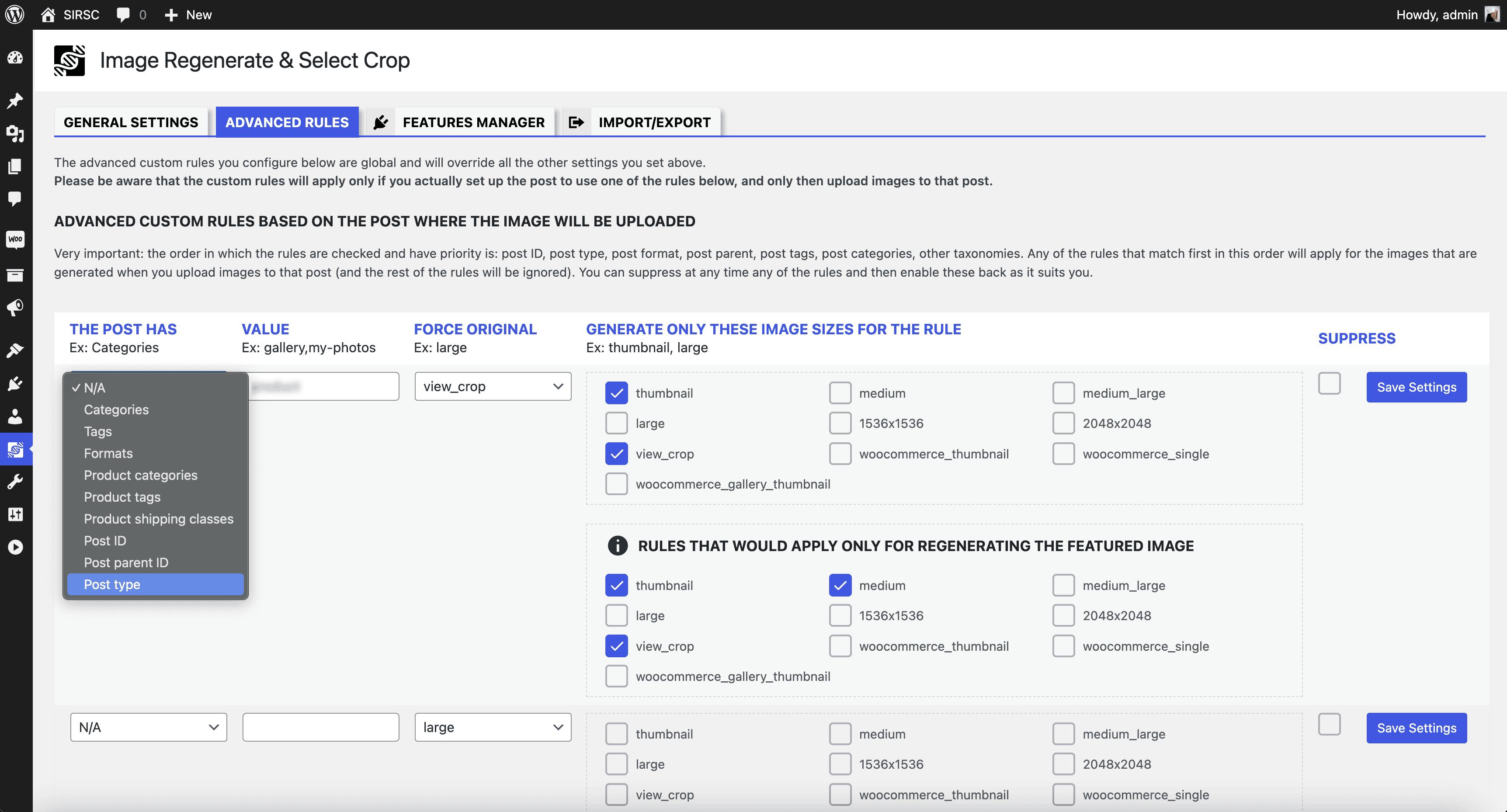
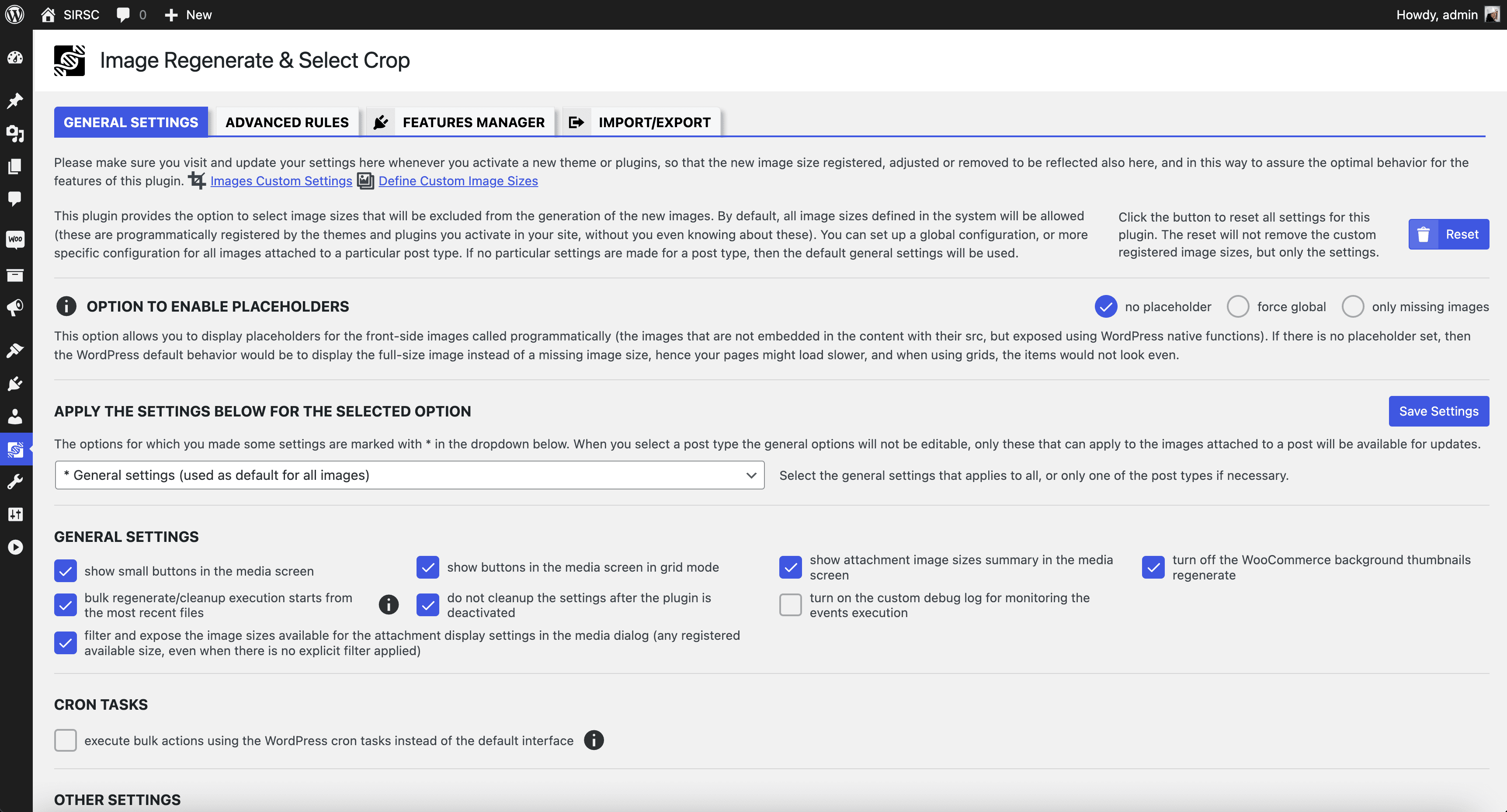
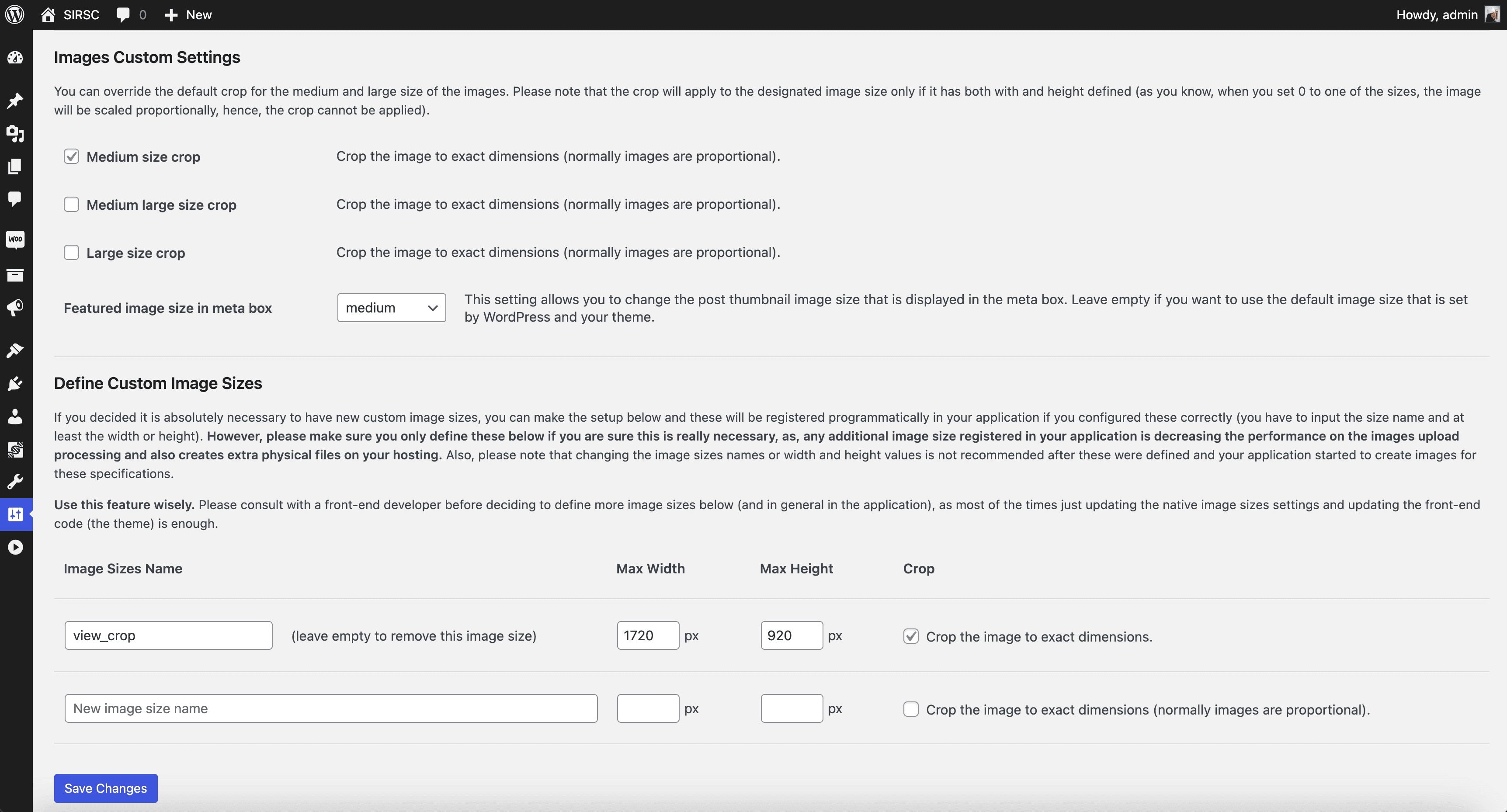
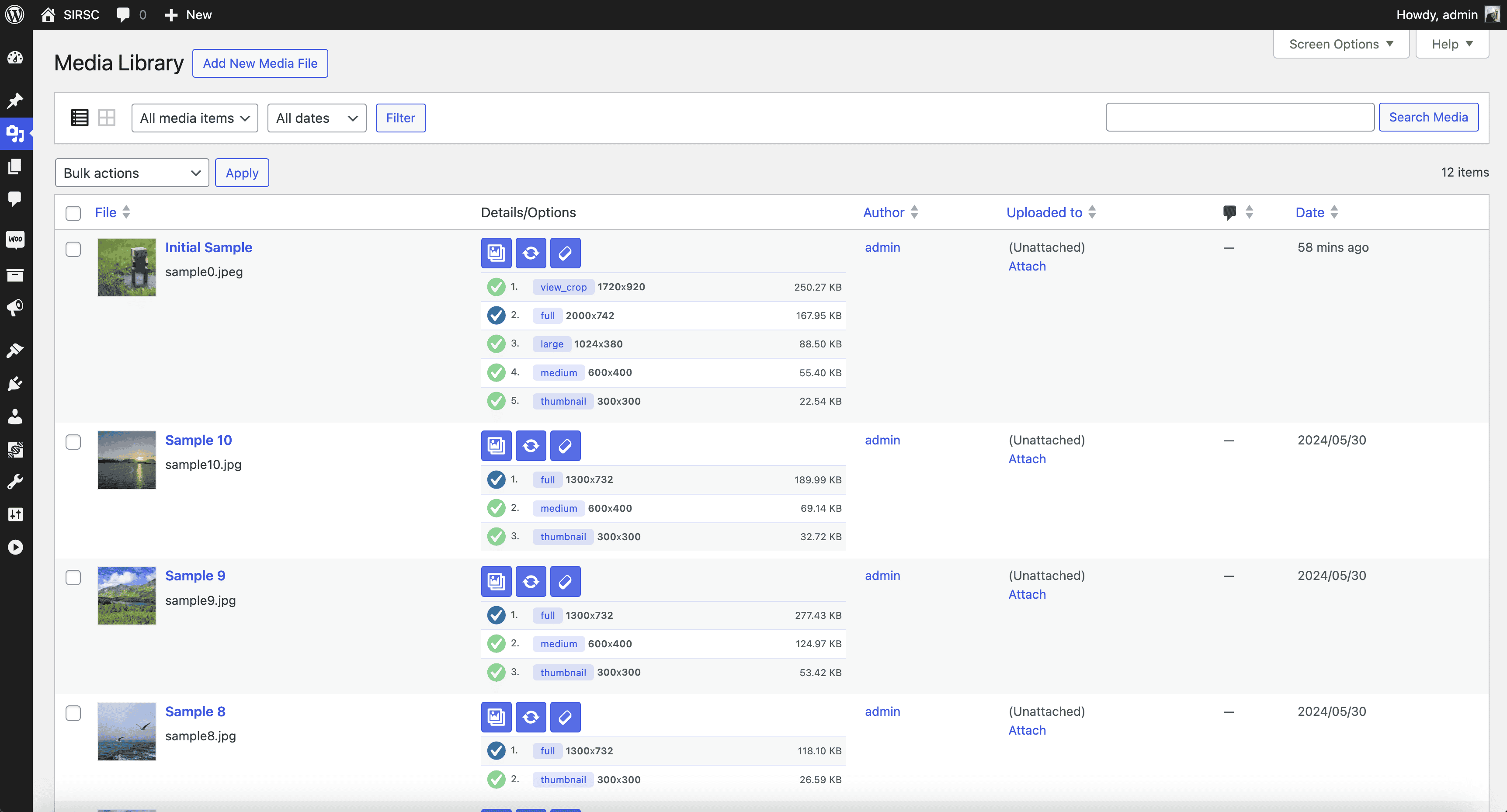
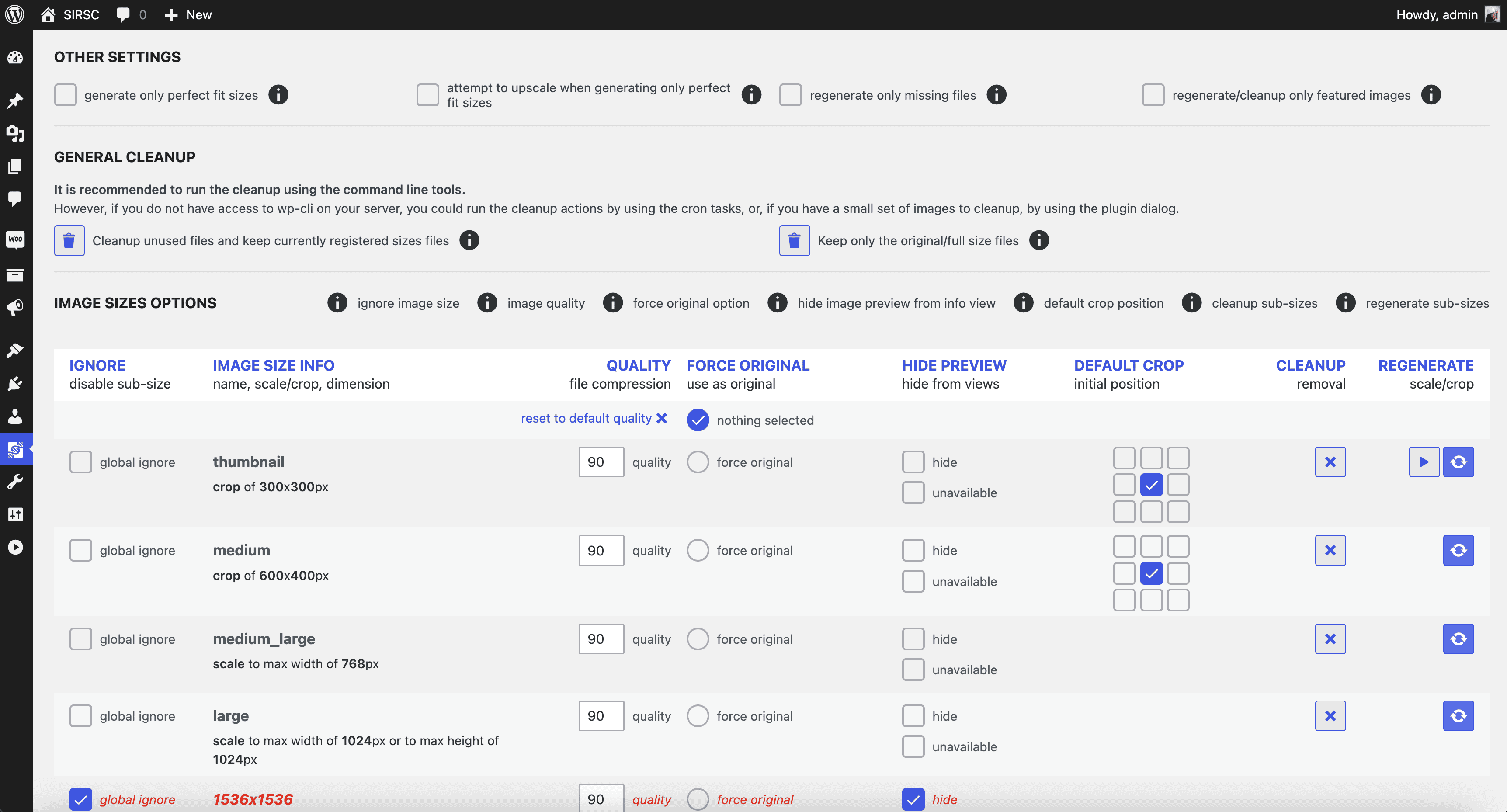
The Image Regenerate & Select Crop plugin allows you to have more control over your image settings and regeneration. It provides additional buttons to regenerate and crop images, and allows you to configure the plugin for global or specific post-type attached images. For more information and updates, visit the plugin's website.Screenshots
Frequently asked questions
What is the Image Regenerate & Select Crop plugin?
The Image Regenerate & Select Crop plugin is a WordPress plugin that provides enhanced control over image settings and file regeneration. It allows overriding native medium and large crop options and registering new custom image sizes.
What are the key features of the Image Regenerate & Select Crop plugin?
Key features include a Details button for missing sub-size files and manual generation, a Regenerate button for one-click regeneration of all image sizes, and a Raw cleanup button to delete all files and metadata except the original. It also offers a one-click re-crop option for crop-type images with instant preview.
Where does the plugin integrate within WordPress?
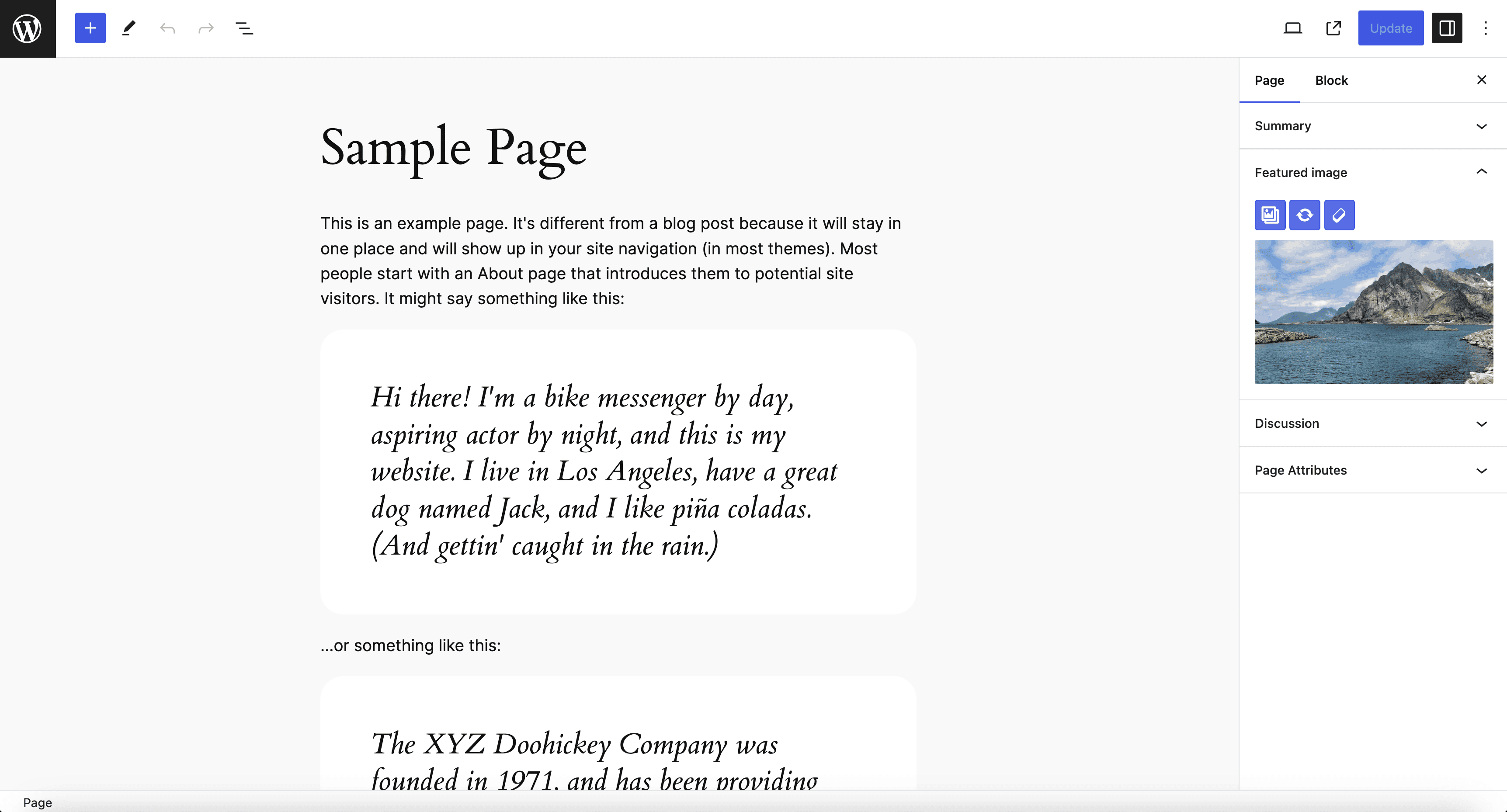
The plugin integrates seamlessly without additional code, adding buttons to the "Edit Media" page, "Edit Post" and "Edit Page" sections where a featured image is present, and in the image block.
Is the plugin compatible with custom post types?
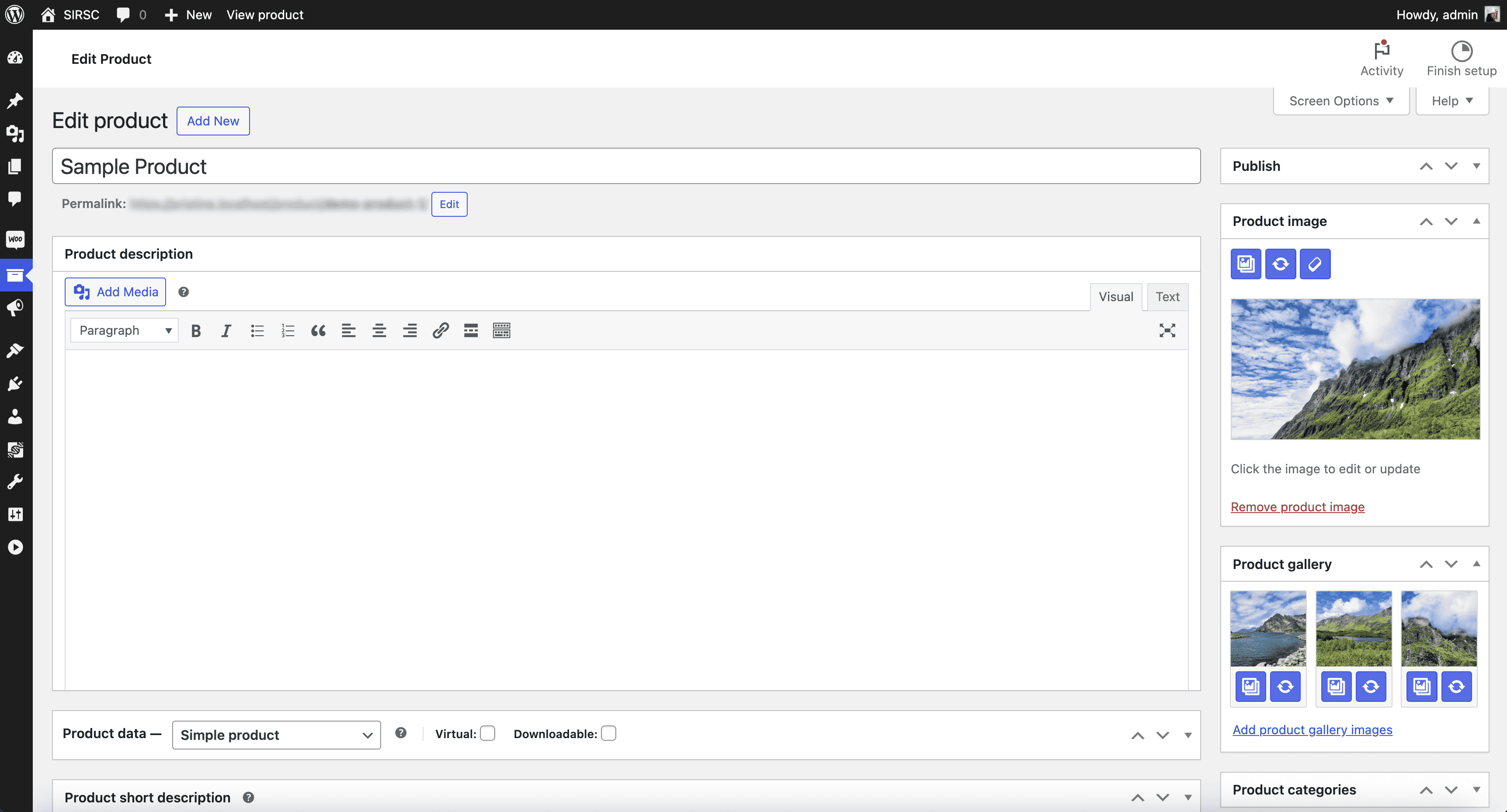
Yes, the plugin is compatible with custom post types, including WooCommerce products. It also supports various resolutions and responsive layouts.
Changelog
8.0.5
- Reverted to old
substr_countfunction for backward compatibility with PHP < 8.0
8.0.4
- Tested up to 6.7
- Compatibility with core 6.7
- Translations updates
- Fixed the uncaught error when running wp-cli resetcleanup command
See the changelog for detailed information on changes made in the earlier versions.

