
Improve your WordPress SEO: Write better content and have a fully optimized WordPress site using the Yoast SEO…

About WP Blog Post Layouts
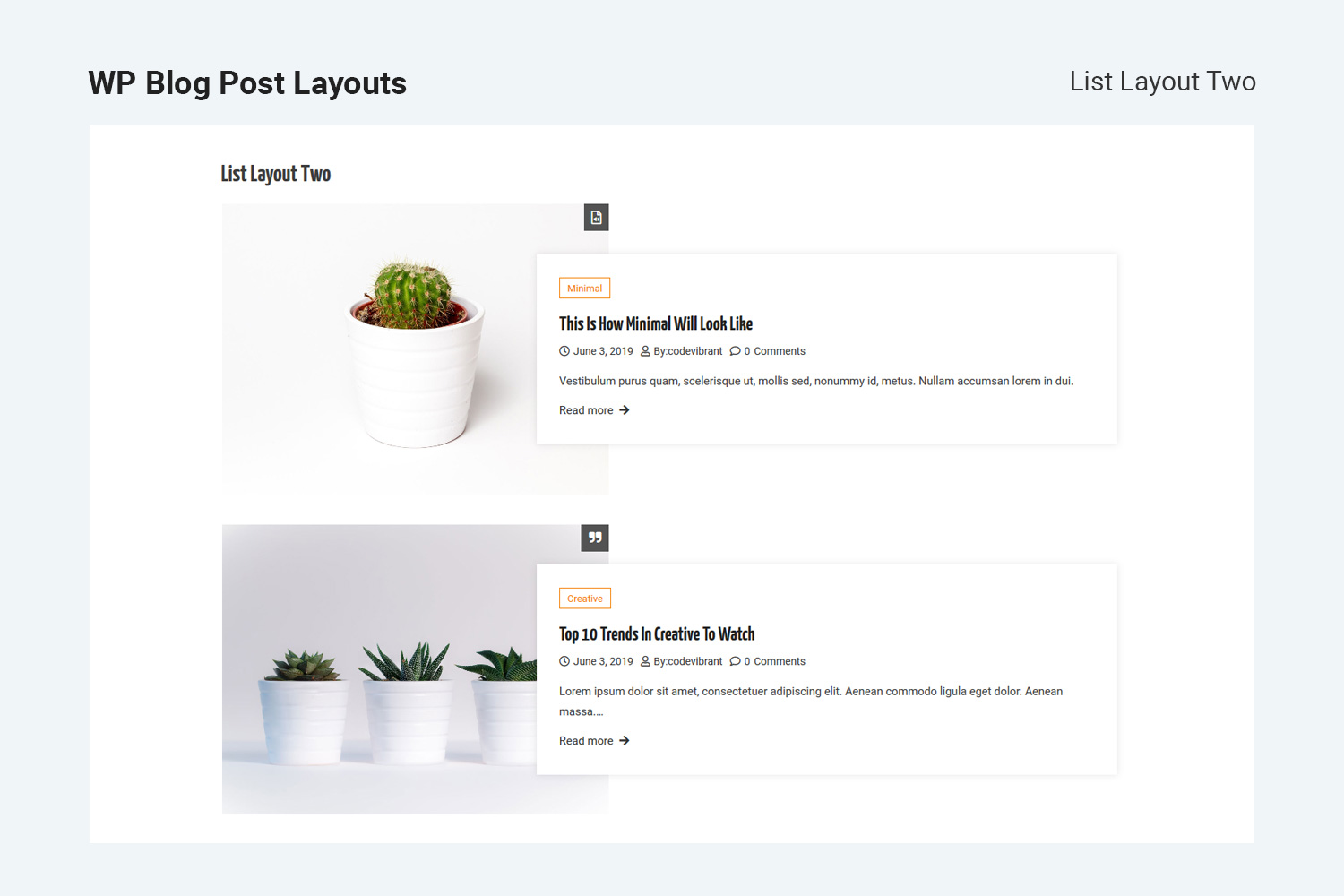
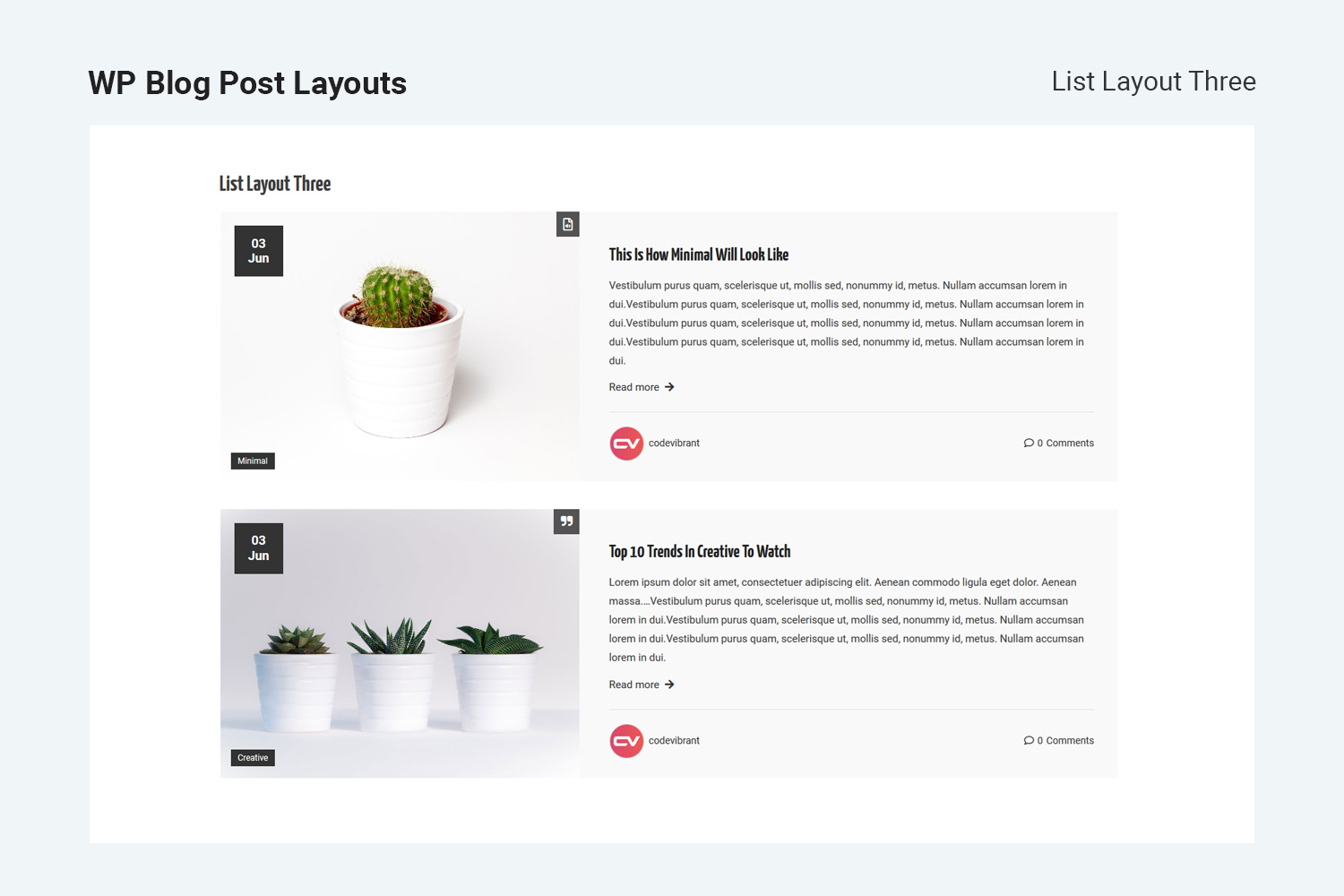
WP Blog Post Layouts is a plugin that allows you to create different layouts for your WordPress blog without any coding knowledge. It offers multiple archive layout types, customizable typography and colors, and the ability to display posts from specific categories. It is compatible with both Gutenberg and Elementor.Screenshots

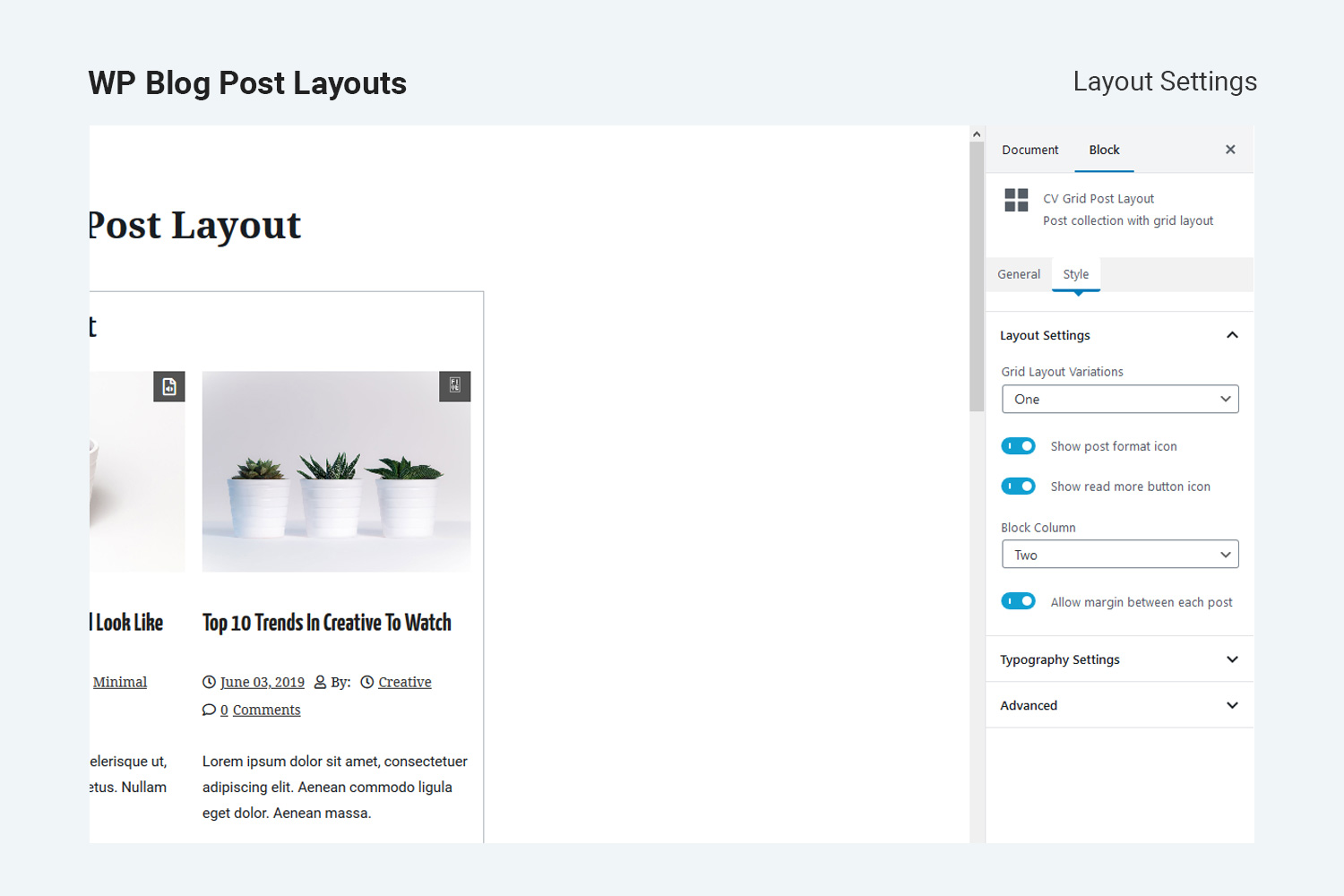
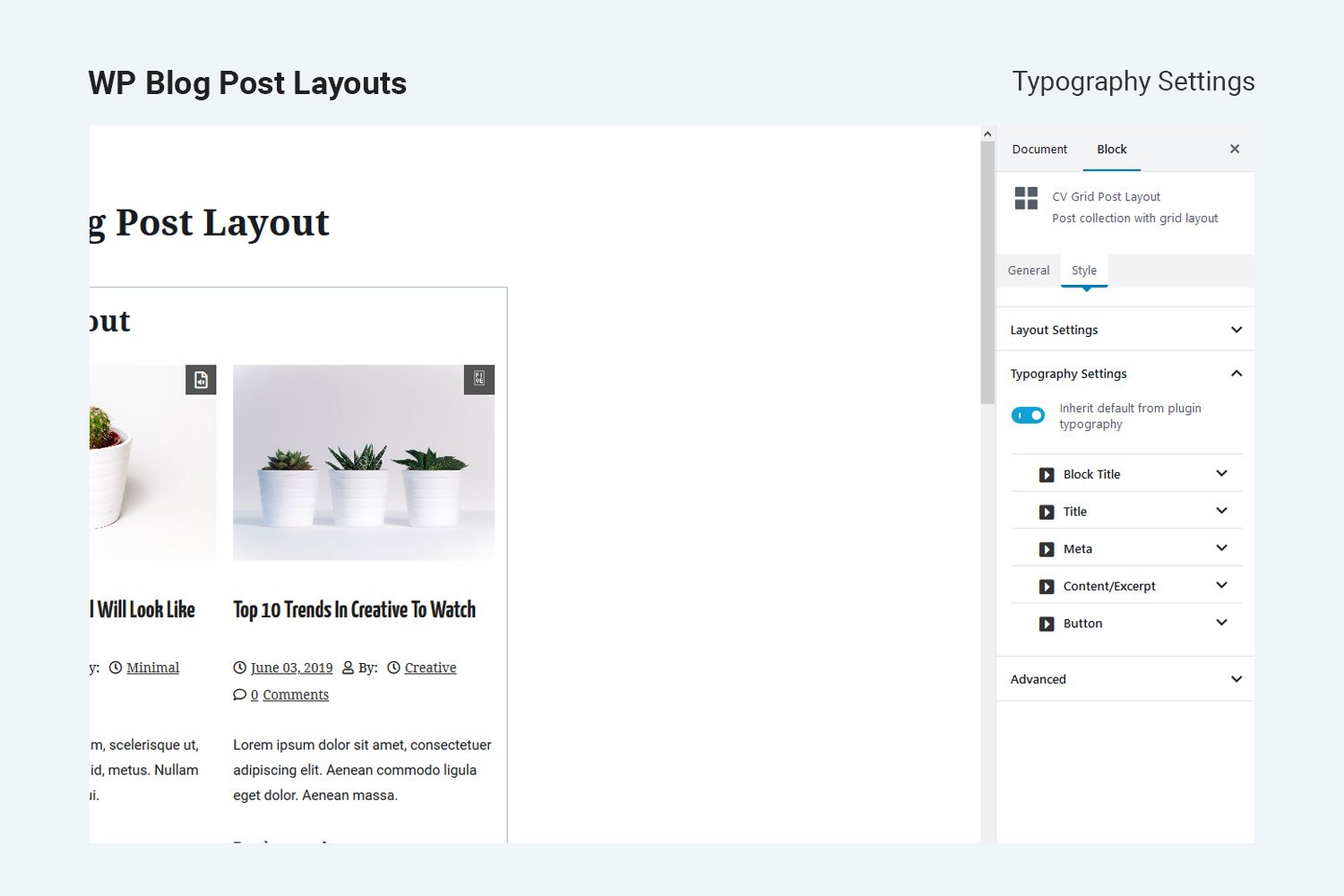

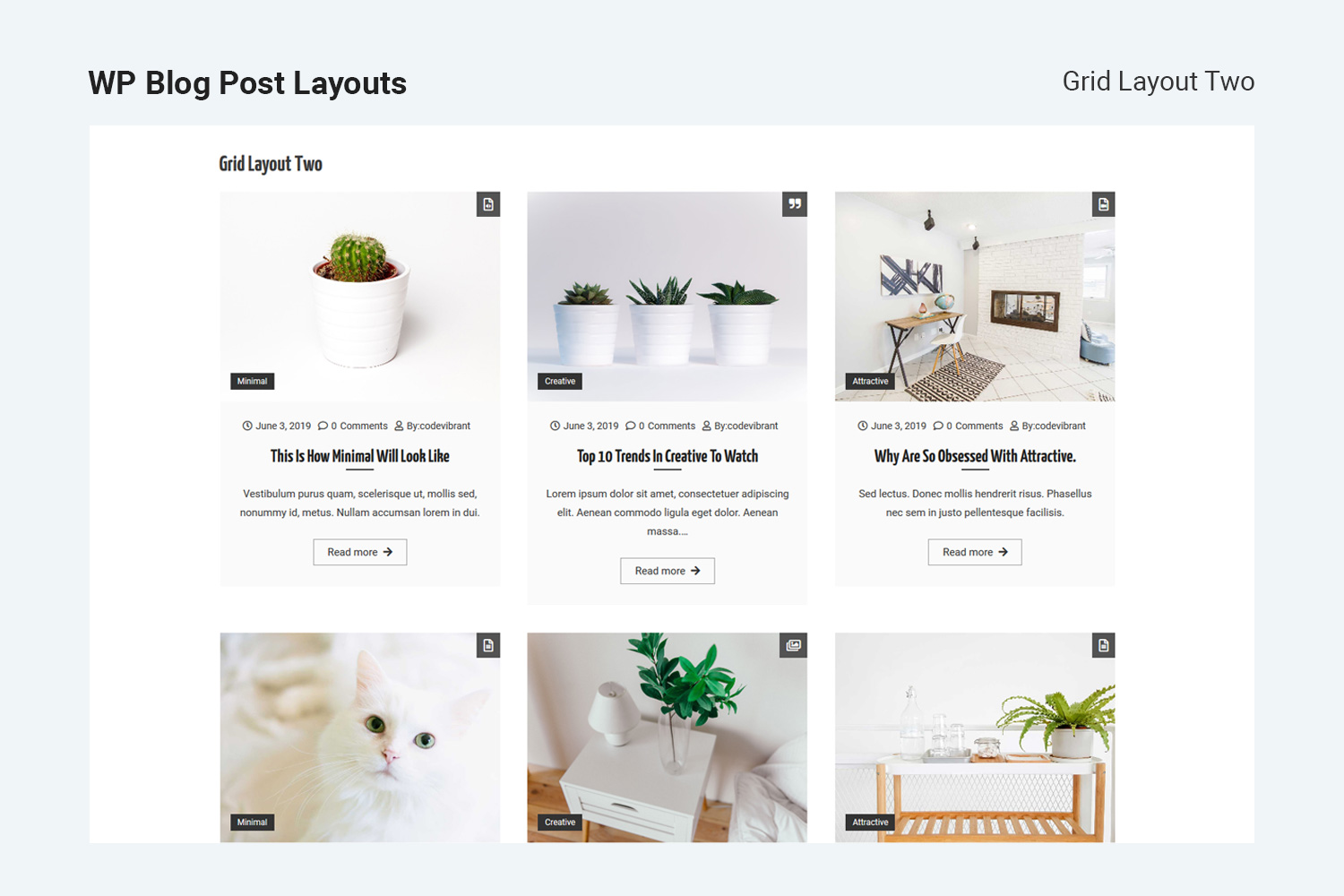
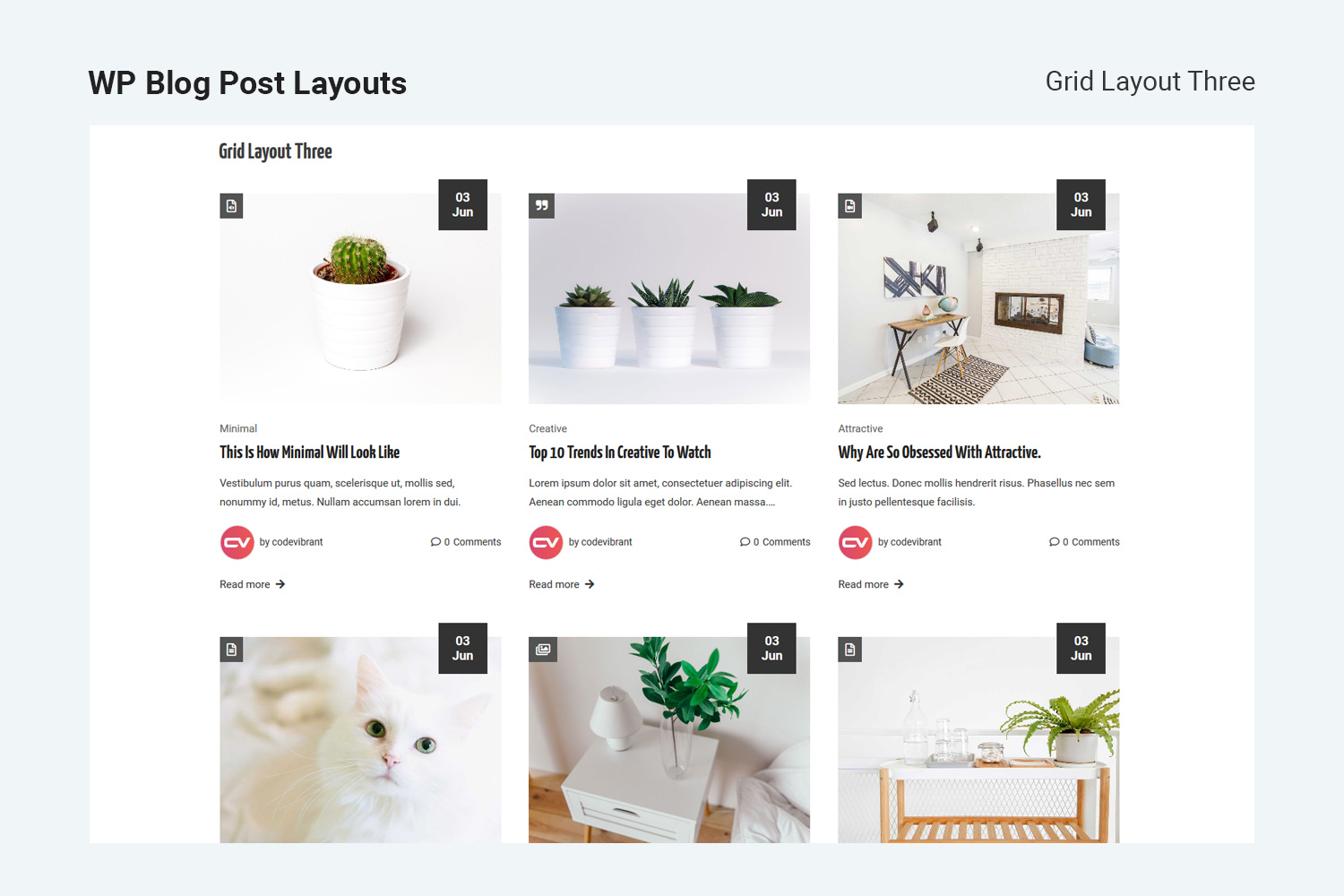

Frequently asked questions
What is WP Blog Post Layouts?
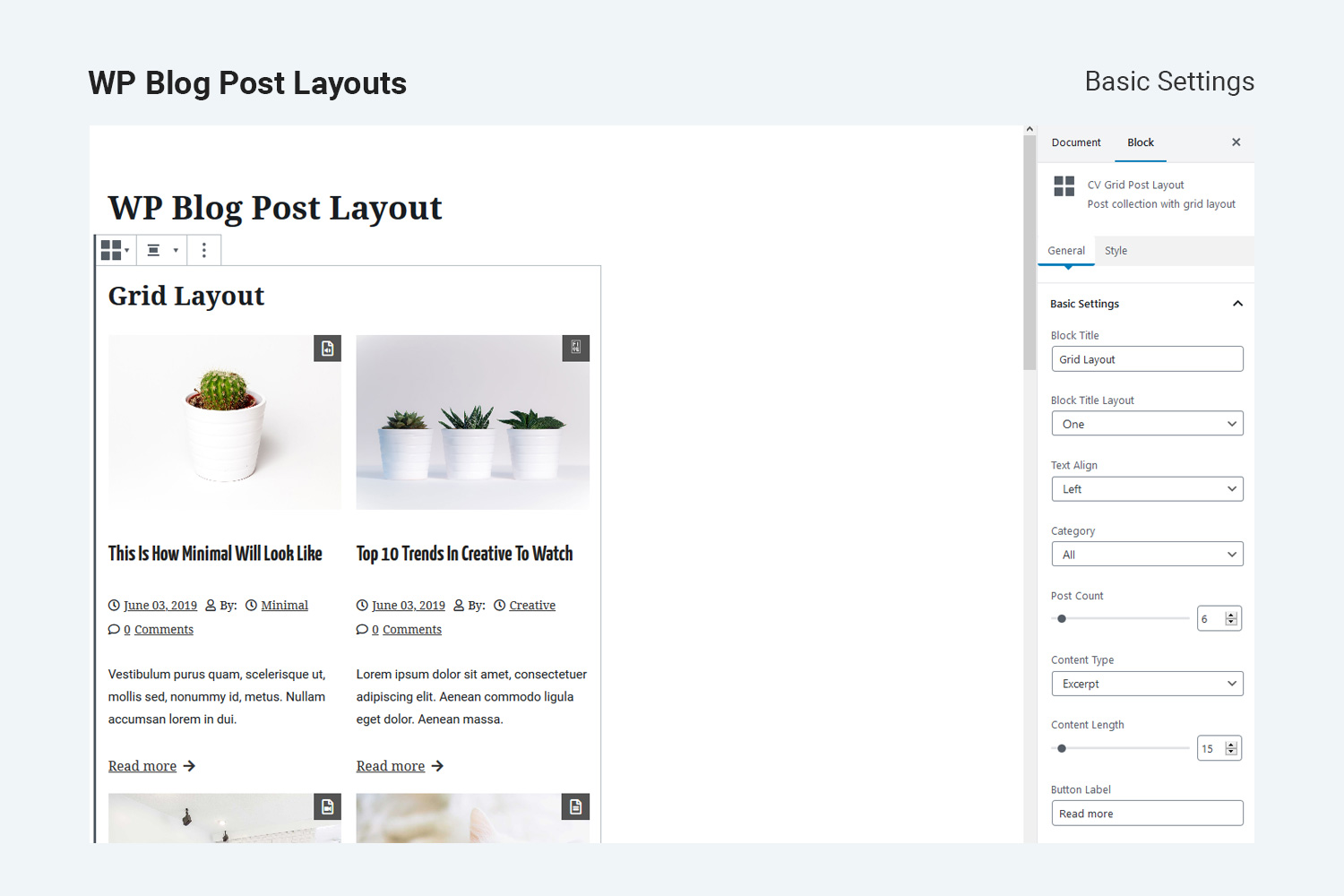
WP Blog Post Layouts is a versatile WordPress plugin designed to create beautiful blog post layouts without requiring coding knowledge. It offers several archive layout types including Masonry, Grid, and List, each with three different variations.
What page builders are compatible with this plugin?
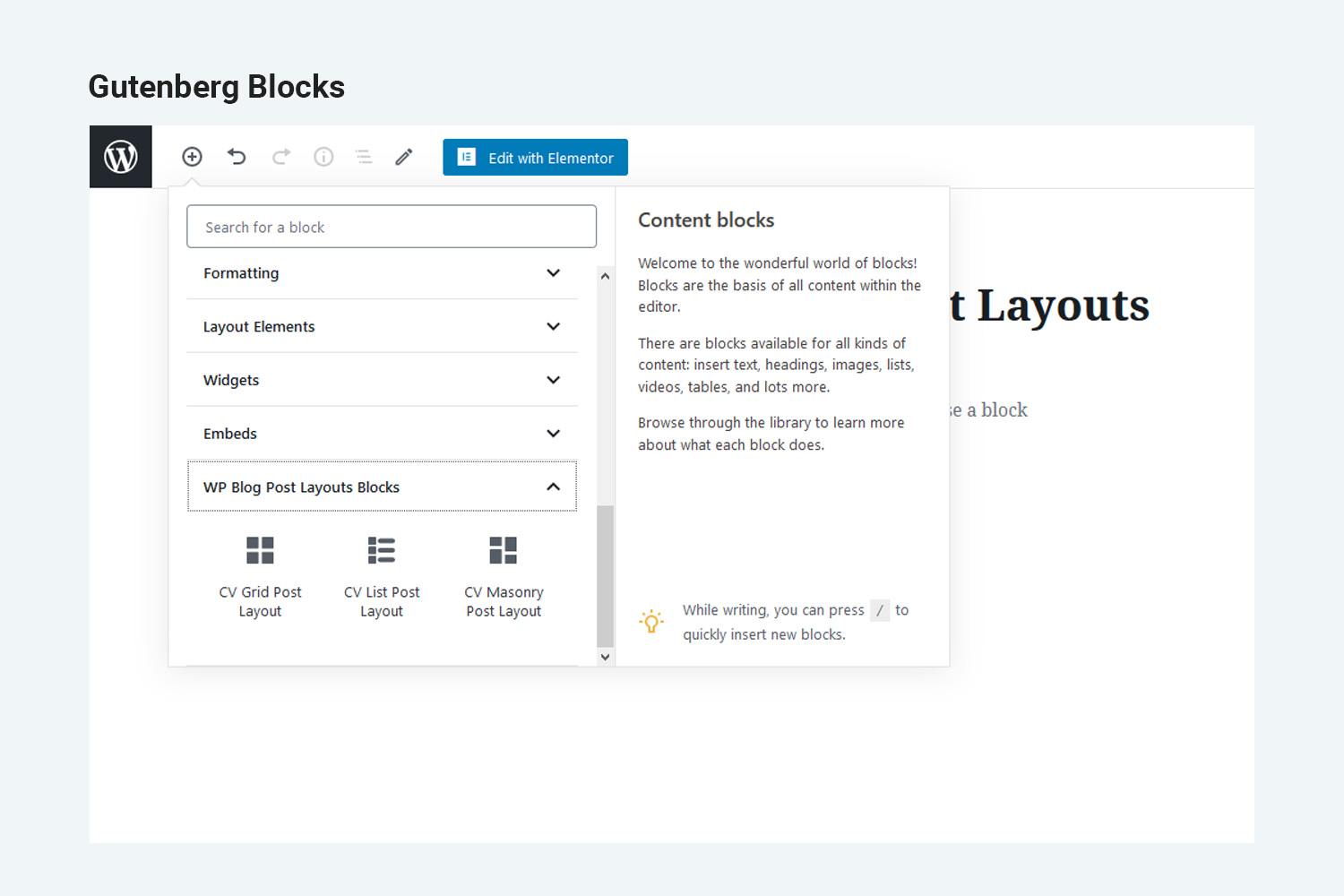
The plugin is fully compatible with both Gutenberg Editor and Elementor PageBuilder. This allows users to easily integrate and customize their blog post layouts within these popular page builders.
What customization options are available for post display?
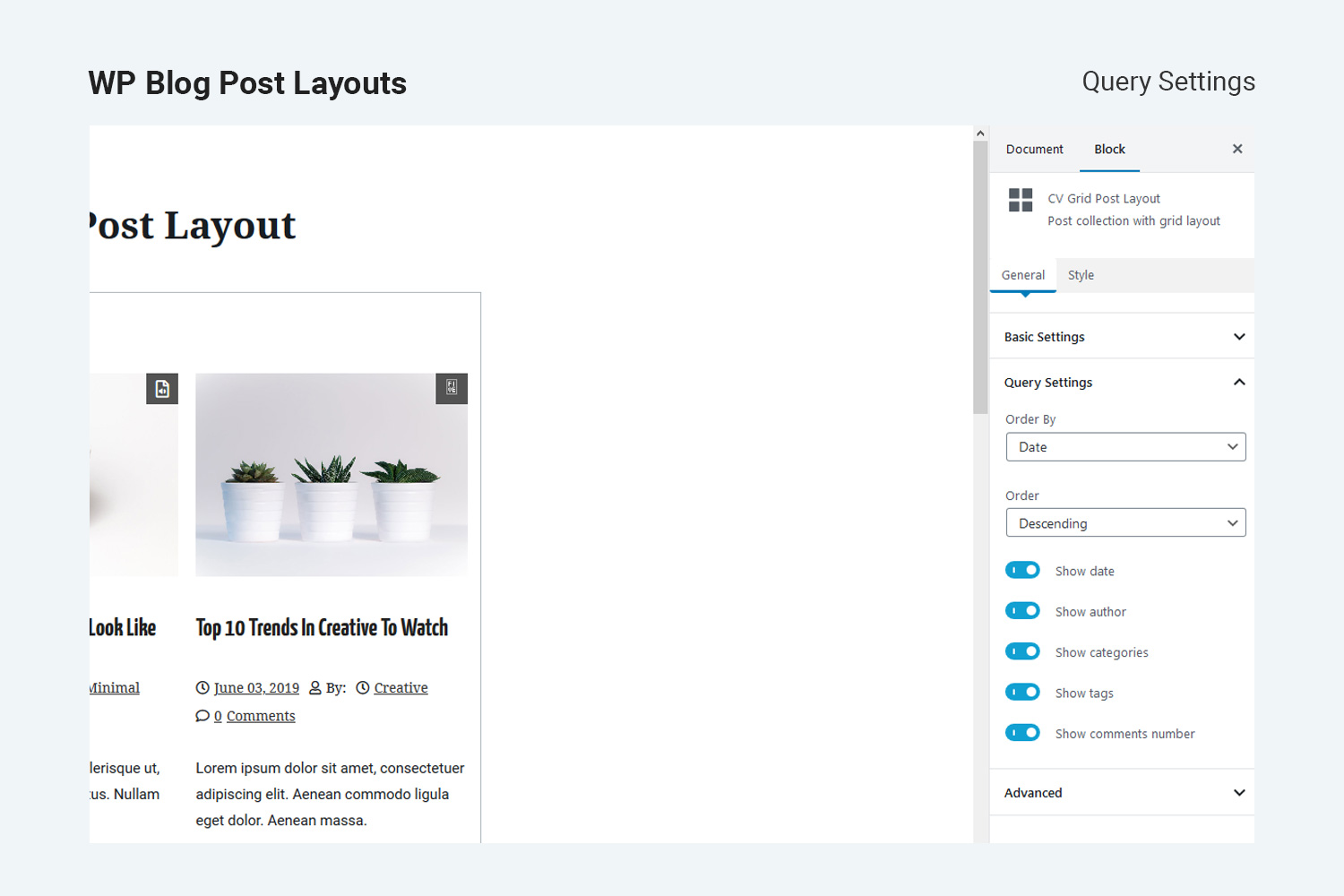
Users can rearrange WordPress posts, configure colors, customize typography, and set content length. It also includes options to display posts from specific categories and order posts by date or title.
Does it support multiple column layouts?
Yes, the plugin supports multiple archive columns, allowing up to 5 columns for displaying your posts. This provides flexibility in designing the visual structure of your blog.
Changelog
1.1.4 – June 20, 2024
Fixed –
1.1.3 – December 15, 2023
Fixed – bugs of font style in typography.
Fixed – fontawesome icon in elementor widgets.
1.1.2 – November 10, 2022
Fixed – bugs of colorpalette in block js.
1.1.1 – March 24, 2022
Fixed – depreciate function _register_controls.
1.1.0 – December 06, 2021
- Fixed – bugs at typography option.
1.0.9 – August 02, 2021
- Fixed – warning about wp-editor at widget page(WordPress 5.8).
- Fixed – replace deprecated filter (WordPress 5.8) with new filter.
1.0.8 – July 06, 2021
- Fixed – Comments & Tags frontend issue fixed in Gutenberg tags.
- Fixed – Masonary layout issue fixed.
1.0.7 – Feb 16, 2021
- Changed – some default values changed.
- Updated – some react package updated.
1.0.6 – Nov 30, 2020
- Added – imagesloaded library enqueued in frontend part.
- Fixed – masonry block images loading issue fixed.
- Modified – google fonts json file added for typography fonts option.
1.0.5 – October 22, 2020
- Changed – common attributes minimized to single function.
- Fixes – some code fixes
- Added – elementor block preview js added
- Modified – layout option modified to radio image field
1.0.4 – August 18, 2020
- Fixed – taxonomy list issue on editor block preview.
- Added – block icon color
1.0.3 – July 14, 2020
- Fixed – elementor posttype undeclared variable issue fixed.
- Added – missing deactivation variable added.
1.0.2 – June 25, 2020
- Fixed – limited category select issue in Gutenberg editor.
- Added – added “post-counts” in category select “label” field in Gutenberg editor and elementor element option.
- Changes – premium features listing added.
- Fixed – false text-domain fixes
1.0.1 – May 08, 2020
- Added short description to the plugin.
- Review link added in the admin page.
- Plugin review admin notice added.
- Preview images added in Gutenberg blocks
- Upsell button added in the admin page
1.0.0 – April 22, 2020
- Initial Release.

