

Enables the previous "classic" editor and the old-style Edit Post screen with TinyMCE, Meta Boxes, etc. Supports all…
About Elementor Blocks for Gutenberg
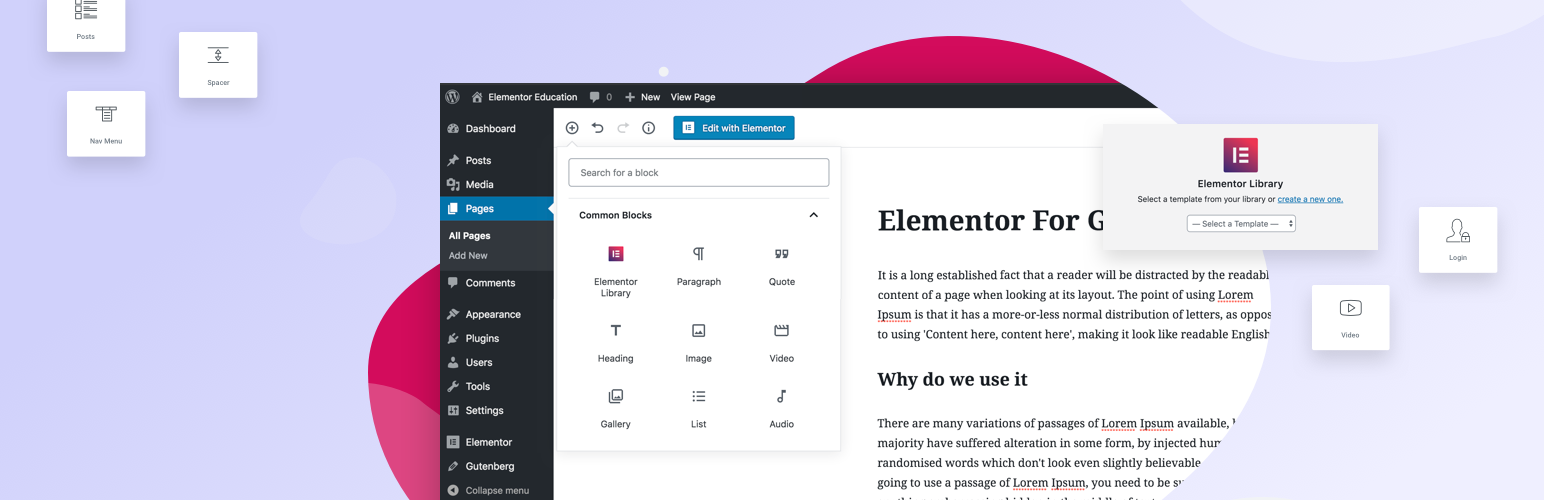
Elementor Blocks for Gutenberg is a plugin that allows you to easily insert any Elementor template into the Gutenberg editor with just one click. This plugin is the perfect way to combine Elementor and Gutenberg to create more advanced layouts in Gutenberg. It requires both Gutenberg and Elementor to be active on your site, but after Gutenberg merges into WordPress 5, only an Elementor installation will be required.Screenshots
Frequently asked questions
What is Elementor Blocks for Gutenberg?
Elementor Blocks for Gutenberg is a WordPress plugin officially created by Elementor Page Builder. It allows users to easily insert any Elementor template into Gutenberg with just one click.
What are the requirements to use Elementor Blocks?
Elementor Blocks requires both Gutenberg and Elementor to be active on your site. After Gutenberg merges into WordPress 5, only an Elementor installation will be required.
How do I use Elementor Blocks?
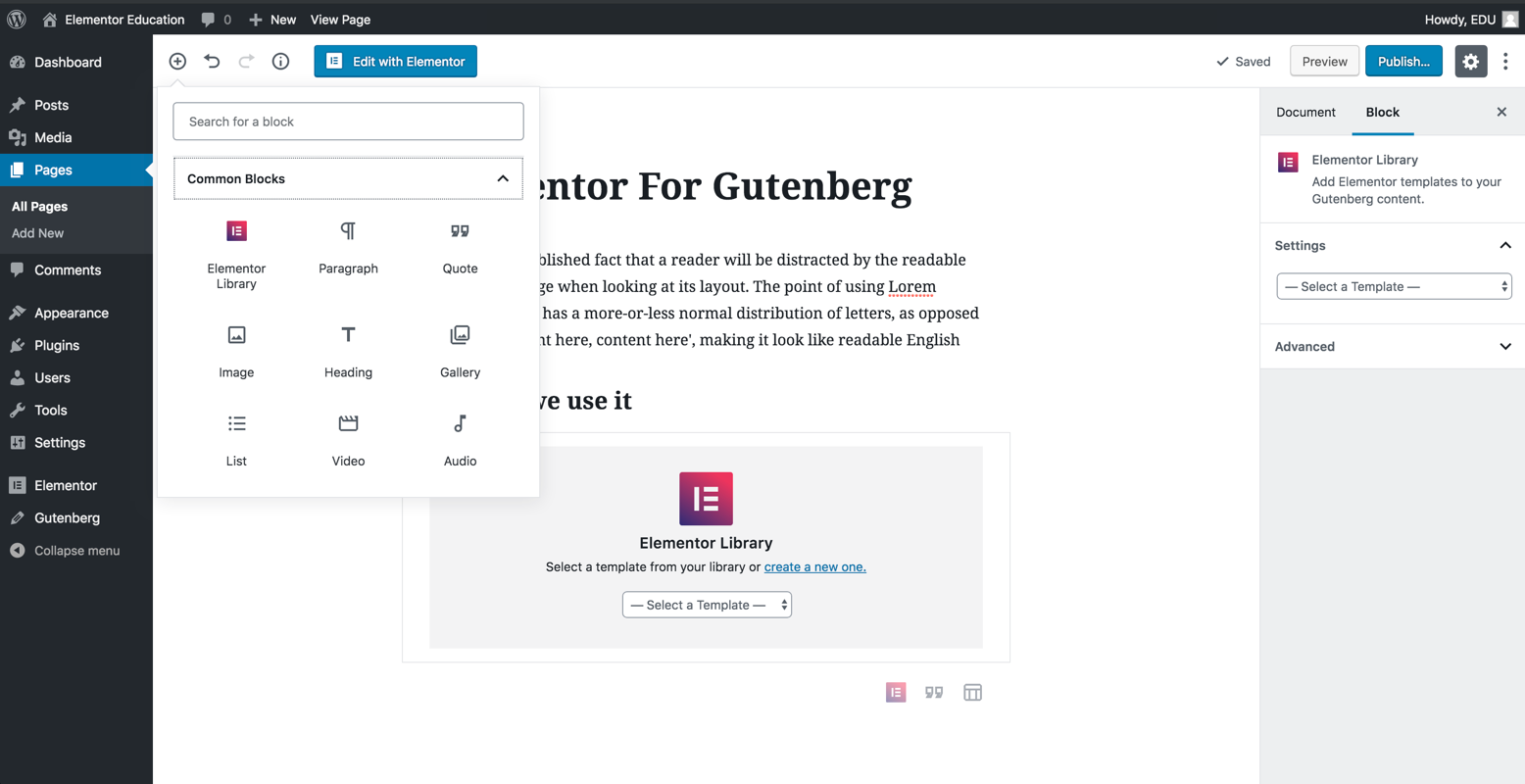
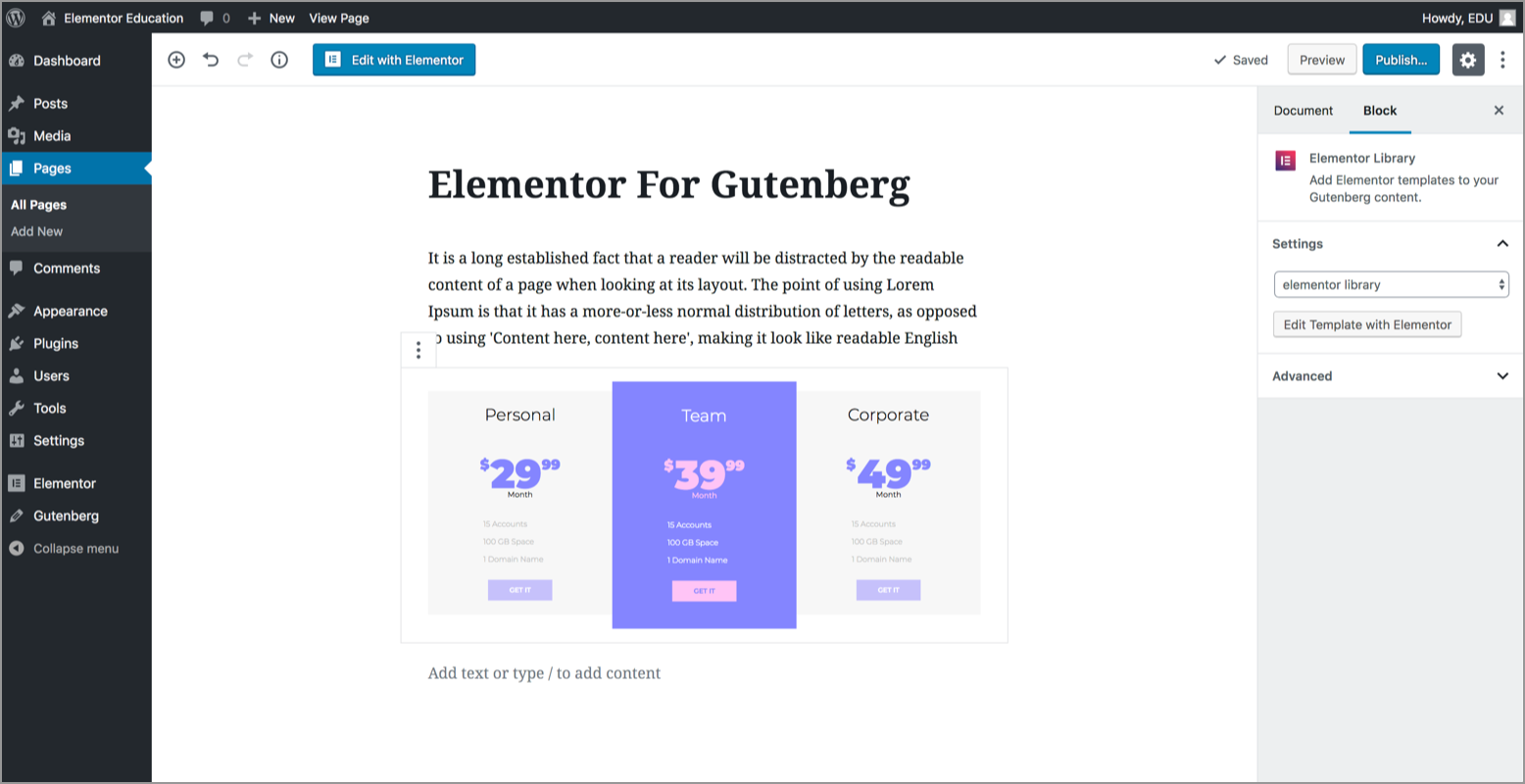
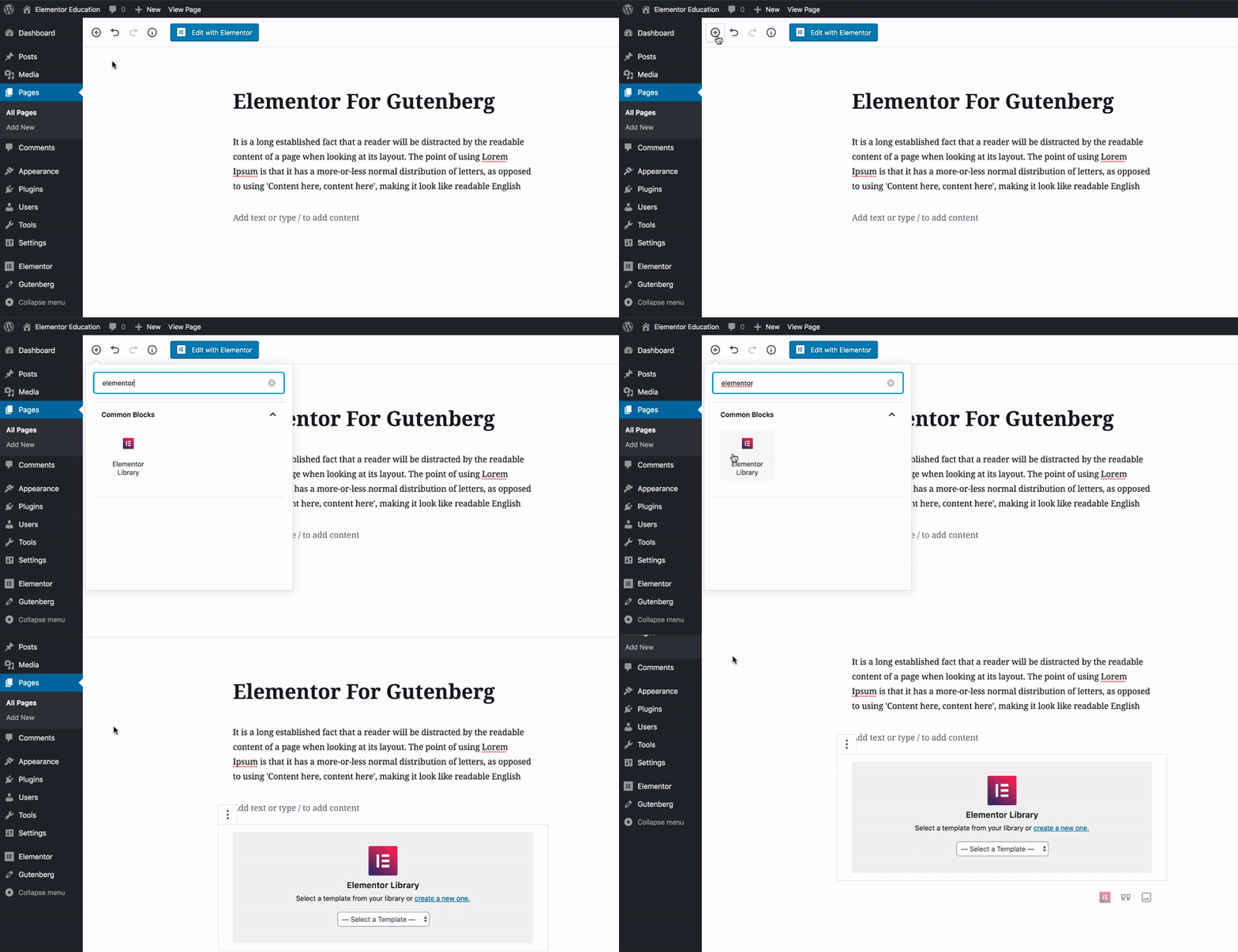
First, install and activate Elementor Blocks for Gutenberg. Then, in Gutenberg, search for 'Elementor Library,' choose an existing template or create a new one, and the Elementor template will be previewed inside Gutenberg.
What features does Elementor Blocks offer?
It allows you to insert Elementor blocks and templates in any area inside Gutenberg, preview templates within the Gutenberg editor, and easily edit Elementor templates directly from Gutenberg. You can also choose from over 300+ pre-designed blocks and 100+ pre-designed pages, and customize Elementor blocks with unlimited design options.
Does Elementor Blocks support multiple languages?
Yes, Elementor Blocks for Gutenberg supports multilingual and RTL. It comes with a translated panel out of the box, and more languages can be added.
Changelog
1.1.5 – 2024-11-26
- Fix: Some strings are not translatable
1.1.4 – 2024-03-18
- Tweak: Added Required Plugins header support for Elementor dependencies
1.1.3 – 2023-11-14
- Fix: Compatibility with WordPress 6.4
1.1.2 – 2023-06-28
- Fix: The template preview doesn’t appear in some edge cases
1.1.1 – 2022-11-30
- Fix: Remove deprecated error log by using different method (Topic)
1.1.0 – 2022-10-06
- Tweak: Added an option to hide preview
- Tweak: Updated the minimum requirement to PHP v7.0
- Tweak: Updated the minimum requirement to Elementor v3.5
- Tweak: Updated the Elementor logo icon
- Fix: Added compatibility for WordPress v6.0 by removing (Topic 1, Topic 2)
- Fix: Preview only the template without header or footer (Topic)
1.0.1 – 2018-11-06
- Tweak: Added compatibility for WordPress v5.0 Beta (Topic)
1.0.0 – 2018-10-15
- Initial Public Release
