

Improve your WordPress SEO: Write better content and have a fully optimized WordPress site using the Yoast SEO…

About Podlove Podcast Publisher
The Podlove Podcast Publisher is a user-friendly and efficient solution for podcasters to create highly expressive and compatible podcast feeds. It supports multi-format publishing, an optimized web player, and offers a range of metadata features such as chapter marks, contributor management, and transcripts. It also integrates with Auphonic for audio post-production and offers flexible templates for customizable podcast styling.Screenshots
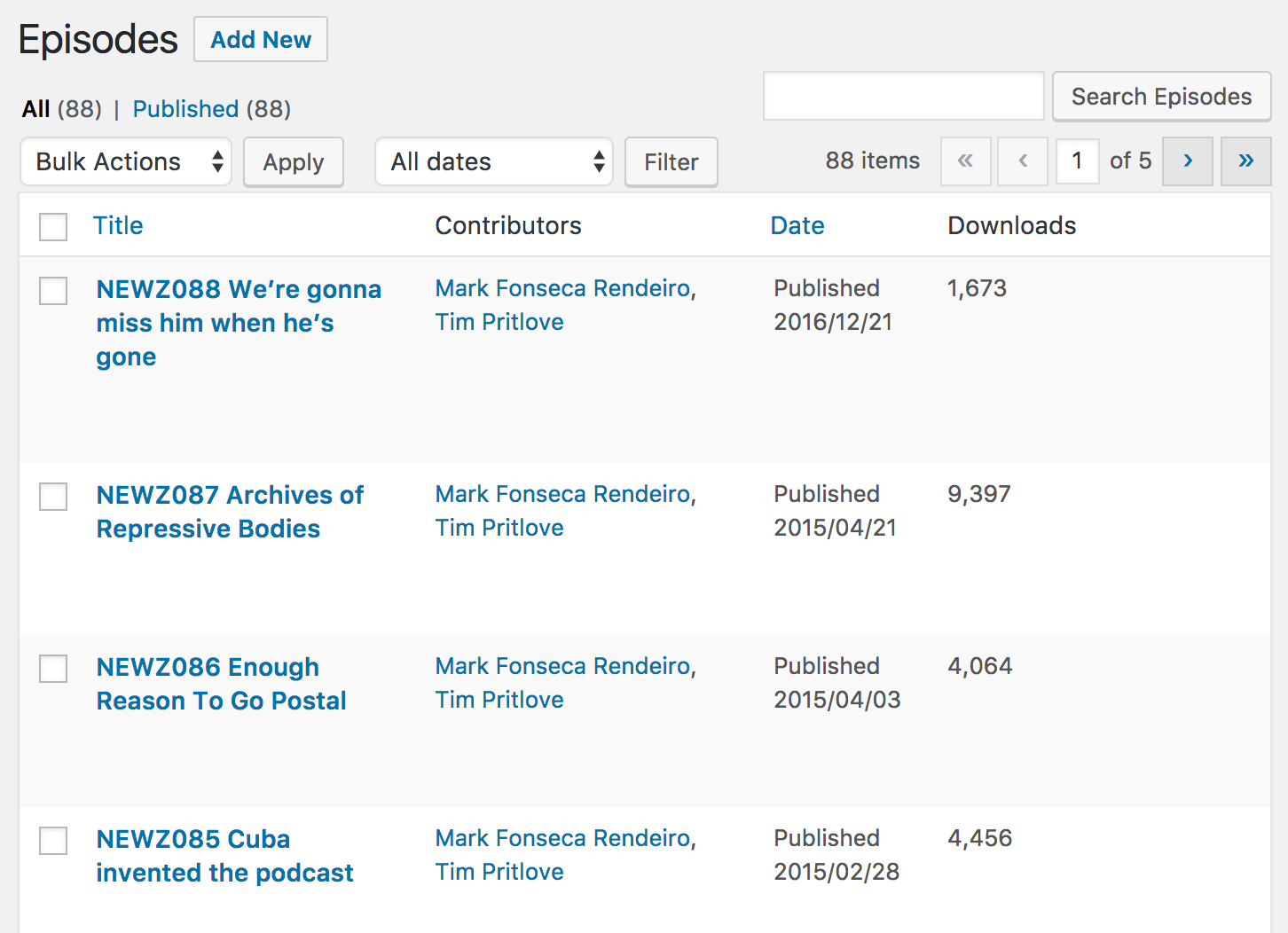
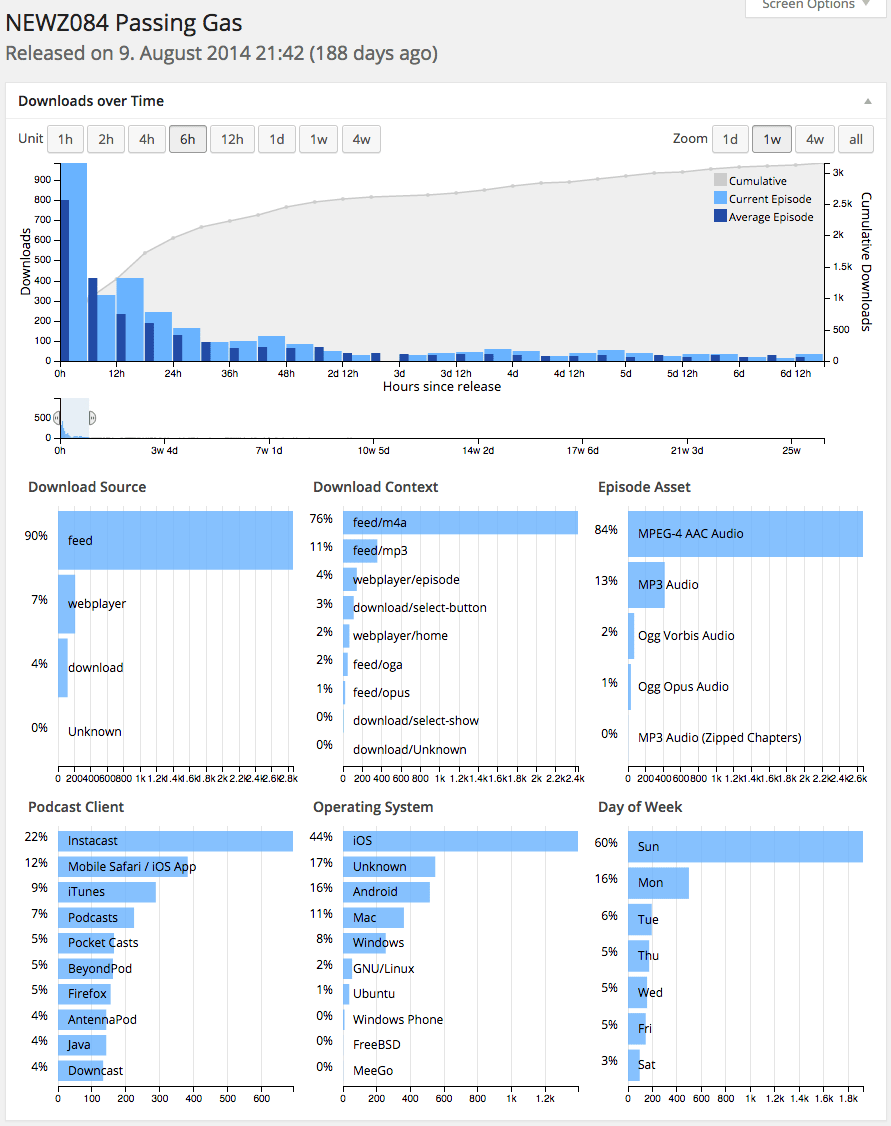
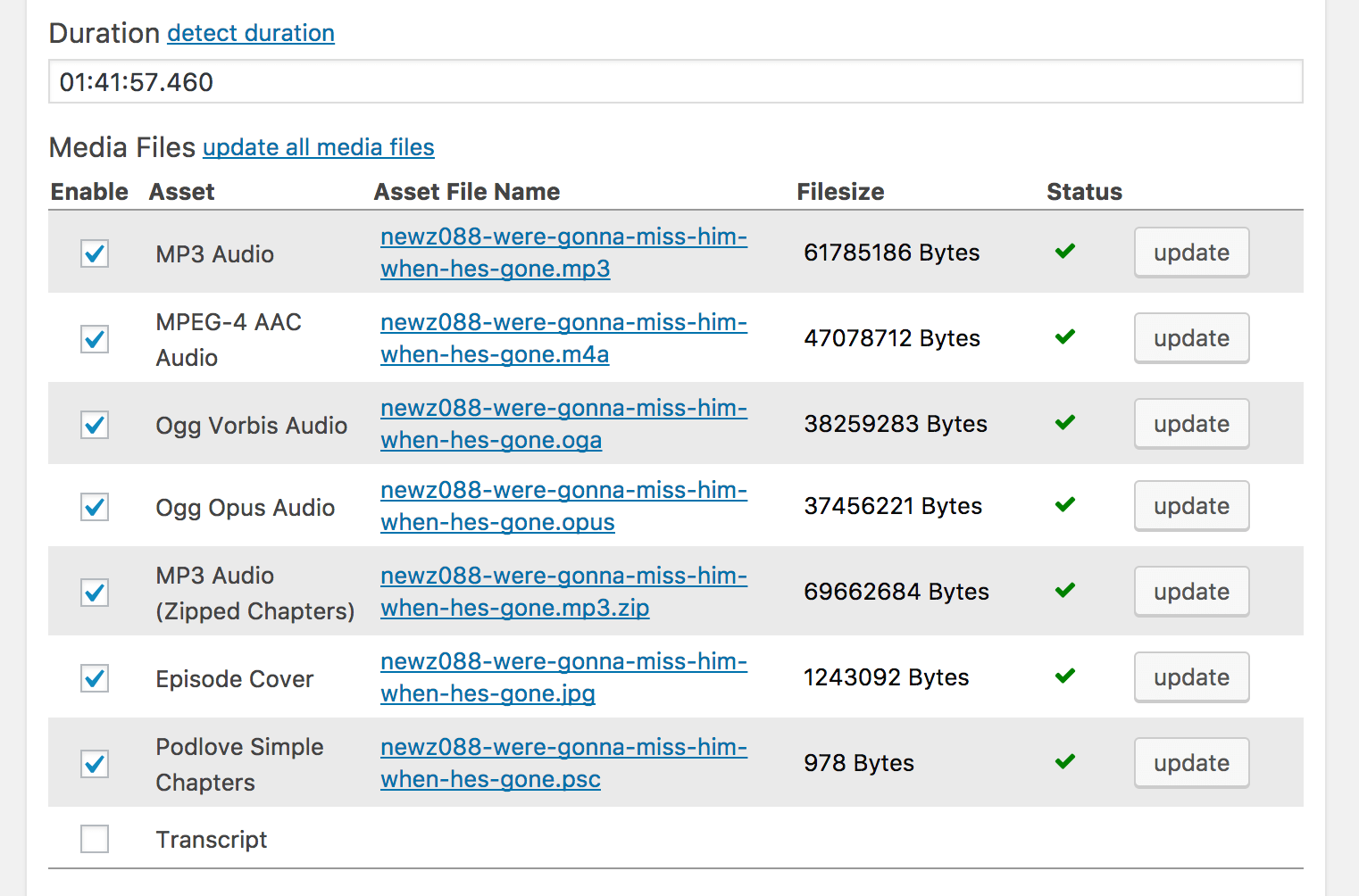
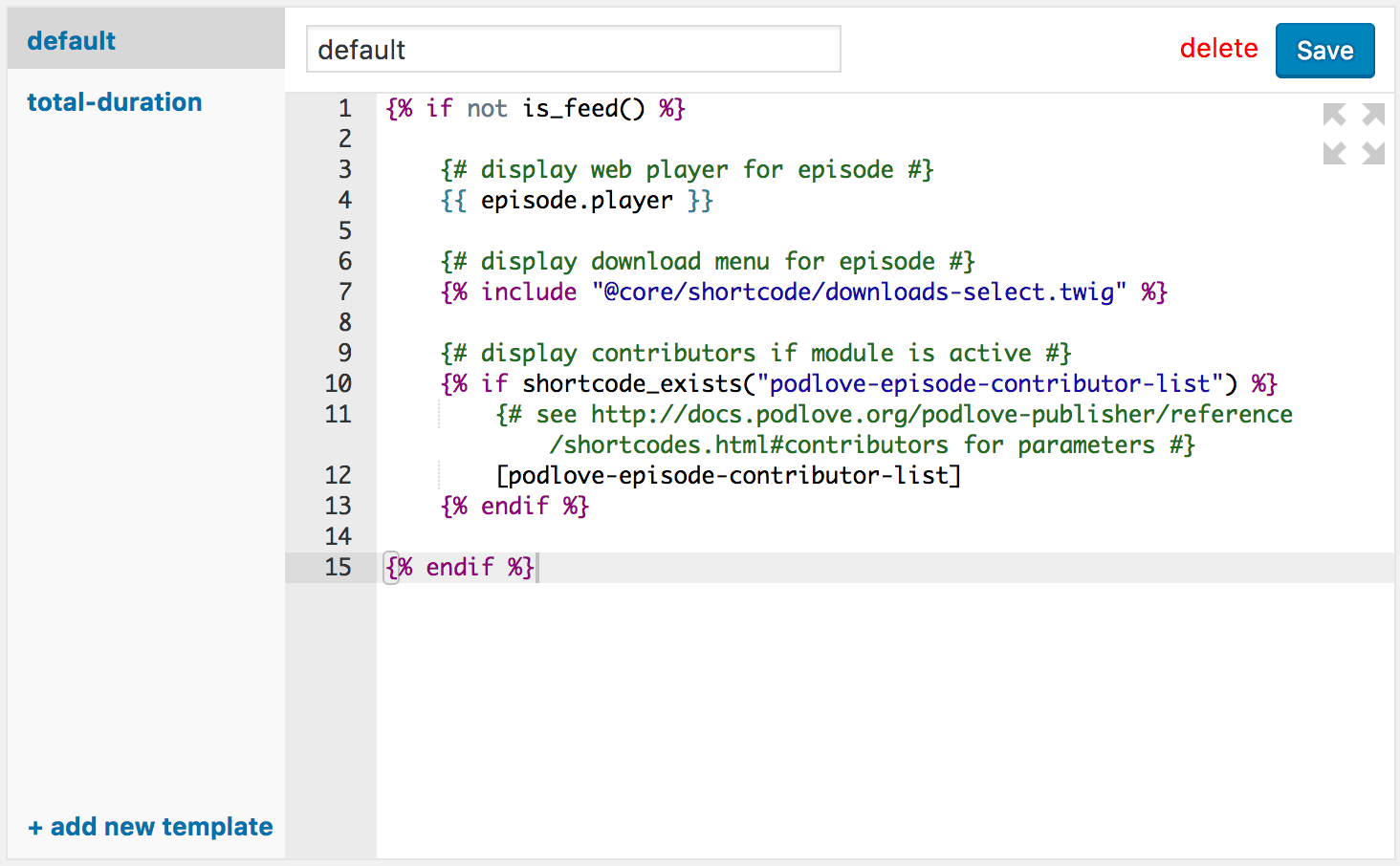
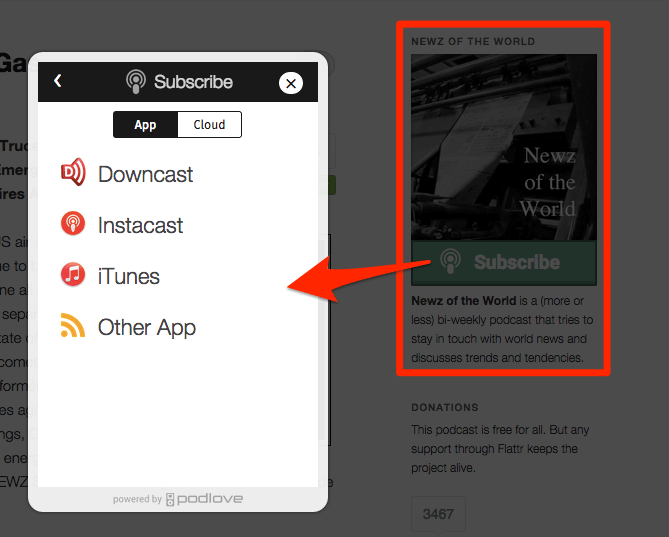
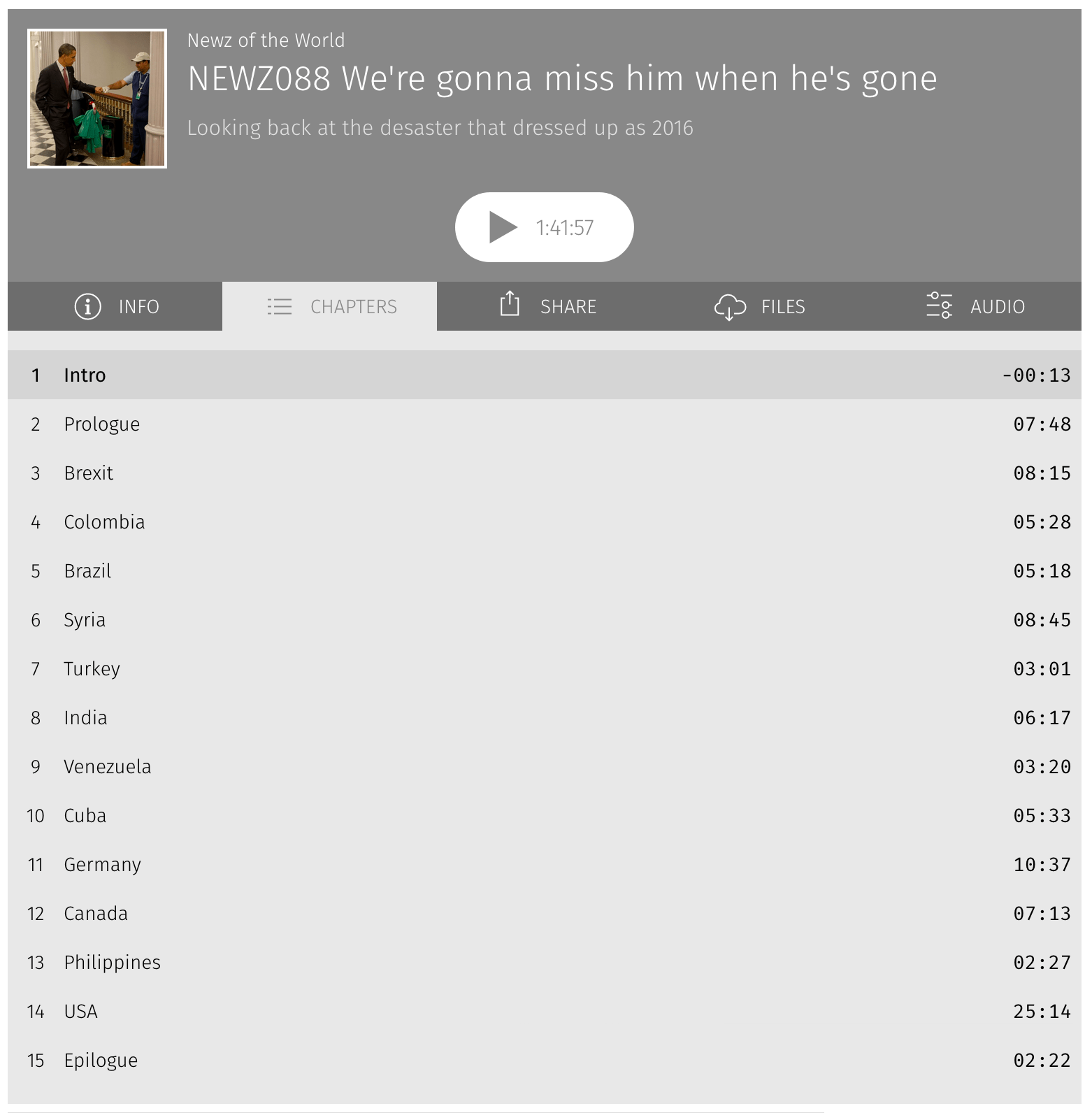
Changelog
4.2.3
- feat: add API route to list public feeds:
GET podlove/v2/feeds - security: remove unused code (which contained an XSS vulnerability)
4.2.2
Fix GUIDs for shows:
- generate a guid for all existing shows
- use the guid in the RSS feed, instead of the podcast guid
- new shows will get a new guid
4.2.1
- security: XSS vulnerability in podcast summary
4.2.0
This release introduces the all-new Onboarding Assistant, enabling you to
either setup a new podcast or move your existing podcast to Podlove with just
your RSS Feed URL.
This makes it much easier for potential podcasters to get started, as it makes
the initial setup process as simple and quick as possible, now only requiring
the podcaster to define what’s really necessary about the podcast, without
needing to worry about technical details.
And for the first time, you can now move any of your existing podcasts to
Podlove Publisher. All you need is the RSS feed. Podlove Publisher finds all the
episode data and metadata like the audio file, title, description, chapters,
transcript and contributors and imports them automatically.
A huge Thank You goes to the Prototype Fund
for sponsoring the development of the Onboarding Assistant module.
Other Changes
- removes outdated “Migration Wizard”
- generate a guid for the podcast and use it in the RSS feed
podcast:guidtag - API changes:
- episodes: allow filtering by
guid - podcast: include the following fields in responses: guid, language, feeds
- episodes: allow filtering by
- fix: respect slashes in file slugs when urlencoding
- security: XSS vulnerability in feed name
4.1.25
- fix: Auphonic “Start Production” is working again
4.1.24
- security: XSS vulnerability in episode assets title
- feat: add API route to clear caches:
DELETE podlove/v2/tools/clear-caches - feat: add bluesky to social services
4.1.23
- new: Auphonic file uploads display their upload progress
- fix: image cache sometimes saved the resized files under a wrong filename
- fix: image cache is now more robust, redirecting to the original image url instead of failing when any processing step fails
- fix: oembed xml generation with escaping
- fix: various PHP warnings/notices when trying to access nonexistent array keys
4.1.22
- fix: empty vtt transcripts (when no voices were assigned to contributors)
- fix: error when unsetting a transcript voice assignment
- fix: PHP warning while using a deprecated podcast category
4.1.21
- fix: encode tracking urls and their redirected urls
4.1.20
- fix: when using the “Post Thumbnail” setting for episode images, the chosen
image is now immediately shown in the “Episode Description” box and it is sent
to Auphonic when saving a production. - fix: Auphonic status polling now only gets called when appropriate, instead of on every page load
- fix: improve WordPress 6.7 compatibility (related to translation api)
4.1.19
- fix some templates by allowing
service.name(but it’s deprecated, so you should change your templates to useservice.titleinstead)
4.1.18
- fix
episode.transcriptaccessor
4.1.17
- fix some templates that broke with 4.1.16
4.1.16
- security: use Twig in Sandbox mode
- change: reenable recently disabled Twig Template filters “filter”, “map” and “reduce”
- fix: plugin crash on setup when default WordPress roles do not exist
4.1.15
- security: disable unsafe Twig Template filters “filter”, “map” and “reduce”
4.1.14
- security: add nonces to template actions
- security: use output escaping for episode slug
4.1.13
- add transcripts to import/export
- add confirmation button on modal to input episode image url
- fix: selecting an episode image updates the preview
4.1.12
- new: when selecting a file for Auphonic, its name is suggested to be used as episode slug
- fix: PHP deprecation warnings
4.1.11
- new: support
podcast:licensetag in RSS feed - fix: imports correct chapter times from Auphonic (when using features that affect the episode duration)
- maintenance: update various javascript dependencies
4.1.10
- fix: bug introduced in latest patch that created duplicate database entries for media files
4.1.9
Various fixes regarding adjusted media file handling introduced in version 4.0.11:
- dashboard shows a grey bar again when the file is inactive
- RSS feed correctly skips items with inactive files again
4.1.8
- changes in an episode immediately affect the RSS feed
There are various caches in place to ensure efficient delivery of the RSS feed
to podcast clients. However it can be hard to guess how long it will take for a
change to appear in the feed and podcatchers. Now, any change to the episode
metadata or enabling/disabling an asset immediately clears the cache for that
feed item, resulting in the change to be visible in the RSS feed immediately.
- transcripts: contributors in voices selection are sorted alphabetically
- fix: episode license and explicit value are not emptied when saving the episode
- maintenance: fix various notices from WordPress Plugin Check tool
- maintenance: js dependency updates
4.1.7
- fix
itunes:explicitRSS tag. It now contains the valid values “true” or “false”. - fix typo in API:
explicitfield was mistyped asexpicit
4.1.6
- Shows Settings: sort Auphonic presets alphabetically
4.1.5
- Hotfix: Creating Auphonic productions works again
4.1.4
- Auphonic: reduce preset cache to 10 seconds so manual refreshing is not necessary (and remove broken refresh button on module page)
- Auphonic: select configured show preset when selecting a show
- Auphonic: fix status updates when opening an episode with an already running production
- performance: don’t try to fetch file headers twice for unreachable URLs
- performance: faster saving of slug changes
4.1.3
- Shows selection in the episode was rewritten for the new frontend stack. It is now compatible with the Automatic Numbering module again.
4.1.2
- transcripts: include json link in RSS again when “Publisher Generated” is selected
- transcripts: polish timestamp rendering in preview (shorter, monospaced, right aligned, unselectable)
- chapters: fix “unknown” durations
4.1.1
- security: add nonces to tools actions
4.1.0
Feature: Better control over transcripts in RSS feed
There is a new feature under Podlove > Podcast Feeds called “Episode
Transcripts” to control how episode transcripts should be referenced in your RSS
feed. The default is “Publisher Generated vtt”, which is nearly the same
behavior as before (In previous versions, three variants were referenced: vtt,
json and srt. The json and srt URLs still work but they are not referenced in
the RSS feed any more as they are not neccessary and removing them reduces feed
size). There is a dedicated “Do not include in feed” option, in case you do not
want the transcripts in your RSS feed.
Finally, you may prefer to host your transcript assets externally, just like
your audio files. If you have configured a transcript asset, you can now select
it in this setting. Then the RSS feed will reference this external file
directly.
Auphonic improvements
- add button to always access the import screen
- add button to delete a track
- show status in production selection
- rearrange / polish various some button and information positions
Other
- add: capability “podlove_manage_contributors” for contributors settings screens
- fix: sometimes missing voices in Podlove Web Player transcripts
- fix: sometimes an enabled asset is disabled a few moments later
- fix: show files as “not found” when they become unreachable
- transcripts: rename “delete” action to “clear”
- transcripts: show timestamps in editor preview
- upgrade heroicons (icon library) from v1 to v2
Changes for previous versions can be found in the changelog.txt.

