

Enables the previous "classic" editor and the old-style Edit Post screen with TinyMCE, Meta Boxes, etc. Supports all…

About Carousel Slider Block for Gutenberg
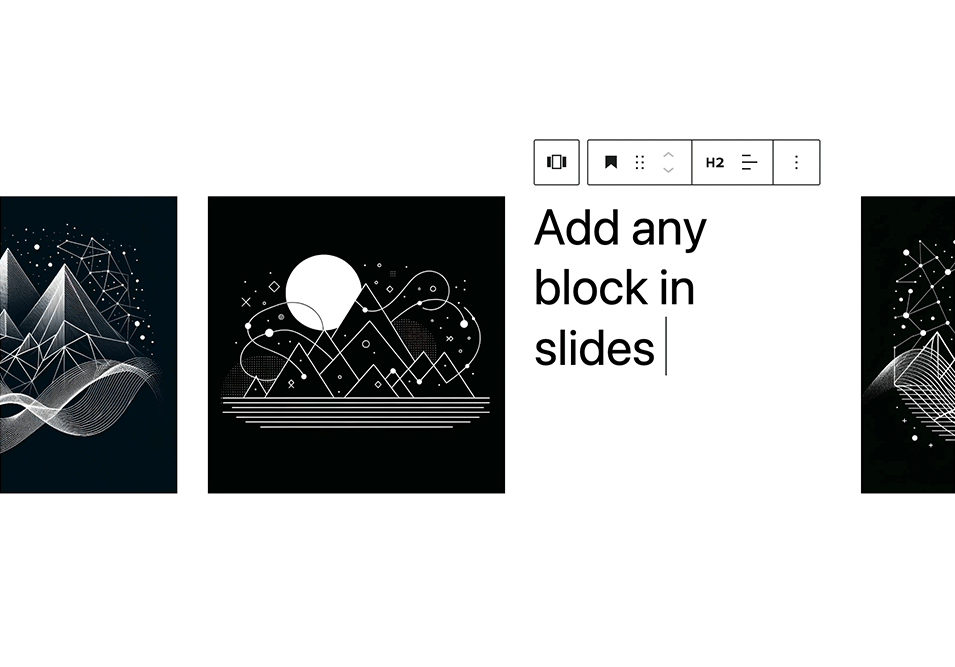
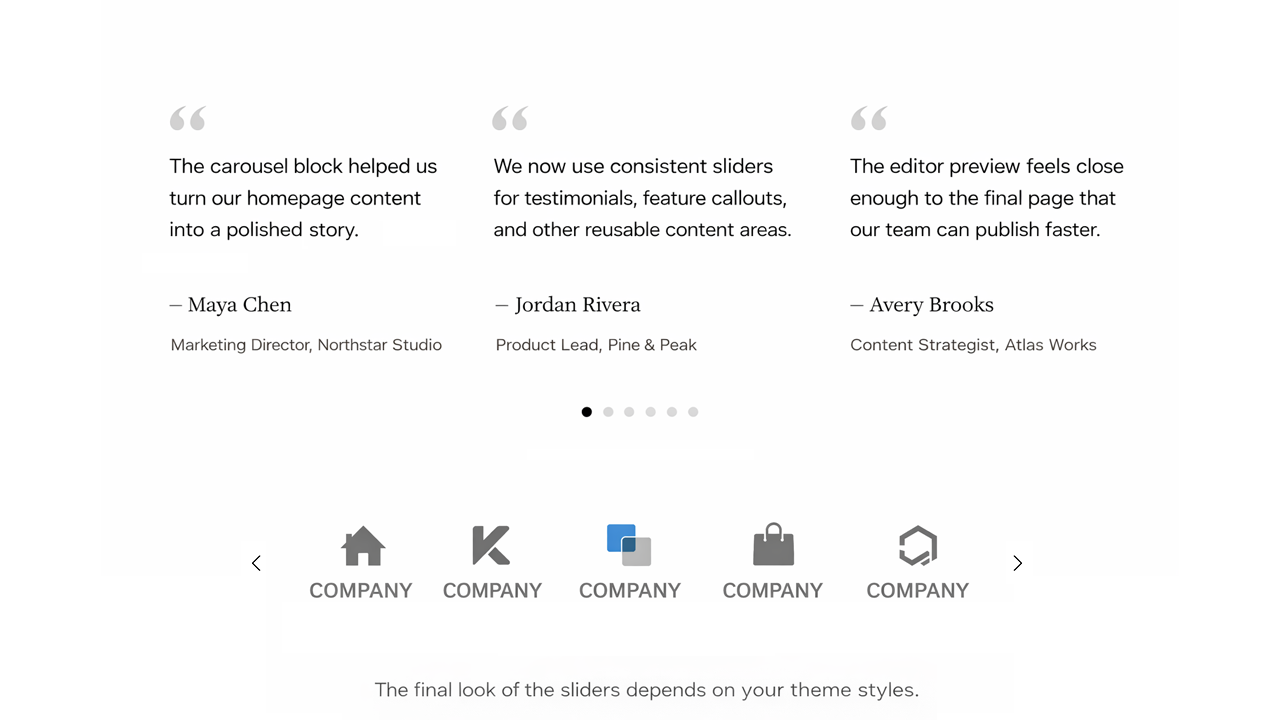
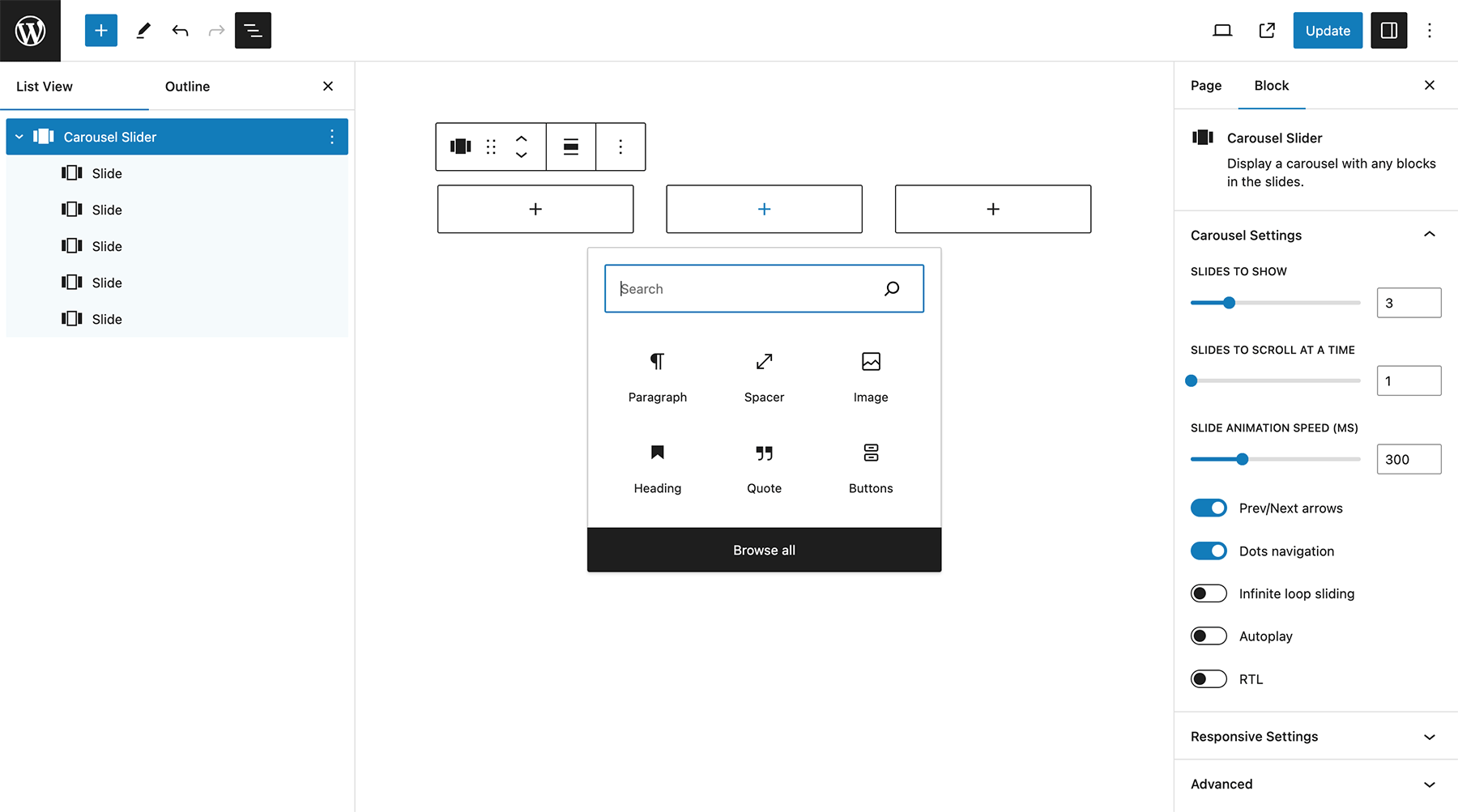
This is a responsive carousel slider for the Gutenberg editor that allows you to add any blocks to the slides. You can customize the settings such as the number of slides per view, slide speed, and navigation options. It requires PHP 5.6+ and WordPress 5.8+ with Gutenberg active.Screenshots

Frequently asked questions
How do I add and manage slides?
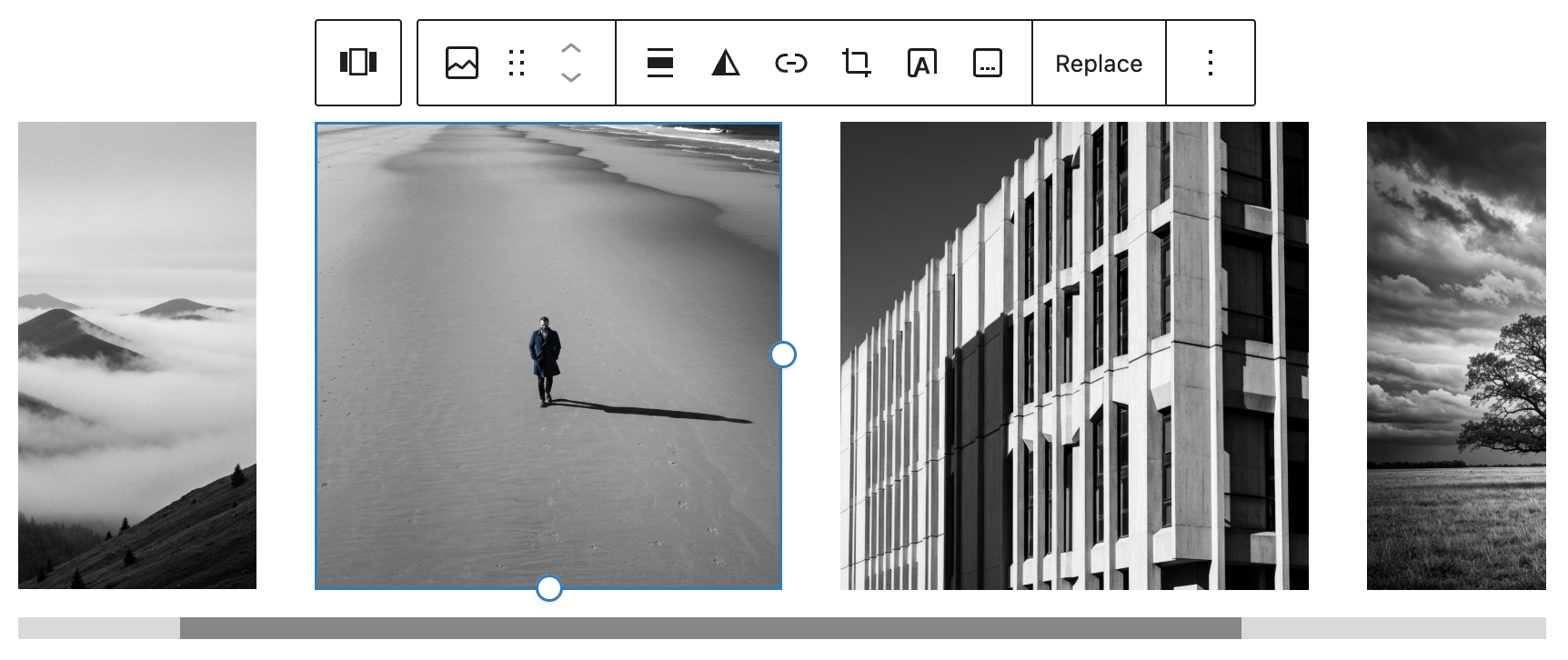
Select the Carousel Slider block from the Design category and click the '+' button to add slides. You can reorder slides using the left and right arrow buttons in the toolbar, and remove a slide by selecting it and clicking the three dots above it.
Changelog
1.0.0
First release of the plugin.
1.0.1
Fixed lodash issue.
1.0.2
Updates for latest WP Gutenberg version. Fixed editor CSS.
1.0.3
Added autoplay settings.
1.0.4
Improved UI experience by using inner blocks controls. Added RTL option. Removed padding option. Updated slide block icon.
1.0.5
Added block.json. Improved carousel block layout in the editor. Updated slide block icon. Tested for WordPress 5.9.
1.0.6
Eliminated block margin CSS issue in slides.
Changed the style of the “Add slide” button.
1.0.7
Added responsive setting for slides to scroll at a time.
1.0.8
Small CSS improvements in the editor. Updated slick CSS stylesheet handle. Tested on WordPress 6.0.
1.0.9
Fixed error message on Widget Editor screen. Tested on WordPress 6.3.1.
1.0.10
Fixed lodash error with latest WordPress 6.4 update.
1.0.11
Fixed layout issue in rows.
Code refactoring.
1.0.12
Added tag dependency.
1.0.13
Reverted Slick init to working solution – outside the WP block build process.
1.0.14
Update CSS for image block centering.
1.0.15
Button block appender fix.
1.0.16
Fix slider init.
