

Improve your WordPress SEO: Write better content and have a fully optimized WordPress site using the Yoast SEO…

About Web Push Notifications by PushEngage: WordPress Push Notifications to Supercharge Your Engagement
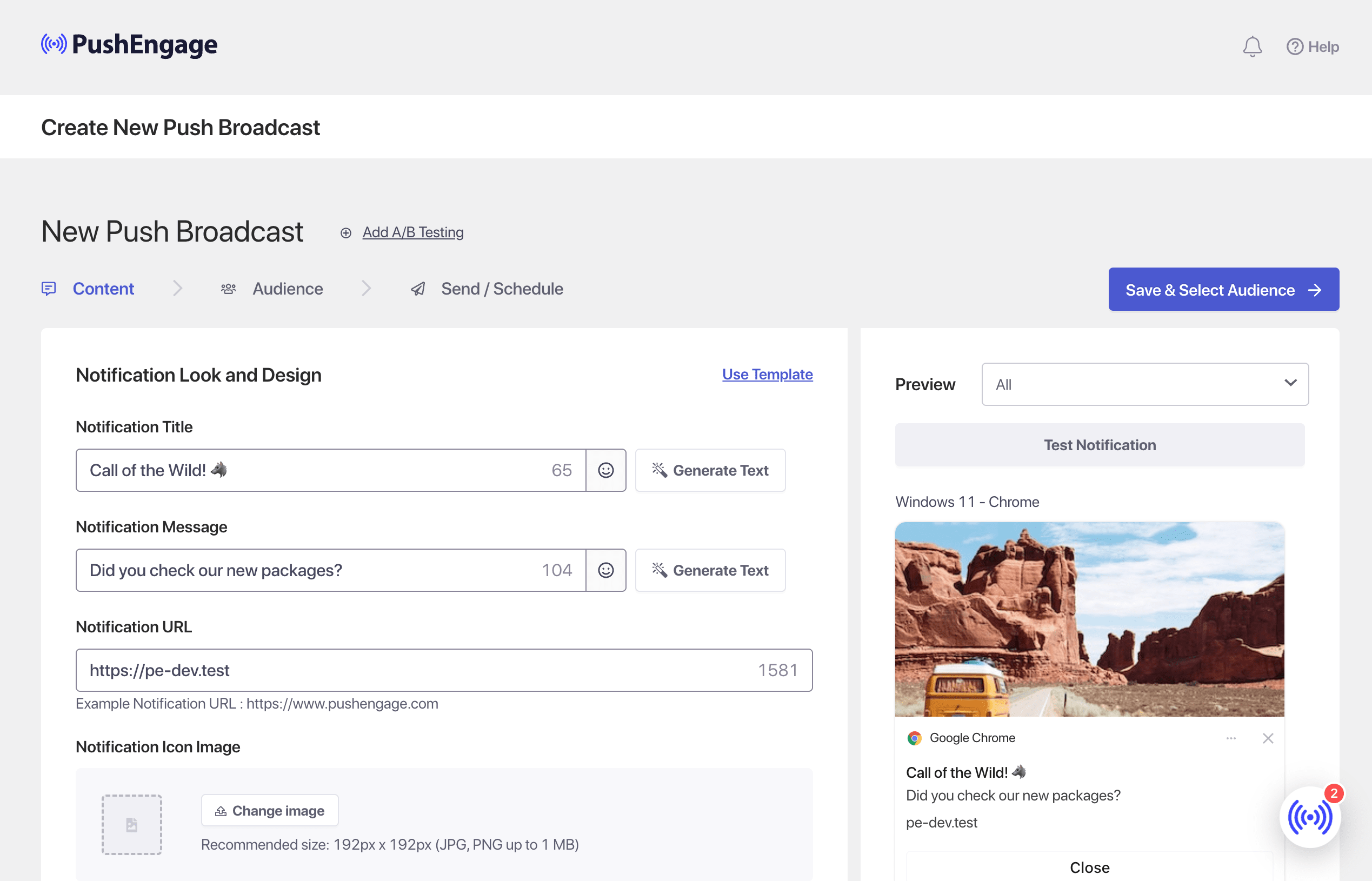
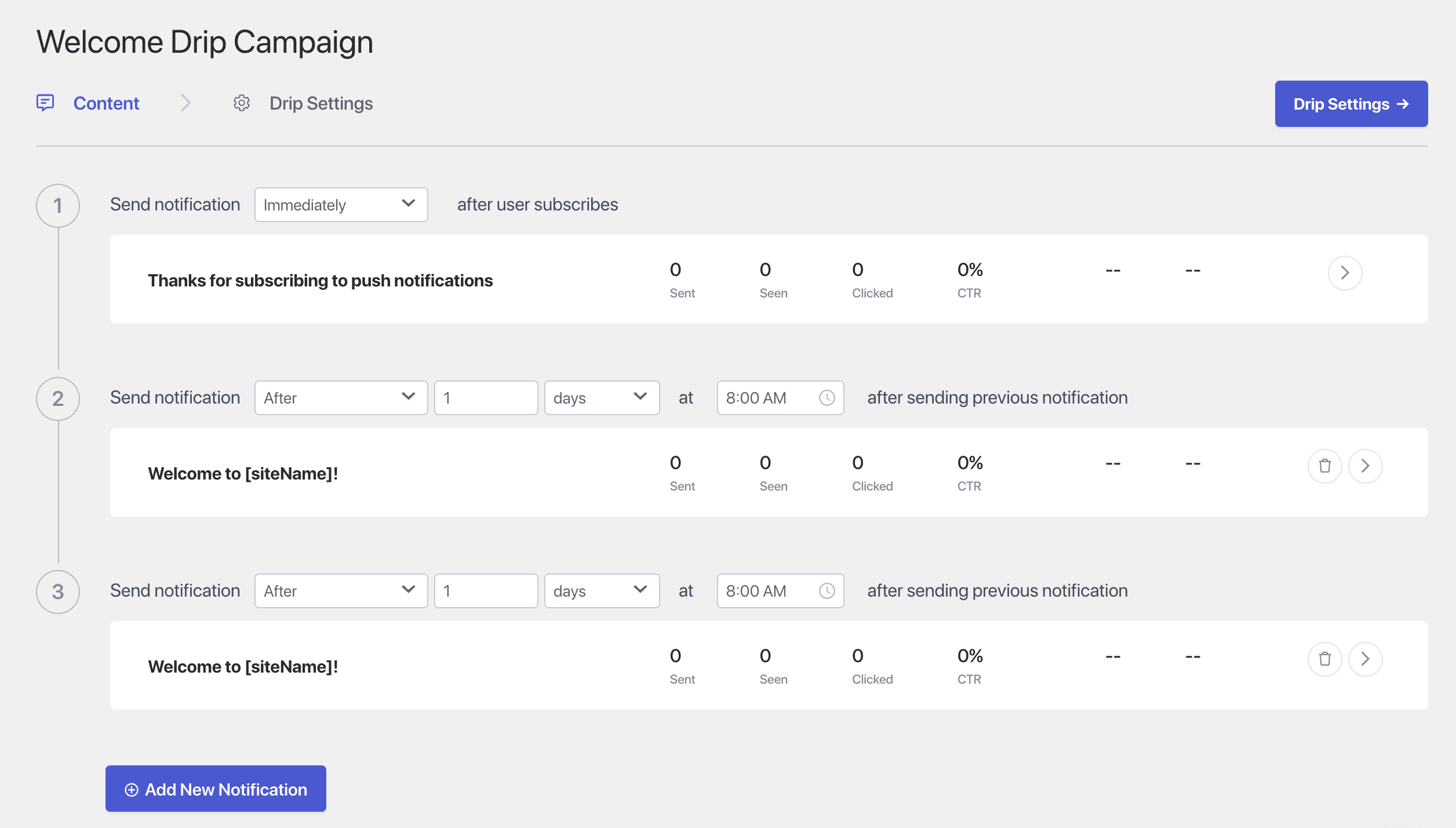
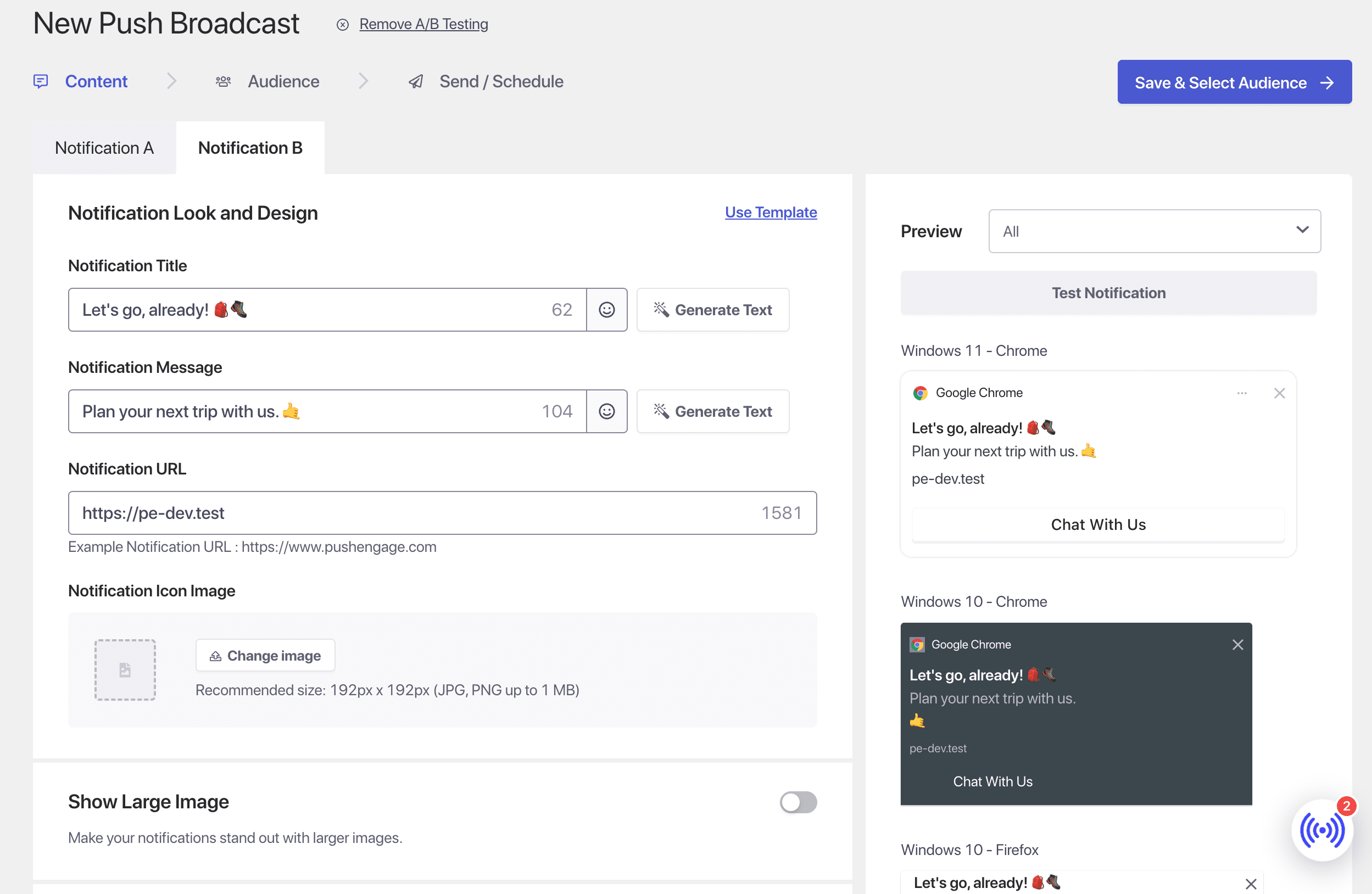
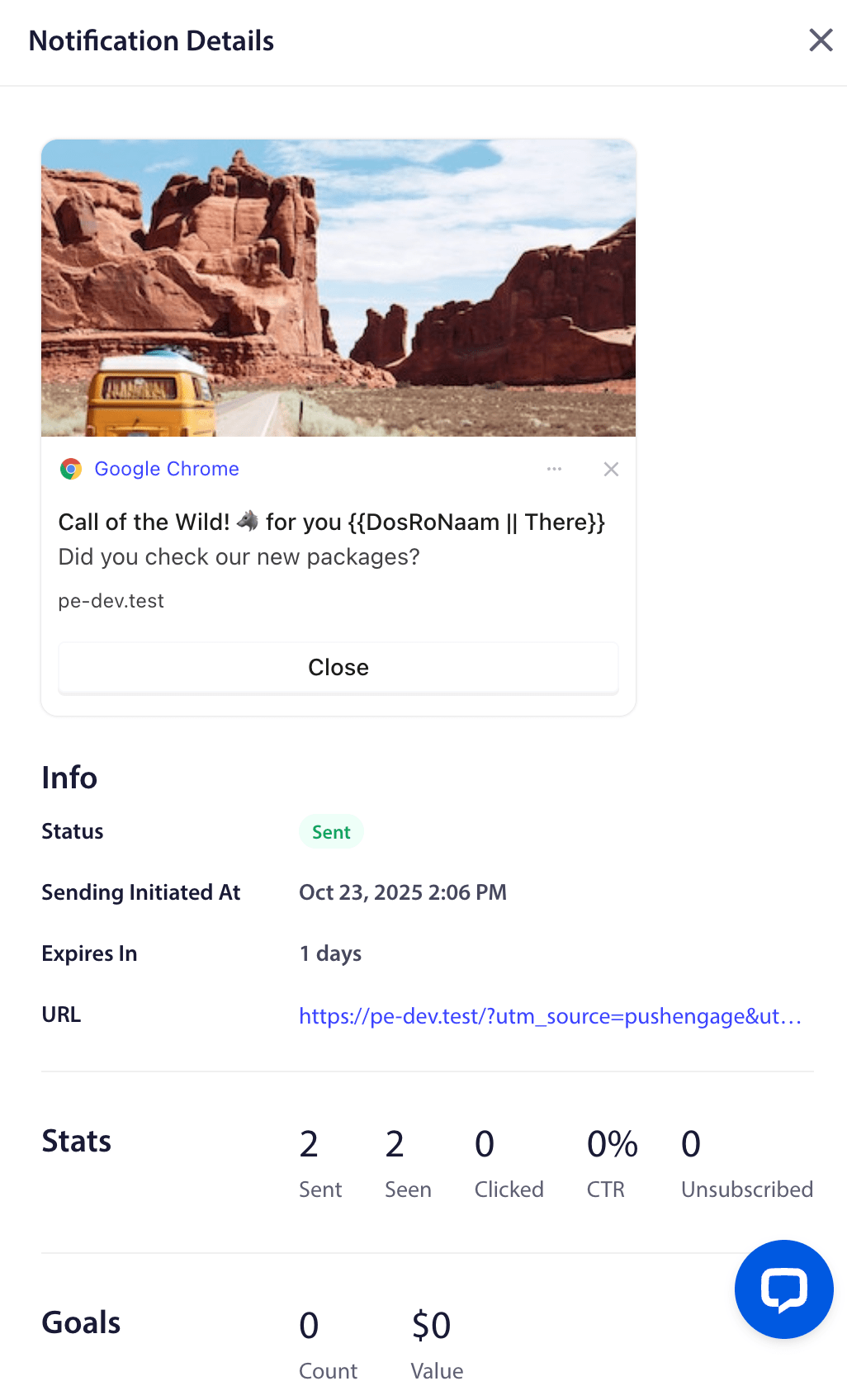
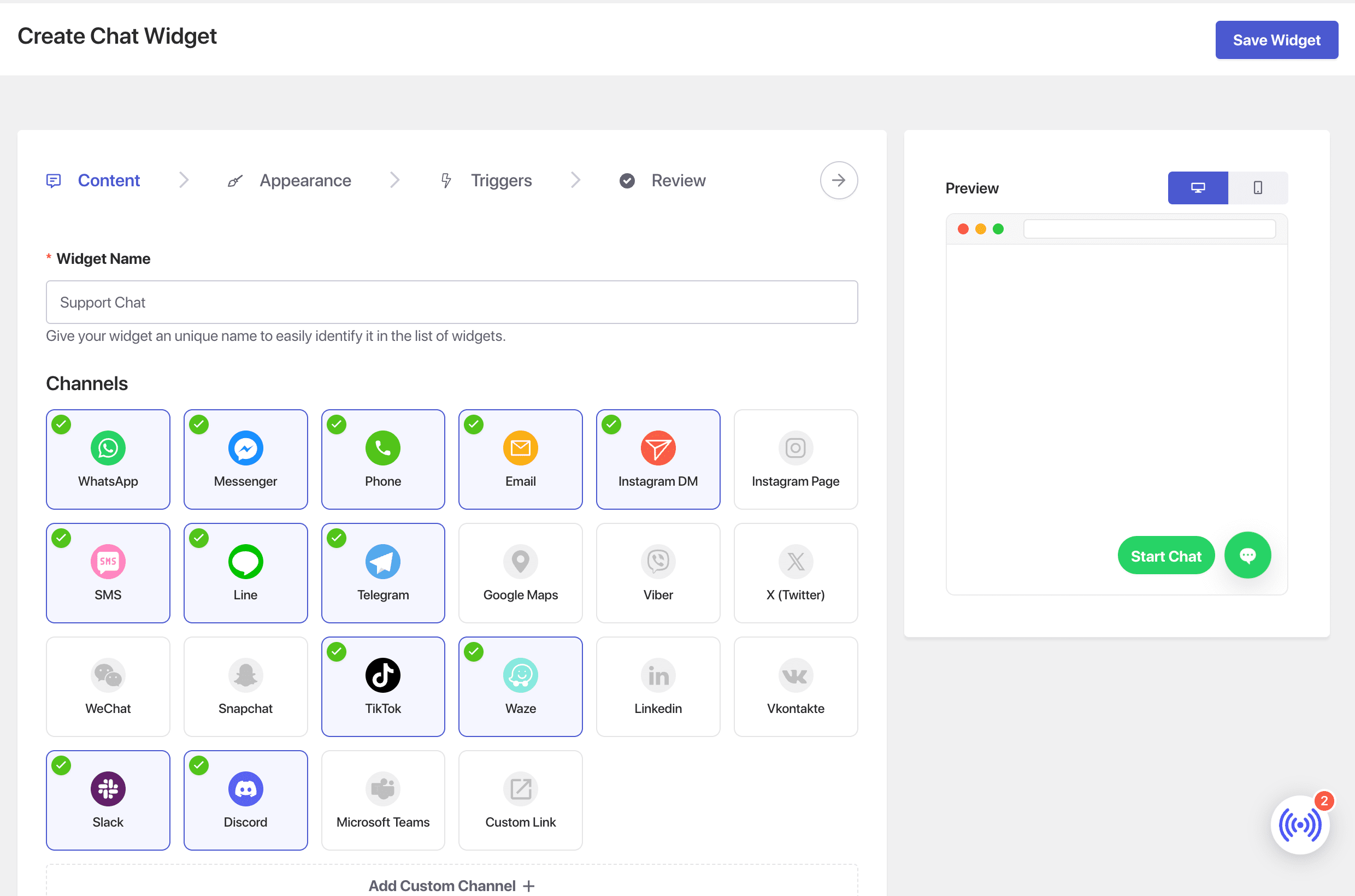
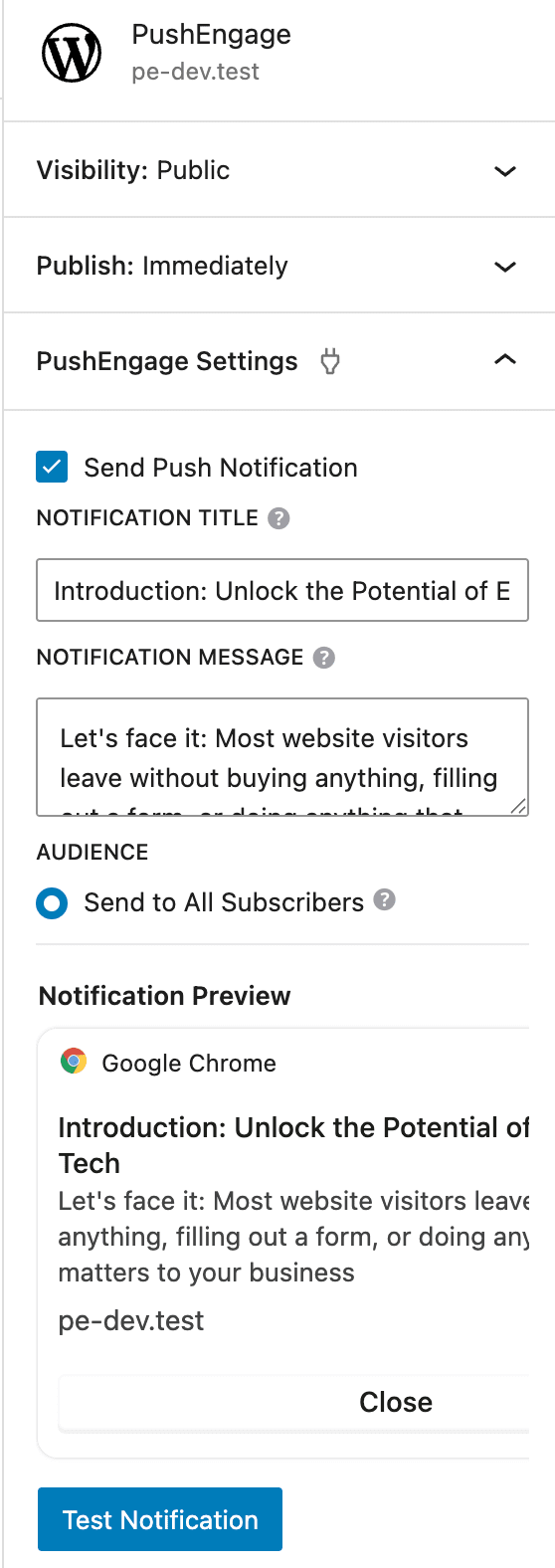
PushEngage is a powerful push notification plugin that helps you send personalized web and app push notifications. It can boost engagement, drive repeat traffic, and increase sales by reaching users directly on web and mobile. With features like advanced analytics, A/B testing, and audience targeting, PushEngage is a valuable tool for businesses looking to turn casual visitors into loyal customers.Screenshots


Frequently asked questions
What is Web Push Notifications by PushEngage?
Web Push Notifications by PushEngage is a WordPress plugin designed to help you send personalized web push notifications. It aims to boost engagement, drive repeat traffic, and increase sales for your website.
How does PushEngage help with user engagement?
PushEngage allows visitors to subscribe to alerts in two clicks or less, enabling you to deliver messages that keep them coming back. It helps turn casual visitors into loyal customers and regular readers.
What features does PushEngage offer?
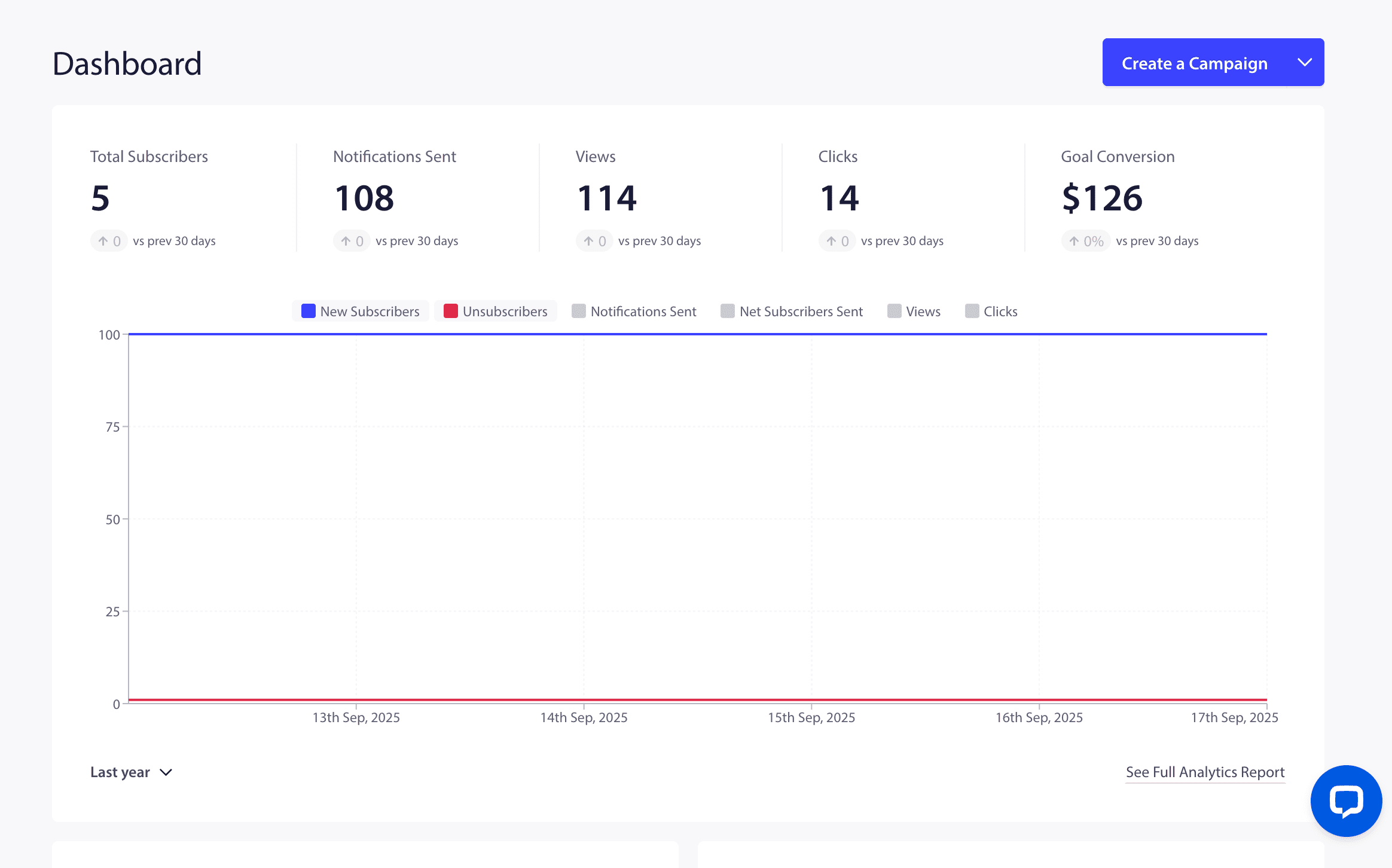
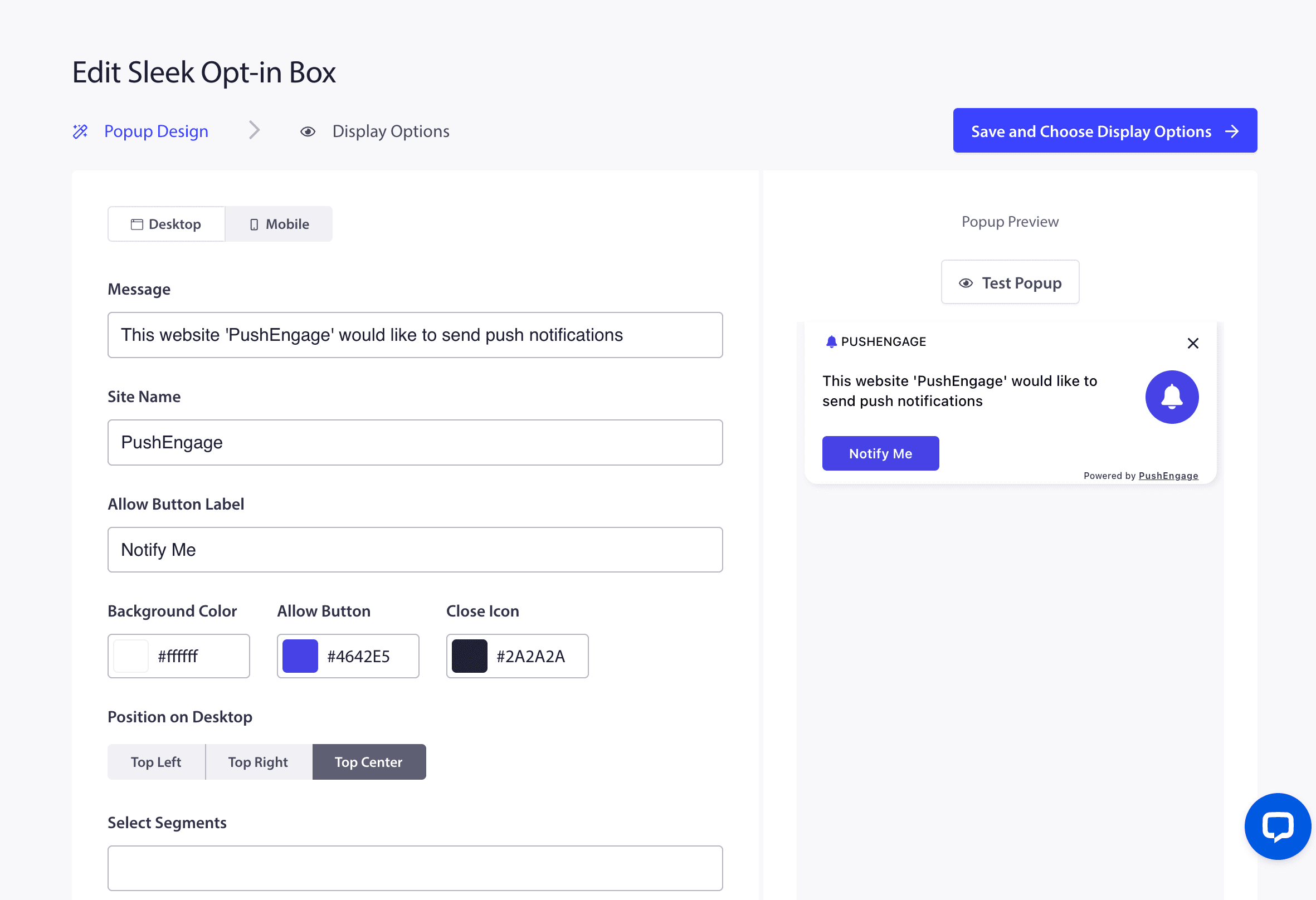
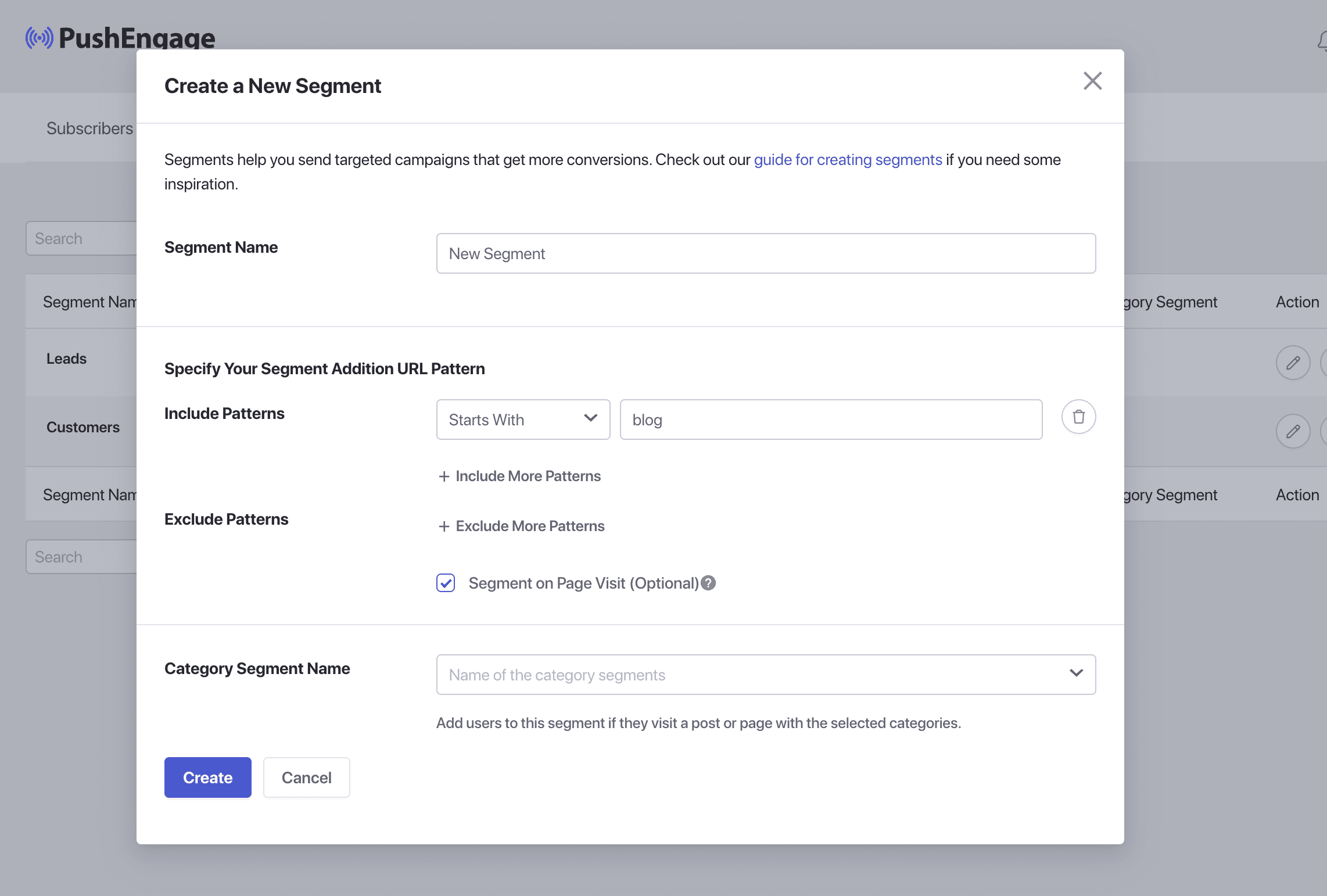
PushEngage offers features to grow your subscriber base with engaging opt-ins, launch push notification campaigns that drive conversions, and track performance with advanced analytics and revenue insights. It also provides a simple dashboard to create opt-ins, manage campaigns, and segment your audience.
Can PushEngage be used with WooCommerce?
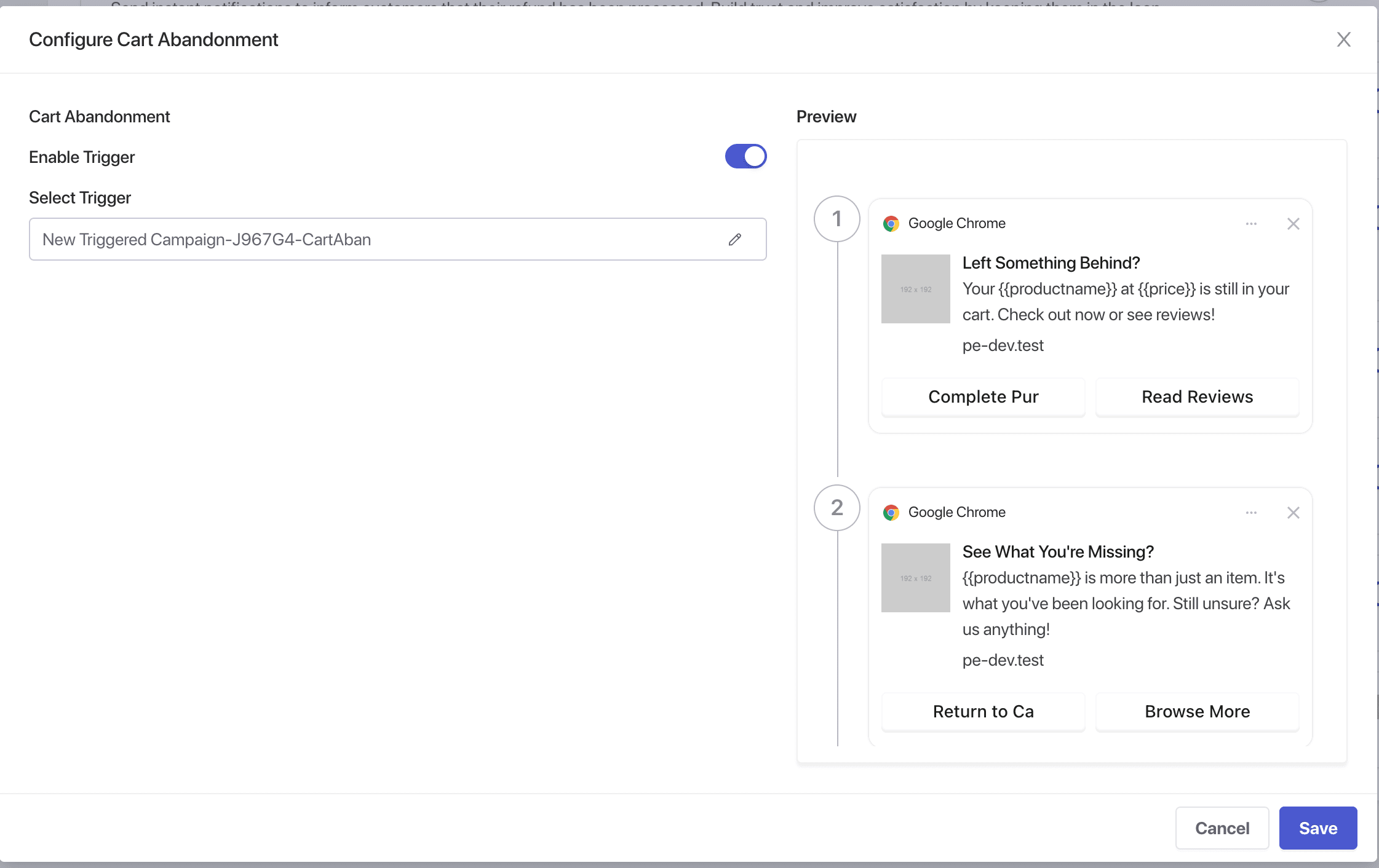
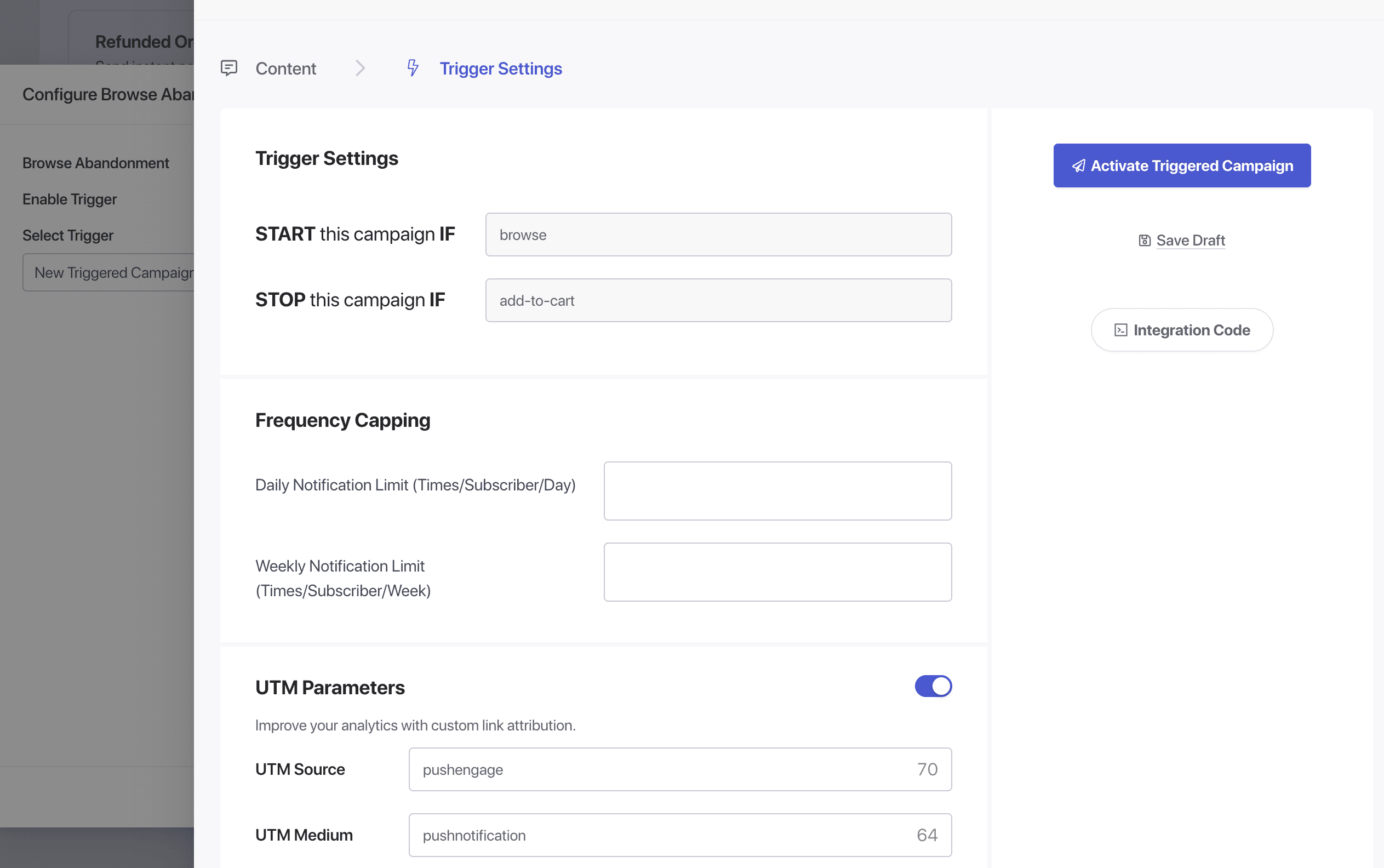
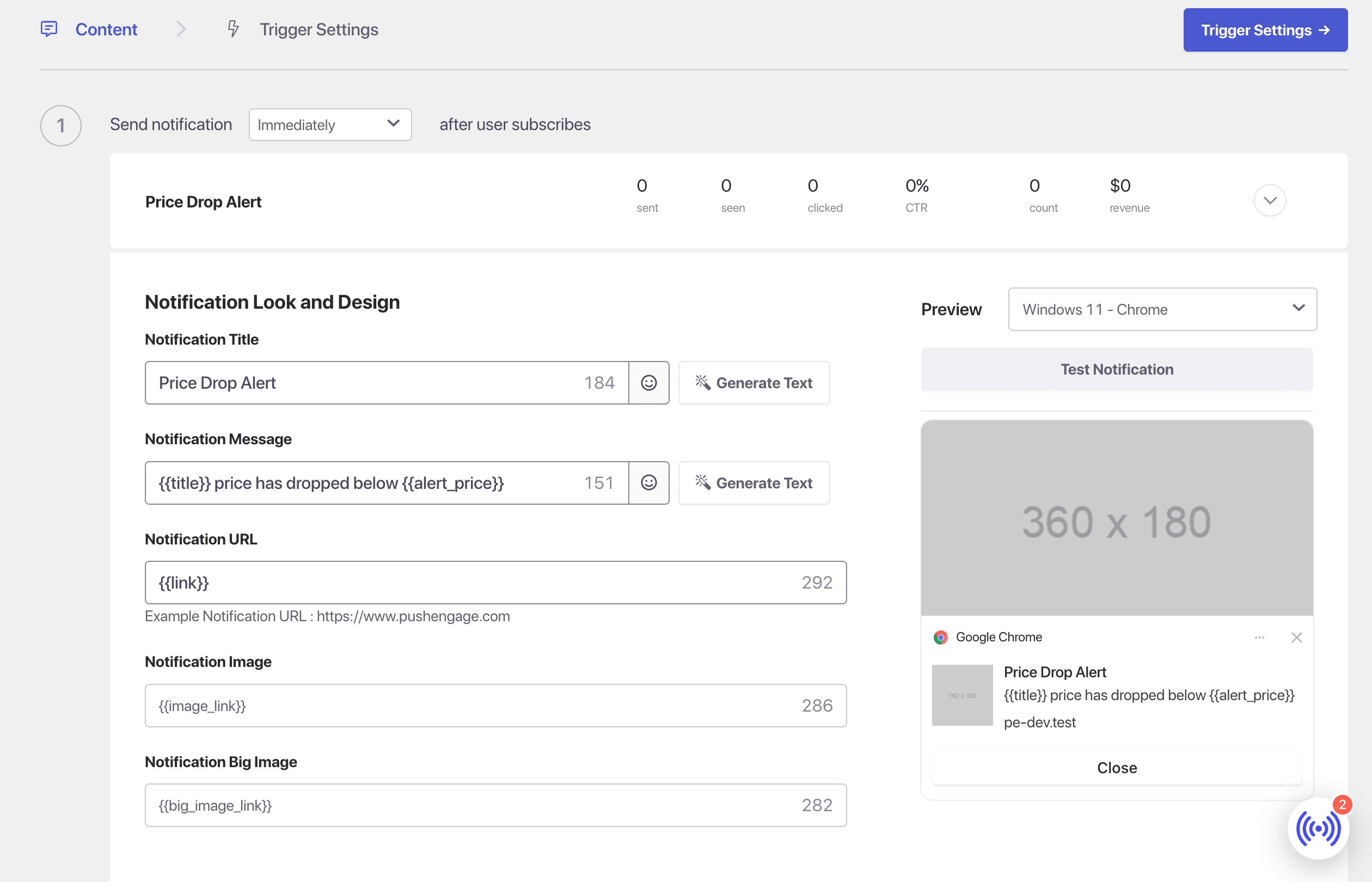
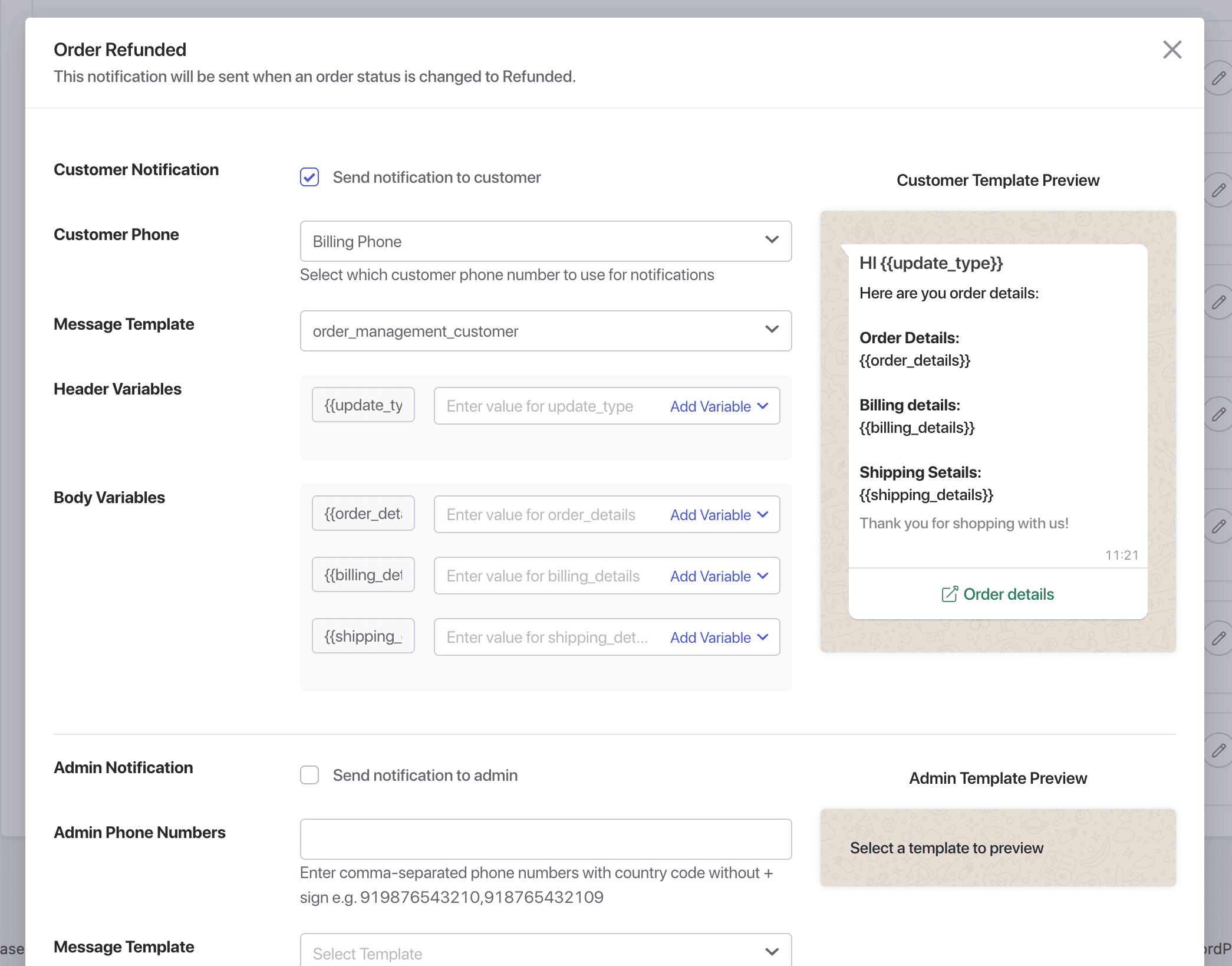
Yes, PushEngage makes setting up WooCommerce push notifications effortless. You can automatically send cart and browse abandonment notifications, as well as price drop alerts, to boost sales.
Who uses PushEngage?
Over 25,000 business owners, designers, and developers use PushEngage to send more than 15 billion web push campaigns every month.
Changelog
Most Recent Changes:
4.0.12
- Updated PushEngage Dashboard screen layout when site is not connected.
- Added conditional load for performance optimization.
- Updated use of PushEngage version constant for admin scripts.
4.0.11
- Updated PushEngage WP Admin menu position for better access.
- Updated Integration submenu to enhance WooCommerce Integration.
- Fixed minor UI bugs in the PushEngage Settings Page.
4.0.10
- Added PushEngage settings in pre-publish checklist.
- Improved onboarding flow.
- Masked the API key on the settings page.
- Fixed an issue where notifications for scheduled posts were not sent when published by third-party plugins.
- Fixed Integrations menu item active state style.
4.0.9
- Added new “Trigger” menu to create and manage Triggered Campaigns from plugin.
- Added integration for WooCommerce cart and browse abandonment campaigns.
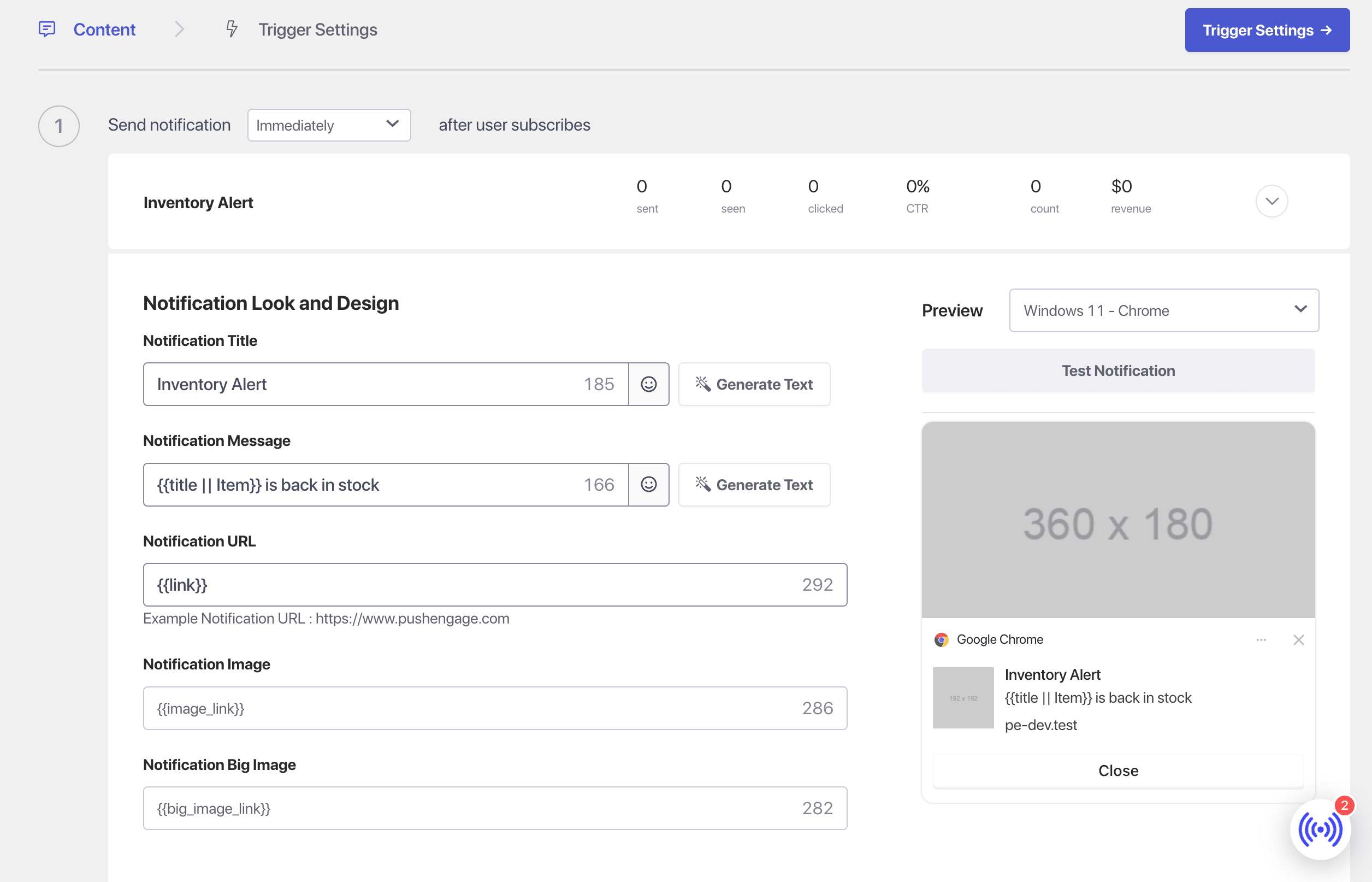
- Added trigger notifications template for cart and browse abandonment triggers.
- Added support for WooCommerce product categories in audience segments selection.
- Added video library link and video docs links in plugin.
- Optimized data for WPCode integration snippets in PushEngage plugin.
4.0.8.1
- Resolved JSON encoding error in multi-byte string processing for enhanced reliability.
- Improved error handling for service-worker registration to ensure seamless functionality.
- Added detailed error messages for troubleshooting in the case of notification sending failure.
4.0.8
- Added the option to install the WPCode plugin via PushEngage plugin dashboard.
- Implemented configurable options to trigger browse and cart abandonment campaigns for WooCommerce and EDD through WPCode plugin.
- Added a setting to show/hide PushEngage overview widget in WP Dashboard.
- Updated PushEngage Admin menu label from “Campaigns” to “Push Broadcasts”.
4.0.7.1
- Removed the PushEngage subscription popup modal from WordPress admin pages.
4.0.7
- Added subscription management widget.
- Improved popup modals and widgets preview.
- Improved plugin review notice flow.
- Updated PushEngage sdk init script.
4.0.6
- Added Push Broadcast templates.
- Added handling for empty UTM parameters on post editor screen.
- Added checks to prevent double notification sending in the Gutenberg post editor screen.
- Improved default service worker implementation and flow to to fix the issue.
- Fixed special character encoding issue in the notification title and message on post editor screen.
- Fixed empty notification message issue on post editor screen.
4.0.5.1
- Fixed performance issue in Post Editor.
- Fixed notification preview style conflict.
4.0.5
- Added support for selecting post types for auto push campaigns.
- Added support for custom UTM parameters on the Post Editor screen.
- Added Windows 11 notification preview.
- Added support to test sending notifications on the Post Editor screen.
- Added iOS web notification preview.
- Added notification preview on the Post editor screen.
- Added PushEngage menu in the WordPress admin bar.
- Added PushEngage overview widget to display stats and recent notifications on the WordPress Dashboard.
- Added notice and alert message to collect plugin reviews.
- Added a quick link menu widget inside the PushEngage plugin page.
- Added an email verification warning message in the onboarding flow.
- Added Plan label tag for pro features.
- Added admin notice and alert message to display service worker access permission issues.
- Improved Windows 10 notification preview.
- Improved macOS Chrome notification preview.
- Improved iOS web notification preview.
- Improved PushEngage metabox interface on the Post Editor screen.
- Fixed missing error code in the onboarding error message.
- Changed the default notification title from blog title to post title for auto push campaigns.
- Changed the action button URL to be optional on the Post Editor screen.
- Removed Windows 8 notification preview.

