

Improve your WordPress SEO: Write better content and have a fully optimized WordPress site using the Yoast SEO…
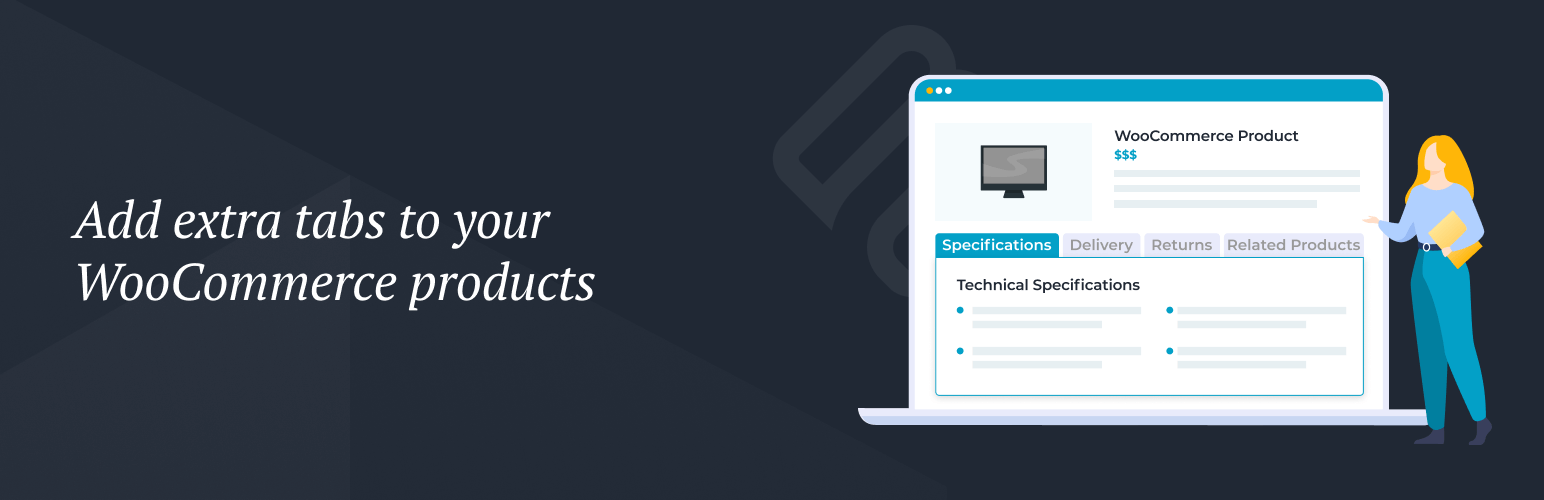
About WooCommerce Product Tabs
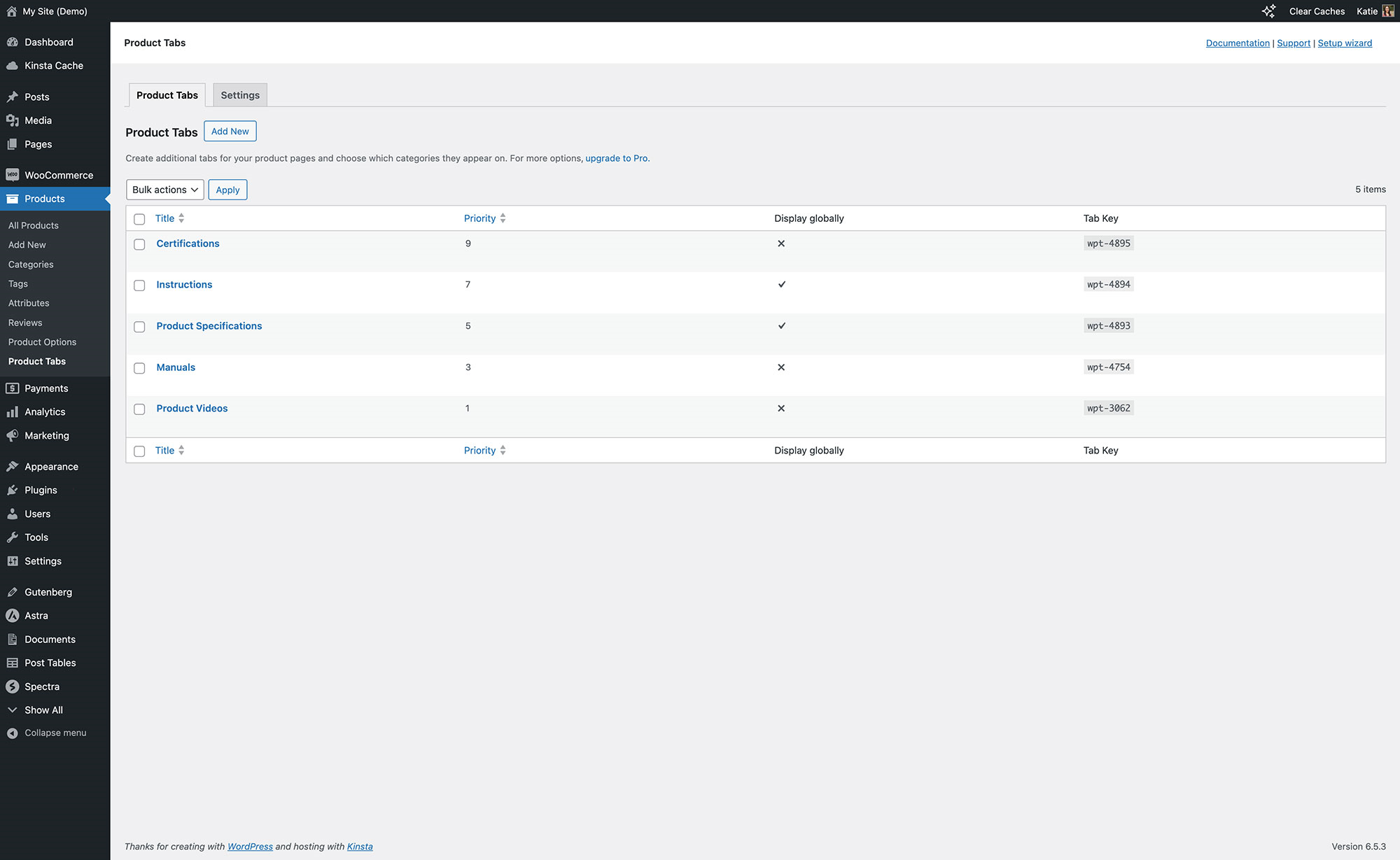
WooCommerce Product Tabs is a plugin that allows you to add extra tabs to your product pages in order to provide more information to your customers. These tabs can contain a variety of content, such as product specifications, downloads, FAQs, testimonials, and more. The plugin also offers a premium version with additional features, and can be integrated with other Barn2 plugins for added functionality.Screenshots


Frequently asked questions
What is WooCommerce Product Tabs?
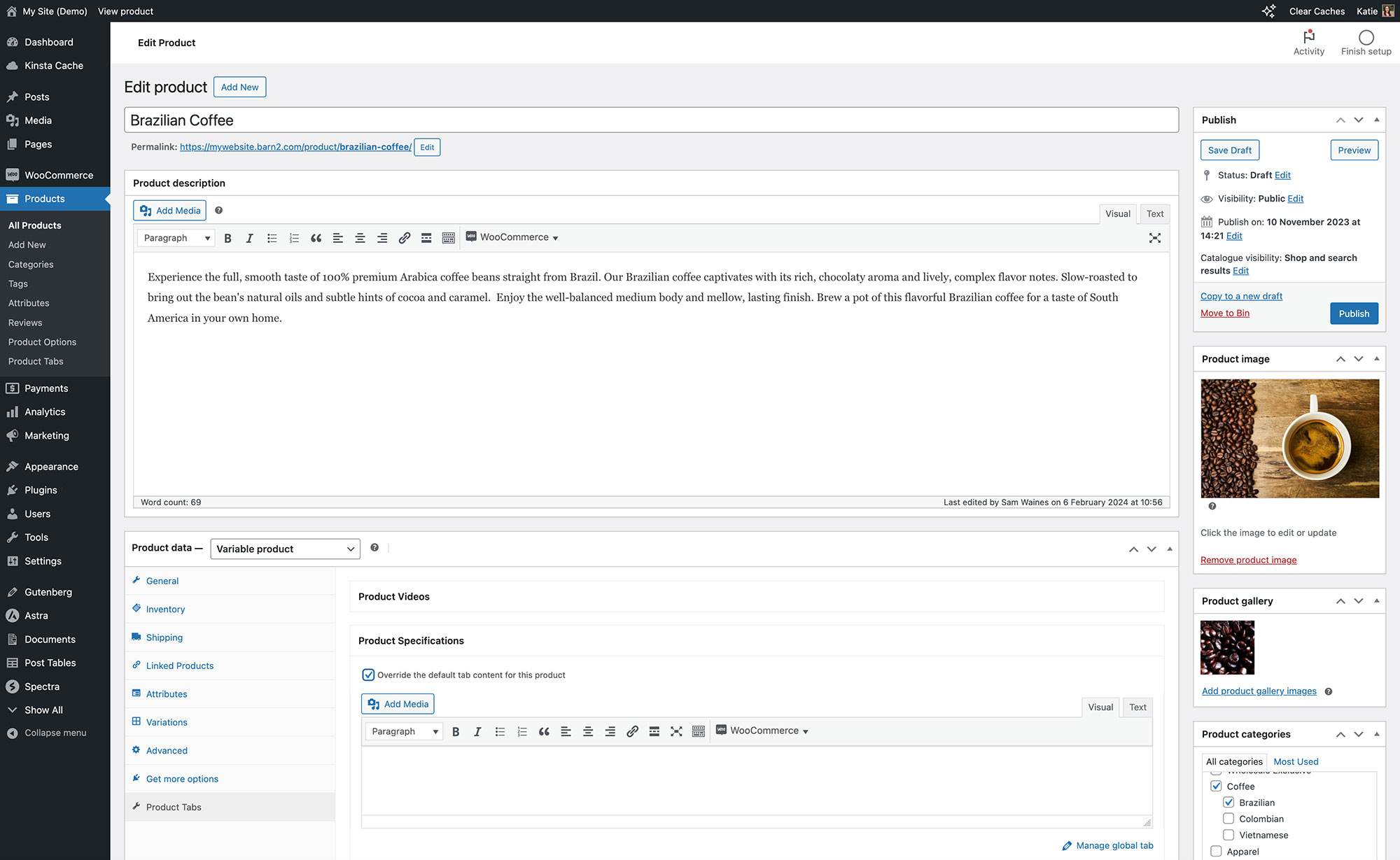
WooCommerce Product Tabs is a WordPress plugin that allows you to add an unlimited number of extra tabs to any or all of your WooCommerce product pages. These tabs can be used to display various types of information without cluttering the product layout.
What kind of content can I add to the tabs?
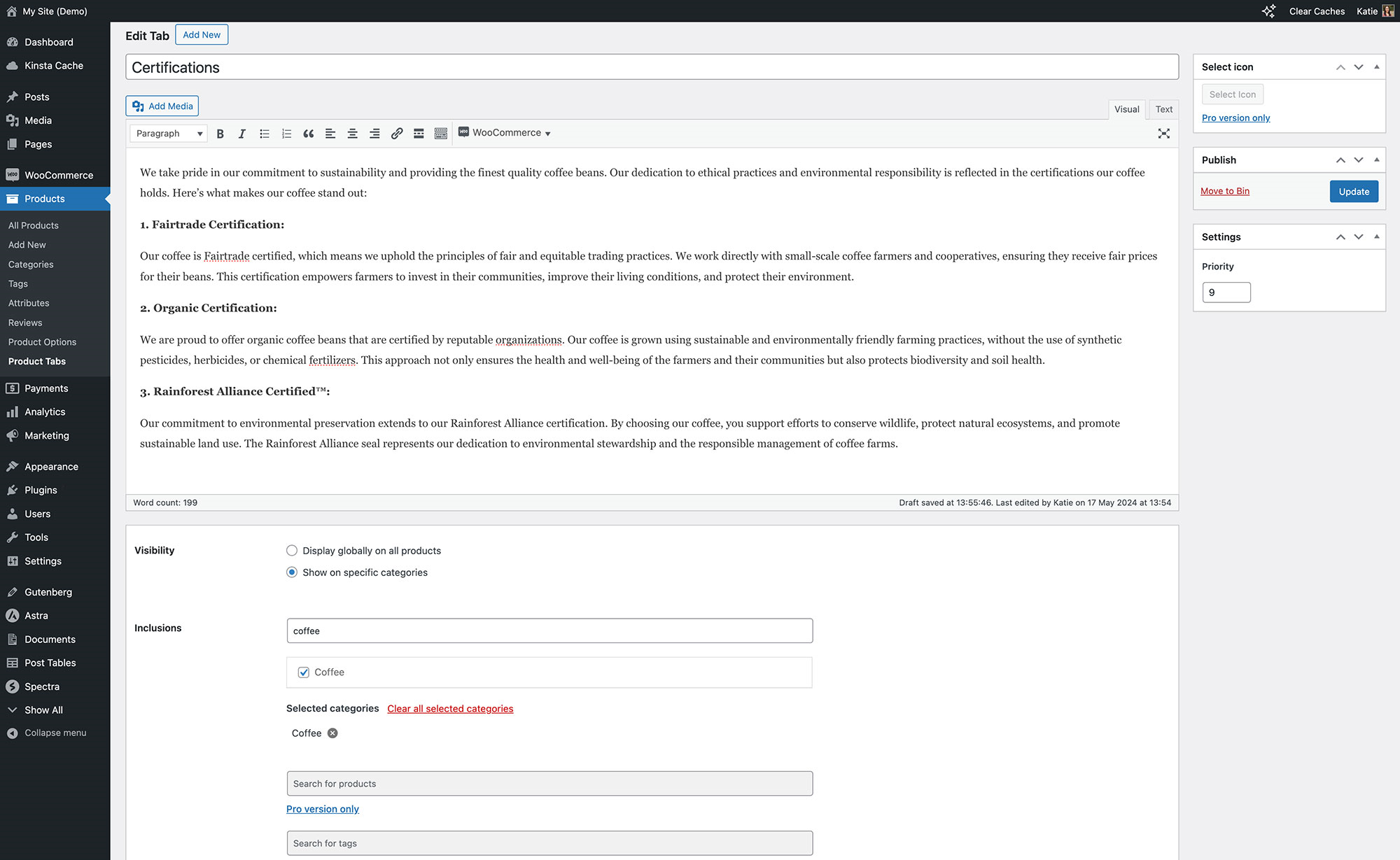
Each tab features a WYSIWYG editor, enabling you to add HTML code, shortcodes, images, videos, and audio embeds. This flexibility allows for a wide range of content possibilities.
How can I use WooCommerce Product Tabs to enhance product information?
You can use the tabs to add product specifications, downloads, FAQs, ingredients, size guides, assembly instructions, unboxing videos, demos, and 3D models. This helps provide comprehensive details to customers.
Can I use the tabs for customer reassurance and social proof?
Yes, you can create tabs to showcase certifications, warranty information, customer testimonials with photos and videos, or embed social media feeds. This helps build trust and credibility with your customers.
How can WooCommerce Product Tabs help with additional order and company information?
You can add shipping or delivery tabs, location-specific information, maps, and even product enquiry tabs by integrating with a contact form plugin. Additionally, you can share your company's background, charitable causes, sustainability efforts, or history to connect with customers.
Changelog
2.1.8
Release date 26 November 2024
- Dev: Tested up to WordPress 6.7.1
- Dev: Updated the internal libraries
2.1.7
Release date 18 November 2024
- Dev: tested up to WordPress 6.7 and WooCommerce 9.4.1
- Dev: Changed the way the tab slug is saved
- Dev: Added the uninstall file
2.1.6
Release date 24 September 2024
- Dev: Tested up to WordPress 6.6.2 and WooCommerce 9.3.2
- Dev: Added the search and trash functionality for tabs
2.1.5
Release date 17 June 2024
- Dev: Updated the internal libraries
- Dev: Updated the classes to use barn2-lib 2.0
- Dev: Tested up to WordPress 6.5.4 and WooCommerce 8.9.2
2.1.4
Release date 21 May 2024
- Fix: Prevent the setup wizard if the Pro version is activated
- Fix: Hide the previous category results on the tab page if the current result is empty
- Fix: Show the meta screen links in the product edit page
- Dev: Don’t strip the IFrame tags out of the tab content
- Dev: Added playwright tests
2.1.3
Release date 8 February 2024
- Fix: Added the use statement for WP_Embed
- Fix: disable_content_filter was not fetched correctly
- Fix: Assets of the barn2 library were excluded by git
- Dev: Made the content tab not required in the setup wizard
- Dev: Tested up to WordPress 6.4.3
2.1.2
Release date 30 January 2024
- Dev: Added the priority field
- Dev: Tested up to WooCommerce 8.5.2
- Dev: Change the visibility to global when there are no categories selected
- Fix: The custom tabs with empty global content don’t show in the product page
2.1.1
Release date 25 January 2024
- Fix: Wrong categories in the tab edit page
- Dev: Change the tab key structure
- Dev: Tested up to WooCommerce 8.5.1
2.1.0.1
Release date 16 January 2024
- Fix: All product-specific tab data was lost when saving the product.
2.1.0
Release date 9 January 2024
- Fixed the error when pro version is activated
- Updated assets
- Redeveloped the settings page and admin area
- Added HPOS compatibility
- Tested up to WordPress 6.4 and WooCommerce 8.4
2.0.23
Release date 1 August 2023
- Changed link to Pro Upgrade
2.0.22
Release date 20 July 2023
- Fixed admin area crashing due to missing dependency library
2.0.21
Release date 20 July 2023
- Change of plugin details
2.0.20
Release date 30 May 2023
- Add option to disable the_content filter
2.0.19
Release date 25 May 2023
- Update Admin Notice package
2.0.18
Release date 20 February 2023
- Fix PHP 8 issue
2.0.17
Release date 20 December 2022
- Fix admin links
2.0.16
Release date 10 October 2022
- Update dashboard
2.0.15
Release date 5 November 2022
- Minor bug fixes
2.0.14
Release date 4 July 2022
- Minor bug fixes
2.0.13
Release date 19 April 2022
- Minor bug fixes
2.0.12
Release date 17 April 2022
- Minor bug fixes
2.0.11
Release date 17 February 2022
- Fix multi site issue
2.0.10
Release date 31 January 2022
- WP 5.9 compatibility
2.0.8
Release date 19 January 2022
- Fix: PHP error
2.0.7
Release date 21 November 2021
- Fix: PHP fatal error
2.0.6
Release date 15 July 2021
- Fix: PHP error in PHP 7.1
2.0.5
Release date 14 July 2021
- Fix: Minor bug fixes
2.0.3
- Fix: Minor bug fixes
2.0.2
- Fix: Minor bug fixes
2.0.1
- Compatibility with Woo 3.3
- Fix: Minor bug fixes
2.0.0
- Update: Major code refactoring
- Fix: Minor bug fixes
1.1
- Fix: Category in filter issue
- Fix: Other minor bug fixes
1.0.1
- Add Conditions: Product Category for Tab
- Bug fixes
1.0.0
- Initial release

