

Site Kit is a one-stop solution for WordPress users to use everything Google has to offer to make…
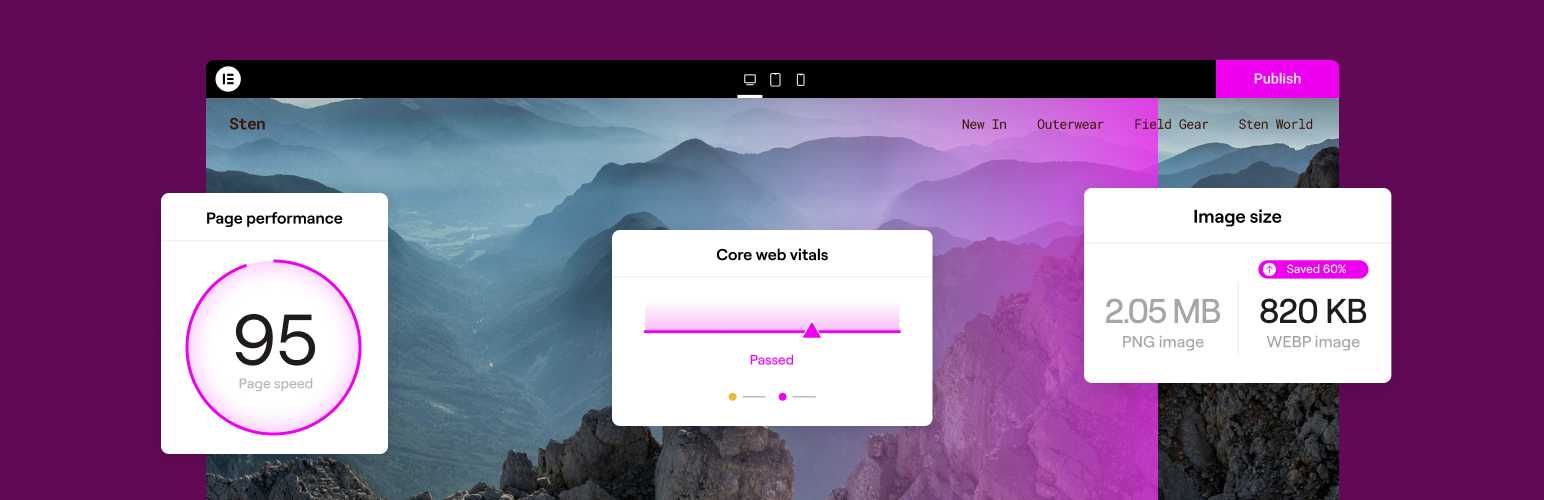
About Image Optimizer by Elementor – Compress, Resize and Optimize Images
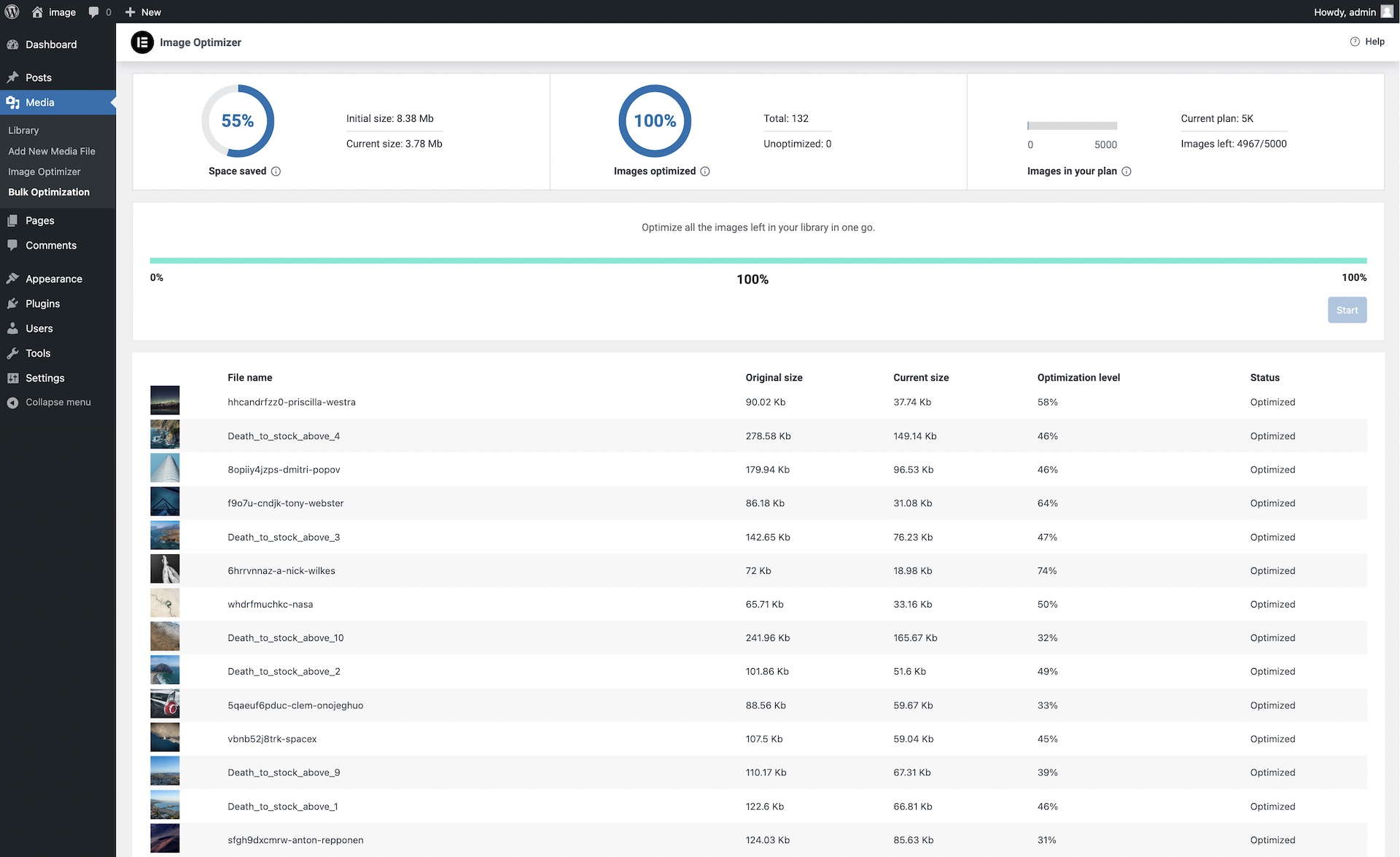
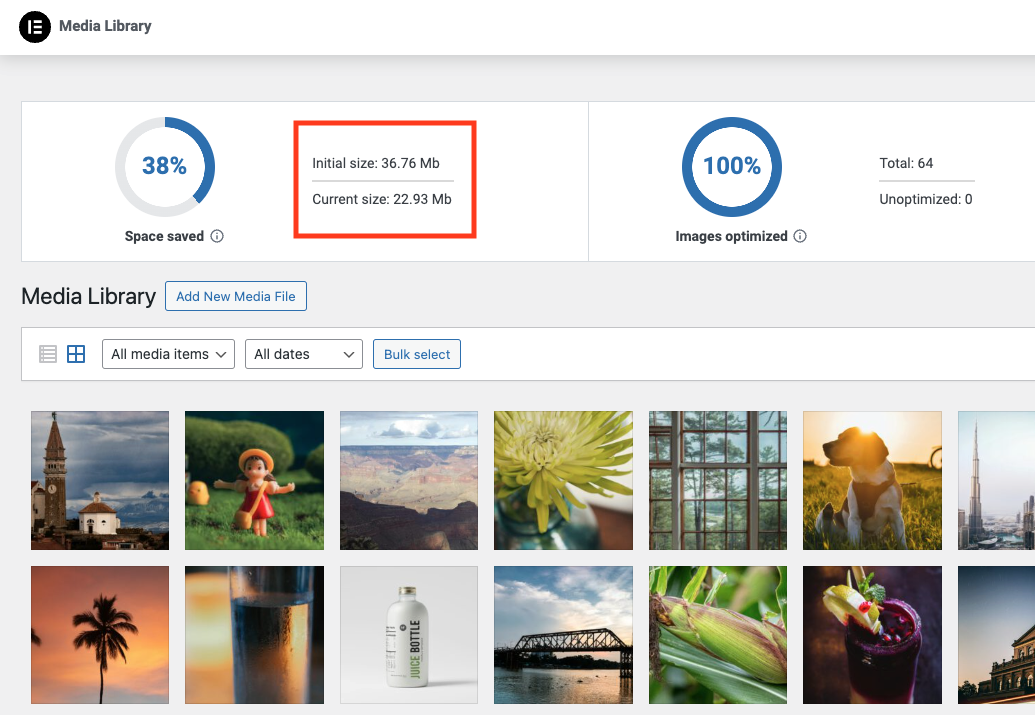
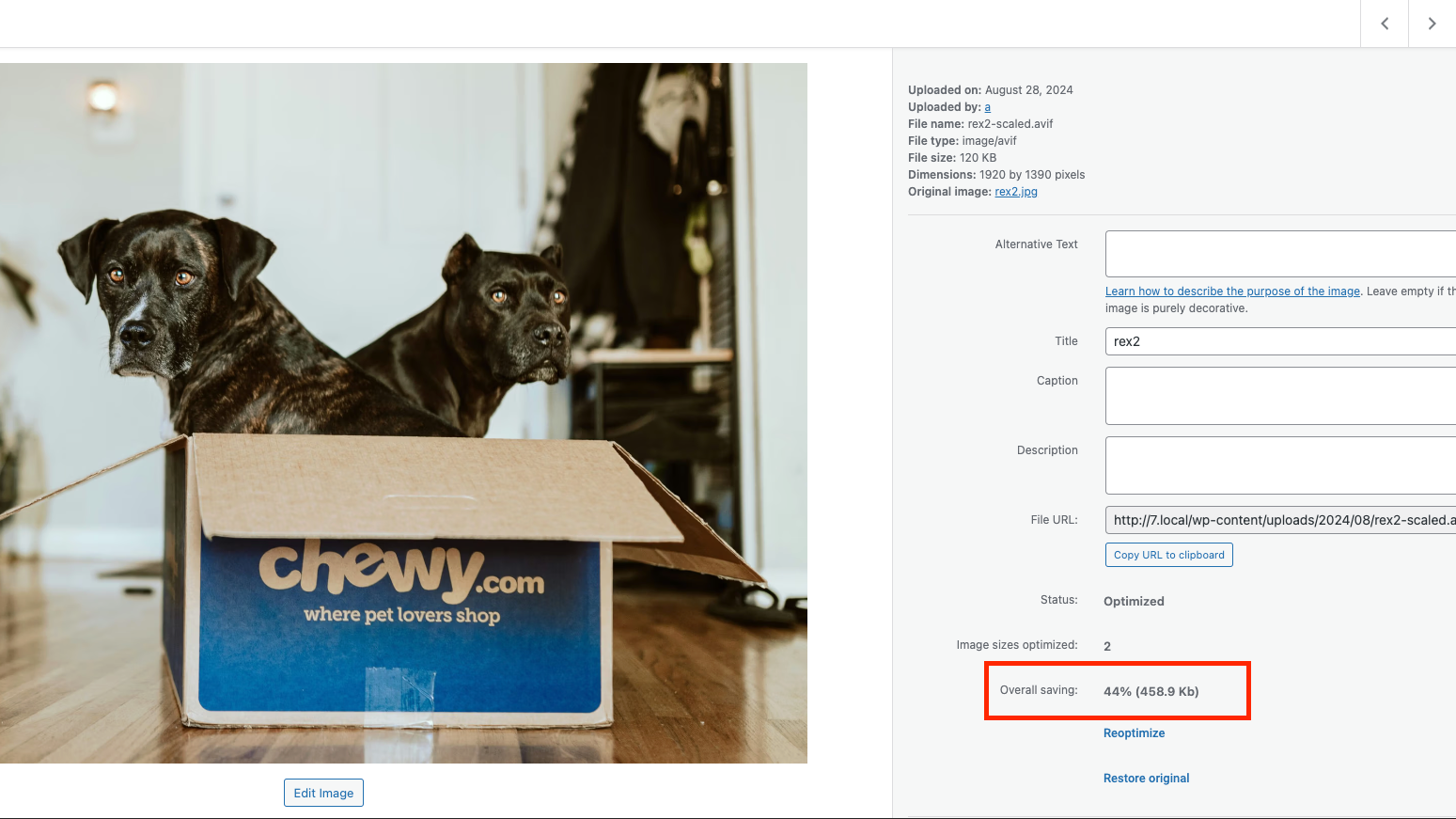
Image Optimizer is a WordPress plugin that reduces image size while preserving image quality. It supports popular image formats and helps improve website performance and loading times. The plugin offers features like background optimization, resizing large images, different compression levels, and the ability to convert images to WebP and AVIF formats.Screenshots

Frequently asked questions
What image formats does Image Optimizer support?
Image Optimizer supports JPEG, PNG, WebP, AVIF, and GIF formats.
How does Image Optimizer improve website performance?
Image Optimizer reduces image sizes through compression and resizing techniques, which leads to faster loading times, enhanced user experience, and improved Core Web Vitals and search engine rankings.
Can I optimize images in bulk or individually?
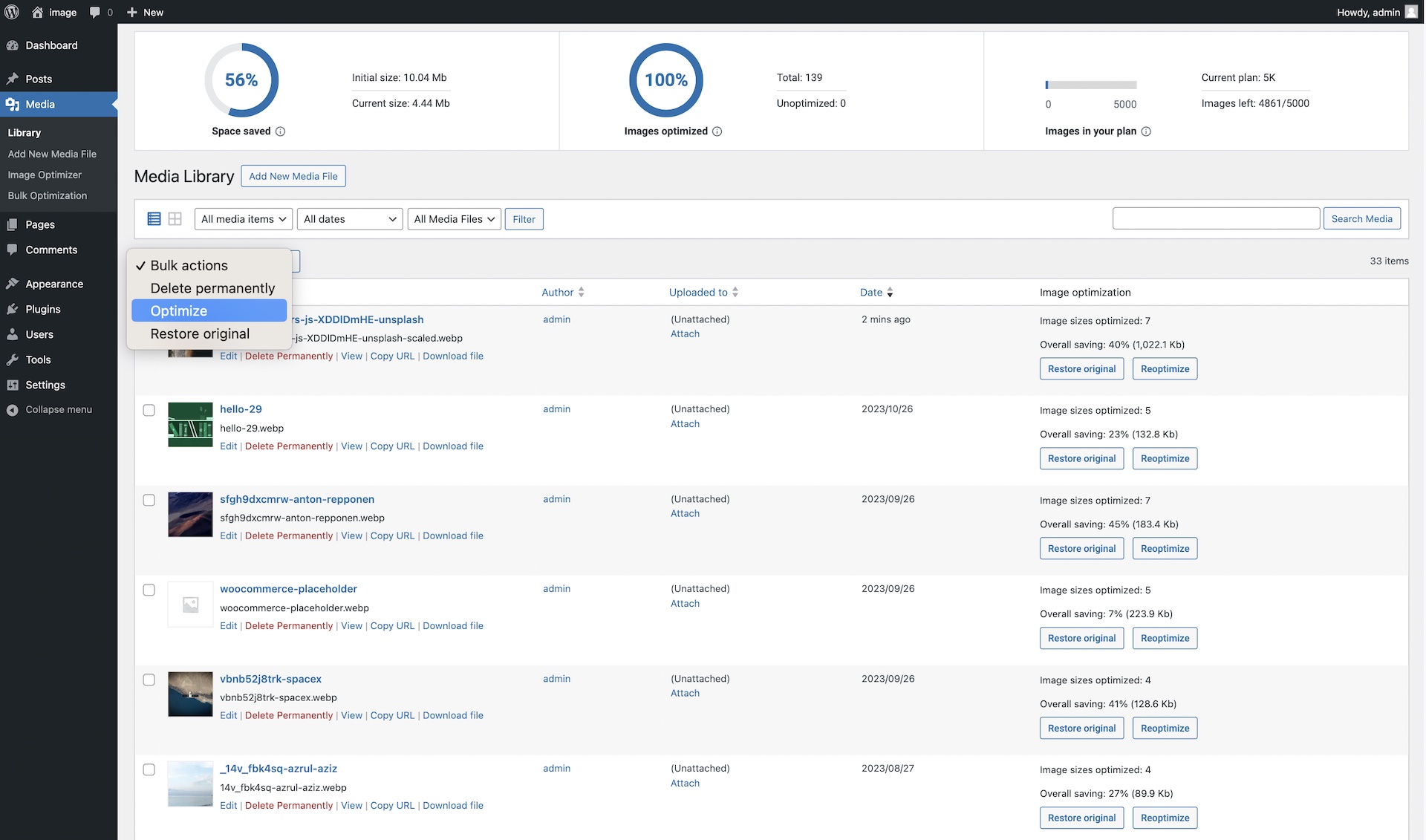
Yes, Image Optimizer offers flexible optimization options, allowing for on-demand scaling and compression, or bulk optimization for your entire image library.
Does Image Optimizer work in the background?
Yes, Image Optimizer optimizes images in the background, so you don't have to stay on the page during the optimization process.
What compression levels are available?
Image Optimizer offers two compression levels: Lossless, which provides the highest quality with minimal compression, and Lossy, which offers maximum compression with somewhat reduced quality.
Changelog
1.6.7 2025-05-27
New: Added a Walk through video
Tweak: Added Bulk optimize shortcut from media library
Tweak: Harden connect security
Fix: Delayed translation loading
1.6.6 – 2025-04-10
Tweak: Added retry mechanism to improve optimization process
Tweak: Stop all operations before deactivation to avoid unexpected issues
Tweak: Improve the file size optimization indication for all media files
Tweak: Added What’s new modal for new features
1.6.5 – 2025-02-03
- Fix: Moved Connect Modal to Image Optimizer settings pages
1.6.4 – 2025-02-03
- Tweak: Connect flow improvments
- Fix: Cancel Bulk optimisation button not working
- Fix: Connect refresh token stuck in edge cases
1.6.3 – 2024-12-19
- Fix: Blank settings panel on edge cases
1.6.2 – 2024-12-17
- New: Added Renewal notice for expired plans
- New: Added Upgrade notice for users with trial plan
1.6.1 – 2024-11-28
- Fix: RTL issue in certain scenarios
1.6.0 – 2024-11-19
- New: Added support for images up to 25Mb for eligible plans
- Tweak: Avoid creating past due actions
1.5.4 – 2024-10-01
- New: Added a notice to help users connect from dashboard
- Fix: Undefined property notice
- Fix: Improved support for caching plugins
1.5.3 – 2024-09-24
- New: Added an option to reset connect when invalid
- Tweak: Improved AVIF display support
- Fix: Invalid char in Plugin name header
1.5.2 – 2024-08-21
- New: Implemented a solution for site URL update
- Tweak: Added an fallback for AVIF dimensions calculation when coming from 3rd party solution
- Tweak: Added asynchronous size calculation for large image galleries
- Tweak: Updated plugin CTAs on the plugins page
- Fix: File extension issues
- Fix: Optimization button stuck on edge cases
- Fix: Stats calculation for the total/optimized count on edge cases
1.5.1 – 2024-07-29
- Fix: Optimized on upload not working in edge cases
1.5.0 – 2024-07-29
- New: Option to convert images to AVIF
- Fix: Overall Saving display
- Fix: Bulk optimization stats calculation for big galleries
1.4.1 – 2024-07-08
- Fix: API error message displayed when trying to reconnect
1.4.0 – 2024-06-26
- New: Implement to “One Step” connect & activate
- Tweak: New error message for JPEG/Lossless not converted to WebP
- Tweak: Description string of convert to webP
- Fix: Image not resizing when height and width are equal
- Fix: Pointer is displayed for non-admin users
- Fix: Overall savings for optimized images is not correct
1.3.0 – 2024-03-05
- Tweak: Updated reoptimization option when changing settings
- Tweak: Added RTL adjustments
- Fix: Optimization button status not updating
- Fix: Error while deactivating or switching Elementor account
1.2.1 – 2024-02-28
- Fix: Image optimization stats not loading
- Tweak: Added notice regarding extended bulk optimization not affecting user’s website
1.2.0 – 2024-02-19
- Tweak: Reduced status checks for better performance
- Tweak: Improved Elementor support by removing cached thumbnails
- Tweak: Added DB version check during activation to prevent requirement conflicts
- Fix: Optimization failed with numerous errors
- Fix: Bulk Optimization stopped with an Invalid WordPress image meta error
- Fix: Avoid optimizing too large image files as part of bulk optimization
- Fix: Added RTL support for plugin settings page
1.1.0 – 2024-02-06
- Tweak: Design for quota reached in top bar
- Tweak: Refresh bulk token if the current one is expired
- Tweak: Rename all plugin assets, namespace and text-domain to image-optimization
- Tweak: Replace hardcoded references in posts content when updating image type
- Tweak: Added file checksum validation before updating an image
- Tweak: Avoid overriding existing images with identical file names
- Fix: Columns are not distributed properly on bulk optimization screen
- Fix: Incorrect behavior when trying to optimize without enough credits
- Fix: File is missing Error incorrectly shown
- Fix: Clear local data on disconnect
- Fix: Optimization error with broken image
1.0.2 – 2024-01-16
- Tweak: Added tooltip to explain compression level in settings
- Tweak: Added failure notice when trying to activate the plugin without meeting requirements
- Fix: Usage progress bar filling incorrectly
1.0.1 – 2024-01-10
- Tweak: Quota reached user notification messaging
- Tweak: Add Bulk Optimize success message
- Tweak: Add progress percentage number below the bulk optimization progress bar
- Fix: Top bar “Try again” option with error doesn’t work
1.0.0 – 2024-01-08
- Initial release

