

Site Kit is a one-stop solution for WordPress users to use everything Google has to offer to make…

About Version Info
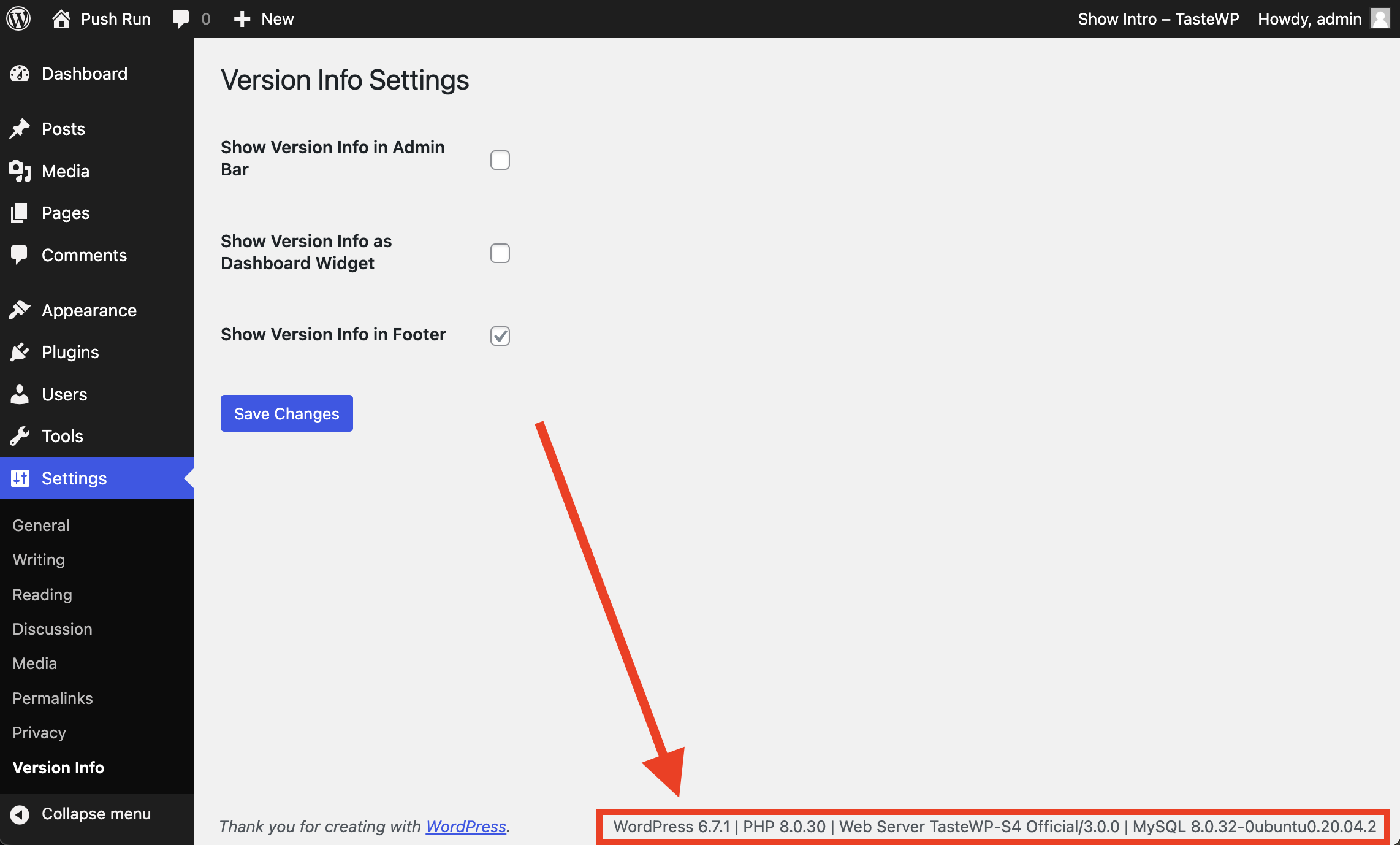
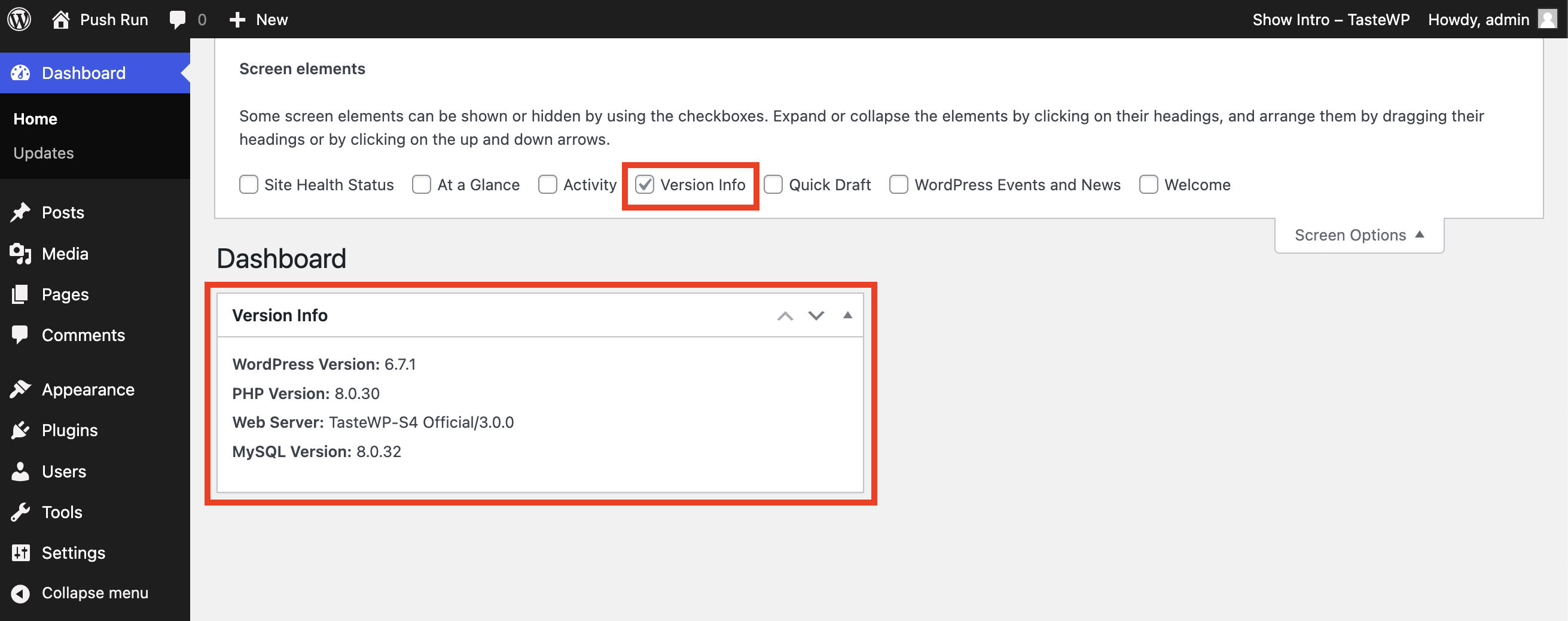
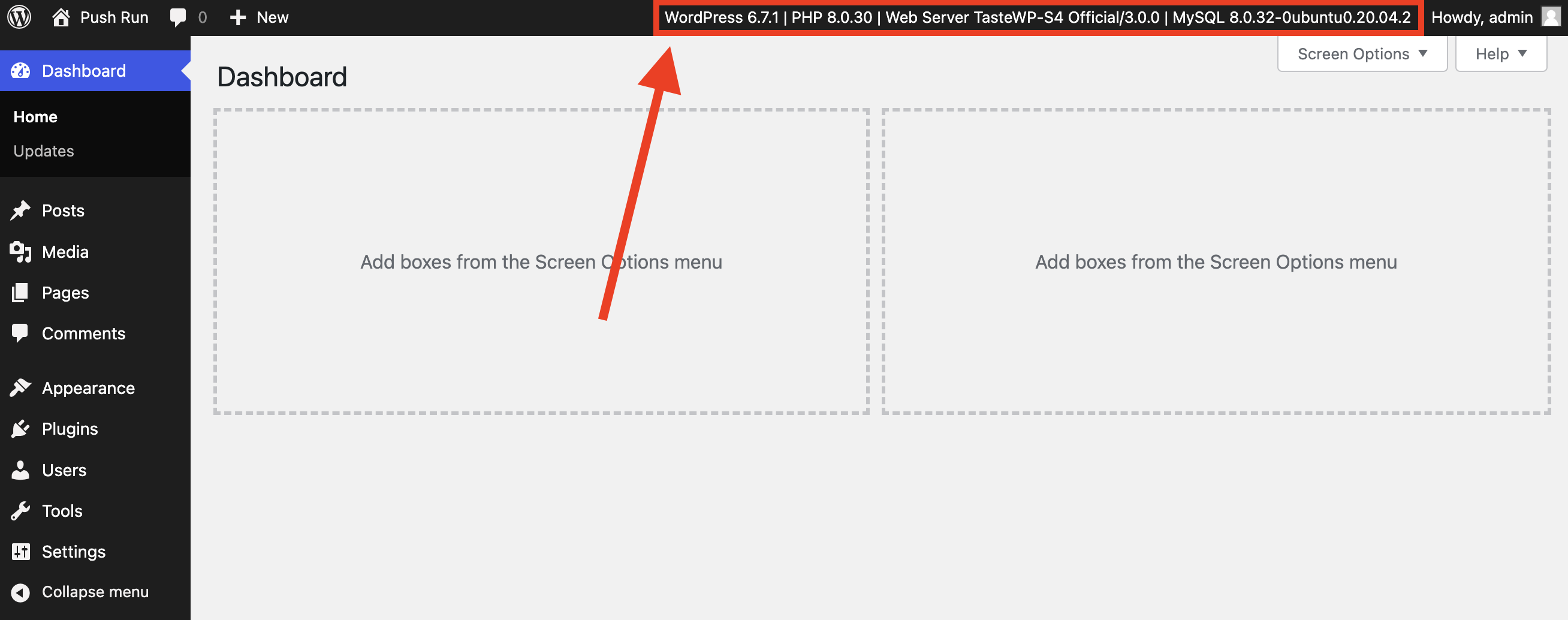
The Version Info plugin helps you track important version information for your WordPress site, such as WordPress version, PHP version, Web Server type, and MySQL version. It displays this information in the admin footer, WP-Admin bar, and dashboard widget for easy reference and troubleshooting. This plugin is useful for site administrators, developers, and anyone managing a WordPress site who needs to know their software versions for troubleshooting and compatibility checks.Screenshots
Frequently asked questions
What does this plugin display in the admin footer?
This plugin displays the current WordPress version number along with the PHP version, web server used, and MySQL version.
Does the plugin show if there is a WordPress update available?
Yes, if there is a WordPress update available, the plugin displays the current and latest versions side by side.
Why was this plugin built?
The plugin was built because WordPress does not display the current version number in the footer whenever there is a new release.
How can this plugin be useful for plugin developers?
If a user experiences a problem, they can install this plugin and send a screenshot or copy the text of their admin footer to inform the developer about their setup.
Changelog
1.3.2
- Added settings for displaying the version info on WP-Admin bar and dashboard widget.
- Added namespace, sanitization, and other security improvements.
- Prepared plugin strings for translation.
- Translations added for 13 most common WordPress languages.

