Order Categories and all custom taxonomies terms (hierarchically) using a Drag and Drop Sortable JavaScript capability.

About WP-ShowHide
This plugin allows you to hide content on your website and display it only when the user clicks on a "Show Content" link. You can customize the text of the link and set the default visibility of the content. The plugin also provides CSS styles for you to customize the appearance of the hidden content.Screenshots

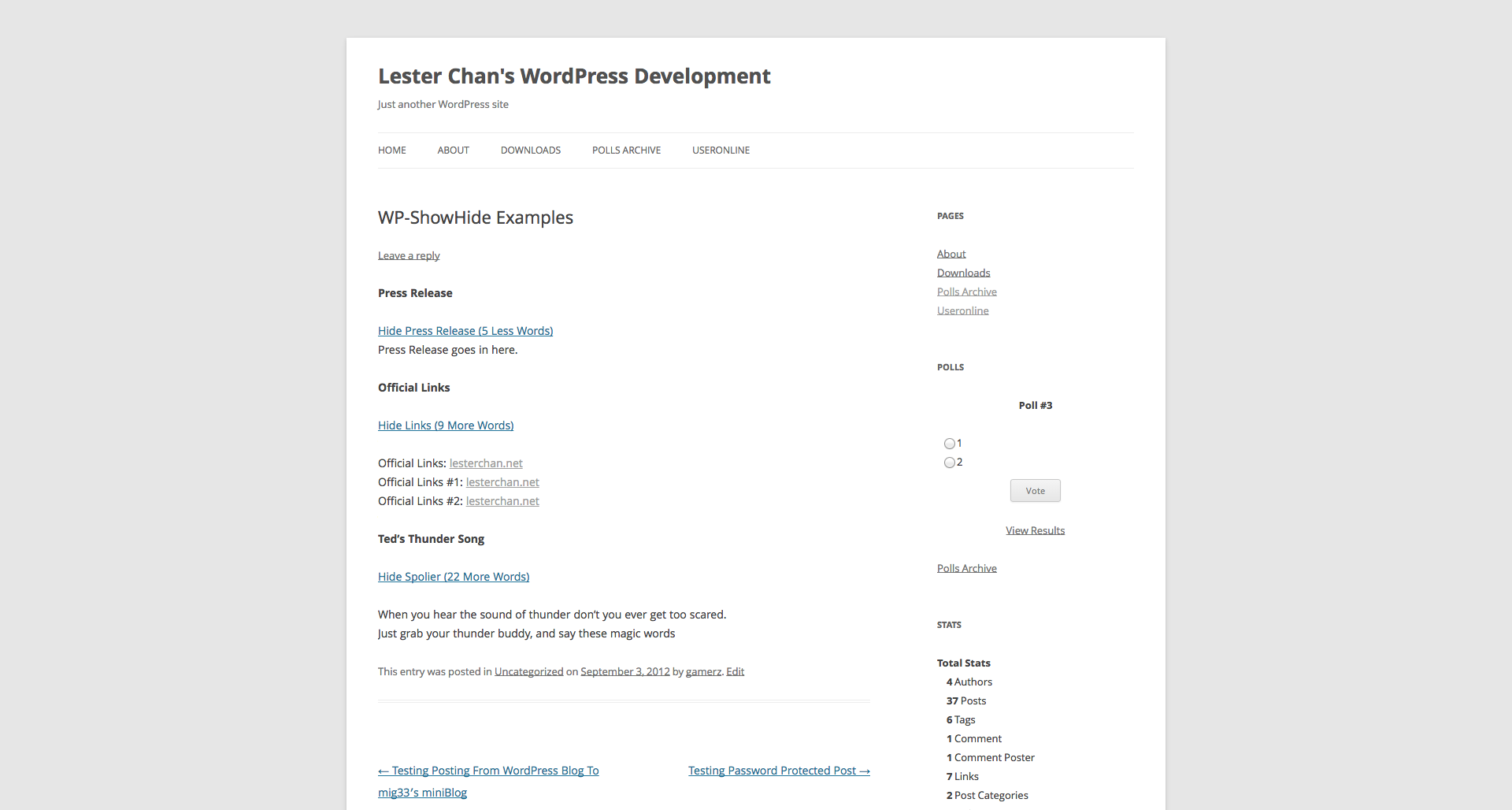

Frequently asked questions
What is WP-ShowHide?
WP-ShowHide is a WordPress plugin that allows you to embed content within your blog post using the WordPress ShortCode API. It enables toggling the visibility of this content via a link.
How does WP-ShowHide work by default?
By default, the content enclosed within the showhide shortcode is hidden. Users must click on a "Show Content" link to reveal it.
Can I customize the text for showing and hiding content?
Yes, you can customize the text using the 'more_text' and 'less_text' attributes within the shortcode, such as 'more_text="Show Press Release (%s More Words)"'. The '%s' placeholder can be used to display the number of words.
Can I have multiple hidden content sections on one page?
Yes, you can have multiple showhide content sections within a post or a page by specifying a new 'type' attribute for each section.
How can I make the content visible by default?
To make the content visible by default, you can set the 'hidden' attribute to 'no' in the shortcode, for example: [showhide hidden="no"].
Changelog
Version 1.05
- FIXED: esc_attr type attributes to prevent XSS
Version 1.04
- NEW: Added aria-hidden and aria-expanded to elements
Version 1.03
- NEW: Added
.sh-linkand.sh-contentas a standard class name on top of the type specific class name. - NEW: Added do_shortcode() to allow shortcode to be parsed within ShowHide
Version 1.02
- FIXED: Some theme uses
.hideasdisplay: noneand hence I have changed.showto.sh-showand.hideto.sh-hideto advoid conflicts.
Version 1.01
- NEW: Added additional
showorhideclass to the link and content depending on the visiblity of the content to allow more precise CSS styling.
Version 1.00 (01-05-2011)
- FIXED: Initial Release