

Improve your WordPress SEO: Write better content and have a fully optimized WordPress site using the Yoast SEO…

About eRoom – Zoom Meetings & Webinars
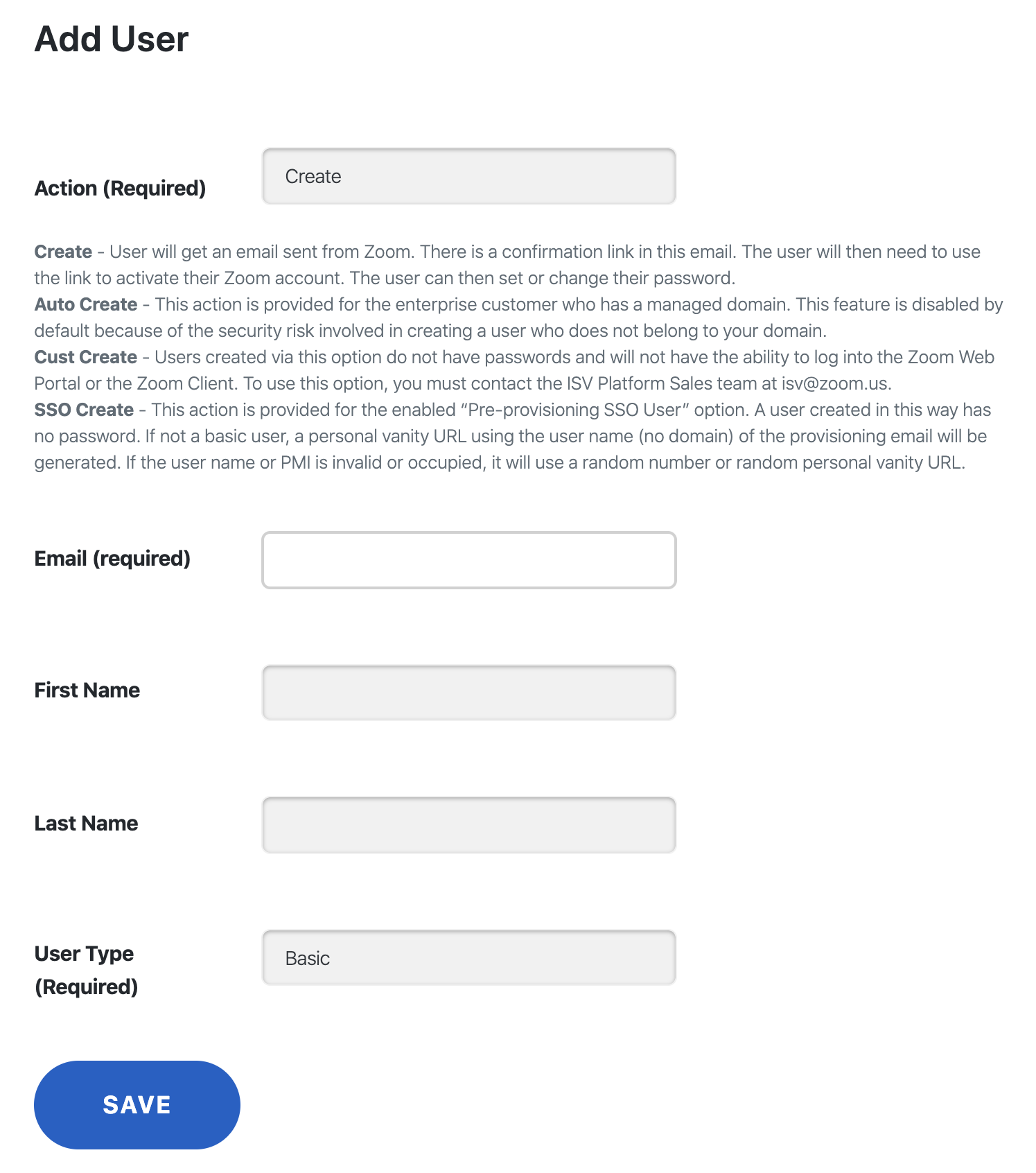
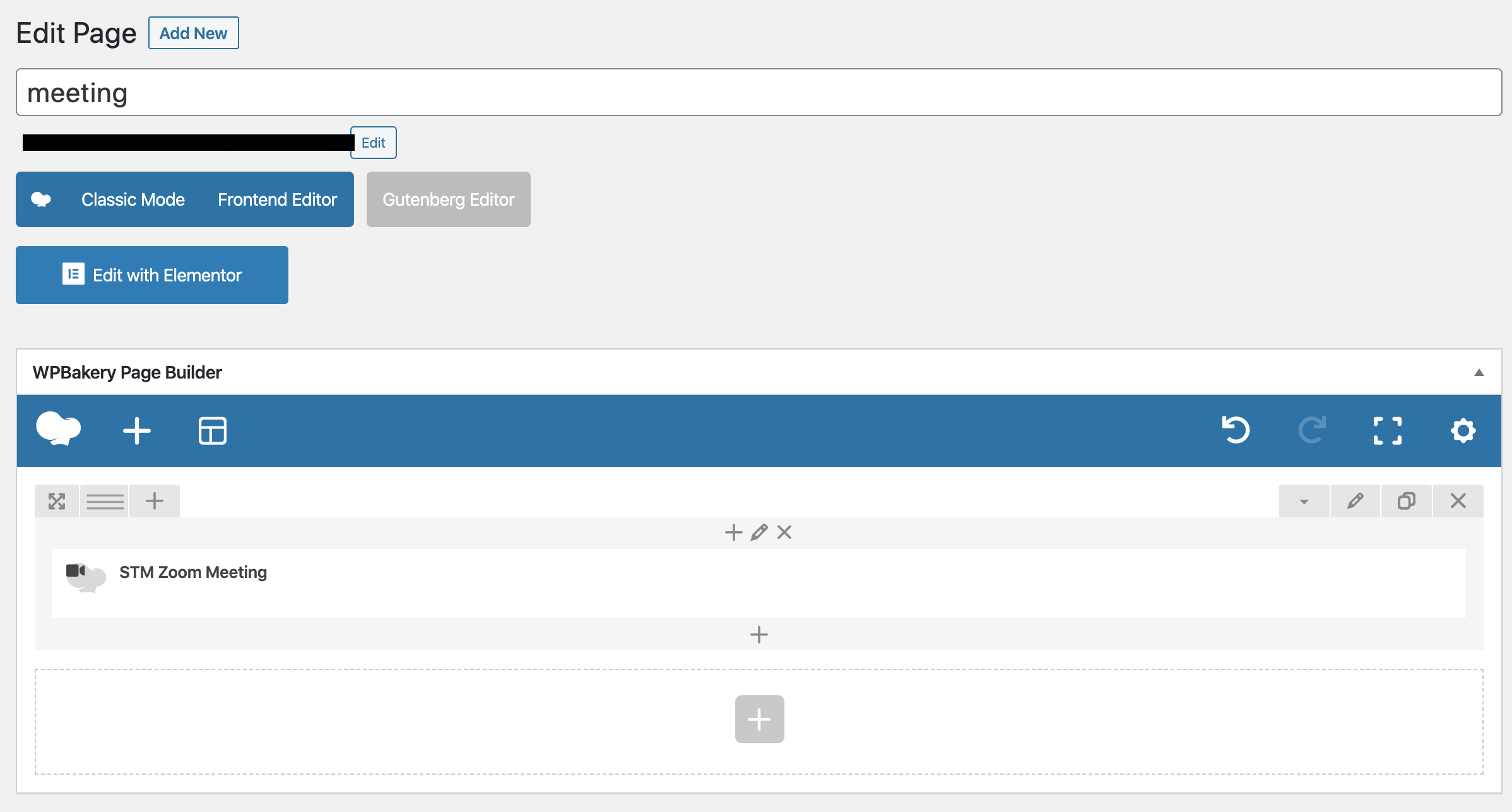
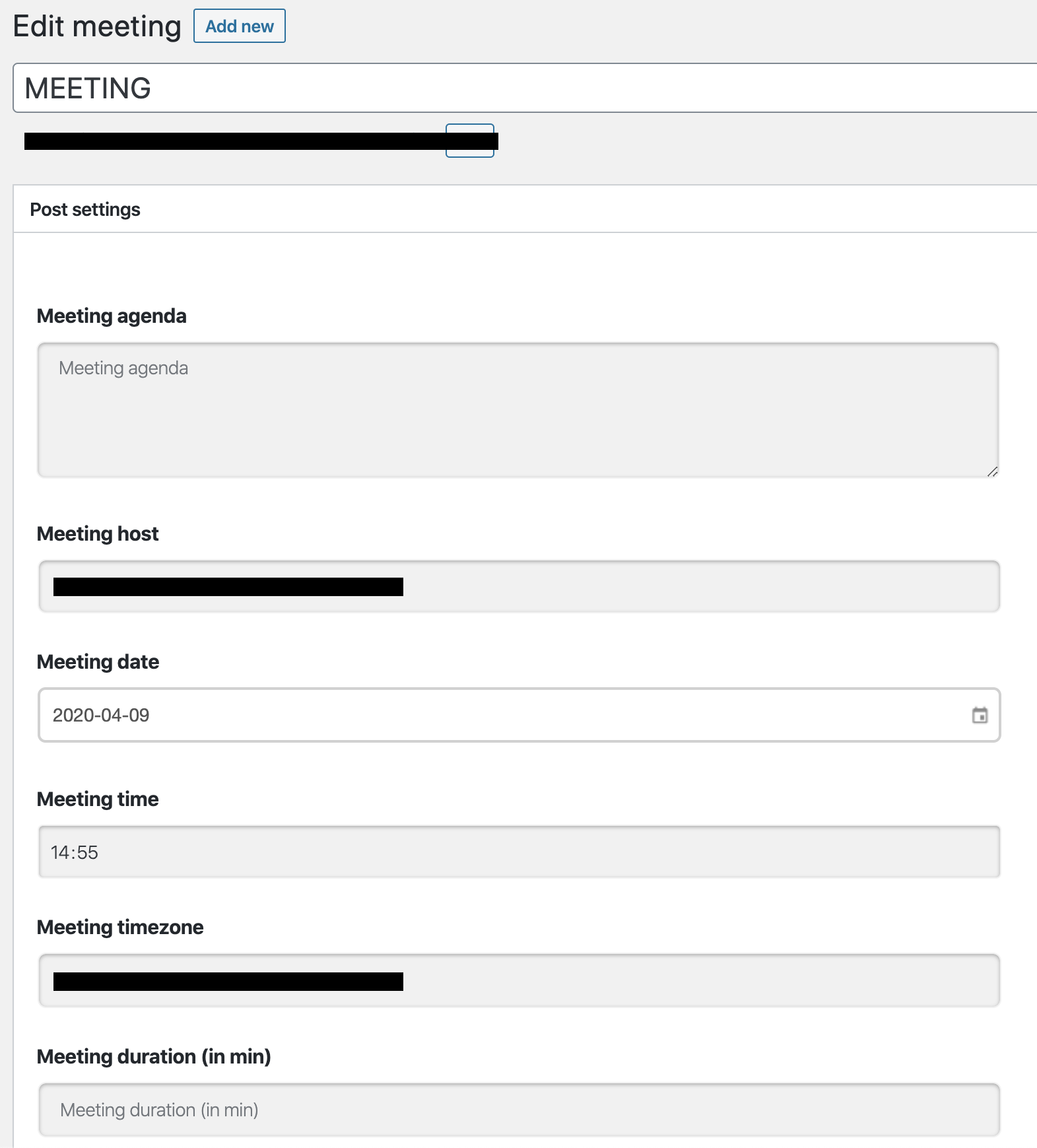
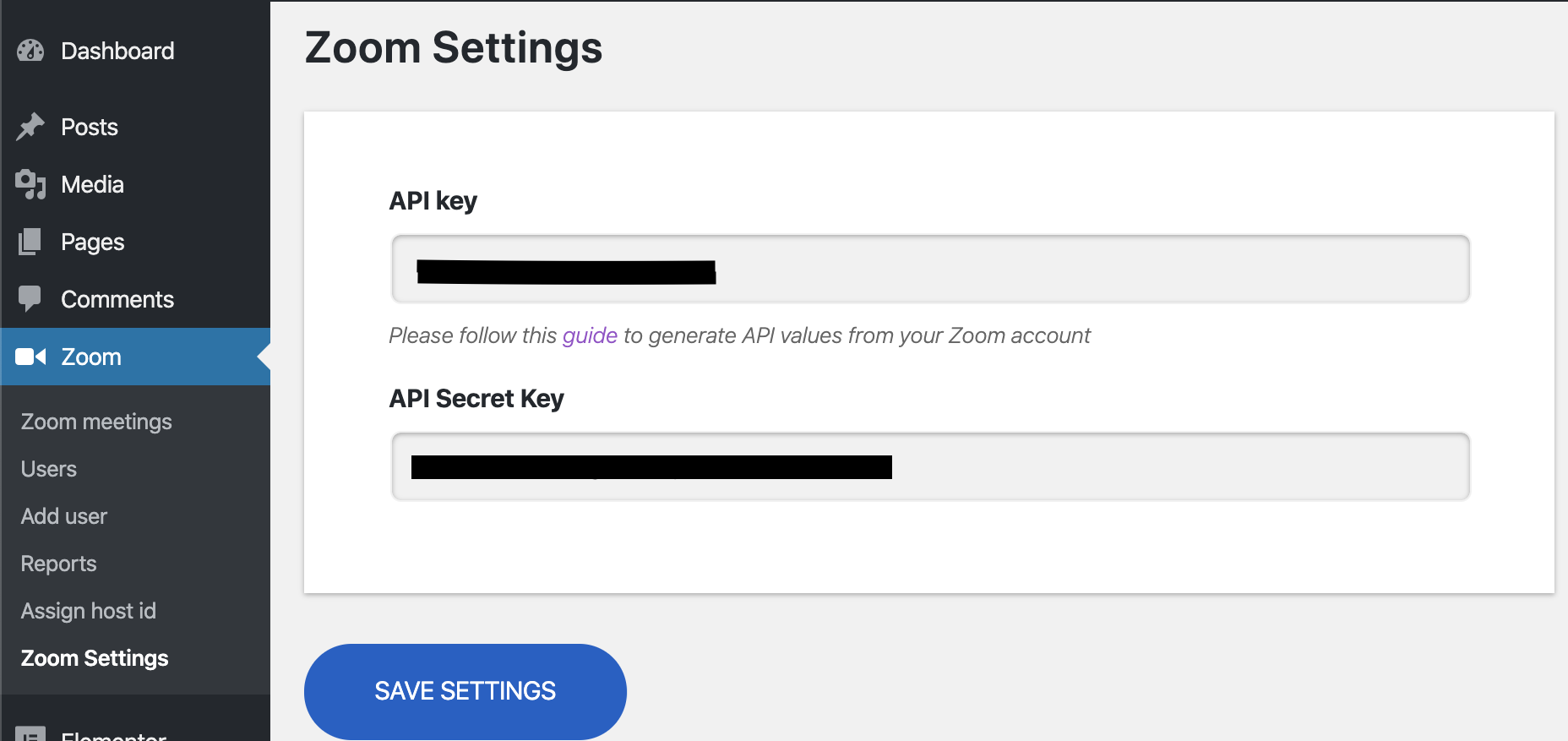
The eRoom Zoom Meeting WordPress Plugin allows you to manage Zoom meetings, webinars, scheduling, and users directly from your WordPress dashboard. It provides seamless integration between Zoom and your website, making it easier for users to participate in video conferences, online meetings, and chat sessions. With features like syncing meetings with Google Calendar and the option to upgrade to additional add-ons, eRoom is a comprehensive tool for businesses, educational institutions, and remote teams.Screenshots
Frequently asked questions
What is eRoom - Zoom Meetings & Webinars?
eRoom is a WordPress plugin that allows you to manage Zoom meetings, webinars, scheduling options, and users directly from your WordPress dashboard. It integrates Zoom with your WordPress website, providing a tool for video conferences and online meetings.
What can I do with the eRoom plugin?
With the eRoom plugin, you can create and manage Zoom meetings and webinars, making it easier for users to participate. It provides functionality for scheduling options and user management directly from your WordPress dashboard.
Does eRoom support Zoom Webinars?
Yes, eRoom supports Zoom Webinars, which are an ideal solution for virtual lectures and conducting large online events for big audiences. Webinars are a valuable addition to the eRoom plugin for one-to-many communication.
Is eRoom a free plugin?
The eRoom plugin is a free yet robust and reliable extension. It enables direct integration of Zoom with your WordPress website.
Which WordPress themes are natively integrated with eRoom?
eRoom plugin is natively integrated into bestselling WordPress themes such as MasterStudy — Education WordPress Theme and Consulting — Business & Corporate WordPress Theme.
Changelog
1.4.27
- Fix: Minor bugs
1.4.26
- Enhancement: Added a search bar to quickly find settings and options in the plugin settings.
- Fix: Fixed an issue with the page not opening when adding products via Zoom Meetings/Webinars Grid widgets while the Pro plugin is active.
1.4.25
- Updated: WebSDK to version 3.10.0
1.4.24
- Fix: Minor bugs
1.4.23
- Fix: Minor bugs
1.4.22
- Fix: Resolved an issue with the incorrect display of timezones when two widgets are added to the same page.
- Fix: Corrected the timezone and time display when adding a meeting to Google Calendar.
1.4.21
- Fix: Minor bugs
1.4.20
- Fix: Minor bugs
1.4.19
- Enhancements: Authorization checks have been added to AJAX queries for better data protection.
1.4.18
- Fix: Minor bugs
1.4.17
- Fix: Join in browser after creating a meeting didn’t work because of SDK settings in Zoom.
1.4.16
- Fix: After updating the Pro plugin, addons are turned off.
- Fix: After updating the previously created meeting will not have a provider selected, but the meeting will be fully functional.
- Fix: When pressing Join in the browser via an Android phone, the page becomes long and the block to enter the meeting will have to be searched all over the page.
1.4.15
- New: Added a Google Meet Addon to create Google meetings(Pro).
- Enhancements: Removed the JWT connection from the plugin settings.
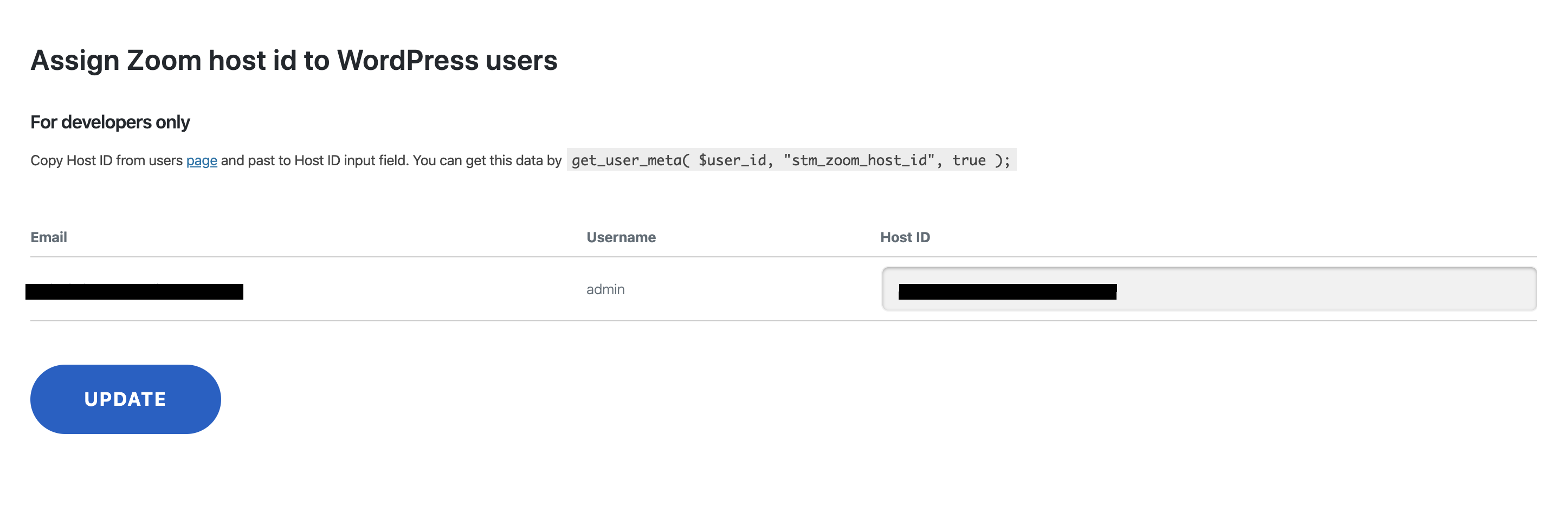
- Enhancements: Hid Assign Host ID section to improve user-friendliness and avoid confusion.
- Enhancements: Users and Add User tabs merged tabs for user-friendliness.
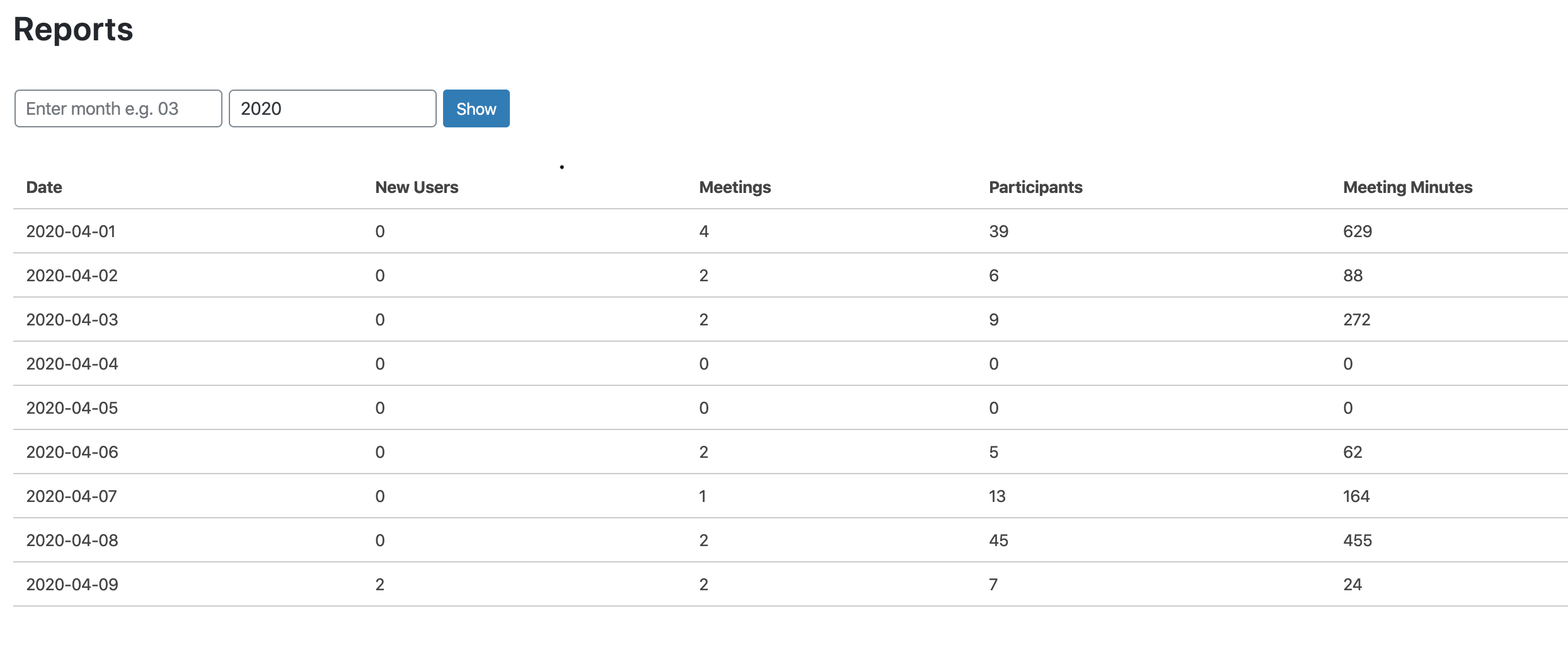
- Enhancements: Changed the name and appearance of Reports.
- Fix: Small bug fixes.
1.4.14
- Fixed: Minor bug fix
1.4.13
- Fixed: Minor bug fix
1.4.12
- Updated: Libraries were updated to the latest version of the plugin
1.4.11
- Updated: Compatibility with WordPress 6.3
- Updated: Zoom API Client updated
1.4.10
- Updated: Guzzle library updated to 6.5.x
1.4.9
- New: Added a Popup in the WordPress admin toolbar for internal notifications.
- Updated: Compatibility with WordPress 6.2
- Fixed: Styles of Zoom Lesson did not load when Lesson Duration was added.
1.4.8
- Updated: Zoom Web SDK API updated to 2.11.0
- Fixed: Join in Browser did not work: “Invalid parameter” error.
1.4.7
- Fixed: Broken Access Control vulnerability
1.4.6
- Fixed: Minor bugs
1.4.5
- New: Server-to-Server OAuth App to replace the functionality of a JWT App, since it will be deprecated on June 1, 2023. For more details see JWT App Type Deprecation FAQ.
- New: Migration wizard added to smooth the transition from JWT app to Server-to-Server OAuth App. Server-to-Server OAuth API credentials can be get following the manual.
1.4.4
- Fixed: Deprecated functions of Elementor are replaced with actual ones
1.4.3
- Fixed: Minor bugs
1.4.2
- Updated: Zoom Web SDK API updated to 2.8.0
- Updated: Compatibility with WordPress 6.1
1.4.1
- Fixed: Deprecated Elementor methods
1.4.0
- Save Settings Notice Added
1.3.9
- Security update
1.3.8
- Security update
1.3.7
- fixed: Check ‘wp_get_current_user’ function
1.3.6
- fixed: Mailchimp pluggable conflict fix
1.3.5
- updated: Compatibility with WordPress 5.9
- fixed: Minor visual bugs
1.3.4
New: MailChimp Integration. The notification with options to add the user’s data in our newsletters after activating the plugin
1.3.3
- fixed: Removed Freemius SDK from plugin’s core (see the previous update about Freemius SDK)
1.3.2
- new: Freemius SDK for better analytics and understanding
1.3.1
- new: Added new feature roadmap for eRoom
1.3.0
- new: Approve or block entry for users from specific countries/regions
- new: New meeting e-mail notification for host
- new: eRoom meeting frontend editing via Elementor
- fixed: Daylight saving time in time zones
- fixed: Date format on meeting page
1.2.9
- updated: Nuxy submodule
1.2.8
- fixed: Admin Dashboard notifications lag
1.2.7
- updated: Admin Dashboard notifications updated
1.2.6
- fixed: PRO Features button slider error
- fixed: Minor PHP errors
1.2.5
- new: Generate password option added
1.2.4
- added: Feedback module inside eRoom settings
- added: Roadmap voting in eRoom settings
1.2.3
- new: iCal Export and Google Calendar added
- fixed: Meeting grid styling on mobile devices
- fixed: Checkbox fields “Require authentication to join for webinar”
- updated: Shortcode for recurring meetings and category
- updated: Meetings/webinars connected with Zoom Conference products excluded from the grid and hidden join button with password on single page
1.2.2
- added: Table Details for recurring on admin panel
- added: Registration form for webinar type
- updated: changed label/description for fields
- updated: renamed wpcfto to nuxy
- updated: Zoom Web SDK API updated to 1.9.1
- fixed: changed priority for eroom single page and fixed countdown
1.2.1
- fixed: Meetings/webinars deleted from WordPress were not deleted from Zoom (now these will be deleted after deleted from trash)
- fixed: Image appearance for eRoom shortcodes items
1.2.0
- updated: Pagination for Users section
- updated: Countdown for three-digit number of days
- fixed: Zoom token expiration issue
- fixed: Console error testTool.isMobileDevise is not a function
- fixed: Set current date if date field is empty
- fixed: time zone for Azores
- new: Go Pro page added
1.1.9
- updated: Zoom Web SDK API updated to 1.8.5
- fixed: Zoom API 2.0 incompatibility issues fixed
- fixed: Enforce Login and Join Before Host issues fixed
- improvement: Join in browser 2nd step deleted – the users participate the meeting directly after clicking Join in browser button as attendee
- improvement: Waiting room option added to Webinar and Meeting
1.1.8
- added: Stylemix announcements in admin dashboard
1.1.7
- fixed: time zone changes according to zoom
1.1.5
- improvements: Integration with Bookit Calendar Appointments
1.1.4
- fixed: show alternative host
- fixed: issue with setting the meeting date later than 1970 that occurs in 32 bit system
- improvements: hide api secret in frontend.
- translations: changed meeting setting words ‘Host Join Start’ to ‘Host video’, ‘Start after participants’ to ‘Participant video’
1.1.3
- fixed: date translations in webinar/meeting info
- fixed: default webinar/meeting date was set to 1st Jan 1970 instead of current time
- cosmetics: styled meeting/product views in Pearl theme
1.1.2
- WPCFTO Framework updated
1.1.1
- Zoom Meeting Start Time issue fixed.
- Zoom Synchronization Timezone problem fixed.
- Readme updated
1.1.0
- Zoom Webinars Integrated.
- Zoom Meetings & Webinars Synchronization feature added.
- Single Webinar Shortcode added – [stm_zoom_webinar post_id=”” hide_content_before_start=””]
- Zoom Webinar WPBakery Page Builder element added
- Zoom Webinar Elementor Page Builder element added
- Zoom Webinar Email field added to Join in Browser feature
- Settings Quicklink added to Plugins page.
- Default Timezone set to Meeting Settings.
- Zoom menu name changed into eRoom.
- STM_ZOOM Class name changed into StmZoom.
1.0.6
- Minor bug fixes.
1.0.4
- Minor bug fixes.
1.0.3
- WPBakery shortcode bug fixed.
1.0.2
- Meetings Grid shortcake added
- Single Meeting page added
- Minor bug fixes.
1.0.1
- Minor bug fixes.
1.0
- First Version of Plugin.

