

Improve your WordPress SEO: Write better content and have a fully optimized WordPress site using the Yoast SEO…
About Five Star Restaurant Reservations – WordPress Booking Plugin
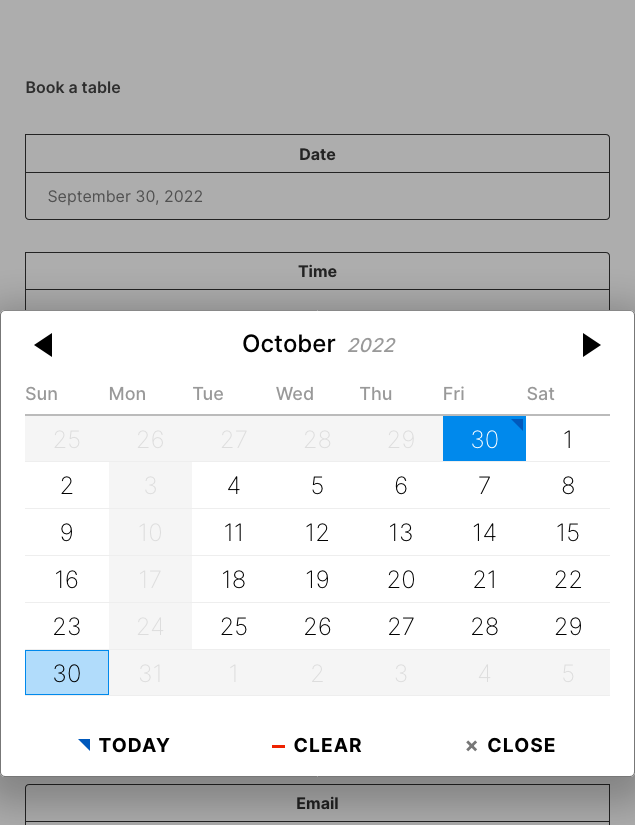
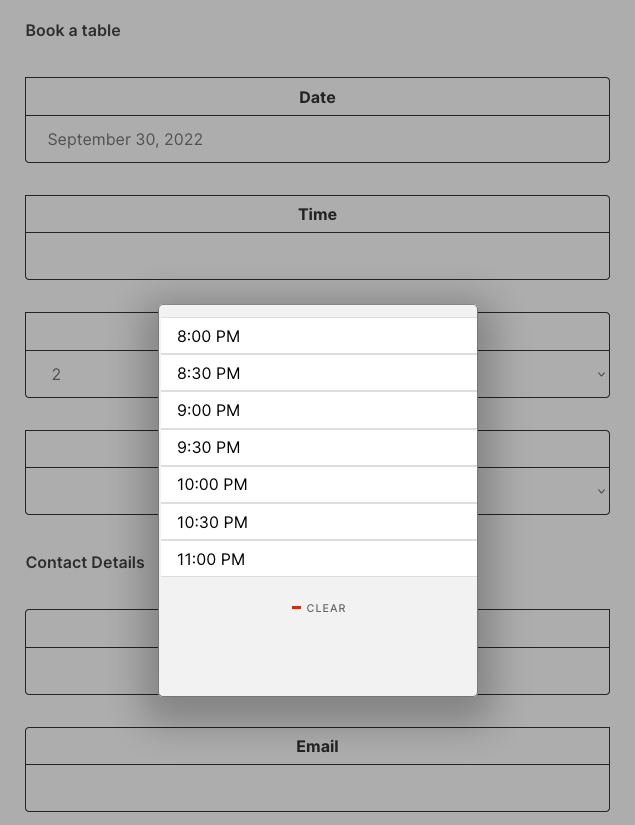
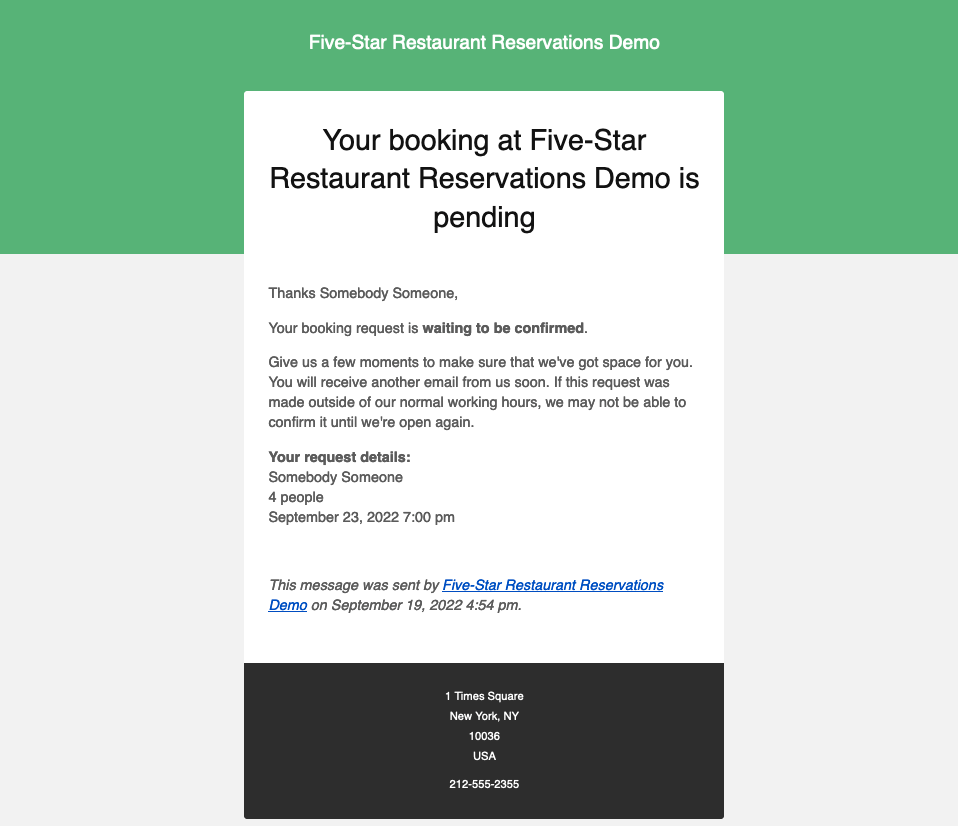
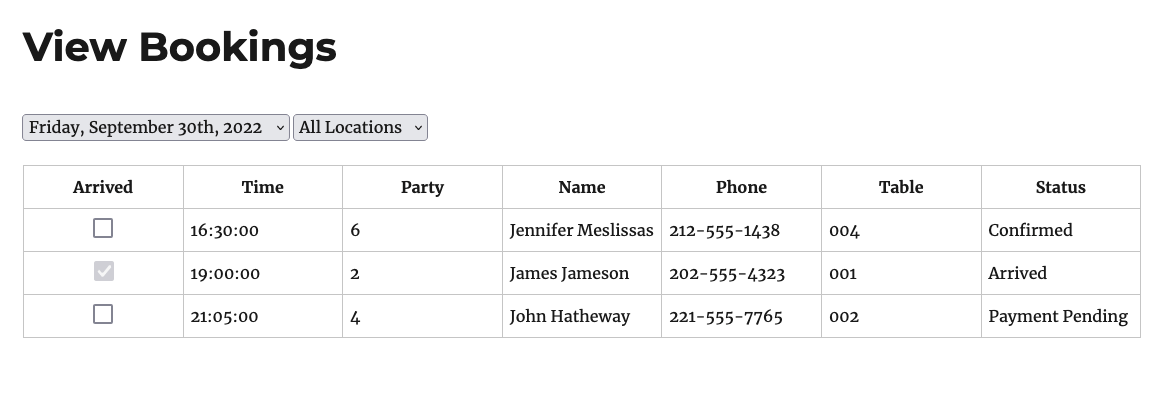
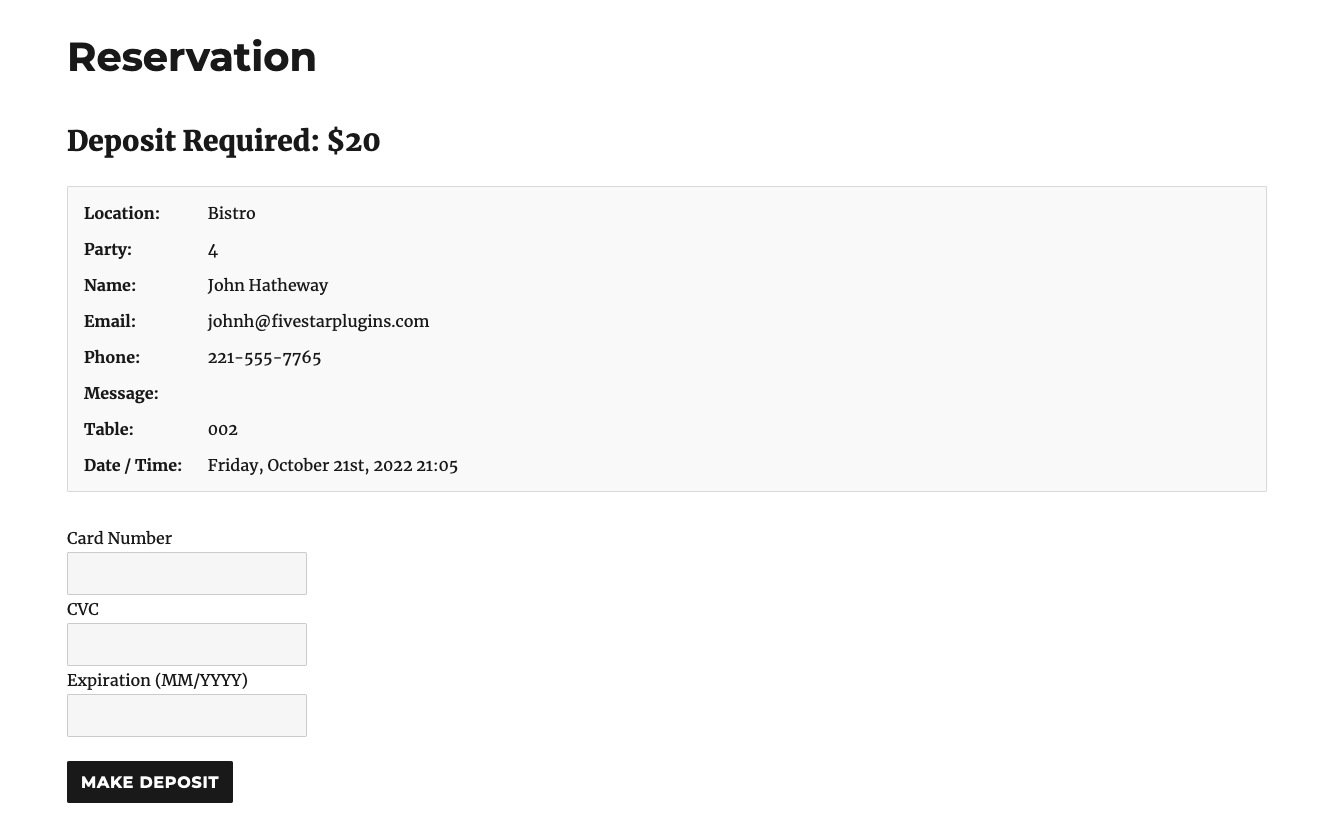
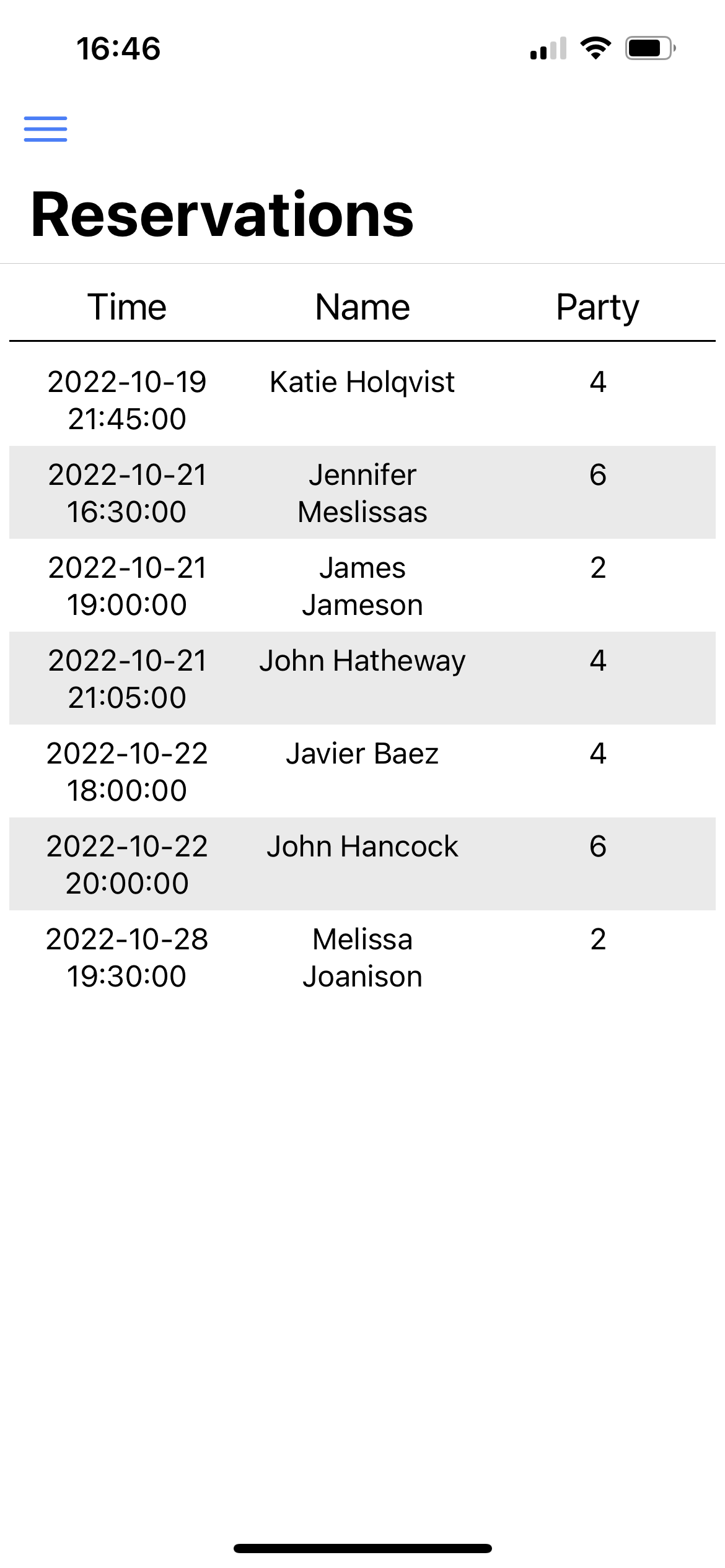
The Five Star Restaurant Reservations plugin allows restaurants to easily accept and manage online reservations. It offers features such as customizable reservation forms, email notifications, schedule management, and the ability to add multiple locations. The premium version also includes additional features like table bookings, booking deposits, SMS notifications, and integration with the Five Star Restaurant Manager mobile app.Screenshots



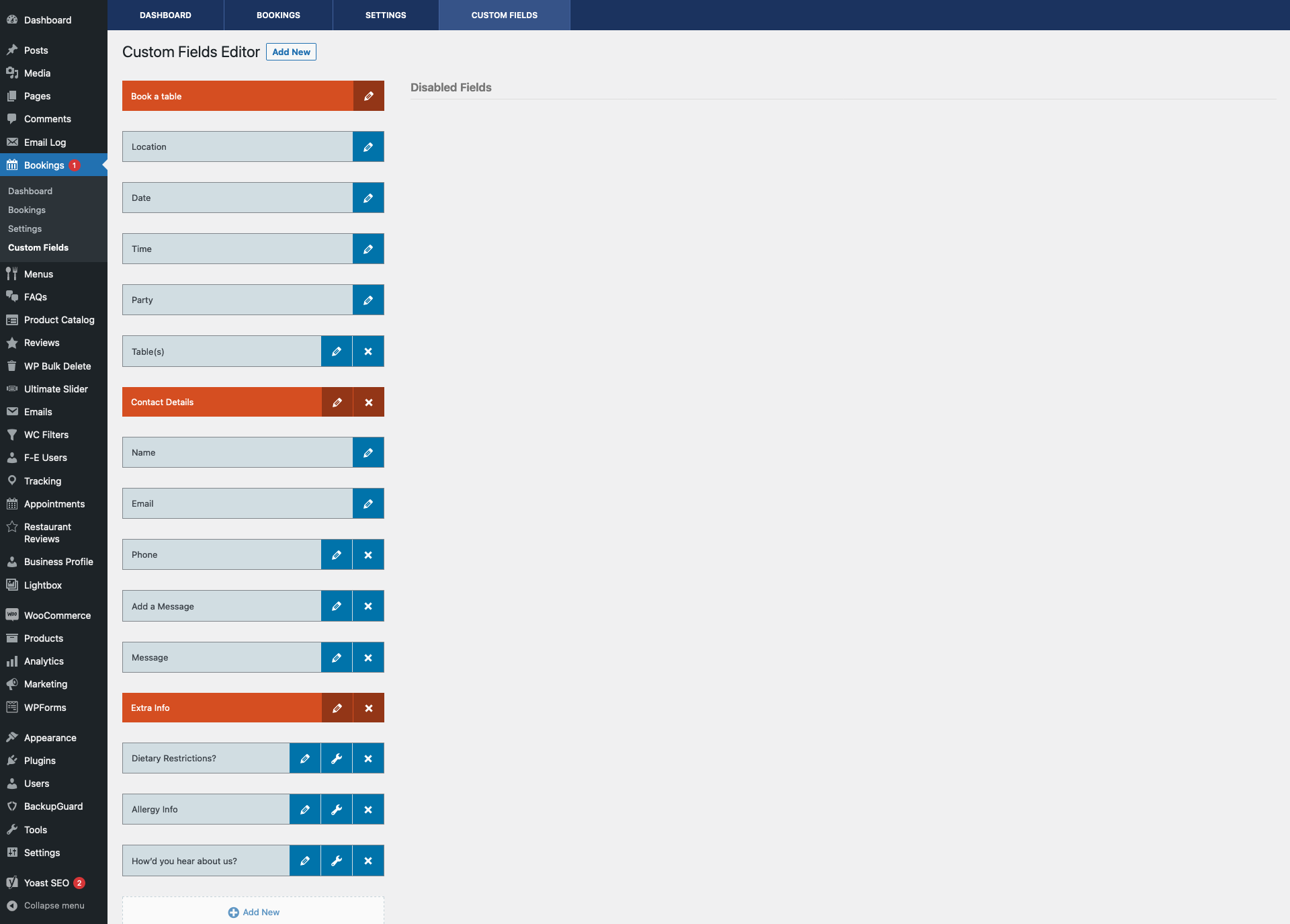
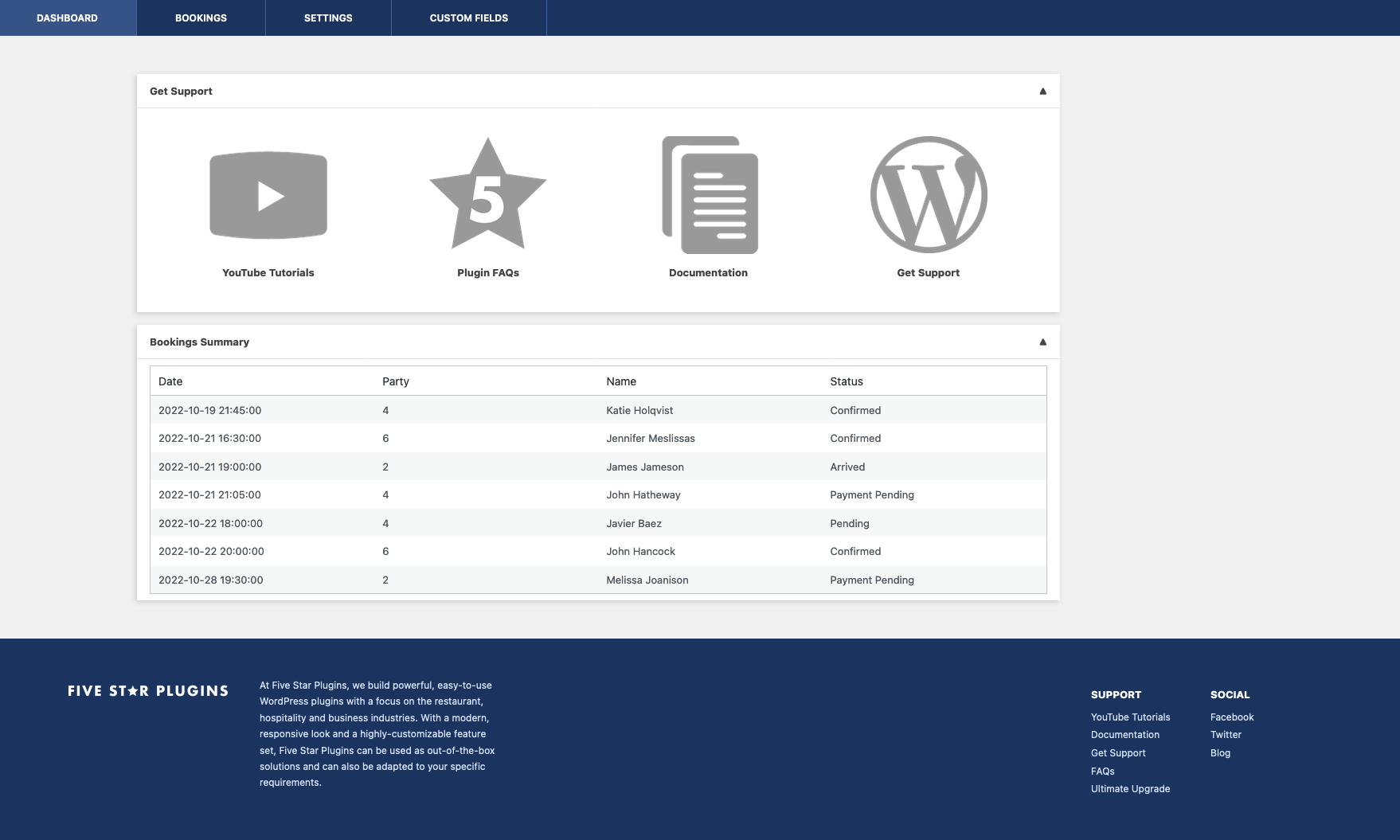

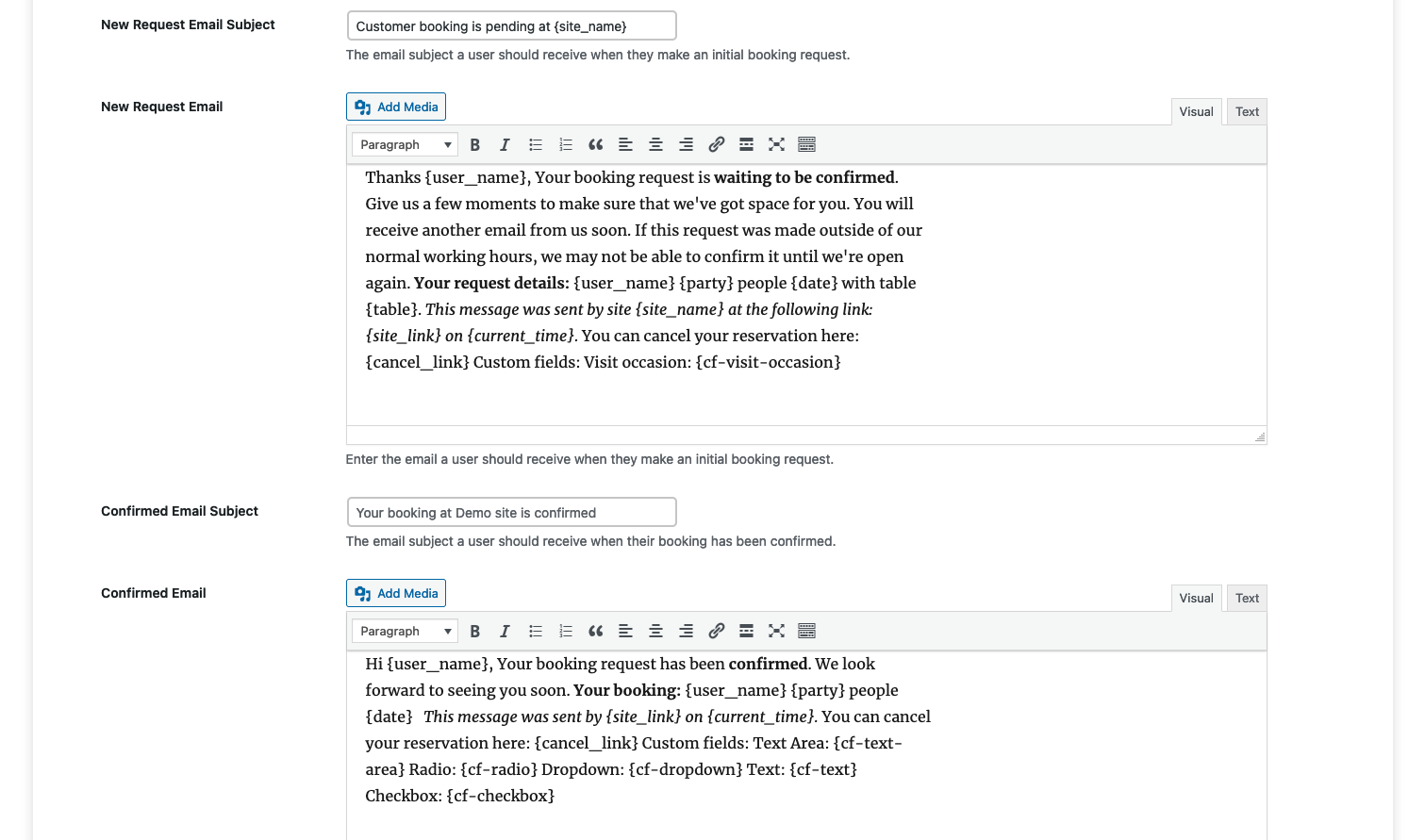
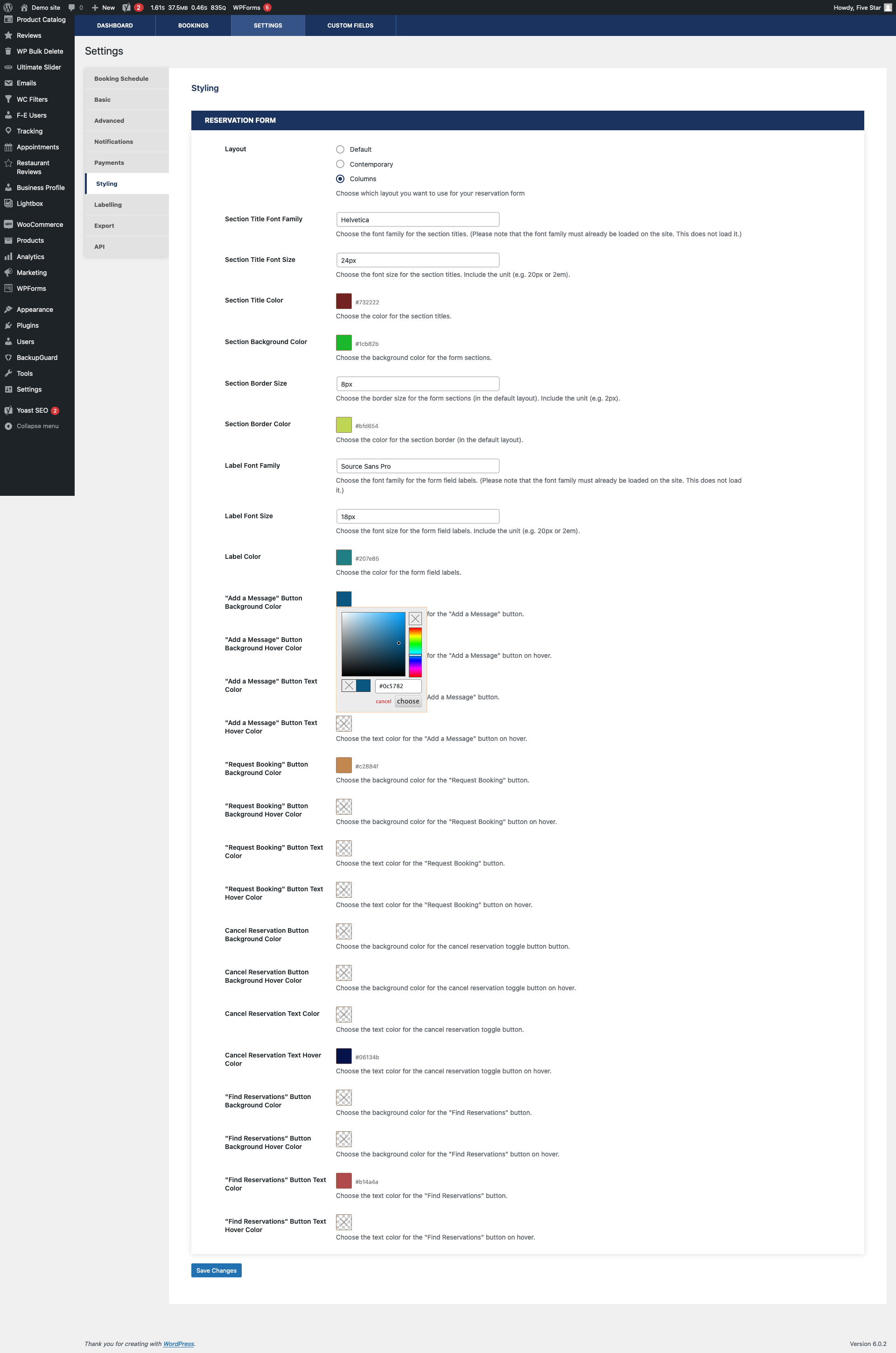
Frequently asked questions
How do I create a customized restaurant reservation form?
You can create a customized restaurant reservation form by using the included Gutenberg restaurant booking block or shortcode. You can also choose your reservation page in the plugin settings.
Can I set up a specific restaurant schedule for reservations?
Yes, you can define the times and dates available for reservation to set up a specific restaurant schedule.
How can I confirm or reject a booking?
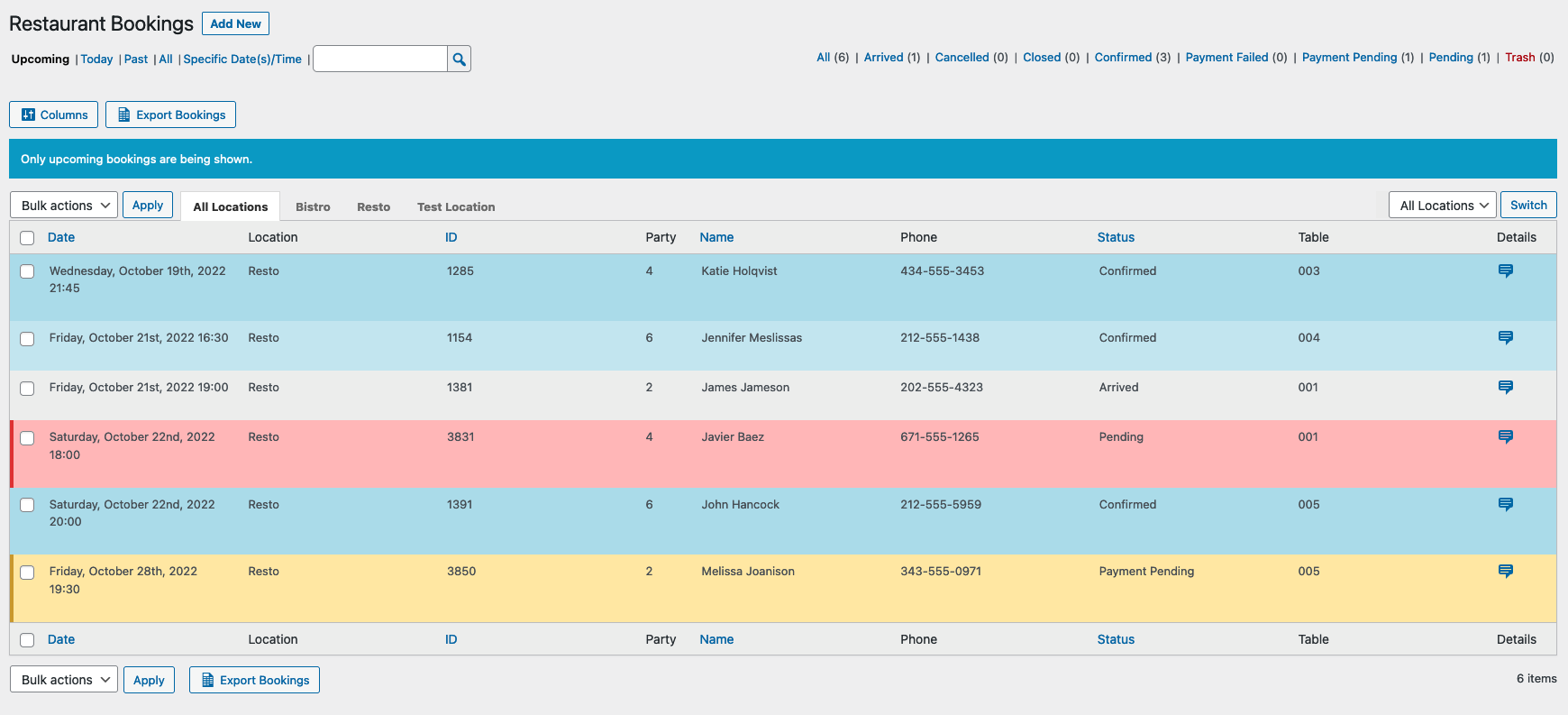
You can quickly confirm or reject a booking using the plugin's interface.
Is it possible to send email notifications to customers?
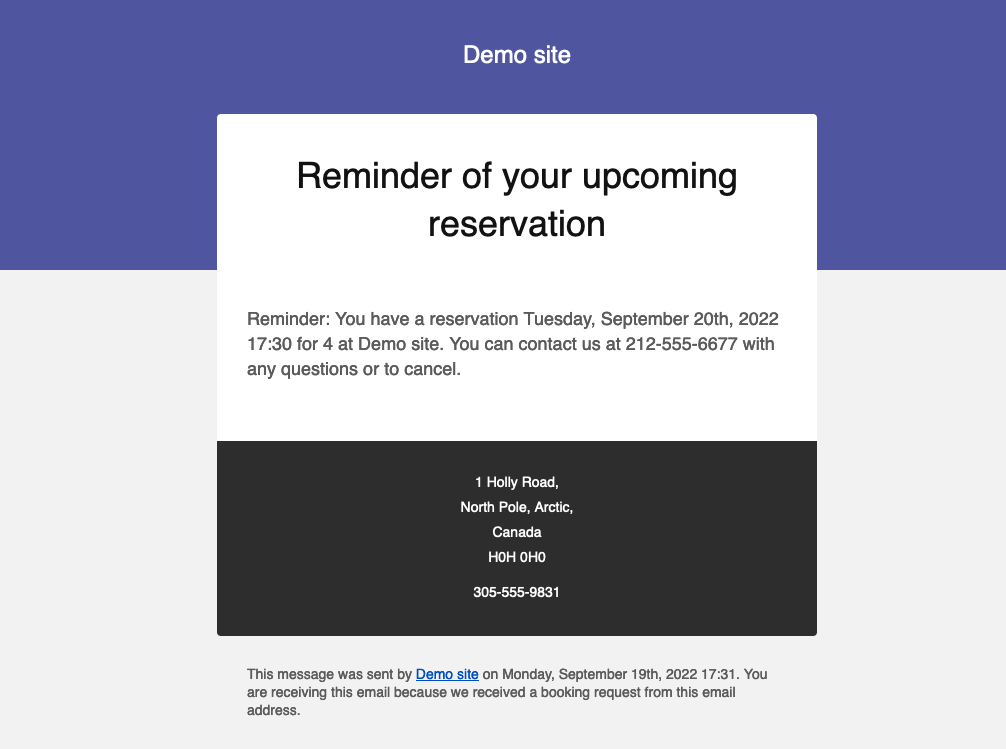
Yes, you can send custom email notifications to customers when their booking request is confirmed or rejected.
Are there any additional features in the plugin?
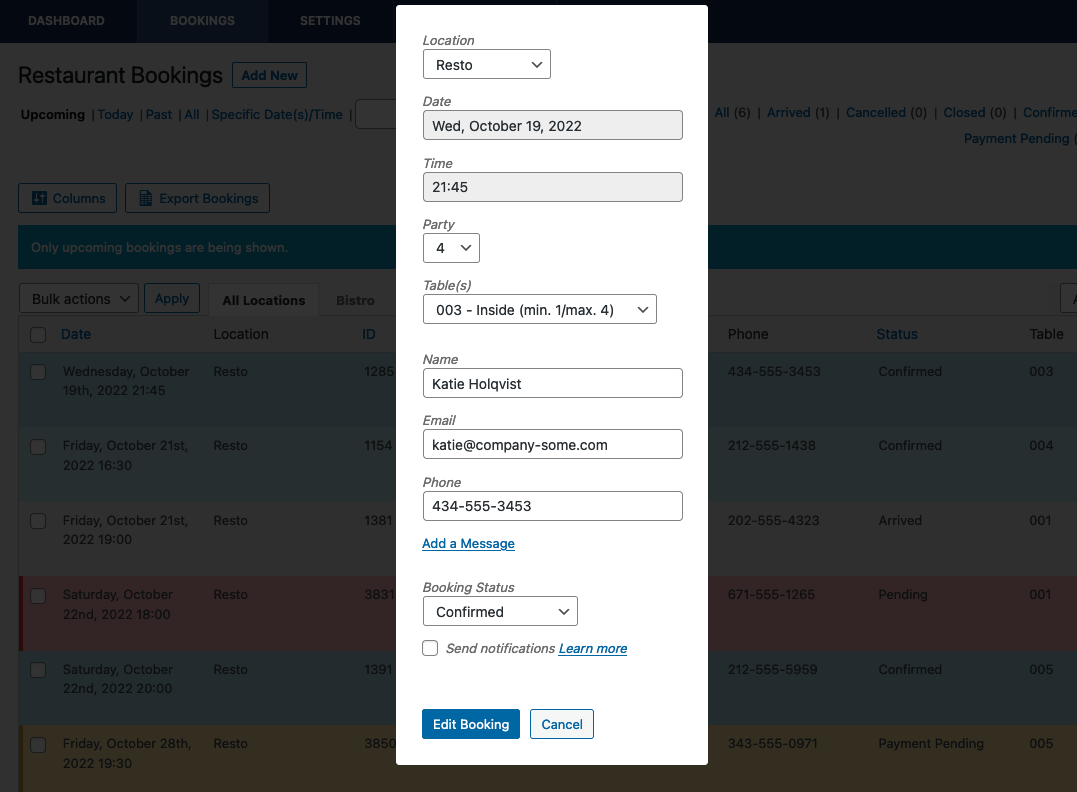
Yes, the plugin includes features such as adding and editing bookings from the admin panel, setting exceptions to the schedule, and customizing notification configurations.
Changelog
2.6.30 (2025-03-05)
- Fix: Some labelling options weren’t being applied on payment summary screen.
- Fix: Missing labelling options.
- Change: Updated a labelling option value for accessibility reasons.
- Change: Updated Stripe integration to account for user accounts using new API version.
- Fix: Fatal error occurring in some cases with the payment summary data.
- Fix: Rare issue causing trash action for non-booking posts.
2.6.29 (2024-12-09)
- Fix for issue with no values in the party size dropdown.
2.6.28 (2024-12-06)
- Fixed an issued causing an incorrect maximum party size to be displayed in the booking form when you set a location-specific maximum number of seats that was smaller than your global maximum number of seats and you added a location-specific booking form to a page.
2.6.27 (2024-11-25)
- Tested with WordPress 6.7.
2.6.26 (2024-07-18)
- Fix for issue with date range exceptions not being correctly applied in some cases.
- Added the ability to set date range exceptions for specific locations.
2.6.25 (2024-07-17)
- Fix for fatal error in yesterday’s release.
2.6.24 (2024-07-16)
- Added a new feature in the ultimate version that lets you set separate maximums (reservations or people) for each scheduling rule or exception.
- Tested with WordPress 6.6.
2.6.23 (2024-06-20)
- Fix for an issue in which the MailChimp integration sometimes wasn’t loading the field information when you selected an audience.
2.6.22 (2024-05-16)
- Significant change: Added ‘suppress_filters => true’ to reservation deletion queries, to prevent the query from being edited by other themes/plugins.
- Targeted the delete query to only run if required.
2.6.21 (2024-04-18)
- Fix for rare case in which a user might have a pre-notification-table (so pre-v2.6.3) reminder notification still enabled and sending.
2.6.20 (2024-04-12)
- Fixed an issue in which the chosen email template wasn’t being used for cron-based notifications (i.e. reminder, late arrival and post reservation events).
- Fixed an issue causing there to be equal signs around the from name in sent email notifications in certain cases.
- Fixed an issue causing the admin notification email address field to not show on the location edit screen in the business profile plugin in certain cases.
2.6.19 (2024-04-04)
- Added the phone number and email address to the event description for iCal exports.
- Added an option to set a cutoff time for cancellations.
- Added an option to let the admin ignore maximum reservation and people counts.
- Added a check for whether the rtb_cron_jobs event is scheduled on settings page save.
- Added functionality to delete bookings with the payment-pending status 7 days after they’re created.
- Fixed the item counts for admin bookings, to not include trashed bookings in table and date labelling counts.
- Fixed the reservation count when a date range is selected in the admin, and added text warning that the guest count is page-specific.
- Updated .pot file to include some gettext strings that were missing.
- Tested for compatibility with WP 6.5 and PHP 8.2, and eliminated/fixed deprecated notices associated with this.
2.6.18 (2024-02-15)
- Fixed issue in which, if you specified a location in the shortcode or block, the available tables would be those from the global rule and not the specific location.
- Update to statement_descriptor in Stripe integration to correct an issue a user was having with third-party payment methods (e.g. Apple or Google Pay) in Payment Intents.
2.6.17 (2024-01-30)
- Added an option to add/display the cancelled status in the admin even if the “let guests view and cancel bookings” option is not enabled.
- Styling updates for the Columns Alternate style.
- Fix: In view bookings form/table, custom fields wouldn’t display radio or dropdown values if the first input value was the one selected.
- Fix: Two deprecated null argument notices.
- Security: Updating process that ensures booking request comes from admin before allowing status to be set.
2.6.16 (2023-12-19)
- Added a notification event for the payment pending status.
- Fix for tables not being correctly populated in the admin edit booking modal in certain instances.
- Fix for combination tables not being pre-selected for existing bookings in the admin edit booking modal.
- Fix: The current date for view bookings ignored the wp_timezone, so the selected date was sometimes not today on page load.
- Small styling fix for the Stripe payment intents checkout form when using the Columns Alternate booking form style.
2.6.15 (2023-11-07)
- Tested for WordPress 6.4 compatibility/support.
2.6.14 (2023-10-25)
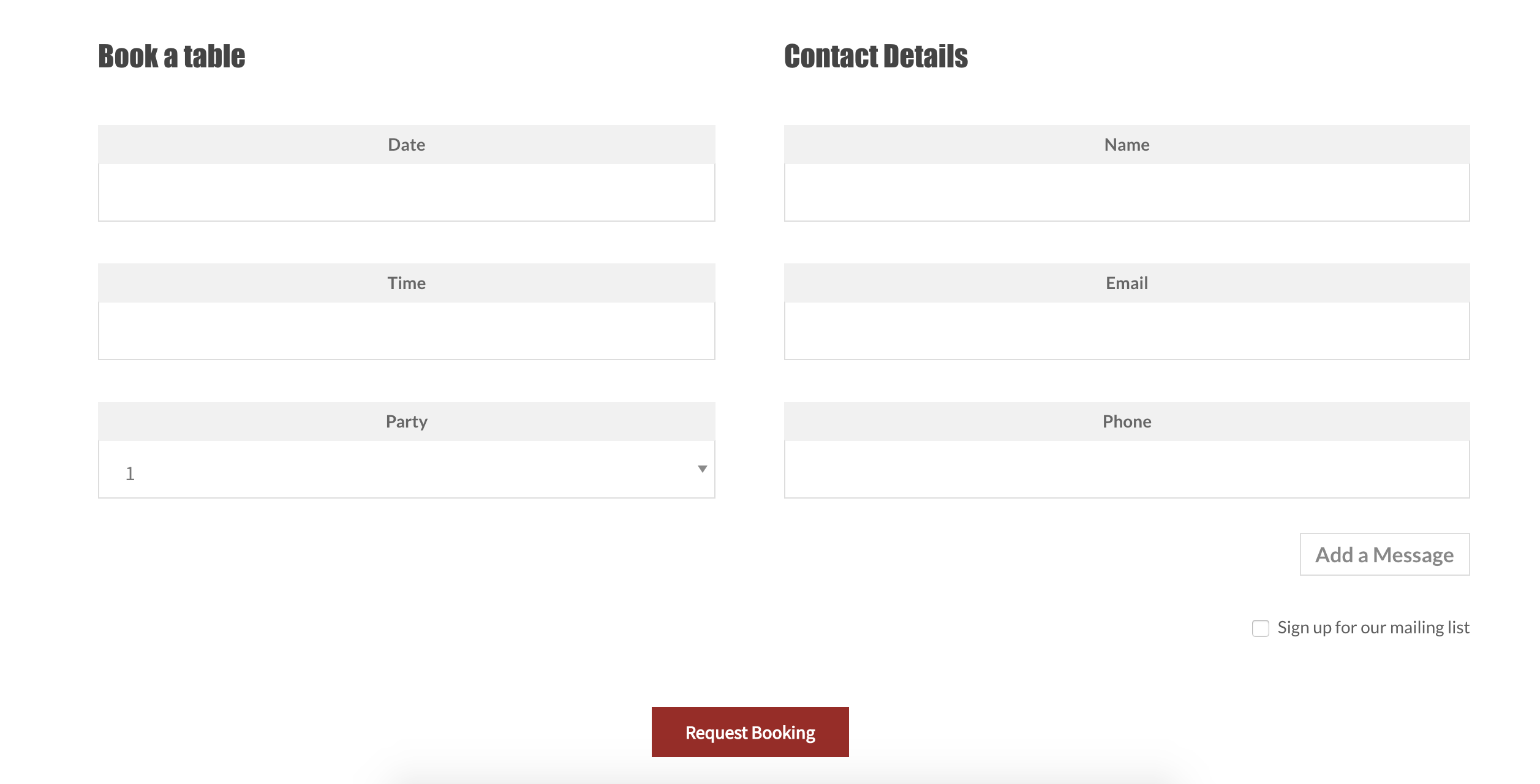
- Added a new “Columns Alternate” booking form layout style.
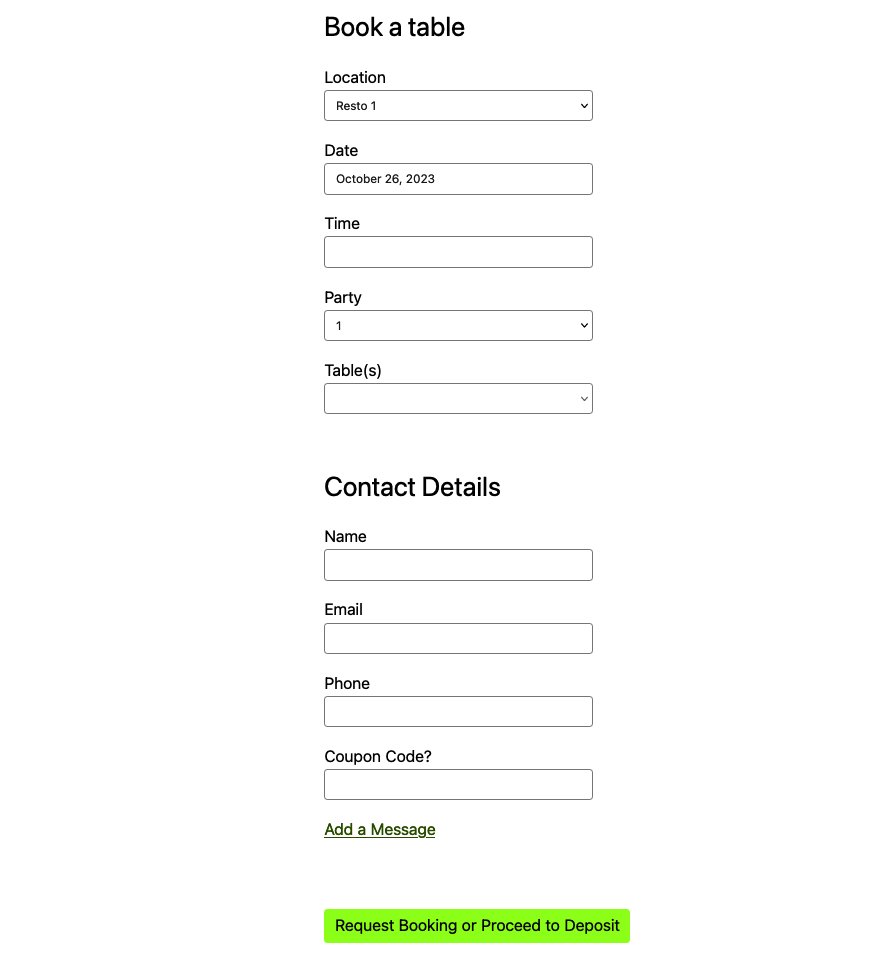
- Added a new “Minimalist” booking form layout style, which can be used as-is for a clean look or as a base for your own CSS customization.
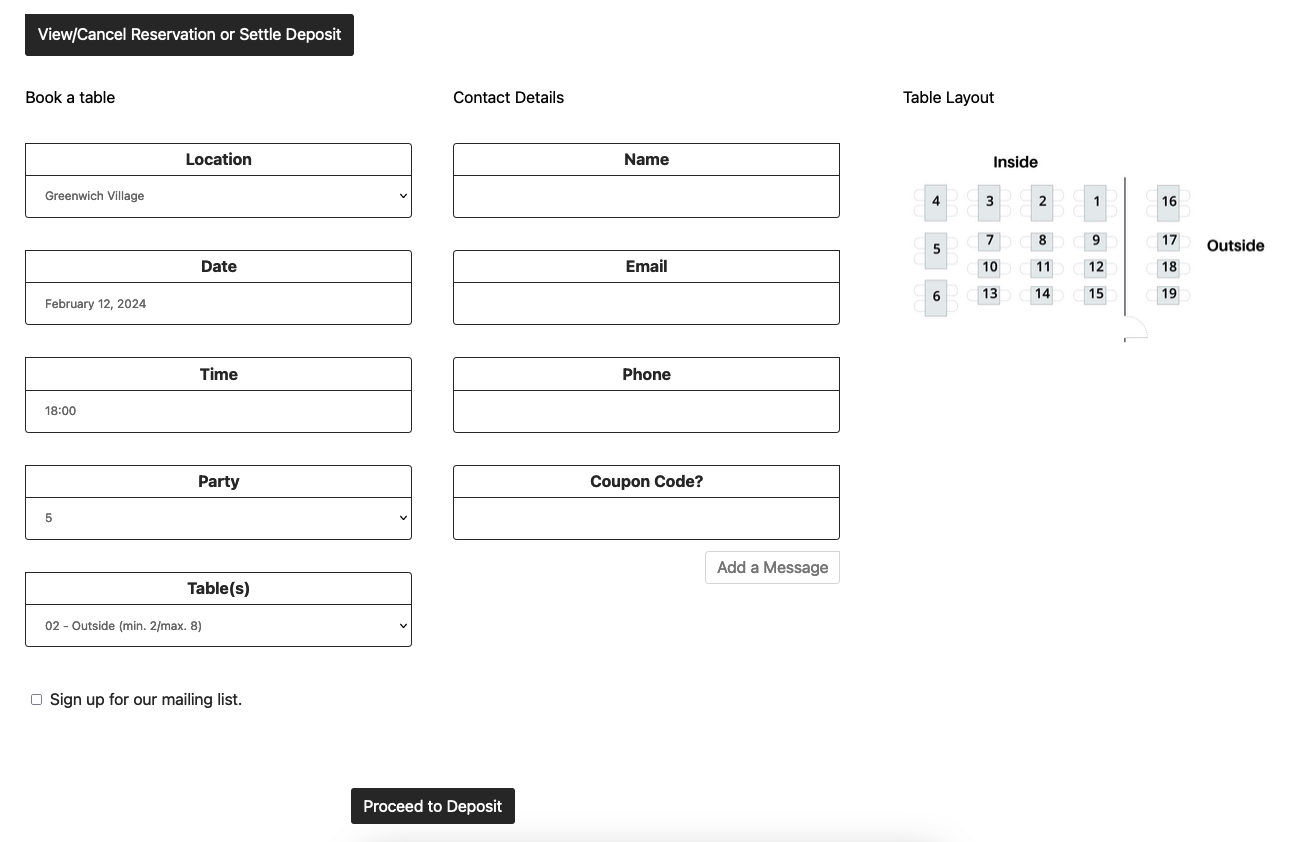
- Added a new option to upload and display a table layout graphic with your booking form.
- Added locations to the daily summary email if location terms exist.
- Updated a few styling issues with the inputs in certain booking form layouts that were occurring with certain specific themes.
2.6.13 (2023-08-22)
- Fixed a few styling issues with the Contemporary layout.
- Updated .pot translation file.
2.6.12 (2023-08-18)
- Updated the Stripe payment gateway (for payments/deposits in the ultimate version) to use the Stripe payment intents system, so you can now enable many different payment methods in your Stripe account, including Apple Pay, Google Pay, direct debit, etc.
- CSS styling updates for the payment form.
- Fixed an issue sometimes causing an extra time slot to show in the time picker later than the scheduled closing time when using either a large or a custom time interval.
2.6.11 (2023-08-08)
- Tested for WordPress 6.3 compatibility/support.
2.6.10 (2023-06-14)
- Fixed a PHP warning related to multiple locations.
- Fixed an issue causing a new booking notification to still be sent when a payment failed.
2.6.9 (2023-06-13)
- Fixed an issue with reminder notifications not sending.
2.6.8 (2023-06-06)
- Update to the search on the admin bookings page.
2.6.7 (2023-04-17)
- Fix for an issue where tables were duplicated if the party size wasn’t changed after the time was selected.
- Fix for incorrect section names when location-specific tables were in use.
- Loading Google Fonts used in two email templates locally.
2.6.6 (2023-04-11)
- Updated the booking submitted timestamp (in the booking details) to take into account the timezone.
- Updated the message editor for the new notifications table to address issues with HTML tags.
- Updated the table dropdown to only show the deposit amount if deposits are set by table.
- Updated multiple locations to use global tables if no location-specific tables have been set.
- Fixed an issue causing the email template to not be used for Booking Closed notifications.
- Fixed an issue preventing bookings from being submitted when using location-specific tables.
- Small styling update for the deposit payment page.
2.6.5 (2023-04-05)
- Fixed issue with double notifications when using payment deposits.
- Added a button to reset the premium notifications table data, in the event that you want/need to re-import the old notifications.
2.6.4 (2023-04-04)
- Fixed an issue in which the message modal was not opening if no fields existed in the notifications table on page load.
- Fixed a spacing issue with table deposit amounts.
2.6.3 (2023-03-31)
- Changed the premium and ultimate notifications configuration to allow for more flexibility and the ability for you to add/create your own notifications, for which you can specify the trigger event, message type, message content, etc., in addition to the preset/default messages.
- Added the ability set different deposit amounts per table.
- Added the ability to configure different tables and sections for each location (if using multiple locations).
- Added ‘iCal’ as an option for export type, so that bookings can be imported to popular calendar software such as Google Calendar, Outlook, etc.
- Added who (which user) confirmed a booking to the booking details.
- Added many labelling options to cover the various validation messages that appear throughout the booking form.
- Updated the default text for the front-end cancel booking button, to make it more obvious/clear what the purpose/functionality of that feature is.
- Updated block for compatibility with WordPress 6.2.
- Fixed an issue where cancelled bookings were counted when restricting party size.
2.6.2 (2023-01-24)
- Added push notification functionality to the Five Star Restaurant Manager mobile app when a new booking is made.
- Added a filter (rtb_booking_deposit_amount) to allow for the modification of the deposit amount based on other booking information, such as custom fields.
- Created set_location_name method to add the location name to a booking when the location term ID exists (e.g. for use in the Five Star Restaurant Manager mobile app listings).
- Corrected/eliminated a notice on the admin bookings screen.
2.6.1 (2023-01-04)
- Fixes a potential fatal error on the settings page.
2.6.0 (2023-01-04)
- Added new tutorial videos to the settings pages that explain and show what each option does.
- Added quick links to the admin about page to re-run the walk-through, view tutorial videos and suggest a feature.
- You can now add your own custom payment gateway for deposits.
- Fixed an issue with the user-specific language not applying if the main site language had an included translation file.
- Fixed an issue with the site logo not showing in notification emails.
- Fixed an issue in which, if you enabled the hold option for Stripe payments, but then switched your payment gateway to PayPal, the message about the hold would still display on the front end.
- Removed duplicate currency setting.
- Updated the descriptions of some settings for clarity.
- Updated pickadate library.
- Tested with PHP 8.1, corrected errors related to table selection and exporting with the MPDF option, and updated deprecated functions.

