

Improve your WordPress SEO: Write better content and have a fully optimized WordPress site using the Yoast SEO…
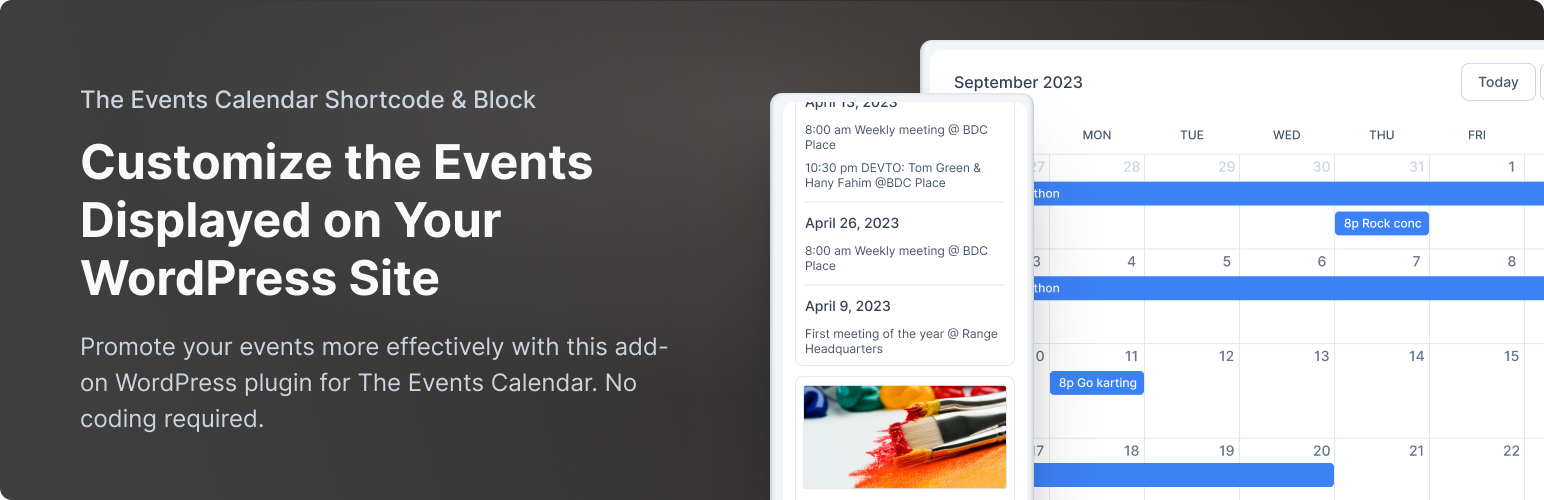
About The Events Calendar Shortcode & Block
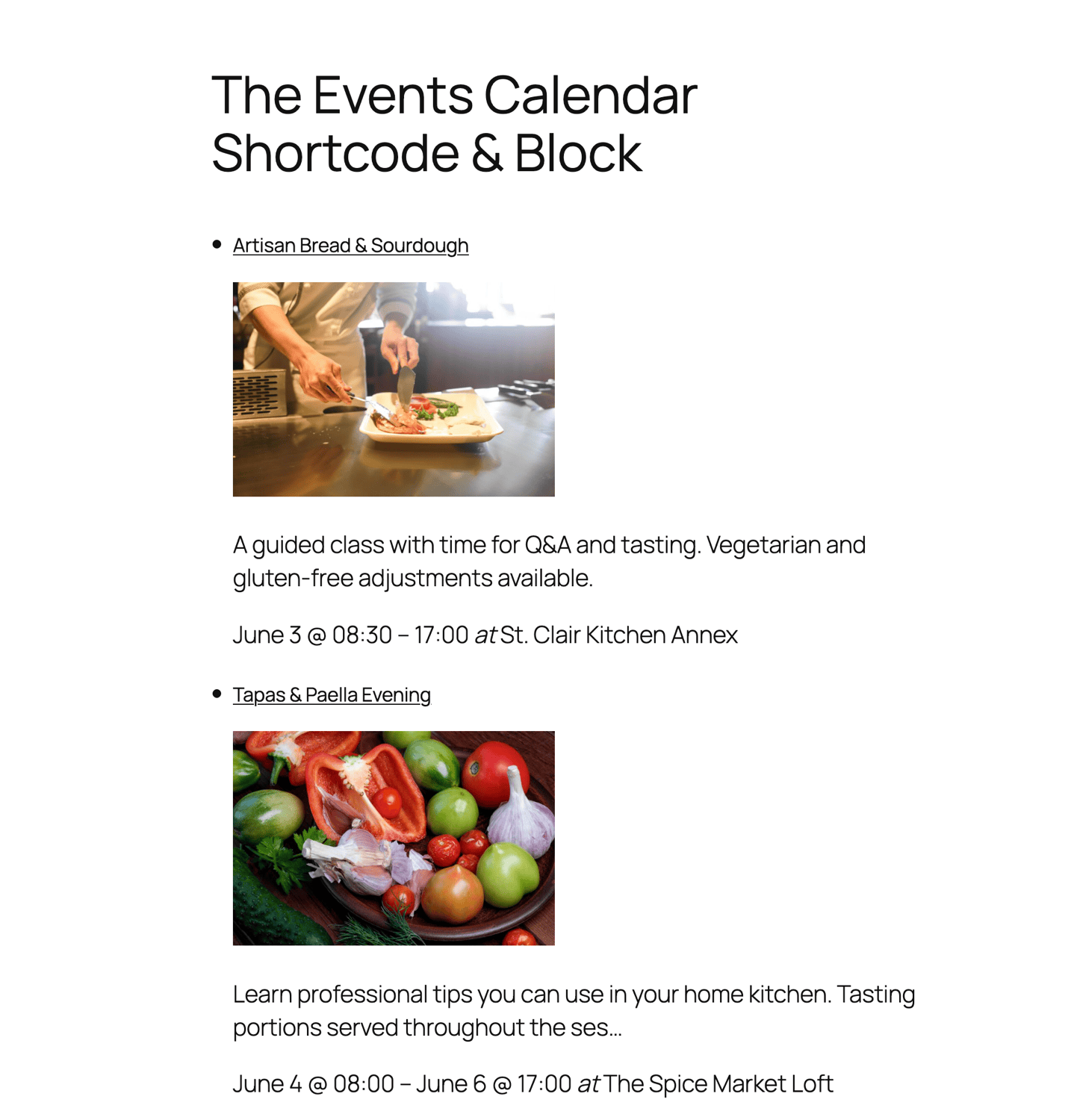
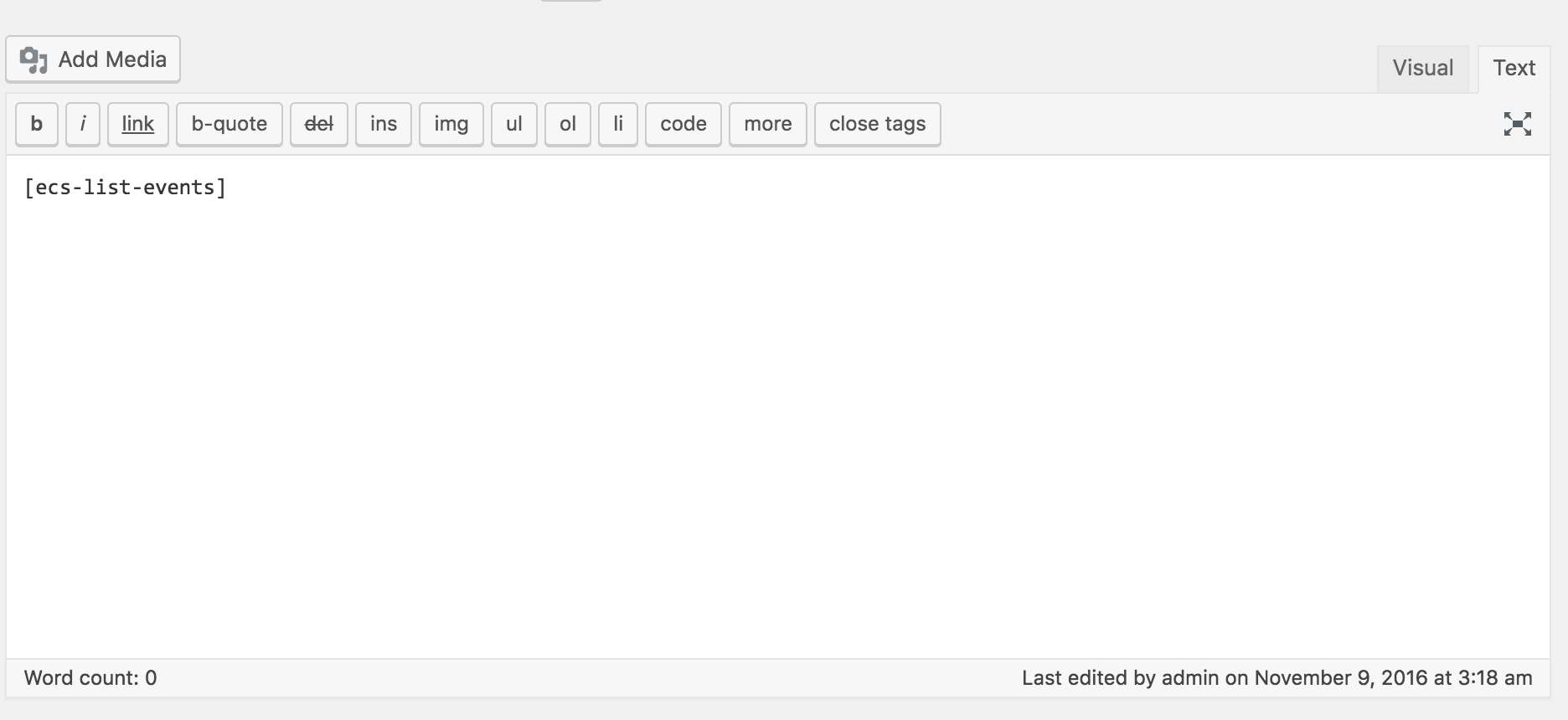
The Events Calendar Shortcode & Block is a plugin that allows you to display your events in a customizable list on your WordPress website. You can use a shortcode or block to add the list to any post, page, or widget. The plugin integrates with The Events Calendar Plugin and offers additional features and designs in the Pro version.Screenshots
Frequently asked questions
What does The Events Calendar Shortcode & Block plugin do?
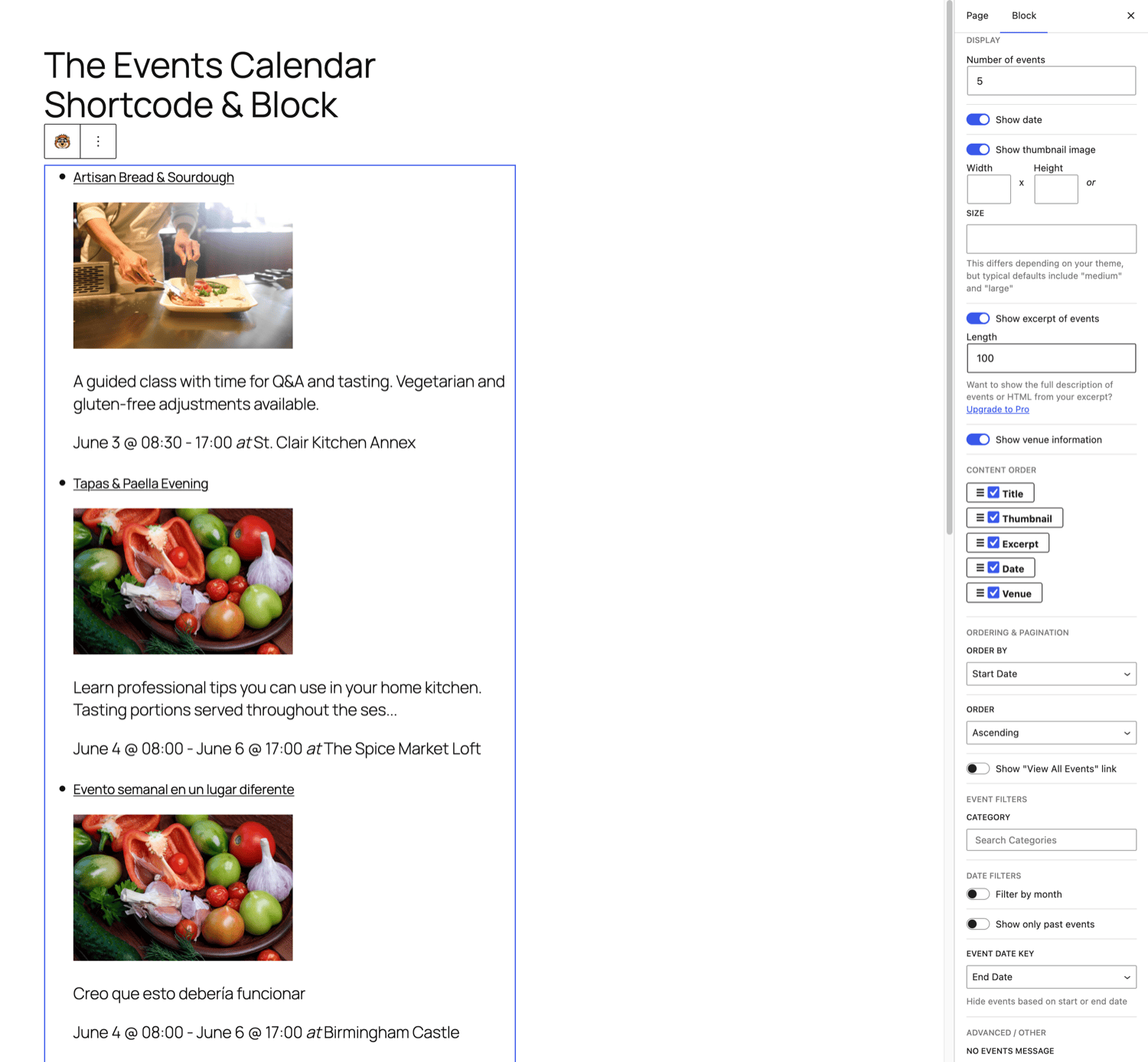
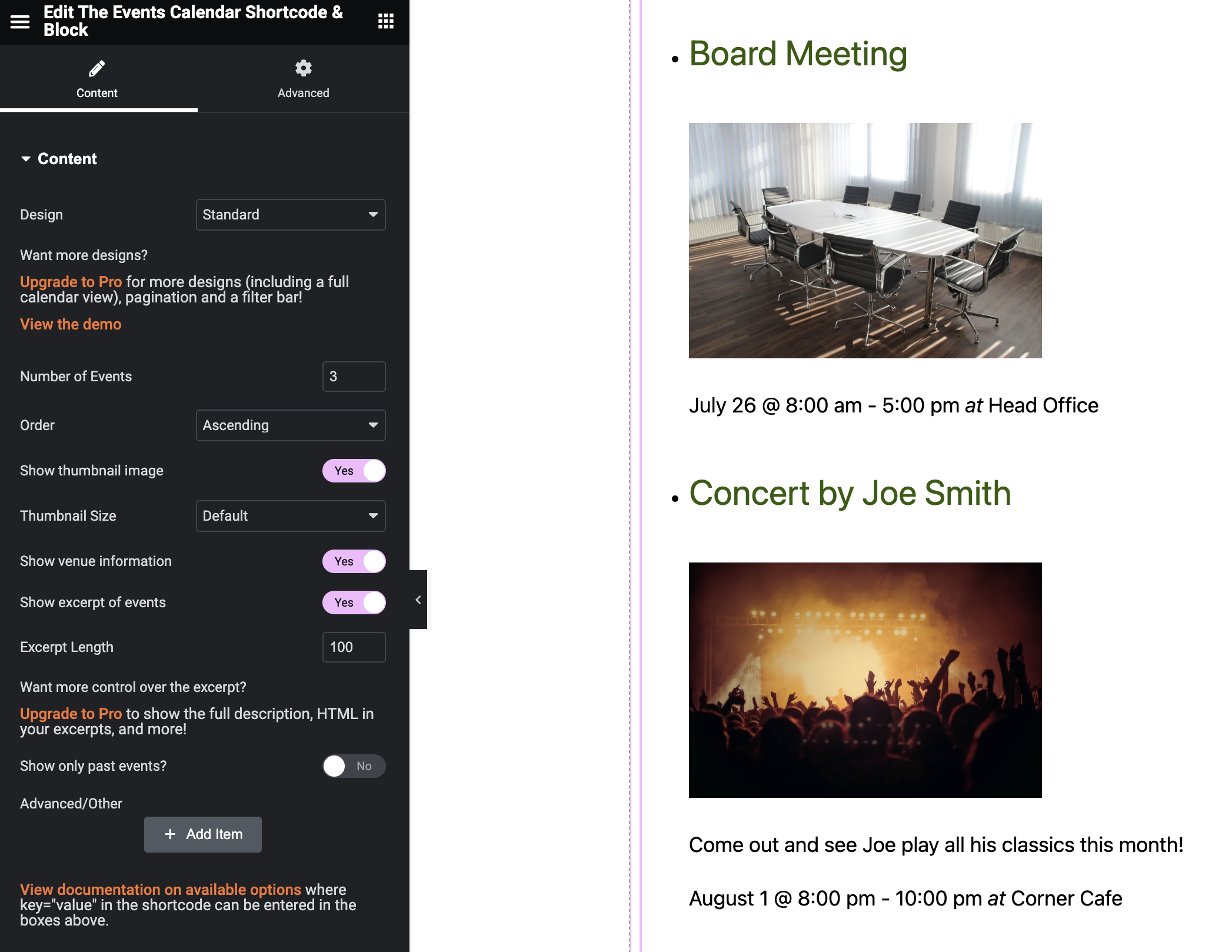
This plugin adds shortcode, WordPress block (Gutenberg editor), and Elementor widget functionality to The Events Calendar Plugin. It allows you to display a customizable list of your events anywhere on your WordPress site. You can add a block in the new editor, or add a shortcode to any post, page, or widget.
Is this plugin compatible with the free version of The Events Calendar?
Yes, this plugin fully integrates with The Events Calendar Plugin (free version) by StellarWP, formerly Modern Tribe. It is designed to work seamlessly with the core functionality of the free plugin.
How can I filter events using this plugin?
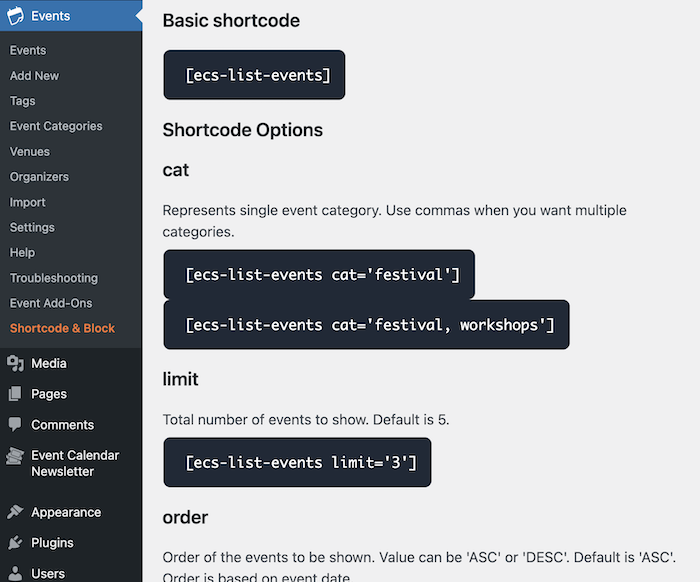
You can filter events by various options using the shortcode or block. For example, you can specify a category and a limit for the number of events to display, such as `[ecs-list-events cat="festival" limit="8"]`.
What additional features are available in the Pro version?
The Pro version offers seven designs, additional filtering options, and full control over how your events display. It also includes premium support, the ability to show multiple shortcodes on one page, a filter bar for users, and works with any WordPress theme.
Changelog
3.0.1
- Improved Elementor compatibility
- Additional help text
3.0.0
- Adds a block for Elementor! Easily add your events to any page or post using the Elementor page builder.
2.8.5
- Fixing the Order and Order By options not saving in the block
- Optional opt-in tracking notice added
2.8.4
- Fixing documentation page
2.8.3
- Updated documentation link
2.8.2
- Additional help meta box
2.8.1
- Fixing un-ended link on help page
2.8
- New getting started page
- Improved help page design
2.7.1
- Maintain the default content order when first creating the block
2.7
- Ability to change the content order in the block via drag-and-drop
- Updating the block interface with better dropdowns
2.6.1
- Adding required file
2.6
- Removing support for very old PHP versions
- Ratings notice
2.5.6
- Fix translations for “There are no upcoming events” and “View all events” since The Events Calendar 6.x
2.5.5
- Fix warning message on the Widgets page
- Fix saving the thumbnail settings when using the block
2.5.4.1
- Reducing permission requirement for instructions page (Author)
2.5.4
- Fix broken settings page link
2.5.3
- Fix for month=”next” when near the end of a month
2.5.2
- Initial workaround for styling issues for the block in the new full-site editor
2.5.1
- Fixes missing categories in the block if many categories available on the site
2.5
- Adding div when there are no events found, to avoid display issues on some themes
2.4
- Updating block script dependencies
2.3.1
- Adds link to full documentation and short walk-through video
- Developers: Adds additional param to the ecs_start_tag filter with the number of events
2.3
- Fix for using order=’DESC’ to order events in descending order by event date, with the latest version of The Events Calendar (by Modern Tribe)
2.2.1
- Adds block description
2.2
- Compatibility fixes with Divi
2.1
- Disables the new WP editor block if Cornerstone page builder is active due to incompatibilities
2.0.2
- Additional check if wp_set_script_translations exists (not with the Gutenberg plugin)
2.0.1
- Tweaks to handling of default values in the block
2.0
- Adds a block in addition to the shortcode that can be used with the new WordPress editor (as of version 5.0) or Gutenberg plugin

