

Improve your WordPress SEO: Write better content and have a fully optimized WordPress site using the Yoast SEO…
About Email Templates Customizer and Designer for WordPress and WooCommerce
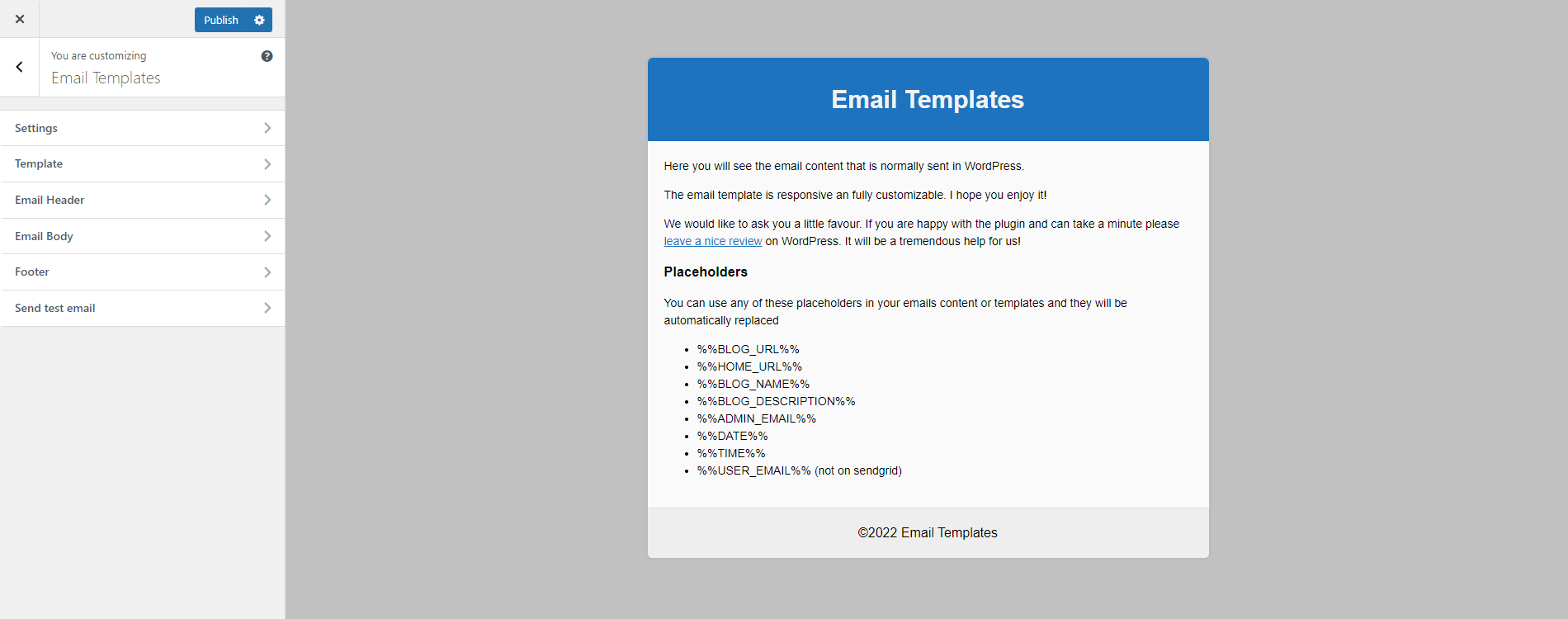
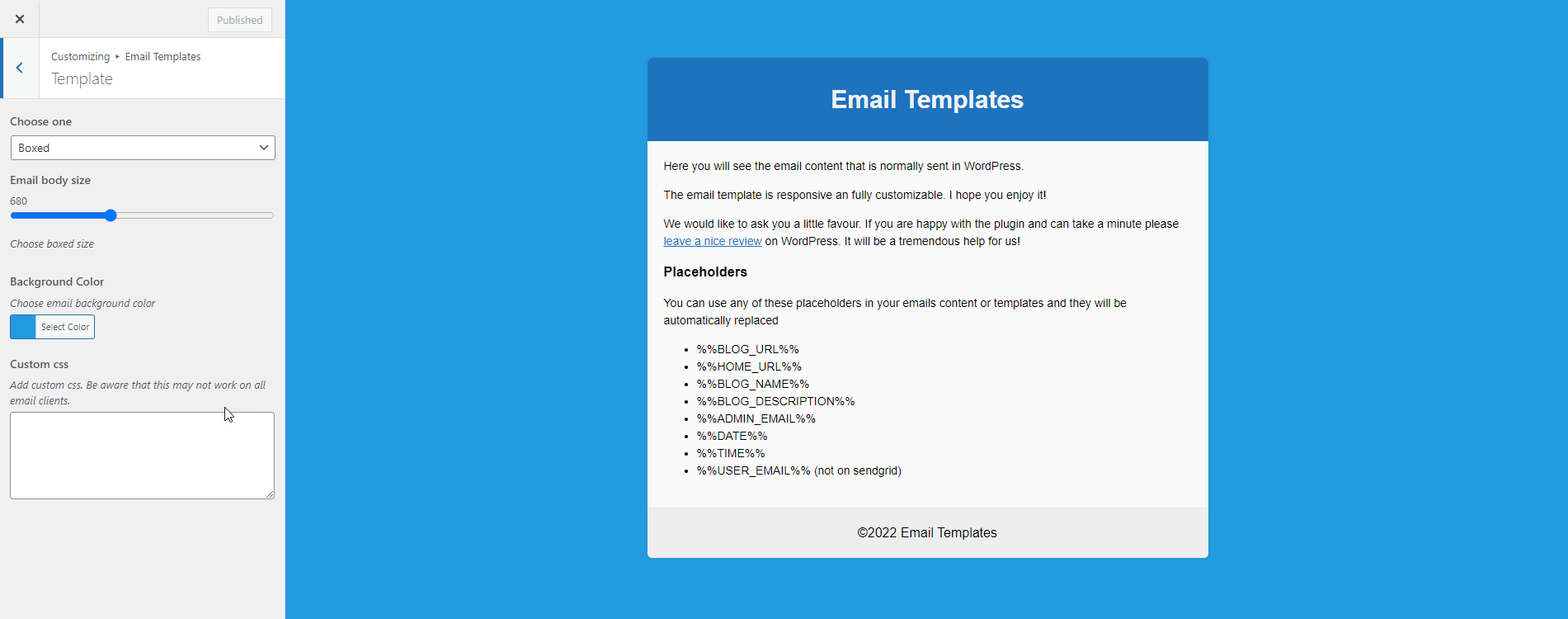
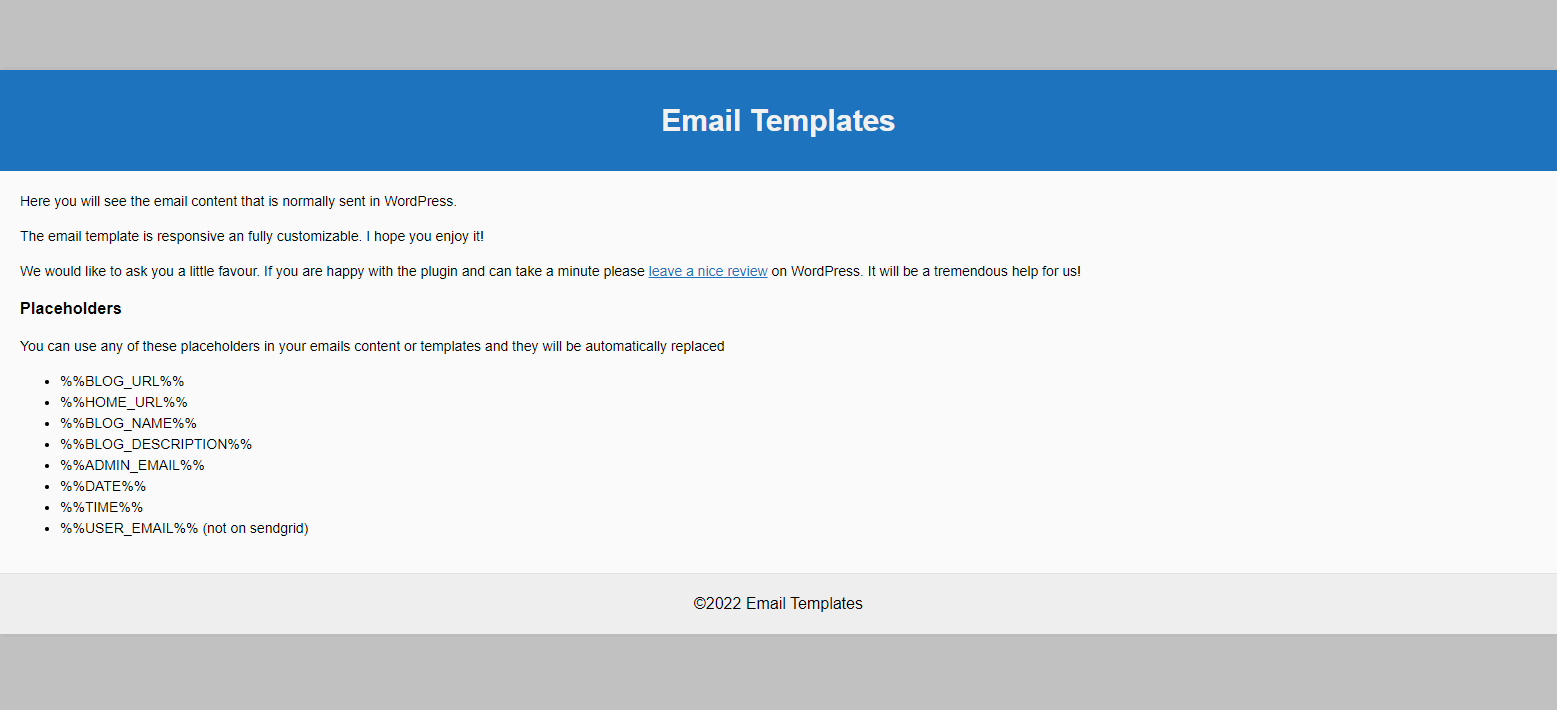
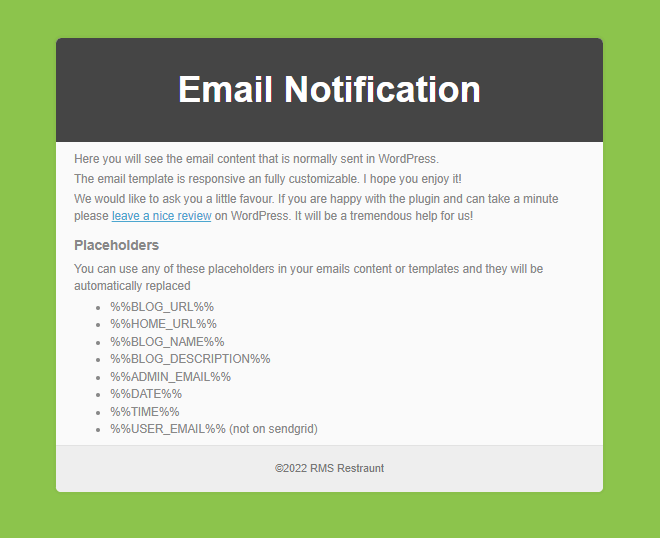
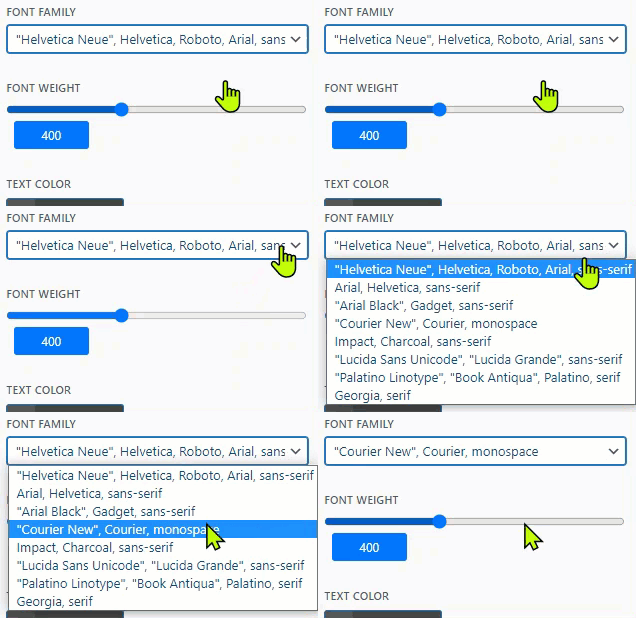
The Email Templates plugin allows you to customize the design and templates of your WordPress and WooCommerce transactional emails. You can easily edit the colors, add a logo or text, and customize the header and footer. The new beta version also includes features such as customizable WooCommerce email templates, advanced personalization options, and tailored font attributes.Screenshots
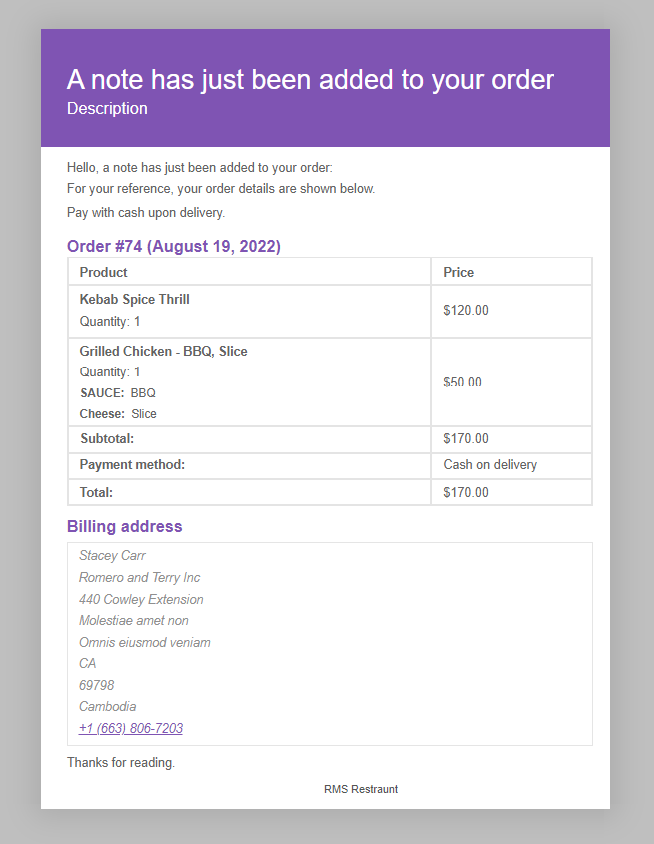
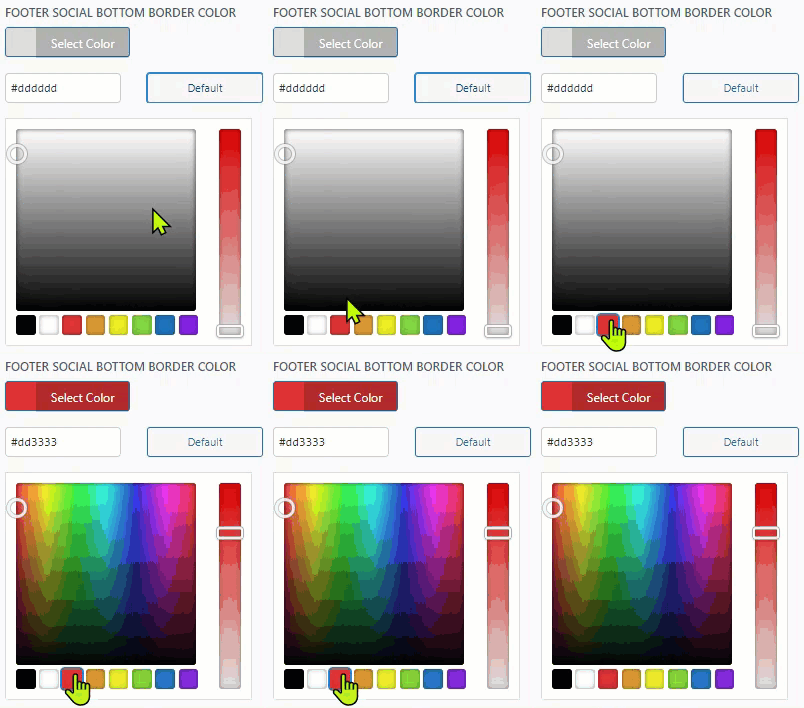
Frequently asked questions
What does the Email Templates plugin do?
The Email Templates plugin allows you to customize the default transactional email designs and templates for your WooCommerce and WordPress website. It provides an easy-to-use editor to personalize emails.
What customization options are available?
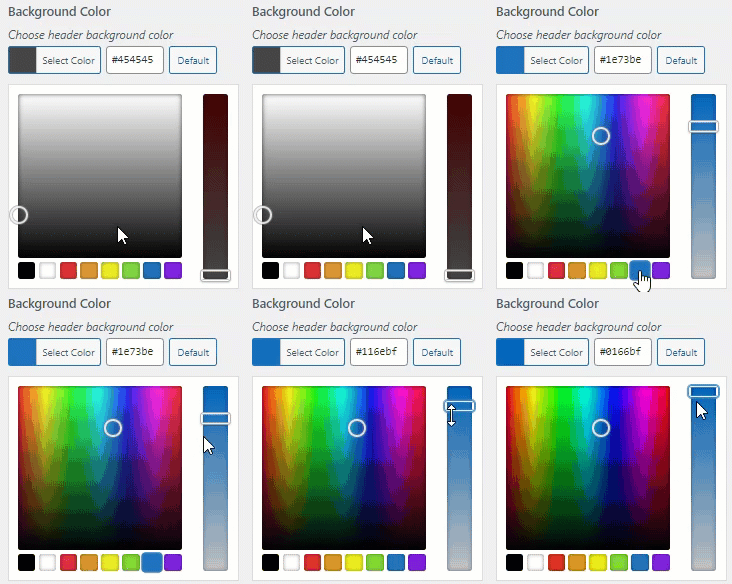
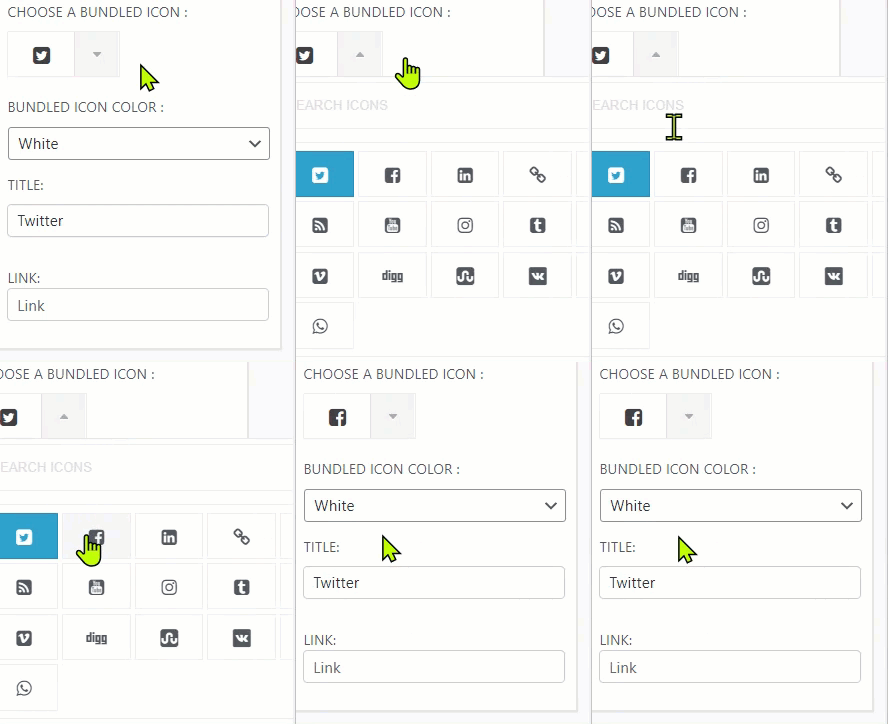
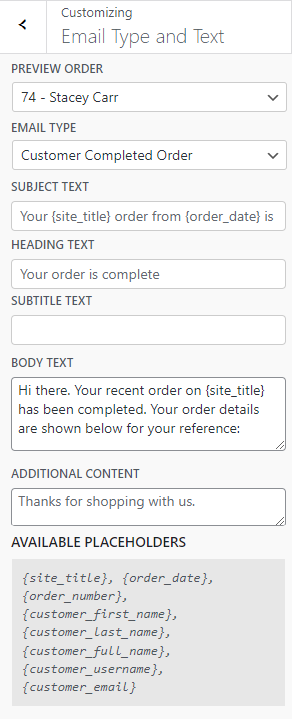
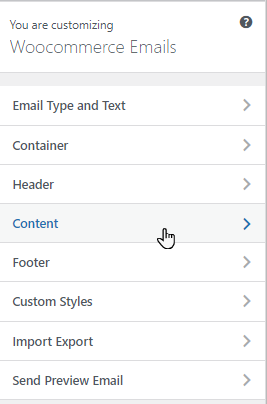
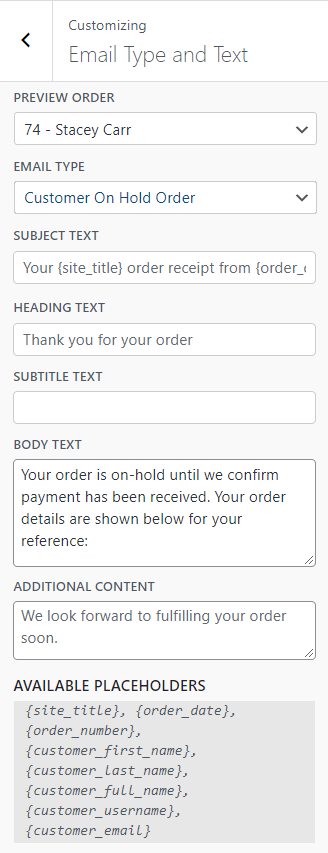
You can customize email templates by adding a logo or text, changing colors, editing the footer, and adjusting heading, subtitle, and body text. The plugin also allows you to choose from various template styles.
Can I preview my email designs?
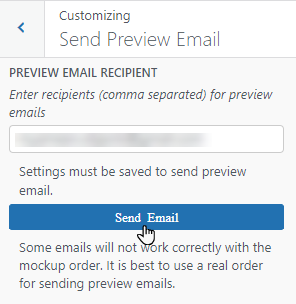
Yes, the plugin offers a live preview feature for your WordPress and WooCommerce emails. You can also send test emails to the administrator's email address.
Which email types can be customized?
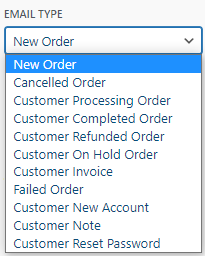
You can customize various email types including new order, canceled order, customer processing order, customer completed order, customer refunded order, customer on-hold order, customer invoice, failed order, new account, customer note, and reset password emails.
Changelog
1.4.4
- Compatible with WordPress v6.5
1.4.3
- Improvement – Code Optimization.
- Compatible with WordPress v6.3.2
1.4.2
- Added toggle switch for users who don’t want to use the default WooCommerce template.
1.4.1
- Fixed WooCommerce required error.
1.4
- NEW – Design/Customize WooCommerce emails.
- NEW – Added Live preview your WooCommerce emails.
1.3.2.1
- Emails not being send when multiple emails where being sent at the same time
1.3.2
- Support for multiple templates PR #29
- Fix Increase priority for the preview template
1.3.1.2
- Fixed css width
- new filter for default message
1.3.1.1
- Only filter non html messages
- Fixed bug introduced on 1.3.1
1.3.1
- Security fix to prevent html injection
- Filter attributes for images
1.3
- Instead of multiple filters we now just modify wp_mail to make plugin more compatible
with transactional mail plugins
1.2.2.3
- Fixed issue with maxwith not working on certain installs.
1.2.2.2
- Fixed issue with boxed layout
1.2.2.1
- Text domain update
1.2.2
- Added image support in header text
- Fixed issue with spaces on gravity forms ( gravity plugin needs to be >= 2.2.1.5 )
1.2.1
- Added shortcode support in header/footer
- Header text now it’s used for alt image when using images
- Fixed bug where image was not responsive on mobile devices
1.2
- Added custom css support on template section
- Added link color in body section
- Updated templates with changes above
- Mailgun / sengrid integration
1.1.4
- Added body size to template section
- Leaving emtpty from name & from email will let you use other plugins settings now
- Logo alt text is now site description by default
- Removed other panels showing on email templates customizer
- Removed email templates panel from normal customizer
1.1.3.1
- Fixed woocommerce preview link
1.1.3
- Fixed bug with some links missing or not clickable
- Added more languages and updated some
- Added more action hooks for devs
1.1.2.1
- Remove “powered by” by default
- Updated languages
1.1.2
- Fixed bug with powered by still showing on some mail clients
- Added new languages
1.1.1
- Added Postman SMTP compatibility
- Added WP SMTP compatibility
- Added Easy WP SMTP compatibility
- Added Easy SMTP Mail compatibility
1.1
- Fixed bug with wpmandrill
- Added chinese, spanish and portuguese languages
- Added new font size control
- WooCommerce Integration
- Easy Digital Downloads Integration
- Added Email body settings
1.0.2
- Fixed email link on retrieve password emails from WP
1.0.1
- Bug – Template is cached to avoid issues when sending multiple emails
- Added fallback text email for non html email clients and to improve inbox hits
- Added site url to the logo/text logo in header
- Fixed some typos in descriptions
- Added Emails templates menu using add_submenu_page
1.0
- First release

