

Improve your WordPress SEO: Write better content and have a fully optimized WordPress site using the Yoast SEO…
About Mega Addons For WPBakery Page Builder
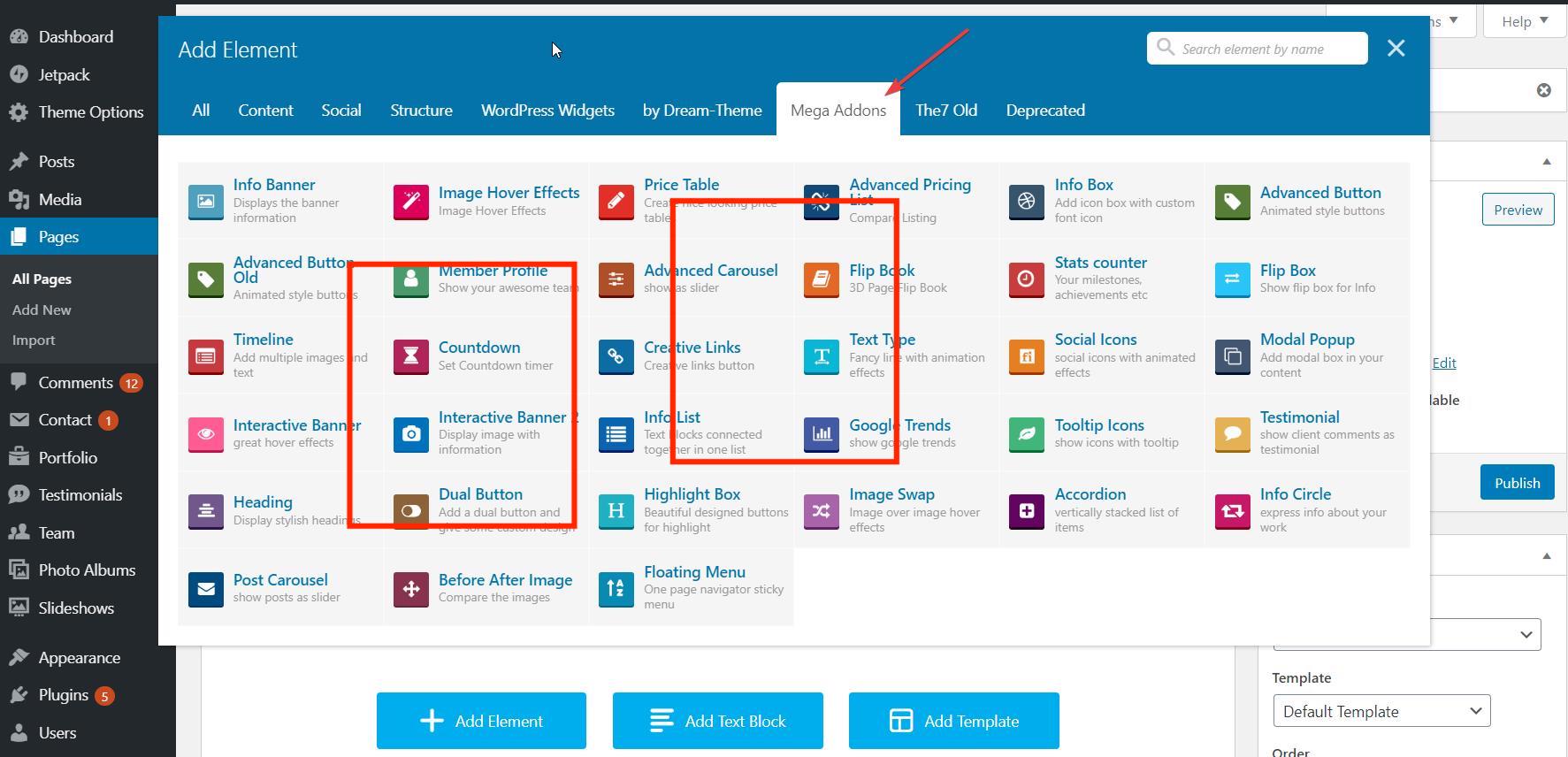
Mega Addons for WPBakery Page Builder is a bundle of 34+ highly customizable elements and add-ons that can be used with the WPBakery Page Builder plugin. It offers a wide range of professional-looking and easy-to-use extensions that can enhance your website design. The add-ons are fully responsive, lightweight, and come with expert support.Screenshots


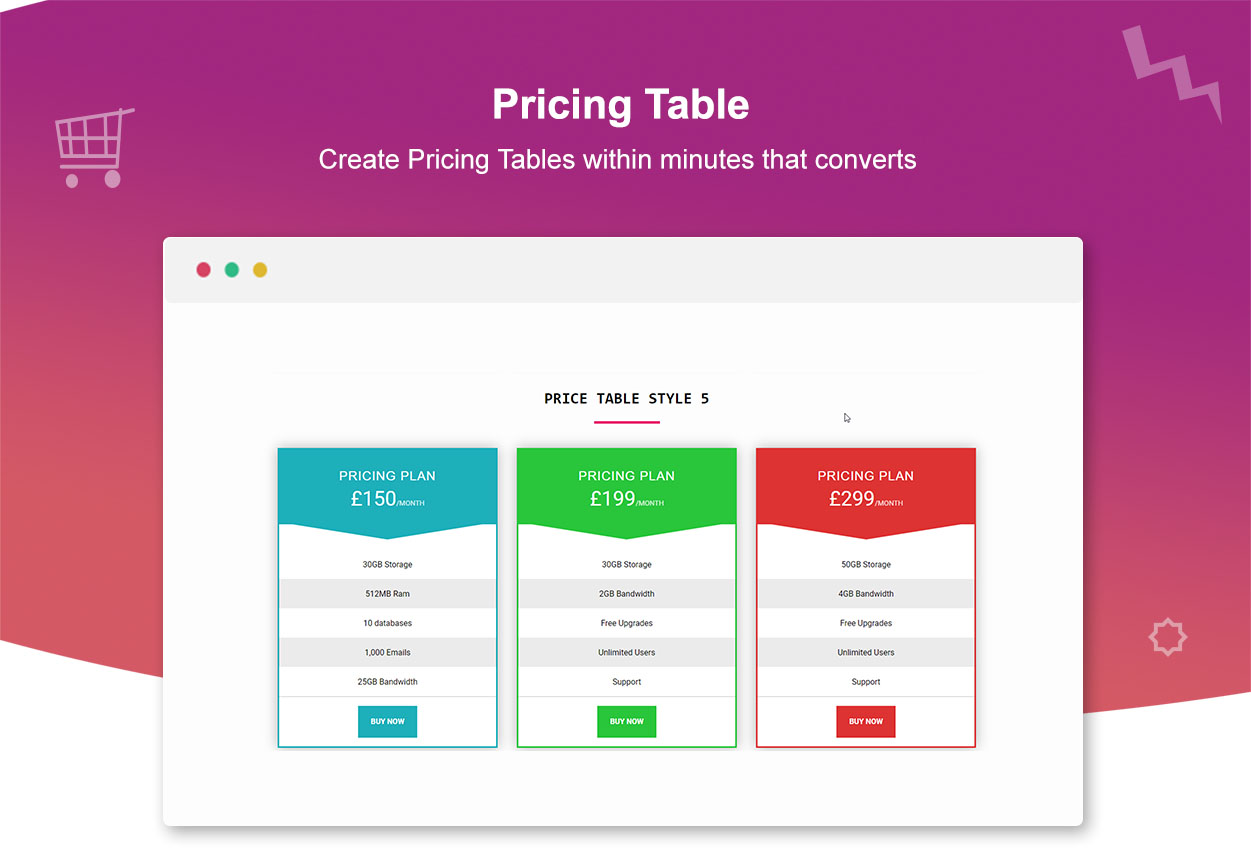
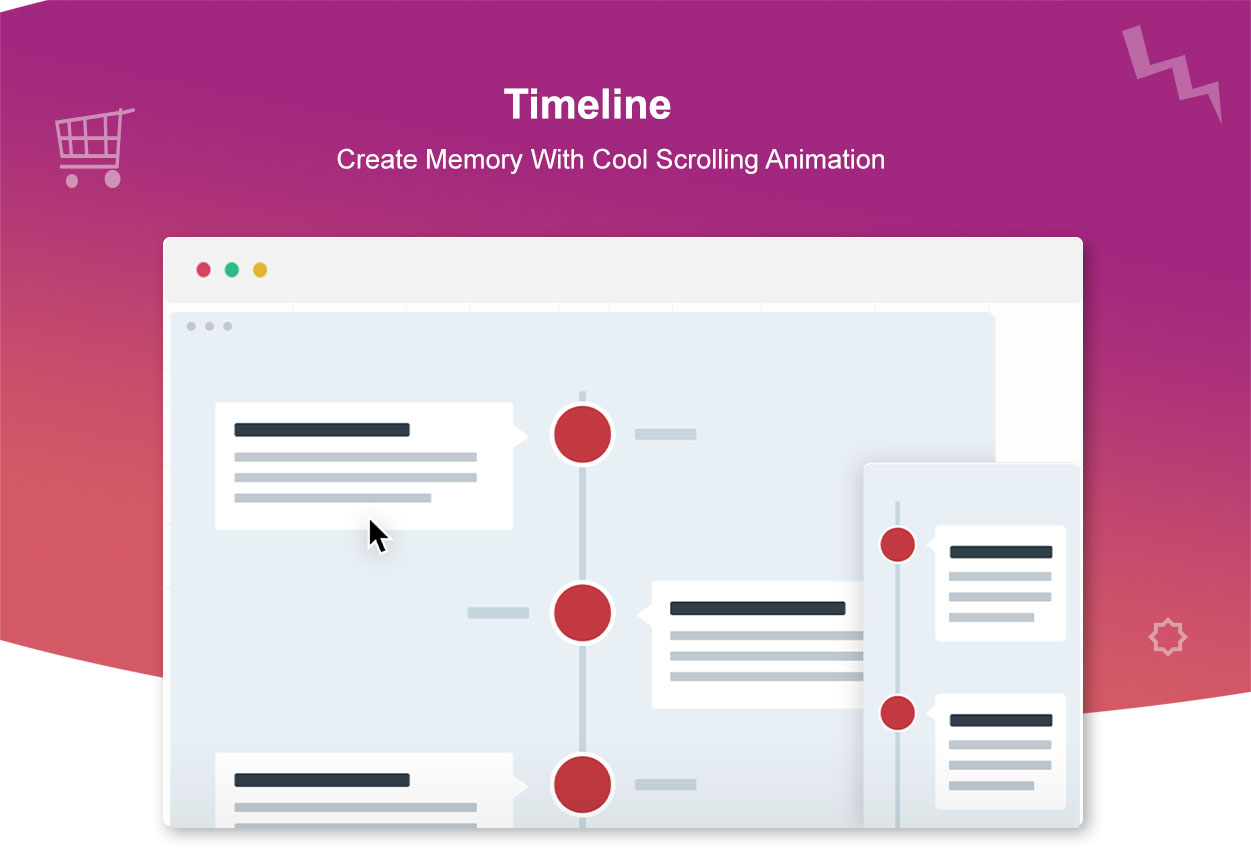
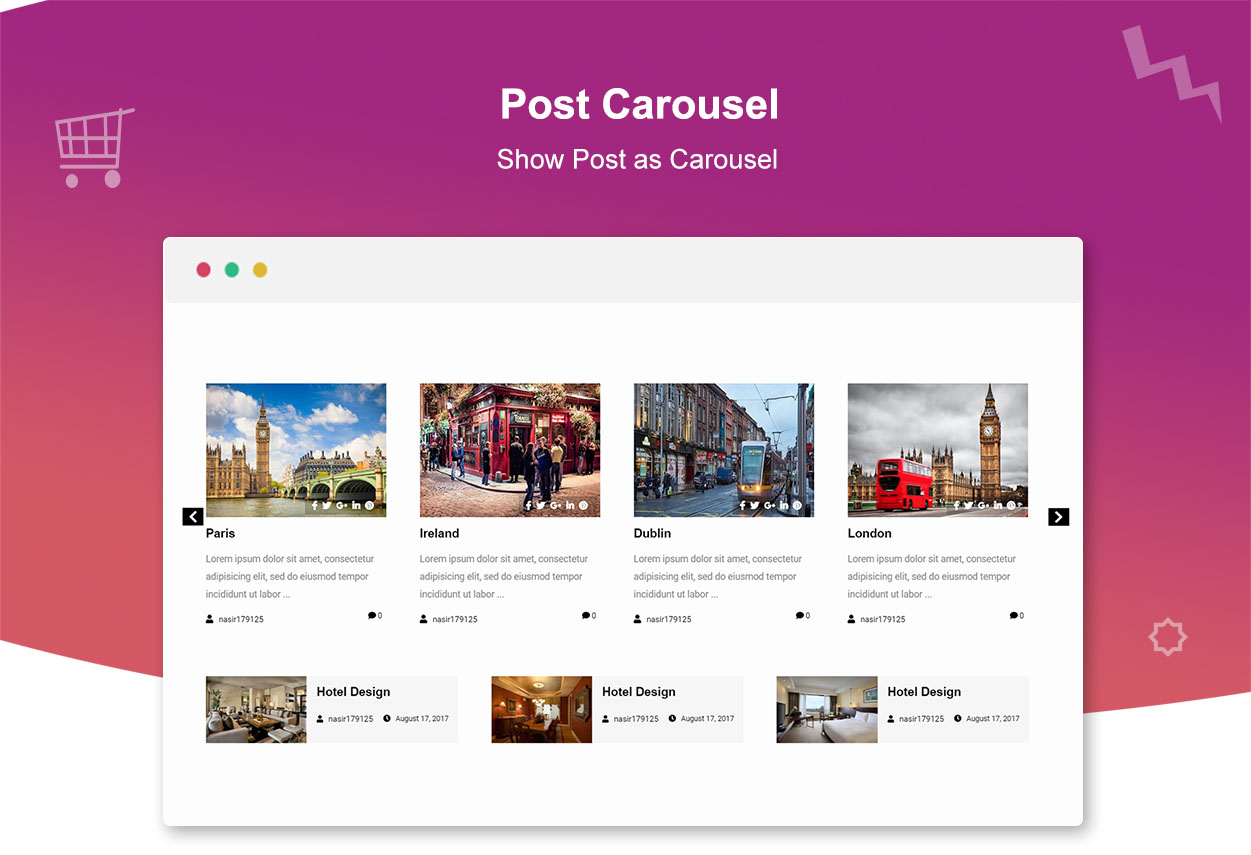
Frequently asked questions
What is Mega Addons for WPBakery Page Builder?
Mega Addons for WPBakery Page Builder is the biggest Addon bundle for WPBakery, featuring 34+ highly customizable elements and add-ons. It provides everything you need for your WPBakery Page Builder.
Is WPBakery Page Builder plugin required to use Mega Addons?
Yes, WPBakery Page Builder plugin (formerly Visual Composer) must be installed and activated in order to use Mega Addons for WPBakery Page Builder.
Are the elements and add-ons customizable?
Yes, each element and add-on comes with a variety of options to control every aspect of its design. You can achieve nearly any design you can imagine.
Are the elements and add-ons lightweight and optimized for fast loading?
Yes, Mega Addons for WPBakery Page Builder is optimized for super fast loading and instant live editing. It does not slow down your website with extra resources or messy codes.
Is there support available for Mega Addons?
Yes, there is a support team ready to help you. You can ask your questions in the support forum or contact them directly through the contact form.
Changelog
4.3.0 – 04/05/2023
- Vulnerable security issue is fixed. The vulnerability reported is the plugins do not validate and escape some of their shortcode attributes..
- Filterable Gallery: Changes in function and design due to non GPL license library so replaced it with another filter library. This can change your design so update it to the latest settings.
4.2.7 – 02/06/2021
- Bug Fixed: PHP Warning Undefined array key 1 & PHP Warning: Undefined array key 2 error show in different elements.
- Fixed: Error show using Google Fonts option.
- Accordion: Added the option of custom “Class” & “ID”.
- Accordion: In the Backend Editor you can see the Title of each accordion tab.
- Fixed: Undefined line show in “Timeline” element.
- Social Icon: Option to link url in new tab, fixed effect “Icon & Text”.
- Fixed: In InfoList “show” “hide” class conflict with other templates so removed It.
4.2.6 – 18/11/2020
- Advanced Carousel: Bug Fixed
4.2.5 – 18/11/2020
- Info Banner: Redesign Settings and more Features.
- Info Banner: Now you can add Gradient Background, Shadow for Button and Box. Added Google Fonts Option.
- Advanced Button: Added Google Fonts Option.
- Advanced Carousel: Fixed Padding for content + added “Animation Speed” option.
- Heading: Added Google Fonts Option, Set custom width Line with Icon and fixed border line show as box.
- Member Profile: Redesign Settings + Included new style.
- Accordion: Added Title Align Option + Title padding + More settings
- Bugs Fixed: When using the jQuery Migrate Helper plugin see the following notice: jQuery.fn.load() is deprecated
- Creative Link: CSS Class option added.
- New Pro feature available: 360 Product View
4.2.0
- Filterable Gallery: Now you can show caption text in Popup view.
- Advanced Button: Redesign settings for Button with addition of 7 more Effects.
- Advanced Button: New options => Button Shadow, Text Transfrom, Font Style, Icon position to left & right,
- Modal Popup: All Pro Button Hover Effects are available in free version now.
- Image Swap: Fade Effect added.
- Image Swap: New options => Animation Speed, Set custom Image Width/Height and for mobile devices, Element Alignment.
- Fixed: Sometimes button crop from bottom side in Advanced Carousel.
- Fixed: Sometimes activating plugin decreased the website header width.
- WhatsApp Chat Pro: Get Instant message through website.
4.1.1
- Thank you for using plugin. We are working hard to make plugin more better.
- New Element: Filterable Gallery -> Display images with separate categories, Grid Styles and customize the overall design to ensure the extraordinary look.
- Accordion: Now you can add custom fontawesome icon for Default & Active, plus set text color & background when accordion is active.
- Timeline: Added the extra option for Text and Image.
- Redesign settings of “Info List”.
- Advanced Carousel: Now you can set Background Color of “arrows” and custom font size of “dots”. For further please check the Demo.
- Modal Popup: Padding option for content when It is displayed in Popup view.
- Image Swap: Remove gray border outline and addition of Border styling.
- Fixed some bugs.
4.0
- This version have a lot of Improvements and bug fixed. Previous version 3.1 had major updates without new release. We have fully update the plugin now.
- Note: Please make sure to backup your previous version If you are updating plugin from 2.3 because desing can be change.
3.1
- This verion have some changes In settings so please make sure to backup your previous version and design. Your design can be change on updating the plugin so first test It on other server or localhost.
- These settings will effect on font size, padding, height width and URL given to elements.
- If you update the plugin by mistaken then simply revert the old version 2.3 and settings will be back. You can download It from Plugin URI on WordPress.org
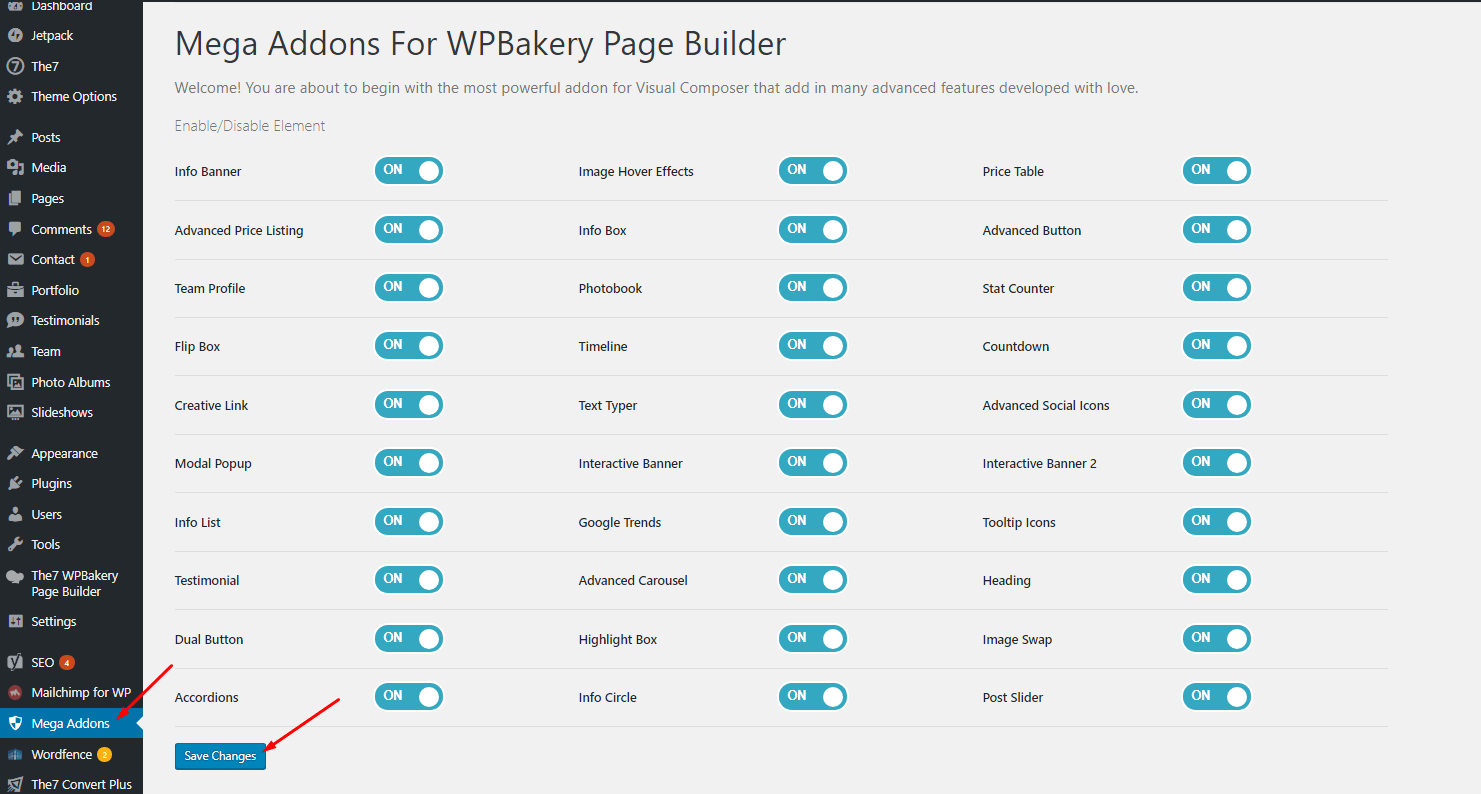
- Now you can disable unused elements from dashboard to speed up your page loading time.
- We fixed too much bugs in new version and made more responsive design.
- You can add custom settings for mobile devices.
- Info Box: Addition of WP-Editor option for description field and Box shadow and “Link To” options.
- Accordion: Options of Collapseable + animation + mouseover and clickable, plus panel height issue resolved.
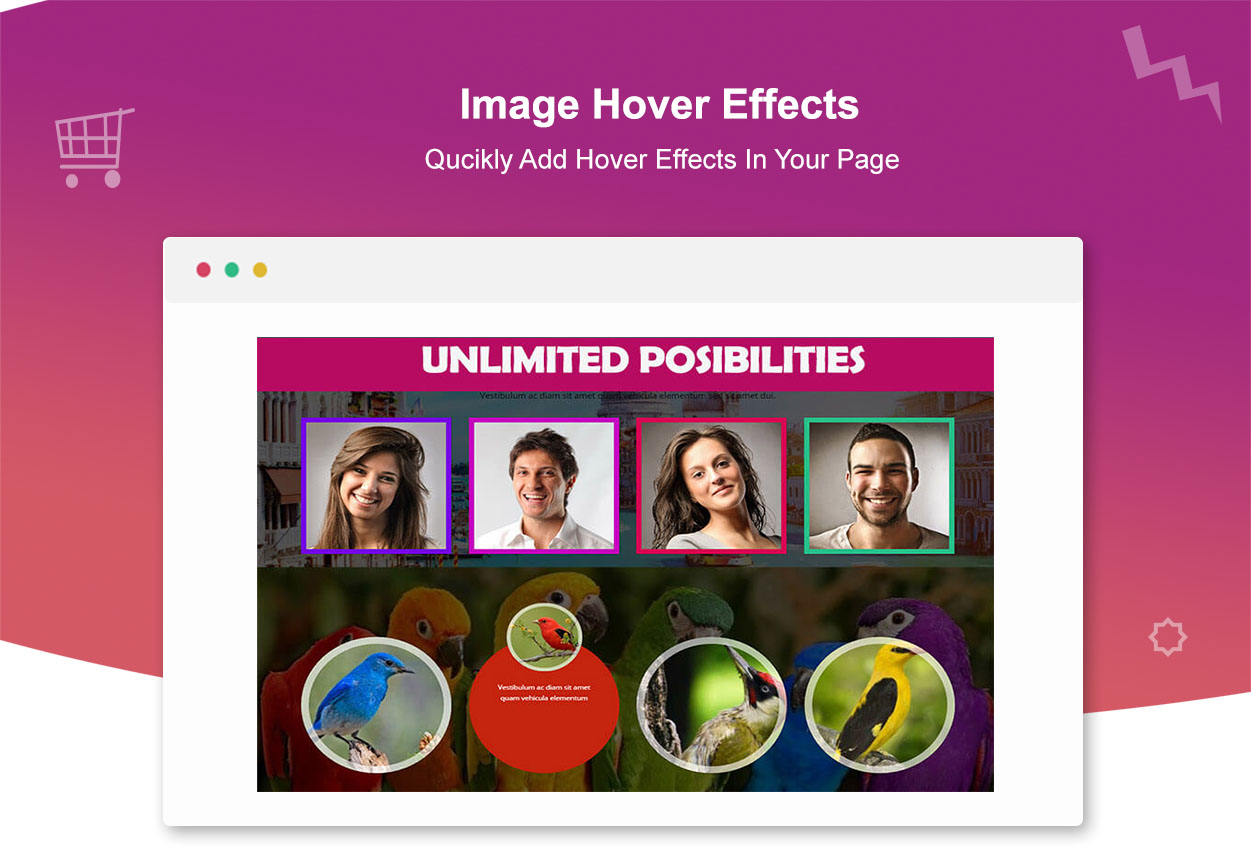
- Addition: Width & Height option for Image Hover Effects.
- Image Alt attribute In all elements.
- Remove “Photobook” element.
- Flip Box CSS fixed rotation problem
- Price Table: 2 more design.
- Addition: Text Color & background color onhover for button in modal popup element.
- Addition: Border Style option in Image Swap Element.
- Extra Spaces Removed From Interactive Banner Design.
2.3
- In this version we are just letting you know that a new beta version 3.0 will be release soon which will have alot of changes so please make sure to backup your previous version. You can download the Beta version from given link:- https://addons.topdigitaltrends.net/mega-addons-beta-version/
2.2
- Bug Fixed: Info banner mobile responsive issue
- Bug Fixed: Modal Popup play randomly video onClick.
- Remove: Flip Box bold heading
- Pro Version available with much more options and designs.
- In pro version, you can disable unused elements from dashboard to speed up your page loading time.
2.1
- Fixed: Info banner mobile responsive issue
- Added: Add link to image in member profile
- Changes: Price Table setting changes
- Fixed: Some Bugs
2.0
- Notice: Please make sure to backup your previous version. This update has a large amount of changes and many new features are added. Feel free to ask on support forum regarding any issues before leaving a low star rating. Thanks
1.0
- First Version

