

Enables the previous "classic" editor and the old-style Edit Post screen with TinyMCE, Meta Boxes, etc. Supports all…
About Backup Migration
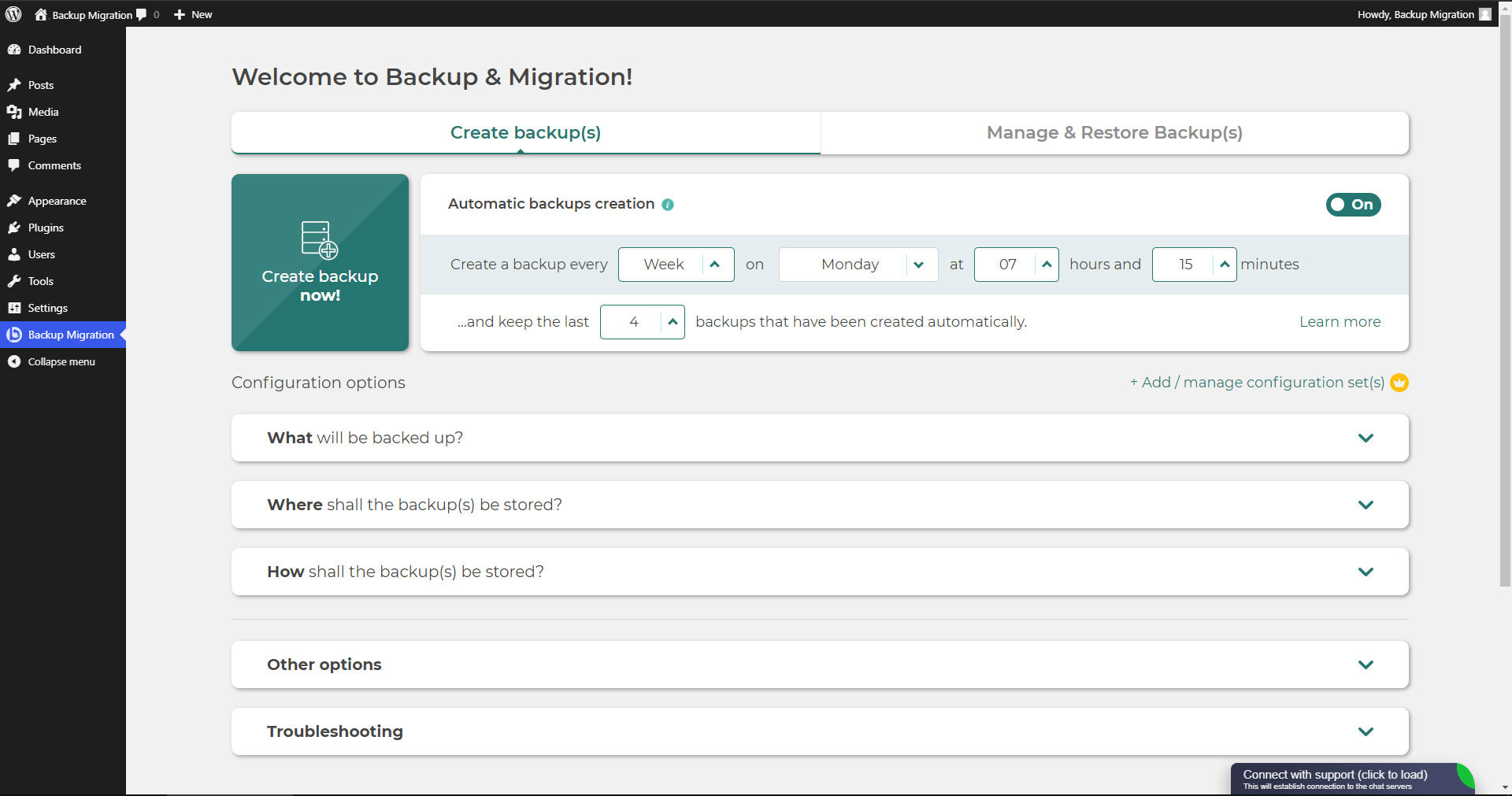
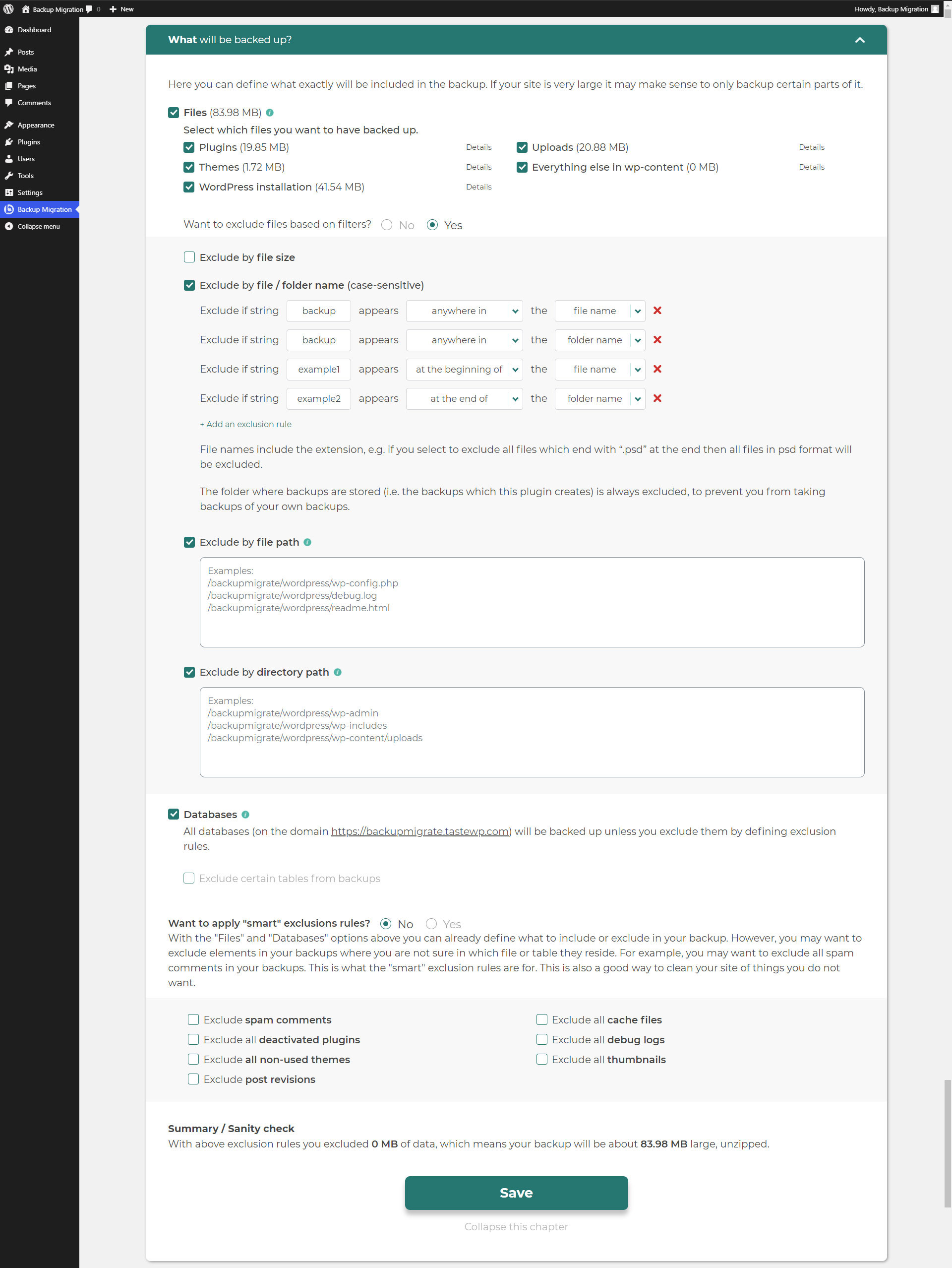
This plugin allows you to easily create backups of your WordPress site. You can schedule backups, choose which files and databases to include, and specify where the backup should be stored. The free version has a 2GB size limit, but there is a premium version available for unlimited sizes.Screenshots
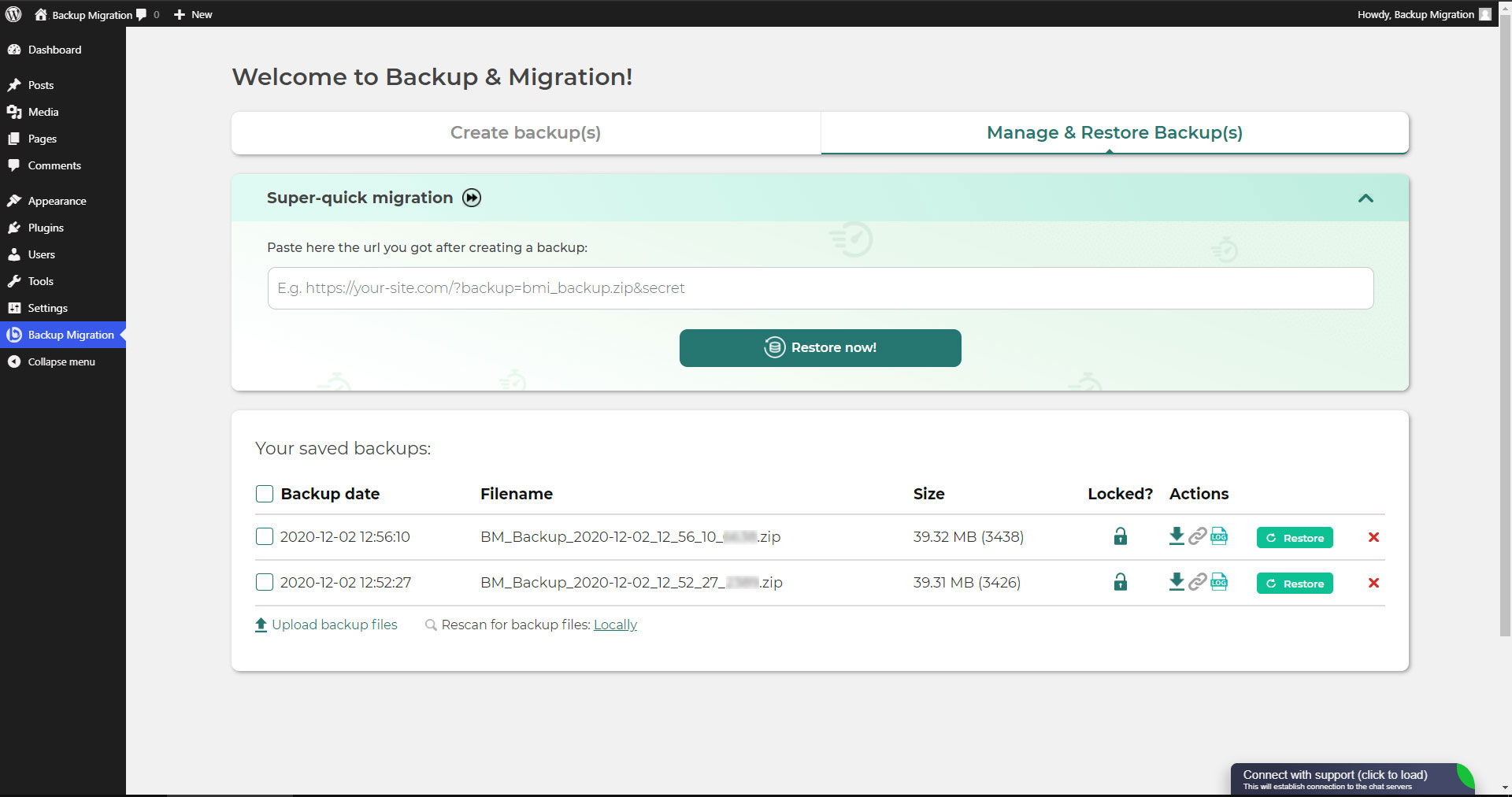
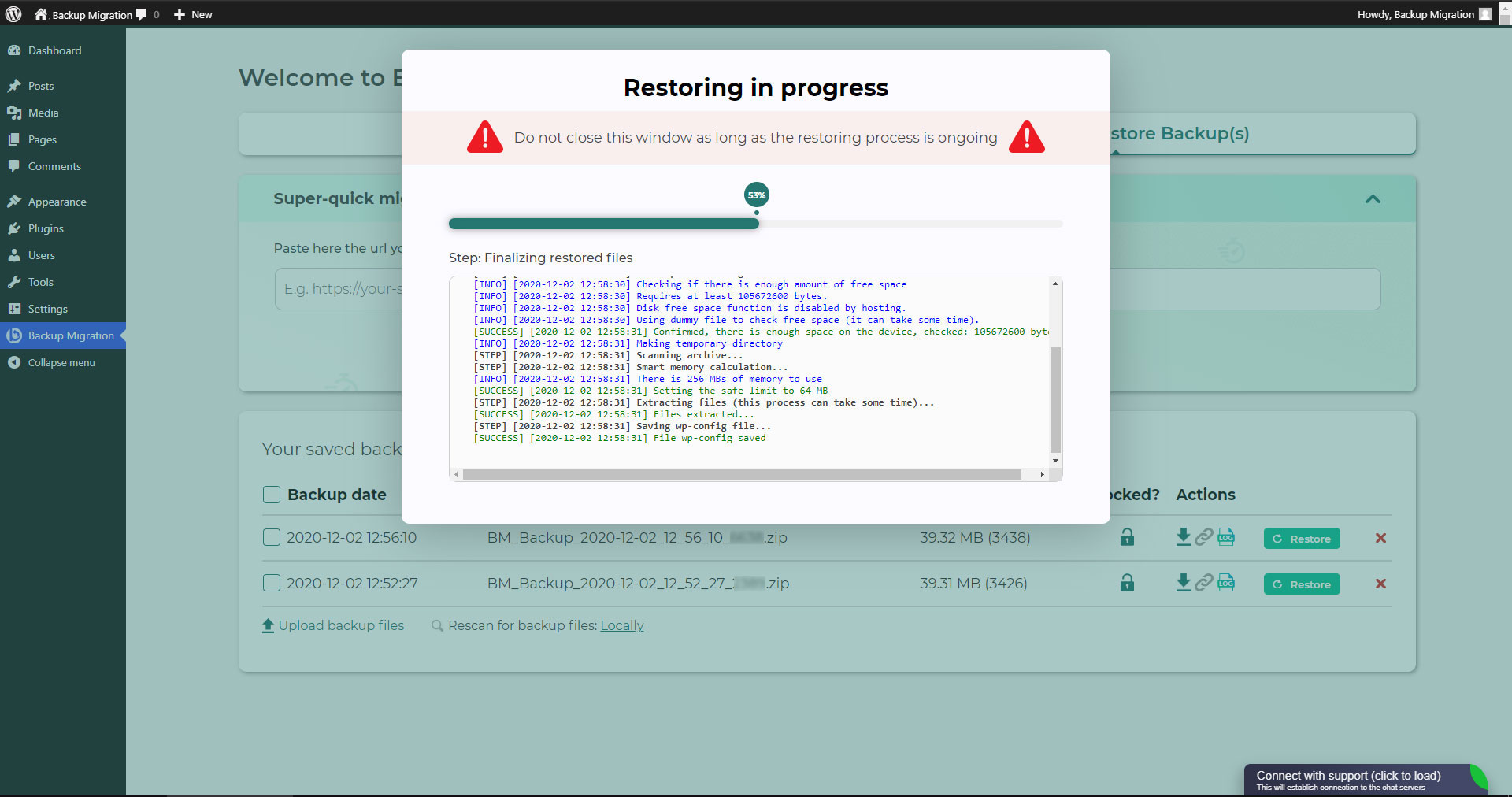
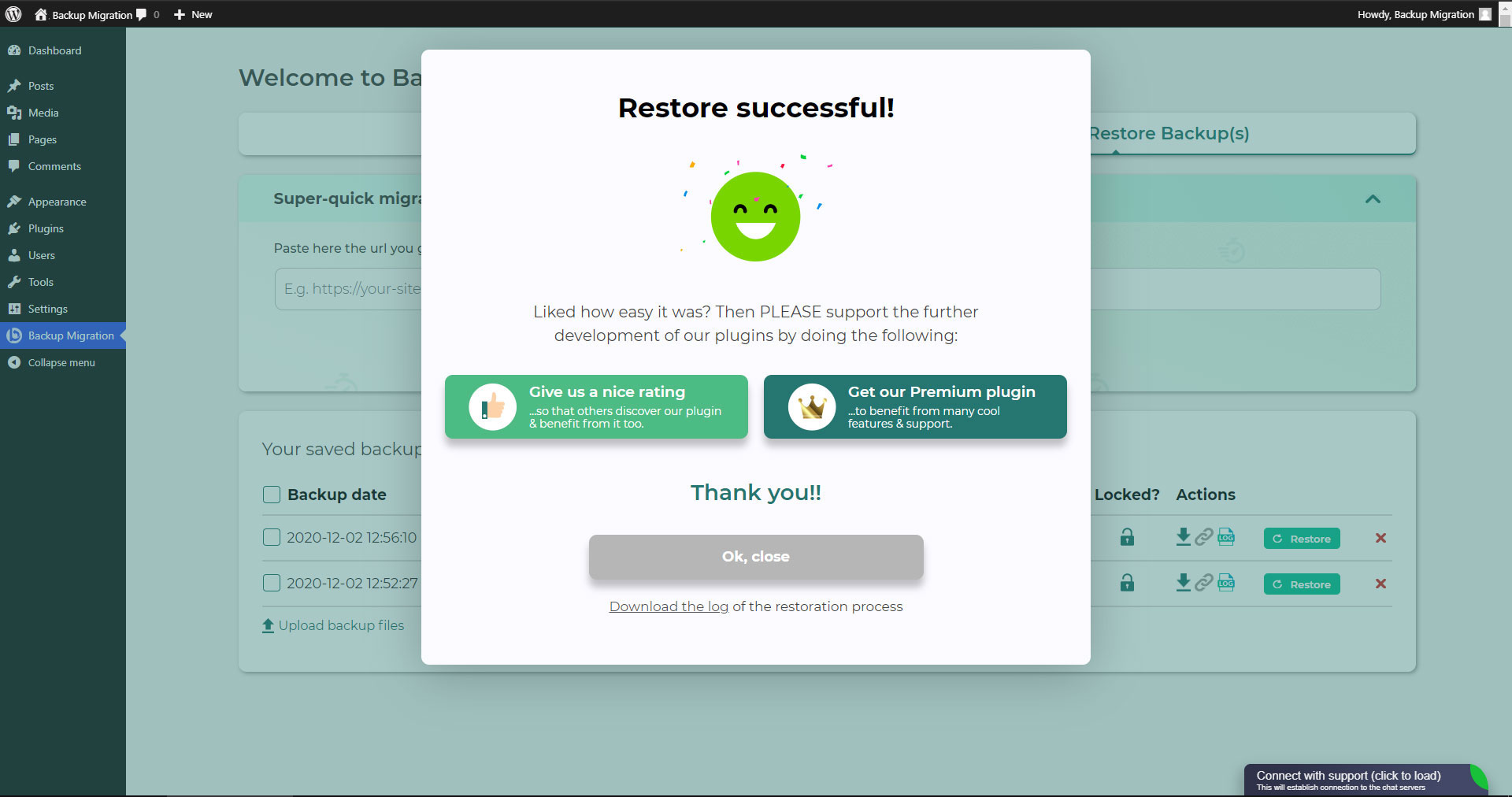
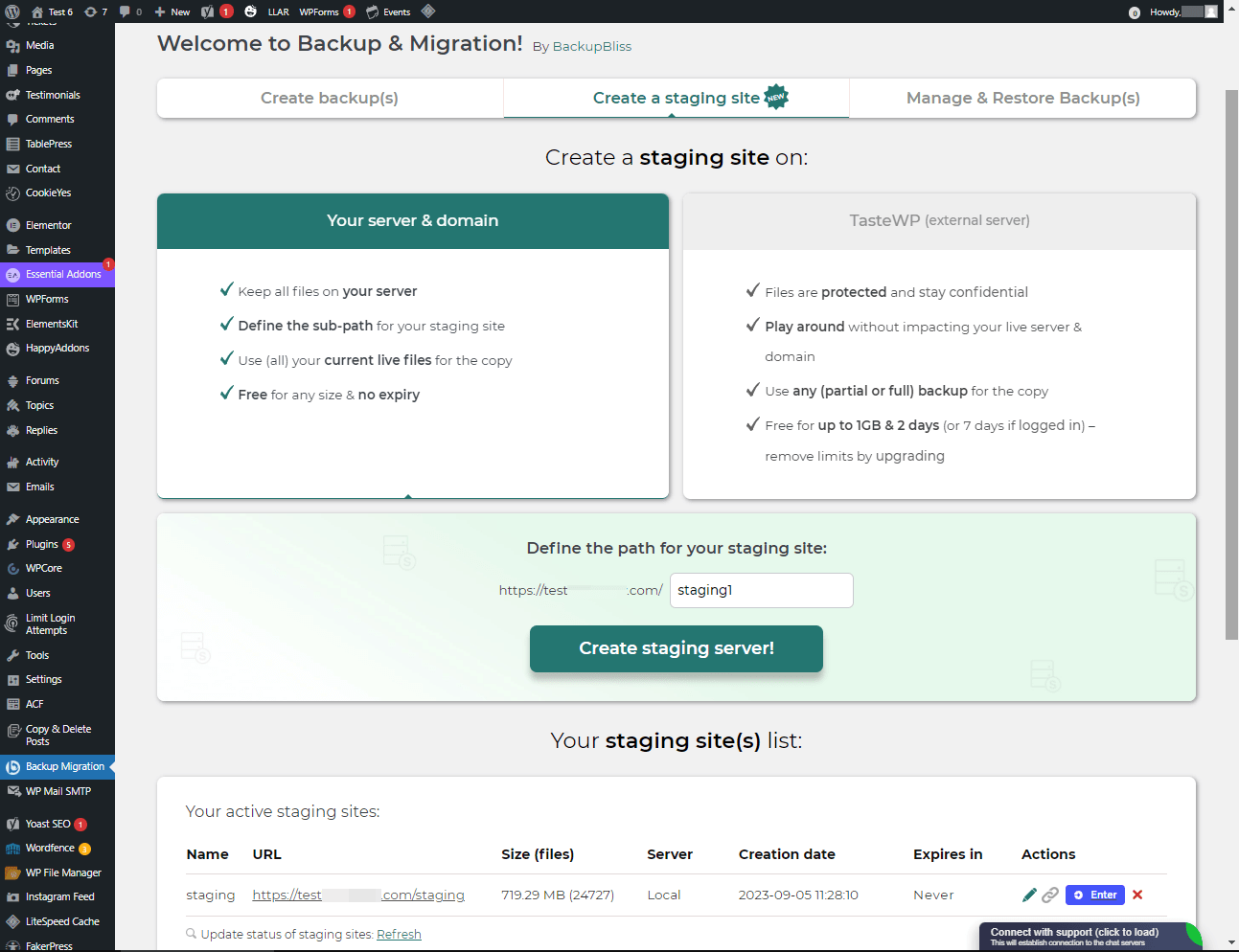
Frequently asked questions
How can I try the plugin on my site?
You can try the plugin on your free dummy site by clicking on this link: https://demo.tastewp.com/bmi. Just replace 'wordpress' with 'tastewp' in the URL.
How do I create a backup of my site?
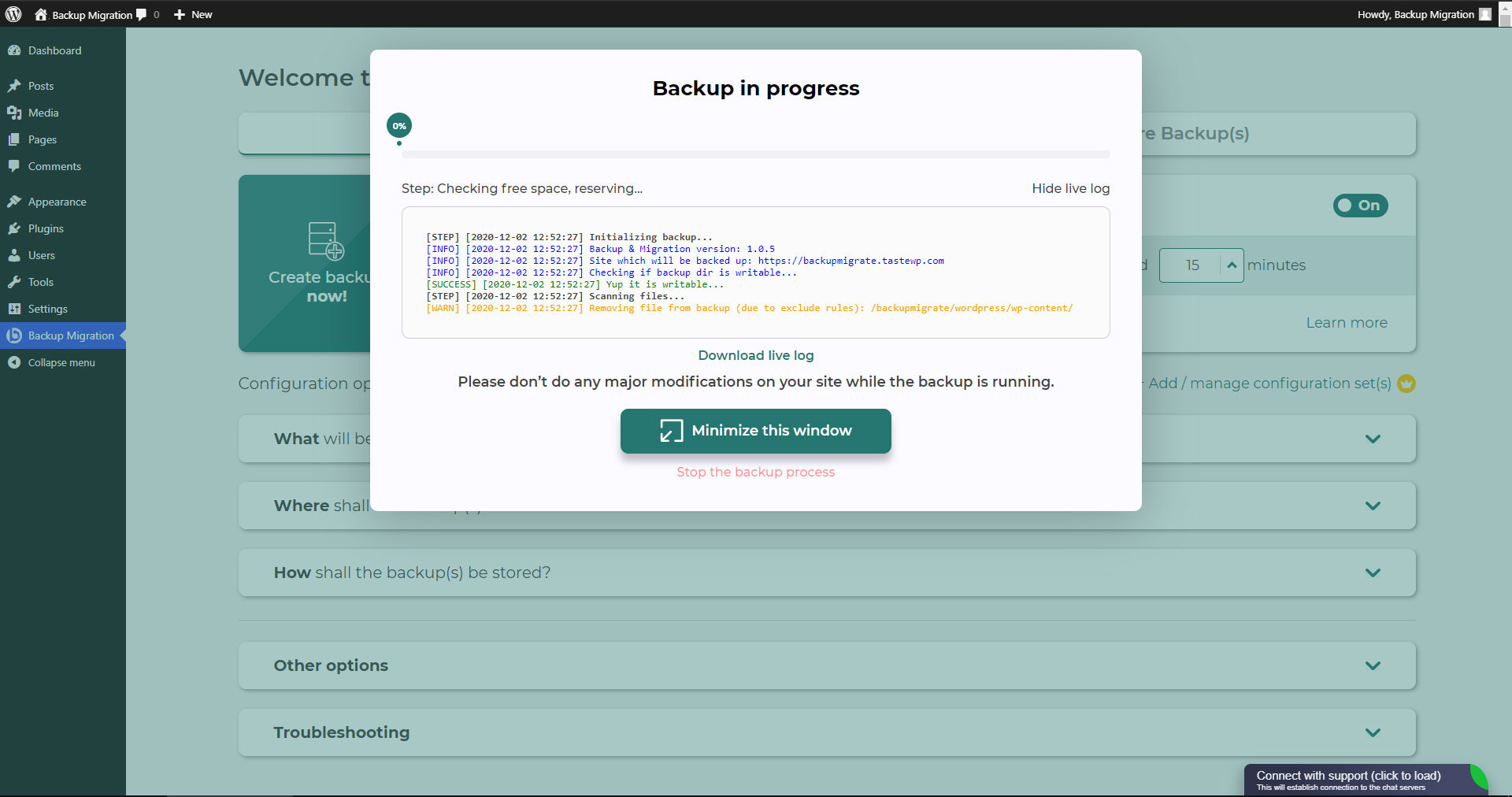
To create a backup of your site, simply install the plugin and click on 'Create backup now'.
Can I schedule automatic backups?
Yes, you can schedule backups to be taken automatically. For example, you can define that a backup should be taken every week or every day/month.
What configuration options are available?
You can define which files/databases should be included in the backup and which should not. You can also specify where the backup should be stored, the name of the backup, and receive notification emails, among other options.
Is this plugin suitable for migrating or restoring a site?
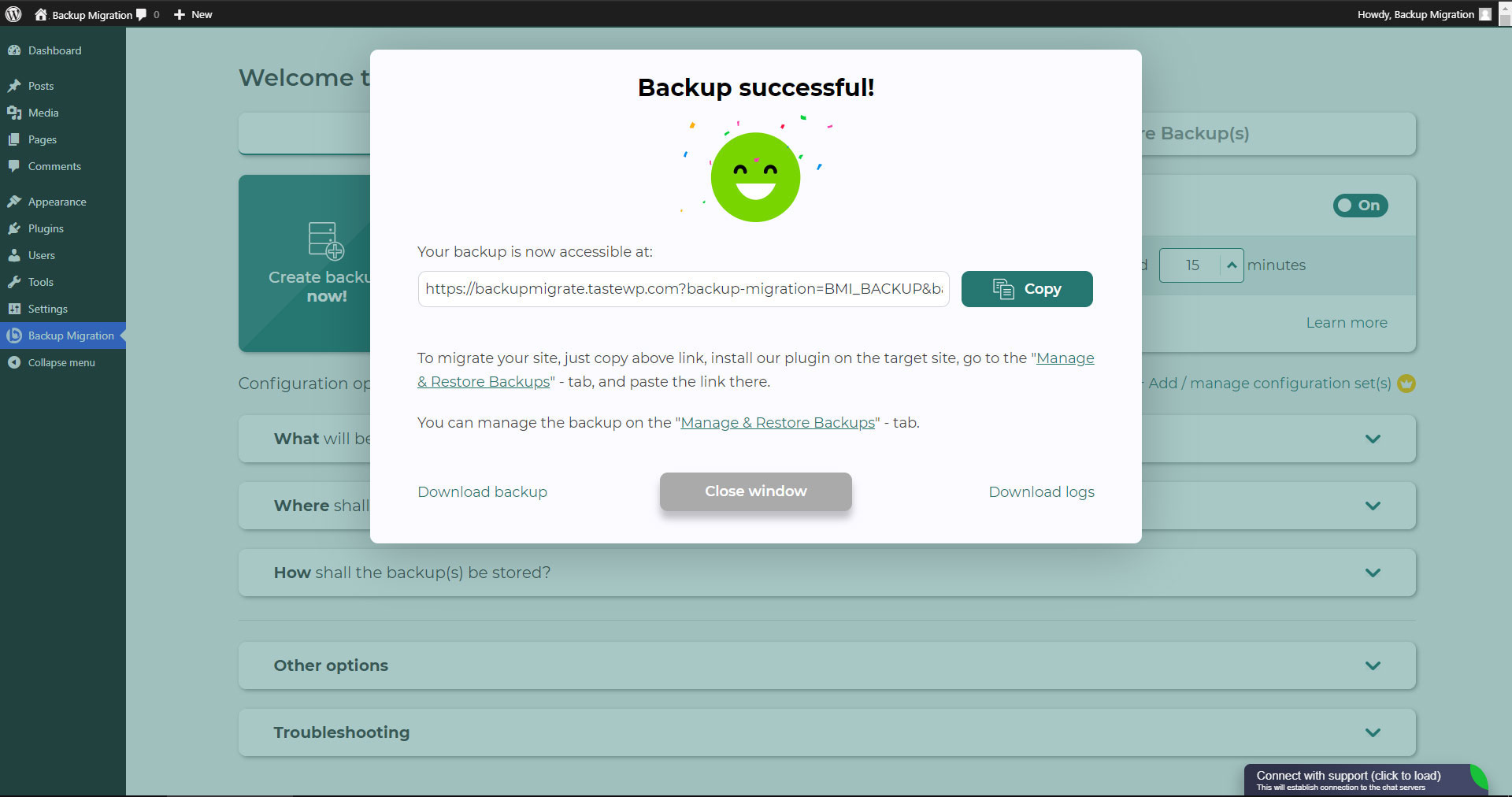
Yes, this plugin is an all-in-one solution for migrating your site to another host or restoring a local backup.
Changelog
1.4.7
- Tested with WordPress 6.7.1
- [FEATURE] Backup size limit has been bumped to 4GB (previously it was 2GB).
- [FIX] Fixed an issue with restore failing when it reaches DB restoring setup.
- [FIX] Fixed a restoration issue with the same file being moved multiple times.
- [FIX] Bug fix which prevented the CLI method from being used due to a lock file logic.
- [FIX] Bug fix related to early loading of translation (https://core.trac.wordpress.org/changeset/59127).
- [FIX] Fixed a security issue in the backup restore feature.
- [ENHANCEMENT] Enhancements to compatibility notices and “not enough space” error handling.
- [ENHANCEMENT] Enhanced Debug-It-Yourself notice when an issue occurs.
- [ENHANCEMENT] Updated incompatible plugins list (which are known to interfere with the working of the plugin).
- [ENHANCEMENT] Clear indication of space issues (if any) when backup/restore fails.
- [ENHANCEMENT] Minor adjustments to cloud storage listing.
- [ENHANCEMENT] Optimization of backups list fetching.
- [ENHANCEMENT] Enhanced backup file path handling for core and content files.
- [ENHANCEMENT] Enhanced restore progress modal with dynamic titles and warnings based on the restore process state.
- [ENHANCEMENT] Enhanced backup file handling and cleanup logic (after backup errors).
1.4.6
- Tested with WordPress 6.6
- Minor performance improvements
- Improvements for PHP 8 utilization
1.4.5
- [FIX] Resolved issues with cURL backup method and false positive errors
- [FIX] Fixed issues with small size backups (<=~10MB)
- [FIX] Prevented errors during space check
- [FIX] Fixed issues with database backup
1.4.4
- [NEW] Added “error translator” which tells the user what went wrong based on the live log – it will be extended during time
- [NEW] Added size checks, if the batch decreased the ZIP size it will consider it as damaged and return error
- [NEW] Backups list will now load until it can process all backups (for sites with low max execution time)
- [NEW] Added support for flexible ZipArchive which will be prioritized over PCLZip (works out of the box)
- [NEW] Our plugin will now ignore search replace on large tables that are known to be huge log tables
- [NEW] Added VERBOSE messages about previous size of the backup and time taken between batches
- [NEW] Within the error window user can now download uncensored logs (administrator only)
- [NEW] Proper backup cleanup, our plugin will now REMOVE damaged backups to save space
- [NEW] Upgraded error window which allows users to debug the problem or get our help
- [NEW] Added recommendations in terms of server configuration after process failure
- [NEW] Proper backup cleanup, our plugin will now properly regenerate backups cache
- [NEW] Added “force cache disabled” to our plugin requests to bypass cache plugins
- [NEW] ZipArchive will work now for PHP CLI process as well as browser method
- [NEW] Refactored way how we communicate with back-end within our plugin
- [NEW] Added smart issue resolver to error window
- [CHANGE] Alternative disk space checking will now be used more often for smaller backups
- [CHANGE] Improved path cutter to make sure proper slashes are applied for Windows/Linux
- [CHANGE] Added more constant exclusions for third party plugins temporary directories
- [CHANGE] Native backup processes will go through same validation as browser method
- [CHANGE] Backup list refresh will now perform cleanup and list cache regeneration
- [CHANGE] PCLZip will now use larger block sizes to support larger single files
- [FIX] Added additional checks for broken permission files/directoriers to exclude them without error
- [FIX] Fixed our upload area to display current percentage of the progress instead of delayed
- [FIX] Success window will not show up now after aborting the process and starting it again
- [FIX] Improved file scanner to prevent errors during scanning of files out of open_basedir
- [FIX] Resolves issues with plugin tabs while using plugins that could conflict with ours
- [FIX] Addedd ability to self-regenerate config file when it got damaged due to errors
- [FIX] Improved security of public URLs such as URL for migration, censored live logs
- [FIX] Increased possibility to display error window when something unknown happened
- [FIX] Reviewed proper responses from backup-process.php after moving it to WP scope
- [FIX] Fixed doubled responses from backup-process.php during browser backup method
- [FIX] Decreased possibility of false positive success window during PHP CLI
- [FIX] Improved session detection for sites with improper session setup
- [FIX] Fixed JSON parser to not fail on empty responses
1.4.3
- [REMOVED] Backup middleware PHP file has been removed
- [CHANGE] We lowered requirements for our upload area, now it requires max_upload_size minimum at 1 MB.
- [… and more …]
previous
Old changelog has been removed due to WordPress limitation of 5000 characters.

