

Improve your WordPress SEO: Write better content and have a fully optimized WordPress site using the Yoast SEO…
About WP Add Custom CSS
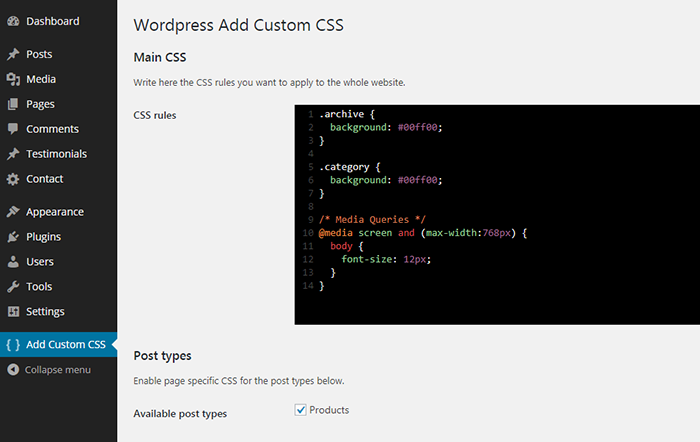
WP Add Custom CSS is a plugin that allows you to easily add custom CSS to your website, whether it's for the whole site or specific pages. You can override the default stylesheets of your theme and plugins, and there is a dedicated settings page and editing area for easy customization.Screenshots
Frequently asked questions
What does WP Add Custom CSS do?
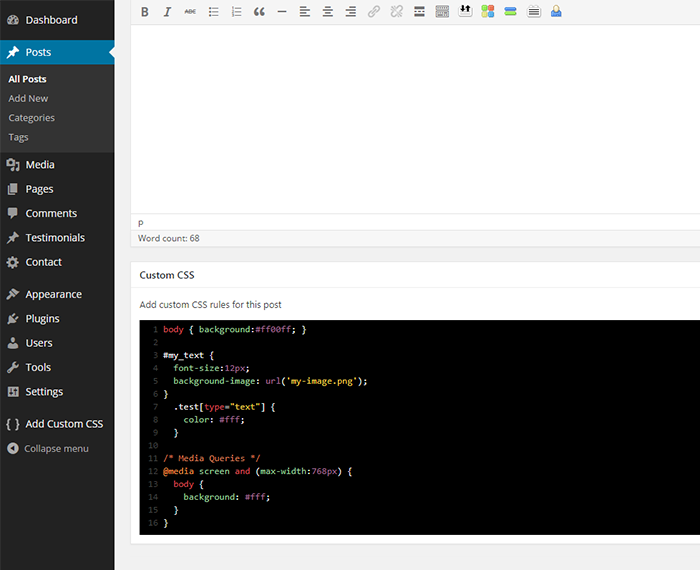
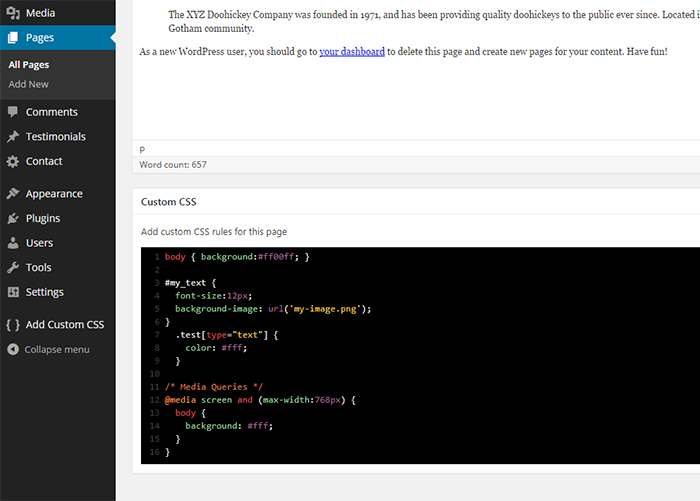
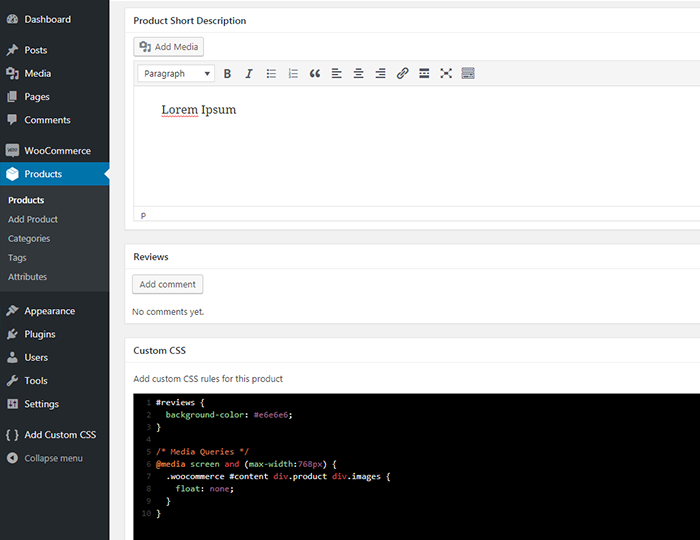
WP Add Custom CSS allows you to add custom CSS to the whole website and to individual posts, pages and custom post types.
How does WP Add Custom CSS affect the website's stylesheets?
The CSS rules applied to the whole website will override the default stylesheets of your theme and plugins, while the CSS rules applied to specific pages, posts or custom post types will override the main stylesheet too.
Can I edit the main stylesheet using WP Add Custom CSS?
Yes, you can edit the main stylesheet from the 'Add custom CSS' settings page.
Does WP Add Custom CSS provide a way to add custom CSS to specific posts, pages, and custom post types?
Yes, the plugin creates a new 'Custom CSS' box in the editing area to add custom CSS to specific posts, pages, and custom post types.
Changelog
1.1.6
- Updated code editor
- Added text wrapping to code editor
- Fixed compatibilty issues with WPBakery Frontend Editor
1.1.5
- Changed default code editor
- Advanced code editor is now resizable
- Fixed textarea direction for RTL languages
1.1.4
- Fixed compatibility issue with The Events Calendar
1.1.3
- Fixed WordPress 5 compatibility issues
- Fixed Gutenberg compatibility issues
- Updated uninstall method
- Minor improvements
1.1.2
- Fixed CodeMirror compatibility issues
1.1.1
- Fixed uninstall hook
1.1.0
- Added CodeMirror text editor
1.0.1
- Fixed issues with ssl on some server configurations
1.0.0
- Added support for custom post types
0.9.7
- Fixed minor bug
0.9.6
- Fixed WPML bug
0.9.5
- Improved css output for single posts and pages
0.9.4
- Fixed > rendering issue
0.9.3
- Fixed minor bug
0.9.2
- Fixed minor bug
- Minor layout changes
0.9.1
- Fixed double quotes rendering issue
0.9
- First release

