

Improve your WordPress SEO: Write better content and have a fully optimized WordPress site using the Yoast SEO…
About BlogVault WordPress Backup Plugin – Migration, Staging, and Backups
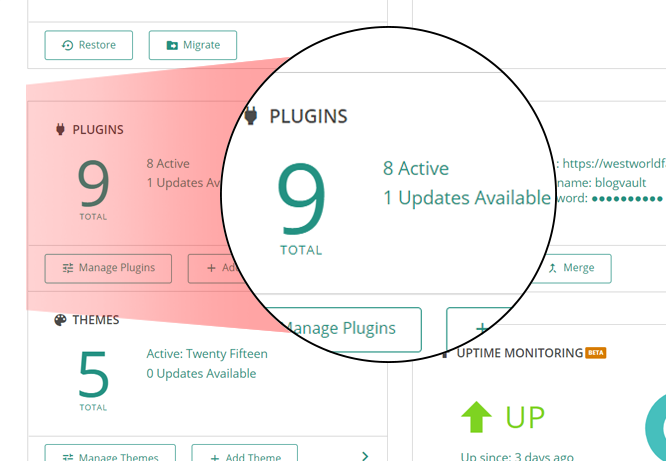
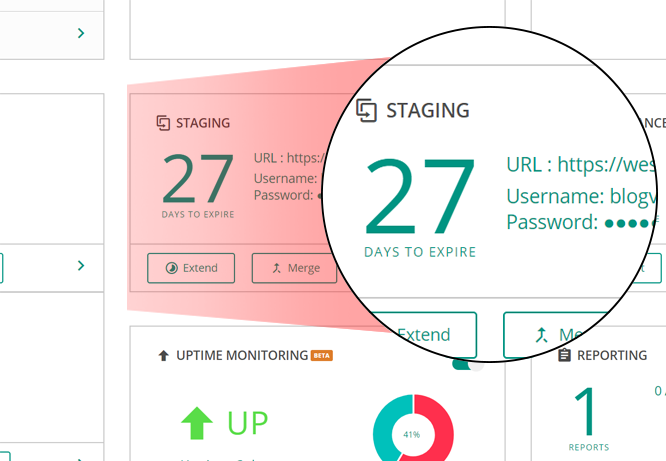
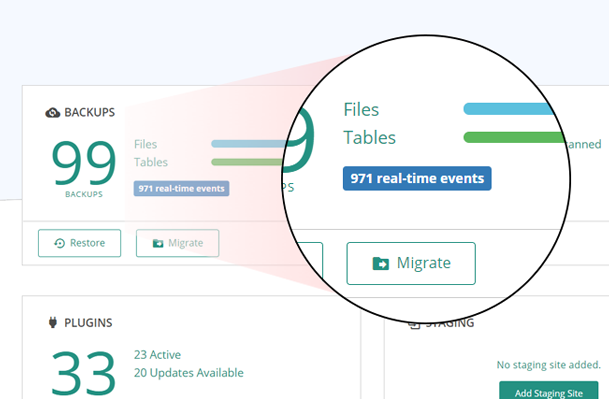
BlogVault is a reliable WordPress backup plugin that offers free cloud storage and a staging environment. It backs up your entire WordPress site, including the database and files, and provides a simple and safe backup solution. It also offers features like one-click staging, website migrations, and client reporting, making it a perfect solution for developers and agencies.Screenshots

Frequently asked questions
What does BlogVault do?
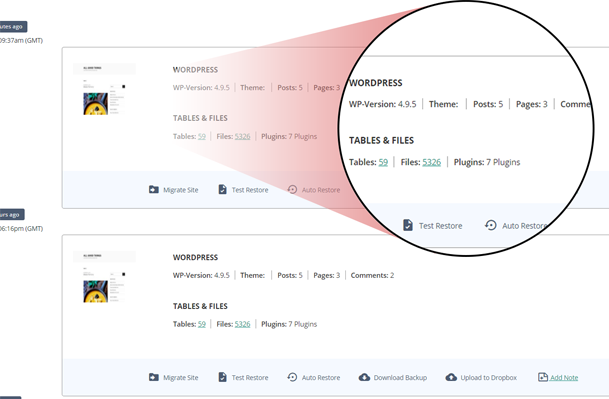
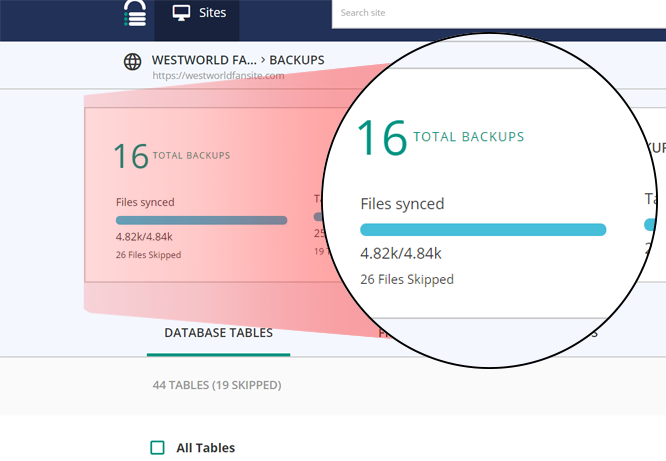
BlogVault regularly backs up everything in your WordPress site – Including WordPress database, WordPress files, themes, images, etc.
Is BlogVault safe to use?
WordPress database and files backup using BlogVault is much safer and simpler than creating a backup manually.
Who uses BlogVault?
It is trusted by over 4,50,000+ WordPress websites and officially powers migration for some of the largest web hosts from WPEngine, Pantheon, FlyWheel, LiquidWeb, Cloudways, Savvii, and many more.
What are the benefits of using BlogVault as a backup solution?
Some benefits include incremental backups that never overload your server, free offsite storage, 90 days archive to recover from any mistake, fastest website recovery within minutes, one-click staging site deployment, frustration-free website migrations, real-time backups for WooCommerce stores, and the ability to manage multiple websites from a single dashboard.
Why choose BlogVault?
Some reasons to choose BlogVault include easy setup and installation, built-in free staging, no impact on website speed, no technical knowledge needed, and responsive customer support.
Changelog
5.91
- Tweak: Code Restructuring
5.88
- Fix: Resolved compatibility issues with WordPress versions below 6.2.
- Tweak: Added support for PHP 8.4
5.85
- New: Added Gravity Forms support in Form Testing.
- Tweak: Code Restructuring
5.81
- Tweak: Enhanced Form Monitoring
- Tweak: Improved Error Handling
5.77
- New: Introduced WP Login Whitelabel
- Tweak: Enhanced Two-Factor Authentication
5.73
- Tweak: Improved handling for Two-Factor Authentication
5.72
- New: Introduced Two-Factor Authentication
- Tweak: Enhanced PHP Error Monitoring feature
5.68
- Tweak: DB Version Update
5.65
- New: Introduced Domain Monitoring feature
- New: Introduced PHP Error Monitoring feature
- Tweak: Implemented Captcha bypass support for Forminator and Gravity Forms
- Tweak: Enhanced Firewall
5.56
- Better handling for Activate Redirect
5.53
- UI Improvements.
- Enhanced Firewall for greater robustness.
- Manage Improvements.
5.47
- Bug fix: Fetch Elementor DB details
5.45
- Added Elementor DB Update Support
5.42
- Enhanced Firewall
- Added Maintenance Mode Support
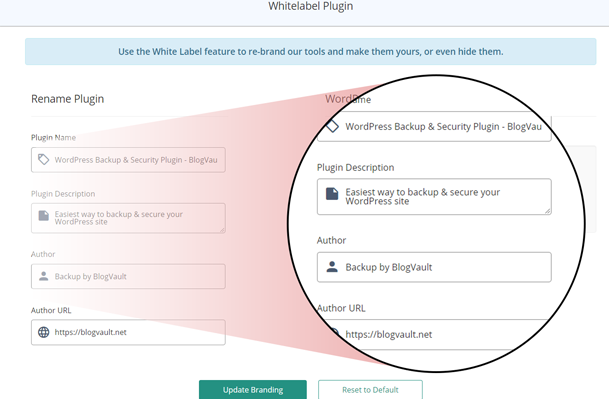
- Enhanced Whitelabel Functionality
5.41
- Enhanced Firewall
- Improved Authentication
- Improved WooCommerce DB Update Support
5.38
- Added WooCommerce 8.2.1 Real-Time-Backup support.
- Enhanced Firewall for greater robustness
- Enhanced WAF
5.25
- Bug fix get_admin_url
5.24
- WooCommerce DB Update Support
- SHA256 Support
- Stream Improvements
5.22
- Code Improvements
- Reduced Memory Footprint
5.16
- Security Improvement: Upgraded Authentication
5.09
- Manage Improvements
5.05
- Code Improvements for PHP 8.2 compatibility
- Firewall Enhancements
- Manage Improvements
4.97
- Firewall Improvements
- Whitelabel improvements
4.87
- Plugin Update Improvements
- Theme Update Improvements
4.86
- Whitelabel Improvements
- Activity log Improvements for Core update
4.84
- Bug fix: Handling WooCommerce update order hook
4.83
- Geo-blocking with advanced firewall
- Activity log improvements and bug fixes
- Woocommerce custom order table support for real-time backups
4.82
- Firewall Improvements
- Realtime Improvements
- Improving coding standards
- Code Improvements
- Updated bootstrap
4.78
- Improvements in identifying plugin and theme updates.
4.77
- Improved the landing pages.
- Enhanced future vulnerability protection
- IP Blocking Improvements
- Improved firewall configuration for migrations
4.76
- Improvements in fetching file stats
4.74
- Enhanced handling of plugin services
- Removed deprecated hook
4.73
- Improvements in identifying plugin updates.
4.72
- Sync Improvements
- Enhanced plugin activate flow.
4.69
- Improved network call efficiency for site info callbacks.
4.68
- Removing use of constants for arrays for PHP 5.4 support.
- Robust firewall-config checks
4.66
- Post type fetch improvement.
- Handing wing version for ipstore wing.
- Making Login Protection more configurable.
- Robust handling of requests params.
- Callback wing versioning.
4.64
- Added latest WooCommerce Real-Time-Backup support.
4.63
- Updated the logos
4.62
- MultiTable Sync in single callback functionality added.
4.61
- Streamlined overall UI
- Firewall Logging Improvements
- Improved host info
4.58
- Fixed firewall caching issue
- Minor bug fixes
4.57
- Fixed services data fetch bug
4.56
- Fixed account listing bug in wp-admin
- Handling Activity Log corner case error
4.55
- Activity Log for Woocommerce events
- Minor improvements in the Firewall
- Minor Improvements
4.54
- Added Support For Multi Table Callbacks
- Added Firewall Rule Evaluator
- Added Activity Logs feature
- Minor Improvements
4.36
- Block WordPress auto update feature
- Improved scanfiles and filelist api
4.31
- Update Database after wp-core update
- Handling Child theme updates better code
- FSWrite wing improvements for older PHP versions
- Fetching Mysql Version
4.26
- Handling Premium plugin and themes updates
4.25
- Woocommerce Compatibility upto version 4.0
4.22
- Sending plugname in request to backend servers
4.21
- Adding default parameter for BVWPAdmin constructor
4.2
- Firewall in prepend mode
- Robust Firewall and Login protection
- Robust write callbacks
- Without FTP cleanup and restore support
3.4
- Updating account authentication structure
- Adding params validation
- Adding support for custom user tables
- Restructuring classes
- Request profiling and Firewall improvements
- Plugin branding fixes
1.88
- Handling translations
- Callback improvements
- Adding delete transient callback
1.87
- Checking Whitelisted IP’s first
1.86
- Making add account compatible for PHP 5.3
- Updating tested upto 5.1
1.85
- UI improvements
1.84
- Disable form on submit
1.83
- Setting blocked page to be non-cacheable
1.82
- Improving ip extraction and updating tested upto 5.0
1.81
- Adding Geoblocking functionality
1.78
- Adding support for hourly backup
1.77
- Adding function_exists for getmyuid and get_current_user functions
1.76
- Removing create_funtion for PHP 7.2 compatibility
1.75
- Adding check for multisite.
1.74
- DynSync Bug Fix for multisite.
1.73
- Ability to show captcha for all login blocked
1.72
- Adding Misc Callback
1.71
- Adding logout functionality in the plugin
1.69
- Adding support for chunked base64 encoding
1.68
- Updating upload rows
1.67
- Latest WooCommerce plugin compatibility
1.66
- Updating TOS and privacy policies
1.65
- Bug fix for dynsync
1.64
- Bug fixes for lp and fw
1.62
- SSL support in plugin for API calls
- Adding support for plugin branding
1.61
- Better handling for request IP
1.53
- Restructuring plugin completely
- Better security
1.49
- Updated WooCommerce Dynamic Sync
1.46
- Separating the functions into clear modules.
- Re-enabling dbsig, but only for identity.
- Making comparisons stricter.
- Changing asym key.
1.44
- Disabled dbsig.
- Updated asym_key.
1.42
- Using custom skin to track site management.
- Clearing actions during callback.
1.41
- Better integrity checking.
- Woo Commerce Dynamic sync support.
1.40
- Manage sites straight from BlogVault dashboard.
1.31
- Changing dynamic backups to be pull-based.
1.30
- Using dbsig based authenticatation.
1.22
- Adding support for GLOB based directory listings.
1.21
- Adding support for PHP 5 style constructors.
1.20
- Adding DB Signature and Server Signature to uniquely identify a site.
- Adding the stats api to the WordPress Backup plugin.
- Sending tablename/rcount as part of the callback.
1.17
- Add support for repair table so that the backup plugin itself can be used to repair tables without needing PHPMyAdmin access.
- Making the plugin to be available network wide.
1.16
- Improving the Base64 Decode functionality so that it is extensible for any parameter in the future and backups can be completed for any site.
- Separating out callbacks gettablecreate and getrowscount to make the backups more modular.
- The plugin will now automatically ping the server once a day. This will ensure that we know if we are not doing the backup of a site where the plugin is activated.
- Use SHA1 for authentication instead of MD5.
1.15
- Separating to multiple files.
- Adding BVSecurity with limit logins.
1.14
- Better handling for real-time backup events for WooCommerce.
- Support real-time backups for WooCommerce version 2.1.12.
- Improving the is_admin check with current_user_can(‘activate_plugins’).
- Removing the option to manually add the BlogVault badge for the free backup plan.
1.13
- Adding events for the dynamic backup of the usermeta table.
1.12
- Introducing the free weekly backup plan.
- Show the ad for the free backup plan in the sidebar.
- Changing default backup plans to pay for year in advance.
1.11
- Making the backup plugin compatible with older versions of WordPress. network_site_url was not available in WP versions older than 3.0. For older versions we use get_bloginfo(“wpurl”).
- The randomly generated secret key is sent to the server during login or signup. This will let us configure the keys easily on the plugin for backups to take place.
- Adding the screenshot to show all backups being managed from one dashboard.
1.10
- Ability to not do dynamic backups for updates to certain changes to the options table.
- Additional options which need to be blocked for dynamic backups can be sent from the server.
- Ability to not do dynamic backups for updates to certain changes to the postmeta table.
- Additional postmeta keys which need to be blocked for dynamic backups can be sent from the server.
- Do not dynamically backup comments which have been marked as spam.
- Do not dynamically backup commentmeta for comments which have been marked as spam.
- Improve the look and feel of the admin page.
- Include link to the review of the BlogVault Backup plugin by MIGHTYminnow.
1.09
- When the plugin is activated but an BlogVault Account is not created then the secret key is left empty. This is a security issue. Hence we will set a random value for the secret key when the plugin is installed.
1.08
- Changing the name to Backup Plugin by BlogVault.
- Updating the tested WordPress version to 3.9.
1.06
- Setting BlogVault key now validates the nonce to prevent XSRF.
- Updating the plugin description with video introducing BlogVault.
1.05
- Real-time backup for WooCommerce.
1.04
- Separating the different BlogVault functions into classes.
- Ability to update the BlogVault Key.
- Retrieving/Updating option only on the main site of a Network install.
1.02
- Releasing the BlogVault plugin into the WordPress repository.

