

Site Kit is a one-stop solution for WordPress users to use everything Google has to offer to make…

About FileOrganizer – Manage WordPress and Website Files
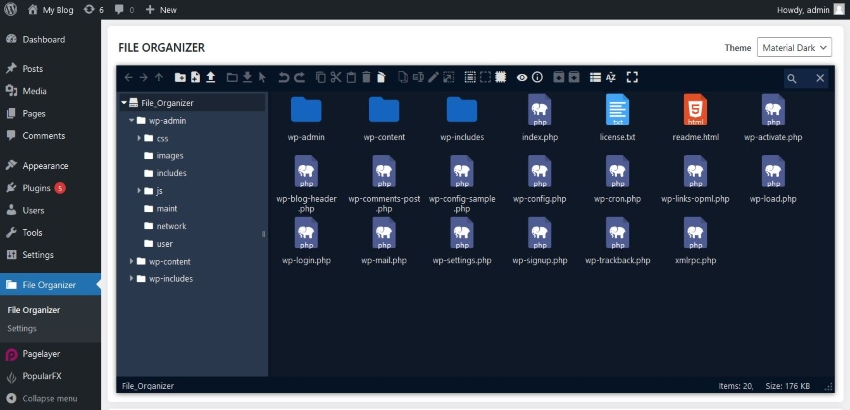
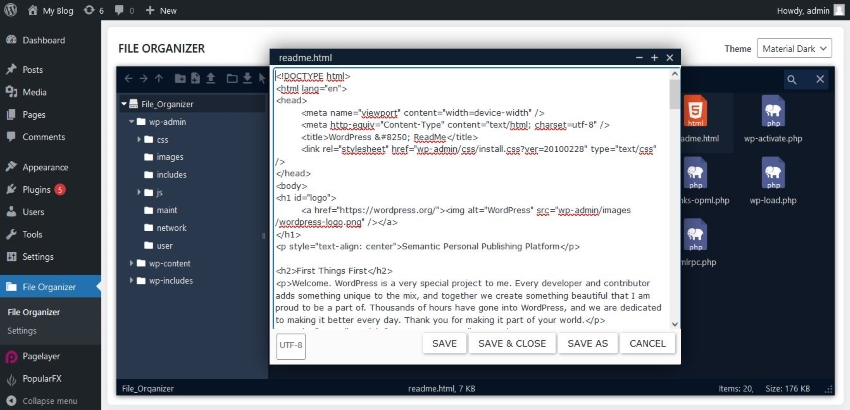
FileOrganizer is a file management plugin for WordPress that allows you to easily organize and manage your files without needing access to a control panel or FTP. It offers features like drag-and-drop file transfer, built-in code editor, archive creation/extraction, file previews, responsive design, search functionality, and more. If you have any questions or need help with FileOrganizer, you can refer to their documentation, help desk, or support forum.Screenshots
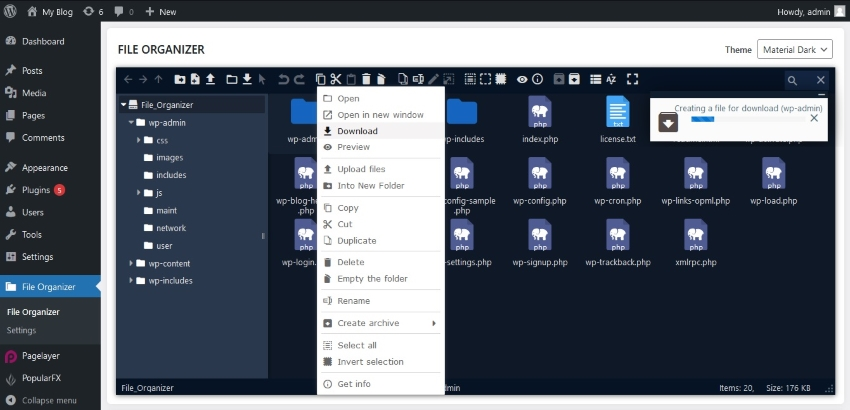
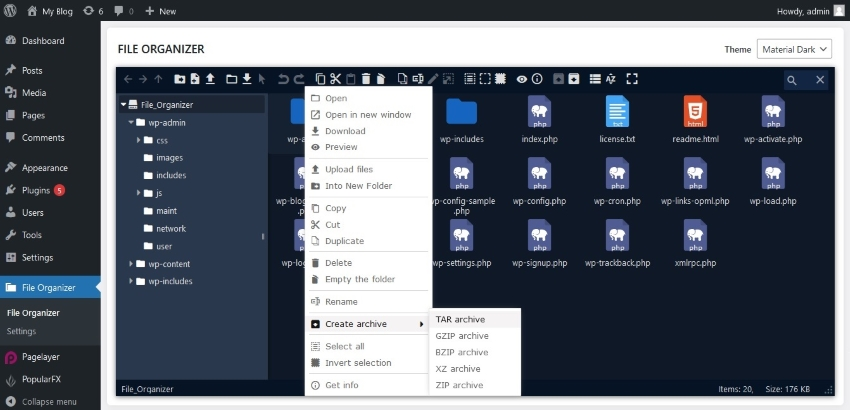
Frequently asked questions
What is FileOrganizer?
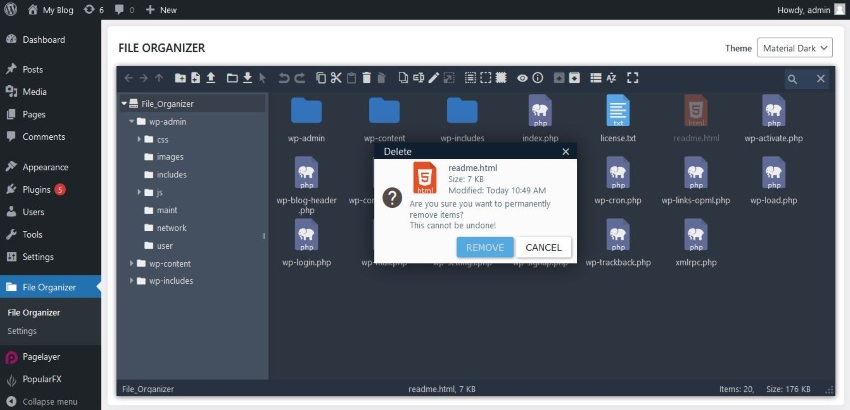
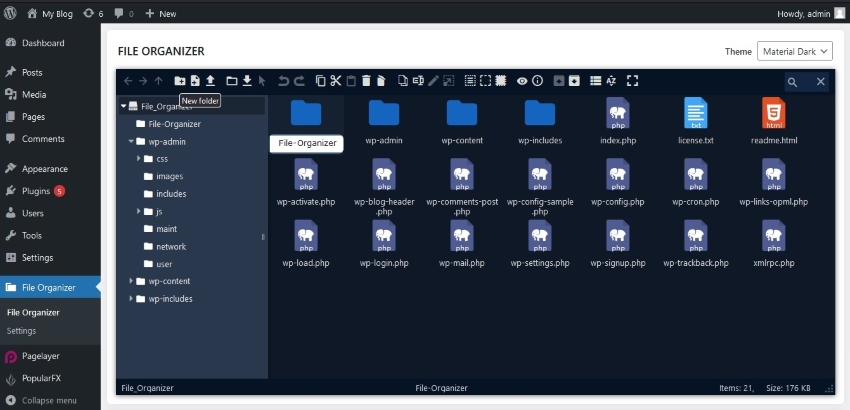
FileOrganizer is a lightweight and easy-to-use file management plugin for WordPress. Organize and manage your WordPress files with FileOrganizer without any control panel or FTP access. You can access, upload, download, edit, delete, zip, cut, copy, and paste files even outside the WordPress root directory.
What are the free features of FileOrganizer?
The free features of FileOrganizer include: Files and directory management, drag & drop file transfer, built-in editor, archive creation/extraction, file previews, responsive design, search functionality, file view options, image thumbnails, support for shortcuts, rich toolbar and context menu, directory size calculation, and file/directory info retrieval.
Where can I find documentation for FileOrganizer?
You can find documentation for FileOrganizer at the following link: [Docs](https://fileorganizer.net/docs)
Where can I get help with FileOrganizer?
You can get help with FileOrganizer at the following links: [Help Desk](https://fileorganizer.deskuss.com) and [Support Forum](https://wordpress.org/support/plugin/fileOrganizer)
Changelog
1.1.6 (Jul 18, 2025)
- [Task] Tested with WordPress 6.8.2.
1.1.5 (Dec 03, 2024)
- [Bug-fix] The language file name was not sanitized properly. This is fixed.
1.1.4 (Nov 18, 2024)
- [Task] Tested with WordPress 6.7.
1.1.3 (Oct 22, 2024)
- [Task] Improved compatibility with Softaculous Plugin.
1.1.2 (Sep 20, 2024)
- [Task] Improved license handling.
1.1.1 (Sep 11, 2024)
- [Task] Added notice for “Allowed User Roles” setting.
1.1.0 (Sep 10, 2024)
- [Task] Added additional checks for file uploading.
1.0.9 (July 19, 2024)
- [Task] Structural changes.
- [Task] Tested with WordPress 6.6
1.0.8 (June 06, 2024)
- [Security-Fix] A Directory listing issue has been fixed. (Researcher Emad, WordFence)
1.0.7 (Apr 11, 2024)
- [Security-Fix] An XSS vulnerability has been fixed. Please upgrade to this version as soon as possible!
1.0.6 (Dec 15, 2023)
- [Security-fix] There was a privilege check failure which has been fixed.
1.0.5 (Nov 29, 2023)
- [Task] Tested compatibility with WordPress 6.4. No functional changes made. The plugin is fully compatible with WordPress 6.4.
1.0.4 (sep 19, 2023)
- [Improvement] FileOrganizer file manager is now only accessible for users with the ‘Activate Plugins’ role. And in the Pro version other roles can be granted file manager access by the Supper administrator.
1.0.3 (sep 8, 2023)
- [Feature] FileOrganizer optimized for WordPress multi-site. Now you can use FileOrganizer for multi-site.
- [Pro-Feature] Added settings to prevent FileOrganizer from setting paths outside of your WordPress installation. And the free version does not allow the user to set a path outside your WordPress installation.
- [Improvement] The UI of all themes has been improved.
- [Improvement] Added CodeMirror editor to improve your editing experience.
1.0.2 (Apr 27, 2023)
- [Feature] Added theme option for file manager, now you can change theme of file manager.
- [Feature] Added some settings to configure FileOrganizer file manager.
- [Feature] Added option to enable Trash. Now you can Enable/Disable Trash feature for File Manager from Settings page.
- [Pro-Feature] Added “Allowed user roles” option to allow selected users to access File Manager.
- [Pro-Feature] Added options to restrict features and set limited access to FileOrganizer by users and user roles.
1.0.1
- [Bug-fix] In some cases, backslashes were added before quotes when editing a PHP file. This is fixed.
1.0.0
- First release

