

Improve your WordPress SEO: Write better content and have a fully optimized WordPress site using the Yoast SEO…

About Custom Product Tabs for WooCommerce
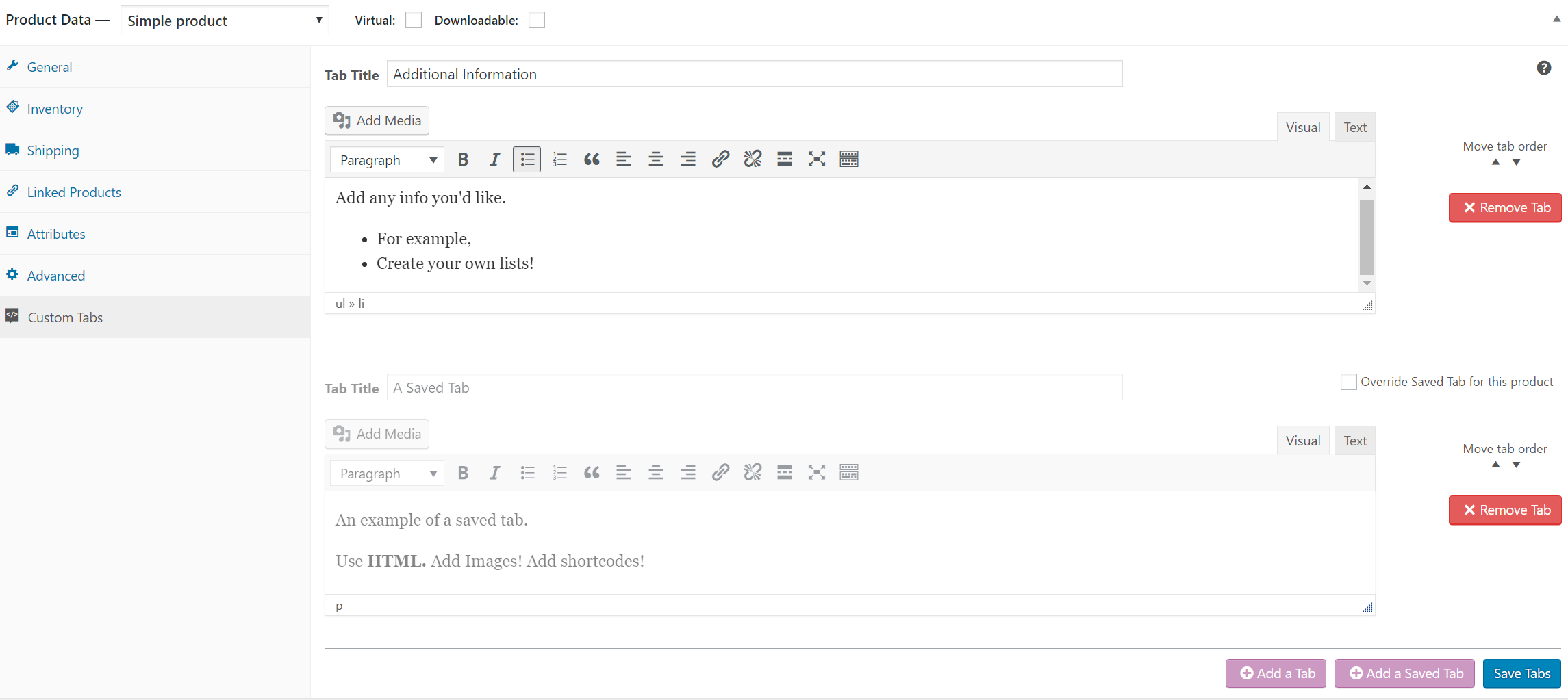
This plugin allows shop owners to add custom tabs to their WooCommerce products. The tabs can be easily managed on the WooCommerce Edit Product screen and can contain text, images, HTML or shortcodes. If you need any support, you can submit a ticket on the Free WordPress Support Forums.Screenshots
Frequently asked questions
What does this plugin do?
This plugin extends WooCommerce to allow shop owners to add custom tabs to products.
Where are the tabs displayed?
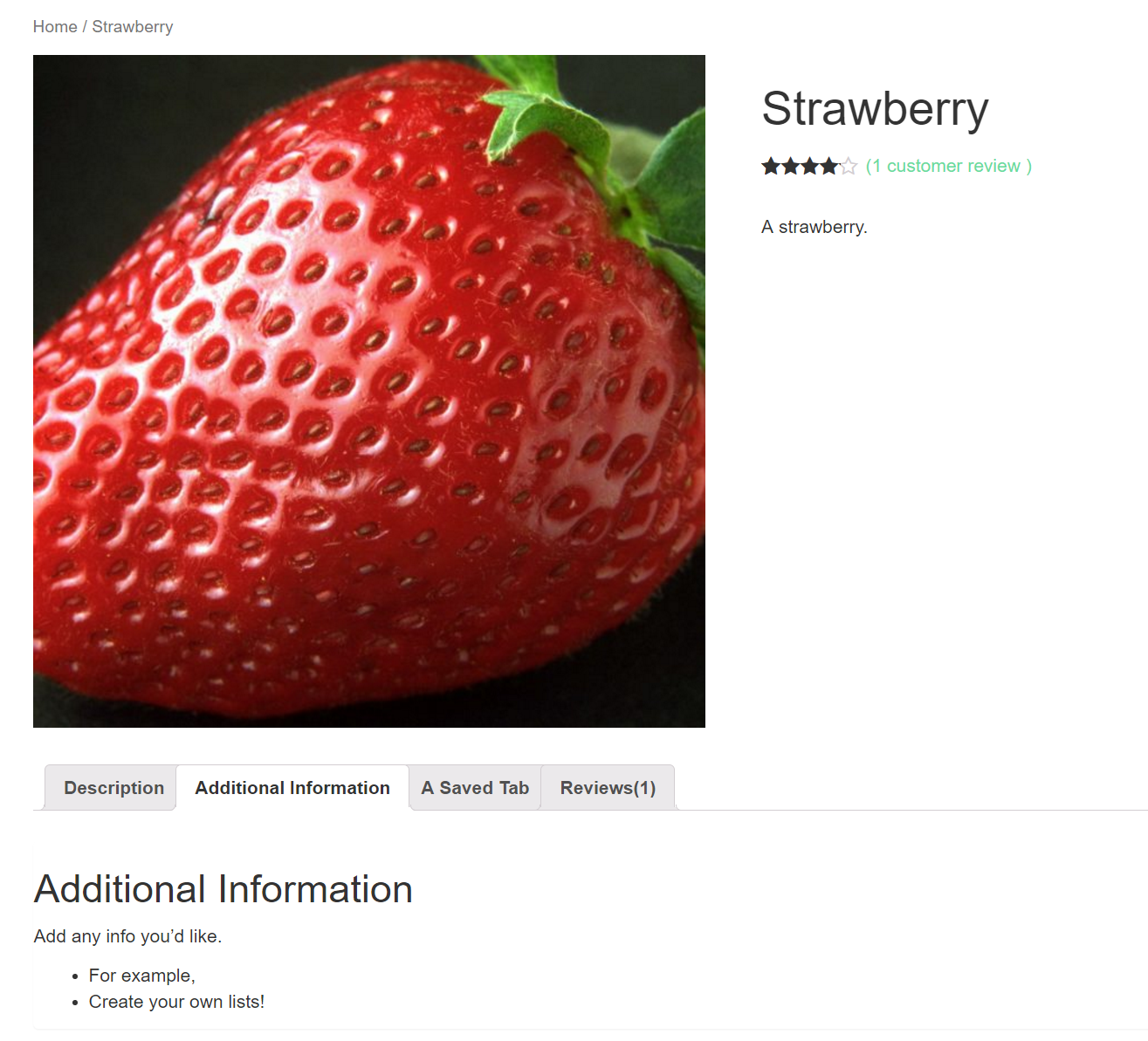
The tabs are displayed on the individual product pages to the right of the default 'Description' tab.
How can I manage individual product tabs?
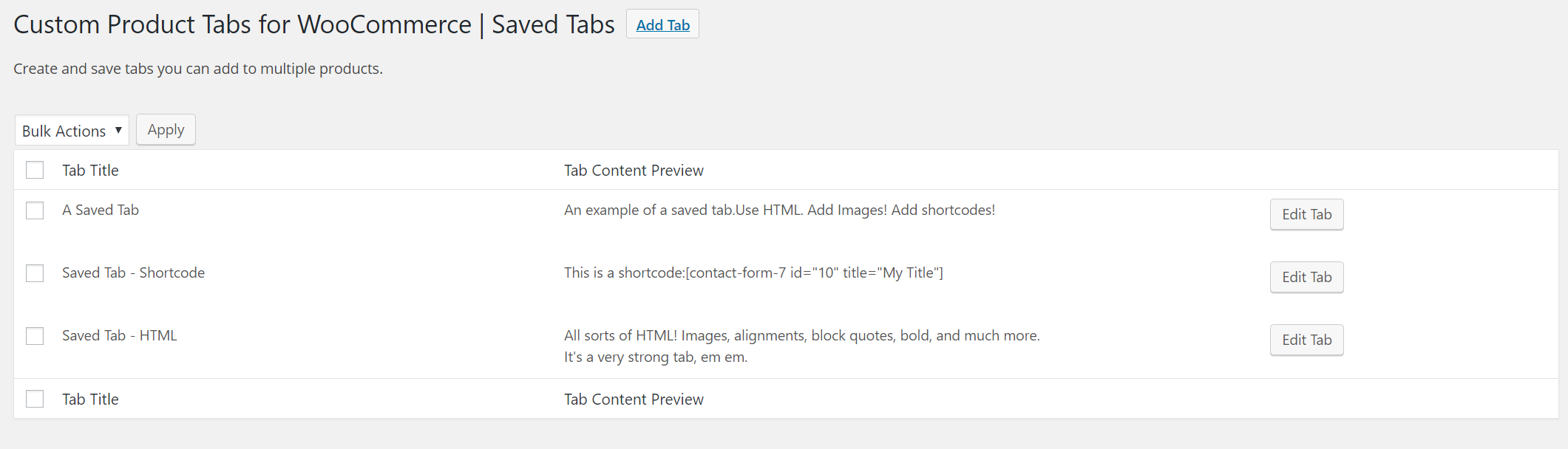
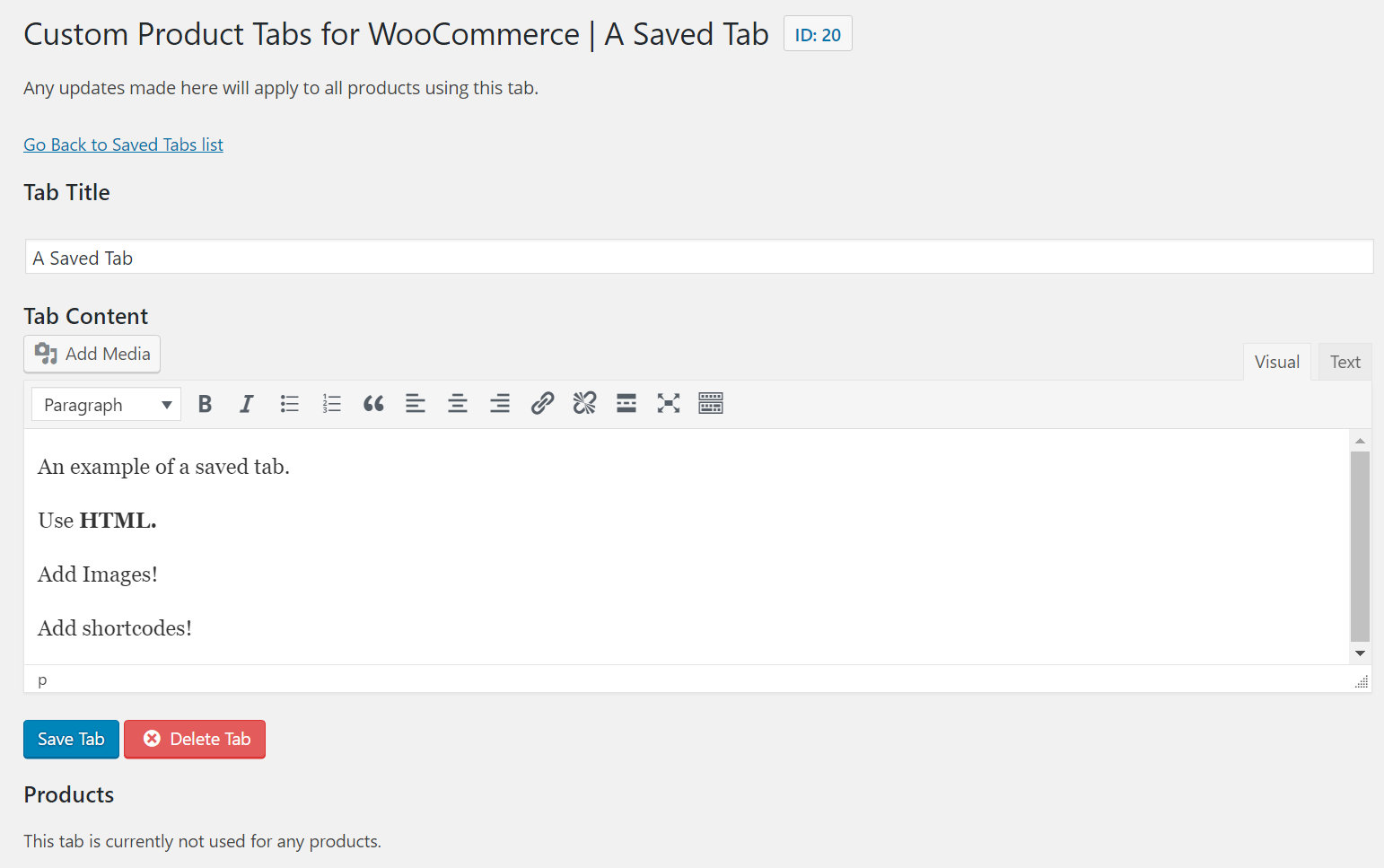
Individual product tabs are managed on the WooCommerce Edit Product screen and can be added on a per product basis. You can also create saved tabs and add them to multiple products as needed. Tabs can be easily added, deleted and rearranged.
What can the tab content areas contain?
Tab content areas use the standard WordPress text editor and may contain text, images, HTML or shortcodes.
Where can I get support for this plugin?
If you experience any problems, please submit a ticket on our Free WordPress Support Forums and we'll look into it as soon as possible.
Changelog
1.8.5 / 2023-10-01
Updates
- Bump tested up to version to 6.3.
- Update copy, links, email addresses etc. to point to new author.

