

Improve your WordPress SEO: Write better content and have a fully optimized WordPress site using the Yoast SEO…
About Menu Image, Icons made easy
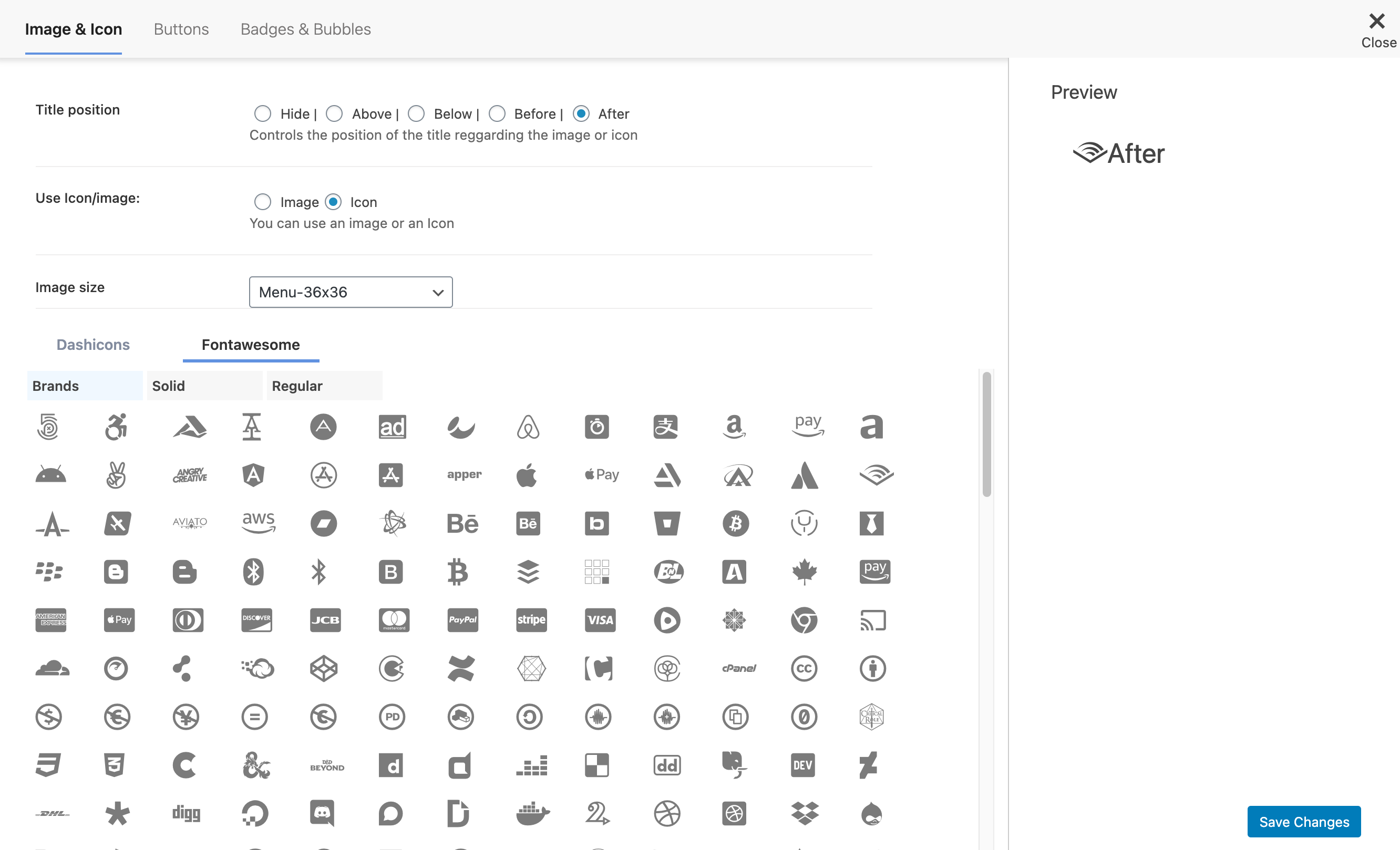
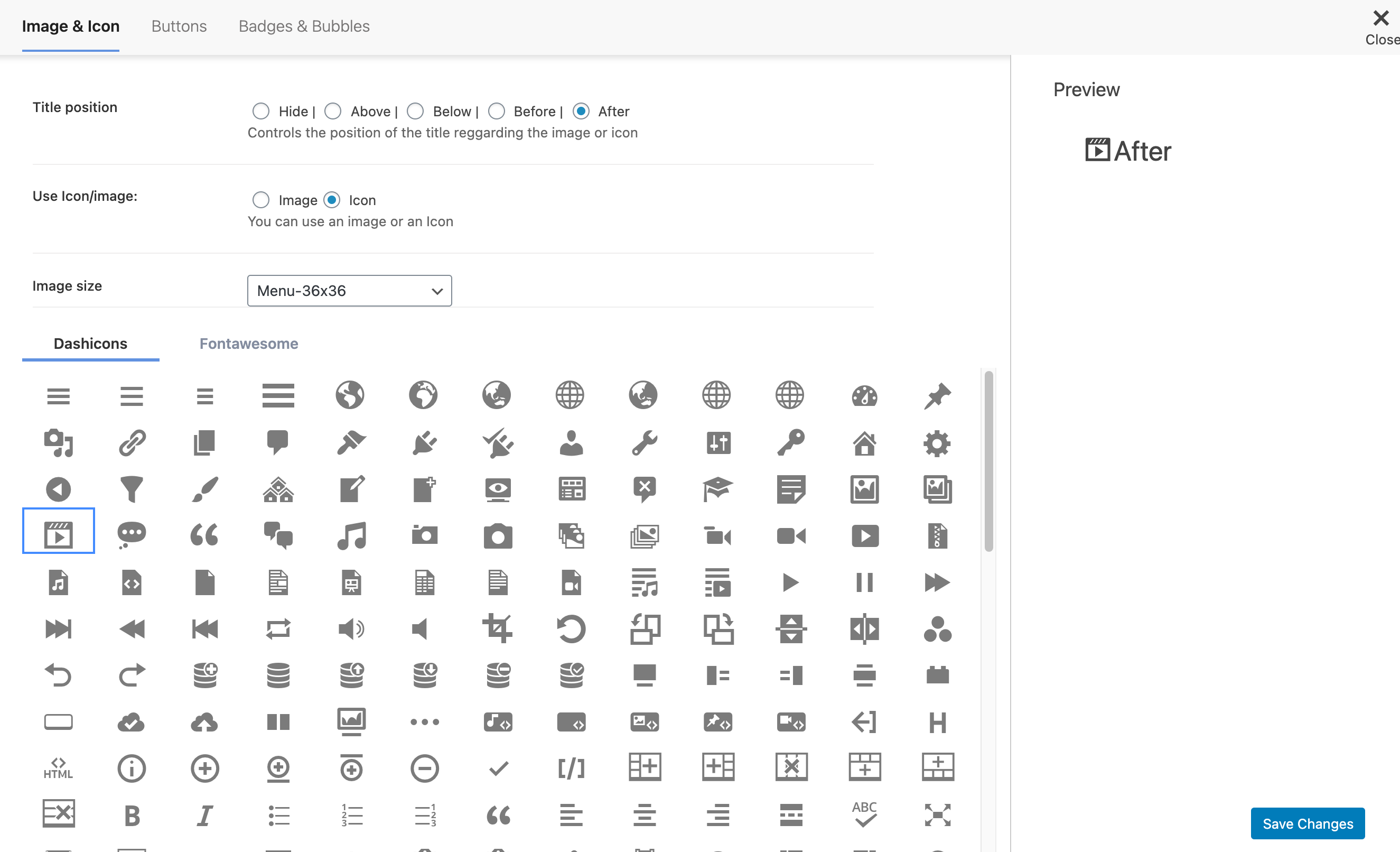
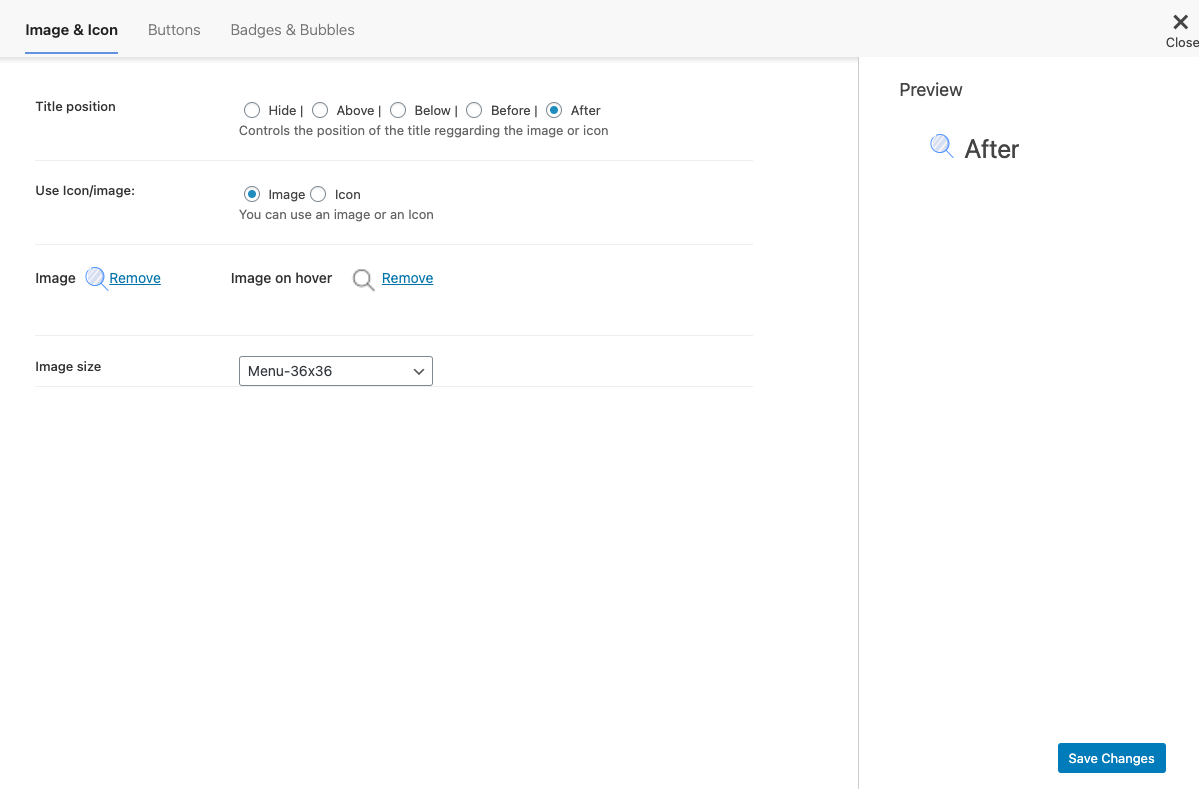
The Menu Image plugin allows you to easily add images or icons to your website's menu items, giving you more control over their position and size. It also offers premium features such as FontAwesome Icons, converting menu items into call to action buttons, and customizing the colors of buttons, badges, and bubbles.Screenshots
Frequently asked questions
How can I add an image or icon in a menu item?
You can easily add an image or icon in a menu item using the Menu Image plugin.
Can I control the position and size of the image or icon?
Yes, with the Menu Image plugin, you have control over the position and size of the image or icon.
What are some of the features of the Menu Image plugin?
Some of the features of the Menu Image plugin include adding FontAwesome Icons and DashIcons Icons, hiding the title and showing only the image or icon, and adding the image or icon on different positions relative to the menu item title.
Are there any premium features available?
Yes, there are premium features available such as converting menu items into call to action buttons, adding count bubbles to menu items, and customizing the color of buttons, badges, and bubbles.
Can I disable Menu Image in mobile devices?
Yes, you can disable Menu Image in mobile devices.
Changelog
3.12
- Fix! – Compatibility with WP 6.7
- Improvment! – Update Freemius SDK
3.11
- Fix – Security fix
- Fix – Update Freemius SDK
3.10
- Fix – Update Freemius SDK
3.0.9
- Fix – Added Compatibility with latest WordPress
- Fix – Update Freemius SDK
3.0.8
- Fix – Added new capability check
3.0.7
- Fix – Security Fix
3.0.6
- Fix – Security Fix
3.0.5
- Improvment – Update Freemius SDK to 2.4.2
- New – New button to Add image / icon in the menu items
3.0.4
- Fix – Add new CSS style
3.0.4
- Fix – Add new CSS style
3.0.3
- Fix – Remove style that was affecting Elementor menus
3.0.2
- Fix – Load Dashicons when the user isn’t logged in
- Fix – General improvments
3.0.1
- New – Add RTL CSS in Admin settings
- Fix – Image size settings wasn’t saving
- Fix – Avoid HTML Markup in items without Icons or images
- Fix – Remove FontAwesome Enqueue
3.0
- New – New Settings redesign
- New – Menu item preview in the settings
- New – Possible to add FontAwesome Icons
- New – Possible to add DashIcons Icons
- Improvment – Update Freemius SDK
- Improvment – Code clean up
2.9.7
- Fix – Fix Issue with display title above and below
- Improvment – Update Freemius SDK to 2.4.0.1
2.9.6
- Fix – Fix compatibility issue with WordPress 5.4.
2.9.5
- Fix – Remove unnecessary filter.
- Fix – Adjust the CSS for title below.
2.9.4
- Fix – Bug of the duplicated images.
2.9.3
- New – Add compatibility with Max Megamenu.
- New – Add new filter to change the markup of the image
- Fix – Lower the Menu Image options to be below the WordPress Settings.
- Fix – Update Mobile Menu Link.
- Fix – Relocate CSS and JS resources.
2.9.2
- New – Include Freemius framework.
- New – Settings panel.
- New – Option to enable/disable image on hover.
- New – Options to change the custom image sizes.
2.9.1
- Fix previous broken update. Sorry for that, everyone is mistake.
- Remove images srcset and sizes attributes.
- Add autotests on for images view.
2.9.0
- Update admin part copy regarding to new wp version.
- Fix support url.
- Fix php warning.
2.8.0
- Use core
nav_menu_link_attributes,nav_menu_item_titlefilters to add image and class instead ofwalker_nav_menu_start_elfilter. - Drop support of core version < 4.4.0.

