

Enables the previous "classic" editor and the old-style Edit Post screen with TinyMCE, Meta Boxes, etc. Supports all…
About Head & Footer Code
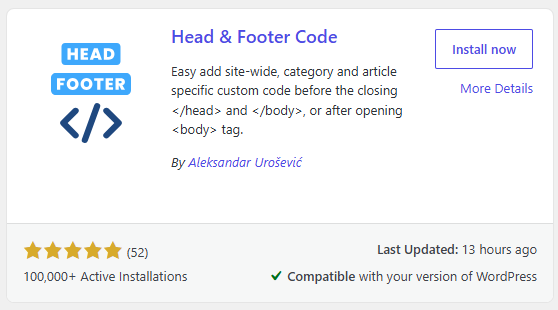
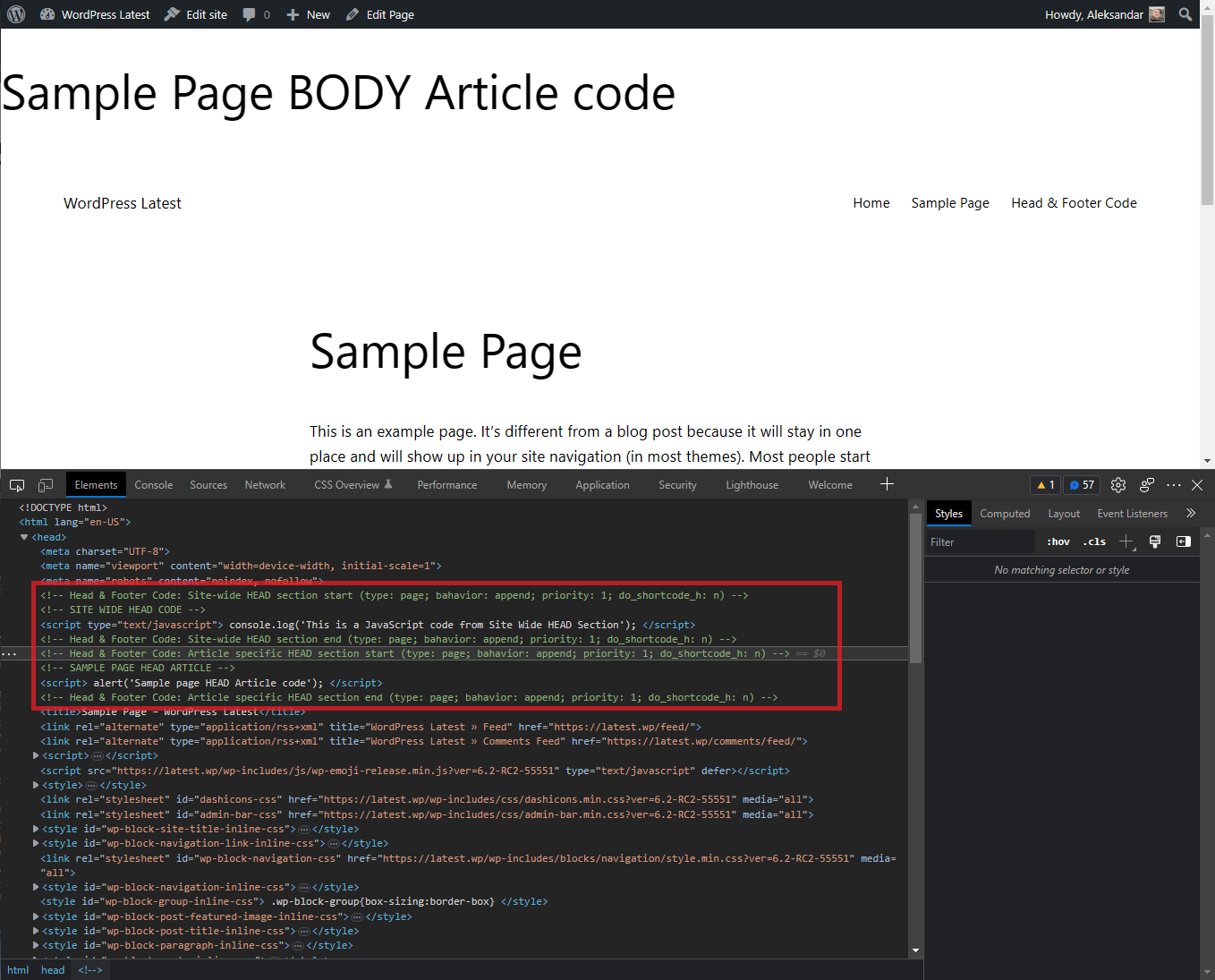
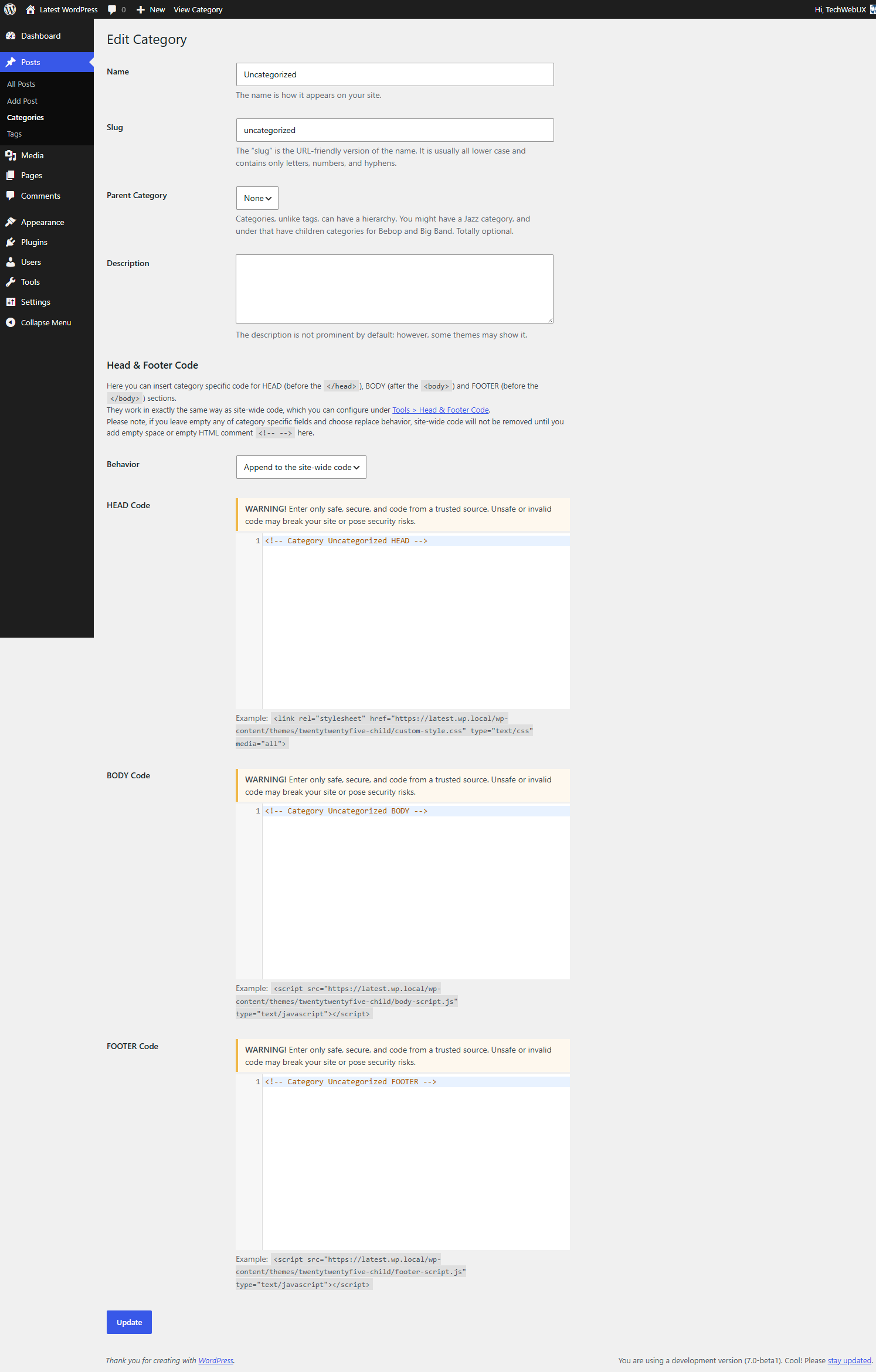
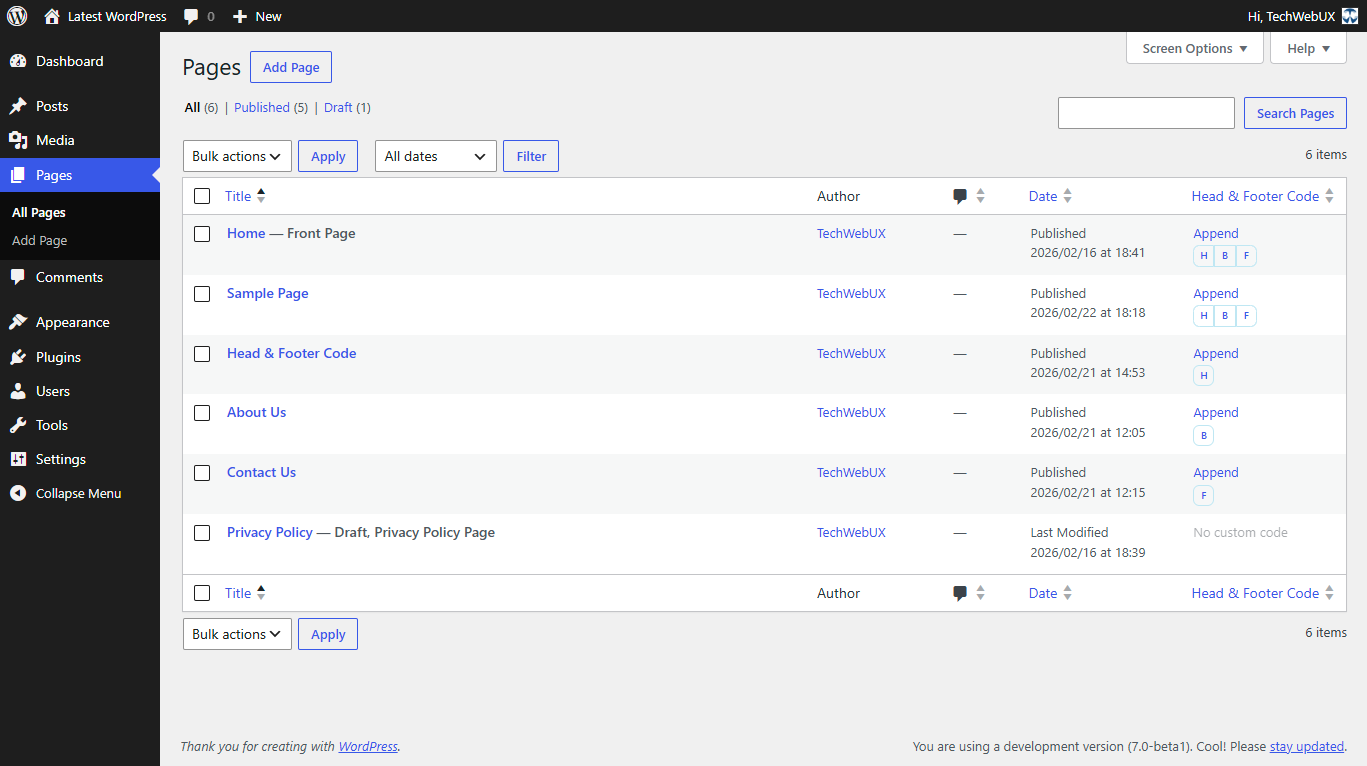
The Head & Footer Code plugin allows you to easily add custom code snippets to your WordPress site without needing programming skills. You can add code to the head, body, or footer sections of your site, including popular snippets like Google Analytics, Facebook Pixel, or site verification codes. The plugin also offers specific code options for the homepage, individual articles, and categories, making it versatile for customizing different parts of your website.Screenshots

Frequently asked questions
What kind of code snippets can I add with this plugin?
You can add custom code snippets such as JavaScript, CSS, or HTML. This includes code for Google Analytics 4, Google Tag Manager, Facebook/Meta Pixel, and various site verifications.
Where can I insert custom code using this plugin?
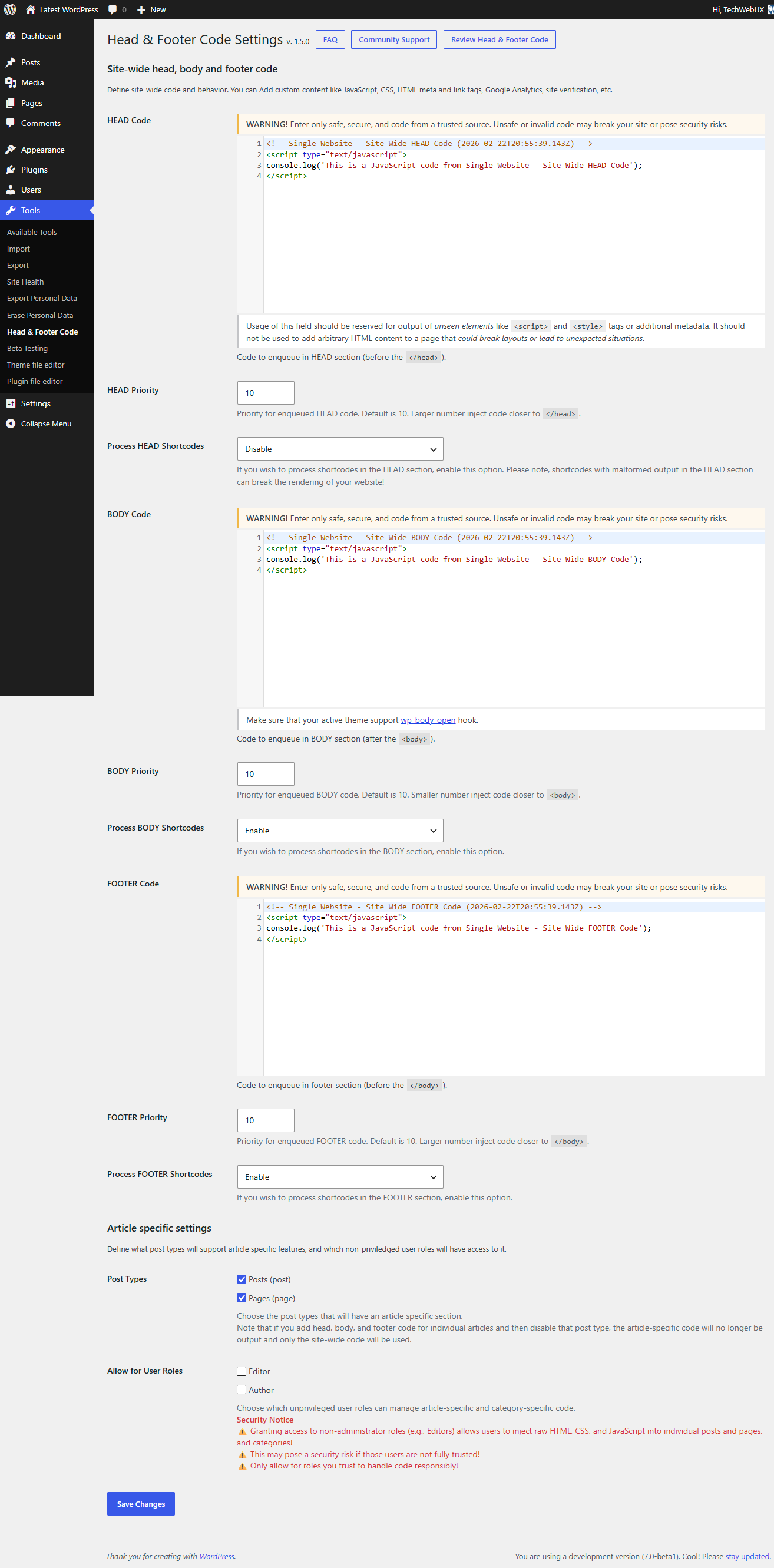
You can insert custom code within the <head> section, right after the opening <body> tag, or just before the closing </body> tag. The plugin utilizes WordPress hooks like wp_head, wp_footer, and wp_body_open.
Can I add code specific to individual articles or categories?
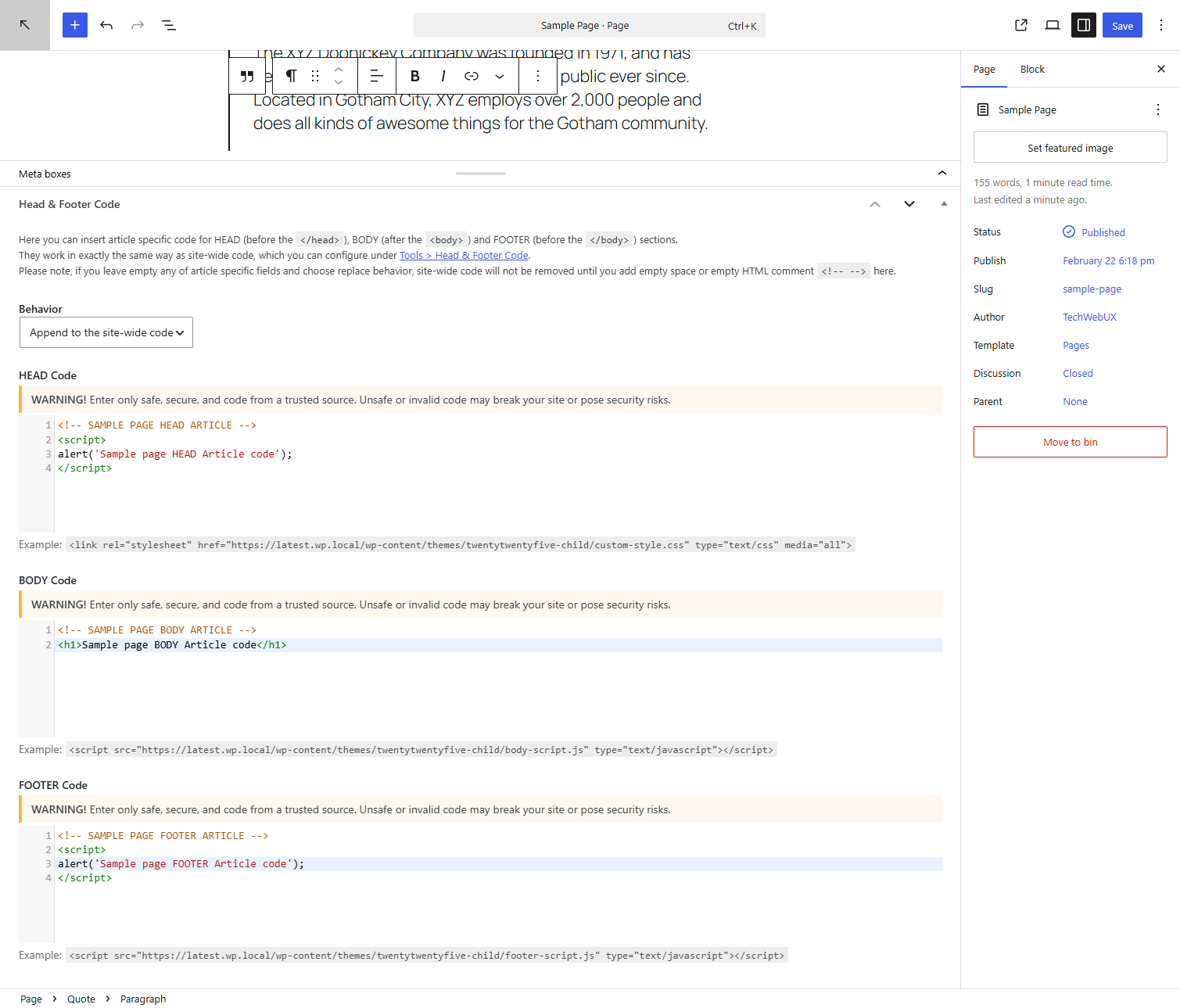
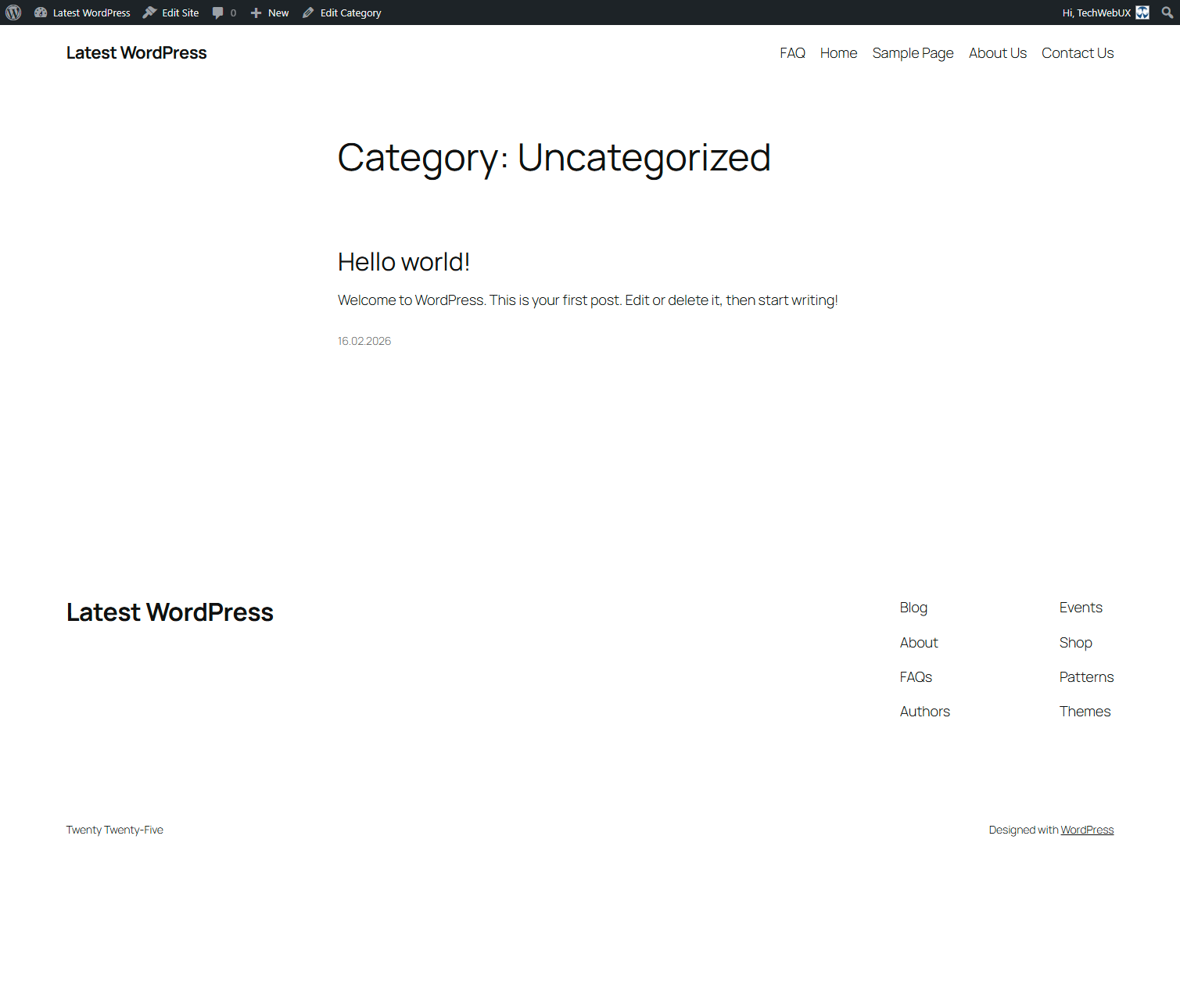
Yes, you can add article-specific code using a Metabox when editing posts or pages. Category-specific code can also be defined for individual categories.
How do I access the plugin's settings?
You can access the plugin settings by navigating to Tools > Head & Footer Code in your WordPress Dashboard.
Changelog
1.4.5 (2025-06-13)
- Fix: Compatibility with Jetpack > Writing > Composing > Compose using shortcode to embed media from popular sites
- Fix: Automatic conversion of false to array is deprecated in update.php
- Test: WordPress 6.8.1, Twenty Twenty-Five 1.2, Jetpack 14.7
1.4.4 (2025-05-31)
- Fix: Relaxed filtering to allow preloadans security/privacy attributes.
1.4.3 (2025-04-30)
- Fix: Relaxed filtering to allow blocks with
<,>,=>characters andtype="application/ld+json"for structured data (rich snippets), following stricter sanitization introduced in 1.4.0.
1.4.2 (2025-04-20)
- Fix: meta tag broken by security introduced in 1.4.0
1.4.1 (2025-04-13)
- Fix: hreflang link broken by security introduced in 1.4.0
1.4.0 (2025-04-12)
- Test: WordPress 6.8-RC3, Twenty Twenty-Five 1.1, Twenty Twenty-Three 1.6, Astra 4.9.2 and PHP 8.3.17
- Test: WordPress 4.9.26, Twenty Seventeen 1.7 and PHP 5.5.38
- Unclutter Settings page
- Improve: Security
- Improve: Refactor and reorganise codebase
- auhfc_settings() -> TechwebuxHfcMain::settings()
- auhfc_is_homepage_blog_posts() -> TechwebuxHfcCommon::is_homepage_blog_posts()
- auhfc_add_to_homepage_paged() -> TechwebuxHfcCommon::add_to_homepage_paged()
- sanitize_html_classes() -> TechwebuxHfcCommon::sanitize_html_classes()
- auhfc_allowed_code() -> TechwebuxHfcCommon::allowed_html()
- auhfc_form_allowed_code() -> TechwebuxHfcCommon::form_allowed_html()
- auhfc_html2code -> TechwebuxHfcCommon::html2code()
- auhfc_get_meta() -> TechwebuxHfcCommon::get_meta()
- auhfc_get_post_type() -> TechwebuxHfcCommon::get_post_type()
- auhfc_print_sitewide() -> TechwebuxHfcCommon::print_sitewide()
- auhfc_out() -> TechwebuxHfcCommon::out()
- auhfc_head_note() -> TechwebuxHfcSettings::head_note()
- auhfc_body_note() -> TechwebuxHfcSettings::body_note()
1.3.7 (2024-11-18)
- Fix: Compatibility with WordPress 6.7
1.3.6 (2024-10-12)
- Improve: Optimize strings for easier translation
1.3.5 (2024-07-06)
- Tested: PHP 8.3.7 and WordPress 6.6 with Twenty Twenty-Four theme 1.1 (Single and Multisite)
- Change: Move the
Settingslink on plugins listing to 1st position
1.3.4 (2024-06-30)
- Tested: PHP 8.3.7 and WordPress 6.5.5 with Twenty Twenty-Four theme 1.1 (Single and Multisite)
- Change: PHP version lowered to 5.5
- Fix: Activation on deprecated PHP or WordPress
1.3.3 (2023-07-21)
- Tested: PHP 8.2.8 and WordPress 6.3-RC1 with Twenty Twenty-Three theme (Single and Multisite)
1.3.2 (2023-06-02)
- Tested: on PHP 8.2.6 and WordPress 6.2.2 with Twenty Twenty-Three theme (Single and Multisite)
- Fixed: Deprecated and Warning notices in update.php on PHP 8.2.6
- Improve: Multisite support CodeMirror on Article and Category
1.3.1 (2023-03-18)
- Tested: on PHP 8.1.14/8.2.1 and WordPress 6.2-RC2 with Twenty Twenty-Three theme (Single and Multisite)
- Add: support do not add homepage in Blog Post related code on paged pages (2, 3, and so on)
- Add: CodeEditor on textareas in article Meta boxes
- Fix: Fatal error due to relocated plugin update file
- Cleanup: Remove donate button from settings page
- Improve: Security.
- Improve: Coding Standard.
1.3.0 (2022-05-08)
- Tested: on PHP 8.1.5 and WordPress 6.0-RC1 with Twenty Twenty-Two theme (Single and Multisite)
- Add: Support for Categotry specific code.
- Improve: Coding Standard.
- Improve: Important notes on settings page.
- Improve: README converted to MarkDown.
- Improve: Remove PayPal logo and load minified admin stylesheet.
