

Improve your WordPress SEO: Write better content and have a fully optimized WordPress site using the Yoast SEO…
About Query Monitor
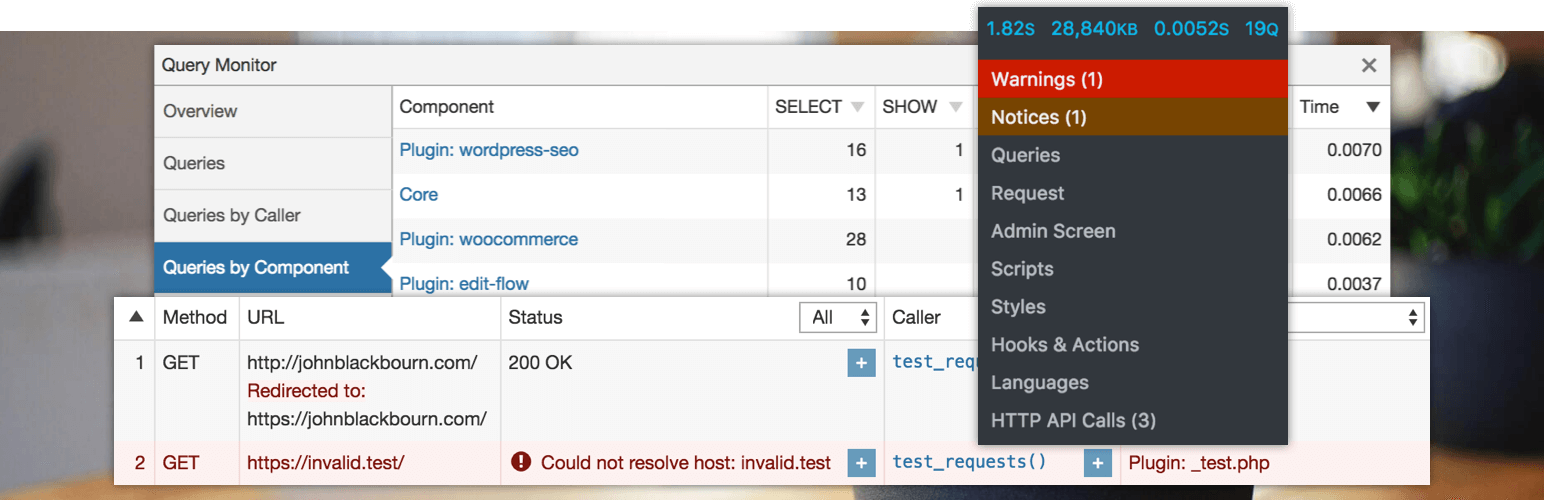
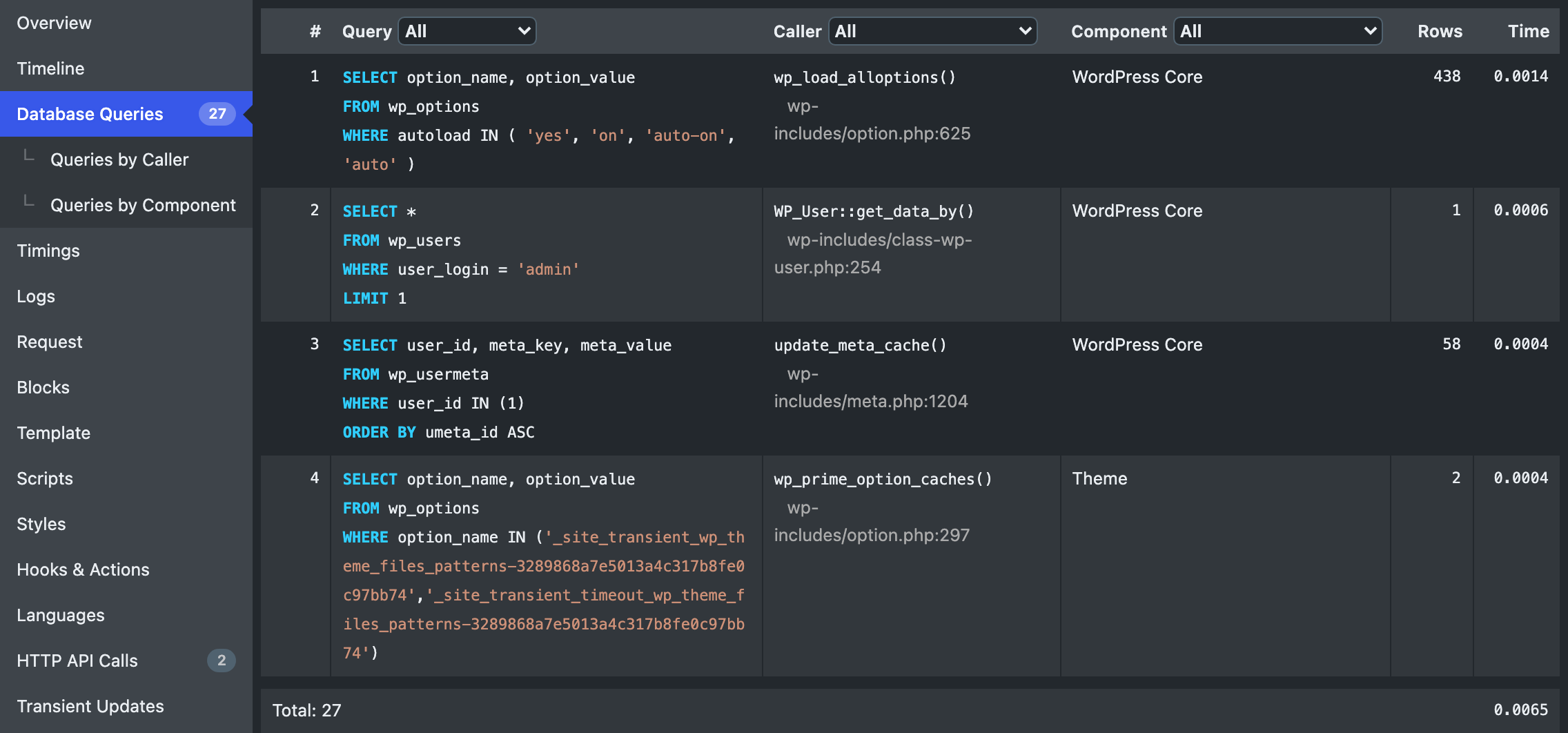
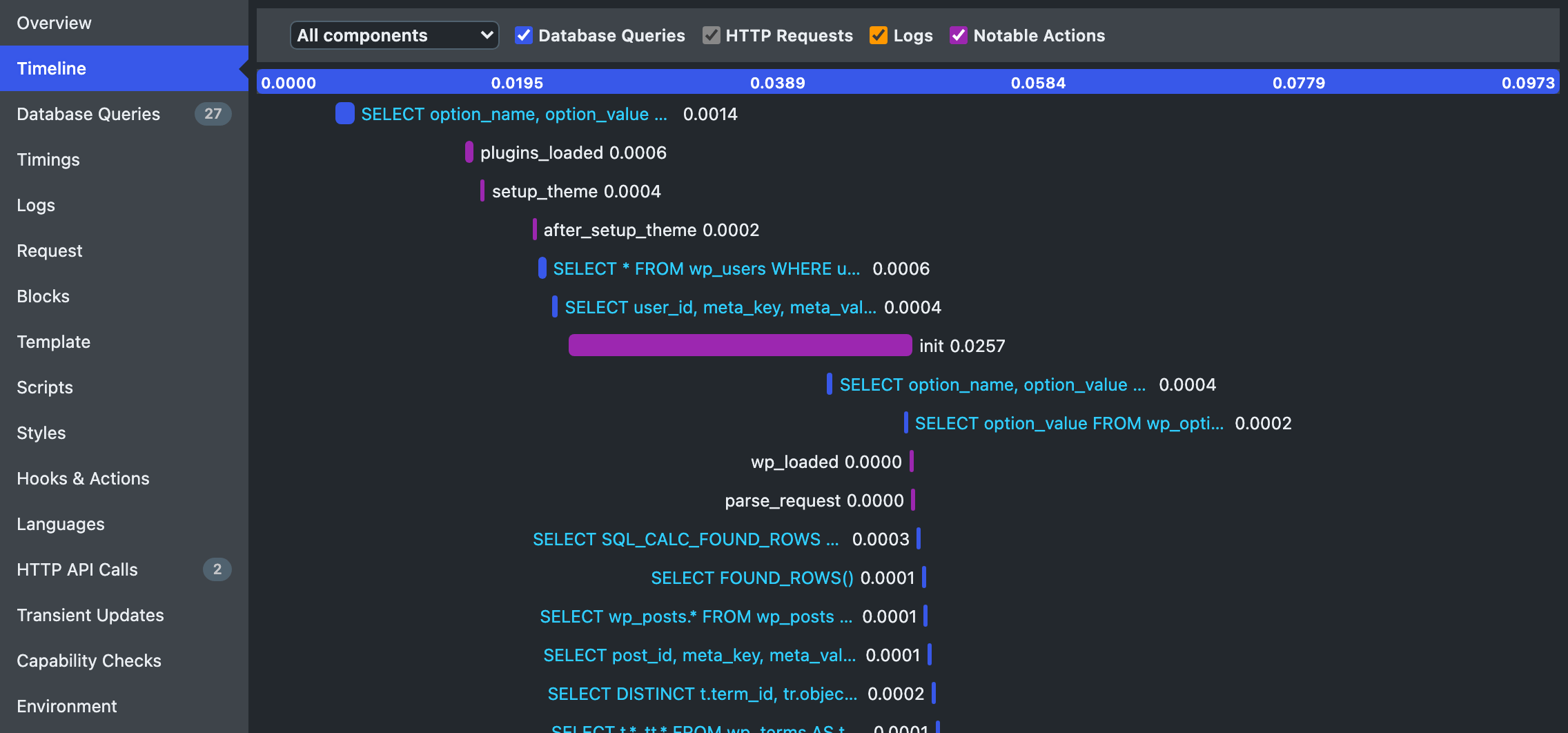
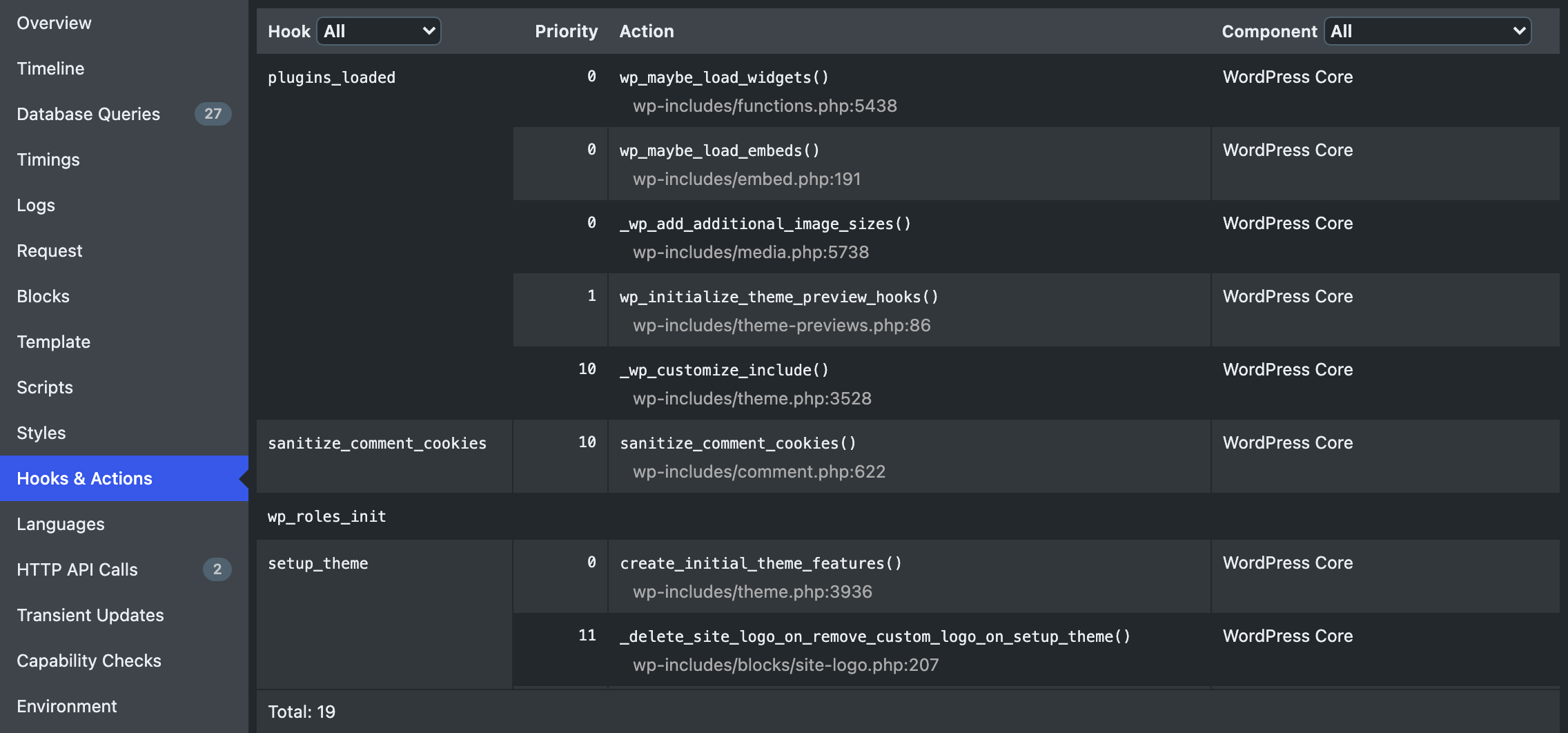
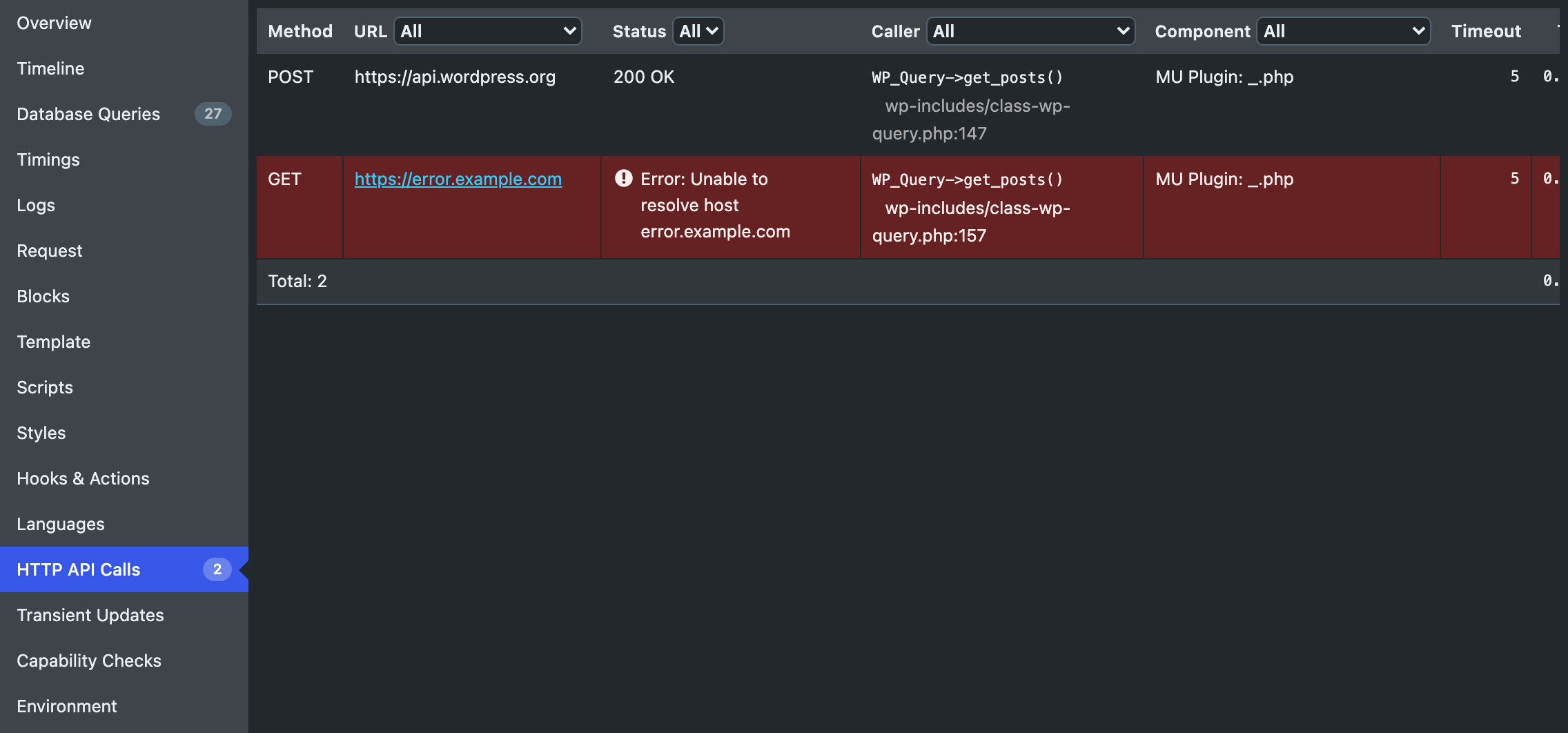
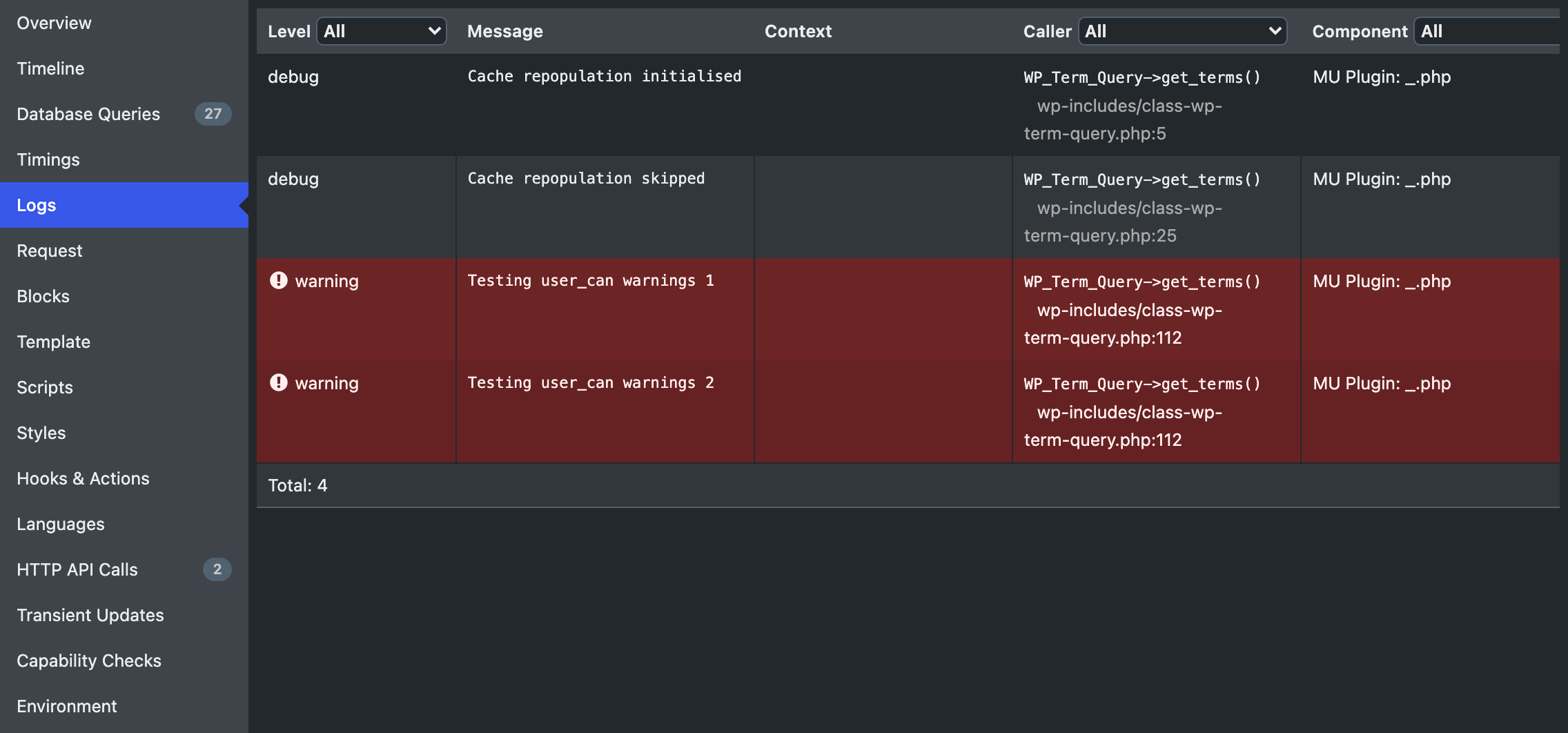
Query Monitor is a developer tool for WordPress that helps you debug and analyze your website. It provides information on database queries, PHP errors, hooks and actions, block editor blocks, enqueued scripts and stylesheets, HTTP API calls, and more. With Query Monitor, you can quickly identify and fix performance issues caused by plugins, themes, or functions.Screenshots
Frequently asked questions
What is Query Monitor?
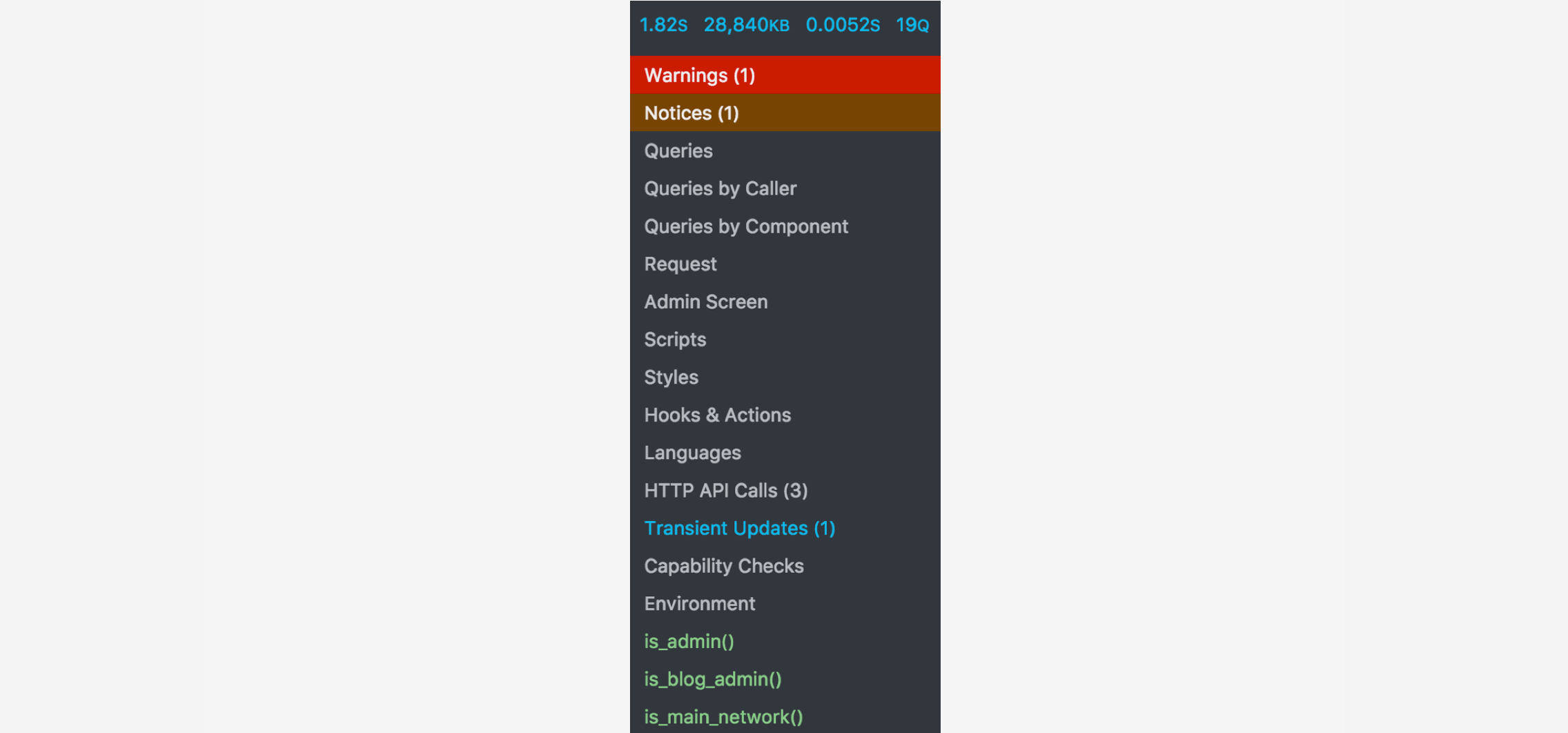
Query Monitor is a developer tools panel for WordPress and WooCommerce. It helps debug various aspects of a WordPress site, including database queries and PHP errors. It provides detailed information in an organized manner through an admin toolbar menu.
What can Query Monitor debug?
Query Monitor can debug database queries, PHP errors, hooks and actions, block editor blocks, enqueued scripts and stylesheets, and HTTP API calls. It also supports debugging Ajax calls, REST API calls, and user capability checks.
Does Query Monitor support block themes?
Yes, Query Monitor offers full support for block themes and full site editing. It can show the template filename, complete template hierarchy, and names of loaded or not loaded template parts for block themes.
How does Query Monitor help identify performance issues?
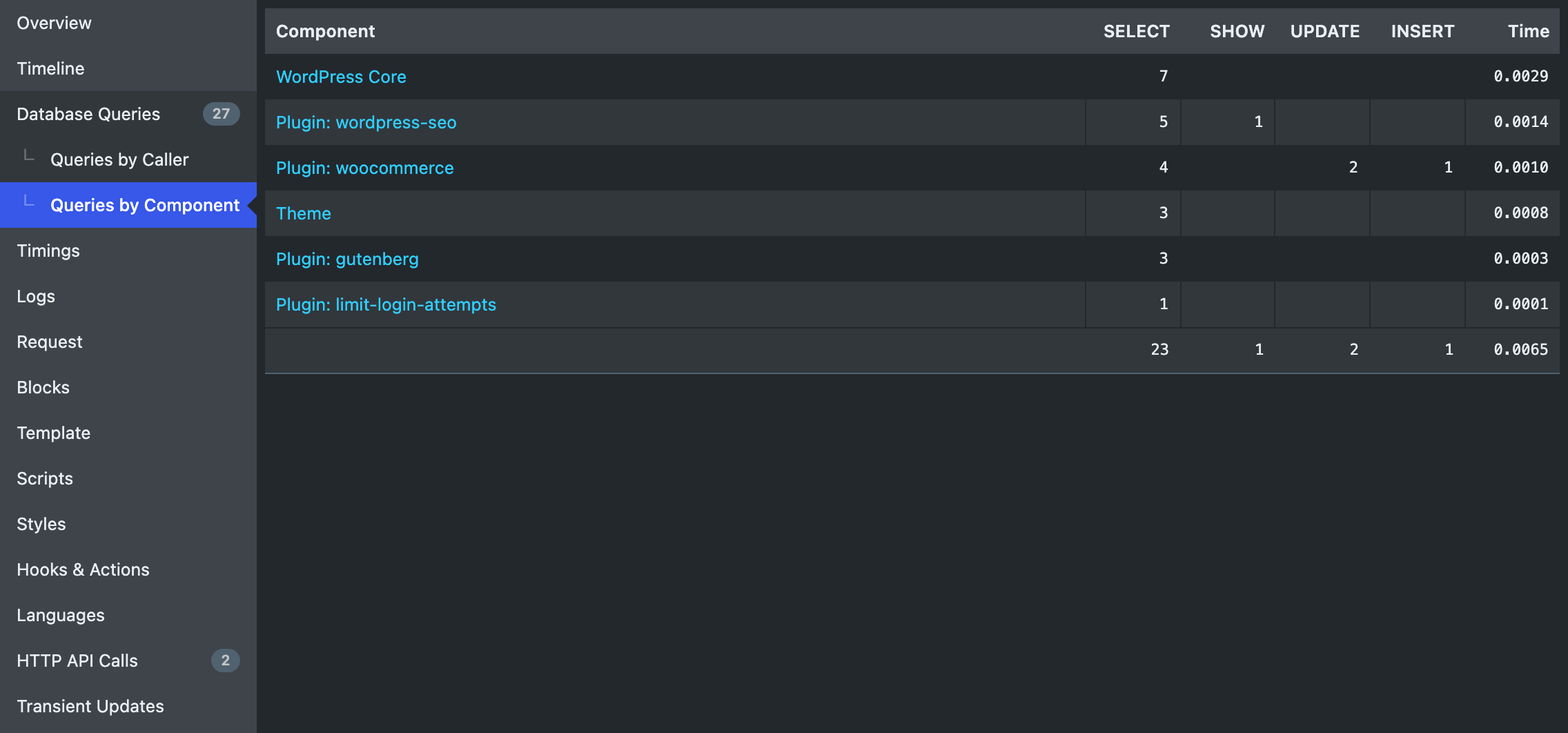
Query Monitor allows you to narrow down its output by plugin or theme, helping to quickly identify poorly performing plugins, themes, or functions. It also shows aggregate database queries grouped by their responsible components.
What are the system requirements for Query Monitor?
Query Monitor supports versions of WordPress up to three years old. It requires PHP version 7.4 or higher to function correctly.
Changelog
3.20.0 (7 September 2025)
- Defers loading of translation files as late as possible to minimise the chance of triggering the
Translation loading for the query-monitor domain was triggered too earlyerror - Implements some initial compatibility tweaks for the upcoming PHP 8.5
3.19.0 (23 July 2025)
- Adds Guzzle middleware support for logging HTTP client requests.
- Fixes plugin conflicts caused by the global
qmJavaScript variable by renaming it toQueryMonitorData. - Corrects invalid HTML markup where
<th>elements were closed with</td>tags.
3.18.0 (16 June 2025)
- Adds more comprehensive handling of HTTP API requests which were overridden by the
pre_http_requestfilter. - Corrects the handling of suppressed PHP errors on both PHP 7 and PHP 8.
- Confirms support for WordPress 6.8.
3.17.2 (4 February 2025)
- Reinstates the “Blocks” panel
3.17.1 (2 February 2025)
- Prevents use of the deprecated
E_STRICTconstant in PHP 8.4. - Avoids use of the deprecated
setted_transientandsetted_site_transientactions in WordPress 6.8. - Skips showing the
_load_textdomain_just_in_timenotices when they’re caused by Query Monitor itself. - Uses more appropriate formatting for a fatal error in REST API and Ajax contexts.
3.17.0 (27 November 2024)
- Support for WordPress 6.7.
- Support for PHP 8.4.
- Inline scripts are now output using
wp_print_inline_script_tag()so a Content Security Policy can be fully implemented. - Various improvements and fixes.
3.16.4 (25 July 2024)
- Confirms support for WordPress 6.6.
3.16.3 (22 May 2024)
- Prevents an infinite loop when logging doing it wrong calls and deprecated calls.
- Removes a global from query-monitor.php
3.16.2 (22 May 2024)
- Fixes another issue with the PHP autoloader in 3.16.0 and 3.16.1 that was crashing some sites
3.16.1 (22 May 2024)
- Fixes an issue with the PHP autoloader in 3.16.0 that was crashing some sites
Earlier versions
For the changelog of earlier versions, refer to the releases page on GitHub.

