

Import your demo content, widgets and theme settings with one click. Theme authors! Enable simple theme demo import…
About Facebook Chat Plugin – Live Chat Plugin for WordPress
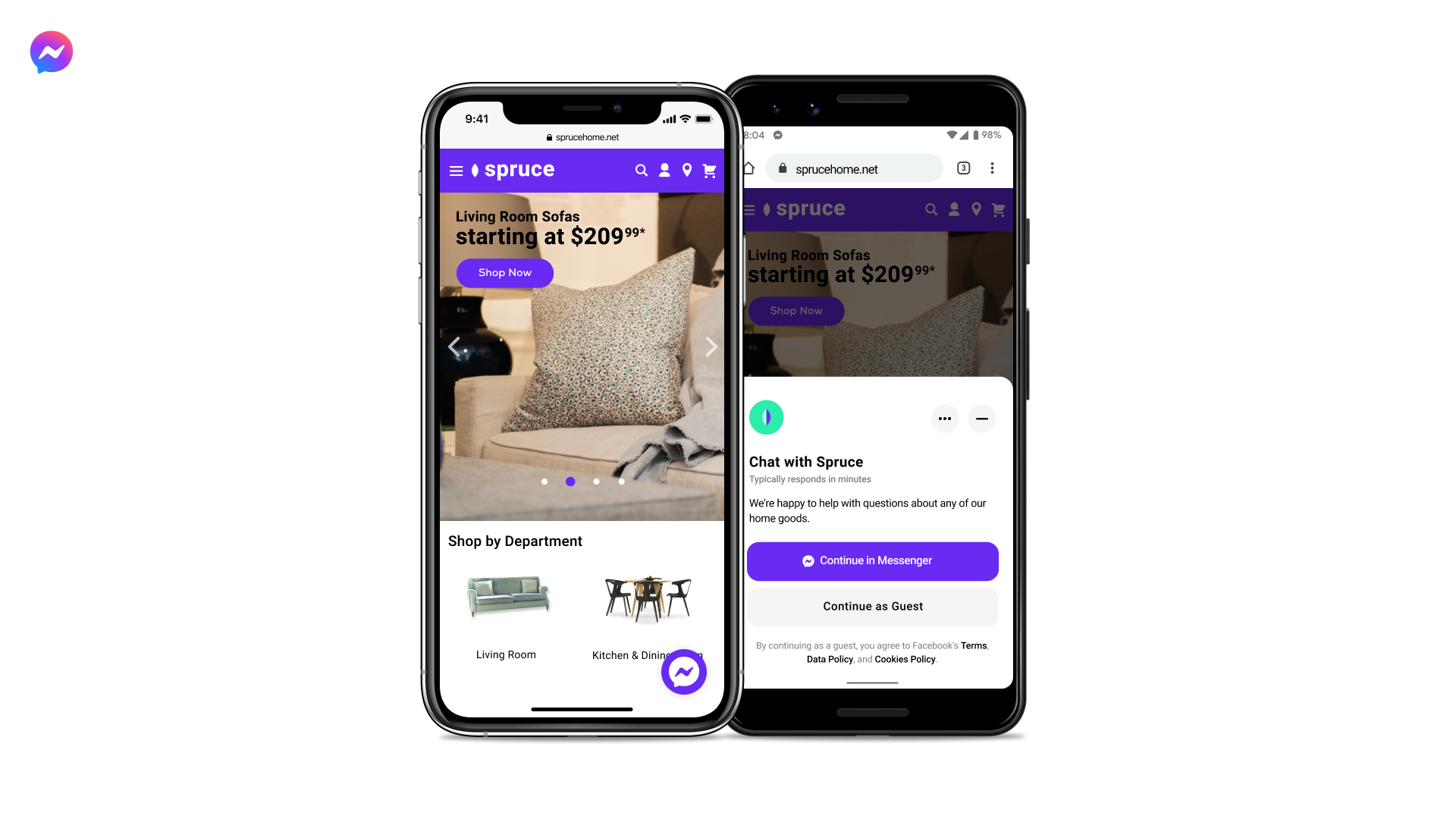
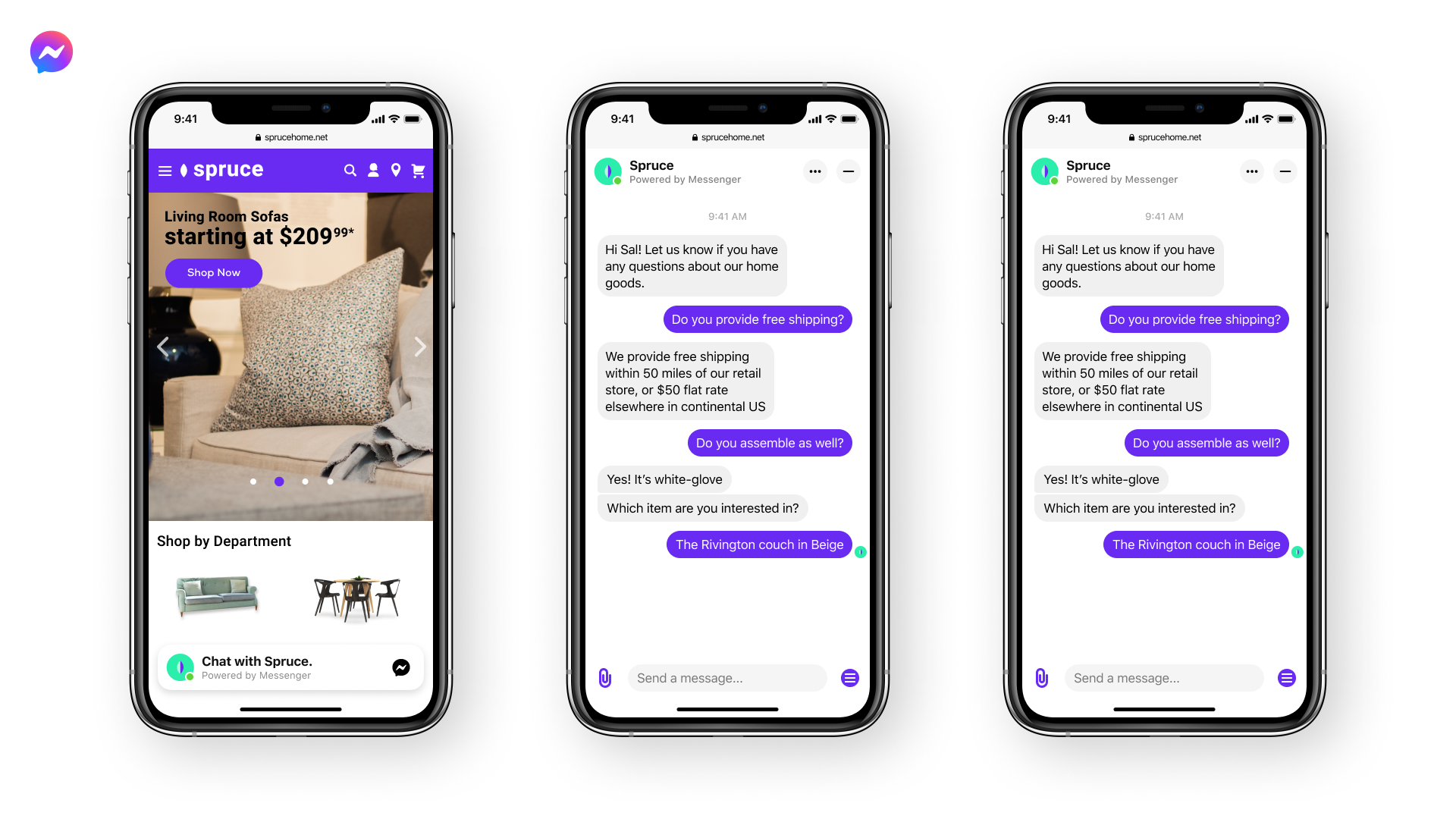
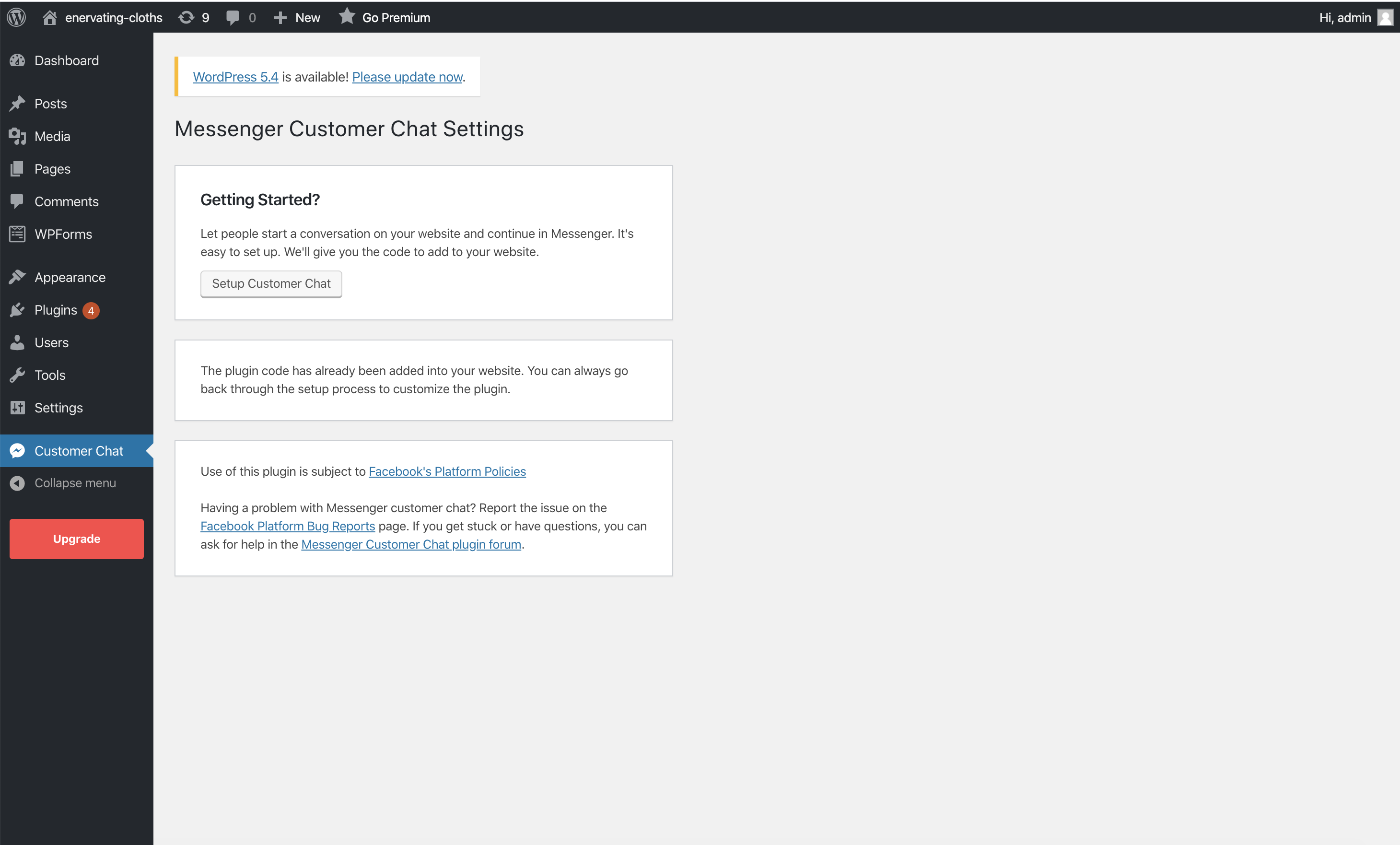
The Chat Plugin allows you to have live chat on your website, making it easy for customers to communicate with you. You can set up auto-replies and continue the conversation on Messenger even after customers leave your site. Plus, visitors without a Facebook Messenger account can ask questions anonymously.Screenshots

Frequently asked questions
What is Chat Plugin?
Chat Plugin is a chat widget maintained by the Meta Business that enables live chat on your website.
How can website visitors message me?
Website visitors can message you anytime by clicking on a small Messenger chat bubble in the lower right corner of your site.
What are the key features of Chat Plugin?
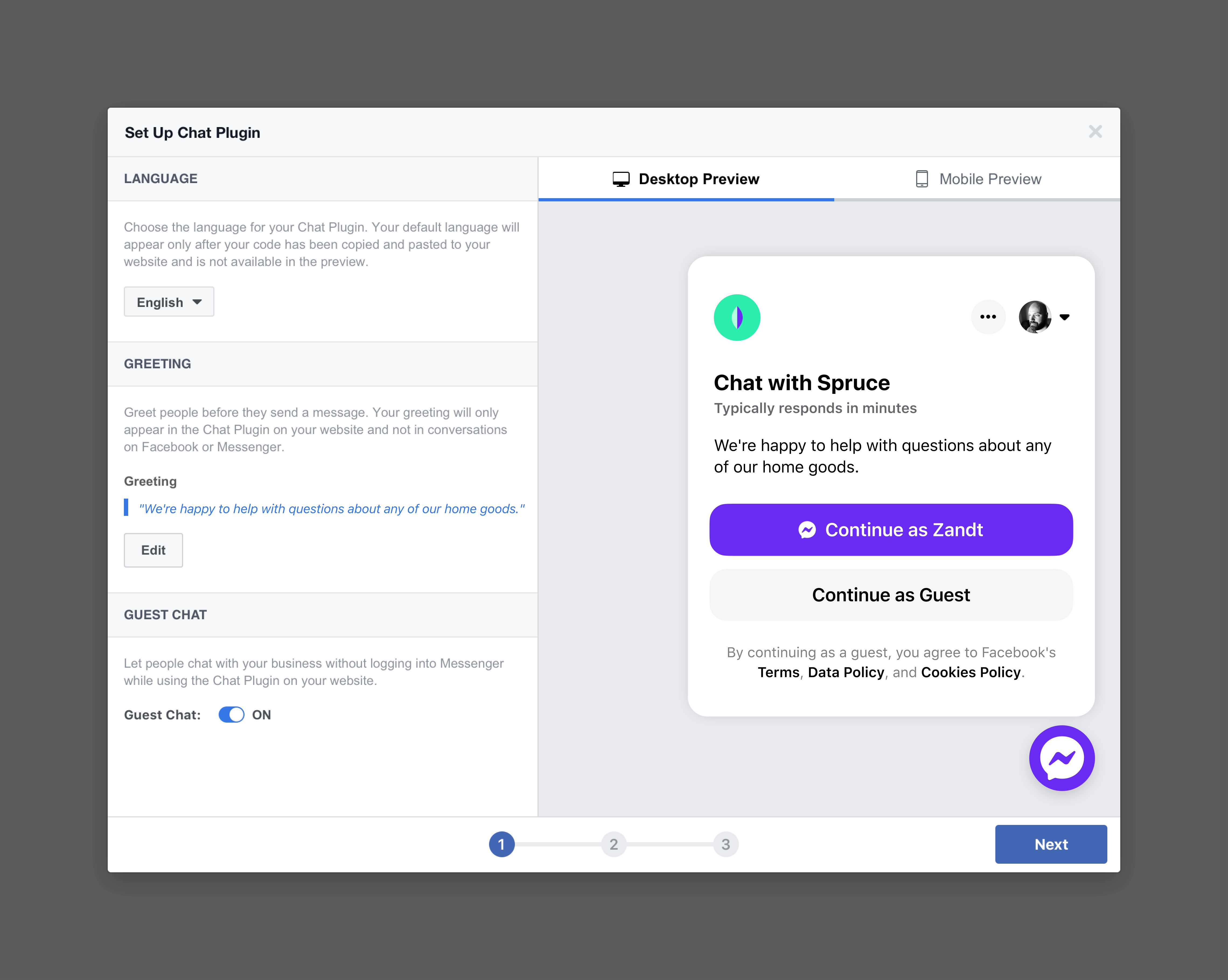
The key features of Chat Plugin include: Website visitors can message you while browsing your site, set up auto-replies and answers to common questions to serve customers when you’re not available, continue the conversation with customers on Messenger even after they leave your website, visitors without a Facebook Messenger account can ask you questions anonymously in Guest mode, Messenger’s familiar interface builds trust, and no need to switch between apps to answer questions you get on the website.
Can visitors without a Facebook Messenger account still ask questions?
Yes, visitors without a Facebook Messenger account can ask you questions anonymously in Guest mode.
Where can I get started with Messenger?
You can get started with Messenger by visiting this link: [Messenger Get Started](https://www.facebook.com/business/messenger/get-started)
Changelog
2.5 – Jul 5, 2022
- Added an admin notice for any service outages or important status updates.
- Added a link to configure availability and automated responses in Meta Business Suite.
2.4 – Mar 28, 2022
- Changed the prompt for plugin reviews to only appear on fewer screens and only display if the plugin is in active use.
2.3 – Mar 2, 2022
- Tested up to WordPress 5.9.
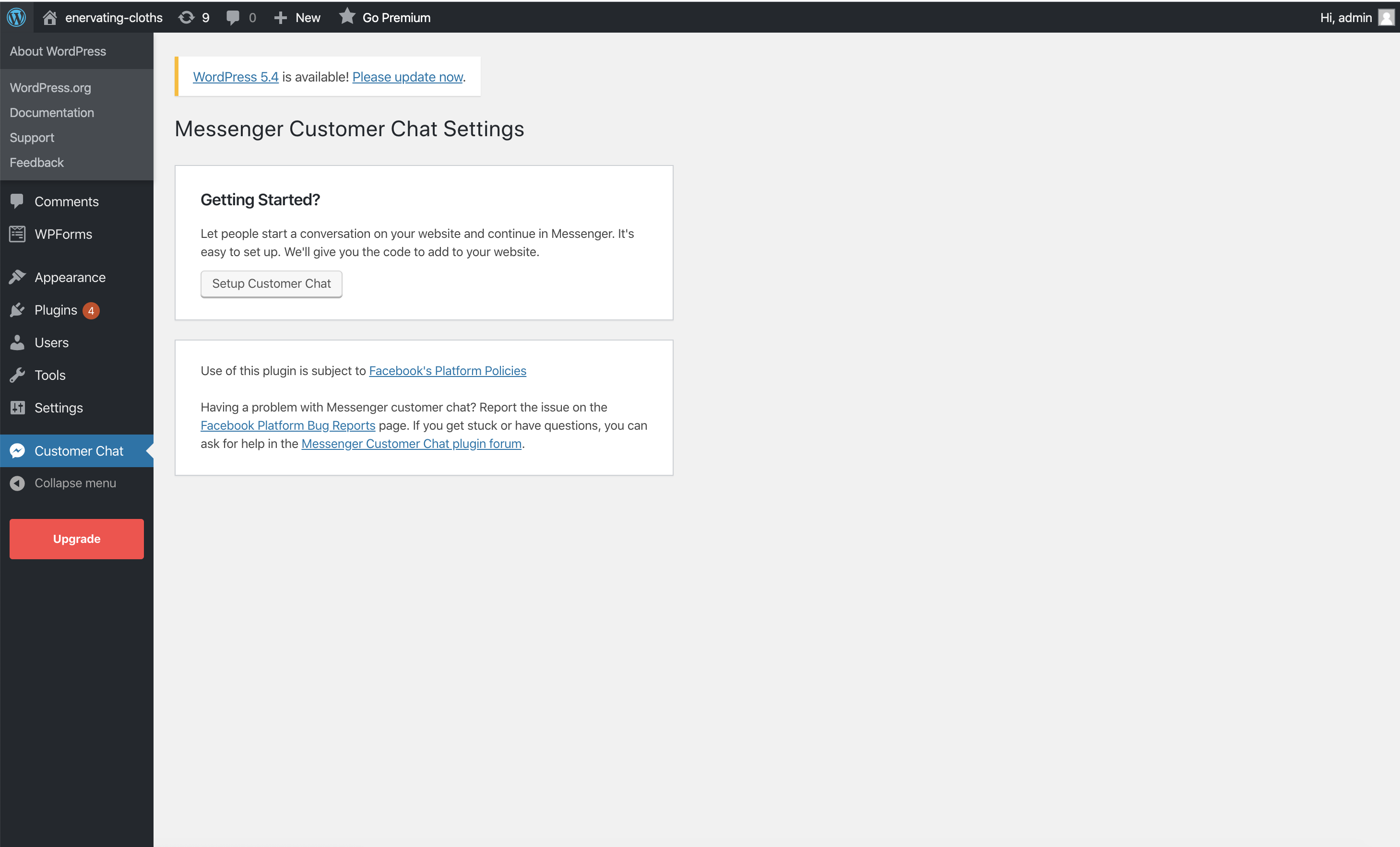
- Added a dismissible notice to configure the plugin when activated.
- Added a filter,
fbmcc_options_capabilityto support changing the capability required to manage plugin settings. - Added a filter,
fbmcc_should_displayto support more control over where the chat plugin appears. - Moved the admin menu item for the plugin’s settings into the Settings menu.
- Updated the plugin’s PHP code to adhere to the WordPress coding standards.
- Updated the main plugin class to use the Singleton pattern.
- Adjusted some wording in the plugin to improve clarity.
- Fixed an issue where multiple chat windows might appear.
2.2 – Jun 30, 2021
- Tested up to WordPress 5.7.2
- Product rename! (“Facebook Chat Plugin”)
- Fixed PHP8 issues
- Fixed issue with initialisation of ajax_object (Github issue #10)
- Improvements and fixes to the Advanced Configuration page deployment selector
- Added review prompt card to solicit feedback from users
2.1 – May 1, 2021
- Tested up to WordPress 5.7.1
- Added new configuration options for admin to specify which pages to deploy the plugin on
2.0 – Dec 1, 2020
- Tested up to WordPress 5.5.3
- Added translations for strings on admin panel settings and css fix
1.9 – Nov 3, 2020
- Tested up to WordPress 5.5.3
- Added troubleshooting links in plugin settings page and faq’s
1.8 – Sept 28, 2020
- Tested up to WordPress 5.5.1
- Added instruction links in plugin install page
1.7 – Aug 5, 2020
- Tested up to WordPress 5.4.2
- Added Plugin versioning
1.6 – July 27, 2020
- Fix security issue
1.5 – April 29, 2020
- Fix undefined variable error message
1.4 – April 13, 2020
- Tested up to WordPress 5.3.2
- Simplify installation flow
1.3 – June 17, 2019
- Tested up to WordPress 5.2.1
- Fixed security issue
1.2 – February 28, 2019
- Tested up to WordPress 5.1
- Fixed issues with Safari
- Fix: Edge case where multiple SDK loaded on the page resulting with plugin not loading
1.1 – October 31, 2018
- Updated plugin to use new Facebook JS SDK
- Fix: Error message in code snippet
1.0 – September 24, 2018
- Plugin released for all users

