

Site Kit is a one-stop solution for WordPress users to use everything Google has to offer to make…

About Simple Custom CSS Plugin
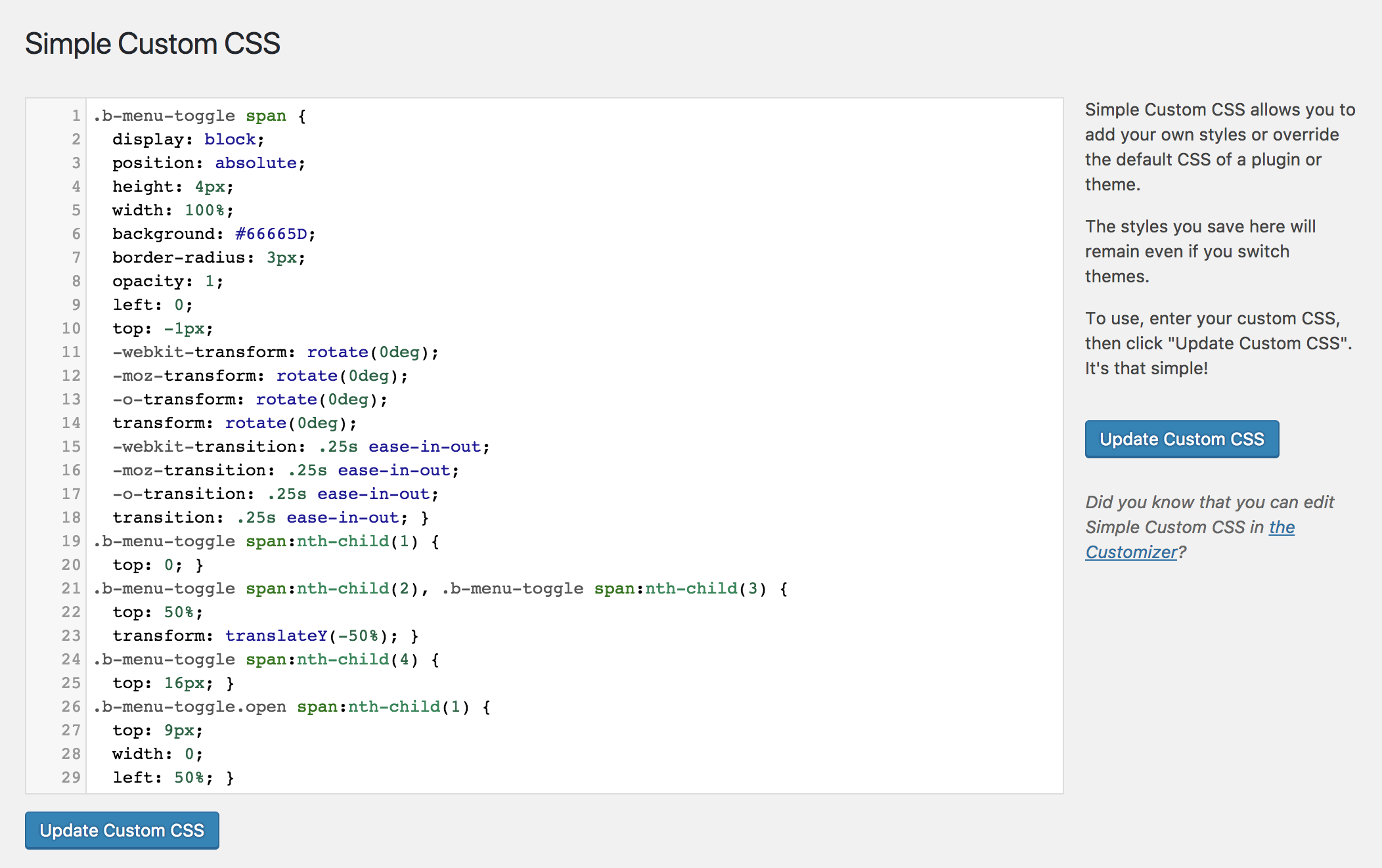
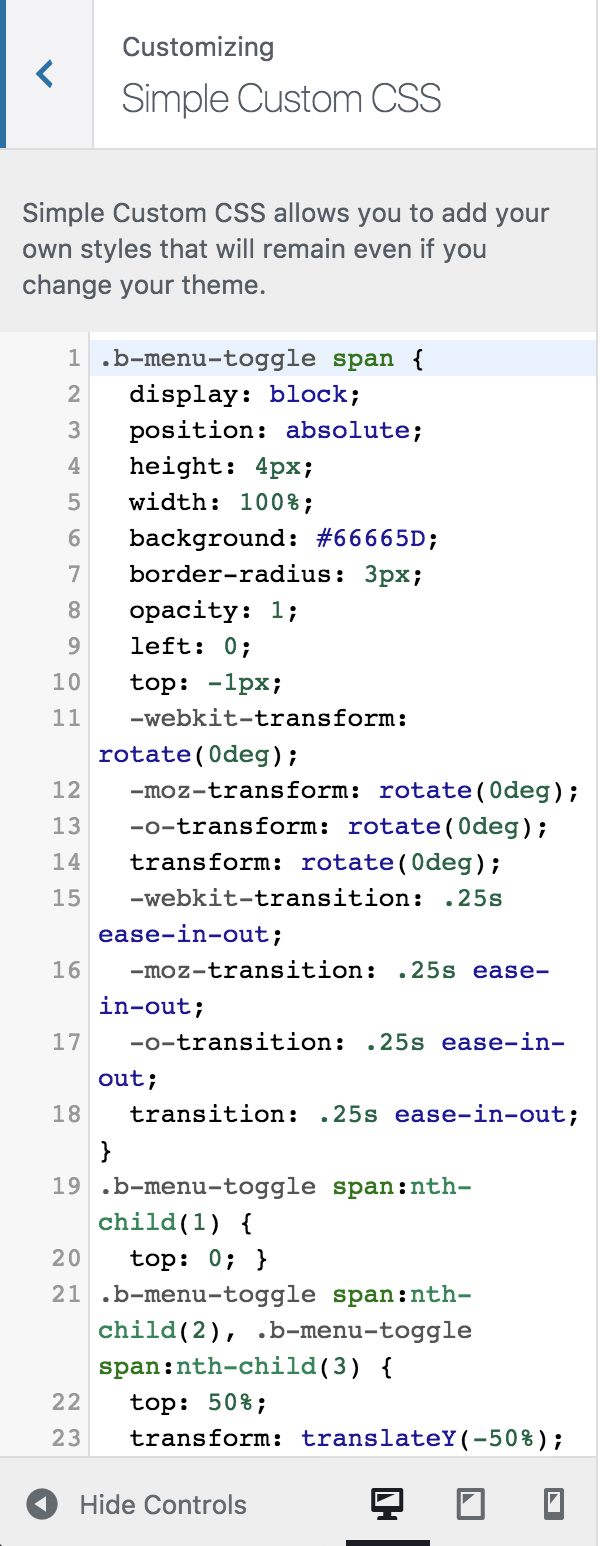
The Simple Custom CSS plugin allows you to easily add custom CSS styles to your WordPress site without any hassle. It provides features such as AMP support, a live preview, code syntax highlighting, and more. You can use it by navigating to Appearance > Custom CSS in the WordPress admin menu, entering your CSS styles, and clicking "Update Custom CSS." If you need help, you can refer to the plugin's documentation or visit the support forum.Screenshots
Frequently asked questions
What is the purpose of the Simple Custom CSS Plugin?
The Simple Custom CSS Plugin allows you to add custom CSS styles to your WordPress site. These styles override plugin and theme default styles and persist even if the theme is changed.
Does this plugin support live preview of CSS changes?
Yes, the plugin includes Customizer Control for live preview of your CSS changes.
What are some key features of this plugin?
Key features include AMP support, a code syntax highlighter, code linting, and a simple interface built on native WordPress UI. It also has virtually no impact on site performance.
How do I use the Simple Custom CSS Plugin?
Navigate to Appearance > Custom CSS in the Admin Menu, enter your valid CSS styles, click "Update Custom CSS", and then view your changes on the front end of your website.
Is this plugin compatible with the latest WordPress and PHP versions?
The plugin has been tested for WordPress version 6.1 and PHP 8.1.
Changelog
4.0.6
* Remove Customizer features when using a Block Theme. Props @tricarte
* Tested for compatibility with WP version 6.1
* Tested for compatibility with PHP 8.1
4.0.5
* AMP Support. Thanks, @westonruter!
* Tested for compatibility with WP version 5.8.1
4.0.4
* Tested for compatibility with WP version 5.4.1
4.0.3
* Tested for compatibility with WP version 5.3
4.0.2
* Use WP’s CodeMirror on settings page
* Tested for compatibility with WP version 5.1.1
* Tested for compatibility with PHP version 7.2
4.0.1
* Fixed bug with broken editor styles on older versions of WP.
4.0
* New Customizer Control (still compatible with older WP versions)
* Added colors and linting to the Settings Page
* Updated hooks to replace hyphens with underscores
* Tested for WPCS compliance
* Tested for compatibility with WP version 4.9.4
3.3
* Added support for https://
* Added base support for Danish language. Thanks @ThomasDK81!
* Tested for compatibility with WP version 4.4.1
3.2
* Tested for compatibility with WP 4.1
* Improved architecture to reduce the number of queries. Thanks @dannyvankooten!
3.0.1
* Tested for compatibility with WP 3.9.1
* Sidebar “Update CSS” button added
3.0
* Added Sytnax Highlighter
* Removed Need for “Allow Quotation Marks” checkbox
* Removed plugin attribution text
* Minor styling changes. Thanks @kucrut!
2.5
* Fixed issue with WP installs in subdirectories. Thanks @lopo!
* Tested for compatibility with WP 3.8.1
2.0
* Added option to allow Double Quotes in CSS
* Tested for compatibility with WP 3.8
1.2.1
* Tested for compatibility with WP 3.7.1
* Code update to conform fully with WP coding standards
1.2
* Give Admins (not just Super Admins) access to the plugin
* Correcting Credit error
* Minor Bugfixes
1.1.1
* Allowing the “>” direct child selector.
1.1
* Removed unneeded hidden input
* Added Action Hooks
* Added cleanup on deletion
* Added author attribution option
* Added a more elegant method for adding CSS to the page:
Instead of using print_scripts() to insert the CSS directly into the HEAD, CSS styles are generated within simple-custom-css.php, then added via wp_enqueue_scripts, so now it will appear in the HEAD as:
<link rel="stylesheet" href="http://yoursite.com/?sccss=1" />
…even though no css file is actually generated.
1.0
* Initial Release

