

Improve your WordPress SEO: Write better content and have a fully optimized WordPress site using the Yoast SEO…

About TinyPNG – JPEG, PNG & WebP image compression
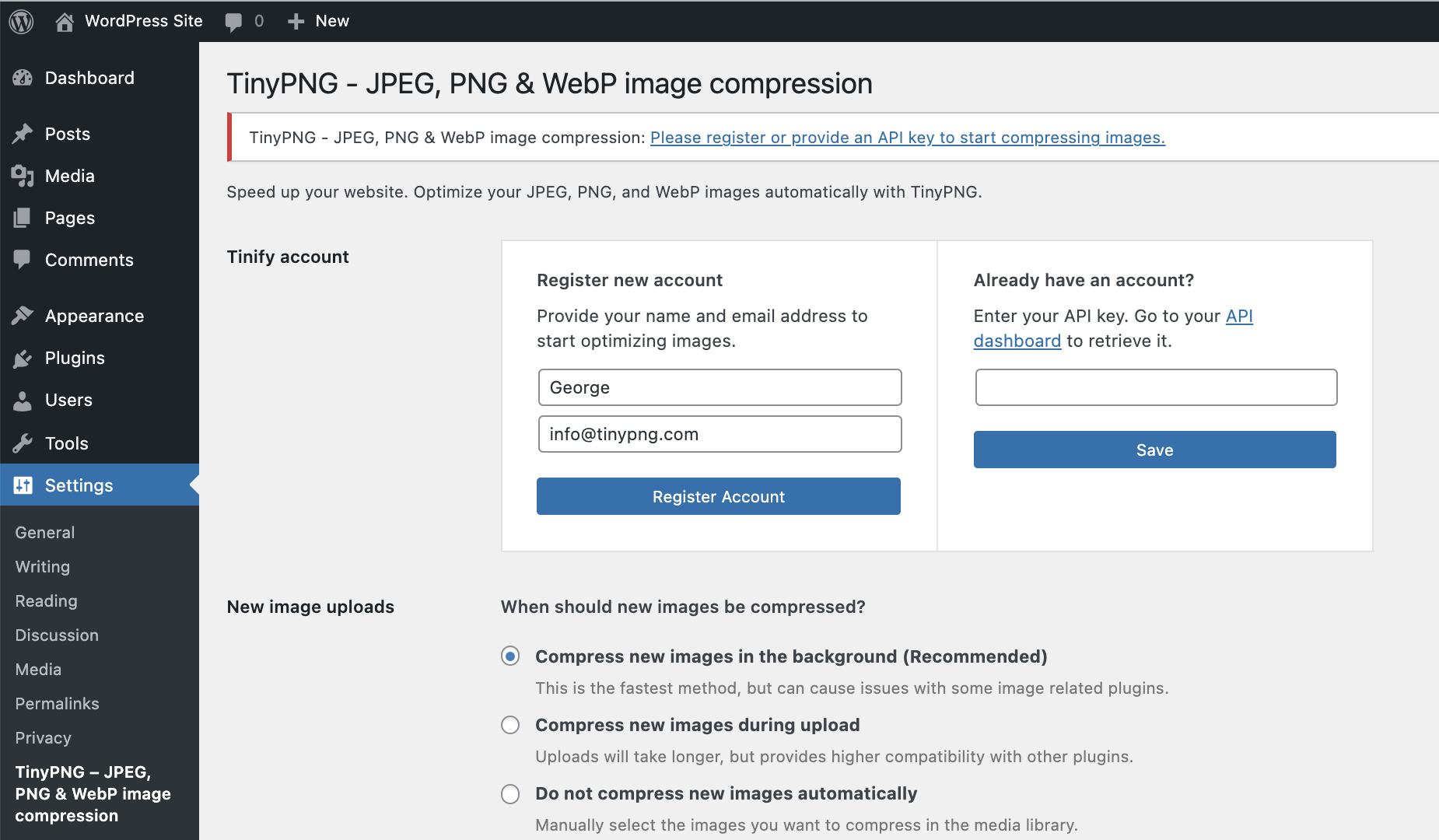
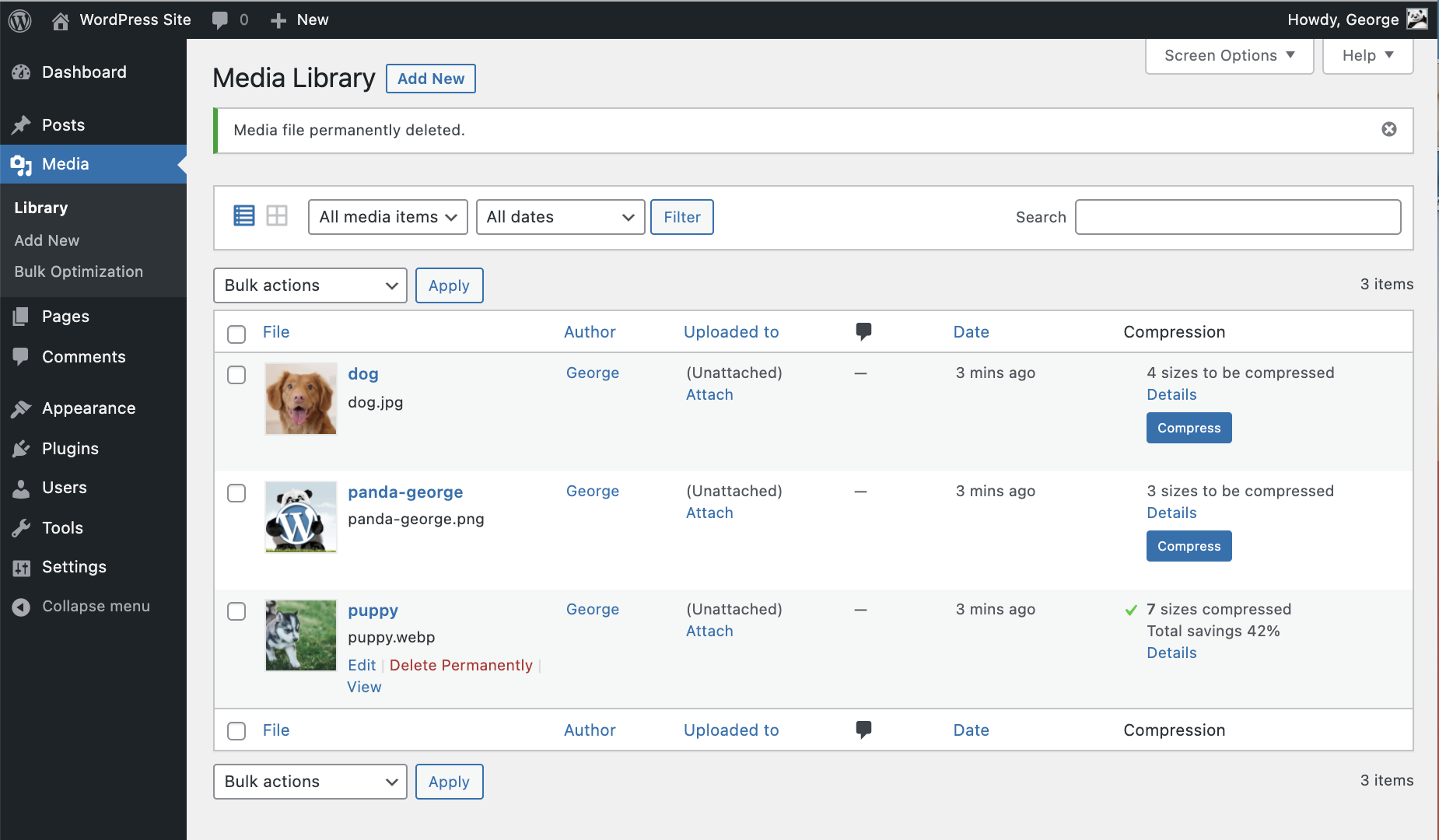
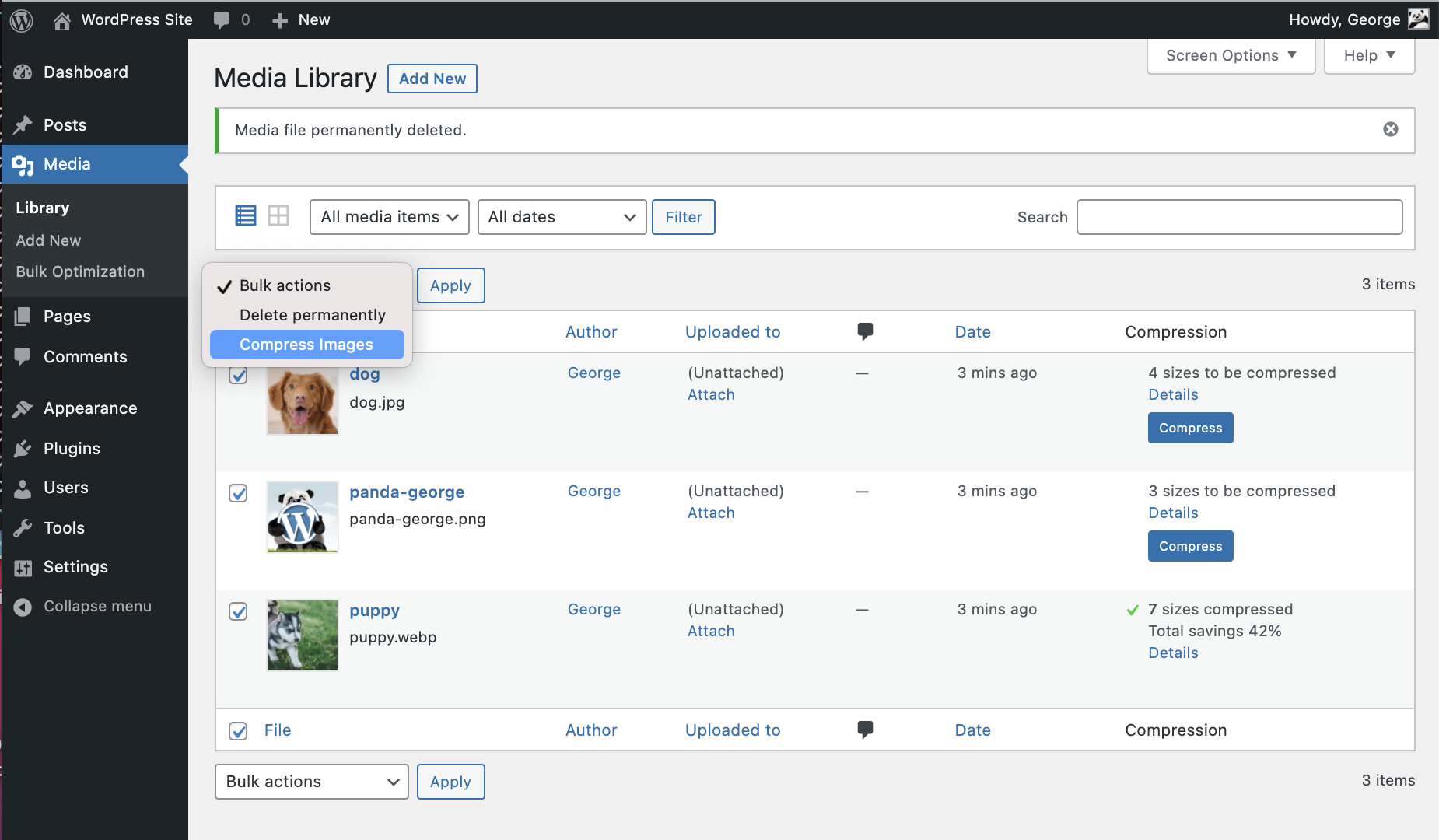
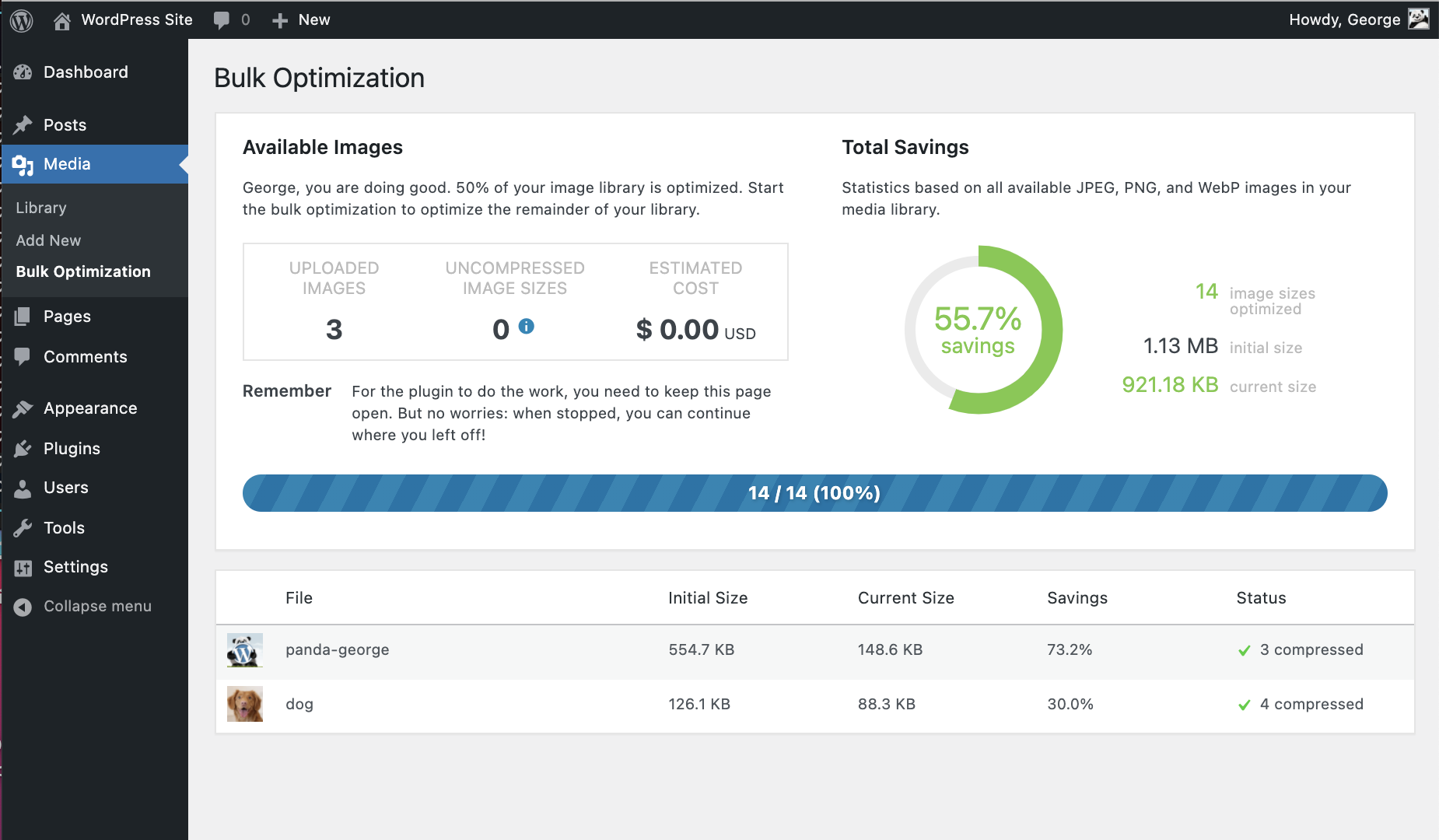
This plugin optimizes your JPEG, PNG, and WebP images to make your website load faster. It automatically optimizes new images on upload, allows you to bulk optimize your existing media library, and supports multisite and WooCommerce compatibility.Screenshots
Frequently asked questions
What does this plugin do?
This plugin automatically optimizes all your images by integrating with the popular image compression services TinyJPG and TinyPNG.
How does it work?
After you upload an image to your WordPress site, each resized image is uploaded to the TinyJPG or TinyPNG service. Your image is analyzed to apply the best possible optimization. The result is sent back to your WordPress site and will replace the original image with one smaller in size.
How many images can I optimize for free?
With a regular WordPress installation, you can optimize roughly 100 images each month for free. The exact total depends on the number of thumbnail sizes that are in use in your WordPress installation.
How do I bulk optimize my existing images?
You can bulk optimize your existing JPEG, PNG, and WebP images all at once by going to Media > Bulk Optimization.
Is the plugin compatible with WooCommerce?
Yes, the plugin is fully compatible with WooCommerce. However, there may be some conflicts with image attachment metadata regeneration in WooCommerce. Please follow the tips from the support section to resolve this issue.
Changelog
3.4.6
- Error resolved where Tiny_Helpers was not available
3.4.5
- Error when mb_strimwidth is not available resolved
3.4.4
- CSRF fix, added nonce check
3.4.3
- Removed more deprecated PHP syntax that was triggering a warning message.
- Updated WordPress compatibility
3.4.2
- Removed deprecated PHP syntax that was triggering a warning message.
3.4.1
- Fixed a bug that sometimes prevented failing requests to the Tinify servers from being retried.
3.4
- Correct filesize metadata retrieval for compressed images in WordPress 6.
- Updated WordPress compatibility.
3.3
- You can now optimise WebP images, in addition to JPEG and PNG.
3.2.1
- Fixed bug that caused the original version of images that started with a special character to not be compressed.
- Updated WordPress compatibility.
3.2.0
- Support for WP Retina 2x Pro.
- More capability checks for extra security.
- Less resource intensive AJAX requests.
- Fixed CSS issues from Analytify plugin.
- Removed legacy Enhanced Media Library compatibility.
3.1.0
- Remaining free compressions shown in settings page.
- Easier way to upgrade a free account.
- WPML and WPML Media compatibility in collaboration with the authors of WPML. Make sure to upgrade WPML to version 4.1.
- Added a notice to the Bulk Optimization page for free accounts with not enough available free compressions.
- Added a new hook after compression of an image useful for CDN cache flushing.
3.0.1
- Fixed bug that caused an error when registering a new account.
- No longer use create_function, which is deprecated in PHP 7.2. The plugin no longer supports PHP 5.2.
- Rephrased incompatible plugins notice to avoid confusion.
3.0.0
- Compress new images in the background to speed up your workflow.
- Turbo-charged Bulk Optimization page with simultaneous image compression.
- Improved memory usage for installations with extreme media libraries.
- Detection of incompatible plugins.
- Fallback to fopen whenever the curl_exec function is disabled.
- Additional notices for WP Offload S3 users.
- Several minor fixes and tweaks.
2.2.6
- Fixed bug in compression of file types other than JPEG and PNG that have a thumbnail generated automatically.
2.2.5
- Fixed bug in the Bulk Optimization page that sometimes caused it to stop.
- Fixed a problem that would prevent dashboard widget from loading.
- Tweaked styling of the dashboard widget for the latest version of WordPress.
- Fixed a warning in the media library when certain plugins are used.
2.2.4
- Fixed bug with drop-down menu in the Media Library.
- Compression limit notice now links directly to your API dashboard.
- Tweaked styling of the dashboard widget.
2.2.3
- Changed links to make it easier to go directly to your API dashboard.
- Fixed a compression issue for some fopen users.
2.2.2
- Improved robustness in case an unexpected network error occurs.
- Fixed false positive warning with Sucuri scanner.
- Fixed compression issue for fopen users.
2.2.1
- Fixed an error that was introduced in v2.2.0 where all custom image sizes did not show up.
- Added support for image sizes with unspecified height or width.
2.2.0
- New dashboard widget that shows your media library savings.
- Support compressing medium_large image sizes.
2.1.0
- Compression of retina images generated by WP Retina 2x.
- Solved a bug which caused the API key to be cleared on the settings page.
- Fixed an error that occurred with some PHP 7 installations.
- Fixed an fopen error when preserving metadata.
2.0.2
- Faster Bulk Optimization page with reduced memory usage (thanks to @esmus).
- Fixed XML-RPC error (thanks @ironmanixs, @gingerdog, @quicoto and @isaumya).
2.0.1
- Fixed a bug when searching from the admin interface (thanks to @bapcsuk).
2.0.0
- Completely new Bulk Optimization page.
- Better detection of image sizes with duplicate filenames.
- Simplified account activation and API key creation.
- Fix to the bottom drop-down menu in the Media Library.
- Use the latest PHP client library for connecting to TinyJPG and TinyPNG.
- Added fallback to fopen for older systems running PHP 5.2.
1.7.2
- Show more information about compressed image sizes in details popup.
- Add compression details to image overview.
1.7.1
- Preserve GPS locations and creation dates in the original JPEG images.
- Option to preserve copyright information in your original PNG images.
- Improved detection of unsupported file types.
1.7.0
- Option to preserve copyright information in your original JPEG images.
- Added proxy support for cURL.
- Support for translate.wordpress.org plugin translations.
1.6.0
- Improved compression status in the Media Library with new details window.
- Show total compression savings on the Media Settings page.
- Moved Compress All Images from the Tools to the Media menu.
1.5.0
- Resize original images by specifying a maximum width and/or height.
- Support for the mobile WordPress app (thanks to David Goodwin).
1.4.0
- Indication of the number of images you can compress for free each month.
- Link to the Media Settings page from the plugin listing.
- Clarification that original images will be overwritten when compressed.
1.3.2
- Detect different thumbnail sizes with the same dimensions.
1.3.1
- Media library shows files that are in the process of compression.
1.3.0
- Added option to bulk compress your whole media library in one go.
- Better indication of image sizes that have been compressed.
- Detection of image sizes modified after compression by other plugins.
1.2.1
- Prevent compressing the original image if it is the only selected image size.
1.2.0
- Show if you entered a valid API key.
- Display connection status and number of compressions this month.
- Show a notice to administrators when the free compression limit is reached.
- The plugin now works when php’s parse_ini_file is disabled on your host.
- Avoid warnings when no image thumbnail sizes have been selected.
1.1.0
- The API key can now be set with the TINY_API_KEY constant in wp-config.php. This will work for normal and multisite WordPress installations.
- Enable or disable compression of the original uploaded image.
- Improved display of original sizes and compressed sizes showing the total compression size in the Media Library list view.
1.0.0
- Initial version.

